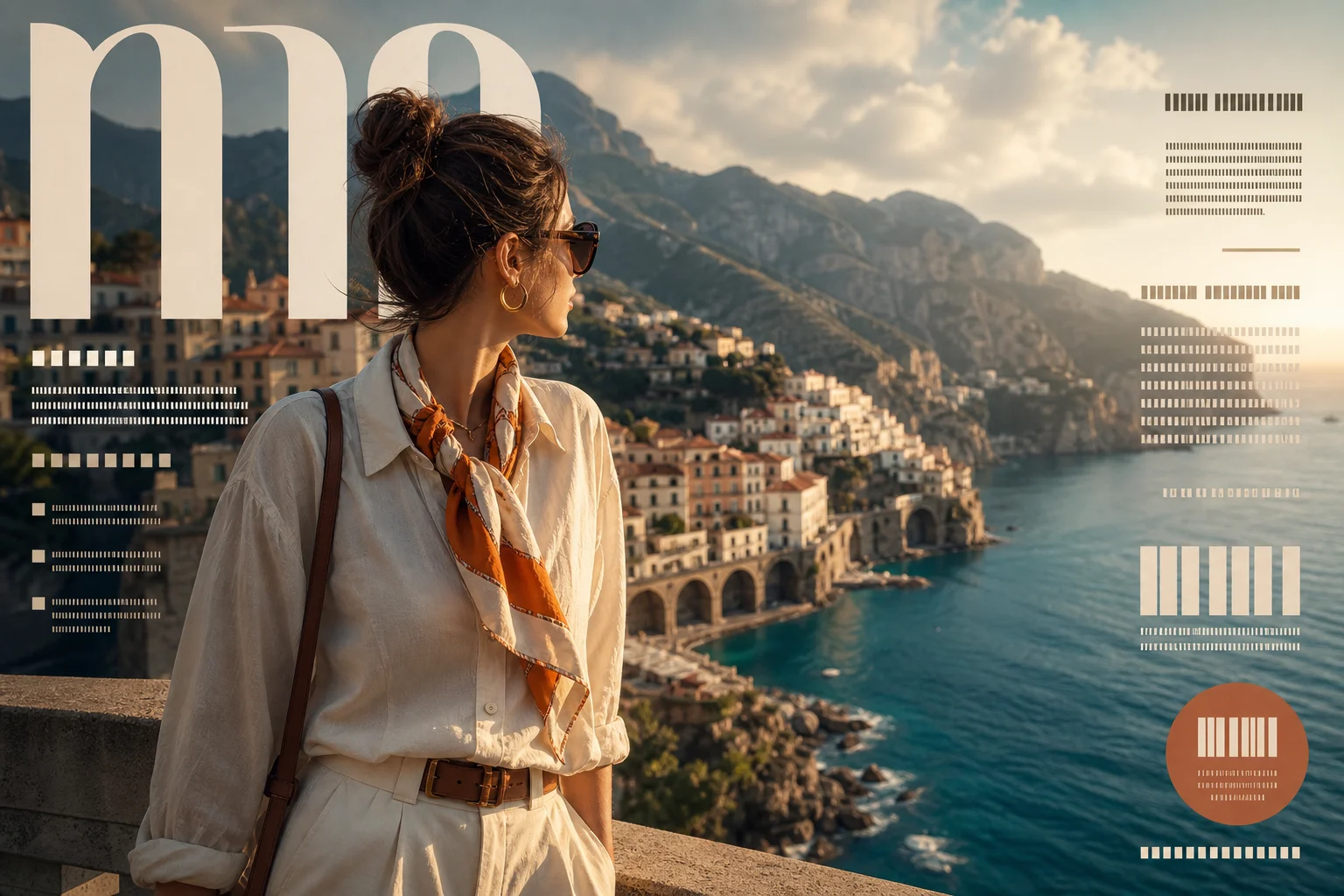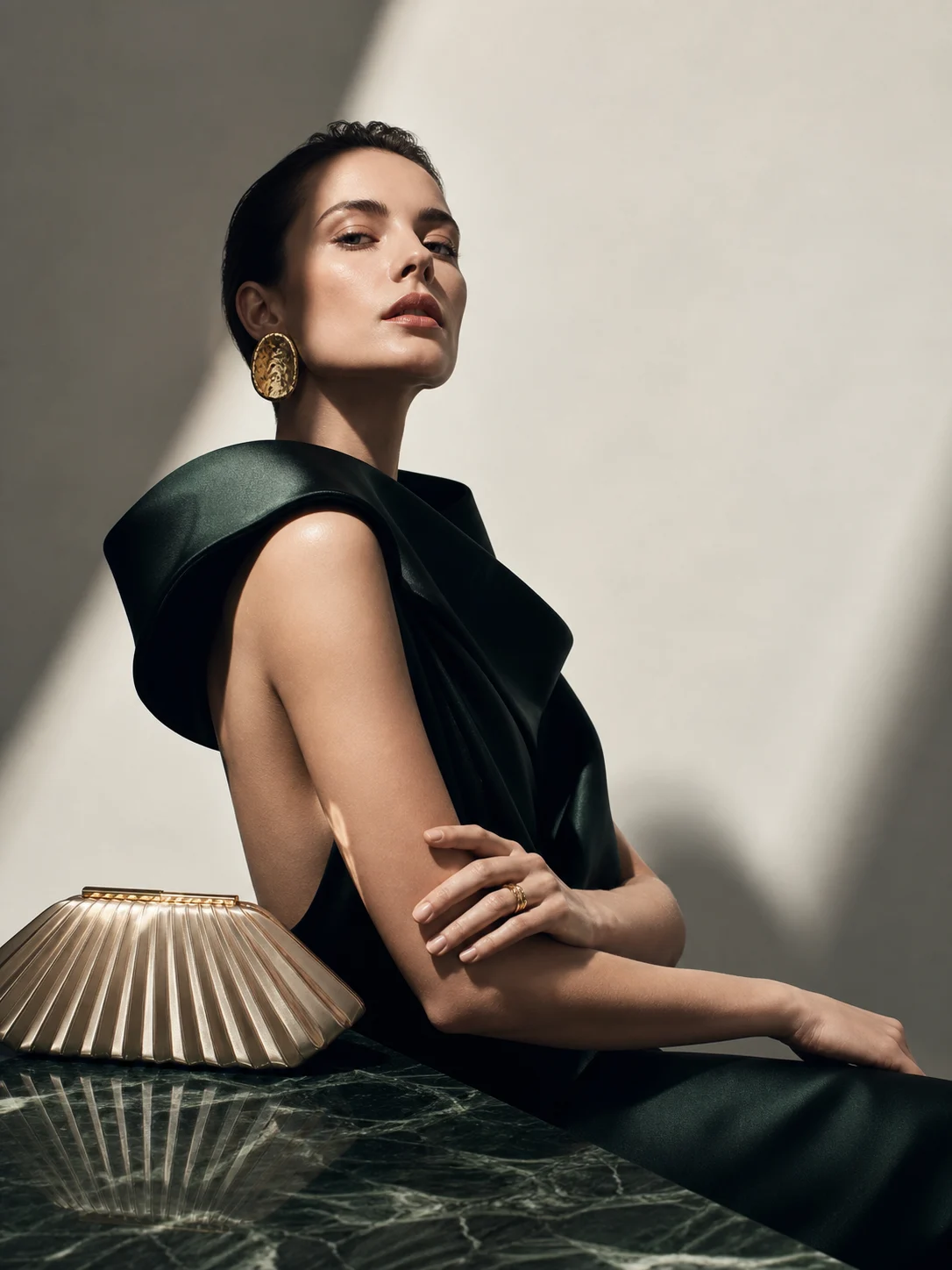
AI Magazine Cover Maker
Turn portraits, products, and concepts into polished magazine cover images with editorial lighting, cover-worthy composition, and print-style design.

AI magazine cover maker
Apply the AI Magazine Cover Maker effect to the uploaded portrait, product, or concept image. Preserve the main subject identity or product shape, pose or layout, key colors, logo or outfit details, and visual focus. Recompose it as a polished magazine cover with editorial lighting, strong hero image, masthead space, cover-line zones, premium print layout, tasteful typography placeholders, and glossy publication finish. Do not add unreadable random text or change the subject into something unrelated.

Gallery
AI Magazine Cover Examples


Example 2

Example 3

Example 4

Example 5

Example 6
AI Magazine Cover Maker Features
Create cover-ready images with professional lighting and layout cues.
Editorial Cover Look
Create polished cover-style images with strong composition and professional lighting.
Portrait and Product Ready
Works for personal branding, creator profiles, products, events, and concept art.
Print-Inspired Styling
Add fashion, business, lifestyle, or culture magazine moods through prompts.
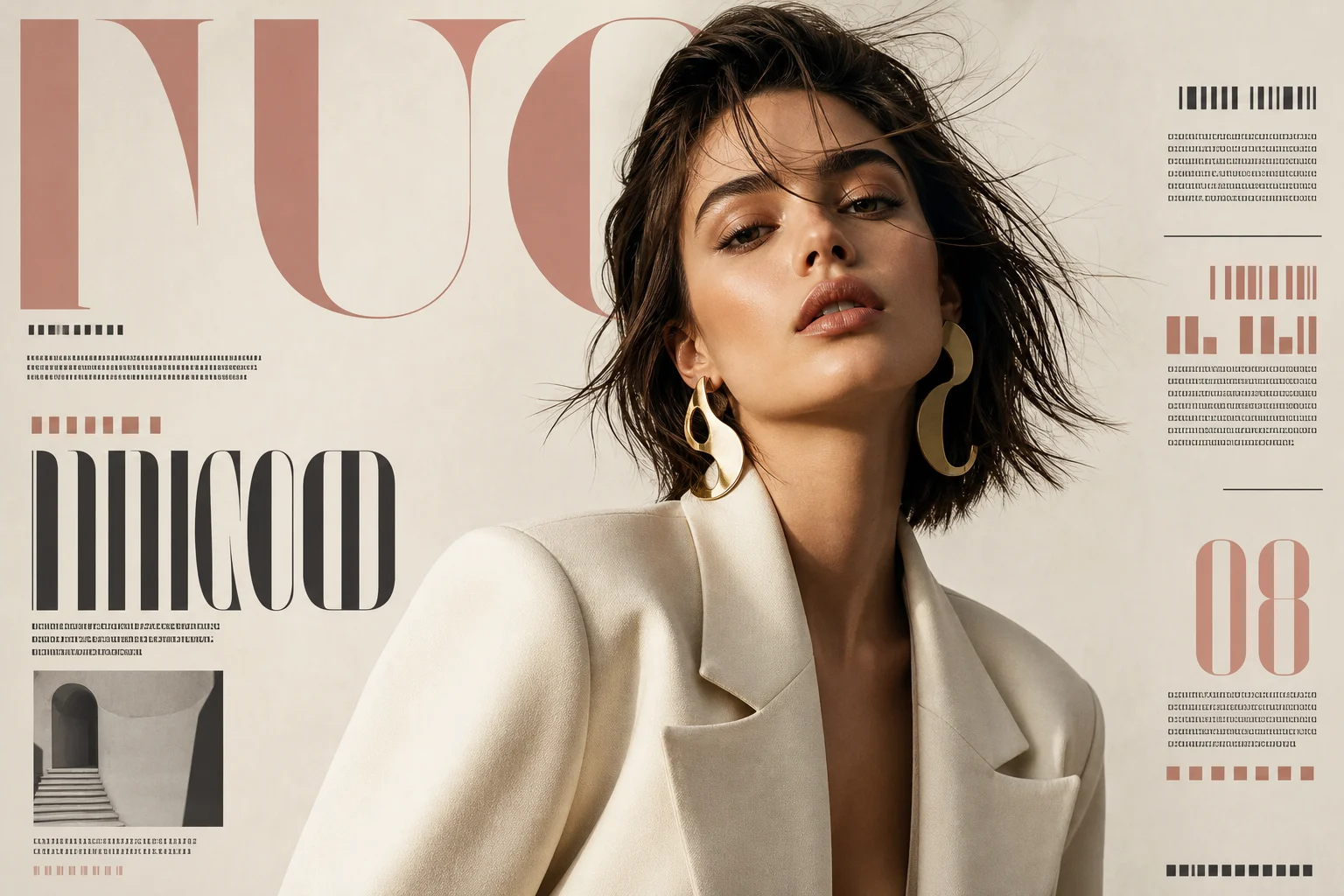
Fast Creative Mockups
Generate cover concepts quickly for thumbnails, campaigns, decks, and posts.
Clean Downloads
Export clean magazine cover images without watermarks.
Privacy Protected
ClipCanva processes AI Magazine Cover Maker uploads securely and removes files after generation.
Ways to use AI Magazine Cover Maker
Use AI Magazine Cover Maker for quick concept images, social posts, mockups, profile visuals, or creative references.

Create a first version fast
Upload or describe the source image, then generate a polished first version for AI Magazine Cover Maker without starting from a blank canvas.

Adapt the style to your project
Adjust the subject, mood, background, text space, and composition so the AI Magazine Cover Maker result fits your project.

Create another version
Reuse the same setup with a new subject, product, or scene when you need more AI Magazine Cover Maker images in the same direction.
How to Use AI Magazine Cover Maker
Generate a magazine cover image in three steps.
Upload Your Photo
Upload a clear source image for AI Magazine Cover Maker; AI Magazine Cover Maker supports JPG, PNG, and WebP uploads.
Apply the Effect
The AI turns your image into an editorial cover concept with polished lighting, strong composition, and print-inspired styling.
Download the Image
Review the AI Magazine Cover Maker result, download it, or rerun with a stronger source image.
AI Magazine Cover Maker FAQ
Answers about creating AI magazine cover images online.
What is an AI magazine cover maker?
Is the AI magazine cover maker free?
Can I make a cover from my own portrait?
Can I control the magazine style?
Can I use the cover image commercially?
What details should I include for AI Magazine Cover Maker?
What makes AI Magazine Cover Maker useful?
Create an AI Magazine Cover Free
Upload a portrait or product photo and generate a polished magazine-style cover for campaigns, portfolios, and social posts.