FreeCreate ai long hair filter images free

AI Long Hair Filter

See how you would look with longer hair by adding realistic length, volume, flow, and face-framing layers to your portrait.

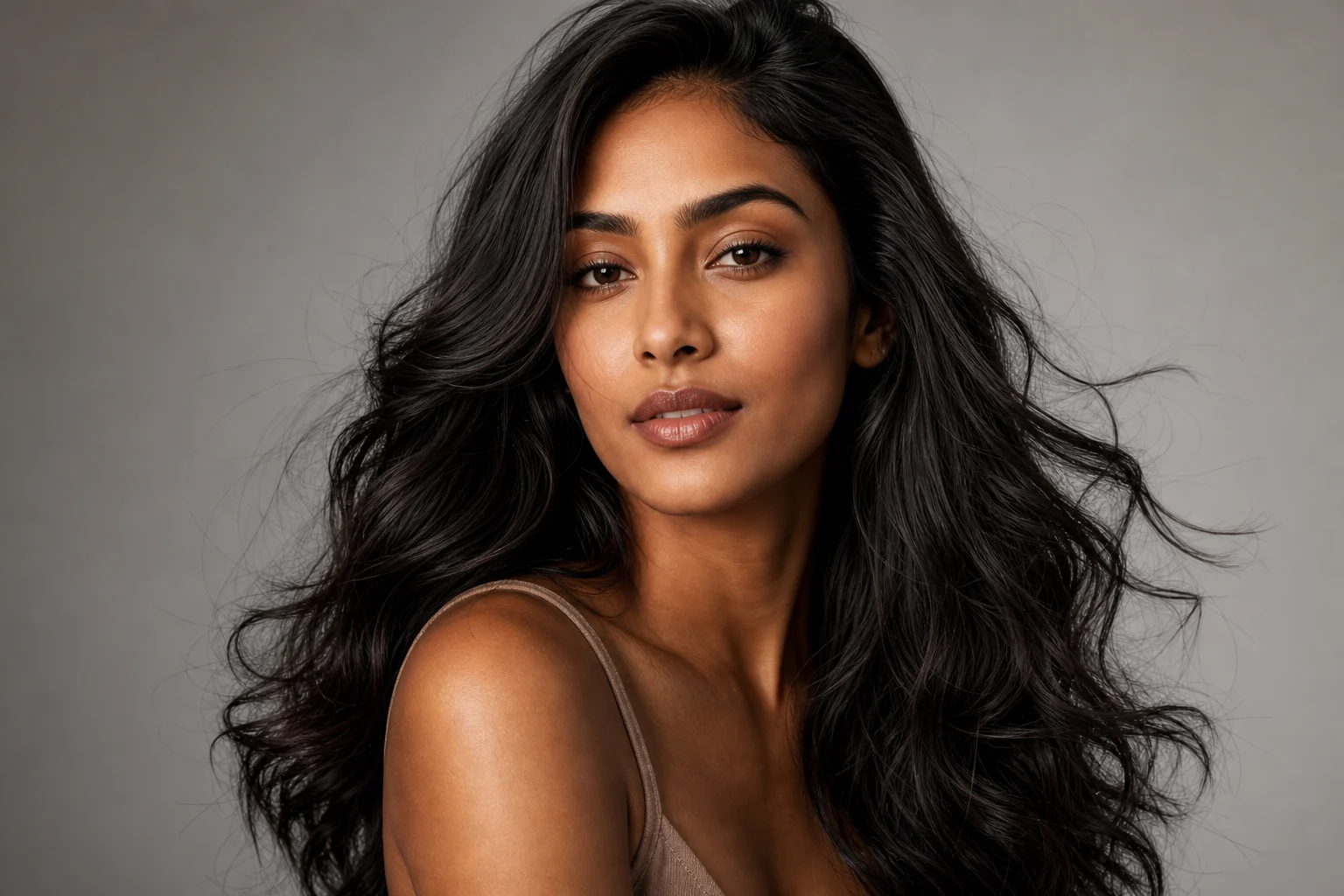
AI long hair filter hairstyle preview on portrait
0 / 2000
Template prompt

AI long hair filter

Apply the AI Long Hair Filter effect to the uploaded portrait. Preserve the same person, face shape, expression, pose, clothing, lighting, camera angle, and background. Change only the hairstyle by adding realistic longer hair with natural length, volume, flow, strand detail, shadows, and face-framing layers. Match the original hair color unless requested otherwise, and keep all non-hair details unchanged.

AI long hair filter hairstyle preview on portrait

Gallery

AI Long Hair Filter Examples

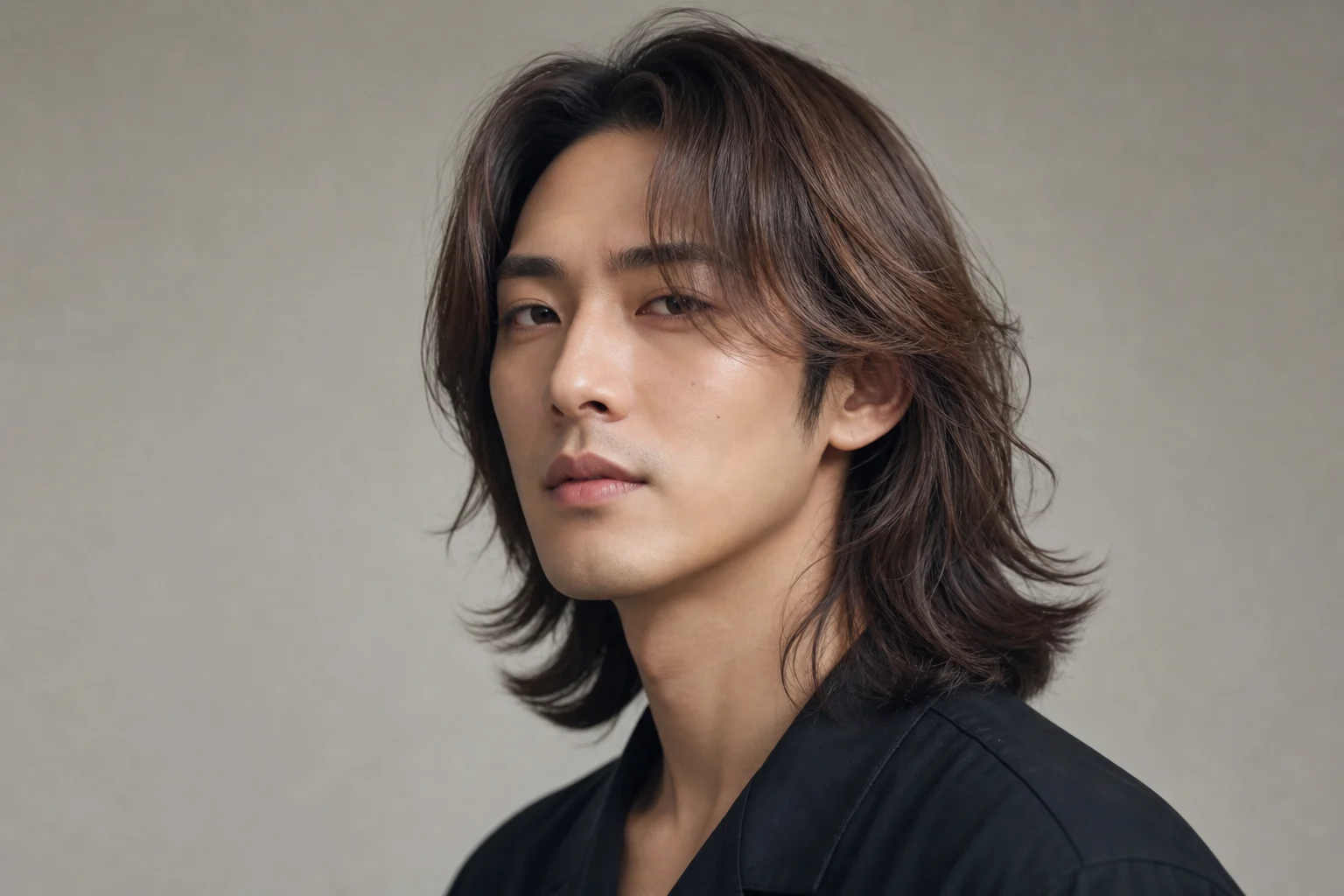
AI long hair filter hairstyle preview on portrait 1

Example 1

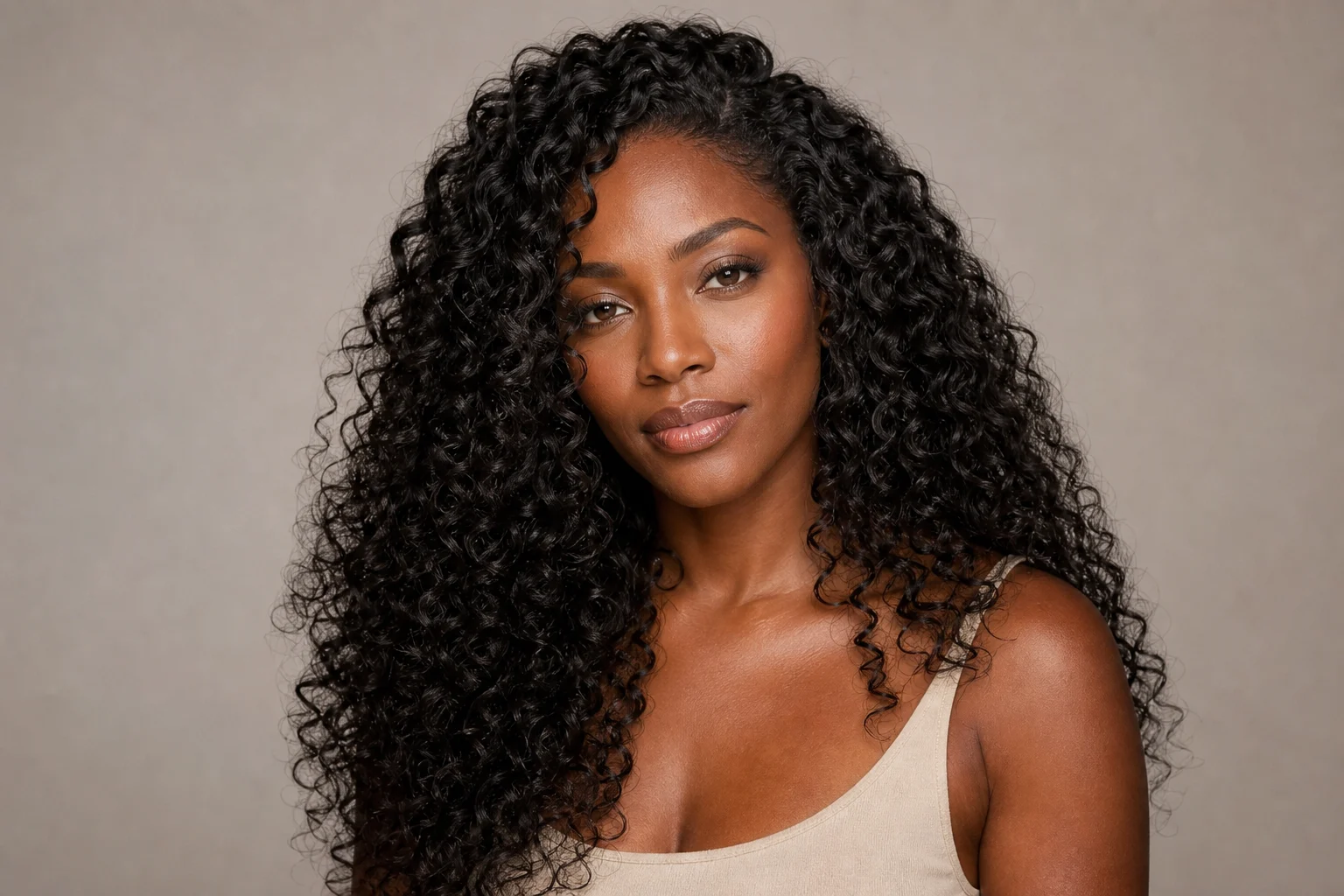
AI long hair filter hairstyle preview on portrait 2

Example 2

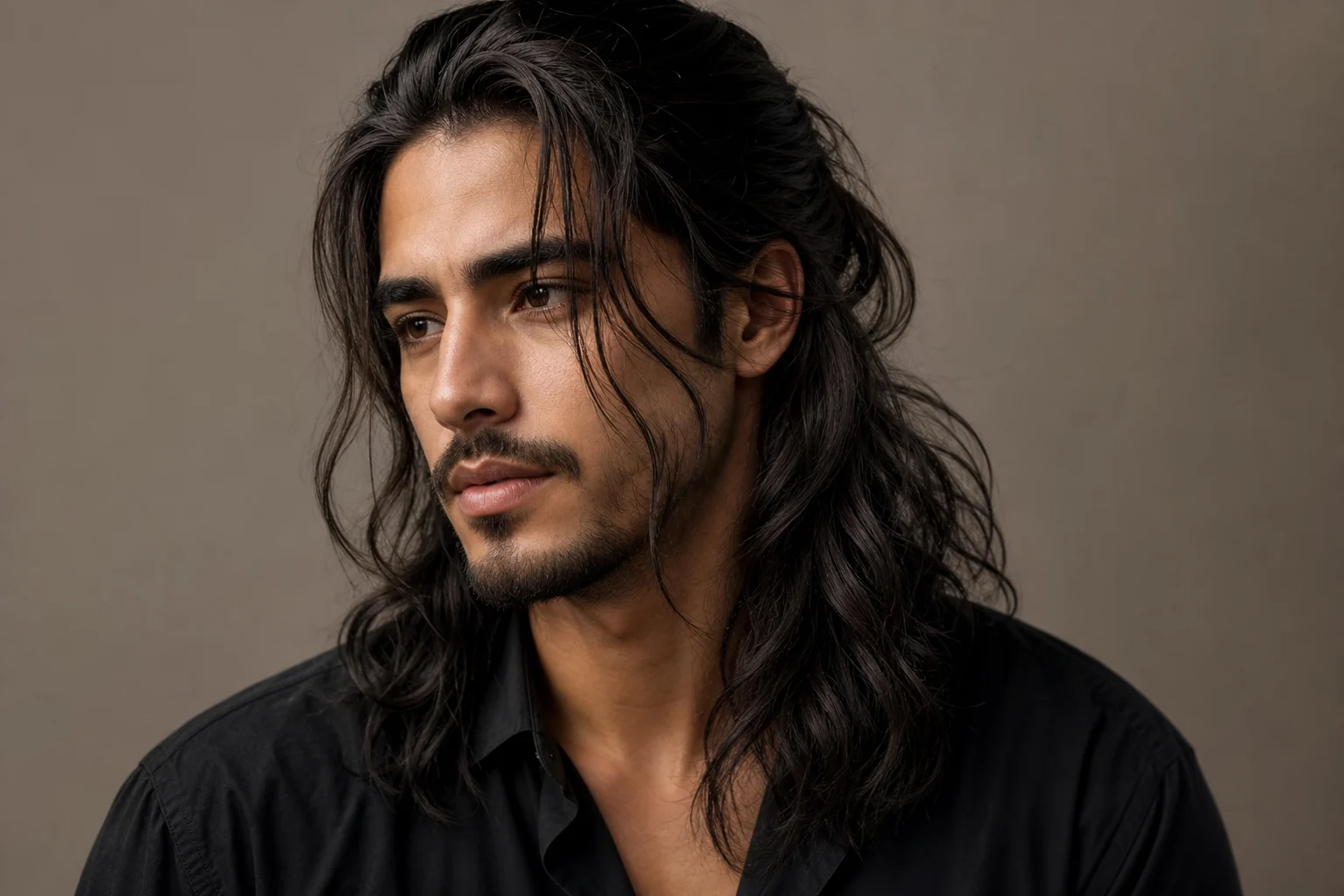
AI long hair filter hairstyle preview on portrait 3

Example 3

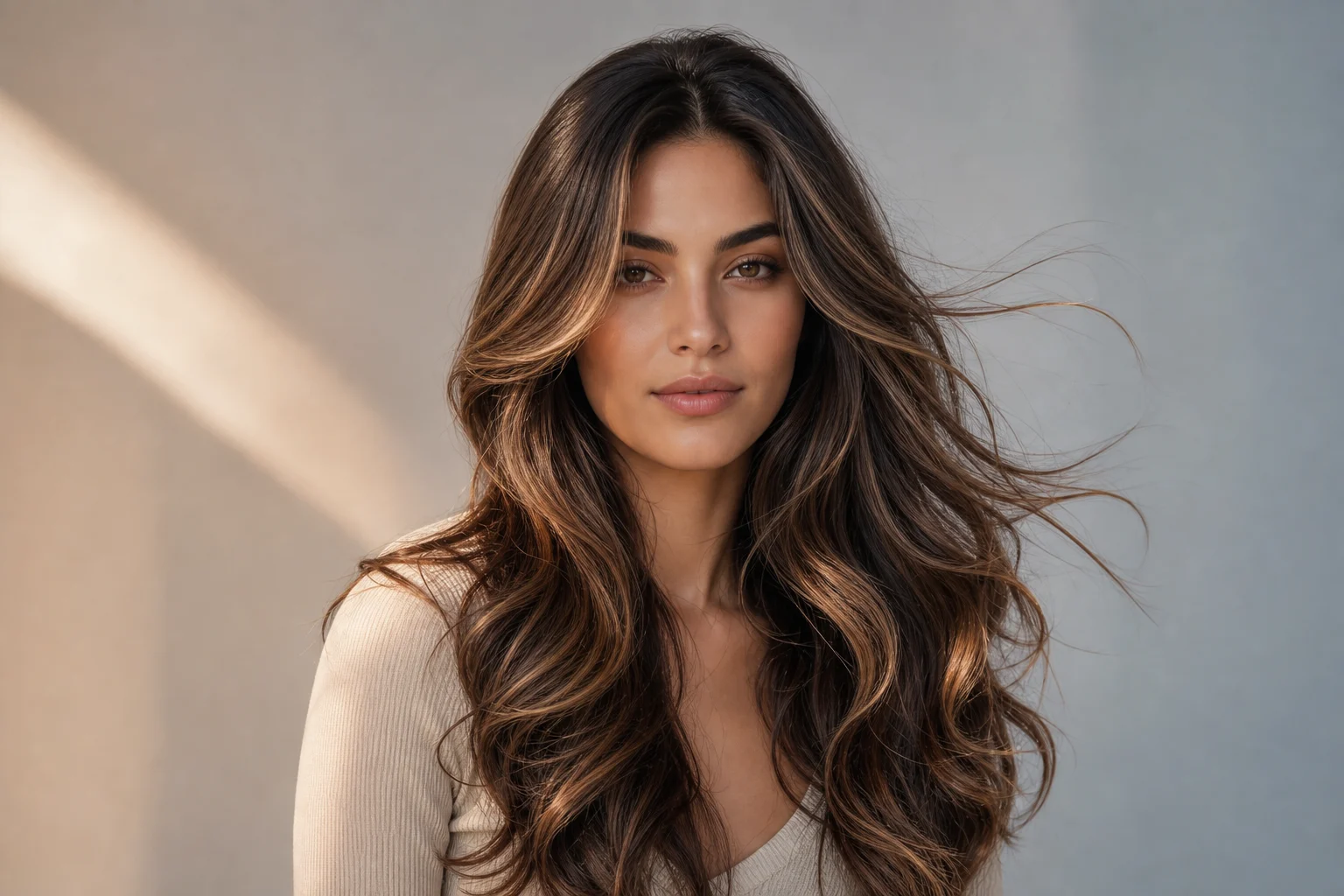
AI long hair filter hairstyle preview on portrait 4

Example 4

AI long hair filter hairstyle preview on portrait 5

Example 5

AI long hair filter hairstyle preview on portrait 6

Example 6

AI Long Hair Filter Features

Preview longer hair while preserving your face, pose, and expression.

Realistic Hair Length

Add long hair with natural fall, volume, layers, and face-framing shape.

Identity-Safe Preview

Keep your face, expression, pose, and clothing consistent while changing only the hairstyle.

Style Inspiration

Test flowing hair, layered looks, soft waves, or sleek long styles before committing.
Fast Portrait Editing

Generate a long-hair preview from a selfie or portrait in seconds.

No Watermark Downloads

Save clean hairstyle previews for comparison, sharing, or styling plans.

Privacy Protected

ClipCanva processes AI Long Hair Filter uploads securely and removes files after generation.

How to Use AI Long Hair Filter

Try a long hairstyle on your photo in three steps.

1

Upload Your Photo

Upload a clear source image for AI Long Hair Filter; AI Long Hair Filter supports JPG, PNG, and WebP uploads.

2

Apply the Effect

The AI keeps your identity and facial features while extending hair length, texture, and natural movement.

3

Download the Image

Review the AI Long Hair Filter result, download it, or rerun with a stronger source image.

AI Long Hair Filter FAQ

Answers about using the AI long hair filter for hairstyle previews.

What is an AI long hair filter?
An AI long hair filter edits your portrait to show realistic longer hair while preserving your face, expression, pose, and clothing.
Is the AI long hair filter free?
Yes. You can try the AI long hair filter on ClipCanva with free daily credits and no credit card required.
Will the filter change my face?
The prompt is designed to keep your identity and facial features consistent while changing only the hair length and style.
What photos work best for long hair previews?
Use a clear front-facing or three-quarter portrait with good lighting. Photos where the head and shoulders are visible usually work best.
Can I use the result for hairstyle planning?
Yes. The generated image can help compare long-hair ideas, but treat it as a visual preview rather than a salon guarantee.

Try the AI Long Hair Filter Free

Upload a portrait and preview longer hair before a haircut, style change, photo edit, or social post.