FreeCreate ai jojo filter images free

AI JoJo Filter

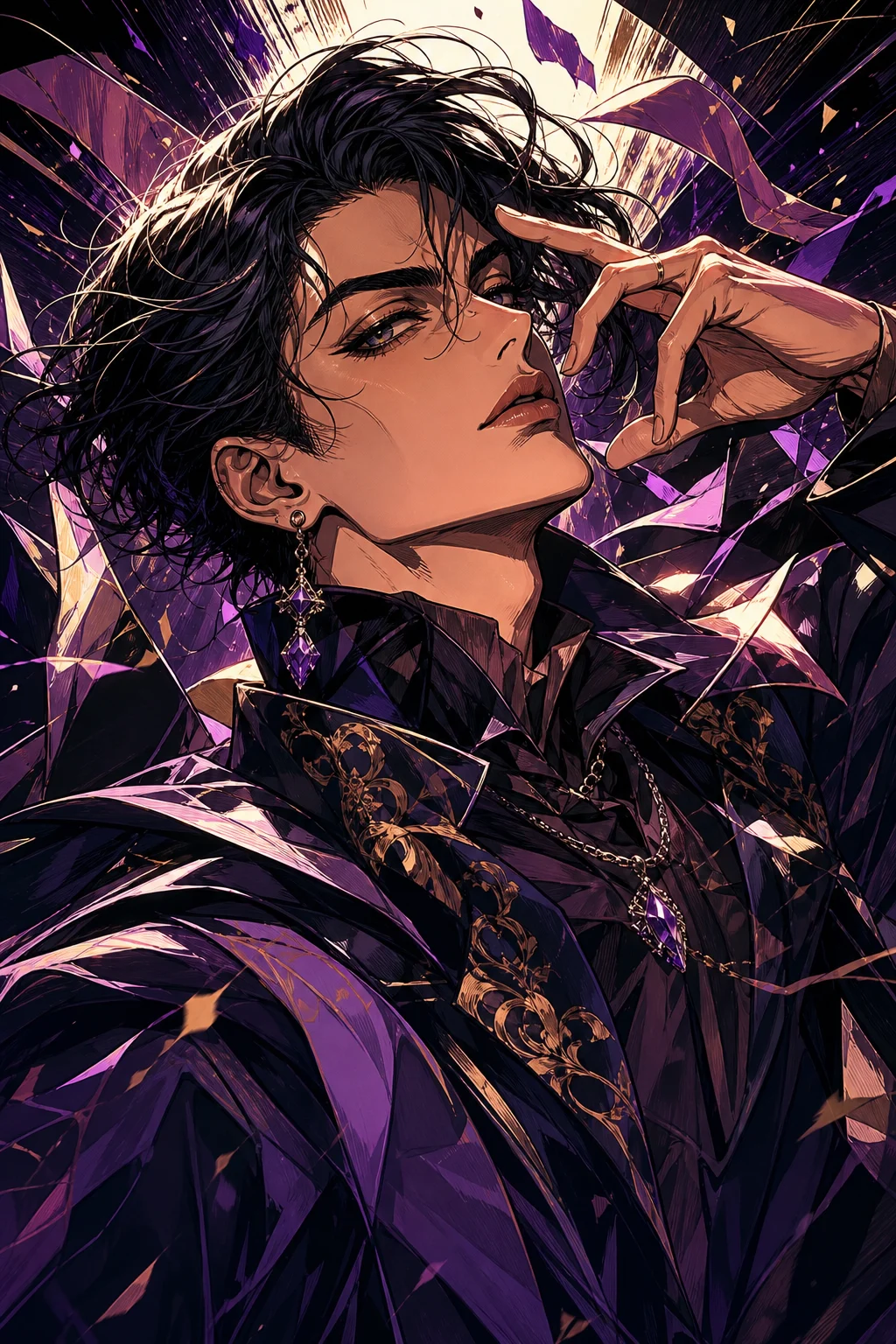
Recreate your photo as a high-drama anime portrait with sharp ink lines, sculpted shadows, stylized fashion, and expressive manga energy.

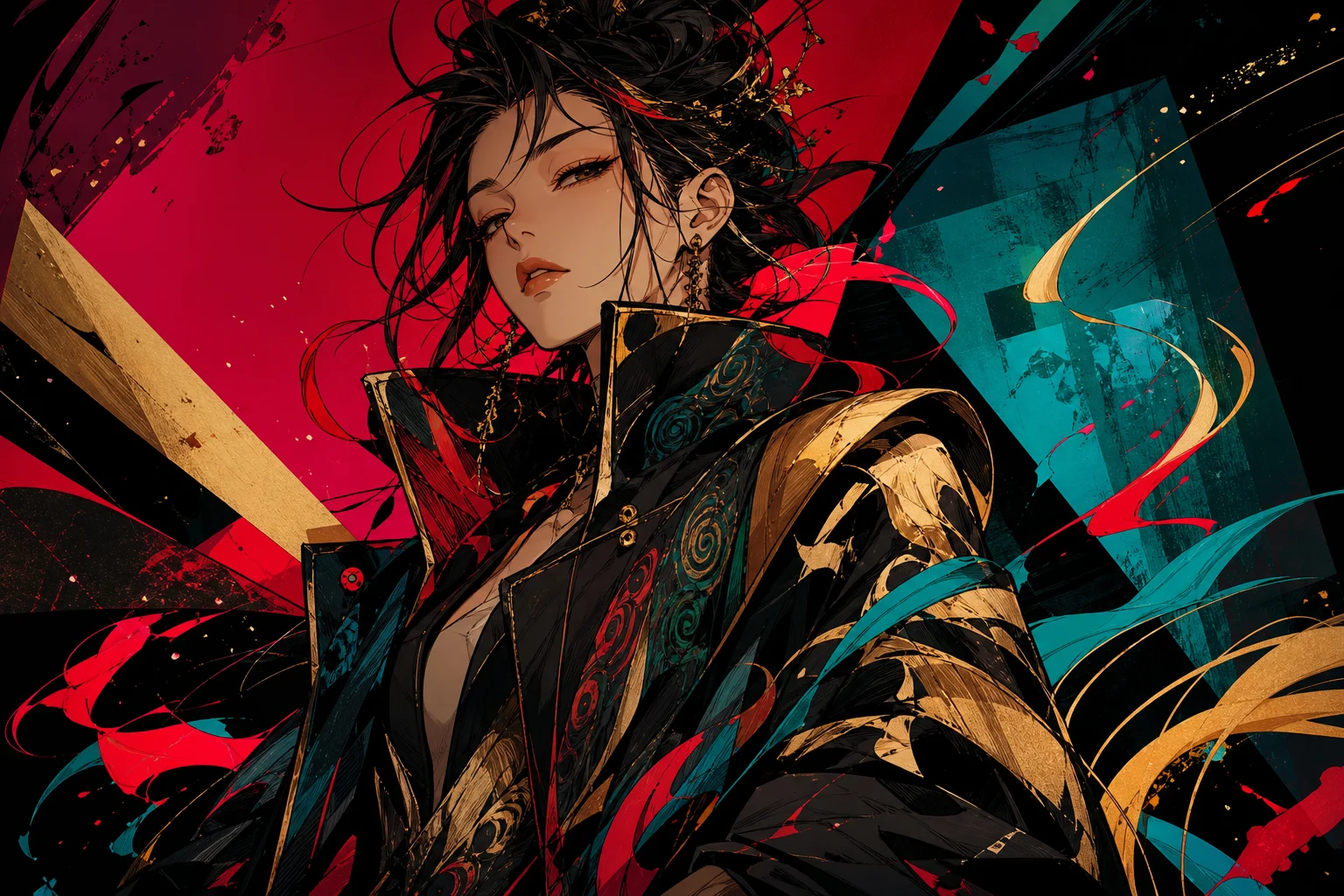
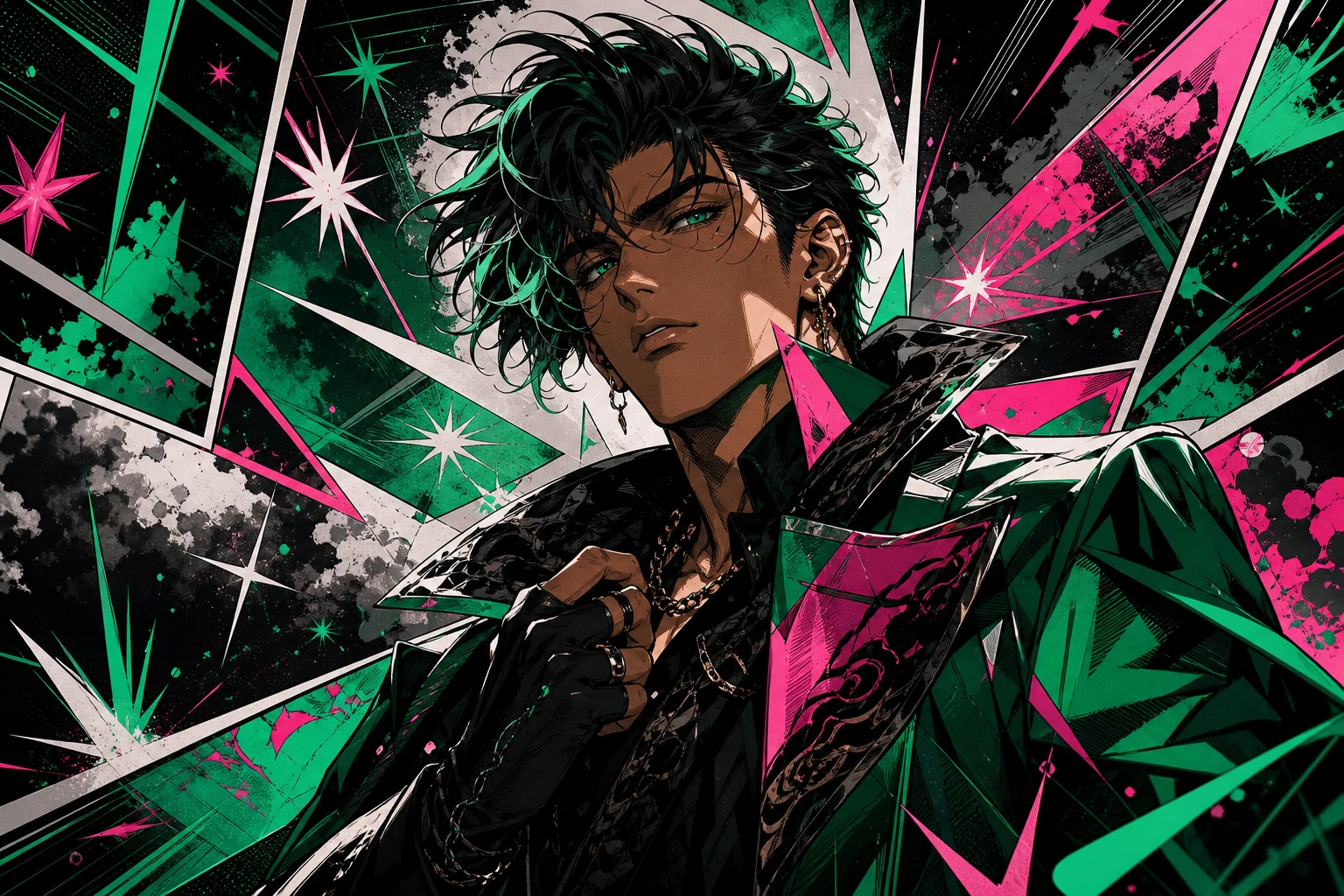
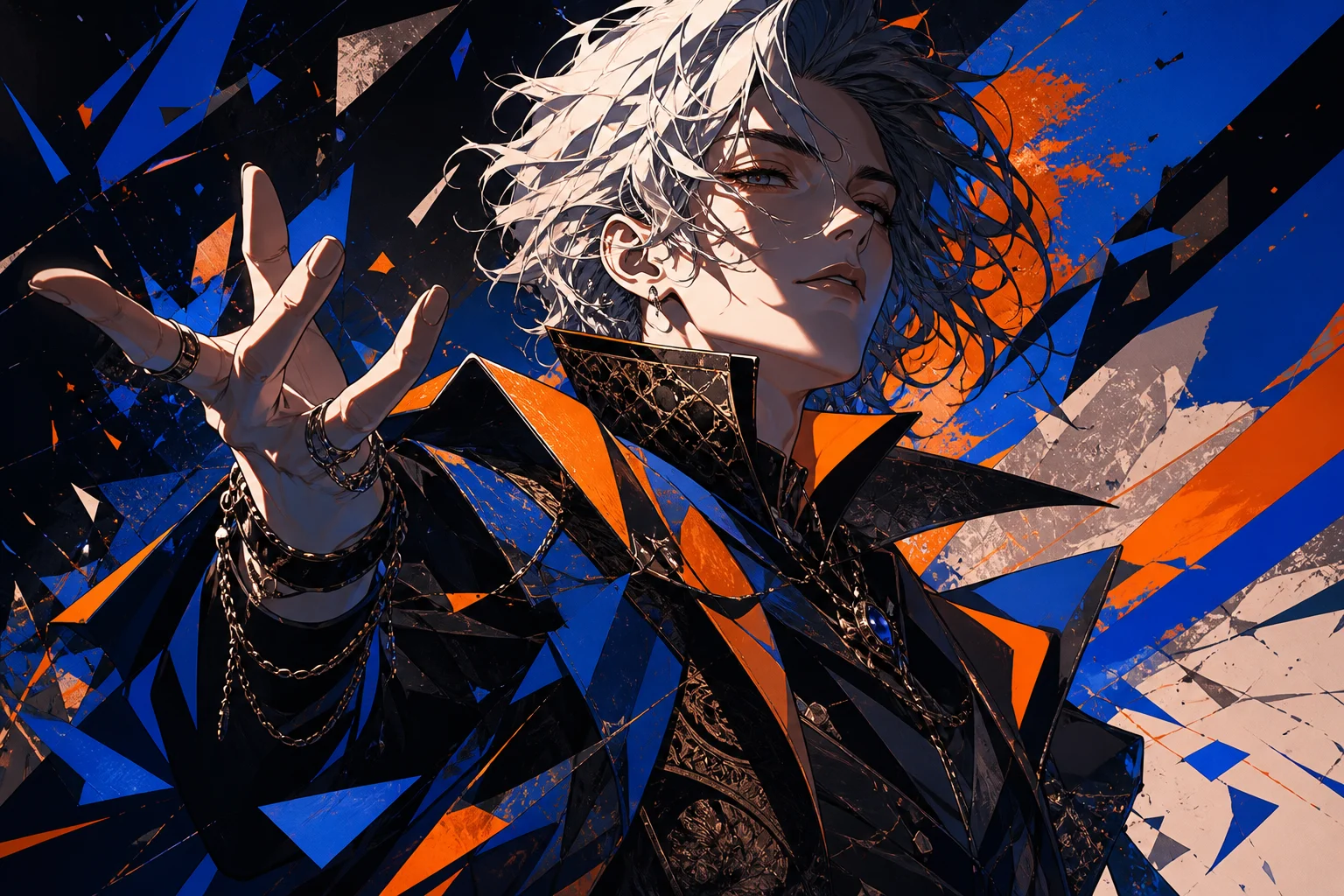
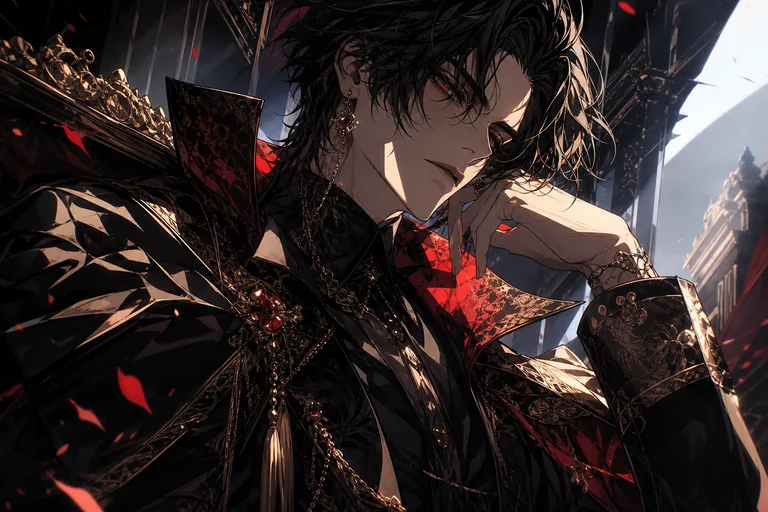
AI JoJo filter anime portrait with bold ink lines
0 / 2000
Template prompt

AI JoJo filter

Apply the AI JoJo-inspired effect to the uploaded portrait. Preserve the person identity, face shape, hairstyle, expression, pose/action silhouette, and outfit color cues. Recreate the image as a high-drama manga portrait with sharp ink lines, sculpted shadows, stylized fashion, intense expression, dynamic composition, bold color accents, and theatrical character energy. Keep the subject recognizable while amplifying the manga style.

AI JoJo filter anime portrait with bold ink lines

Gallery

AI JoJo Filter Examples

AI JoJo filter anime portrait with bold ink lines 1

Example 1

AI JoJo filter anime portrait with bold ink lines 2

Example 2

AI JoJo filter anime portrait with bold ink lines 3

Example 3

AI JoJo filter anime portrait with bold ink lines 4

Example 4

AI JoJo filter anime portrait with bold ink lines 5

Example 5

AI JoJo filter anime portrait with bold ink lines 6

Example 6

AI JoJo Filter Features

Generate stylized manga portraits while preserving the person in your photo.

Bold Anime Styling

Apply sharp ink work, strong cheekbones, vivid color, and manga-inspired drama.

Identity Preservation

Keep key facial features recognizable while transforming the overall illustration style.

Pose-Friendly Output

Works with selfies, waist-up portraits, and fashion shots for expressive anime results.
Prompt Style Control

Guide the mood with details like heroic lighting, comic panels, or intense color palettes.

Clean Downloads

Export clean anime portraits without watermarks.

Privacy Protected

ClipCanva processes AI JoJo Filter uploads securely and removes files after generation.

How to Use AI JoJo Filter

Create a JoJo-inspired anime portrait from your photo in three steps.

1

Upload Your Photo

Upload a clear source image for AI JoJo Filter; AI JoJo Filter supports JPG, PNG, and WebP uploads.

2

Apply the Effect

The AI preserves identity cues while applying bold manga lines, dramatic shading, and fashion-forward anime styling.

3

Download the Image

Review the AI JoJo Filter result, download it, or rerun with a stronger source image.

AI JoJo Filter FAQ

Answers about using the AI JoJo filter for anime portraits.

What is the AI JoJo filter?
The AI JoJo filter converts a photo into a dramatic anime portrait with bold ink lines, sculpted shadows, expressive poses, and manga-style color.
Is the AI JoJo filter free?
Yes. ClipCanva provides free daily credits so you can try the AI JoJo filter without a credit card.
Will the result still look like me?
The prompt is designed to preserve facial identity, expression, pose, and clothing while changing the image into a stylized anime portrait.
What kind of photo should I upload?
Use a clear portrait or fashion photo with the face visible. Good lighting and a simple background usually produce stronger anime styling.
Can I use AI JoJo filter images commercially?
Finished images on ClipCanva can be used commercially under the site's terms. Check the terms of service for complete rights information.

Create an AI JoJo Filter Portrait

Upload a photo and generate a dramatic anime-style portrait for avatars, fan edits, and social posts.