FreeCreate ai halftone effect images free

AI Halftone Effect Generator

Turn portraits and product shots into vintage halftone print art with clean dot patterns, bold contrast, and retro magazine texture.

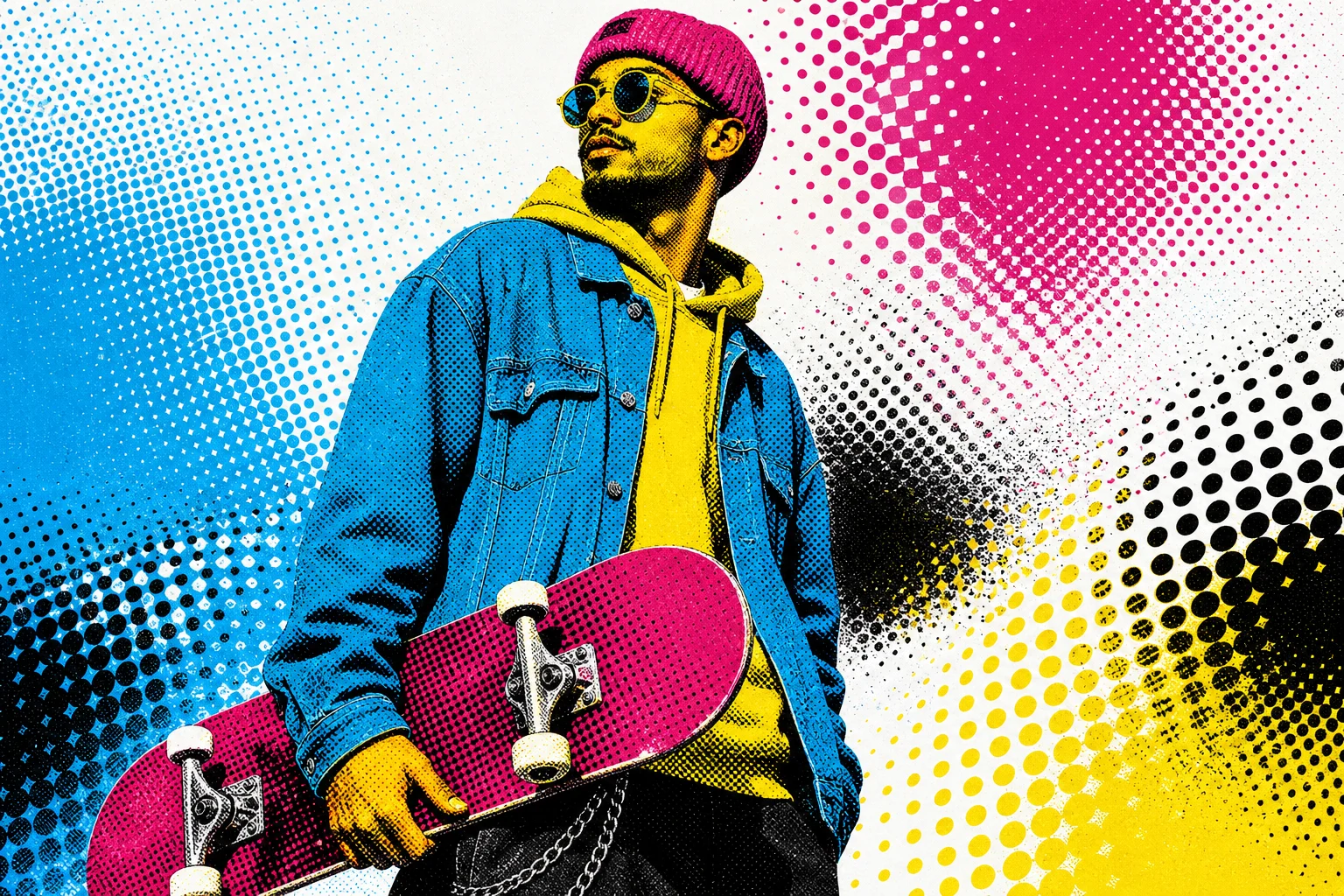
AI halftone effect portrait with retro dot shading
0 / 2000
Template prompt

AI halftone effect

Apply the AI Halftone Effect to the uploaded portrait, product, or object photo. Preserve the main subject identity or product shape, pose or silhouette, key colors, and important details. Convert the image into vintage halftone print art with visible dot patterns, bold contrast, limited color palette, crisp graphic edges, retro magazine texture, and polished poster composition. Keep the uploaded subject recognizable and do not replace it with generic pop art.

AI halftone effect portrait with retro dot shading

Gallery

AI Halftone Effect Examples

AI halftone effect portrait with retro dot shading 1

Example 1

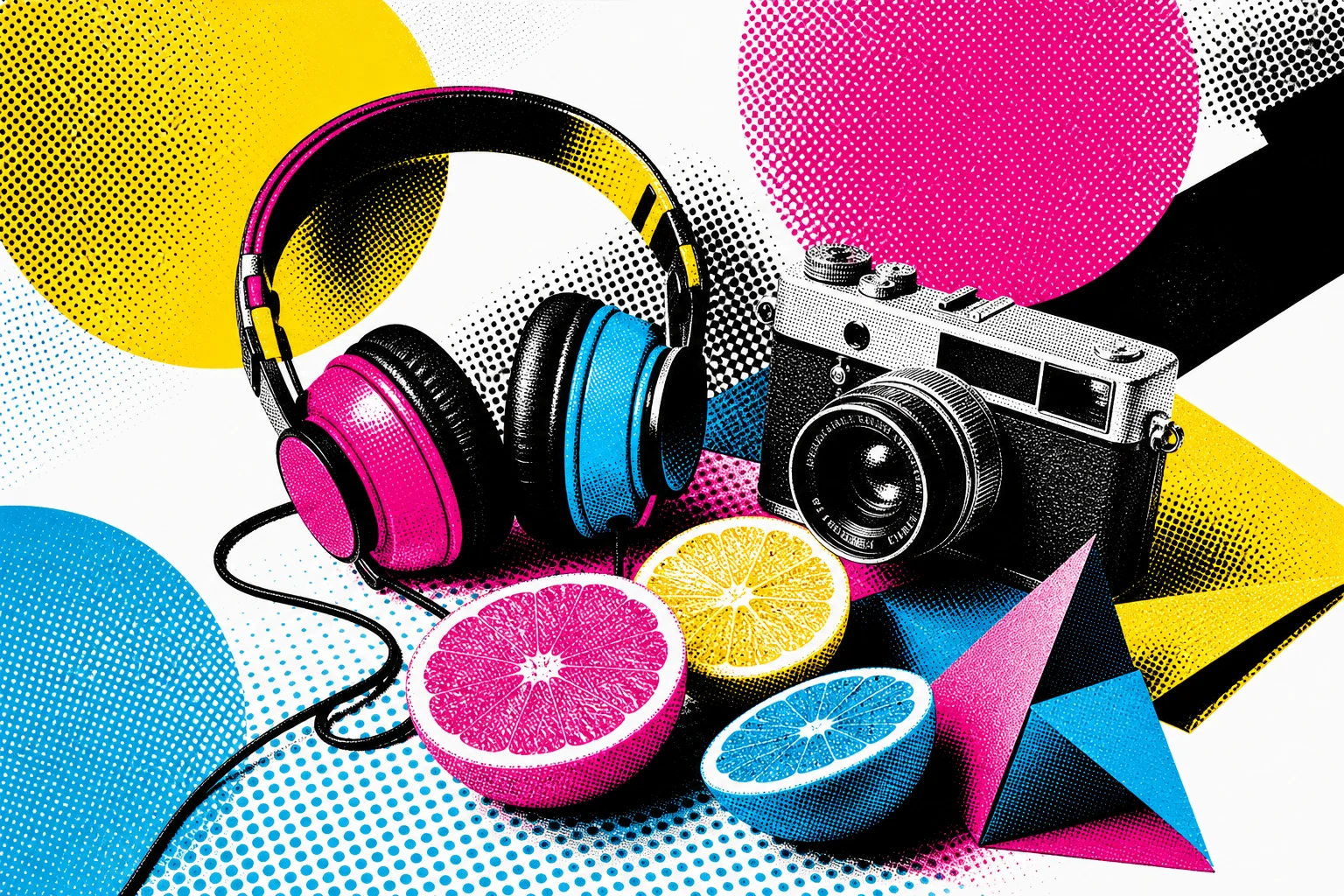
AI halftone effect portrait with retro dot shading 2

Example 2

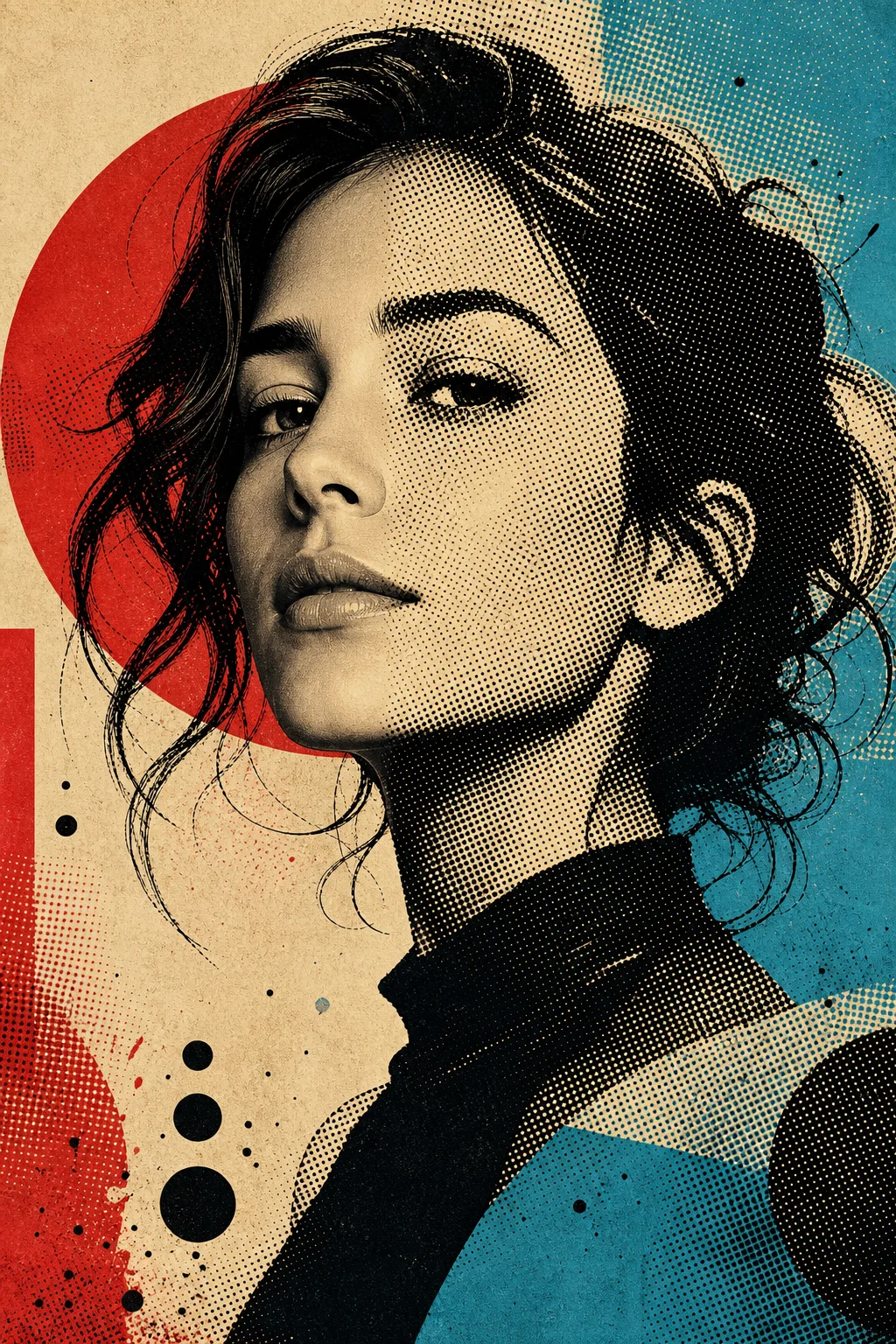
AI halftone effect portrait with retro dot shading 3

Example 3

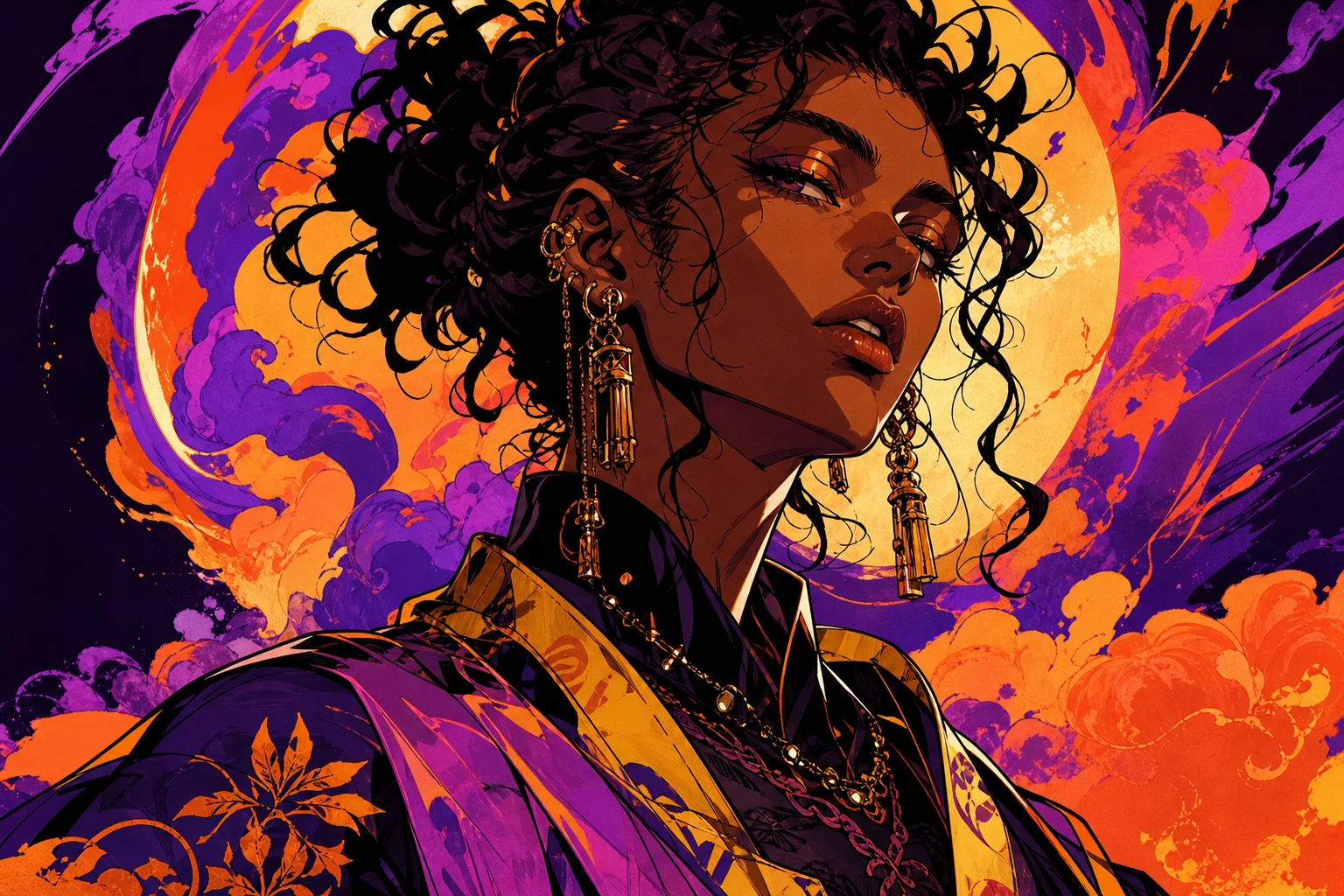
AI halftone effect portrait with retro dot shading 4

Example 4

AI halftone effect portrait with retro dot shading 5

Example 5

AI halftone effect portrait with retro dot shading 6

Example 6

AI Halftone Effect Generator Features

Create crisp retro print images with controlled dots, contrast, and texture.

Authentic Dot Texture

Add newspaper-style halftone dots while keeping the subject recognizable.

Retro Print Contrast

Create bold shadows, limited colors, and pop art energy in one generation.

Fast Photo Conversion

Upload a portrait, product, or pet photo and preview the halftone result in seconds.
Easy Creative Control

Use prompts to tune color, dot density, print mood, and composition.

No Watermark Downloads

Save clean halftone images for profiles, posters, thumbnails, and campaigns.

Privacy Protected

ClipCanva processes AI Halftone Effect Generator uploads securely and removes files after generation.

How to Use AI Halftone Effect Generator

Generate a halftone print look from your photo in three steps.

1

Upload Your Photo

Upload a clear source image for AI Halftone Effect Generator; AI Halftone Effect Generator supports JPG, PNG, and WebP uploads.

2

Apply the Effect

The AI rebuilds your image with dot shading, graphic contrast, and retro print texture.

3

Download the Image

Review the AI Halftone Effect Generator result, download it, or rerun with a stronger source image.

AI Halftone Effect Generator FAQ

Answers about creating AI halftone effect images online.

What is an AI halftone effect?
An AI halftone effect turns a photo into retro print artwork made from visible dot shading, bold contrast, and a magazine or newspaper texture.
Is the AI halftone effect generator free?
Yes. You can create AI halftone effect images on ClipCanva with free daily credits and no credit card required to start.
What photos work best for halftone art?
Clear portraits, pets, products, and high-contrast photos work especially well because the AI can preserve the subject while building dot patterns around it.
Can I adjust the halftone style?
Yes. Add prompt details such as black-and-white dots, red accent color, comic print texture, or pop art poster lighting to guide the final image.
Can I use AI halftone effect results commercially?
Generated images can be used for commercial projects subject to ClipCanva terms. Review the terms of service for full usage details.

Create an AI Halftone Effect Free

Upload a photo and generate a retro dot-print image ready for posters, avatars, and social posts.