FreeTry Girl With A Pearl Portrait free today

Girl With A Pearl Portrait

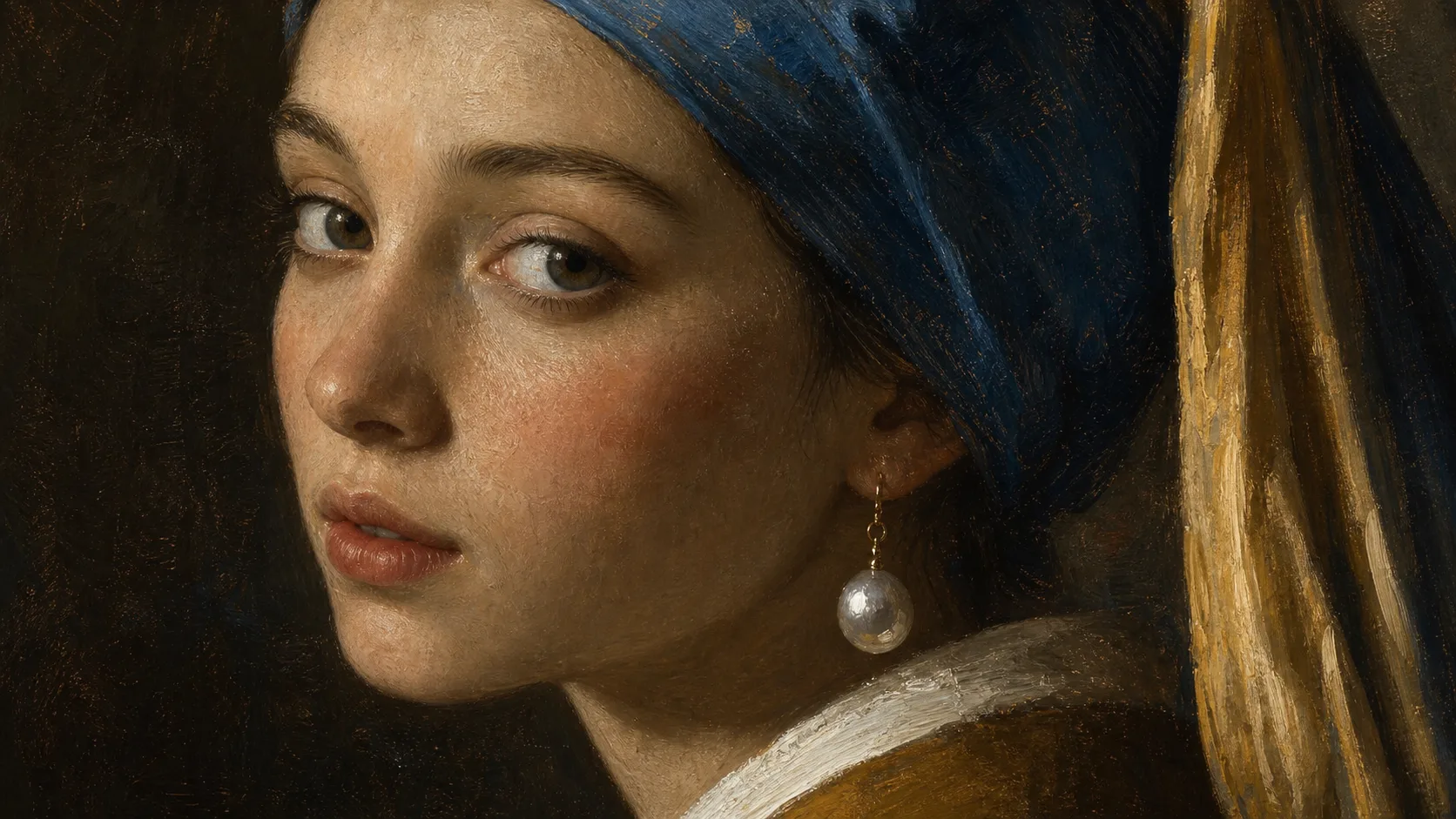
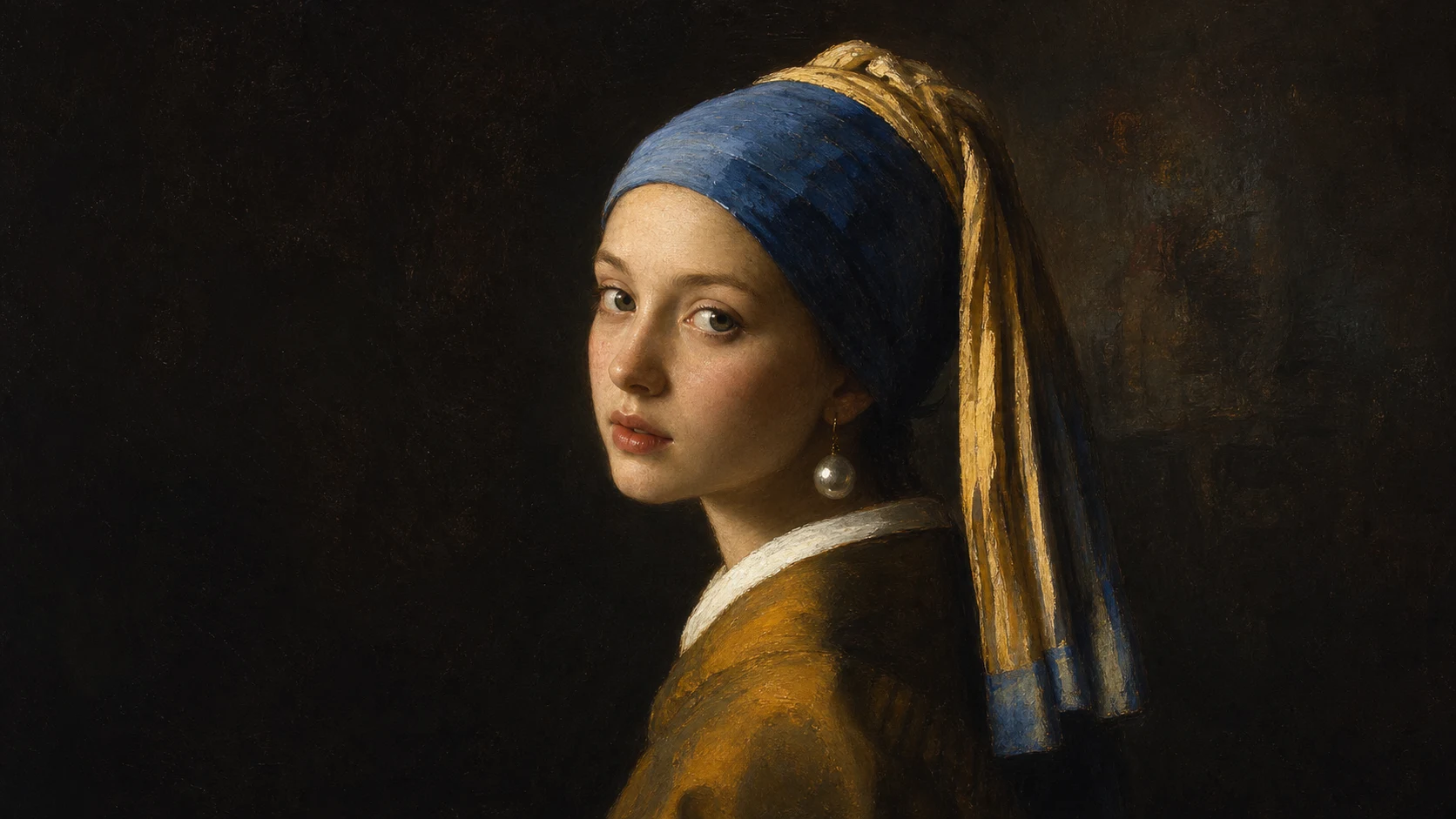
Create a museum-style portrait with pearl-earring styling, quiet lighting, painterly texture, and recognizable facial features from your photo.

Girl With A Pearl Portrait example result
0 / 2000
Template prompt

Girl With A Pearl Portrait

Apply the Girl with a Pearl Portrait effect to the uploaded portrait. Preserve the person identity, face shape, expression, gaze direction, and key facial traits. Recreate the image as a classical oil-painting portrait inspired by a pearl-earring old-master look, with dark soft background, side lighting, painterly skin texture, elegant head turn, pearl earring accent when appropriate, and museum-quality composition. Keep the likeness recognizable, not a copy of another person.

Girl With A Pearl Portrait example result

Gallery

Girl With A Pearl Portrait Examples

Girl With A Pearl Portrait Example 1

Example 1

Girl With A Pearl Portrait Example 2

Example 2

Girl With A Pearl Portrait Features

Free to Use

Try Girl With A Pearl Portrait with free daily credits. No payment details are needed for Girl With A Pearl Portrait.

Classical portrait lighting

Adds soft side light, dark backdrop, pearl-earring styling, painterly texture, and museum-style calm.

Fast preview loop

Preview the Girl With A Pearl Portrait result before downloading, then rerun with a clearer photo or tighter prompt when needed.

Simple upload flow

Upload a clear image to Girl With A Pearl Portrait, review the preview, and keep the version that fits your use case.

Watermark-free downloads

Download watermark-free Girl With A Pearl Portrait images for posts, mockups, references, or client drafts.

Privacy Protected

ClipCanva processes Girl With A Pearl Portrait uploads securely and removes files after generation.

How to Use Girl With A Pearl Portrait

Upload a portrait, apply the classical pearl portrait style, then download a painterly image.

1

Upload Your Photo

Upload a clear source image for Girl With A Pearl Portrait; Girl With A Pearl Portrait supports JPG, PNG, and WebP uploads.

2

Apply the Effect

The edit keeps the face and expression while adding period-inspired lighting, backdrop, and fine-art texture.

3

Download the Image

Review the Girl With A Pearl Portrait result, download it, or rerun with a stronger source image.

Girl With A Pearl Portrait FAQ

Answers about using Girl With A Pearl Portrait with your own photos.

What is Girl With A Pearl Portrait?
Girl With A Pearl Portrait helps you create a museum-style portrait with pearl-earring styling, quiet lighting, painterly texture, and recognizable facial features from your photo.
Is Girl With A Pearl Portrait free?
Yes! You can use Girl With A Pearl Portrait for free on ClipCanva. Free daily credits are available for trying the tool. No credit card required to start.
How do I use Girl With A Pearl Portrait?
1) Go to the generator page, 2) Upload your photo or enter a text prompt, 3) Click Generate, 4) Download the final image. You can rerun the edit if you want another version.
What image formats does Girl With A Pearl Portrait support?
Girl With A Pearl Portrait supports JPG, PNG, and WebP uploads. Use a clear image with the main subject visible for the best preview.
Can I use Girl With A Pearl Portrait results commercially?
Yes. Finished images from Girl With A Pearl Portrait on ClipCanva can be used for commercial purposes. Check our terms of service for full details on usage rights.

Try Girl With A Pearl Portrait free today

Create a classical pearl-earring inspired portrait from your photo with soft painterly light.