
What changes
- The source product is placed into a structured marketplace infographic layout
- Feature-callout, benefit, size, comparison, and supporting visual zones are introduced
Turn a clean product photo and verified product brief into a marketplace-ready infographic concept with a strong hero product, organized feature callouts, benefit zones, and readable areas for specs, sizing, or comparisons.

Apply the AI E-commerce Product Infographic effect to the uploaded product photo or product reference. Preserve the product shape, logo, packaging, material, color, proportions, and key selling details. Create a store-ready product infographic with clean hero product placement, feature callout areas, benefit icons, comparison or size blocks, Amazon A+ or marketplace-style layout, high-key product lighting, and readable placeholder text zones. Do not distort the product or invent false certifications.
An AI E-commerce Product Infographic is a structured listing visual that places a product photo into a clear sales-oriented layout. It is designed for marketplace galleries, product detail pages, launch concepts, and advertising drafts where shoppers need to understand key features quickly. The result can include a central product image, feature callouts, icon-style benefit areas, size or comparison blocks, and text-safe zones for verified specifications.
This template turns a simple product photo into a store-oriented product infographic concept while keeping the product itself recognizable and grounded in verified information.
Build a useful product infographic by starting with a clean source image, adding verified product facts, and reviewing the result against listing requirements.
Choose a sharp product image on a simple background where the product edges, color, materials, packaging, logo, controls, and important details are visible.
Add factual features, dimensions, materials, usage details, compatibility notes, and any approved benefit statements that may appear as feature callouts.
Specify whether the image is for a marketplace gallery, A+ module, product detail page, social ad, comparison slide, or launch concept.
Review the product, text zones, claims, icons, spacing, and mobile readability before preparing the final listing artwork.
Adapt the same product information into different ecommerce layouts depending on the listing goal, category, and channel.
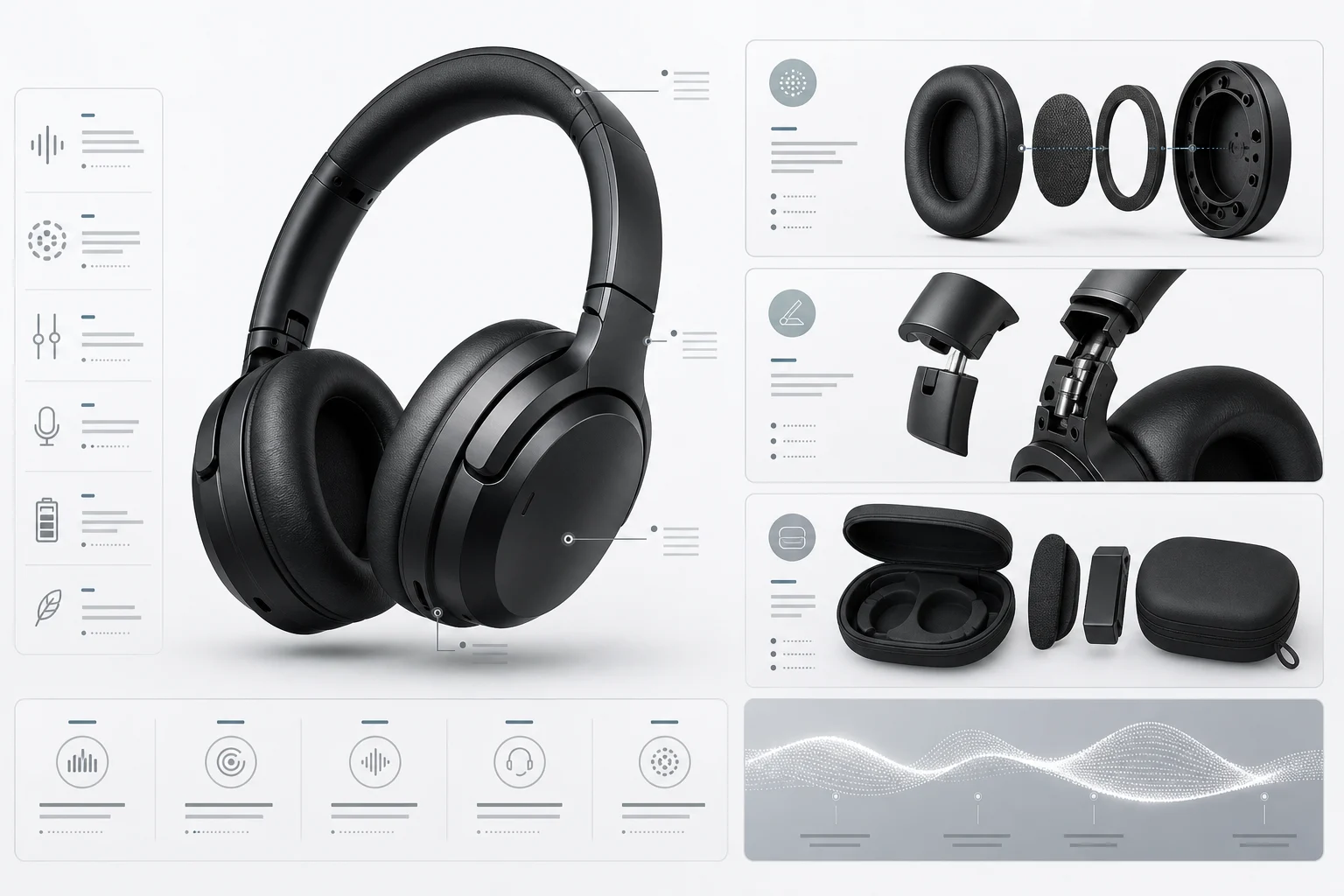
A clean electronics layout with the product centered, concise feature callouts, icon-style benefits, and text-safe zones for specs or compatibility notes.
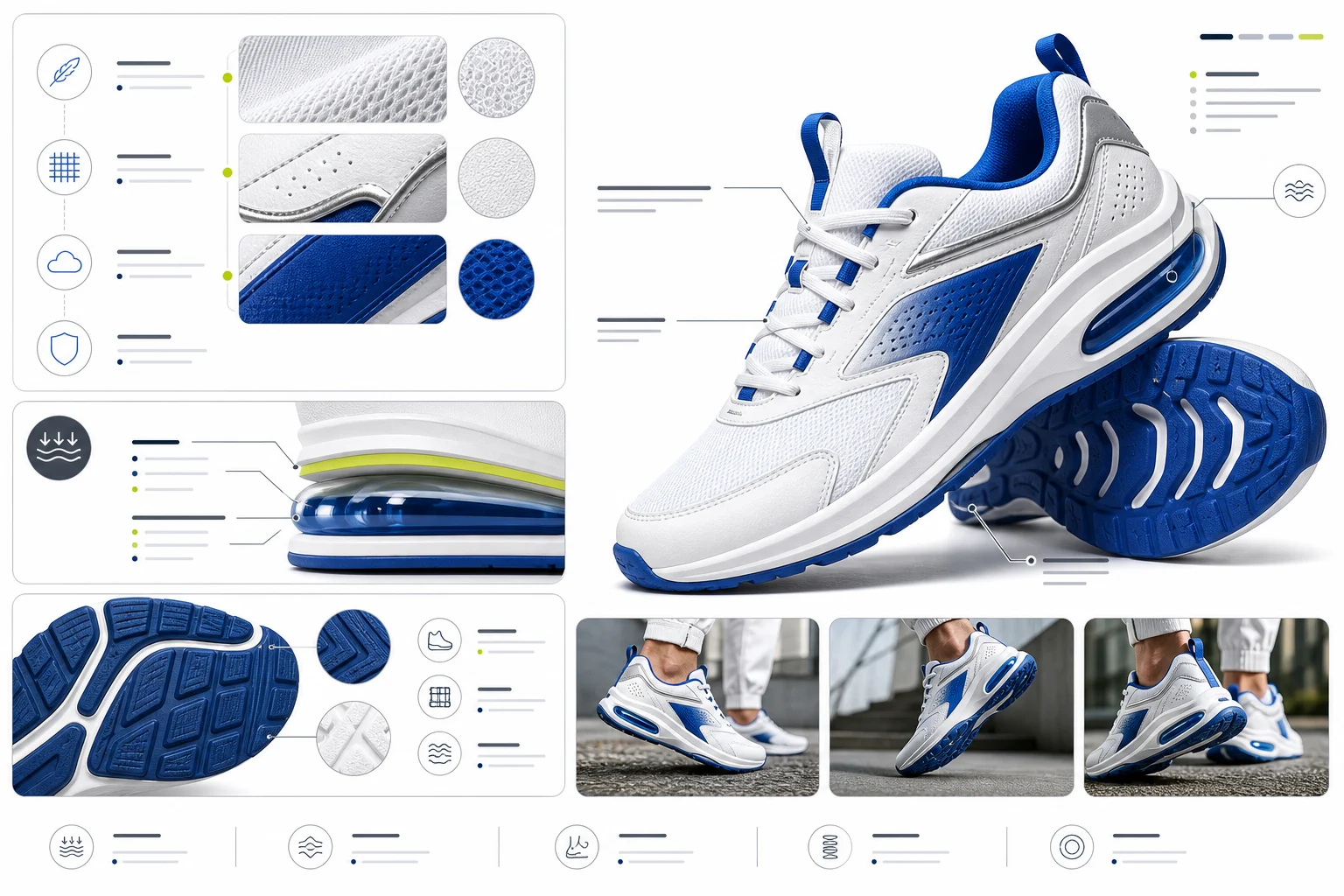
A product infographic format for footwear or fashion items, combining material highlights, comfort details, sizing areas, and visual hierarchy for gallery browsing.
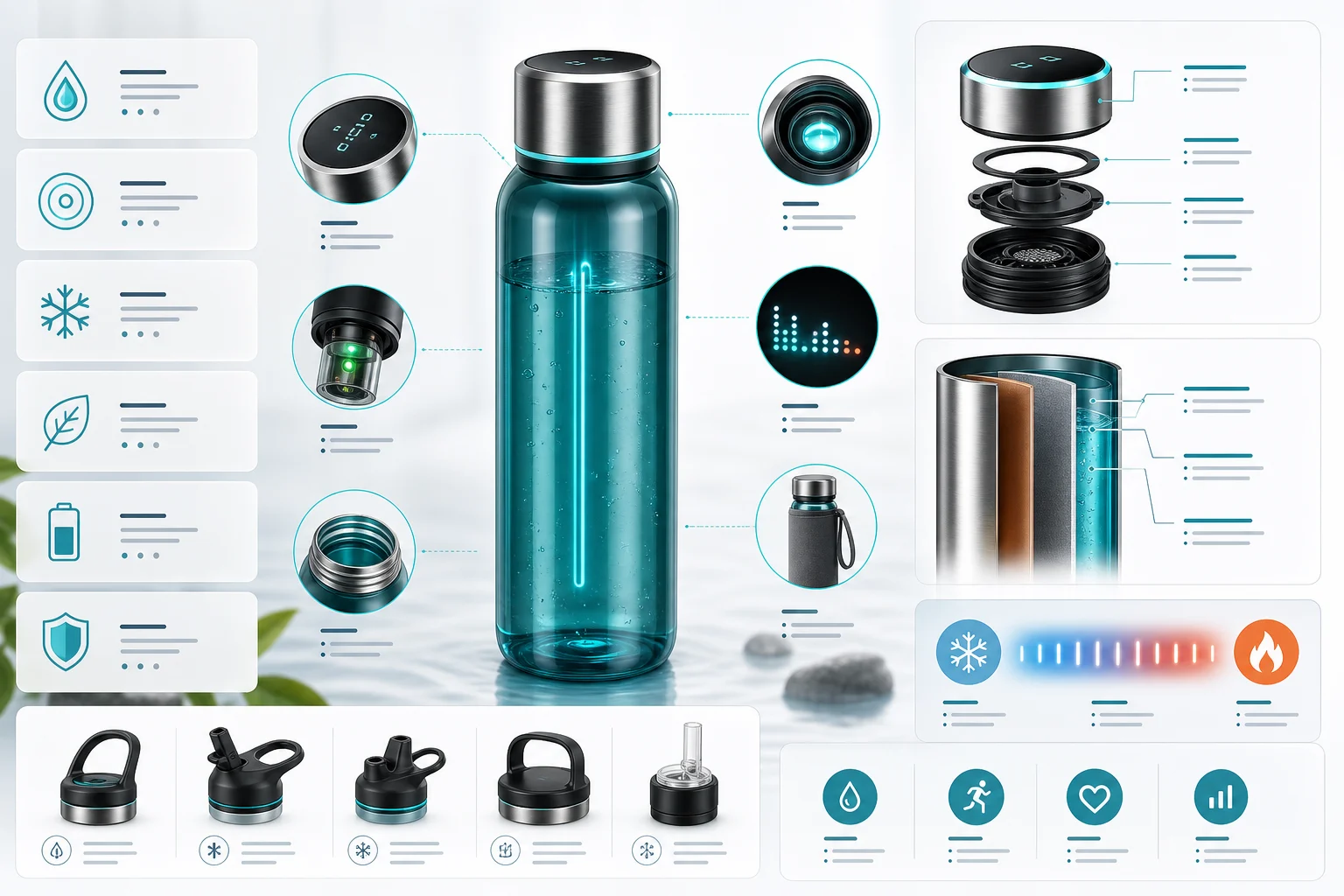
A soft-goods product layout for apparel details, showing fit, fabric, care, or use-case information in organized callout areas.

A broader product detail page concept with modular information blocks, benefit sections, comparison space, and a polished ecommerce presentation style.
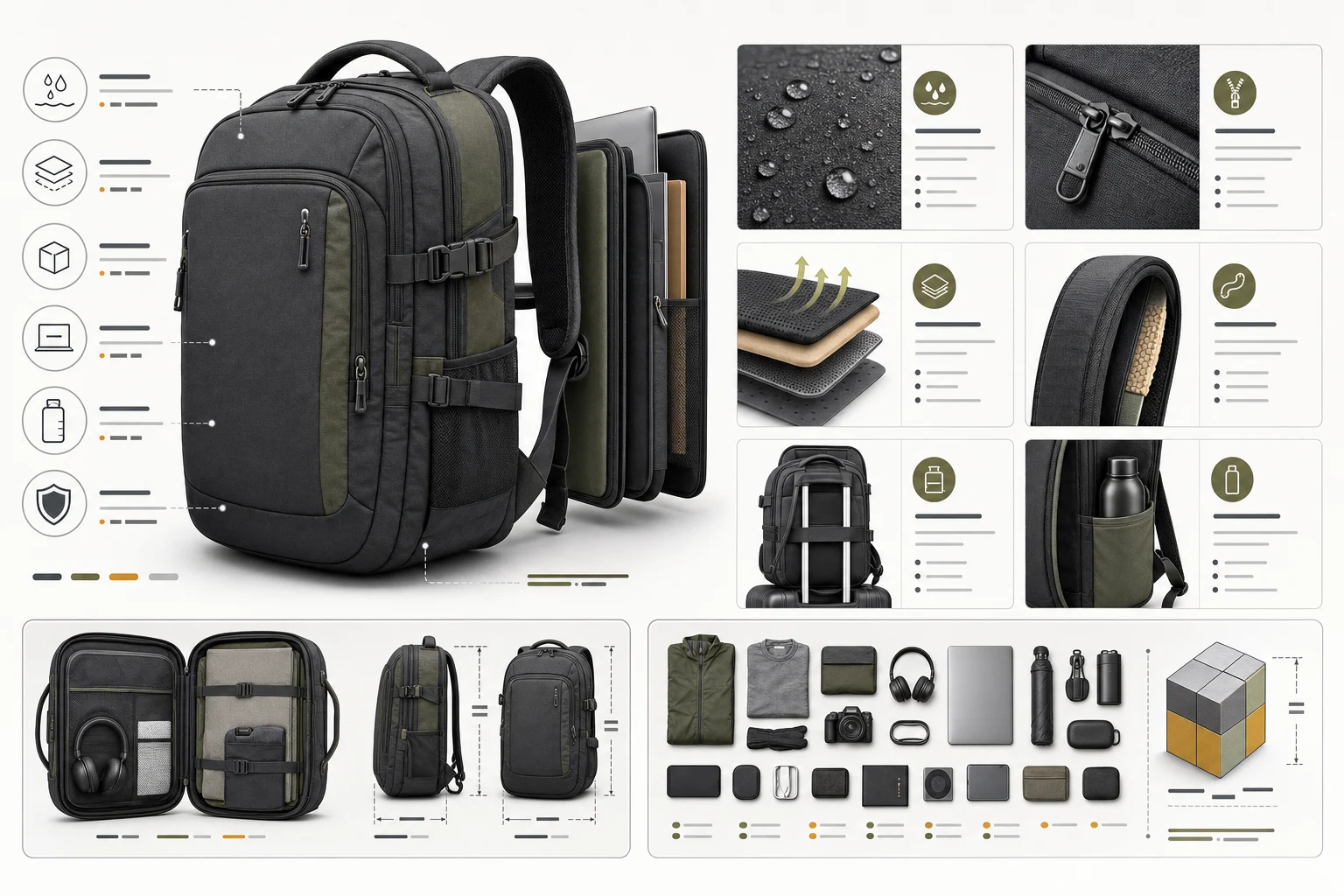
A social-first storyboard format that breaks product benefits into scrollable or short-form campaign frames while keeping the product visually consistent.
Use this template when you need to plan clearer ecommerce visuals for shoppers, campaign reviewers, designers, or marketplace listing teams.
Create product infographic concepts for Amazon, Shopify, Etsy, Walmart, and other listing galleries that need quick feature explanation and clean visual hierarchy.
Plan feature-led visuals for A+ modules, product detail pages, comparison sections, social ads, and product launch concepts.
Explore how product benefits, specifications, scale references, and usage details can be arranged before final design production.
The strongest results come from accurate product inputs and a clear plan for where the infographic will appear. Treat the output as a visual draft that must be checked against approved product data before publishing.
Include the marketplace or channel, target aspect ratio, product category, verified features, materials, dimensions, compatible uses, and the purpose of the image, such as hero gallery slide, size explainer, feature breakdown, comparison visual, or A+ module concept. Ask for readable text zones and feature callouts without adding unsupported claims.
Product infographics often combine imagery, claims, icons, and layout elements, so every detail should be reviewed carefully before use in a marketplace or storefront.
Compare the product silhouette, proportions, logo placement, packaging, color, materials, small controls, and surface details with the source photo.
Verify every visible benefit, specification, icon, comparison, certification, dimension, and compatibility statement against approved product data.
Review mobile readability, text-safe zones, spacing, alignment, hierarchy, and marketplace-specific image rules before adding the visual to a live listing.
Common questions about preparing product photos, supplying accurate details, and reviewing infographic concepts before using them in a listing.
Prepare a clean product photo, add verified feature and specification details, and build a structured product infographic concept for your next marketplace gallery or product page.