AI Cute Enamel Pin Generator

AI Cute Enamel Pin Generator

Upload a portrait, pet, character, or object photo and turn it into a Cute Enamel Pin design with glossy enamel fills, raised metal outlines, soft shadows, and a clean product mockup look.

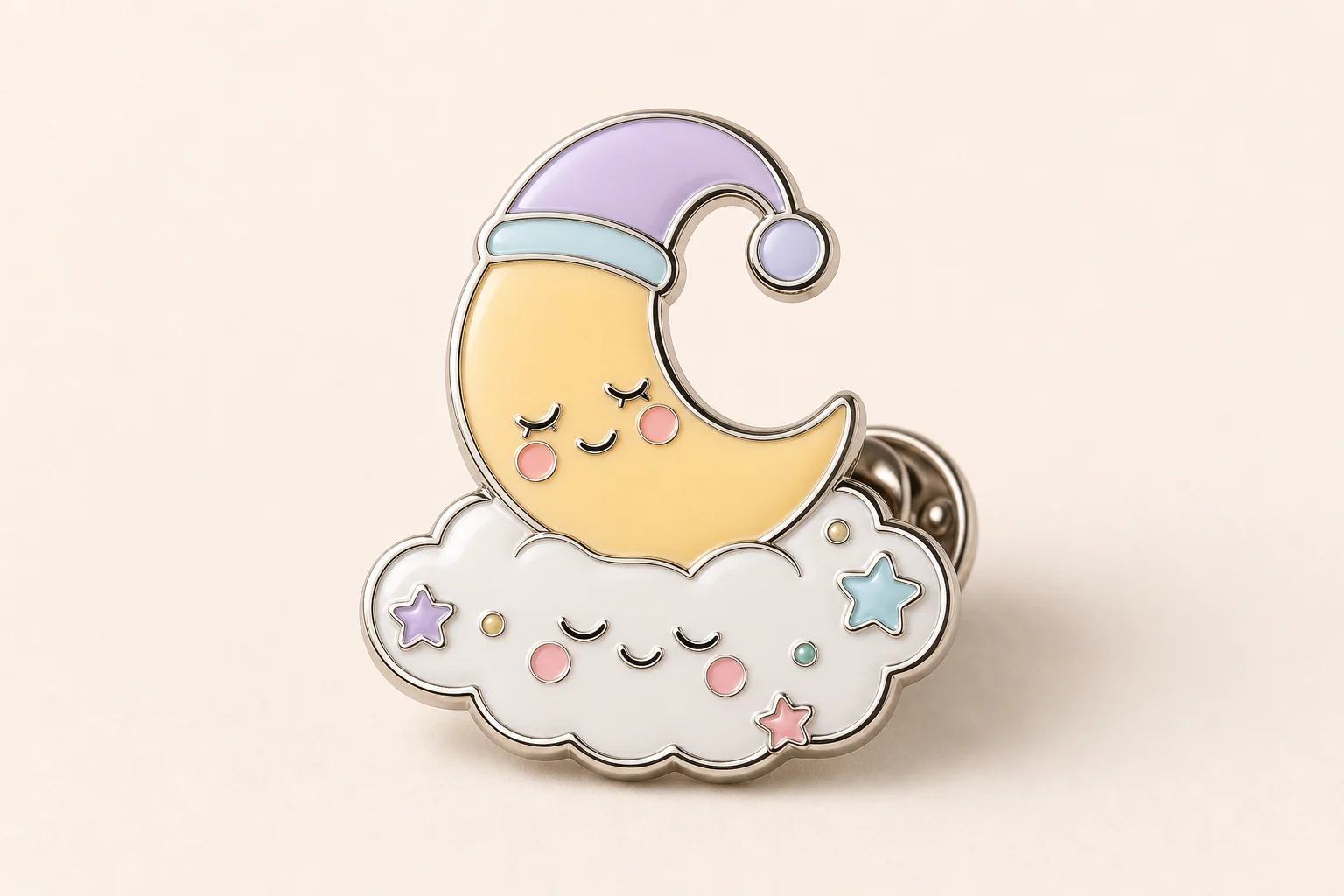
Glossy cute enamel pin mockup with raised metal outlines
0 / 2000
Template prompt

AI Cute Enamel Pin Generator

Apply the AI Cute Enamel Pin effect to the uploaded portrait, pet, character, or object photo. Preserve the subject silhouette, identity or object shape, key colors, expression or distinctive details, and important accessories. Rebuild it as a cute enamel pin design with simplified readable forms, glossy enamel fills, raised metal outlines, small highlight reflections, pin backing or product mockup context, and clean studio lighting. Keep the design clearly based on the uploaded subject.

Glossy cute enamel pin mockup with raised metal outlines

What is the AI Cute Enamel Pin Generator?

The AI Cute Enamel Pin Generator helps transform a clear source image into a stylized pin concept. It keeps the uploaded subject recognizable while rebuilding it with simplified shapes, shiny enamel color areas, raised metal borders, small reflection highlights, and a polished studio presentation.

From source photo to glossy enamel pin

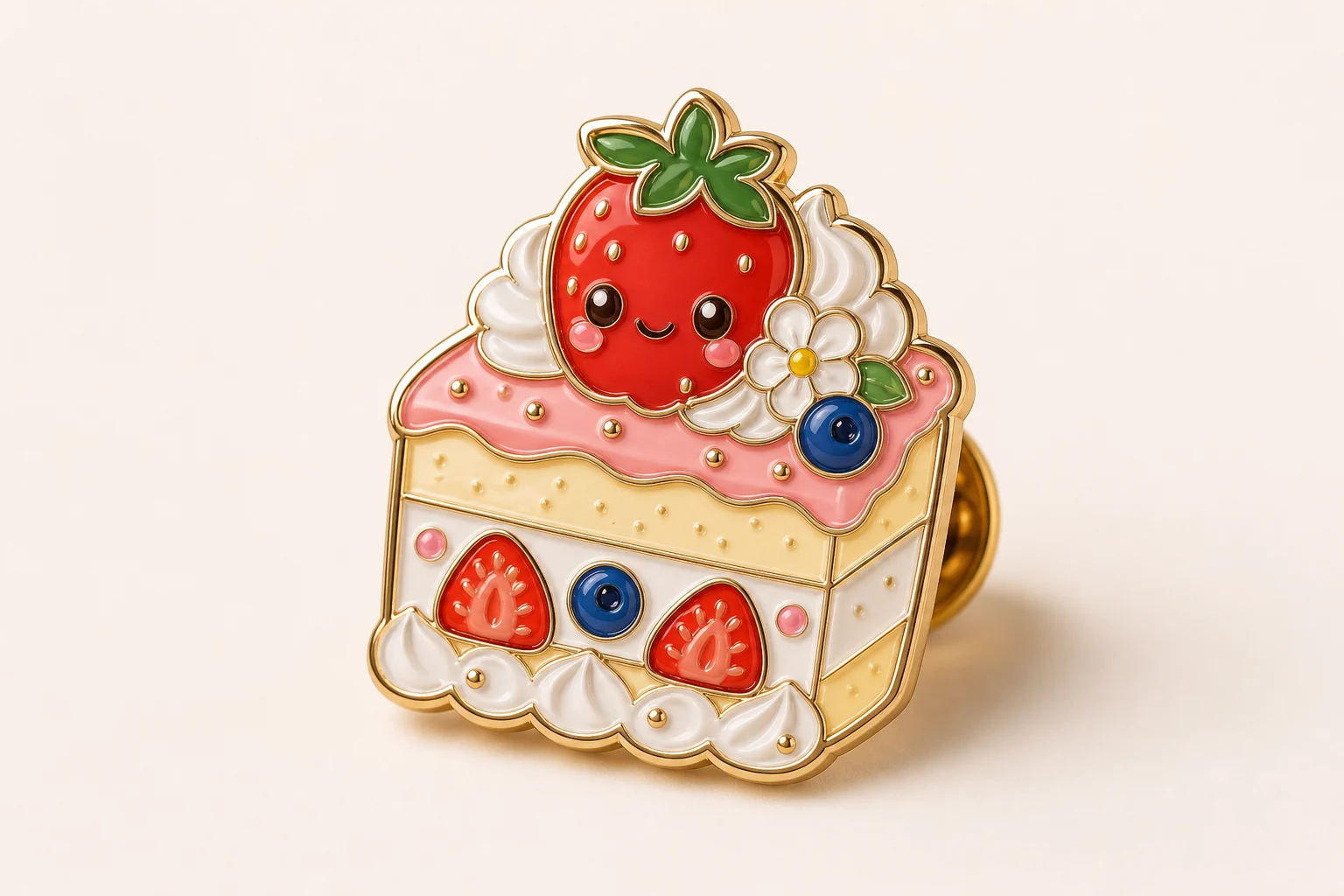
This template restyles the source image as a Cute Enamel Pin while keeping the important visual cues that make the subject identifiable.

What changes

  • Turns a portrait, pet, character, or object photo into a cute enamel pin design with glossy enamel, metal outlines, and product mockup detail.
  • Adds enamel shine, raised borders, a badge-like shape, soft shadows, small highlight reflections, and a clean studio display look.
  • Simplifies complex source details into readable pin-friendly shapes and color areas.
  • Can include pin backing or product mockup context to make the result feel like a finished collectible design.
What stays recognizable

  • The subject silhouette, identity or object shape, key colors, expression, and distinctive details.
  • Important accessories and defining visual features from the uploaded image.
  • A clear connection between the finished pin design and the original subject.
  • Coherent pose, color direction, and overall composition from the source.

How to use the Cute Enamel Pin Generator online

Create a Cute Enamel Pin image by starting with a clear subject, applying the enamel pin style, and checking the result for recognizability and clean detail.

1

Upload a clear source

Choose a sharp portrait, pet, character, or object photo where the main subject is visible and not blocked by blur, heavy cropping, or clutter.

2

Apply the pin style

Guide the result toward glossy enamel fills, raised metal outlines, readable simplified shapes, and a clean pin mockup presentation.

3

Review recognition

Make sure the subject silhouette, key colors, expression, accessories, and distinctive details still match the uploaded image.

4

Refine the direction

If needed, try a clearer crop or a more specific prompt that names the details, colors, or pose you want to keep.

Cute Enamel Pin style examples

These examples show how the same Cute Enamel, Pin-inspired treatment can support different subject types, colors, and product-style compositions.

Glossy enamel pin mockup with clean studio lighting

Classic glossy pin mockup

A polished enamel pin mockup with a clear subject silhouette, glossy color fills, and raised metal detail.

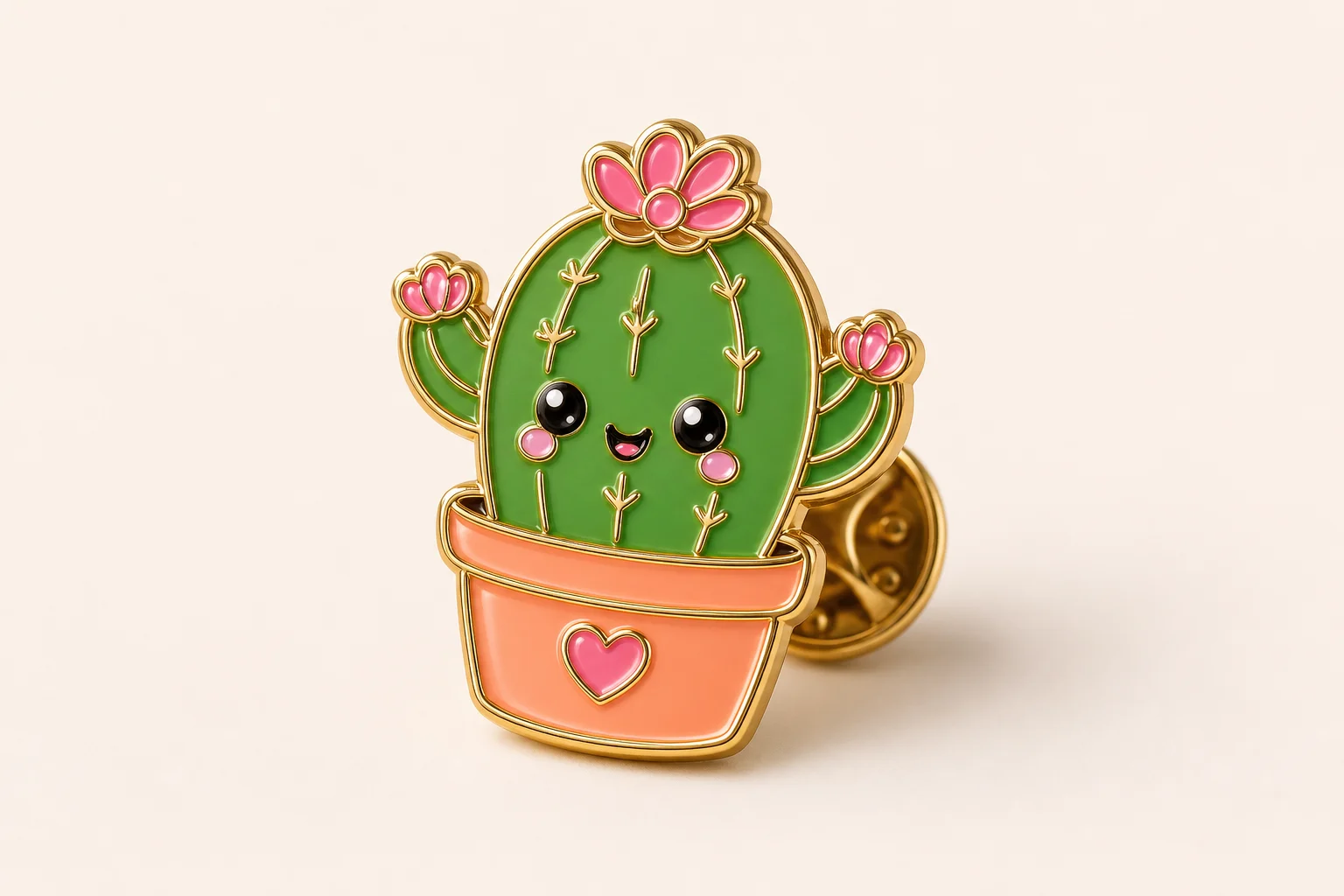
Cute enamel pin mockup example with simplified shapes

Cute character pin style

A cute pin-style result with simplified forms, bright enamel surfaces, and a collectible product feel.

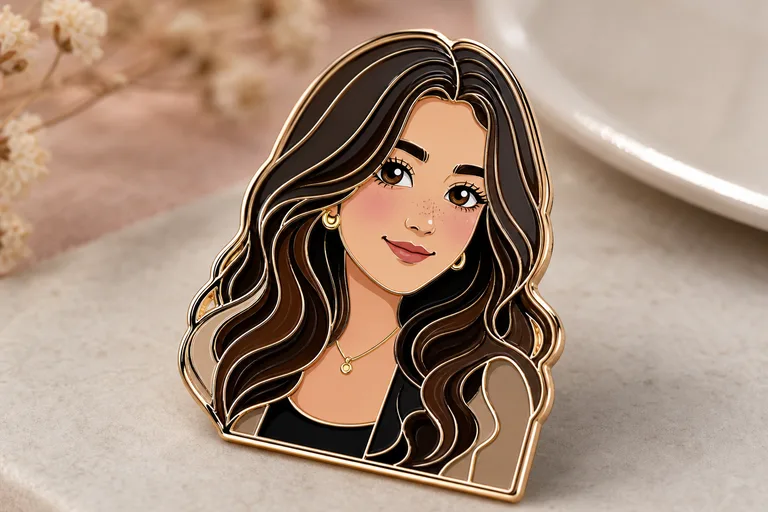
Enamel pin design example with raised outlines

Raised outline enamel look

A refined enamel design using metal outlines, small highlights, and a clean display background.

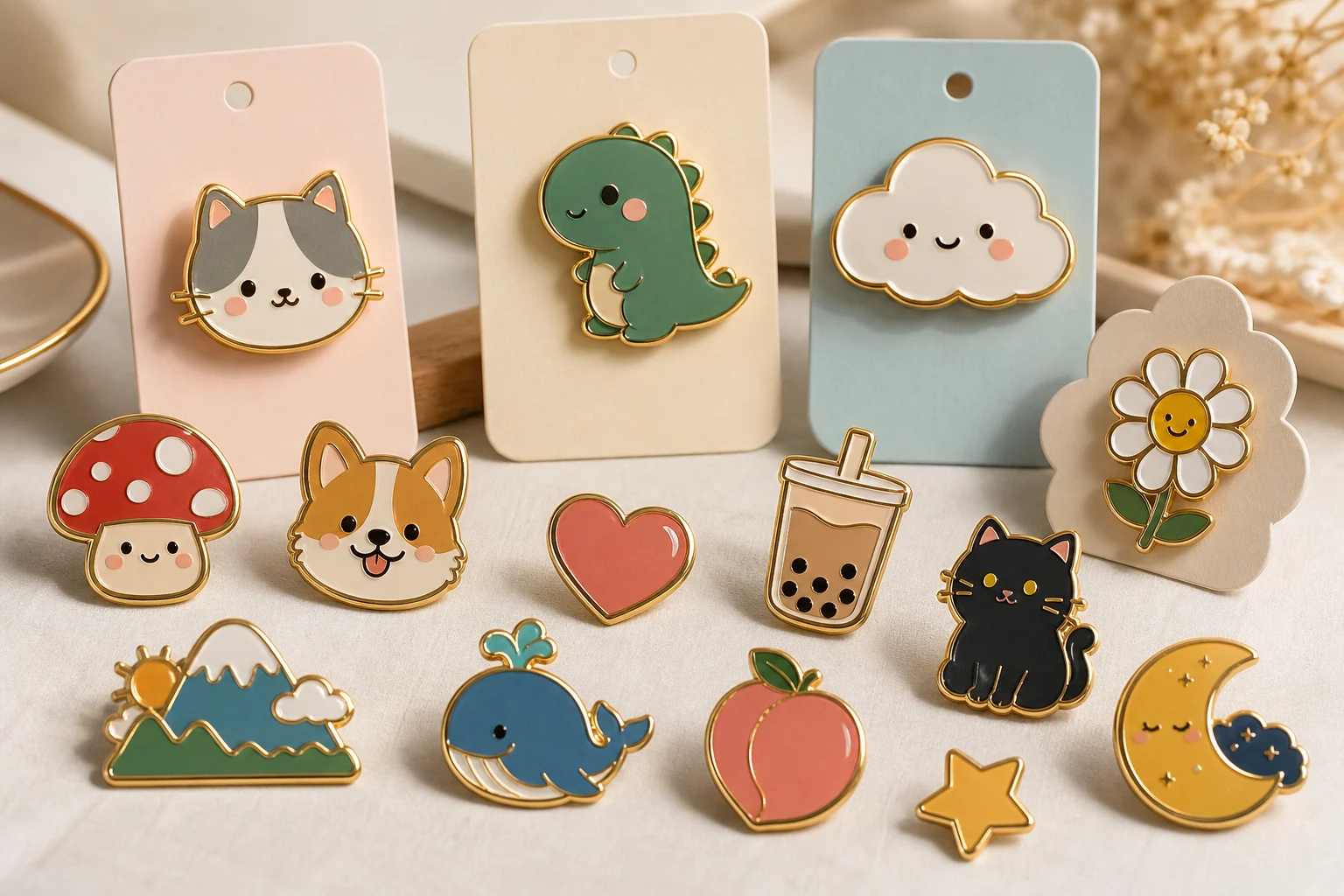
Playful glossy enamel pin mockup example

Soft shadow product preview

A playful pin mockup that keeps the subject readable while adding soft shadows and glossy detail.

Ways to use this enamel pin template

Use the Cute Enamel Pin Generator online when you want a focused visual concept that looks like a playful collectible pin mockup.

Personal pin concepts

Turn a pet, avatar, mascot, portrait, or object into a focused enamel pin preview for a personal or creative project.

Style direction tests

Explore whether the subject works better with simplified shapes, glossy enamel colors, and raised metal borders before refining the design.

Shareable mockups

Create an easy-to-share visual mockup for mood boards, social posts, character concepts, or presentation drafts.

Creative comparisons

Compare different subjects or framing choices to see which one produces the clearest Cute Enamel Pin result.

How to get a better Cute Enamel Pin result

A strong source image and a specific prompt help the pin design keep the subject readable while adding the enamel treatment.

Source image checks

  • Use a sharp source image with the main subject clearly visible.
  • Avoid heavy blur, blocked details, extreme crops, or confusing overlaps.
  • Choose a source whose pose and framing support the intended AI Cute Enamel Pin Generator result.

Prompt guidance

Ask for a cute enamel pin design based on the uploaded subject. Include simplified readable forms, glossy enamel fills, raised metal outlines, small highlight reflections, pin backing or product mockup context, and clean studio lighting. Mention any key colors, accessories, expression, or pose that must remain recognizable.

Review the finished pin mockup

Generated details can vary, so review the image before refining, sharing, or presenting the result.

Check recognition

Compare the output with the uploaded image for identity, object shape, pose, expression, and the overall subject silhouette.

Review the enamel style

Look for coherent glossy enamel fills, raised metal outlines, badge-like shape, soft shadows, and small reflective highlights.

Inspect fine details

Inspect faces, hands, text, small accessories, edges, and background transitions for distortions or confusing artifacts.

AI Cute Enamel Pin Generator FAQ

Common questions about creating Cute Enamel Pin images from portraits, pets, characters, and objects.

What is AI Cute Enamel Pin Generator?
It is a template for turning an uploaded portrait, pet, character, or object photo into a cute enamel pin-style image with glossy enamel fills, metal outlines, and product mockup detail.
Is AI Cute Enamel Pin Generator free?
Availability and access can vary by platform or account. Check the current creation options shown on the page before starting.
How do I use AI Cute Enamel Pin Generator?
Start with a clear image, upload it, and use the template to restyle the subject as a Cute Enamel Pin. Review the result for recognizable shape, color, expression, and clean enamel-style detail.
What photos work best for AI Cute Enamel Pin Generator?
Sharp photos with one clearly visible subject work best. Avoid heavy blur, blocked details, extreme crops, and busy overlaps that make the silhouette or important features hard to read.
Can I use AI Cute Enamel Pin Generator results commercially?
Usage rights can depend on the source image, platform terms, and your intended use. Review those requirements before using any generated result in a project.
What AI Cute Enamel Pin Generator changes does it make?
It adds a badge-like pin shape, glossy enamel surfaces, raised metal outlines, soft shadows, highlight reflections, and a clean product-display feel while keeping the subject recognizable.
Which source image works best?
Choose an image where the main subject has a readable silhouette, clear key colors, visible expression or details, and framing that supports a pin design.
How do I keep the subject recognizable?
Use a source with strong defining features, then compare the output against the original for pose, silhouette, colors, accessories, and expression before using or sharing it.

Create your enamel pin design

Upload a clear portrait, pet, character, or object image and create a Cute Enamel Pin style preview with glossy enamel, raised outlines, and share-ready mockup detail.