FreeCreate clay art portrait free — no credit card required

AI Clay Art Generator

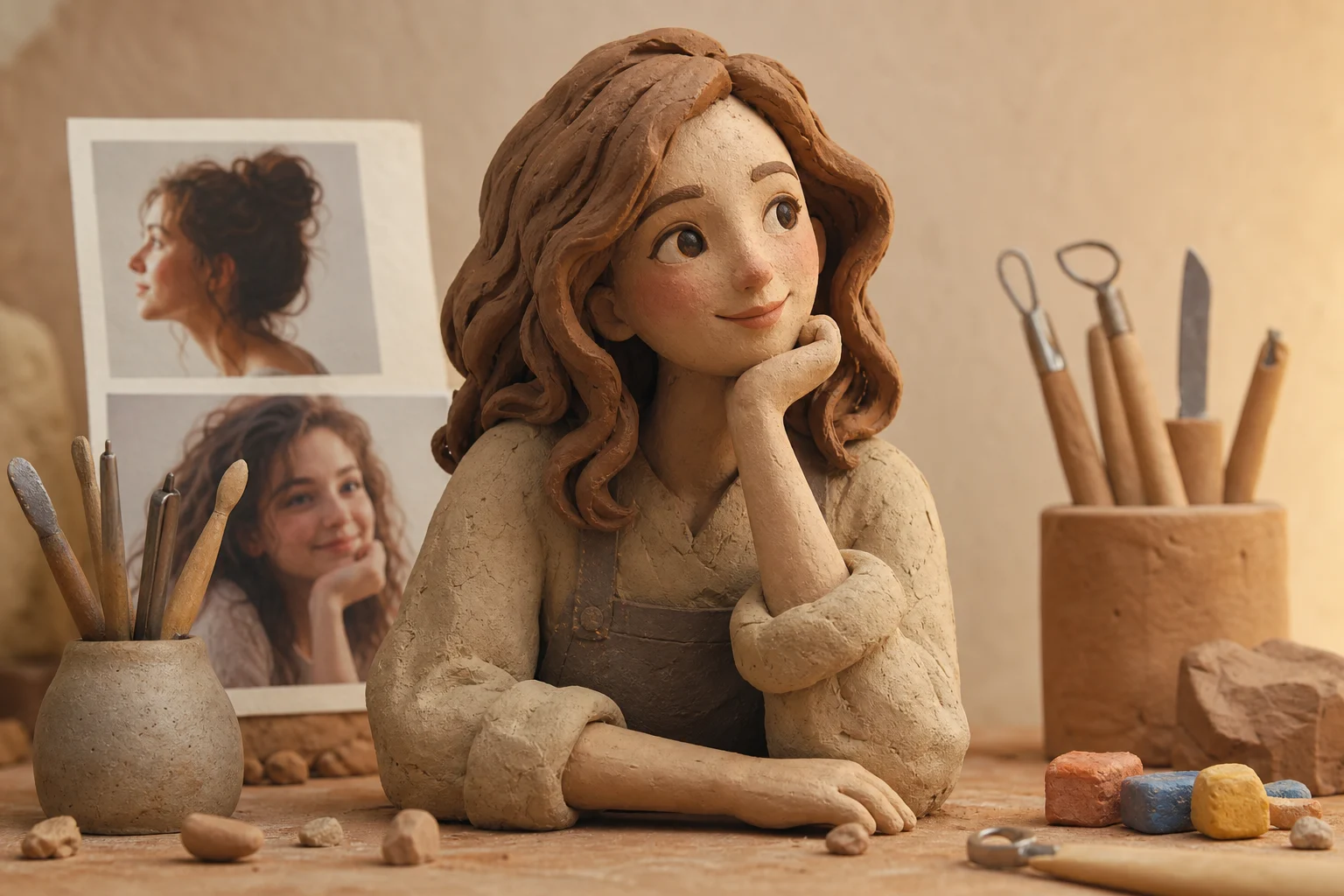
Create a clay-style version of your portrait with sculpted texture, rounded handmade forms, matte color, and a warm stop-motion feel.

AI Clay Art Generator result
0 / 2000
Template prompt

AI Clay Art Generator

Apply the AI Clay Art effect to the uploaded image. Preserve the main subject identity, pose/action silhouette, clothing or object details, and key colors. Rebuild the subject as a handmade clay artwork with soft sculpted forms, matte clay texture, visible fingerprints or handcrafted marks, slightly imperfect organic edges, warm studio lighting, and charming stop-motion style. Keep the uploaded subject recognizable through the clay transformation.

AI Clay Art Generator result

Gallery

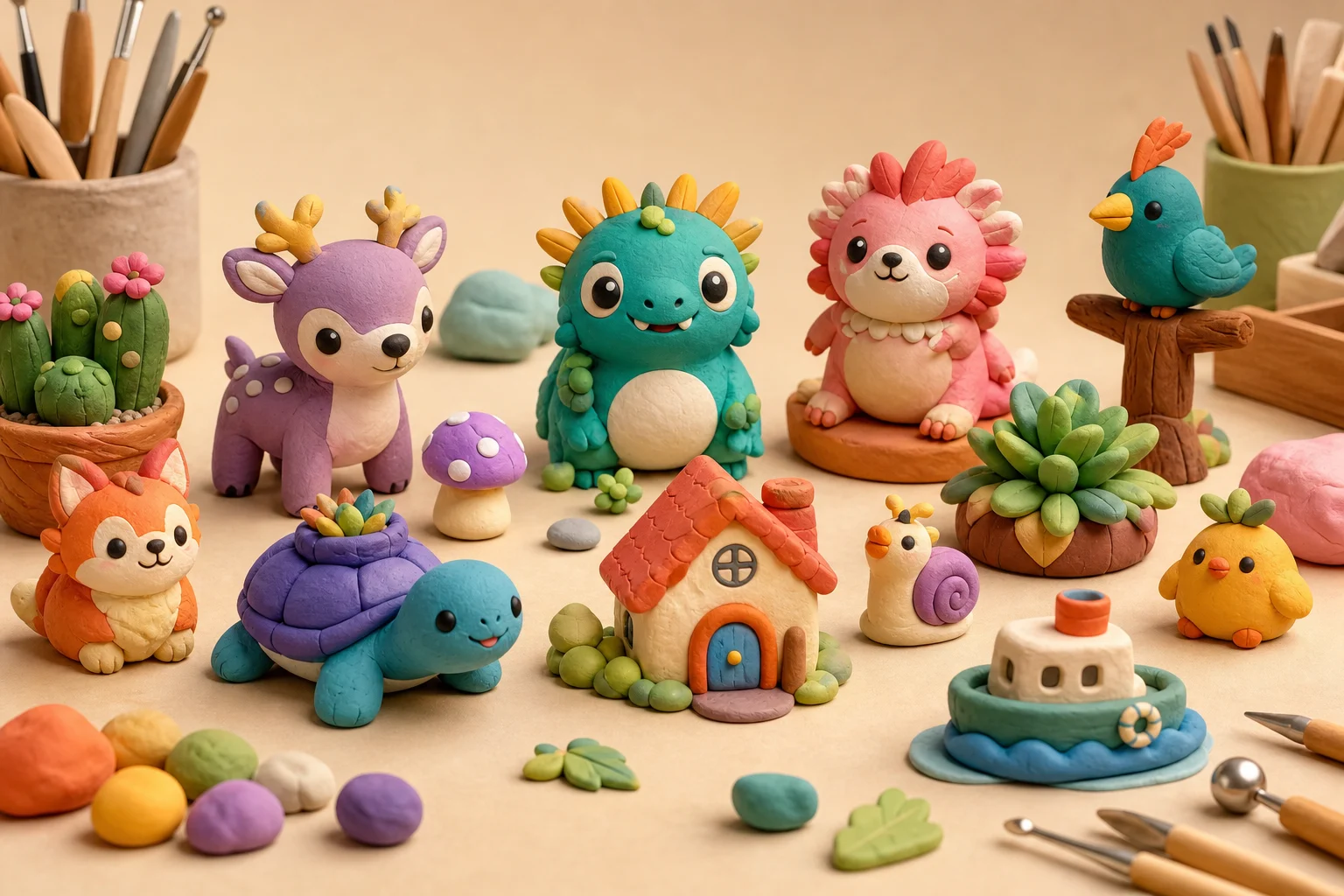
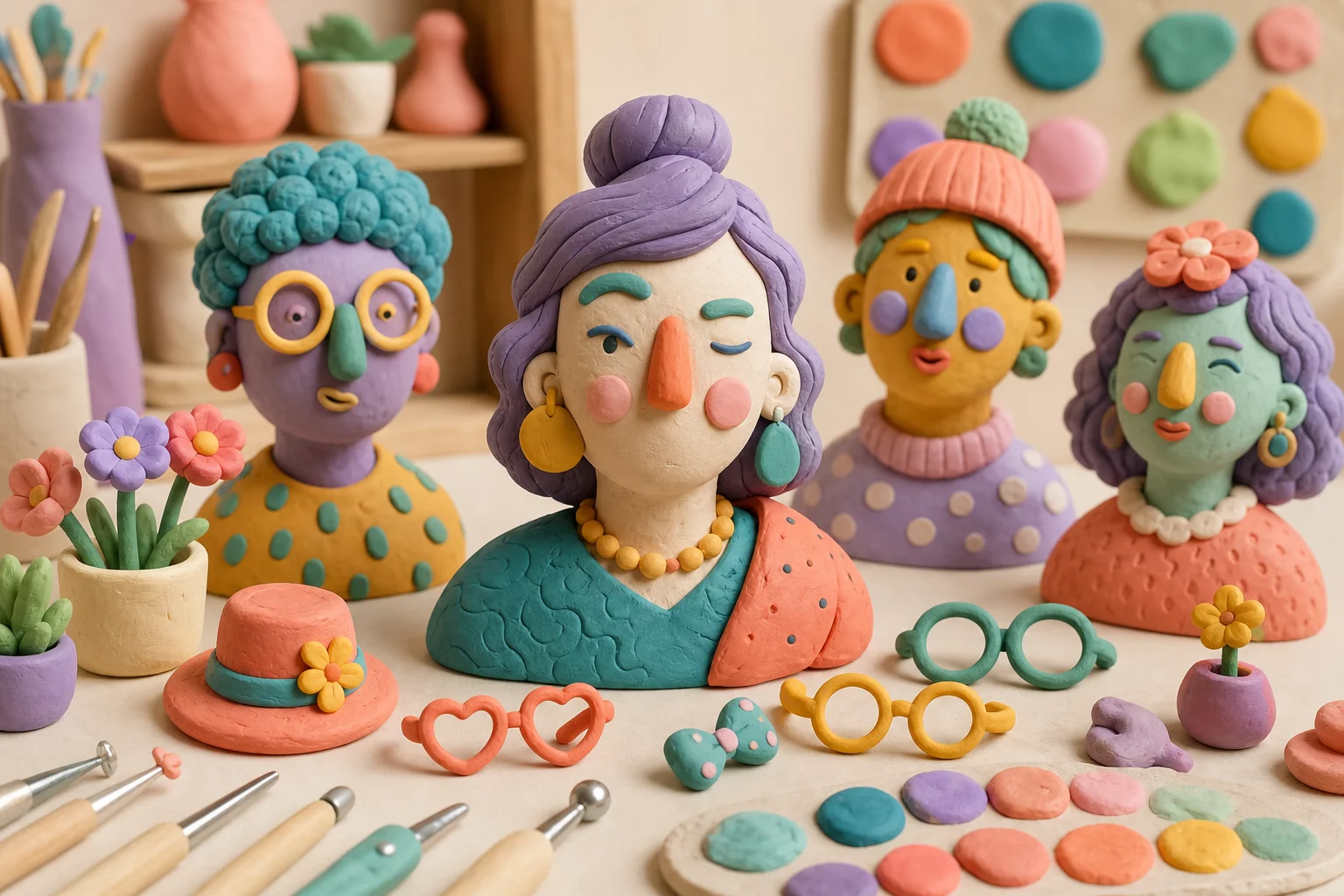
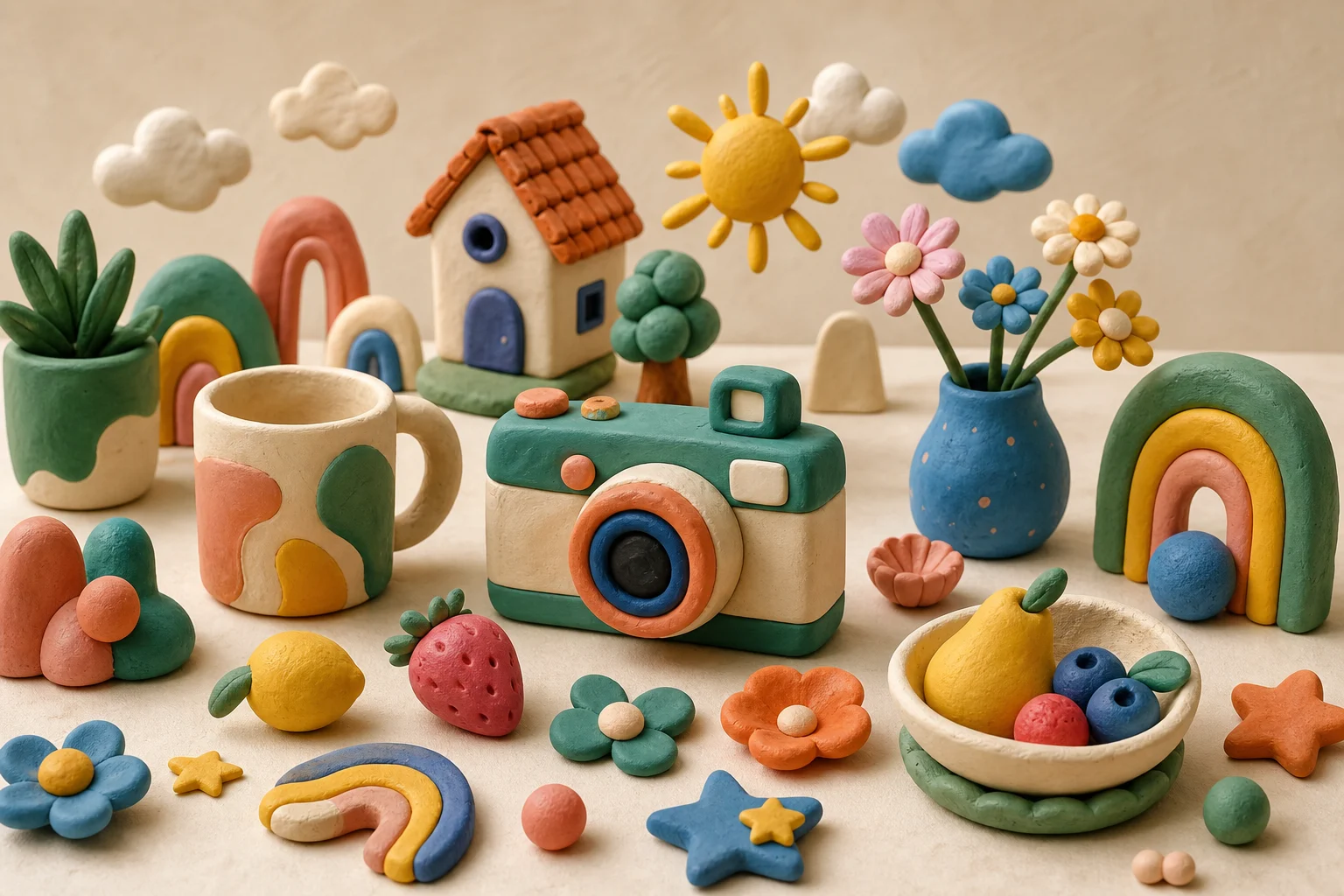
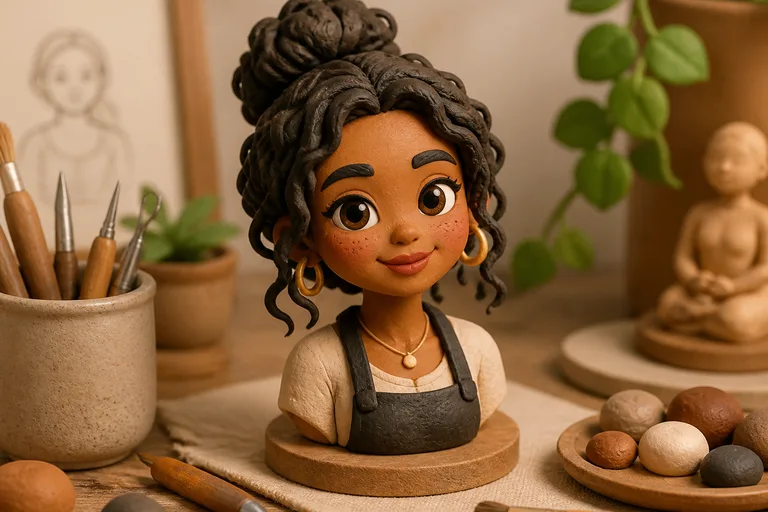
AI Clay Art Generator Examples

AI Clay Art Generator result 1

Example 1

AI Clay Art Generator result 2

Example 2

AI Clay Art Generator result 3

Example 3

AI Clay Art Generator result 4

Example 4

AI Clay Art Generator result 5

Example 5

AI Clay Art Generator result 6

Example 6

AI Clay Art Generator Features

Tools for turning portraits into clay-style artwork with sculpted texture, matte color, and handmade charm.

Free to Use

Try AI Clay Art Generator with free daily credits. No payment details are needed for AI Clay Art Generator.

Style-Specific Output

Generate polished clay art portrait results with detailed, purpose-built AI styling.

Fast preview loop

Preview the AI Clay Art Generator result before downloading, then rerun with a clearer photo or tighter prompt when needed.

Simple upload flow

Upload a clear image to AI Clay Art Generator, review the preview, and keep the version that fits your use case.

No Watermark

Download watermark-free AI Clay Art Generator images for posts, mockups, references, or client drafts.
Privacy Protected

ClipCanva processes AI Clay Art Generator uploads securely and removes files after generation.

How to Create Clay art portrait

Three simple steps to make clay art portrait.

1

Upload Your Photo

Upload a clear source image for AI Clay Art Generator; AI Clay Art Generator supports JPG, PNG, and WebP uploads.

2

Apply the Effect

AI creates a handmade clay-style portrait with soft sculpted texture, rounded forms, matte color, and stop-motion charm while preserving the important identity and composition details.

3

Download the Image

Review the AI Clay Art Generator result, download it, or rerun with a stronger source image.

AI Clay Art Generator FAQ

Common questions about using AI Clay Art Generator.

What is AI Clay Art Generator?
AI Clay Art Generator turns an uploaded image into the selected style while keeping the subject recognizable.
Is AI Clay Art Generator free?
Yes. You can use AI Clay Art Generator on ClipCanva with free daily credits. No credit card is required to start.
How do I use AI Clay Art Generator?
Open the generator, upload your photo or enter a prompt, click Generate, then download the result. The process usually takes under 30 seconds.
What image formats does AI Clay Art Generator support?
AI Clay Art Generator supports common upload formats including JPG, PNG, and WebP. Generated images can be downloaded in high resolution.
Can I use AI Clay Art Generator results commercially?
Finished images from AI Clay Art Generator on ClipCanva can be used for commercial purposes. Check the terms of service for full usage details.

Create Clay art portrait Free

Generate clay art portrait for profile images, posts, gifts, creative previews, or campaign visuals.