AI Chibi Marriage Proposal Generator

AI Chibi Marriage Proposal Generator

Transform a couple photo into a sweet Chibi Marriage Proposal scene with a ring moment, flowers, soft romantic light, and both people kept recognizable.

AI Chibi Marriage Proposal Generator background
0 / 2000
Template prompt

AI Chibi Marriage Proposal Generator

Apply the AI Chibi Marriage Proposal effect to the uploaded couple photo. Preserve both people's identities, hairstyles, outfit color cues, relationship dynamic, and emotional tone. Rebuild them as adorable 3D chibi characters in a romantic proposal scene with one character kneeling or presenting a ring when appropriate, flowers, candles, hearts, soft pink and gold lighting, and polished glossy toy materials. Allow pose changes required for the proposal moment while keeping both people recognizable.

AI Chibi Marriage Proposal Generator background

What is the AI Chibi Marriage Proposal Generator?

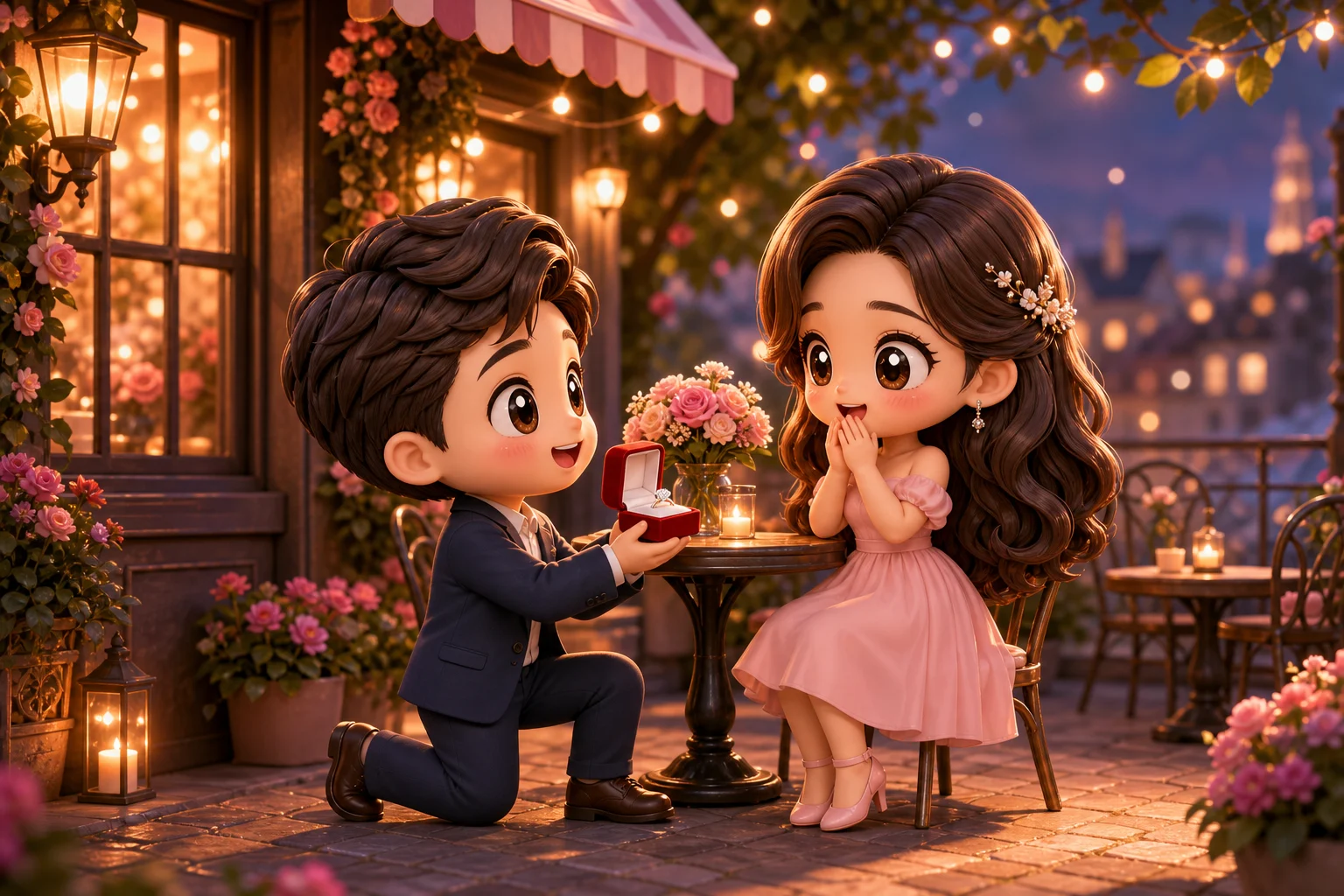
The AI Chibi Marriage Proposal Generator turns a clear couple photo into an adorable 3D chibi keepsake. It focuses on a romantic Proposal moment with a ring, flowers, candles, hearts, soft pink and gold lighting, and glossy toy-like styling while preserving the couple’s identity cues.

From couple photo to chibi proposal keepsake

This template reshapes the couple photo into a cute, romantic proposal scene while protecting the defining details that make the people feel like themselves.

What changes

  • Turns a couple photo into a chibi Marriage Proposal keepsake with a ring moment, flowers, soft romantic light, and both people still recognizable.
  • Creates a polished 3D chibi scene with romantic props, hearts, candles, pink and gold lighting, and glossy toy-like materials.
  • Adjusts the pose when needed so one character can kneel or present a ring while the couple remains identifiable.
  • Builds a focused visual draft for sharing, mockups, references, personal concepts, or creative presentation.
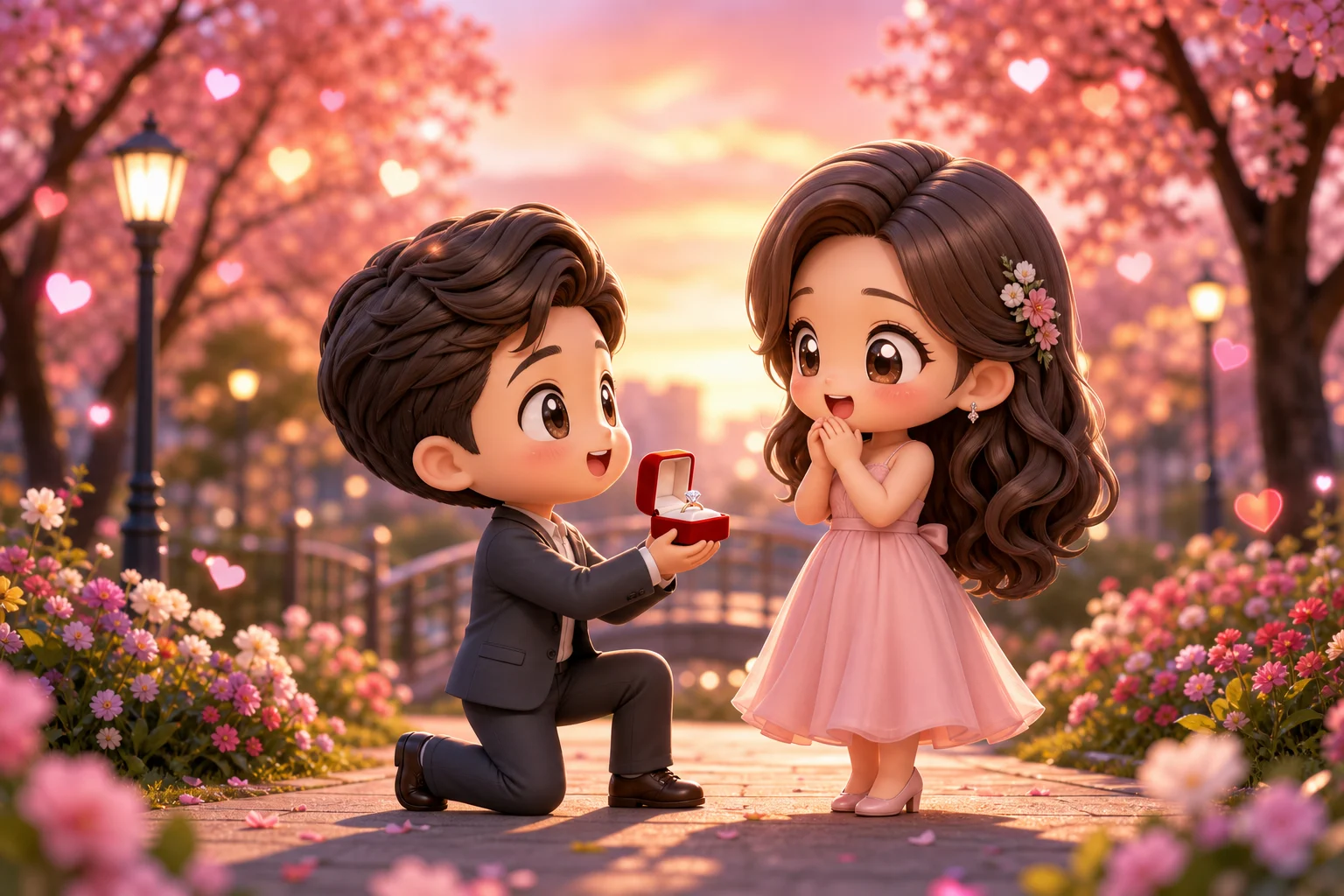
What stays recognizable

  • Preserves both people’s identities, hairstyles, outfit color cues, relationship dynamic, and emotional tone.
  • Keeps the main subjects recognizable from the source photo even when the pose changes for the Proposal setup.
  • Maintains defining colors, silhouettes, and important subject details in a coherent chibi interpretation.
  • Keeps the romantic connection between the couple central to the composition.

How to create a chibi proposal image

Create the best result by starting with a clear couple photo, guiding the romantic chibi direction, and reviewing the final scene carefully.

1

Upload a clear couple photo

Pick a sharp couple photo where both people’s faces, hairstyles, outfit colors, and body shapes are visible.

2

Set the proposal style

Use a direction that mentions a Chibi Marriage Proposal, a ring moment, flowers, candles, hearts, soft pink and gold lighting, and glossy 3D toy materials.

3

Check and refine the image

Review the result for recognizable identities, coherent pose changes, clean hands, believable ring details, and smooth background transitions.

Chibi Marriage Proposal style ideas

Explore different romantic chibi proposal looks with warm lighting, flowers, ring moments, and glossy 3D character styling.

AI Chibi Marriage Proposal Generator result

Soft romantic proposal scene

A polished chibi couple scene with a clear proposal focus, soft highlights, and a warm romantic mood.

AI Chibi Marriage Proposal Generator result 1

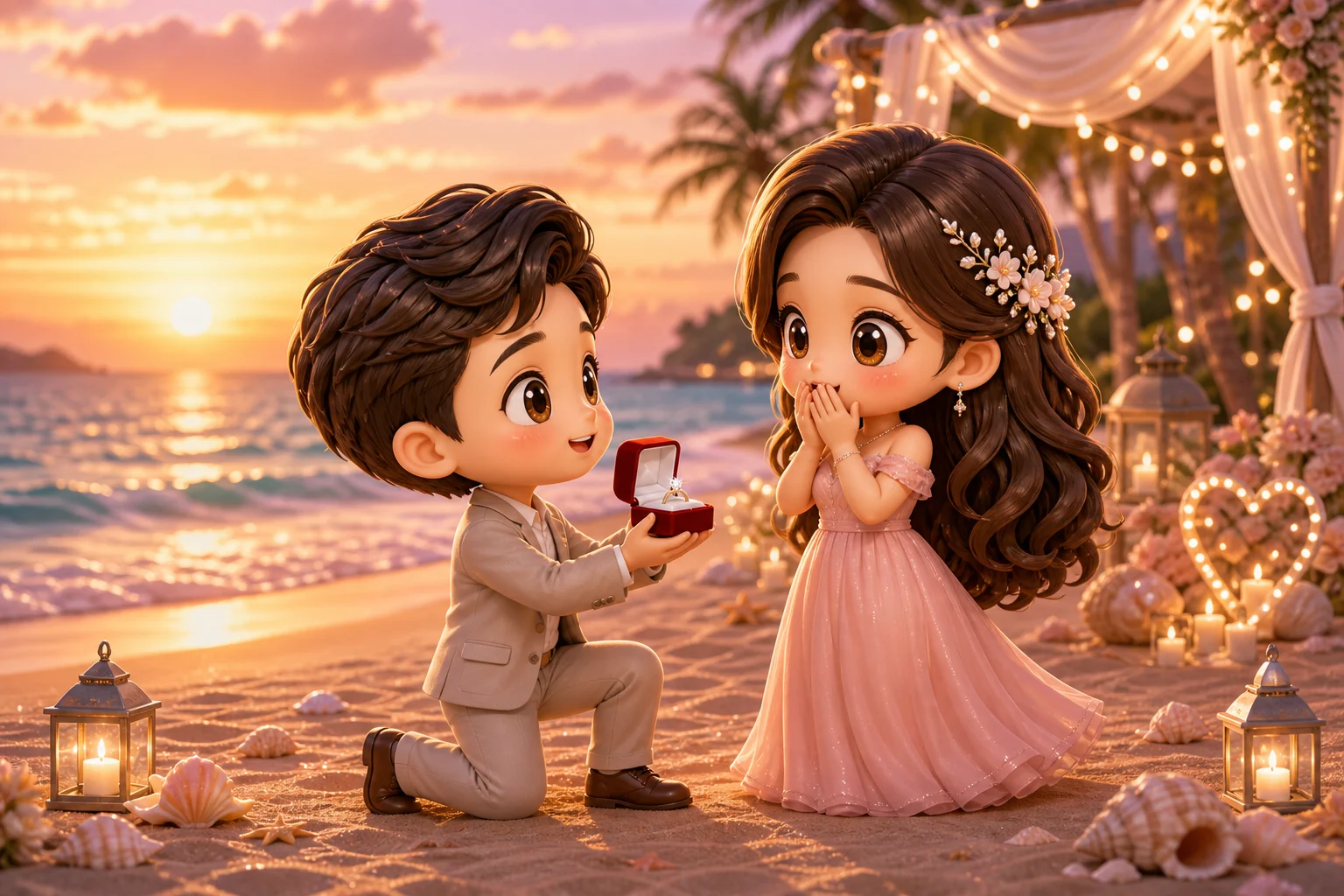
Flower-filled chibi proposal

A cute 3D chibi Marriage Proposal look with flower details, gentle lighting, and recognizable couple styling.

AI Chibi Marriage Proposal Generator result 2

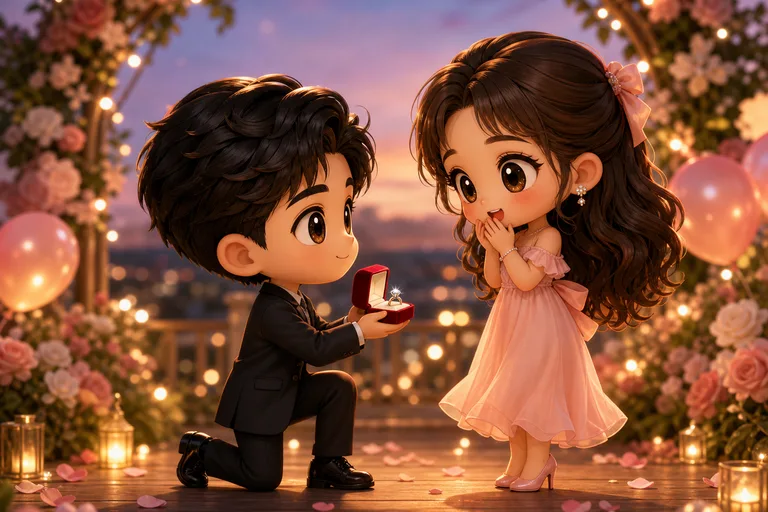
Glossy 3D keepsake look

A glossy toy-like chibi proposal composition with warm pink and gold tones for a keepsake-style result.

AI Chibi Marriage Proposal Generator result 3

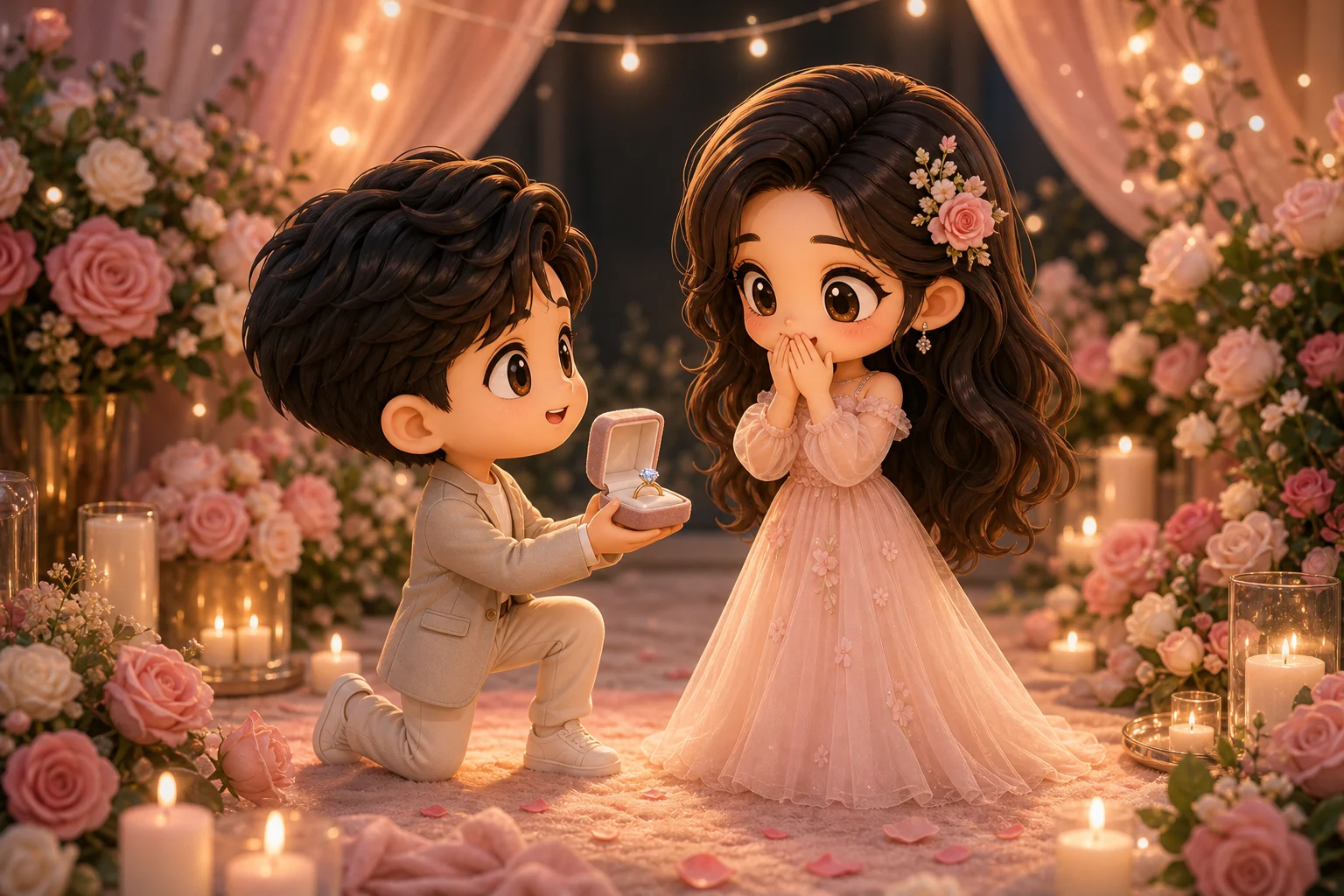
Ring moment chibi scene

A romantic proposal scene emphasizing the ring moment, expressive chibi characters, and sweet decorative details.

Ways to use a chibi Marriage Proposal image

Use the AI Chibi Marriage Proposal Generator when you want a cute, romantic visual direction based on a real couple photo.

Personal romantic keepsakes

Create a focused chibi proposal preview for a personal keepsake, engagement concept, anniversary surprise, or creative project.

Creative previews and references

Compare the visual direction before refining, sharing, or presenting the chibi Marriage Proposal result.

How to get a better chibi proposal result

A strong source image helps the chibi proposal scene keep the couple’s identities, outfit cues, and emotional tone while allowing the pose to shift toward a romantic ring moment.

Source image checks

  • Use a sharp source image with both people clearly visible.
  • Avoid heavy blur, blocked faces, extreme crops, or confusing overlaps.
  • Choose a photo whose pose and framing can support a kneeling or ring-presenting Marriage Proposal moment.

Prompt guidance

Describe the couple, the desired Proposal mood, and any important details to keep, such as hairstyle, outfit colors, flowers, candles, hearts, soft pink and gold lighting, and a glossy 3D chibi look.

Review your AI Chibi Marriage Proposal Generator result

Generated details can vary, so review the image carefully and refine with a clearer source photo or more specific direction when needed.

Check identity and recognition

Compare both people’s faces, hairstyles, outfit color cues, silhouettes, and relationship dynamic with the original photo.

Review the proposal scene

Look for a coherent Chibi Marriage Proposal style with a clear ring moment, romantic props, soft lighting, and polished 3D character treatment.

Inspect fine details

Inspect faces, hands, ring details, flowers, candles, edges, small objects, and background transitions for visual artifacts before using the image.

AI Chibi Marriage Proposal Generator FAQ

Answers to common questions about creating a recognizable Chibi Marriage Proposal image from a couple photo.

What is AI Chibi Marriage Proposal Generator?
It is a template for turning a couple photo into a cute 3D chibi Marriage Proposal scene, usually featuring a ring moment, romantic flowers, soft lighting, and recognizable versions of both people.
Is AI Chibi Marriage Proposal Generator free?
Availability and access can change, so check the current ClipCanva page for the latest usage details before starting your image.
How do I use AI Chibi Marriage Proposal Generator?
Upload a clear couple photo, use the chibi proposal direction, then review the result for identity, pose, ring details, hands, faces, and romantic scene elements.
What image formats does AI Chibi Marriage Proposal Generator support?
Use a common image file that clearly shows both people. A sharp portrait or couple photo with visible faces, hairstyles, outfits, and body positioning gives the template better details to follow.
Can I use AI Chibi Marriage Proposal Generator results commercially?
Usage terms can depend on the platform, project, and source material. Review the current ClipCanva terms and make sure you have permission to use the original couple photo.
What AI Chibi Marriage Proposal Generator changes should I expect?
It changes the source into adorable chibi characters, adds a Marriage Proposal setup, introduces romantic props such as flowers and candles, and applies soft pink and gold lighting with polished 3D toy materials.
Which source image works best?
Choose a sharp couple photo where both people are visible, faces are not blocked, outfit colors are clear, and the framing leaves enough room for a kneeling or ring-presenting Proposal pose.
How do I keep the subject recognizable?
Start with a clear image and compare the final chibi result with the original. Check hairstyles, face shape, outfit color cues, relationship dynamic, silhouettes, and other defining details.

Create your Chibi Marriage Proposal scene

Use a clear couple photo to create a romantic Chibi Marriage Proposal keepsake with a ring moment, flowers, warm lighting, and recognizable character details.