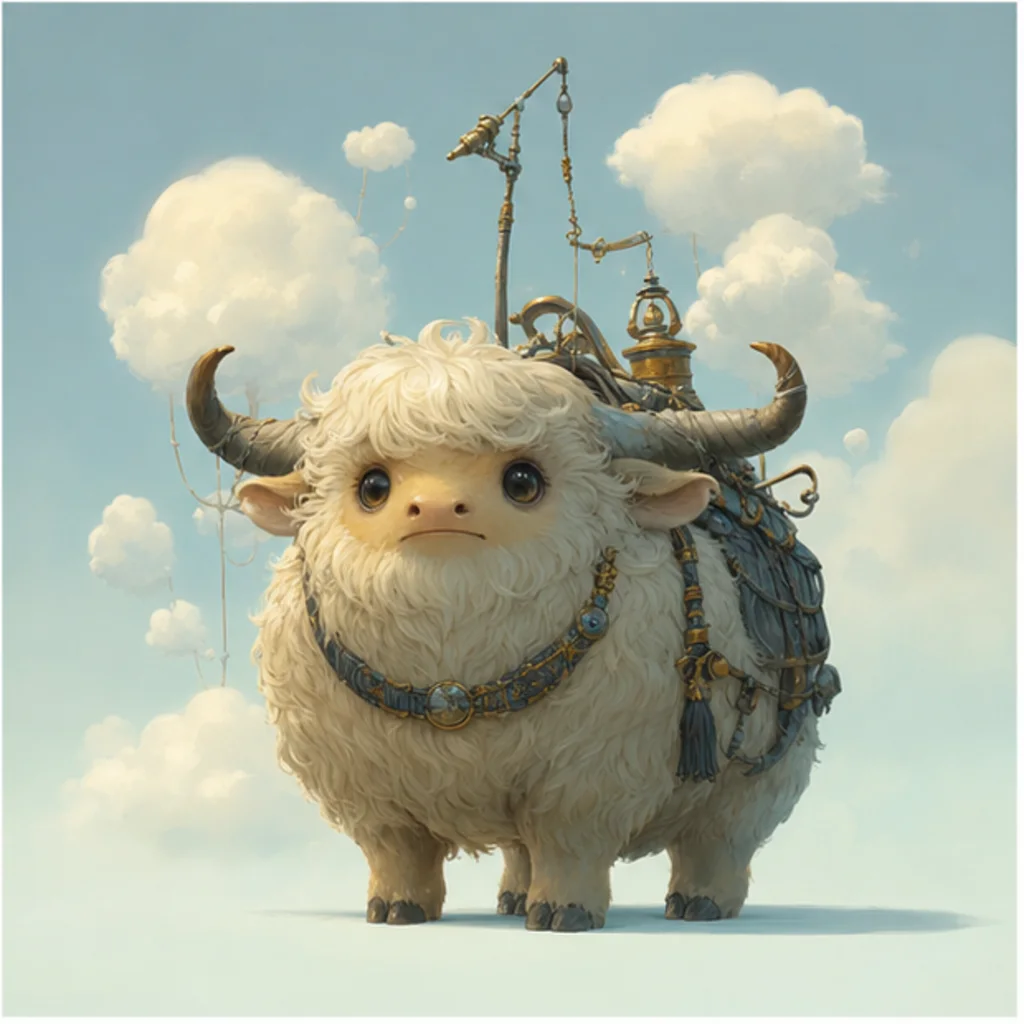
Design an original character concept from a focused brief. Define role, personality, silhouette, clothing, materials, palette, pose, and key details without copying a living artist, franchise, or existing character.
Use only the written brief as input. Create an entirely original character from the user's written brief. Define role, personality, silhouette, proportions, clothing, materials, palette, accessories, and a neutral readable pose. Do not imitate a living artist, named studio style, protected franchise, or existing character. Do not add recognizable emblems or brand marks. Keep the design coherent and leave anatomy, hands, face, costume continuity, symbols, and originality ready for human review.
What this Character Creator is for
This AI Character Creator template helps turn a written idea into a clear original character direction. It is built for briefs that describe who the character is, what they do, how they behave, where they belong, and what visual feeling they should create.
From brief to original character direction
This template turns a character idea into a more complete visual direction while keeping the concept original and reviewable.
What the template helps define
Create an original character concept from a written brief covering role, personality, silhouette, clothing, materials, and palette. Do not imitate a living artist or protected franchise, and review the result for anatomy, continuity, unintended symbols, and originality.
Describe what the character does, how they behave, their environment, and the feeling they should create.
Set silhouette, proportions, palette, clothing, materials, accessories, pose, and level of detail.
Do not request a living artist's style, a named franchise, or a recognizable existing character.
What should stay coherent
Keep the design coherent and leave anatomy, hands, face, costume continuity, symbols, and originality ready for human review.
The main subject remains recognizable from the source image.
Defining colors, pose, silhouette, and important subject details stay coherent.
AI Character Creator workflow
Move from a rough idea to a reviewable character concept by writing a specific brief and checking the result against the source and design goals.
1
Define the concept
Start with the character’s role, personality, setting, and the feeling the design should create. Add what they do and how they behave.
2
Describe the visual design
Specify silhouette, proportions, clothing, materials, accessories, palette, pose, and level of detail so the design has a clear visual structure.
3
Keep it original
Avoid references to living artists, named studios, protected franchises, existing characters, brand marks, or recognizable emblems.
4
Review the draft
Compare the result with the brief and source image, then review anatomy, hands, face, costume continuity, symbols, and small details before refining.
Character Creator variation ideas
Explore different kinds of original characters by changing the role, environment, body language, materials, and palette in the brief.
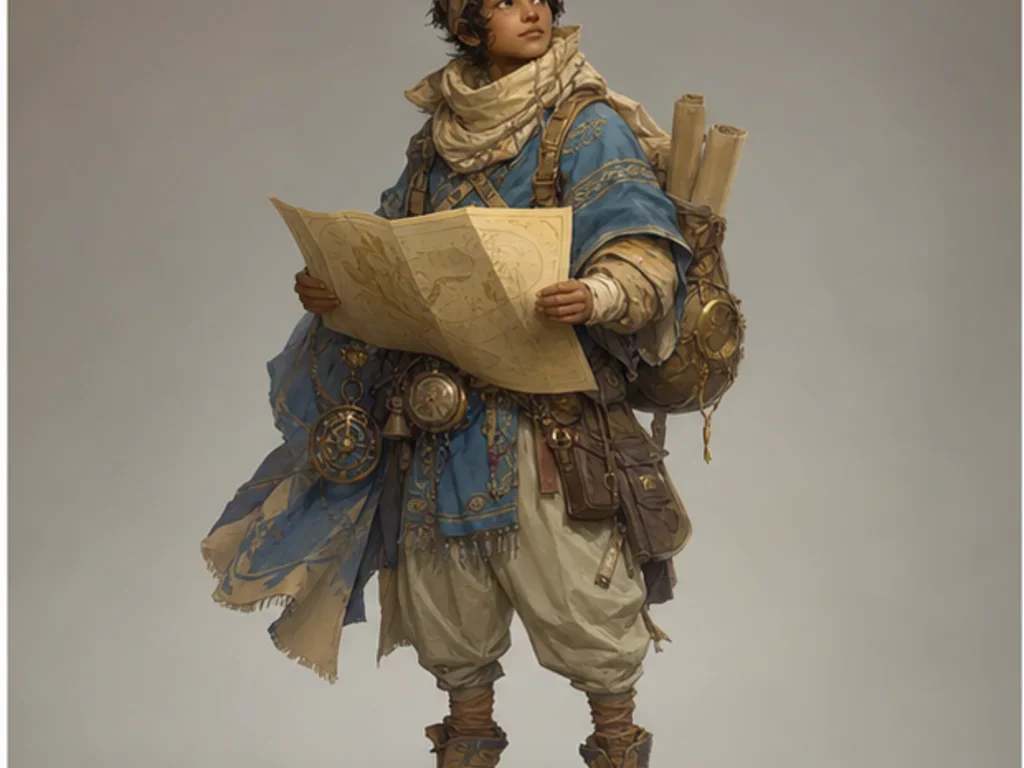
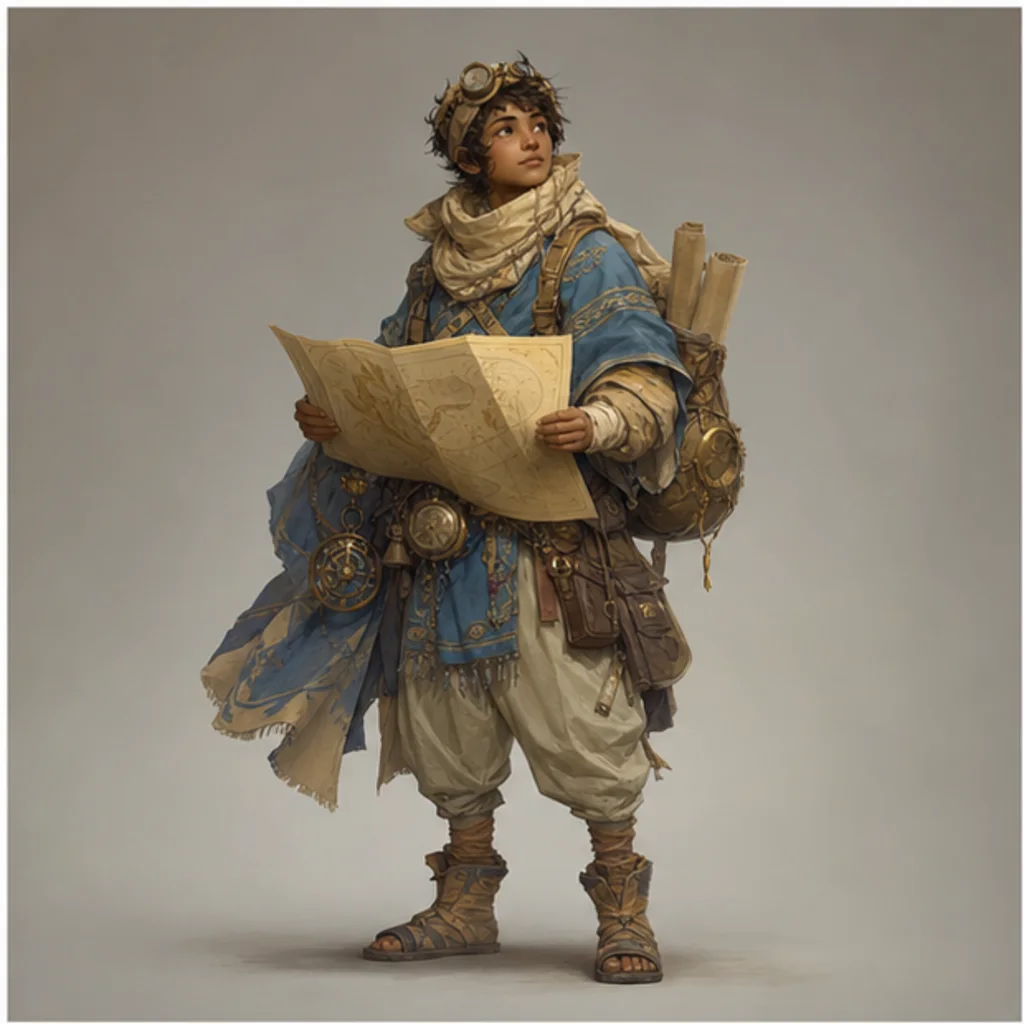
Desert cartographer
A desert cartographer concept with practical travel equipment, warm earth tones, readable accessories, and a clear adventure-focused silhouette.
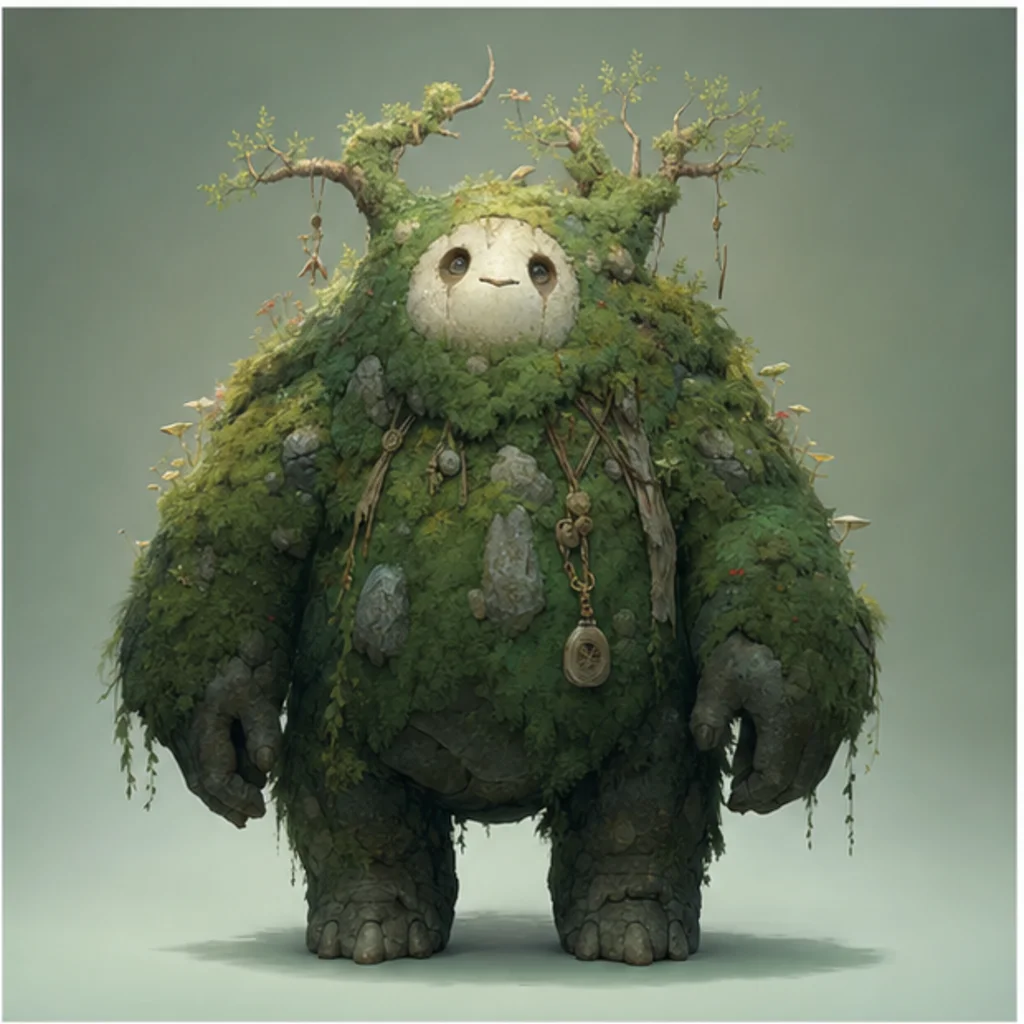
Forest guardian creature
A moss-covered guardian creature with organic textures, forest colors, soft massing, and a calm protective presence.
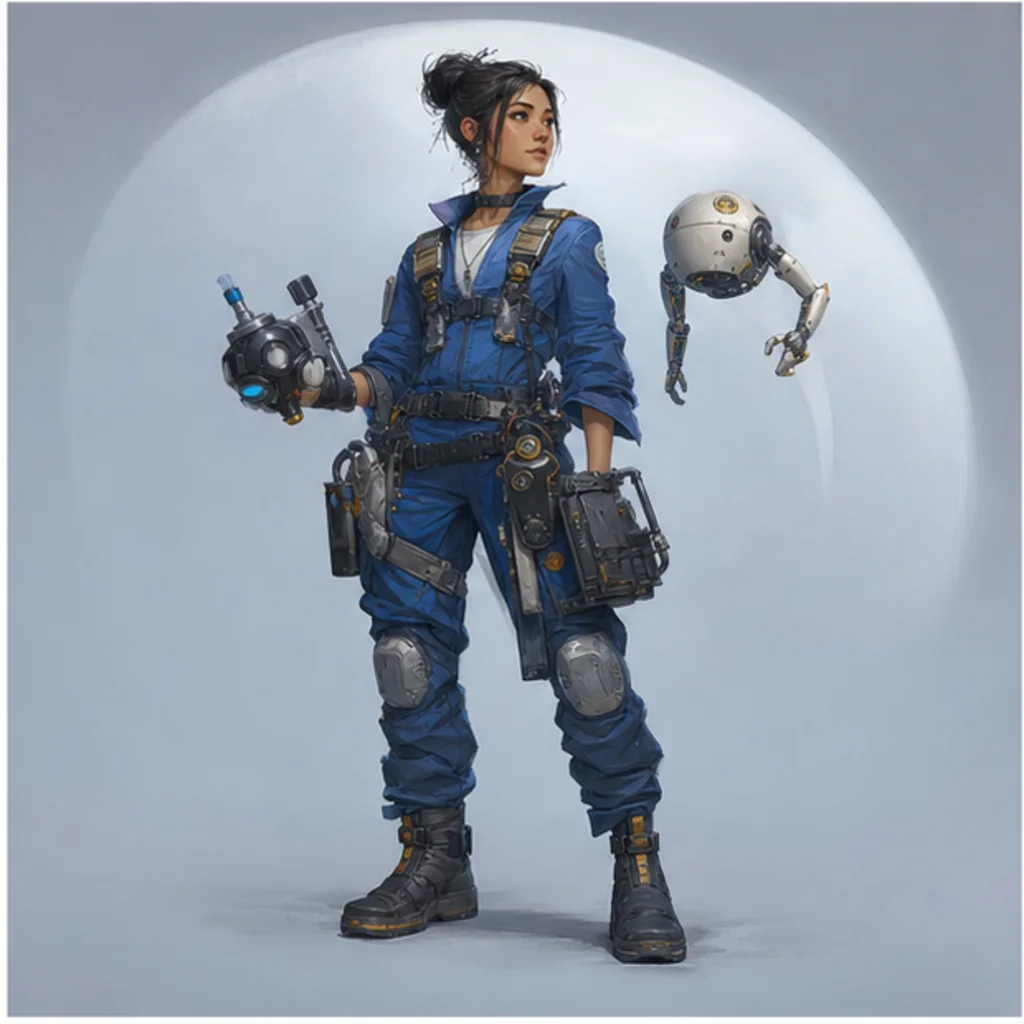
Orbital mechanic
An orbital mechanic character in cobalt workwear, with functional tools, sturdy materials, and a practical science-fiction silhouette.
Cloud-herding companion
A cloud-herding animal companion with a rounded shape, airy texture cues, playful proportions, and a gentle fantasy mood.
When to use this template
Use this Character Creator when you need a clear first look at an original character before deciding how to refine the idea.
Explore a new character idea
Create a focused AI Character Creator preview for a personal or creative project, such as a story, game idea, tabletop campaign, mascot, or illustration brief.
Evaluate a design direction
Compare the visual direction before refining, sharing, or presenting the result so you can decide which silhouette, palette, and costume details are worth keeping.
How to guide the result
A strong brief gives the Creator enough visual direction while leaving room for an original design. Focus on what the character is, how they feel, and which details must remain coherent.
Choosing a source image
Use a sharp source image with the main subject clearly visible.
Avoid heavy blur, blocked details, extreme crops, or confusing overlaps.
Choose a source whose pose and framing support the intended AI Character Creator result.
Writing the character brief
Describe the character’s role, personality, environment, silhouette, proportions, clothing layers, materials, palette, accessories, pose, and level of detail. Avoid living artist names, studio styles, protected franchises, existing characters, recognizable emblems, and brand marks.
Review before developing the concept
Treat the output as a visual draft. Review it carefully before refining, sharing, or using it as the basis for a larger character sheet or story concept.
Identity and silhouette
Compare the result with the source or brief to confirm the character’s identity, silhouette, pose, proportions, and defining details still make sense.
Costume continuity
Look for coherent clothing layers, material behavior, accessory placement, color relationships, and repeated details across the costume.
Human review points
Inspect faces, hands, limbs, edges, small objects, text-like marks, symbols, and background transitions for artifacts or unintended meaning.
AI Character Creator FAQ
Use these answers to shape a stronger character brief and review the result with care.
What details make a character prompt useful?
A useful prompt includes the character’s role, personality, environment, silhouette, proportions, clothing, materials, accessories, palette, pose, and desired level of detail. The more specific the brief is, the easier it is to judge whether the concept matches your intent.
Can I ask for a living artist's style?
Avoid asking for the style of a living artist. Instead, describe visible qualities such as lighting, texture, color mood, line weight, material finish, or the type of world the character belongs to.
Can I make a character from a known franchise?
Do not request a named franchise or a recognizable existing character. Build an original concept by describing broad genre, role, costume logic, personality, and visual themes instead.
Will the character stay consistent in later images?
A single result can establish a direction, but later images may vary. To support consistency, keep notes on silhouette, colors, accessories, materials, pose language, and defining facial or costume details.
What should I review before developing the concept?
Review anatomy, hands, face, costume continuity, small objects, unintended symbols, text-like marks, background transitions, and whether the design feels original rather than too close to a known property.
What AI Character Creator changes?
The template can change the visual idea into a more complete original Character design by clarifying role, personality, clothing, materials, accessories, palette, pose, and readable proportions.
Which source image works best?
Choose a sharp source image where the subject, pose, silhouette, and important details are easy to see. Avoid heavy blur, blocked features, extreme crops, or confusing overlaps.
How to keep the subject recognizable?
Keep the source subject’s defining colors, pose, silhouette, and important details in mind when writing the brief, then compare the result against those features during review.
Create an original Character concept
Use the AI Character Creator to explore an original character direction, then review the result for coherence, anatomy, continuity, symbols, and originality before developing it further.