Try a close-cropped hairstyle on a clear portrait. Compare the generated face, hairline, and background with the original; details can change, and this is not a prediction of a real haircut.
Apply the AI Buzz Cut Filter effect to the uploaded portrait. Preserve the same person, face shape, expression, pose, clothing, lighting, camera angle, and background. Change only the hair into a realistic buzz cut or very short haircut with natural scalp visibility, hairline fit, short-hair texture, shadows, and skin blending. Keep identity and facial details unchanged.
What is AI Buzz Cut Filter?
This template asks for a buzz cut or very short hairstyle on a portrait. The prompt aims to retain the person and composition while changing the hair, but the model can alter facial details, lighting, or the background. Use the image as a visual idea, not a prediction of a real haircut.
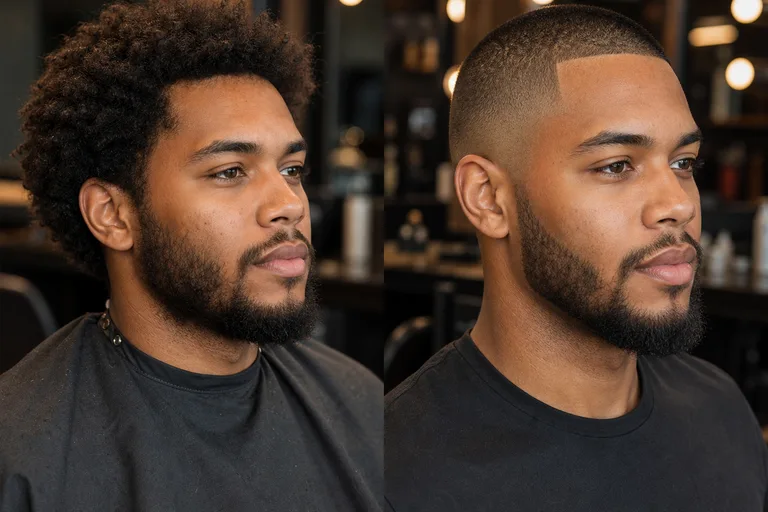
From current hairstyle to close Buzz Cut preview
The requested change is the hairstyle. Compare the output with the source because the model may also change other portrait details.
What changes
Turns the visible hair into a sharp buzz cut or very short haircut.
Aims to align the haircut with the original head angle, shadows, and skin tone; inspect the output for mismatches.
Creates a focused visual preview you can compare before refining, sharing, or presenting the result.
What to compare with the original
Compare the face shape, expression, pose, clothing, camera angle, lighting, and background.
Reject a preview that changes recognizable facial details.
Check that the main subject is still recognizable from the source image.
Inspect colors, silhouette, and portrait edges for unexpected changes.
How AI Buzz Cut Filter works
Use a clear portrait, apply the haircut direction, then inspect the result against the original image before saving the version you prefer.
1
Upload a clear portrait
Choose a sharp photo where the face, head shape, hairline area, and main subject are visible, with minimal blur or obstruction.
2
Apply the Buzz Cut style
Set the look as a realistic buzz cut or very short haircut, with natural scalp visibility, fitted hairline detail, and matching light.
3
Review the result
Compare the preview with the original for identity, expression, hairline quality, edges, and background consistency.
4
Refine and download
If needed, try a clearer source image or a more specific description to tighten the haircut texture and blending.
AI Buzz Cut Filter examples
These images illustrate possible hairstyle directions. They are not verified before-and-after pairs or a guarantee of the result from your own photo.
Natural buzz cut preview
A natural close-cropped look with soft scalp visibility and lighting that follows the original portrait.
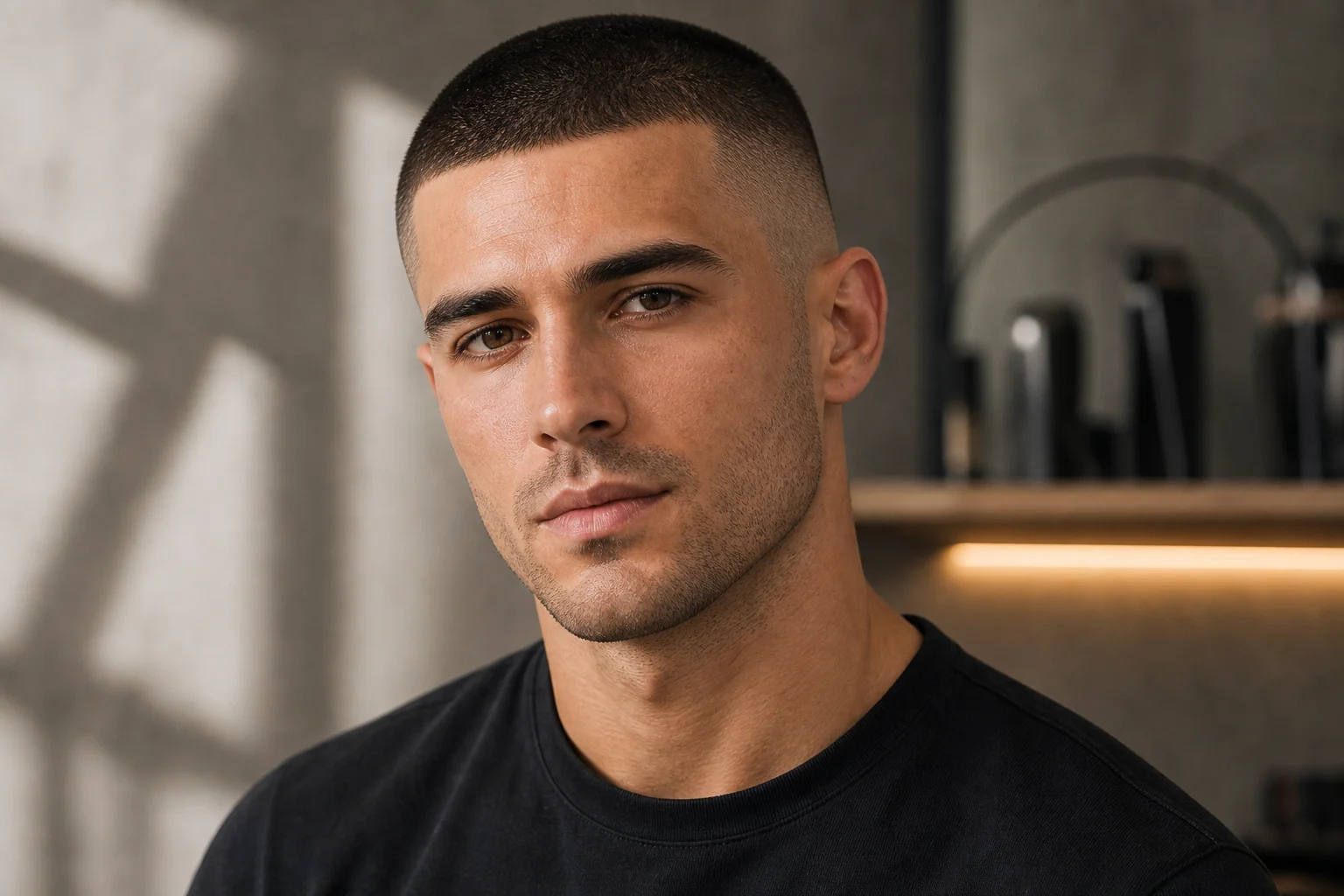
Sharper hairline detail
A cleaner, sharper Cut effect with defined hairline edges and short-hair texture across the scalp.
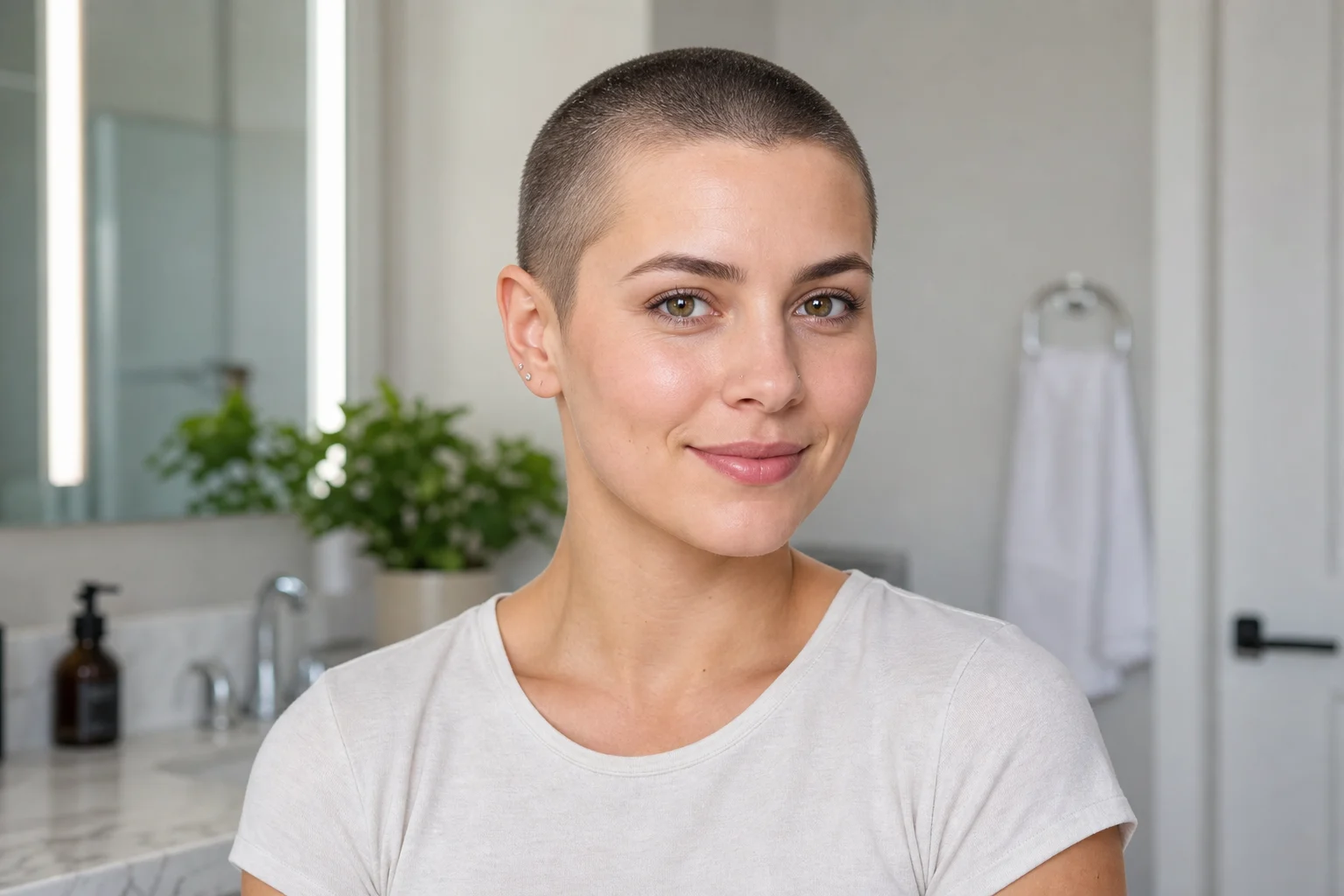
Very short haircut look
A balanced very short haircut preview that keeps the face, expression, clothing, and background close to the source.
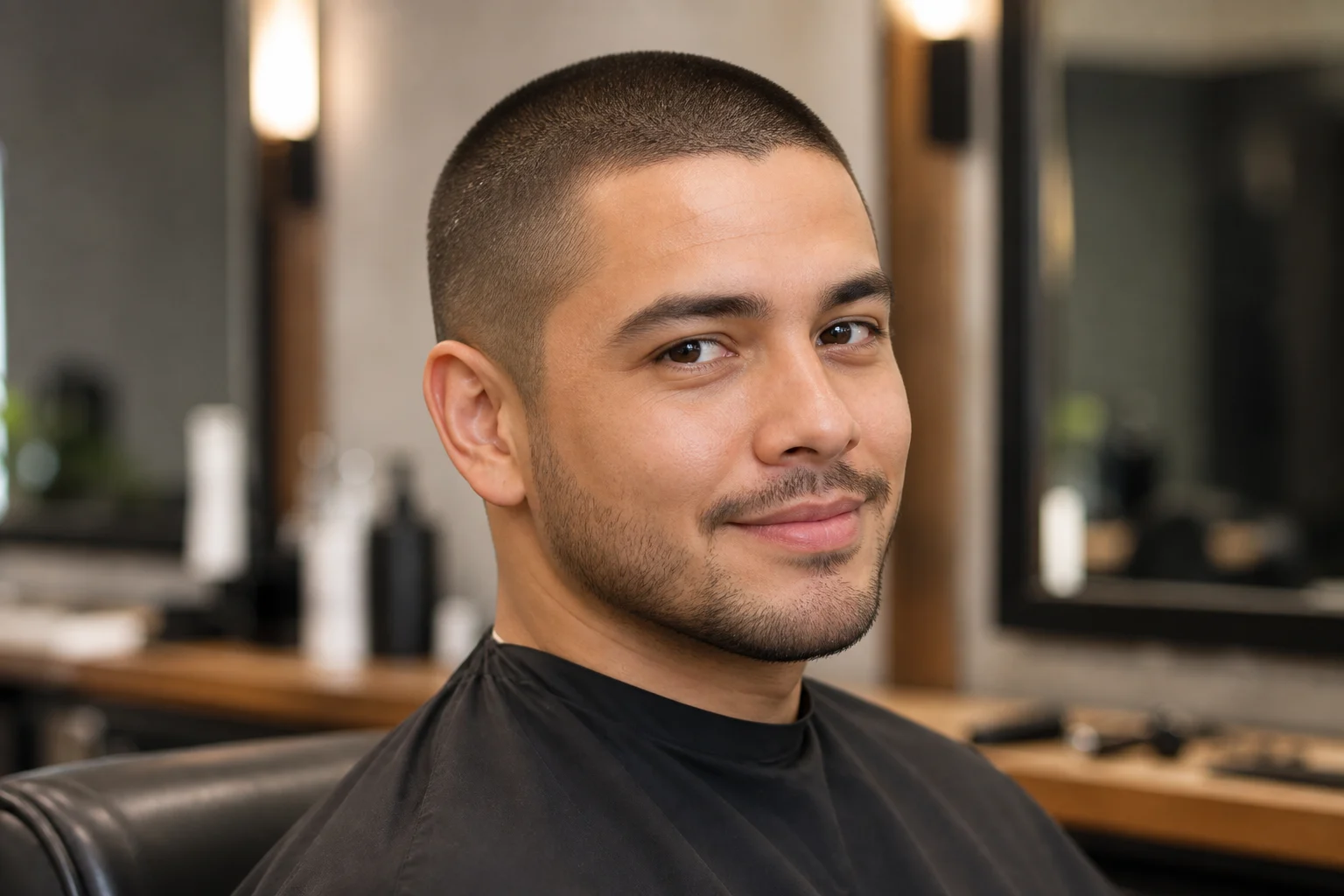
Portrait-ready buzz cut
A portrait-focused hairstyle illustration showing the intended shadows, scalp blending, and short-hair silhouette.
Popular ways to use AI Buzz Cut Filter
Use the Buzz Cut Filter online when you want a focused, realistic-looking preview before committing to a very short haircut direction in a personal or creative image.
Preview a haircut idea
See how a sharp Buzz Cut or close-cropped hairstyle changes your overall look while keeping your portrait familiar.
Explore a visual direction
Compare a very short hairstyle against your current look before refining, sharing, or presenting the image.
Build a creative reference
Create a clean portrait variation for mood boards, character references, profile concepts, or styling experiments.
How to get a better AI Buzz Cut Filter result
A strong source photo and a specific haircut direction help the result stay realistic and recognizable.
Source image checklist
Use a sharp source image with the main subject clearly visible.
Avoid heavy blur, blocked details, extreme crops, or confusing overlaps.
Choose a source whose pose and framing support the intended AI Buzz Cut Filter result.
Prompt tips for a cleaner Buzz Cut result
Describe the haircut as a realistic buzz cut or very short close-cropped style. Mention natural scalp visibility, a fitted hairline, short-hair texture, subtle shadows, and skin blending. Also state that the same person, expression, pose, clothing, lighting, camera angle, and background should remain unchanged.
Review your AI Buzz Cut Filter preview
Generated details can vary between runs, so review the preview carefully before using or sharing it. A clearer source image or more specific haircut description can improve a weak result.
Check identity and structure
Compare the face shape, expression, eyes, mouth, jawline, pose, and silhouette with the source image so the person remains recognizable.
Inspect the haircut detail
Look closely at the hairline, scalp visibility, short-hair texture, shadows, and skin blend to make sure the Buzz Cut effect feels coherent.
Scan the full image
Review edges around the head, background transitions, clothing, small objects, hands, and any text for artifacts or unexpected changes.
AI Buzz Cut Filter FAQ
Common questions about using the Buzz Cut Filter online and preparing a portrait that gives you a clearer haircut preview.
What is AI Buzz Cut Filter?
AI Buzz Cut Filter is a portrait editing template for previewing a sharp buzz cut or very short haircut. It changes the hair area while keeping the same person, face shape, expression, camera angle, clothing, lighting, and background as consistent as possible.
What source image should I use?
Use a clear, well-lit portrait where the head shape, hairline area, face, and main subject are visible. Avoid heavy blur, blocked hair, extreme crops, hats, dense shadows, or confusing overlaps around the head.
How do I use AI Buzz Cut Filter?
Upload a suitable portrait, apply the AI Buzz Cut Filter, then review the result before downloading. If the hairline, scalp blend, or short-hair texture needs improvement, try a clearer photo or refine the description of the haircut you want.
What image formats does AI Buzz Cut Filter support?
Use common image formats supported by the upload tool, such as standard portrait files from your camera, phone, or design workflow. For the best result, choose a sharp image with enough resolution to show facial and hairline details.
Can I use AI Buzz Cut Filter results commercially?
Usage depends on the rights attached to your source image, any people shown, and your intended context. Review permissions and applicable platform terms before using a result in public, client, brand, or paid projects.
What AI Buzz Cut Filter changes should I expect?
The prompt requests a buzz cut or very short hairstyle. The model may also alter facial features, shadows, clothing, or background details. Compare the full image with the source and reject unwanted changes. The preview does not predict how a real haircut will look.
Which source image works best?
A front-facing or lightly angled portrait usually works well when the head, hairline, and face are not hidden. Clean lighting and simple framing help the Buzz Cut Filter online create a more coherent preview.
How do I keep the subject recognizable?
Start with a photo where the person is easy to recognize, then review the finished image against the original. Check the face shape, eyes, mouth, expression, silhouette, and background transitions to make sure the subject still reads as the same person.
Try the AI Buzz Cut Filter on your portrait
Start with a clear portrait, create a hairstyle preview, and inspect the full image against the original before saving it.