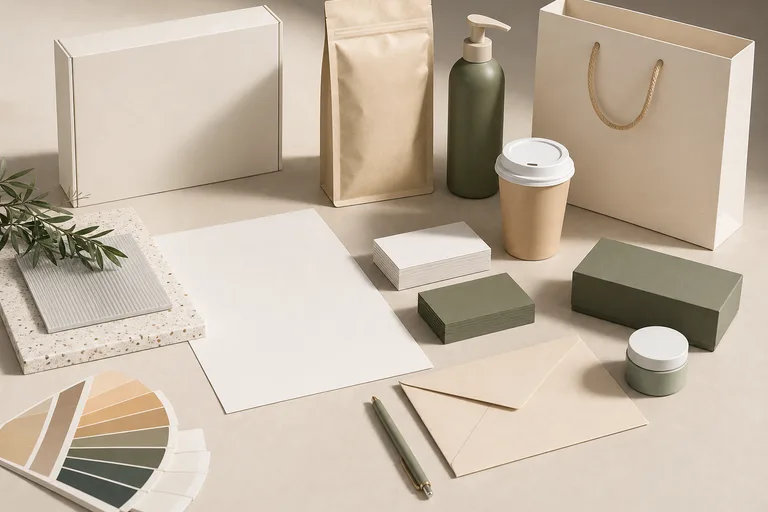
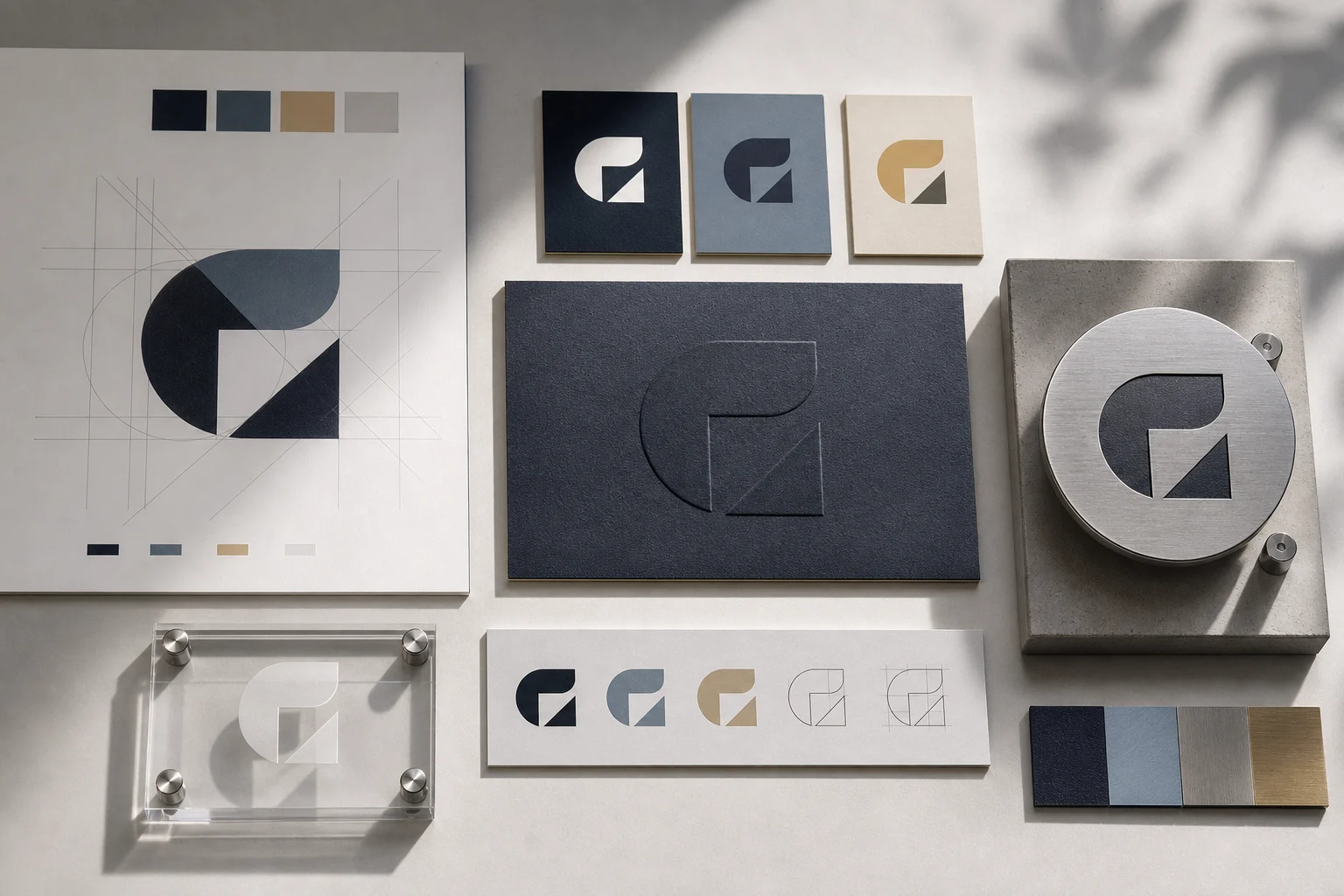
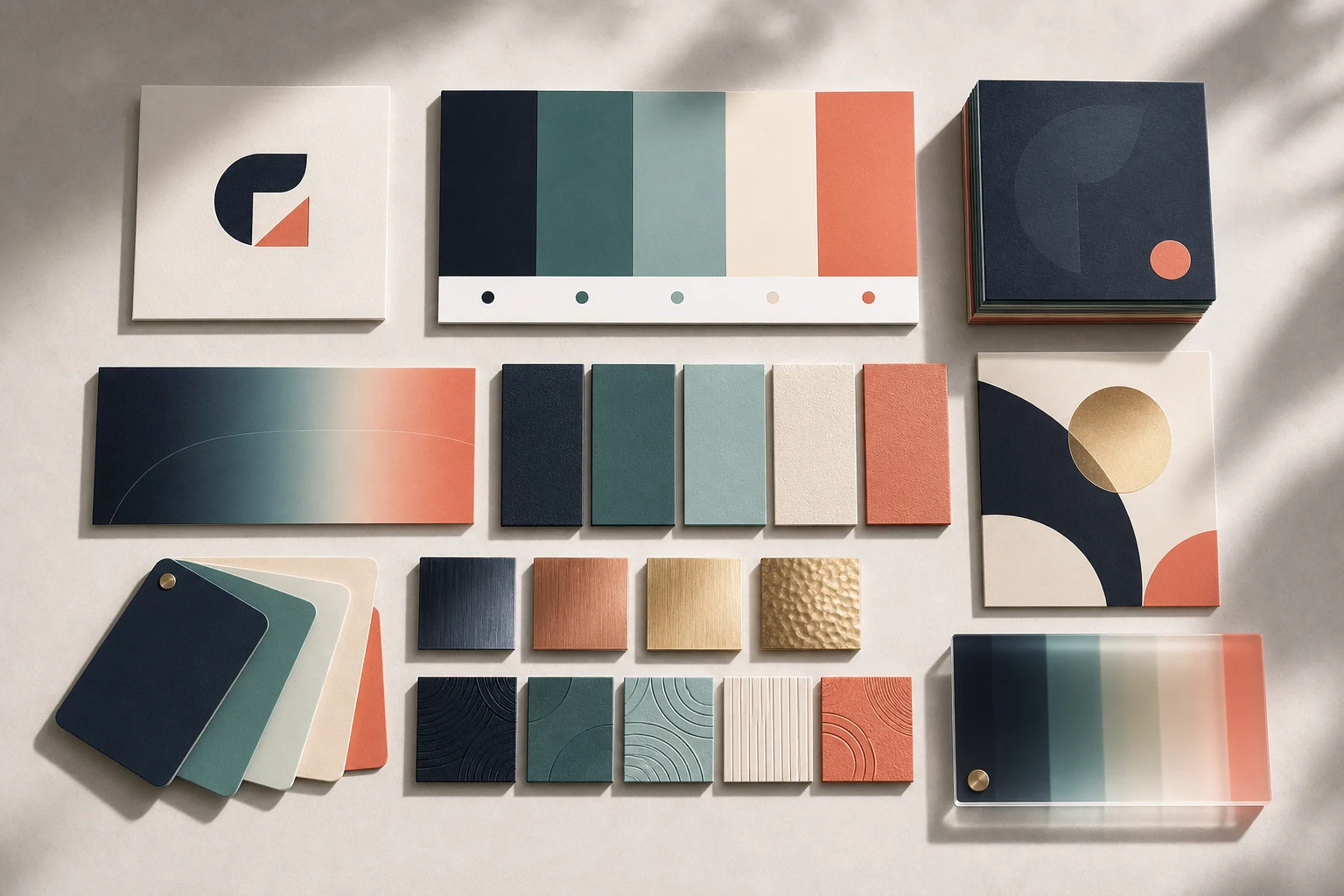
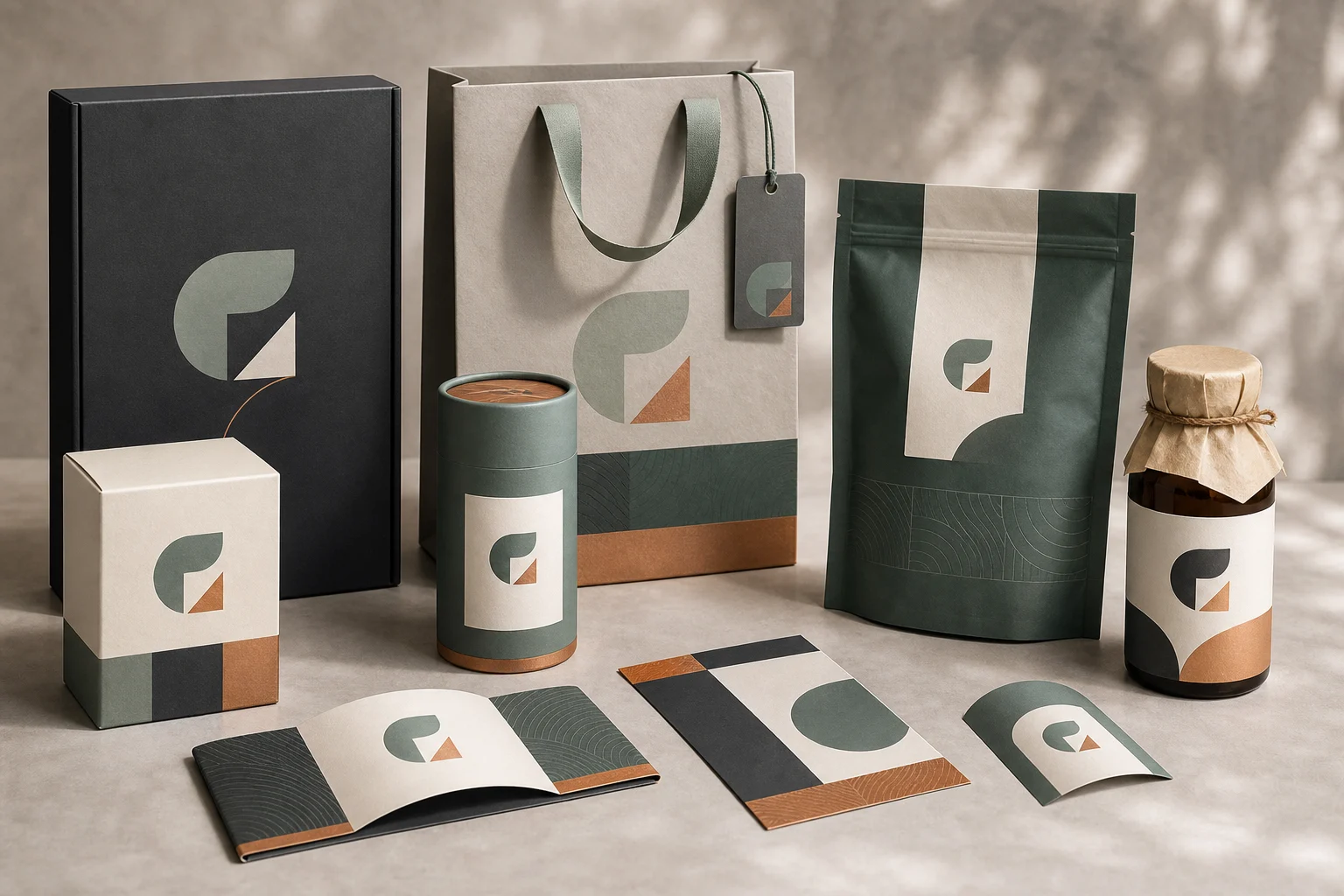
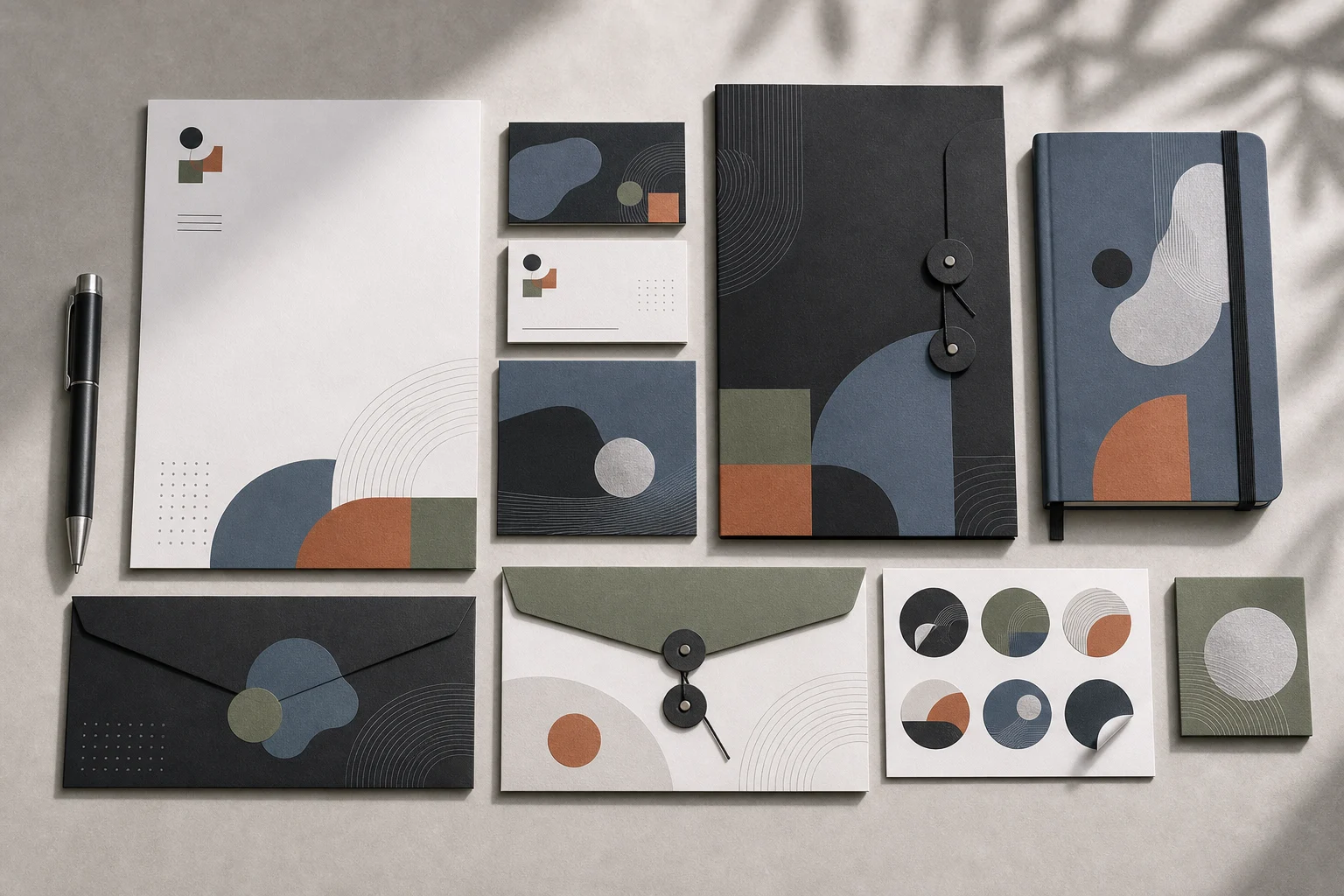
Upload a logo, color palette, product image, or brand reference to create a polished Brand Identity Showcase with boards, cards, packaging, social layouts, and mockups in one cohesive visual direction.
Apply the AI Brand Identity Showcase effect to the uploaded logo, product, color palette, or brand reference. Preserve the exact logo shape, brand colors, typography cues, product silhouette, and visual identity from the upload. Create a polished brand identity showcase with brand board layout, business cards, packaging mockups, social templates, stationery, product mockups, clean grid composition, premium lighting, and modern design-system presentation. Do not distort the logo or invent a conflicting brand name.
What is an AI Brand Identity Showcase Generator?
The AI Brand Identity Showcase Generator helps turn your uploaded logo, colors, typography cues, products, and brand references into a presentation-style visual system. It is designed for creating brand boards, business cards, packaging mockups, stationery, social templates, merch concepts, and product renders that feel connected instead of scattered.
From brand reference to full Identity Showcase
This template turns brand inputs into a complete visual presentation while keeping the core Brand Identity recognizable from the source.
What changes
Upload your logo, colors, and brand cues to generate a polished brand identity showcase with GPT Image 2, including brand boards, cards, packaging, social templates, and product mockups.
Upload your logo and provide brand colors so the generated showcase follows your existing identity.
Use GPT Image 2 to create premium brand boards, packaging, cards, social layouts, and product renders.
Show logo usage, color palette, typography direction, business cards, packaging, merch, and social templates together.
What stays consistent
Preserve the exact logo shape, brand colors, typography cues, product silhouette, and visual identity from the upload.
The main subject remains recognizable from the source image.
Defining colors, pose, silhouette, and important subject details stay coherent.
How the workflow works
Follow a simple process to prepare your materials, generate a coherent Showcase, and review the result for consistency.
1
Add your brand source
Upload a clear logo, product image, packaging reference, brand board, or visual cue with the main subject and defining details visible.
2
Describe the desired showcase
Provide brand colors, typography direction, mood, audience, and the materials you want shown, such as cards, packaging, merch, or social templates.
3
Generate and compare
Create the Brand Identity Showcase and compare the output with your source to confirm the logo, colors, and product cues remain recognizable.
4
Refine the direction
Adjust the prompt or source if the result needs clearer typography, fewer objects, stronger packaging focus, or a more specific visual style.
Brand Identity Showcase variations
Explore different ways to present the same Brand system across boards, cards, packaging, social assets, and product mockups.
Brand board layout
A complete brand board presentation with logo placement, colors, typography direction, stationery, and product touchpoints arranged in a clean grid.
Business card and stationery mockup
A close look at business cards and stationery elements that show how the Identity can translate into printed brand materials.
Packaging showcase
A packaging-focused showcase that applies the logo, colors, and visual language to boxes, labels, product containers, or retail-style mockups.
Social template set
A social-first variation with post layouts, profile assets, and digital templates that extend the Brand Identity into online presentation.
When to use this Brand Identity Showcase template
Use this template when you need a fast visual direction for a Brand system without building every mockup from scratch.
Create a first version fast
Generate a first draft of your Brand Identity presentation with boards, cards, packaging, and social layouts arranged together.
Adapt the style to your project
Test a premium, minimal, playful, editorial, or product-led direction while keeping your logo and color cues recognizable.
Create another version
Run another version with different mockups, layouts, or emphasis to compare possible presentation routes.
Preview a creative direction
Create a focused AI Brand Identity Showcase Generator preview for a personal or creative project.
Compare before refining
Compare the visual direction before refining, sharing, or presenting the result.
How to get a stronger result
Better inputs lead to a clearer showcase. Use a source image or reference set that makes the logo, colors, product details, and composition easy to understand.
Source image checklist
Use a sharp source image with the main subject clearly visible.
Avoid heavy blur, blocked details, extreme crops, or confusing overlaps.
Choose a source whose pose and framing support the intended AI Brand Identity Showcase Generator result.
Prompt tips
Mention the logo treatment, brand colors, typography style, product category, desired materials, and showcase items you want included. For example: create a clean premium brand board with business cards, packaging, social templates, stationery, and product mockups while preserving the uploaded logo shape and color palette.
Review your generated showcase
Generated details can vary between runs, so review the full visual draft before sharing or using it as a direction for further design work.
Check brand fidelity
Compare the logo shape, product silhouette, color palette, typography cues, and other defining details against the uploaded source.
Review system consistency
Look across the board, cards, packaging, social templates, and mockups to confirm the Identity feels coherent rather than mixed or contradictory.
Inspect fine details
Inspect text, logo edges, small labels, hands, faces, packaging folds, product boundaries, and background transitions for unwanted artifacts.
AI Brand Identity Showcase Generator FAQ
Common questions about preparing inputs and reviewing results for a clear Brand Identity Showcase.
What is an AI brand identity showcase generator?
An AI brand identity showcase generator creates a cohesive visual presentation from brand inputs such as a logo, color palette, typography cues, product references, and style notes. The output can include brand boards, cards, packaging, social templates, stationery, merch, and product mockups.
Do I need to upload a logo?
A logo is strongly recommended because it anchors the Identity system. If you do not have a finished logo, provide the clearest available brand mark, wordmark, product label, or reference image so the showcase has a consistent visual center.
What brand materials can it create?
It can create a visual draft that combines brand boards, logo usage examples, business cards, packaging mockups, product renders, stationery, apparel concepts, and social media layouts in a unified Showcase composition.
Can I provide brand colors?
Yes. Include your primary and secondary colors, any accent colors, and notes about how they should be used. Clear color direction helps the generated Brand presentation stay closer to your existing Identity.
Can I use the generated brand showcase commercially?
Usage depends on your source materials, brand ownership, and the terms that apply to the final assets. Review the result carefully and make sure you have the rights to any logos, names, fonts, products, or references you include.
What details should I include for AI Brand Identity Showcase Generator?
Include the logo, brand colors, typography preferences, product images, packaging references, audience, mood, and any materials you want included, such as cards, boxes, social posts, apparel, or stationery.
What makes AI Brand Identity Showcase Generator useful?
It is useful when you want to see how a Brand could look across multiple touchpoints before refining a direction. It helps compare visual systems, presentation styles, and mockup combinations from one clear source.
What AI Brand Identity Showcase Generator changes can I expect?
It can transform a simple brand reference into a complete Identity presentation with organized layouts, premium mockups, consistent color use, and coordinated design elements while preserving the recognizable logo and visual cues from the upload.
Build a cohesive Brand Identity Showcase
Upload your logo, colors, and brand cues to create a focused Brand Identity Showcase draft for review, refinement, or presentation planning.