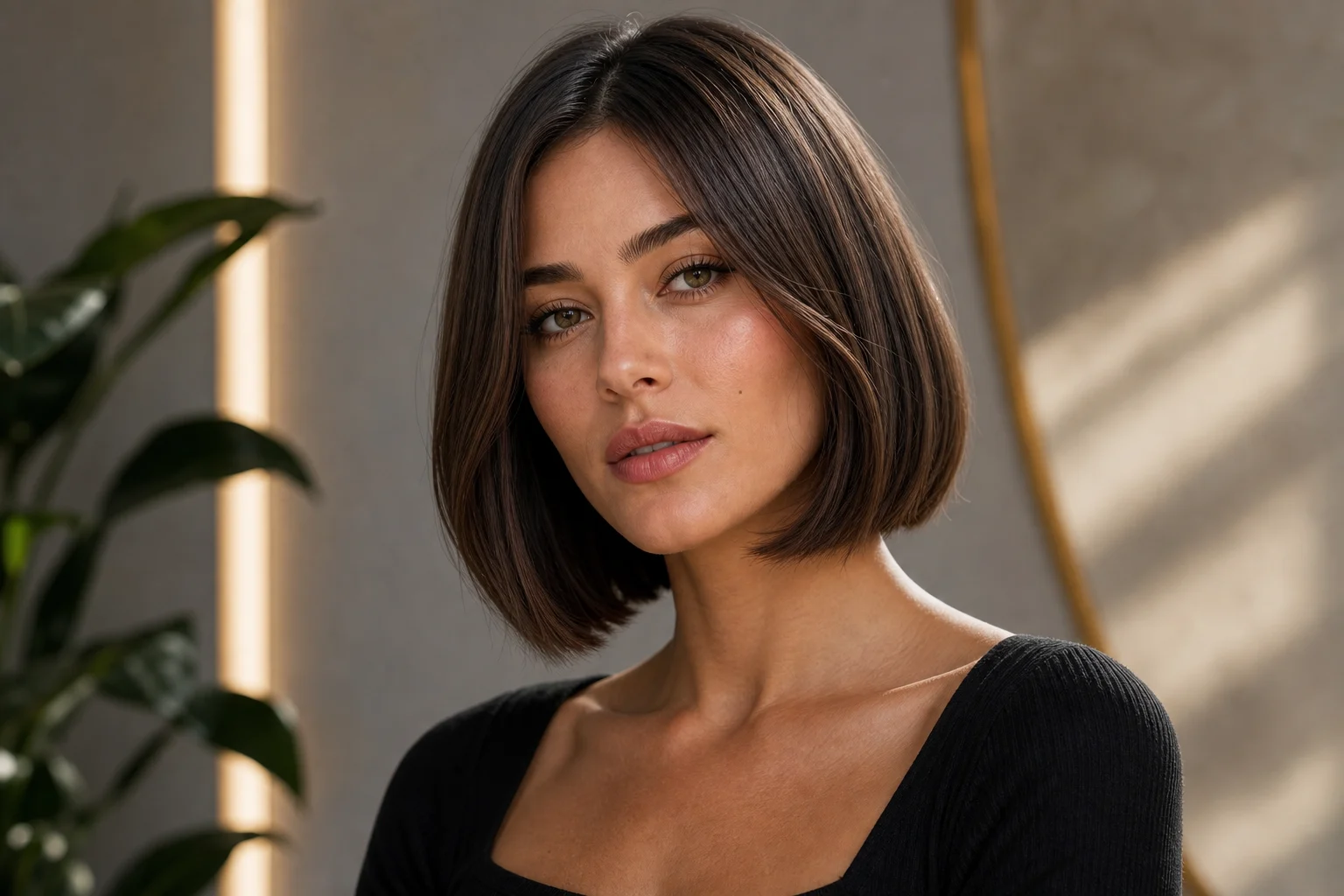
FreePreview a bob haircut with 20 free daily credits — no credit card

AI Bob Haircut Filter with 20 Free Credits

Preview a bob haircut on your own photo before you visit a stylist. Upload a clear portrait and test short bob, blunt bob, layered bob, bob with bangs, or a sleek professional cut while keeping your face, lighting, clothing, and background natural.

bob haircut preview made with AI Bob Haircut Filter
0 / 2000
Template prompt

AI Bob Haircut Filter

Apply the AI Bob Haircut Filter effect to the uploaded portrait. Preserve the same person, face shape, facial features, expression, pose, clothing, lighting, and background. Change only the hairstyle into a realistic bob haircut, such as jaw-length bob, blunt bob, layered bob, bob with bangs, or sleek professional bob. Match the original hair color unless the user requests otherwise, and keep hair volume, shine, shadows, and edges photorealistic.

bob haircut preview made with AI Bob Haircut Filter

Before-and-after haircut ideas

Bob Haircut Preview Examples: Short, Blunt, Layered, and Bangs

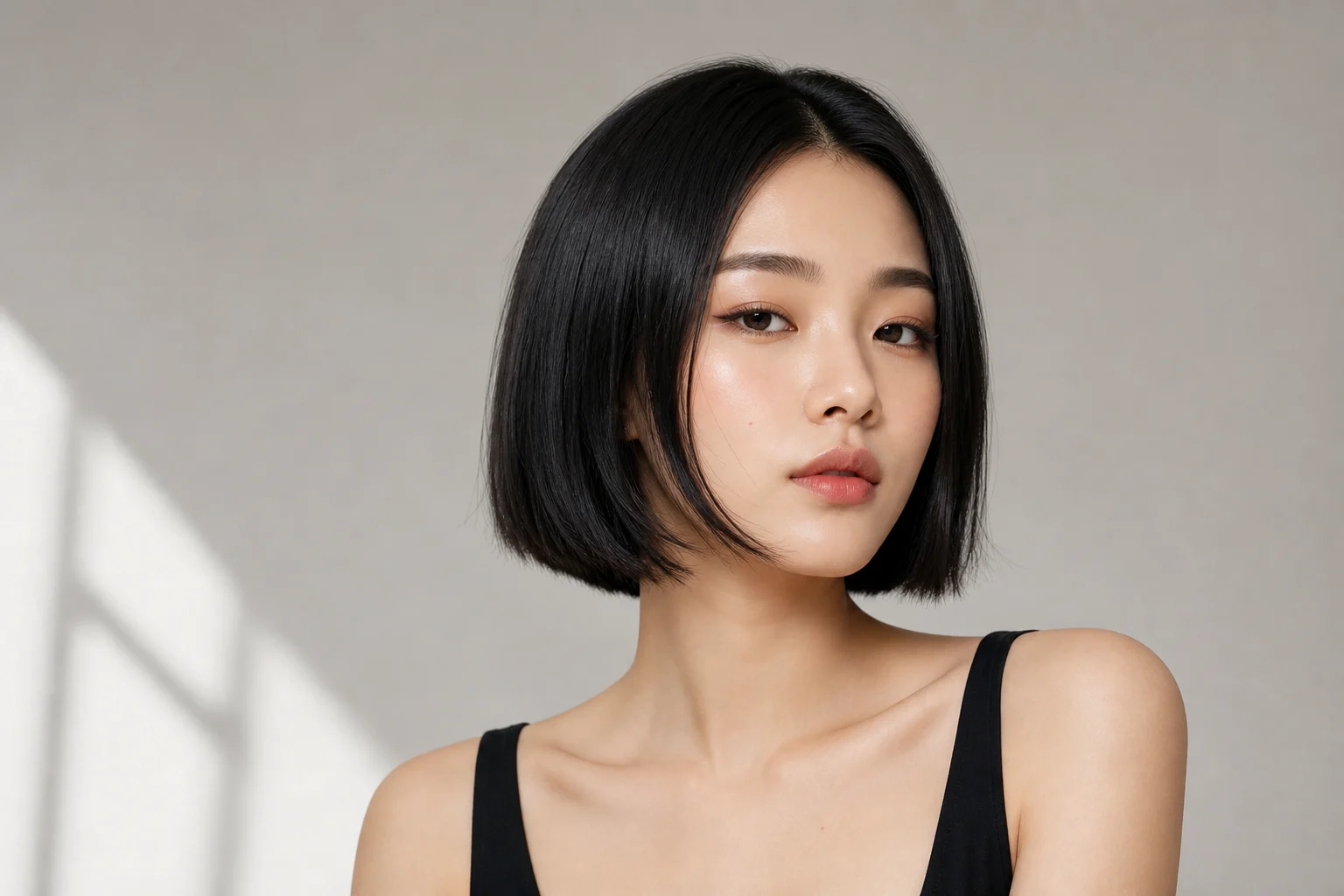
AI Bob Haircut Filter bob haircut preview example 1

Example 1: AI Bob Haircut Filter

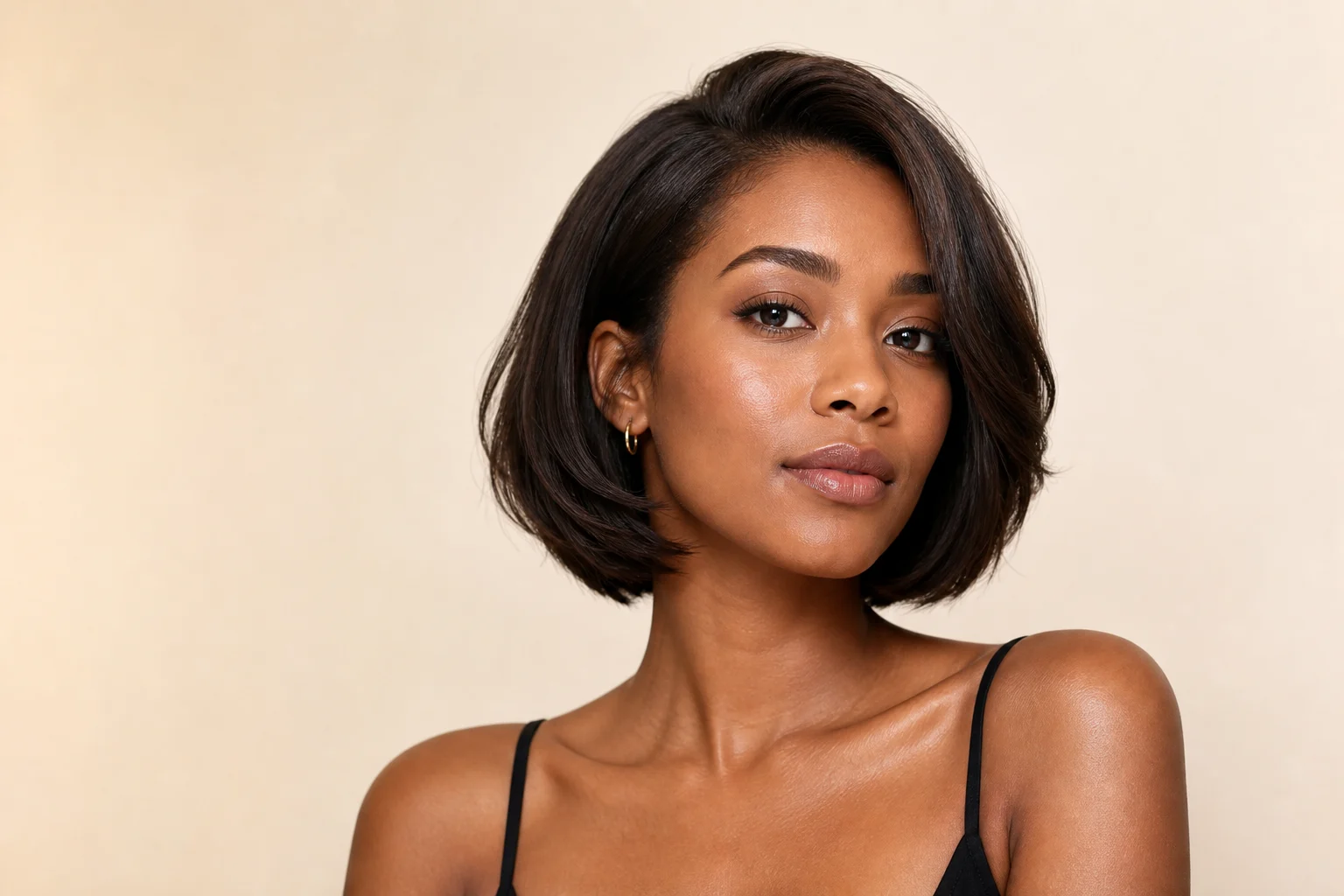
AI Bob Haircut Filter bob haircut preview example 2

Example 2: AI Bob Haircut Filter

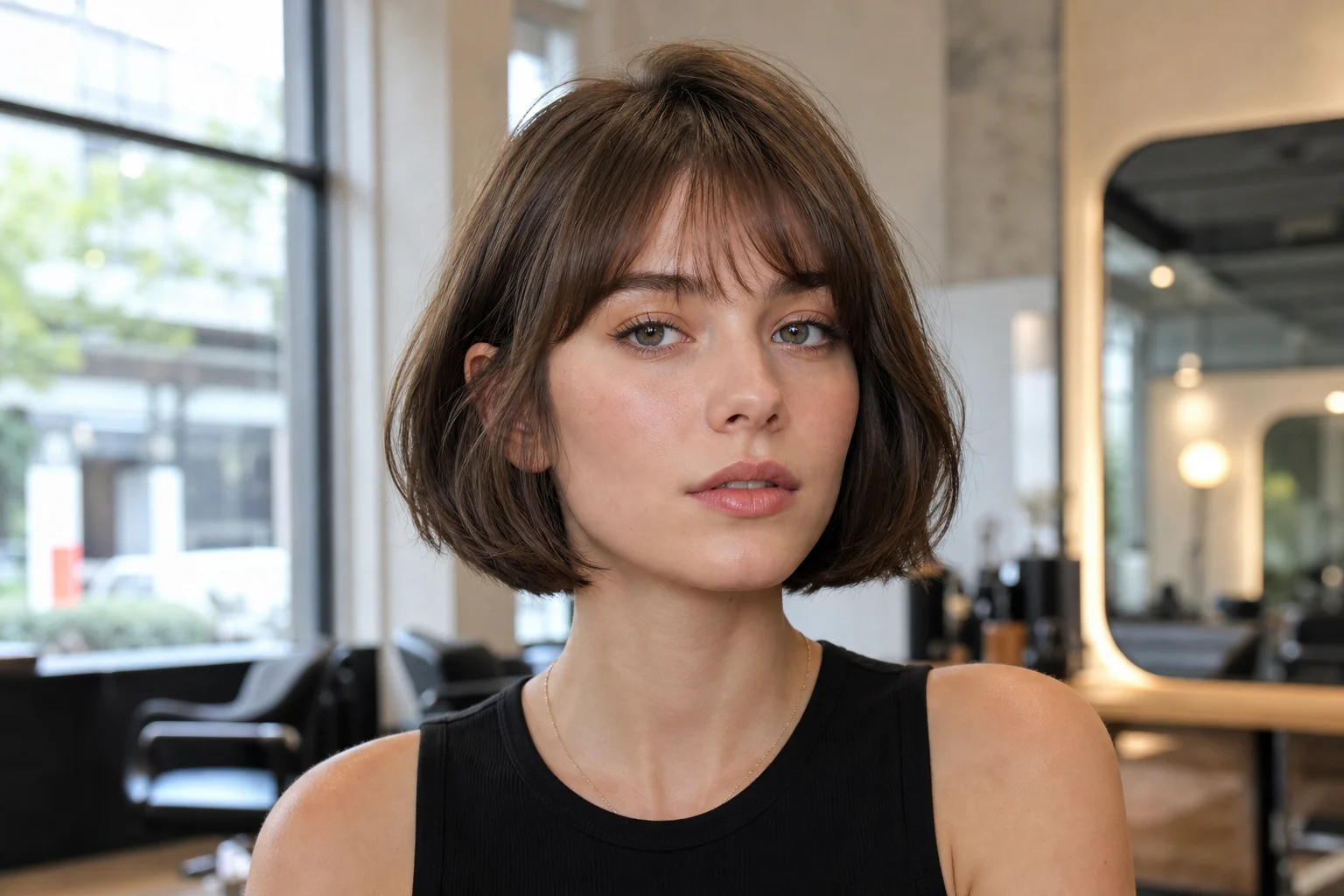
AI Bob Haircut Filter bob haircut preview example 3

Example 3: AI Bob Haircut Filter

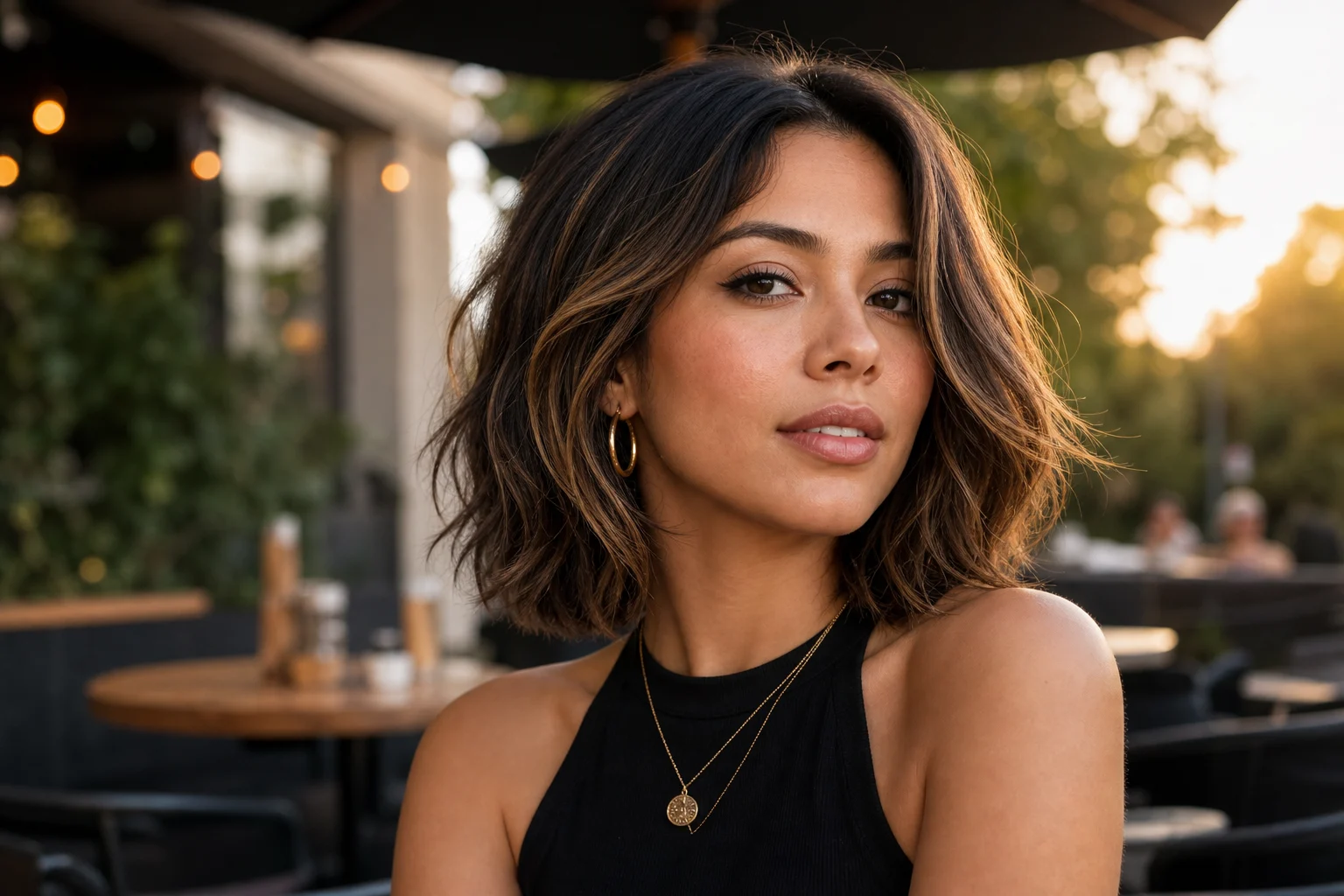
AI Bob Haircut Filter bob haircut preview example 4

Example 4: AI Bob Haircut Filter

AI Bob Haircut Filter bob haircut preview example 5

Example 5: AI Bob Haircut Filter

AI Bob Haircut Filter bob haircut preview example 6

Example 6: AI Bob Haircut Filter

Why Use This Free AI Bob Haircut Filter

A focused hairstyle preview workflow for bob cut, short hair simulator, blunt bob, layered bob, bob with bangs, and salon planning searches.

20 free daily credits

Try bob haircut previews with 20 free daily credits before paying for heavier usage.

Realistic face preservation

Change hair length and shape while keeping face, expression, pose, clothing, lighting, and background consistent.

Multiple bob styles

Test jaw-length bob, blunt bob, soft layered bob, bob with bangs, sleek bob, or more volume through prompt tweaks.

Before-salon decision support

Compare styles before a real haircut and bring the best preview to your stylist for discussion.

Fast portrait workflow

Upload one portrait and generate a shareable hairstyle preview for side-by-side comparison.

Prompt-controlled output

Adjust length, bangs, layers, texture, volume, shine, and hair color while protecting the rest of the image.

Ways to use AI Bob Haircut Filter with 20 Free Credits

Use AI Bob Haircut Filter with 20 Free Credits for quick concept images, social posts, mockups, profile visuals, or creative references.

AI Bob Haircut Filter with 20 Free Credits - AI Bob Haircut Filter with 20 Free Credits

Create a first version fast

Upload or describe the source image, then generate a polished first version for AI Bob Haircut Filter with 20 Free Credits without starting from a blank canvas.

AI Bob Haircut Filter with 20 Free Credits style example

Adapt the style to your project

Adjust the subject, mood, background, text space, and composition so the AI Bob Haircut Filter with 20 Free Credits result fits your project.

AI Bob Haircut Filter with 20 Free Credits variation example

Create another version

Reuse the same setup with a new subject, product, or scene when you need more AI Bob Haircut Filter with 20 Free Credits images in the same direction.

How to Try a Bob Haircut Online

Use the template like a virtual haircut simulator: upload, generate, compare, and refine before making a real change.

1

Upload a clear portrait

Use a front-facing or three-quarter photo with visible hair, good lighting, and minimal obstructions.

2

Generate the bob haircut preview

The AI changes the hairstyle into a bob while preserving face, pose, clothing, lighting, and background.

3

Compare and refine styles

Try blunt ends, soft layers, bangs, more volume, sleeker texture, or another hair color, then download your favorite result.

AI Bob Haircut Filter FAQ

Answers about free credits, bob styles, face preservation, prompt control, photo quality, and salon planning.

Is the AI Bob Haircut Filter free?
Yes. You can start with 20 free daily credits and no credit card. Paid plans are only needed for heavier usage or more exports.
Can I preview a bob haircut before going to a salon?
Yes. Upload a clear portrait, generate several bob styles, and use the previews to decide what to discuss with your stylist.
Which bob styles can I try?
You can prompt for jaw-length bob, blunt bob, layered bob, bob with bangs, sleek bob, wavy bob, more volume, or a professional short cut.
Will it change my face or background?
The template is designed to change only the hairstyle while keeping face shape, expression, clothing, lighting, pose, and background close to the original.
What photo works best?
Use a sharp portrait with visible hair and good lighting. Avoid hats, heavy face covering, extreme blur, or very dark photos.
Can I adjust hair color too?
Yes. The default prompt keeps the original hair color, but you can ask for brown, blonde, black, red, highlights, or another color if needed.
Can I use the preview commercially?
Generated images can be used subject to the terms of service and your rights to the uploaded photo, likeness, and any visible brands.
What details should I include for AI Bob Haircut Filter with 20 Free Credits?
Describe the subject, the style you want, and any details that should stay recognizable, such as face shape, outfit, colors, background, and final use.
What makes AI Bob Haircut Filter with 20 Free Credits useful?
It gives you a focused starting point for the AI Bob Haircut Filter with 20 Free Credits look, so you can create a first version without building the scene from scratch.

Try a Bob Haircut Preview Free

Upload your portrait and compare realistic bob haircut styles with 20 free daily credits before making a real hairstyle change.