FreeTry the AI Beardless Filter free — no credit card required

AI Beardless Filter

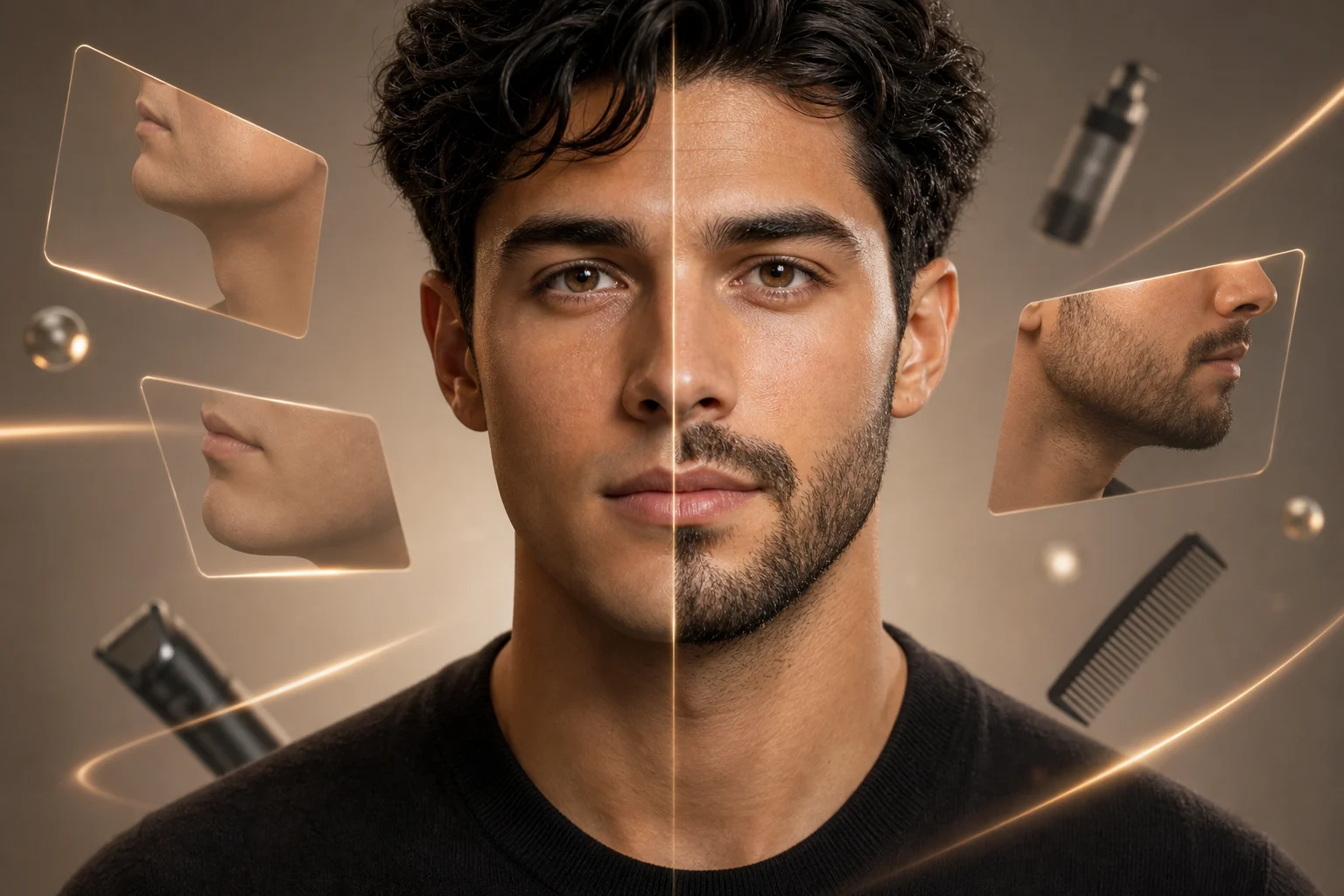
Upload a portrait and remove facial hair with AI. ClipCanva keeps the rest of your face, pose, lighting, and background consistent for a natural clean-shaven preview.

clean-shaven preview made with AI Beardless Filter
0 / 2000
Template prompt

AI Beardless Filter

Apply the AI Beardless Filter effect to the uploaded portrait. Preserve the same person, face shape, expression, pose, clothing, lighting, camera angle, and background. Remove only beard or facial hair, reconstructing natural skin texture, jawline, chin, and mouth-area shadows realistically. Do not alter hairstyle, identity, clothing, or the rest of the photo.

clean-shaven preview made with AI Beardless Filter

Before and After Results

AI Beardless Filter Examples

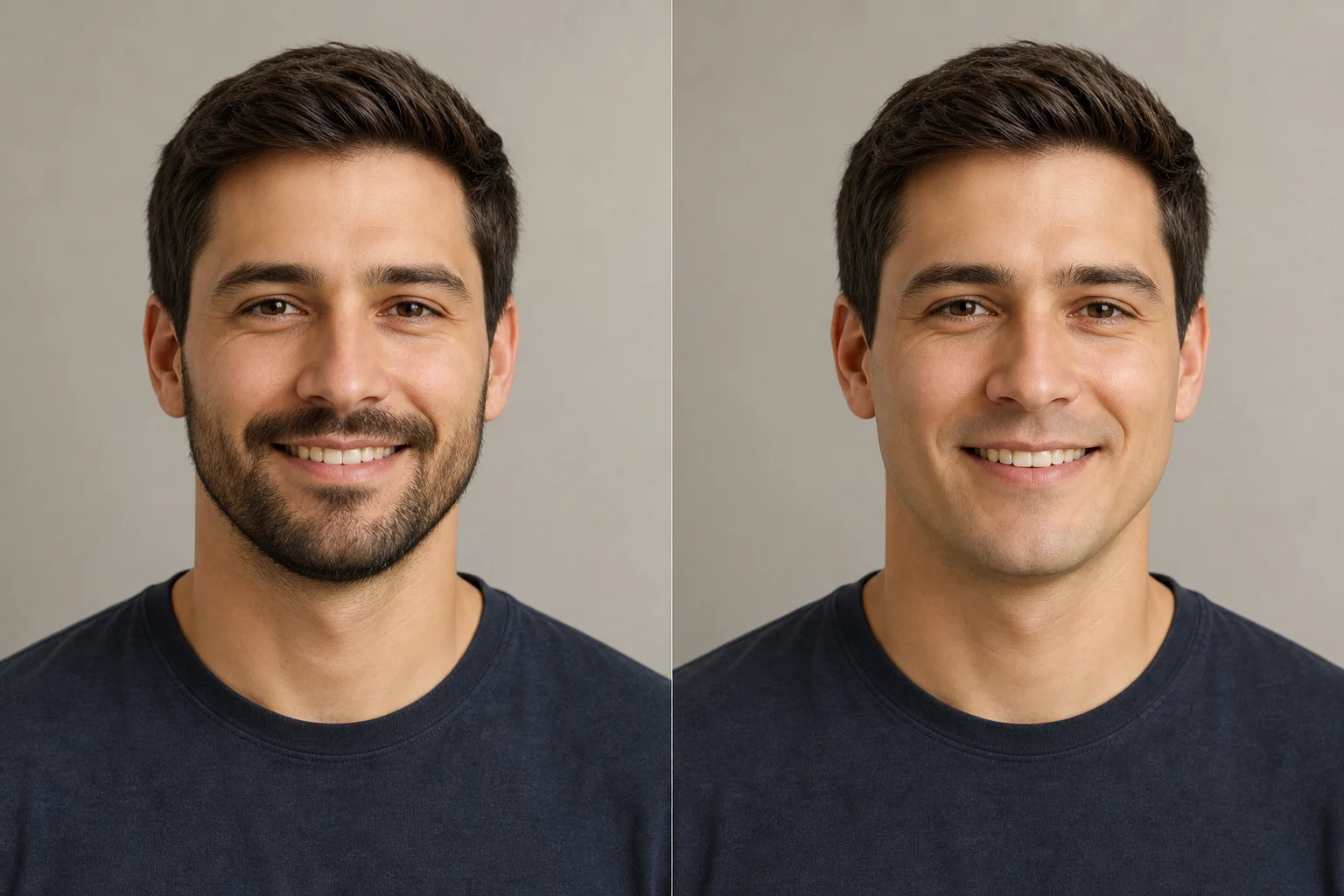
AI Beardless Filter clean-shaven preview example 1

clean-shaven preview 1

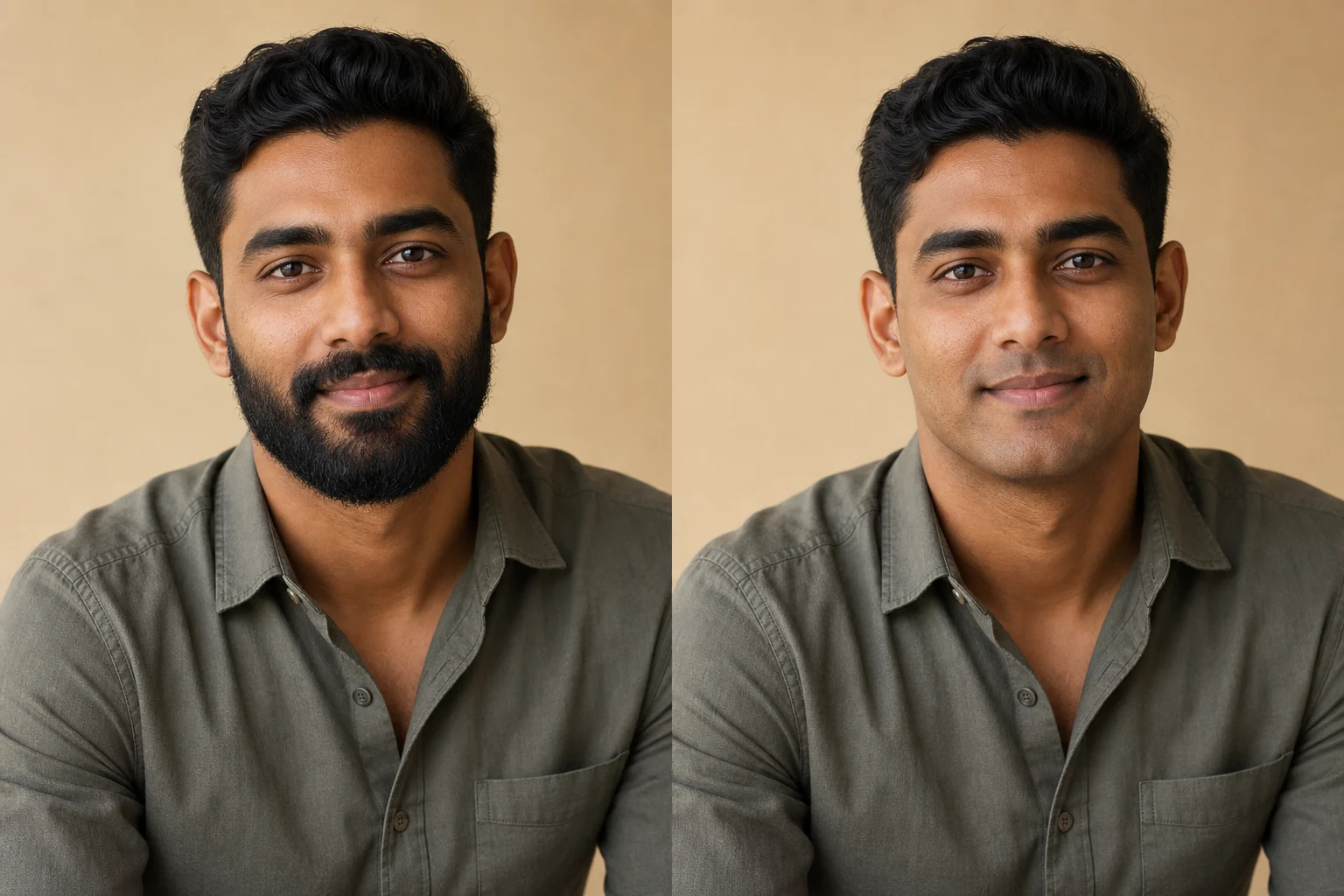
AI Beardless Filter clean-shaven preview example 2

clean-shaven preview 2

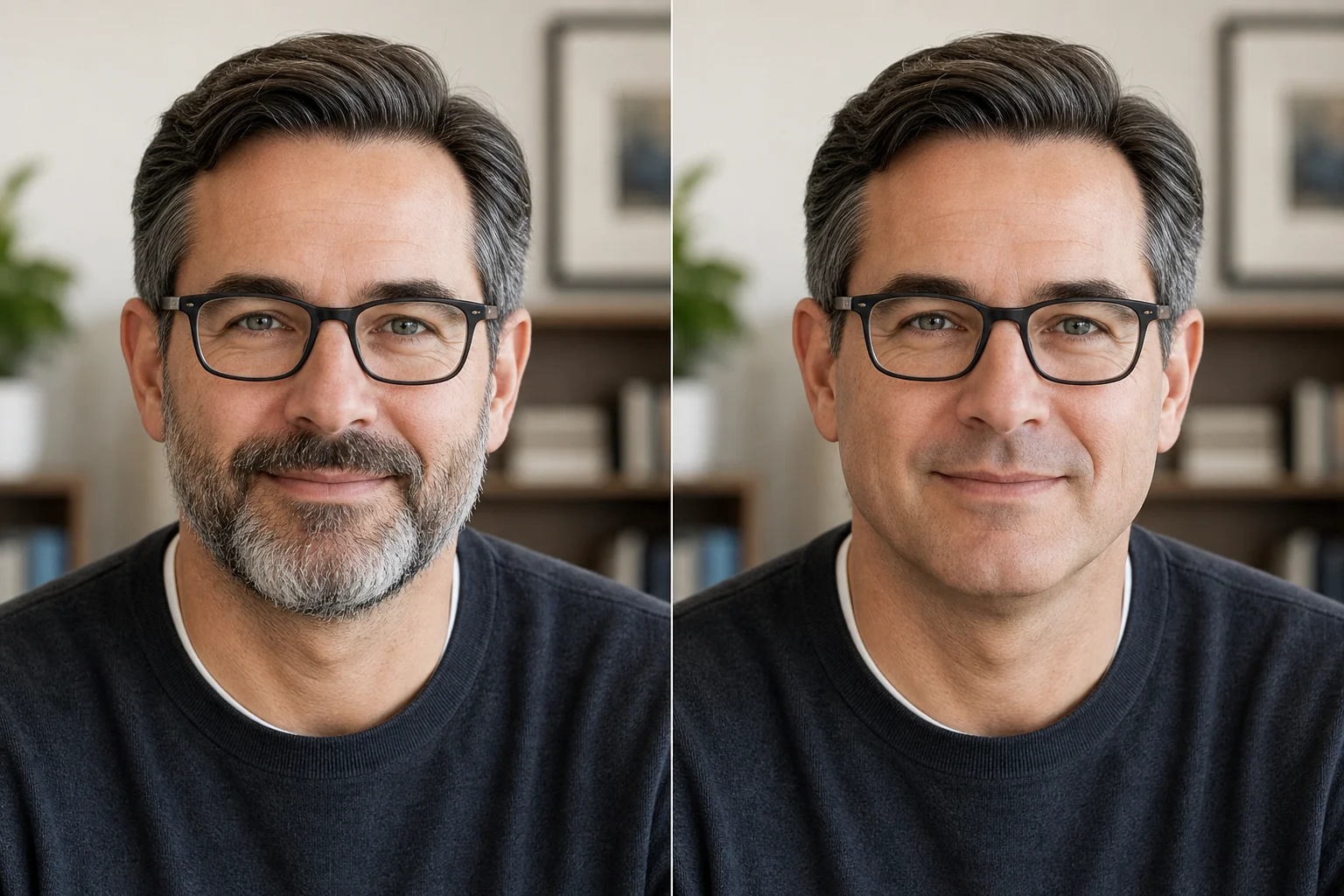
AI Beardless Filter clean-shaven preview example 3

clean-shaven preview 3

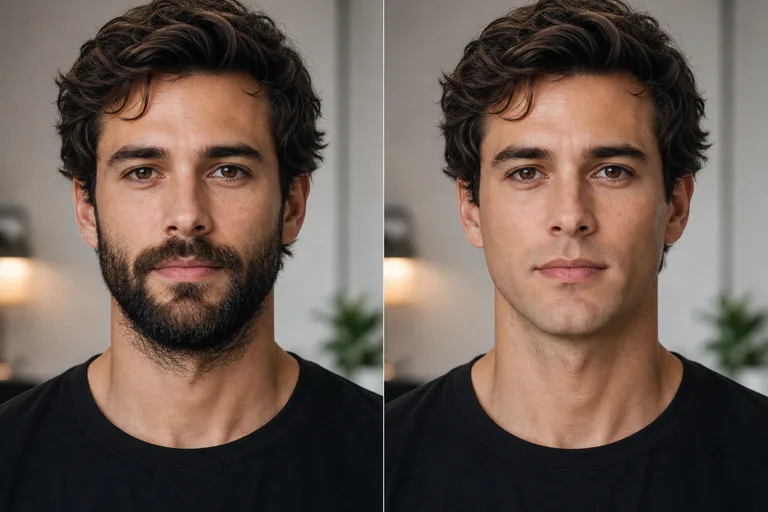
AI Beardless Filter clean-shaven preview example 4

clean-shaven preview 4

AI Beardless Filter clean-shaven preview example 5

clean-shaven preview 5

AI Beardless Filter clean-shaven preview example 6

clean-shaven preview 6

AI Beardless Filter Features

Tools focused on realistic beard removal previews, identity preservation, and quick downloads.

Free Portrait Preview

Try the beardless filter with daily credits before committing to a new look.

Realistic AI Detail

Generate a natural clean-shaven face with texture, lighting, and facial proportions that match the original photo.

Fast Results

Create a preview in seconds for profile photos, style planning, or social posts.
Simple Upload Flow

Upload a portrait, choose your look, and let the AI handle the edit.

Clean Downloads

Download high-resolution results without watermarks.

Privacy Protected

ClipCanva processes AI Beardless Filter uploads securely and removes files after generation.

How to Use the AI Beardless Filter

Create a focused clean-shaven preview in three steps.

1

Upload a Portrait

Choose a clear JPG, PNG, or WebP portrait from your device.

2

Apply the AI Edit

The AI changes only the beard removal while preserving identity, expression, and background.

3

Download Your Preview

Save the finished image and compare the look before making a real change.

AI Beardless Filter FAQ

Answers about creating a realistic clean-shaven preview.

What is the AI Beardless Filter?
The AI Beardless Filter is an AI photo tool that helps you see yourself clean-shaven while keeping your identity, expression, and background consistent.
Is the AI Beardless Filter free?
Yes. You can use the AI Beardless Filter on ClipCanva with free daily credits. No credit card is required to start.
How do I get the best clean-shaven preview?
Use a clear front-facing portrait with good lighting. Photos where the face is visible give the AI more detail to preserve.
Will it change the rest of my photo?
The prompt is designed to focus on the beard removal change and keep facial features, pose, clothing, lighting, and background unchanged.
Can I use the result commercially?
Finished images on ClipCanva can be used commercially, subject to the terms of service and your rights to the uploaded photo.

Try the AI Beardless Filter Free

Upload a portrait and create a realistic clean-shaven preview online.