
What changes
- The source is recomposed into a square, music-focused visual system
- Lighting, color grade, texture, graphic treatment, and negative space follow the release mood
Shape a photo, object, texture, or scene into a square album cover concept with a clear focal point, genre-specific mood, controlled color, and space reserved for final artist and release typography.
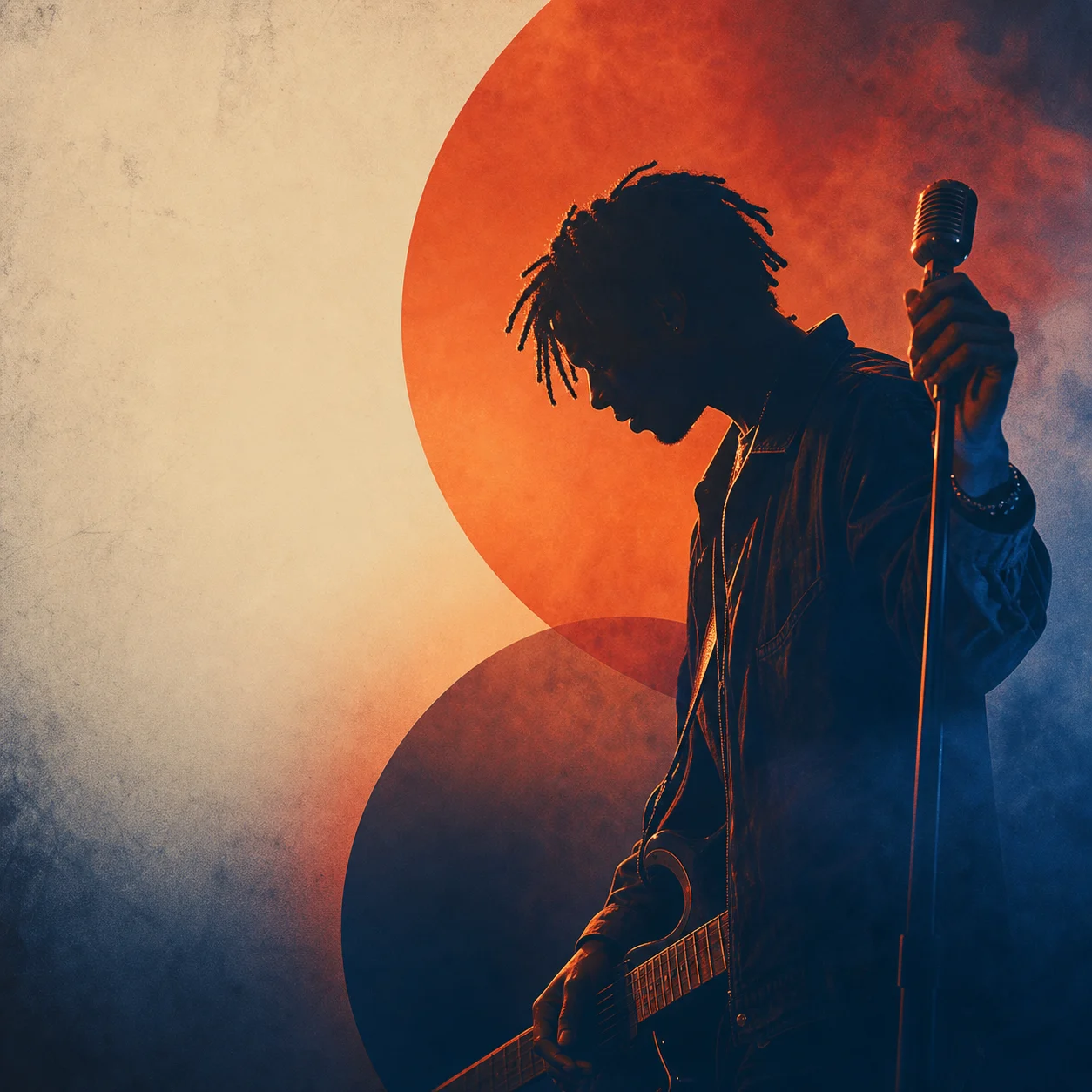
Apply the AI Album Cover effect to the uploaded image. Preserve the main subject identity or object, pose/action silhouette, key colors, and important visual details. Recompose it as professional square album cover art with a strong central focal point, dramatic lighting, music-ready mood, clean negative space for artist or track text, tasteful graphic design treatment, cinematic color grading, and polished cover-art finish. Do not add unreadable random text; leave clear text areas instead.
The AI Album Cover Generator helps turn an existing visual source or release brief into music-focused cover artwork. It is designed for independent musicians, producers, podcasters, playlist curators, and marketers who need a strong visual direction for an album, single, EP, mixtape, podcast, or playlist. The best result is a square cover concept with an intentional mood, recognizable subject, and clean areas where precise typography can be added later.
The process reshapes your source into a more music-ready visual while keeping the chosen anchor recognizable. The goal is not random decoration; it is a cover concept with hierarchy, atmosphere, and room for professional finishing.
Start with a focused image or visual motif, define the release mood, then evaluate the square composition before adding final typography elsewhere.
Use a clear portrait, object, instrument, texture, landscape, or symbolic scene with one main focal point and enough surrounding space for a square crop.
Decide the genre, mood, color palette, visual era, lighting style, and whether the artwork should feel cinematic, minimal, gritty, glossy, nostalgic, or experimental.
Look for a balanced square composition with a readable focal hierarchy, controlled contrast, coherent details, and uncluttered space for later artist and release text.
Explore different visual approaches while keeping the cover focused on a clear subject, controlled color, and space for final lettering.

A dramatic music-cover direction with strong contrast, atmospheric lighting, and a central subject that can read clearly in a square crop.

A graphic cover style that emphasizes bold color, texture, and negative space for later artist and track typography.
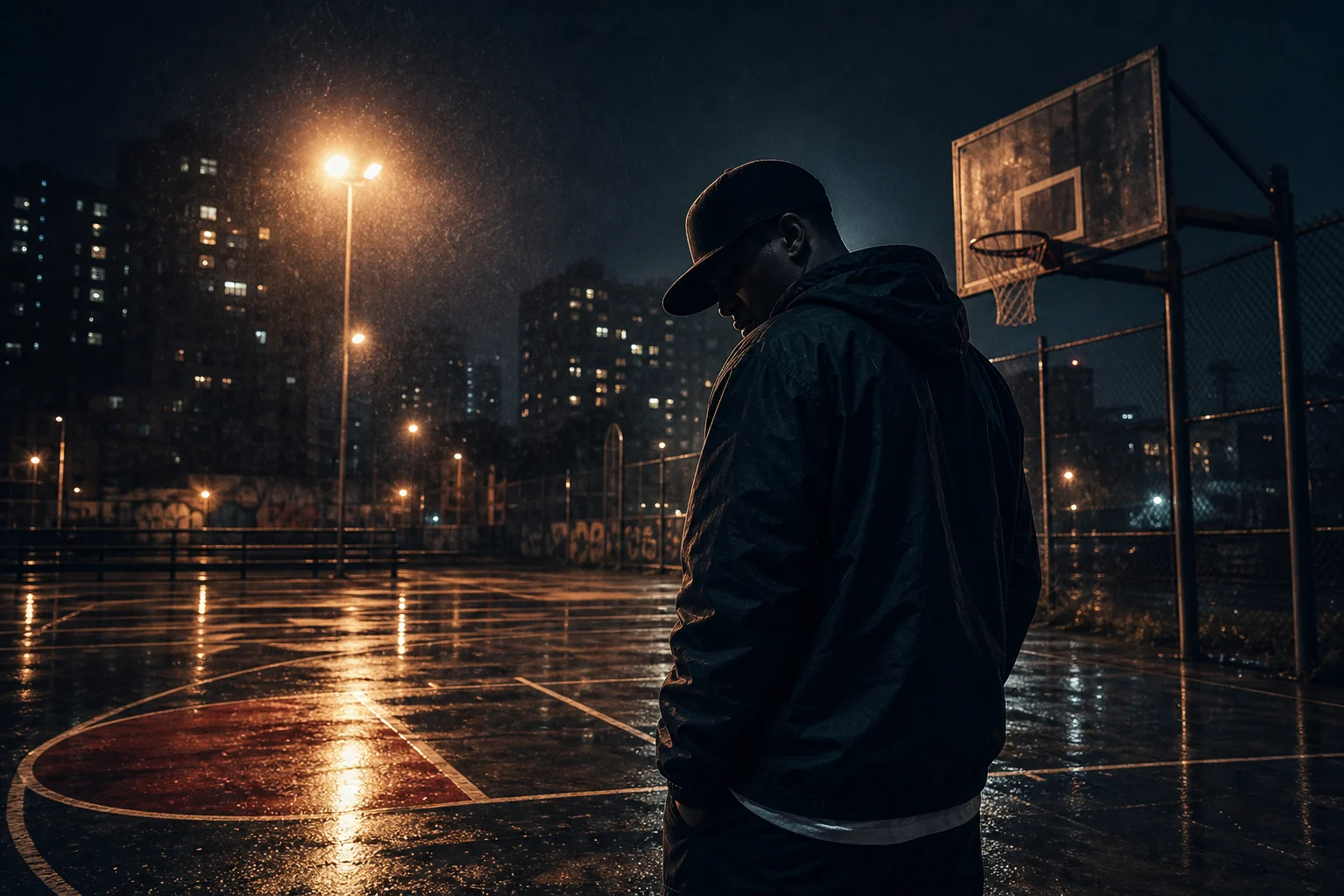
A moody cover concept suited to singles, EPs, mixtapes, and playlist campaigns where atmosphere and silhouette matter most.
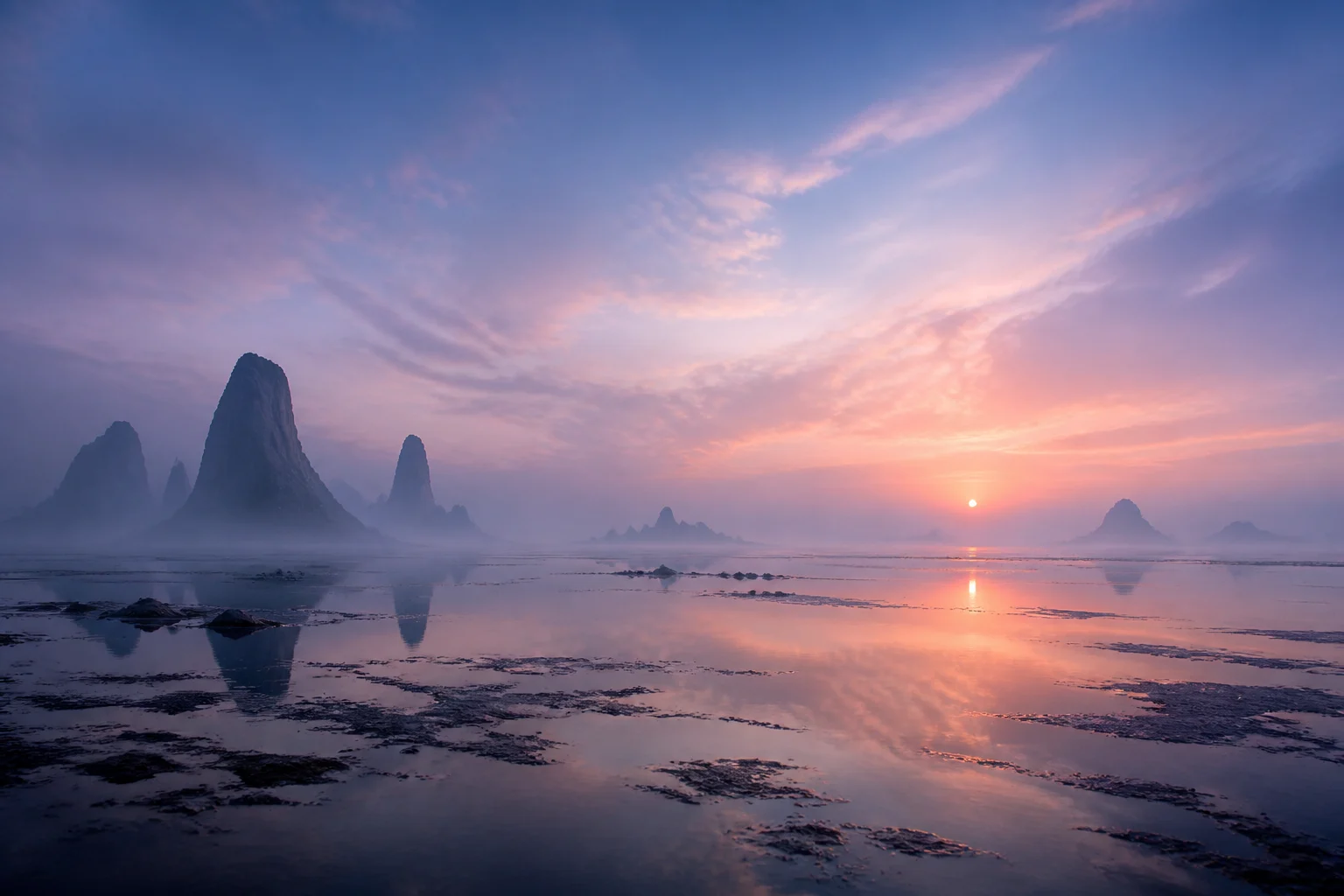
A polished square artwork direction with clean composition, controlled background detail, and a clear area for final layout work.
Use the album cover maker when you need a visual direction for a release campaign, pitch deck, social rollout, or playlist identity.
Develop a square visual concept for an album, single, EP, mixtape, podcast episode, or curated playlist using a recognizable subject and release-specific mood.
Create artwork direction for announcement posts, teaser graphics, moodboards, and marketing reviews before final typography and platform formatting are completed.
A strong source and a clear creative brief are more important than adding lots of unrelated references. Aim for one memorable visual idea that can still read clearly as a small music thumbnail.
Describe the release identity in practical visual terms: genre, mood, palette, era, texture, lighting, and any subject that must remain recognizable. Ask for a square album cover composition with a strong central focal point, cinematic or graphic color treatment, and clean negative space for later artist and title typography. Avoid asking for final readable text inside the artwork.
Use the result as a visual direction for the release, then review it like cover art: composition first, details second, and final production requirements last.
View the artwork as a full-size square and as a small thumbnail. The main subject, contrast, and mood should still be understandable when reduced.
Look closely at faces, hands, logos, props, edges, shadows, and background geometry. These details can affect whether the artwork feels polished enough to continue refining.
Remove accidental lettering or marks, then set the artist name, release title, and any required layout information in a dedicated design tool.
Common questions about creating square album cover concepts from photos, objects, textures, and visual briefs.
Build a square album cover direction from a photo, object, texture, or scene, then finish the final typography and release details with confidence.