
What changes
- Wrinkles, skin texture, facial fullness, and under-eye detail
- Age-appropriate hair color, density, and mature facial contours
Create a plausible older-looking version of a clear portrait while keeping the person recognizable. This old age filter focuses on mature skin texture, facial contour, under-eye detail, and natural hair changes while preserving identity, pose, lighting, clothing, and background.
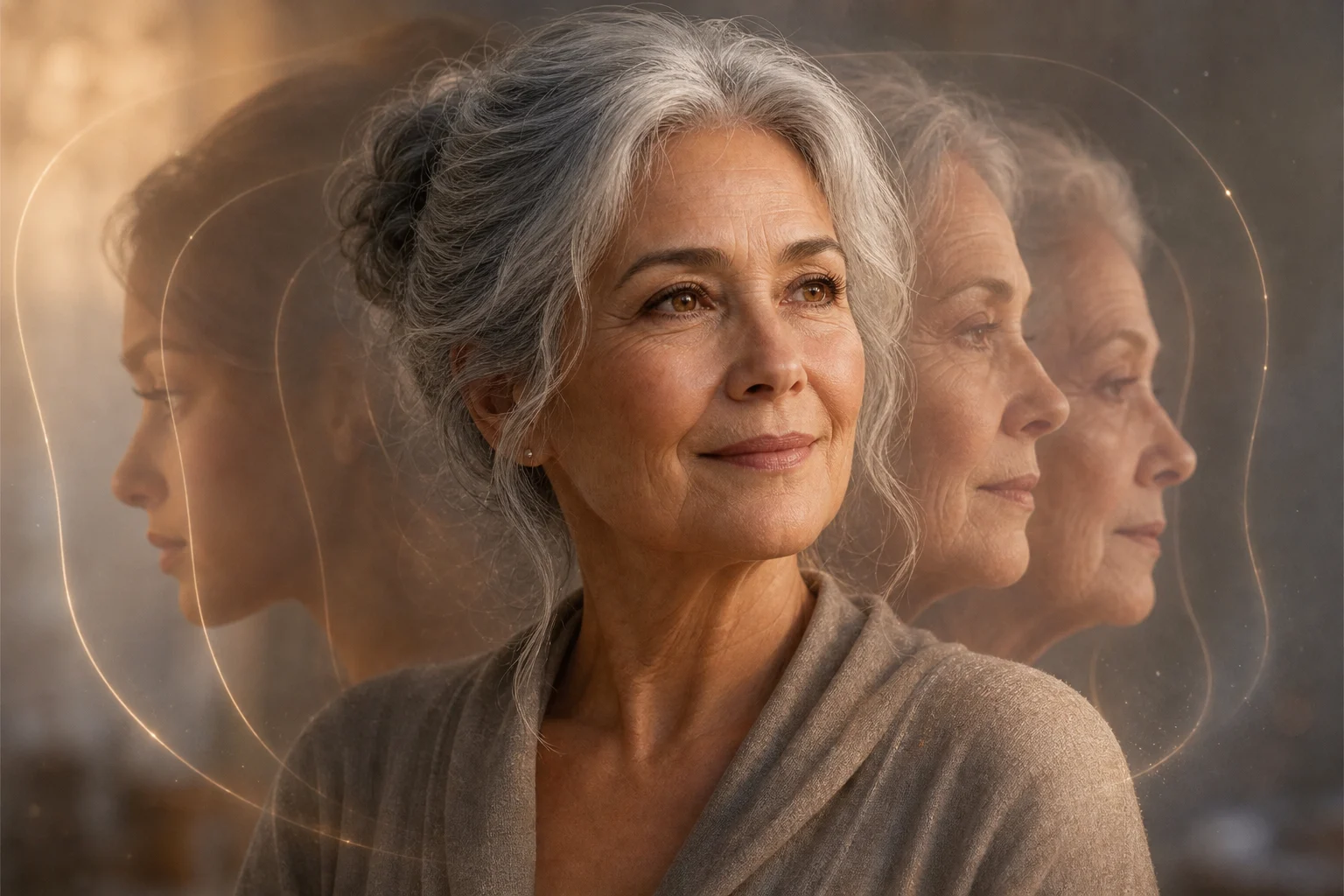
Apply the AI Aging Filter effect to the uploaded portrait. Preserve the person's core identity markers: face shape, eye shape, skin tone family, distinctive facial features, hairstyle direction, expression, pose, clothing, lighting, and background. Change only age-related facial details into a realistic older version, including subtle wrinkles, mature skin texture, softened facial fullness, natural under-eye detail, and age-appropriate hair changes. Keep the result photorealistic and respectful.
The AI Aging Filter turns a well-lit single-person portrait into a creative age-progression preview. It adds age-related details such as wrinkles, mature skin texture, softened facial fullness, under-eye definition, and age-appropriate hair changes while keeping the original identity and scene continuity intact.
This template is designed for realistic AI age progression: it adjusts visual age cues while keeping the original portrait’s recognizable structure and environment.
Start with a clear source portrait, then create and review an older-looking version that keeps the subject recognizable.
Choose a well-lit single-person portrait where the eyes, face shape, skin texture, hairline, and expression are visible.
Apply an older-age direction so the image adds wrinkles, mature skin texture, under-eye detail, facial contour changes, and natural hair aging.
Compare the result with the source portrait to confirm the identity, expression, lighting, clothing, and background still feel consistent.
These examples show different ways the AI Aging Filter can create older-version portraits while preserving identity, lighting, and portrait composition.
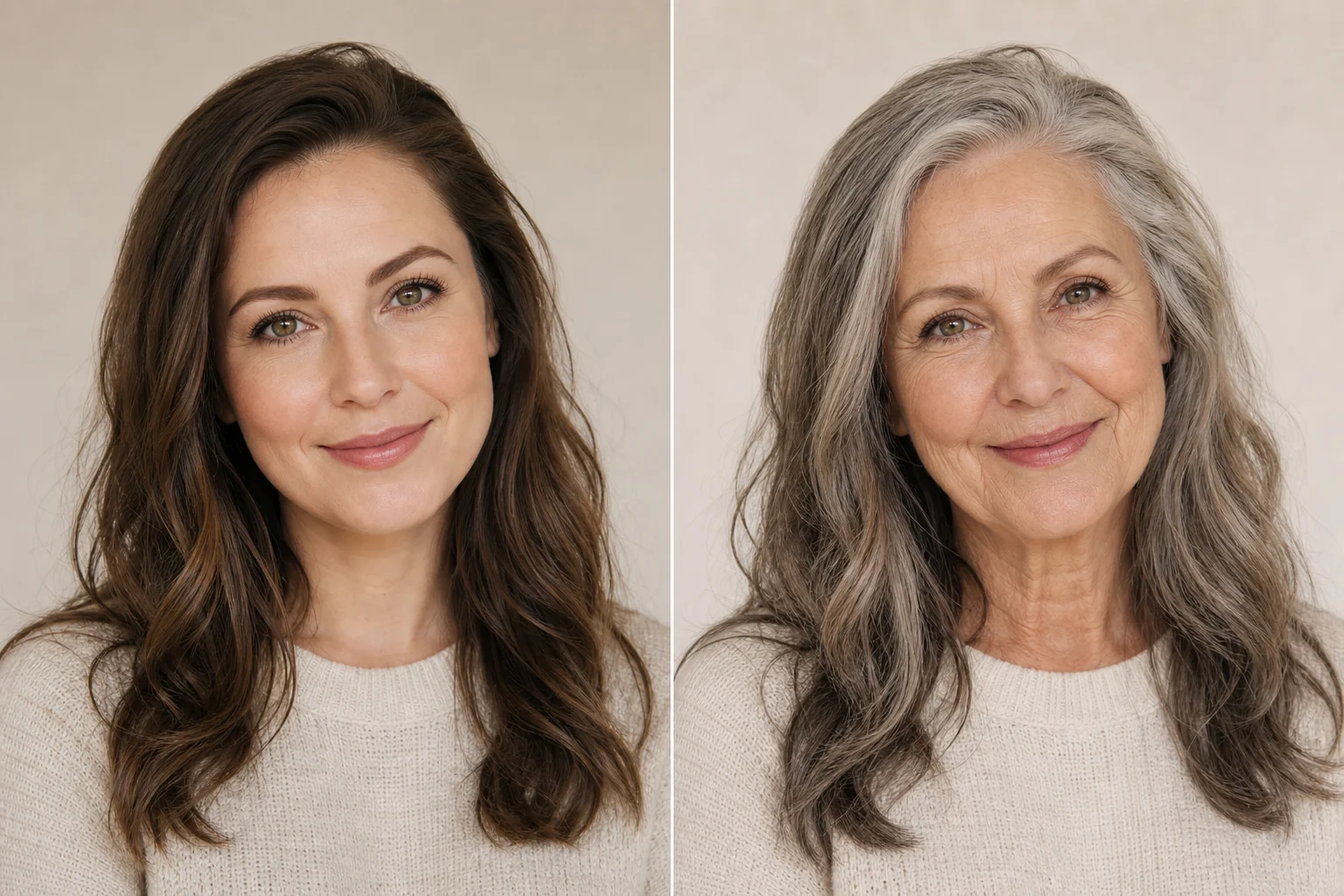
A natural older-version portrait with subtle wrinkles, mature skin texture, and recognizable facial structure.
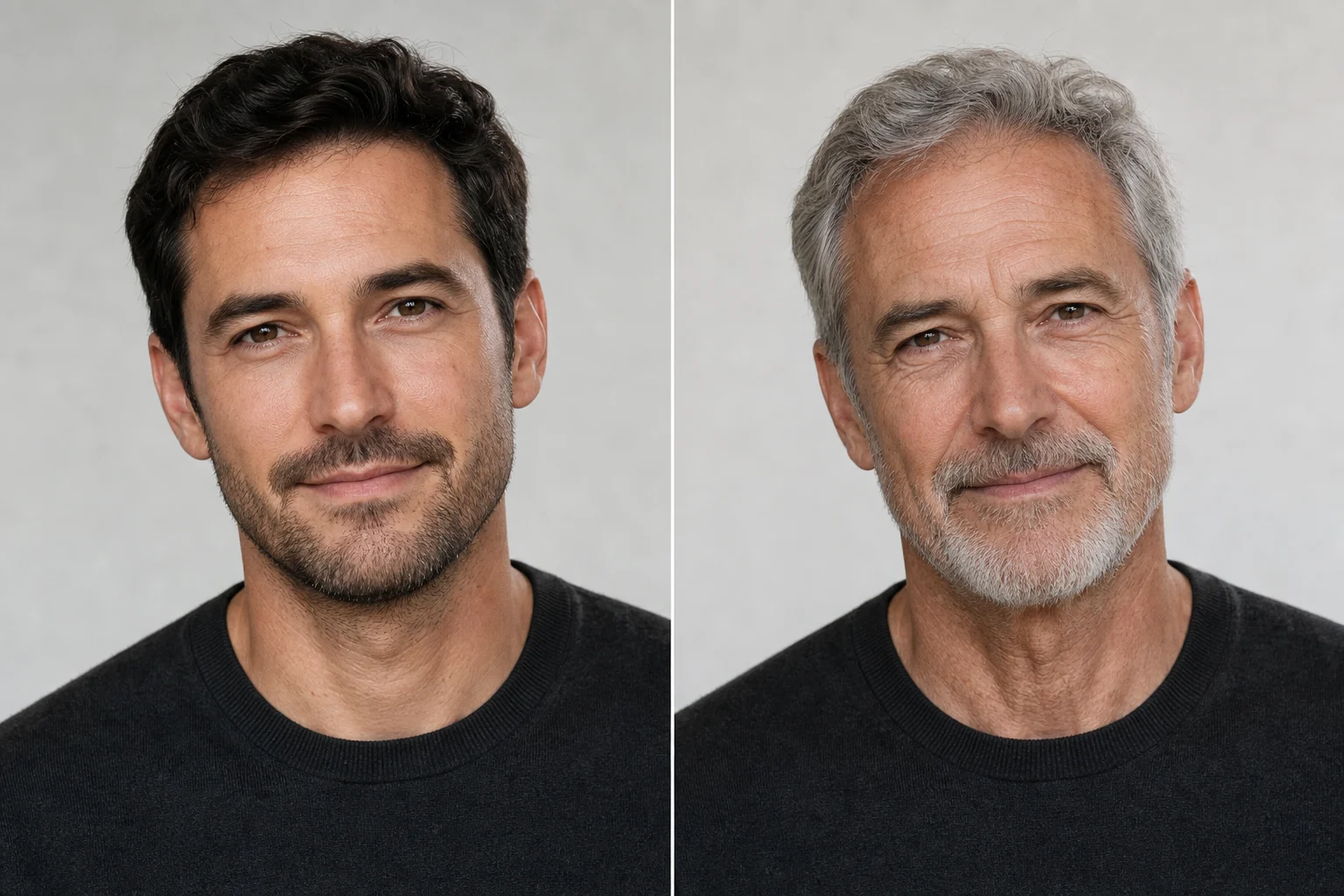
A more mature portrait style with visible facial contour changes and age-appropriate hair detail.
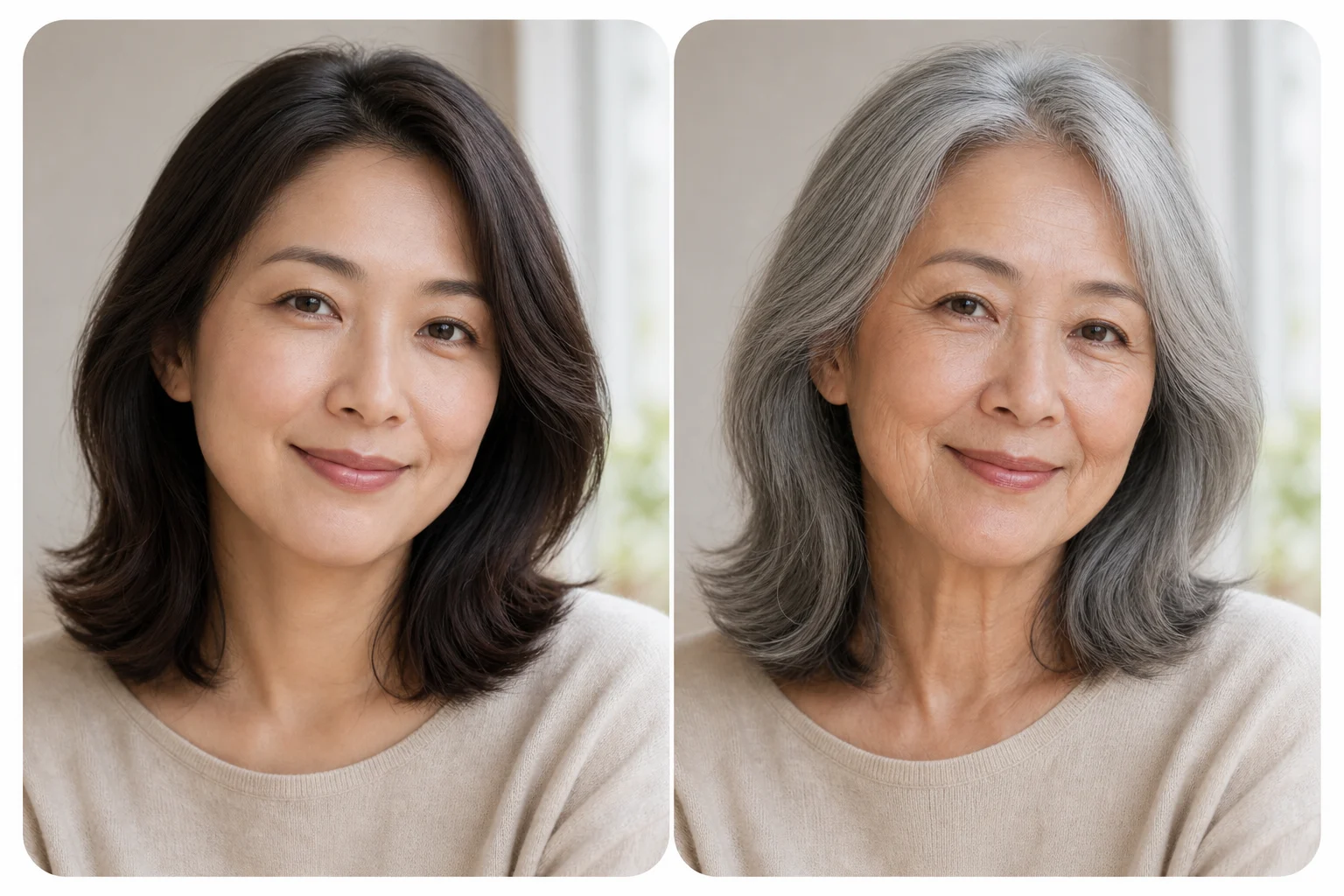
A storytelling-friendly older portrait that keeps the original pose, expression, and background continuity.
Use this aging effect when you want a plausible older-looking portrait for curiosity, creative planning, or visual storytelling.
Explore an older-looking version of yourself or someone else from a clear portrait while keeping facial identity recognizable.
Create a visual reference for a character at a later life stage, including mature facial contours, hair changes, and natural skin texture.
A strong source portrait gives the age progression more facial information to preserve and transform naturally.
Use a direct instruction such as: “Create a realistic older version of this person while preserving identity, eye shape, expression, pose, clothing, lighting, and background. Add natural wrinkles, mature skin texture, under-eye detail, softened facial fullness, and age-appropriate hair changes.”
Age-related details can vary between outputs, so review the finished image before using it as a reference or sharing it.
Compare the older-version portrait with the source for face shape, eyes, expression, and distinctive features. The person should still feel like the same individual.
Wrinkles, mature skin texture, under-eye detail, and hair changes should follow the face naturally rather than appearing as separate overlays.
Inspect teeth, glasses, ears, hair edges, and the background for visual artifacts or inconsistencies introduced during the edit.
Answers to common questions about using an old age filter for realistic, recognizable portrait edits.
Upload a clear portrait and create a recognizable older-version image with realistic aging details, mature facial contours, and preserved scene continuity.