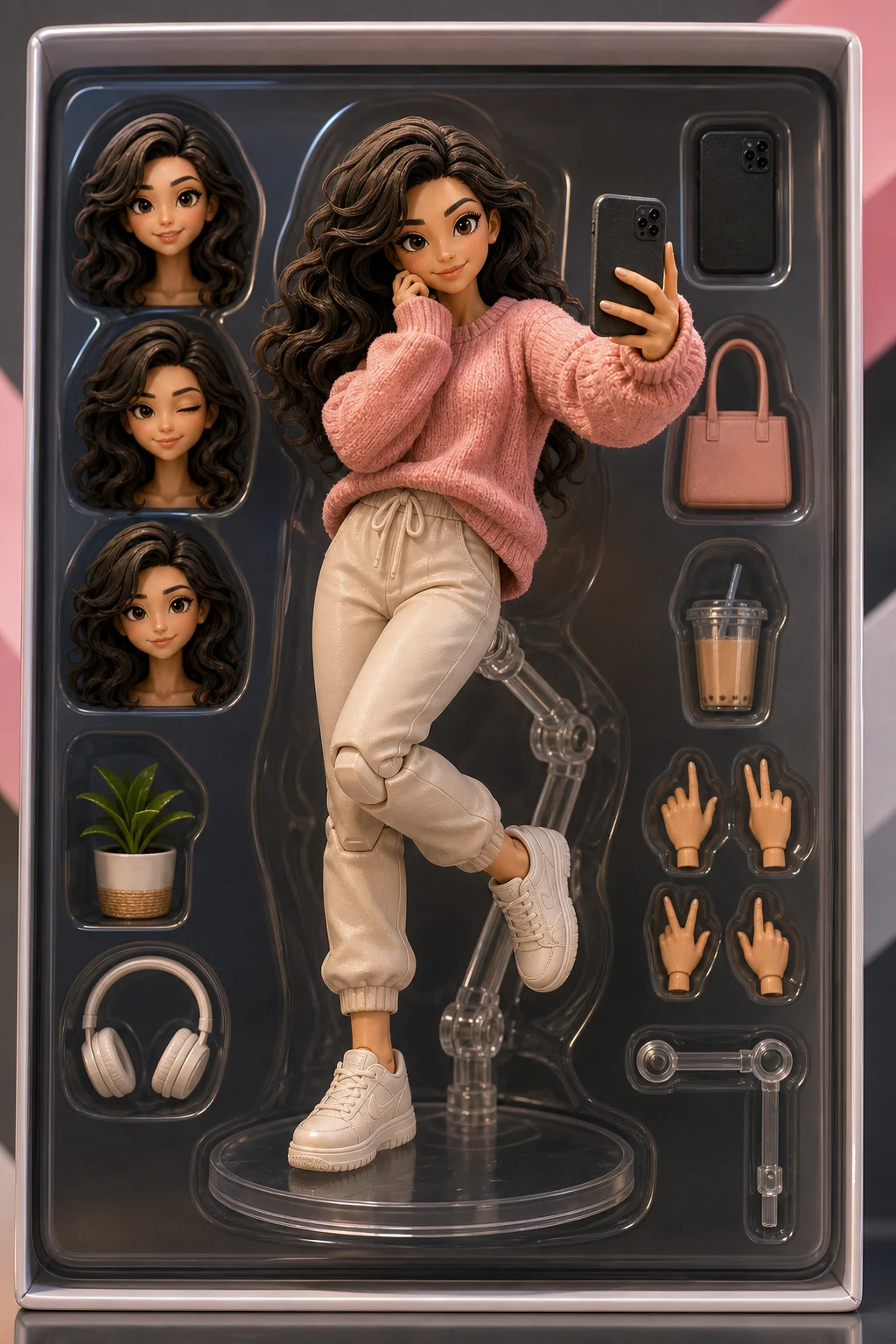
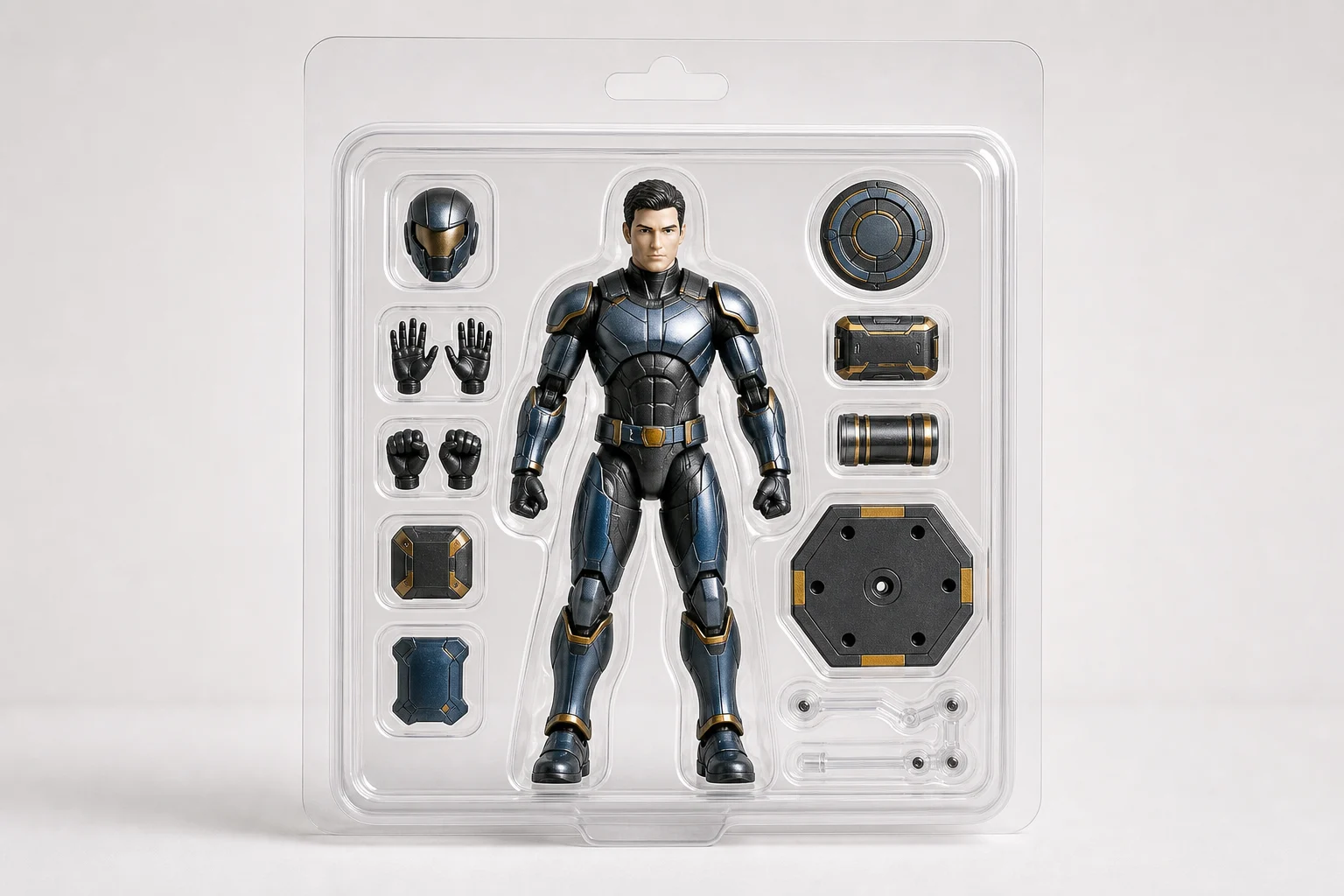
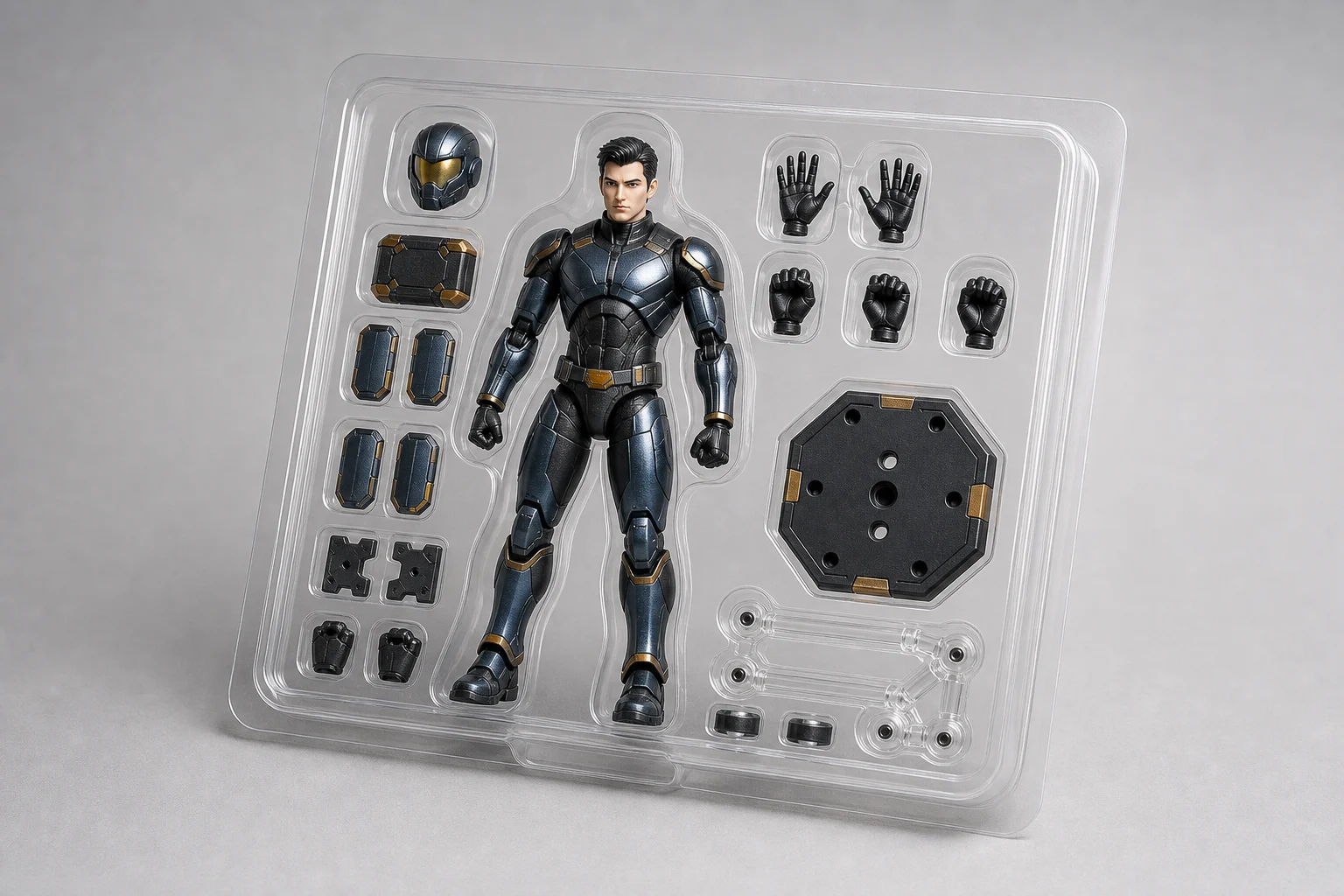
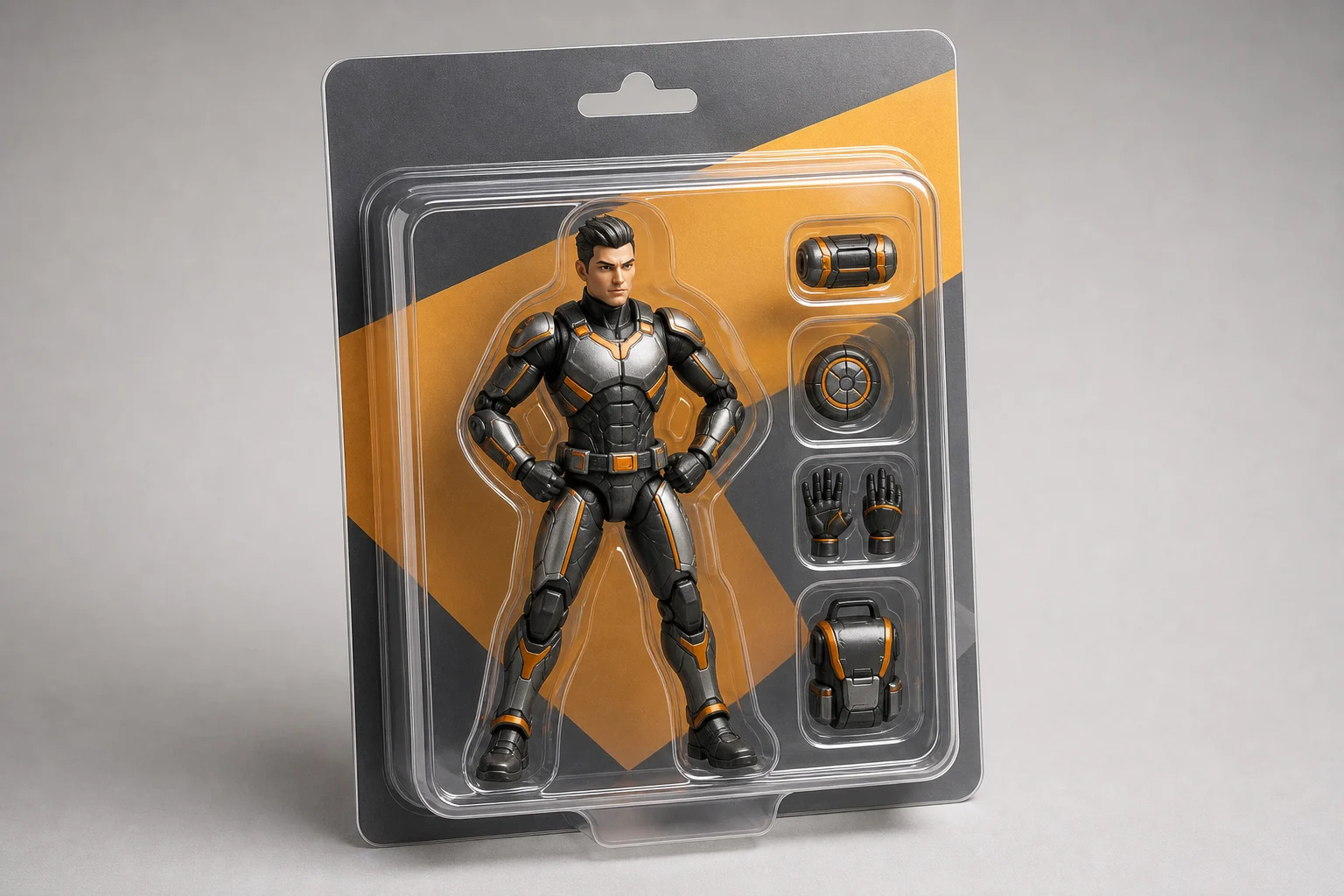
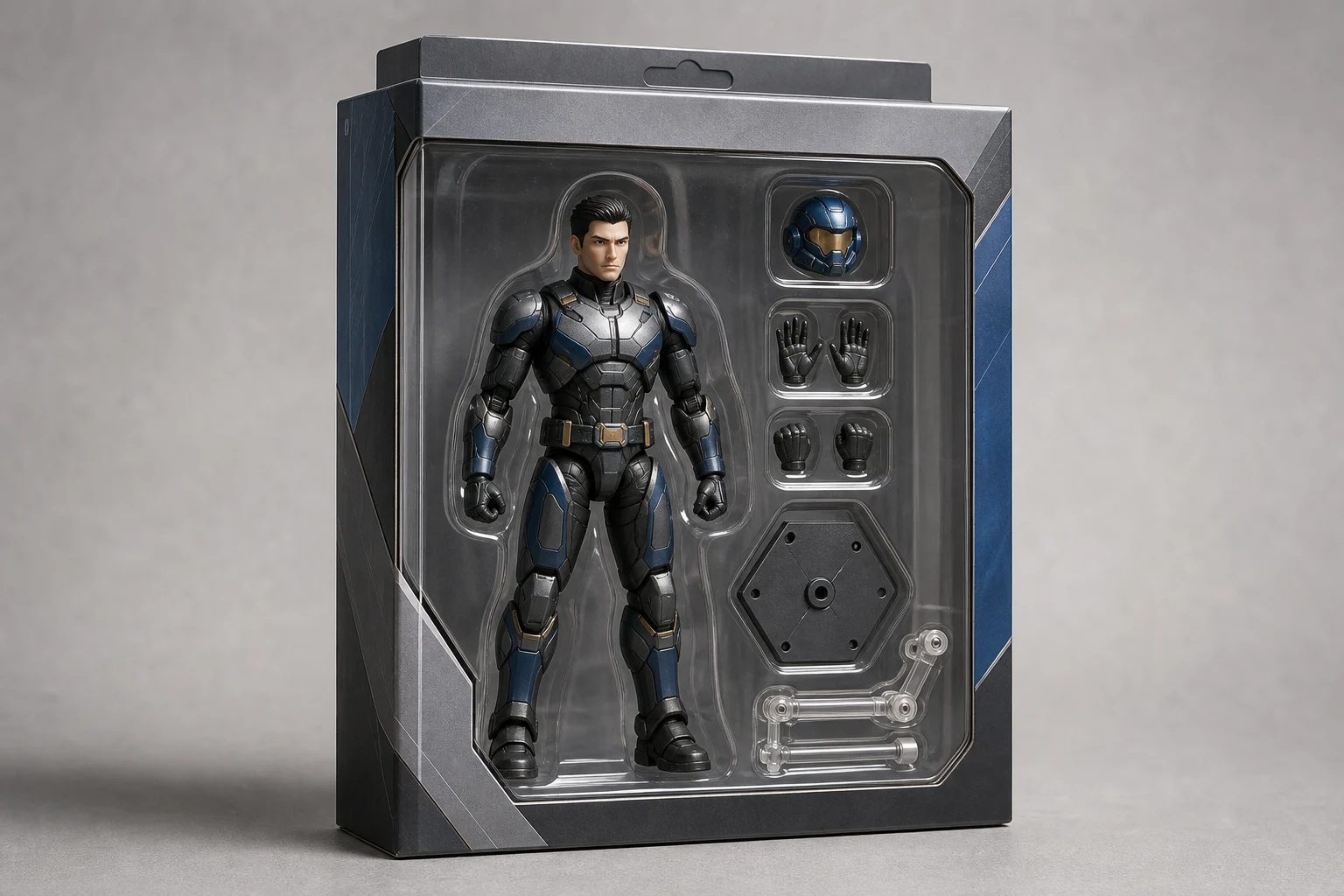
Turn a portrait or character photo into a boxed collectible with toy-like proportions, visible joints, themed accessories, and recognizable personal details.
Apply the AI Action Figure effect to the uploaded portrait or character image. Preserve the subject identity, hairstyle, outfit colors, accessories, pose silhouette, and distinctive features. Rebuild the subject as a boxed collectible action figure with molded toy proportions, visible joints, blister-pack or premium box packaging, themed accessories, label space, glossy product photography, and clean studio lighting. Keep the figure clearly based on the uploaded subject.
Create a collectible figure from your photo
The AI Action Figure Generator transforms a clear photo into a stylized collectible figure concept. It rebuilds the subject as a plastic toy render with molded proportions, articulated details, accessory ideas, and packaging that can resemble a blister pack or premium display box.
From photo to boxed collectible
This template keeps the subject recognizable while shifting the image into a polished collectible toy concept.
What changes
Creates a collectible action figure version of your photo with toy-like proportions, themed accessories, and boxed presentation.
Rebuilds the subject as a packaged toy concept, such as a blister-pack figure or a premium boxed collectible.
Turns a portrait or character image into a focused visual draft for posts, mockups, creative references, or presentation concepts.
What stays recognizable
Subject identity, hairstyle, outfit colors, accessories, pose silhouette, and distinctive features remain the priority.
The figure stays clearly based on the uploaded subject rather than becoming a generic toy.
Defining colors, pose, silhouette, and important subject details stay coherent.
The overall character or personal style of the source image remains visible in the final Figure concept.
How to create an AI action figure image
Use a clear source image, guide the toy styling, then review the final details before sharing or refining the result.
1
Upload a clear source
Choose a sharp portrait or character image where the face, outfit, pose, and key accessories are visible.
2
Set the figure direction
Describe the collectible look you want, including packaging type, accessory ideas, toy proportions, lighting, and any details that must stay accurate.
3
Generate and compare
Create the image and check whether the subject still looks recognizable while the Action Figure styling feels coherent.
4
Refine the result
If needed, adjust the source or prompt to improve identity, packaging, accessories, hands, face details, or background clarity.
Action figure style variations
Explore different collectible figure moods, packaging styles, and studio looks while keeping the subject based on the original source image.
Classic boxed collectible
A clean boxed figure presentation with a strong product-photo look, useful for previewing the overall collectible concept.
Premium display package
A polished display-box style that emphasizes the figure, accessory layout, and premium shelf-ready composition.
Character-focused figure
A toy-style render that highlights molded joints, outfit colors, and personal details for a more character-focused result.
Accessory-ready package
A packaged action figure concept with accessory space and glossy lighting for posts, mockups, and visual references.
Popular ways to use this template
Use the Action Figure Generator online when you need a quick visual direction for a collectible-style portrait or character concept.
Personal collectible concepts
Create a playful boxed figure preview from a selfie, portrait, cosplay photo, mascot, or character reference.
Creative project mockups
Explore accessory sets, packaging layouts, and toy-like proportions before refining a design direction.
Shareable visual ideas
Build a memorable image for social posts, profile updates, announcement graphics, or themed content.
Presentation references
Prepare a clear concept image to discuss styling, packaging, accessories, and overall figure direction with collaborators or clients.
How to get a stronger result
A strong result starts with a clean source image and a prompt that clearly describes the collectible toy presentation you want.
Source image checks
Use a sharp source image with the main subject clearly visible.
Avoid heavy blur, blocked details, extreme crops, or confusing overlaps.
Choose a source whose pose and framing support the intended AI Action Figure Generator result.
Prompt guidance
Ask for a boxed collectible action figure based on the uploaded subject. Mention molded toy proportions, visible joints, themed accessories, blister-pack or premium box packaging, label space, glossy product photography, and clean studio lighting. Include the details that must stay recognizable, such as hairstyle, outfit colors, accessories, pose silhouette, and distinctive features.
Review before you use the image
Generated details can vary between runs, so review the image before using it in a post, mockup, reference, or client draft.
Check subject recognition
Compare the face, hairstyle, outfit colors, accessories, pose silhouette, and other distinctive features with the original image.
Review the action figure style
Look for a consistent collectible treatment: molded proportions, toy-like surfaces, visible joints, packaging, and accessories that fit the subject.
Inspect fine details
Inspect faces, hands, edges, text areas, small accessories, packaging seams, and background transitions for distortions or unwanted artifacts.
AI Action Figure Generator FAQ
Answers to common questions about creating an Action Figure image from a portrait or character reference.
What is the AI Action Figure Generator?
It is a template for turning a photo or character reference into a toy-style collectible figure image, complete with molded proportions, visible joints, accessories, packaging, and studio-style presentation.
Is the AI Action Figure Generator free?
Availability can vary by how you access ClipCanva. Check the current product interface for any account, usage, or export details before starting.
What photos work best with the AI Action Figure Generator?
Use a sharp, well-lit image where the subject’s face, outfit, hairstyle, pose, and key accessories are easy to see. Full-body or half-body shots usually give the template more useful information than extreme close-ups.
What image formats does it support?
Use common image formats supported by the upload tool, such as JPG or PNG, when available. For best results, choose a clear, high-resolution image without heavy blur or distracting overlaps.
Can I use action figure images commercially?
Usage depends on the rights connected to your source image, the generated result, and your intended project. Review the applicable terms and make sure you have permission for any people, brands, or characters shown.
What AI Action Figure Generator changes are applied?
It adds a collectible toy treatment: plastic-like surfaces, articulated joints, boxed product presentation, themed accessories, label space, glossy lighting, and figure proportions while keeping the person or character recognizable.
Which source image works best?
Choose a source image with a clear subject, visible defining details, and a pose that will translate well into a packaged figure. Avoid cropped limbs, covered faces, heavy shadows, and cluttered backgrounds.
How do I keep the subject recognizable?
Keep the prompt focused on the subject’s real defining traits, such as hairstyle, outfit colors, accessories, pose silhouette, and facial features. After generation, compare the result with the source and refine if key details drift.
Create your collectible action figure concept
Upload a clear portrait or character image and create a boxed collectible Figure concept with accessory details, toy styling, and a polished product-photo look.