AI Acrylic Action Figure Generator

AI Acrylic Action Figure Generator

Turn a portrait or character image into a glossy Acrylic Action Figure with transparent cutout edges, a display base, and recognizable outfit, pose, and face cues.

AI Acrylic Action Figure Generator result showing a clear acrylic stand-style action figure render
0 / 2000
Template prompt

AI Acrylic Action Figure Generator

Apply the AI Acrylic Action Figure effect to the uploaded portrait or character image. Preserve the subject identity, outfit colors, pose silhouette, hairstyle, and key visual traits. Rebuild the subject as a clear acrylic stand-style action figure with transparent cutout edges, printed character detail, glossy acrylic thickness, display base, soft product photography lighting, and a clean collectible merchandise composition. Keep the likeness recognizable.

AI Acrylic Action Figure Generator result showing a clear acrylic stand-style action figure render

What is an AI Acrylic Action Figure Generator?

The AI Acrylic Action Figure Generator transforms a clear person or character image into a collectible acrylic stand-style figure. It focuses on a printed character look, clear cutout borders, glossy acrylic thickness, and a clean product-style display base while keeping the source subject recognizable.

From source image to Acrylic Action Figure

This template converts a source subject into a glossy acrylic stand concept while retaining the traits that make the person or character identifiable.

What changes

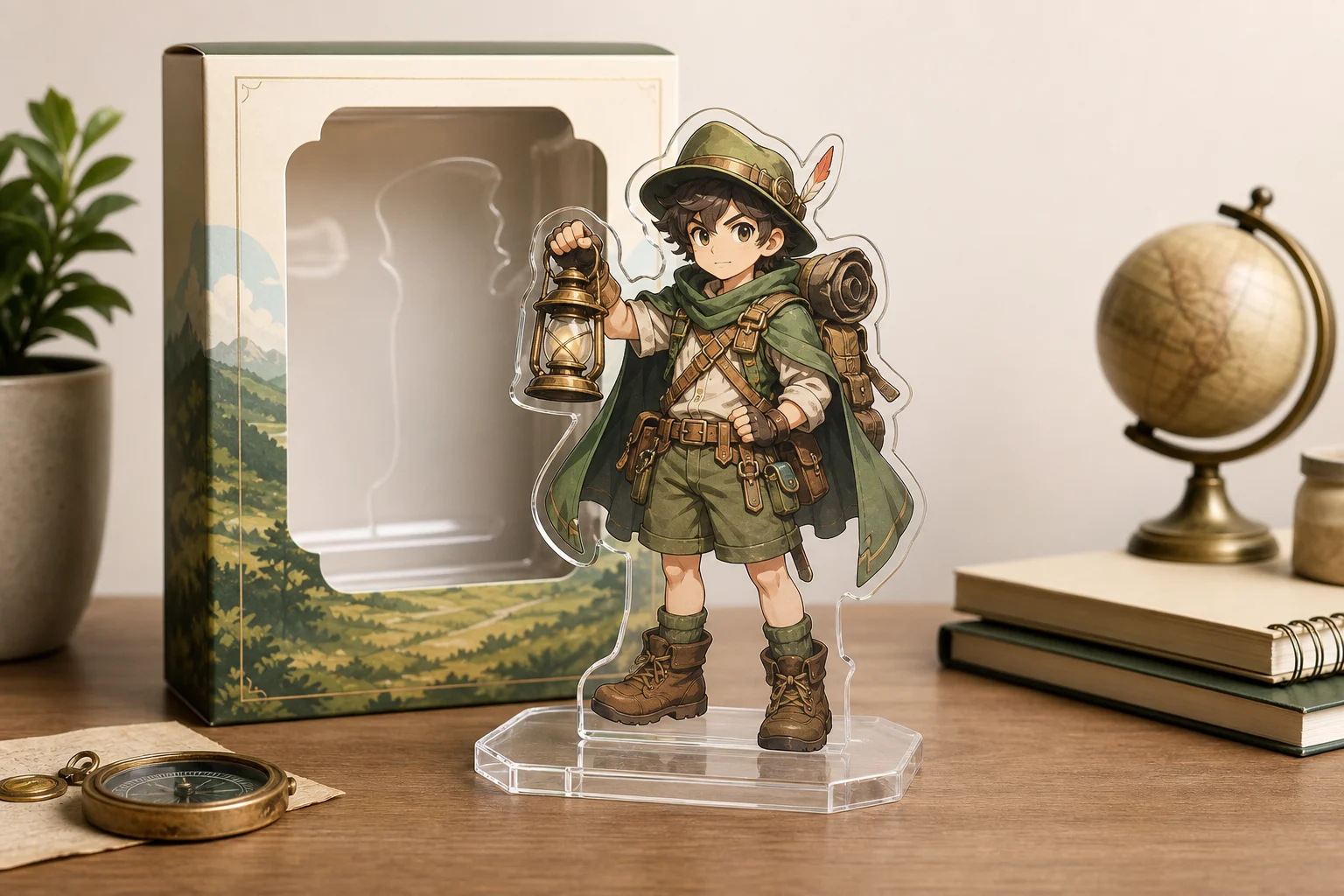
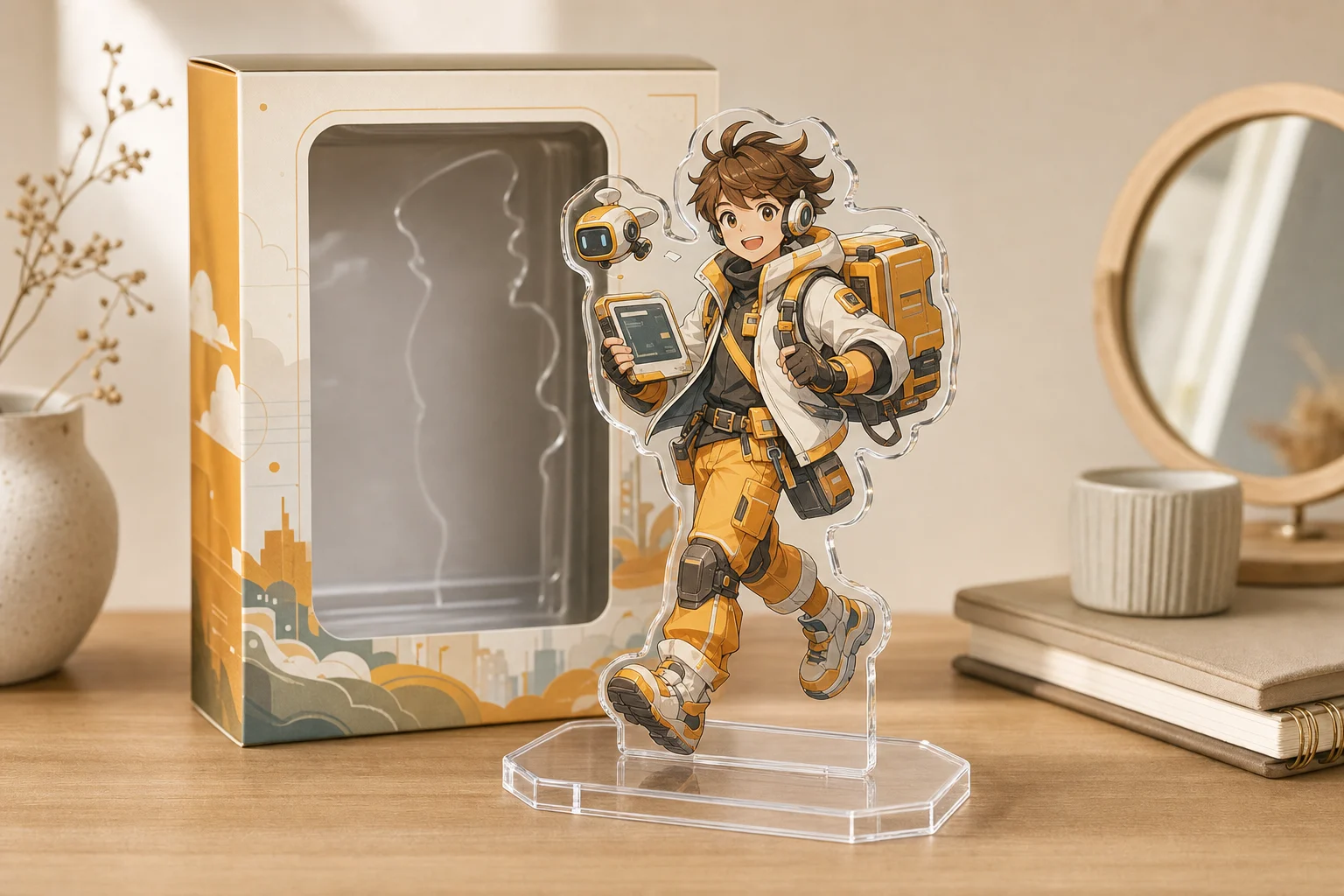
  • Turns a person or character image into an acrylic stand-style Action Figure.
  • Adds transparent cutout edges, printed character detail, glossy acrylic thickness, and a clean display base.
  • Uses soft product photography lighting and a collectible merchandise composition.
  • Rebuilds the subject as a clear Acrylic Figure while keeping the visual direction focused and presentation-ready.
What stays recognizable

  • Subject identity, outfit colors, pose silhouette, hairstyle, and key visual traits.
  • Recognizable likeness from the source image.
  • Defining colors, pose, silhouette, and important subject details.
  • The main subject as the visual focus of the composition.

How to create an Acrylic Action Figure image

Start with a clear subject image, apply the acrylic stand direction, then review whether the Figure keeps the identity and details that matter most.

1

Upload a clear source

Choose a sharp portrait or character image where the main subject, pose, outfit, hairstyle, and defining details are easy to read.

2

Set the Acrylic Figure style

Use the acrylic stand prompt direction to describe transparent cutout edges, glossy thickness, printed detail, a display base, and soft product lighting.

3

Review and refine

Compare the result with the source image, checking likeness, silhouette, face cues, hands, edges, and any small objects that should remain coherent.

Acrylic Action Figure style examples

Explore different Acrylic Action Figure examples with clear cutout edges, display bases, and product-style collectible compositions.

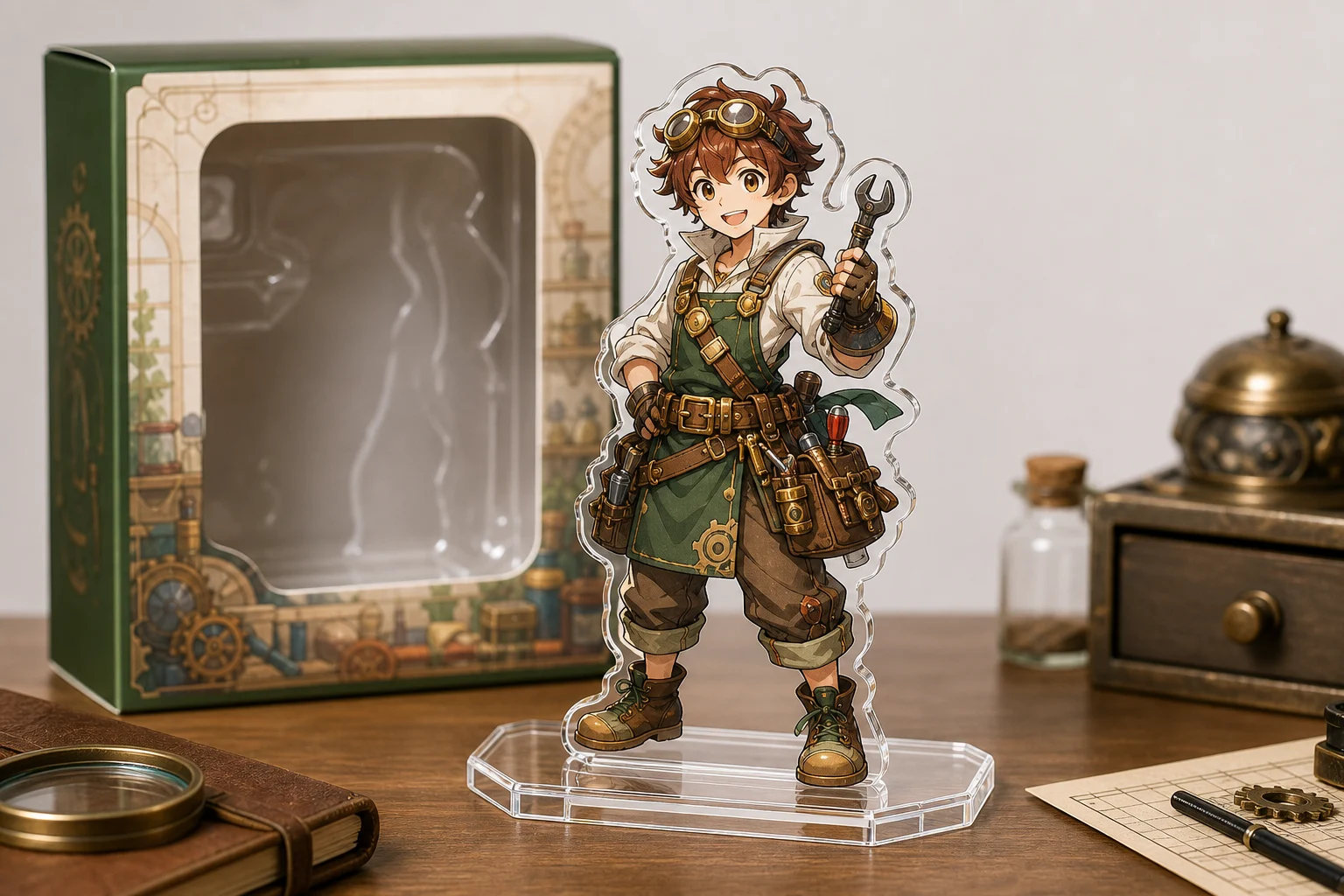
AI Acrylic Action Figure Generator sample result with a clear acrylic stand-style action figure render 1

Glossy acrylic figure preview

A clean acrylic stand-style Figure preview with glossy depth and a focused collectible presentation.

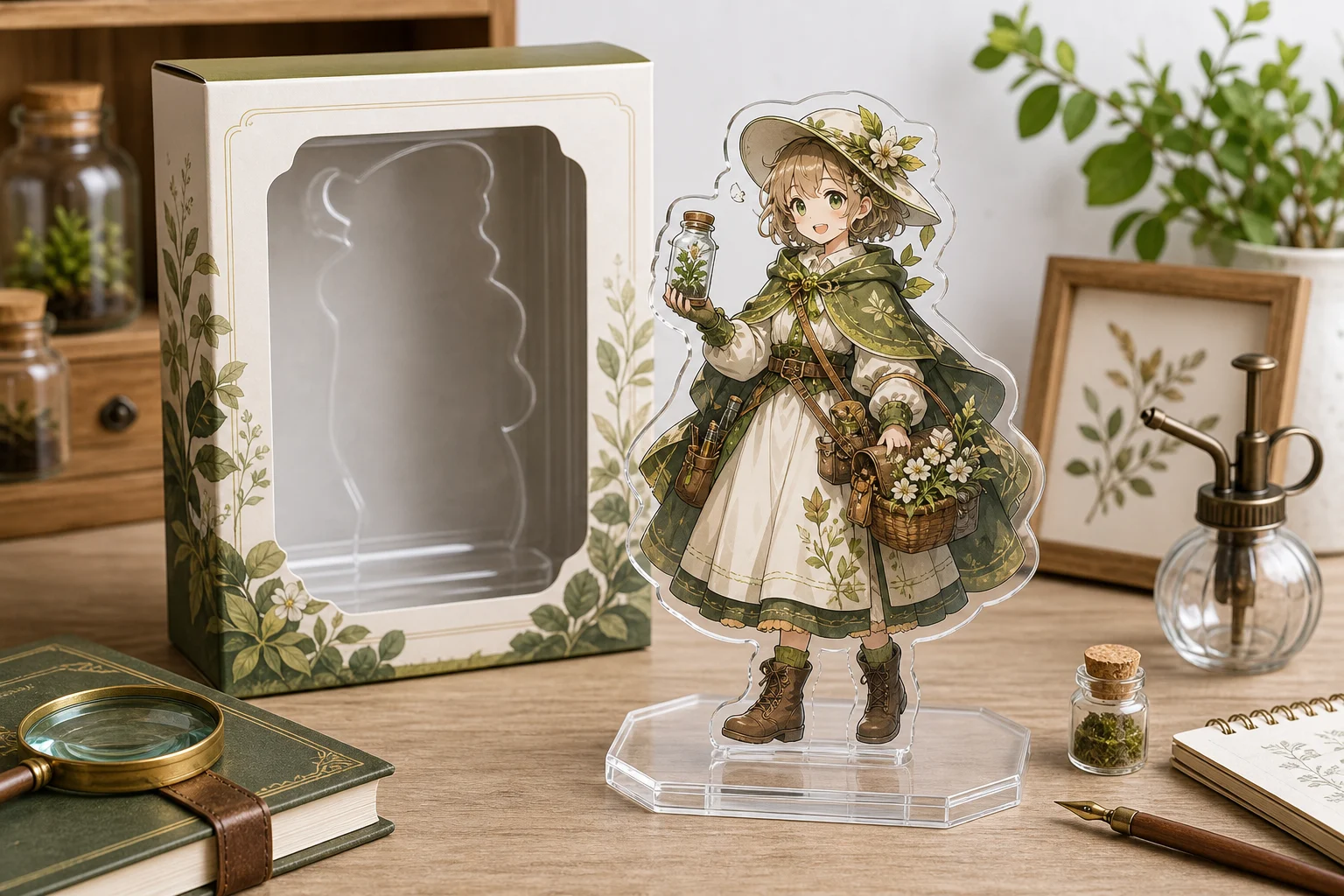
AI Acrylic Action Figure Generator sample result with a clear acrylic stand-style action figure render 2

Character stand composition

A character-focused Acrylic Action Figure look that emphasizes pose, outfit color, and transparent edge detail.

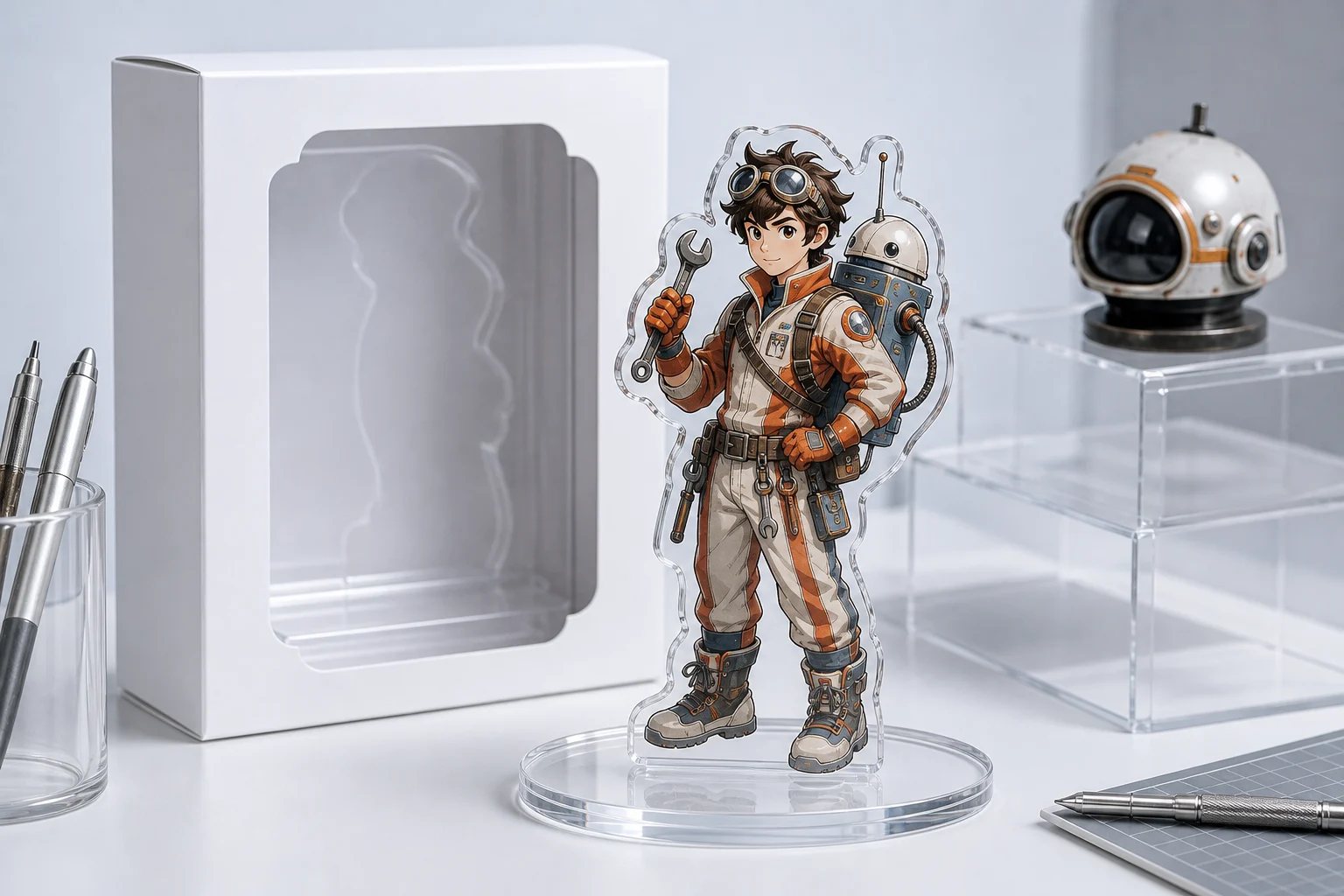
AI Acrylic Action Figure Generator sample result with a clear acrylic stand-style action figure render 3

Clean display base style

A display-ready acrylic Figure concept with soft product lighting and a clear base.

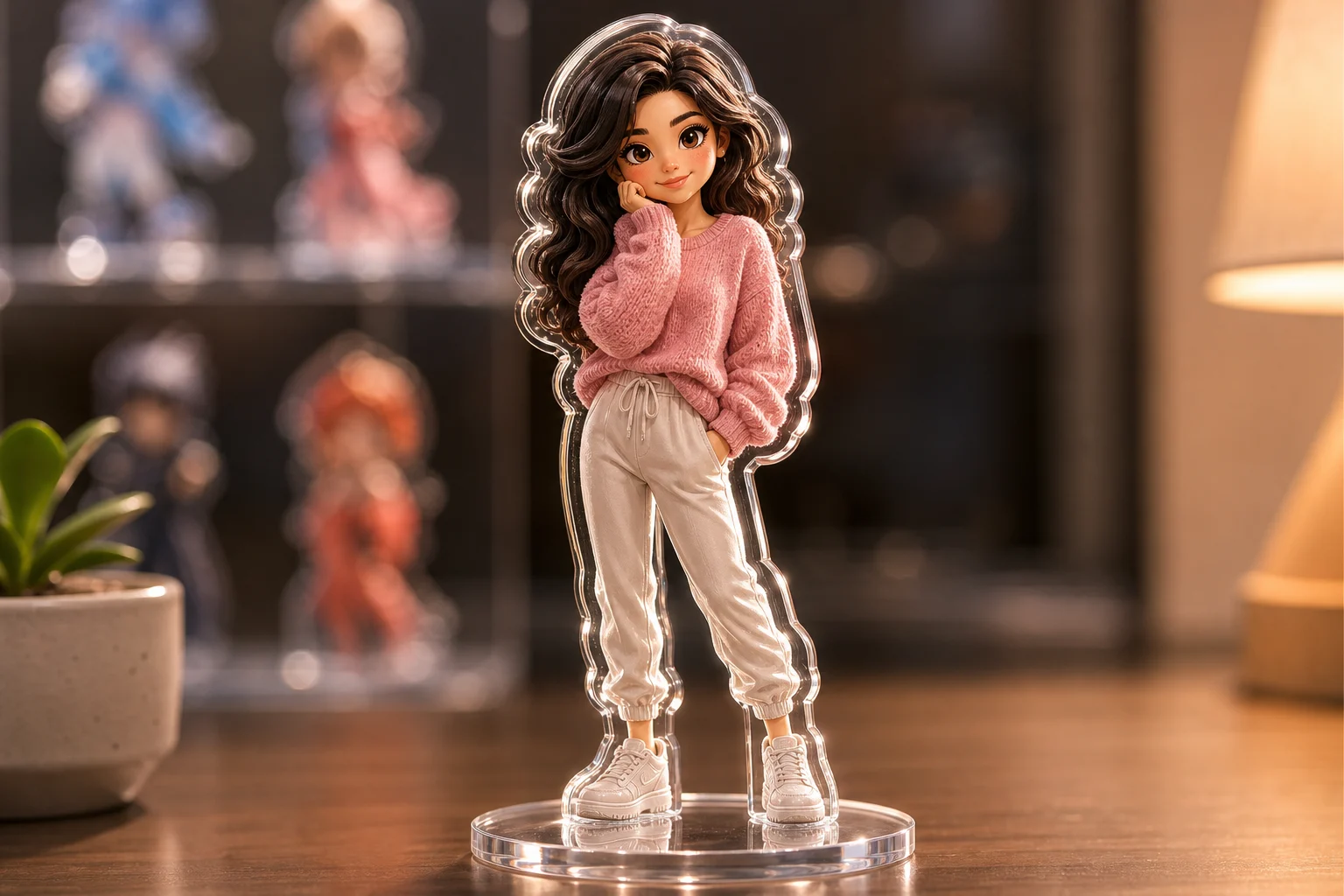
AI Acrylic Action Figure Generator sample result with a clear acrylic stand-style action figure render 4

Printed figure detail

An Acrylic Action Figure sample with printed character detail and a polished merchandise mockup feel.

AI Acrylic Action Figure Generator sample result with a clear acrylic stand-style action figure render 5

Transparent cutout finish

A clear stand-style Action Figure result that balances recognizable subject cues with glossy acrylic thickness.

Ways to use this template

Use the Acrylic Action Figure style when you need a quick visual direction for a collectible stand, character preview, or creative presentation.

Personal and creative projects

Create a focused AI Acrylic Action Figure Generator preview for a personal art, fandom, character design, or visual concept project.

Visual direction checks

Compare the acrylic stand direction before refining, sharing, or presenting the result to collaborators or clients.

Collectible stand concepts

Mock up how a person or character might look as a printed acrylic stand with a clean base and product-style lighting.

How to prepare your image and prompt

For a stronger result, pair a clean source image with a prompt that describes the acrylic stand treatment and the details that must remain recognizable.

Source image checklist

  • Use a sharp source image with the main subject clearly visible.
  • Avoid heavy blur, blocked details, extreme crops, or confusing overlaps.
  • Choose a source whose pose and framing support the intended AI Acrylic Action Figure Generator result.

Prompt guidance

Apply the AI Acrylic Action Figure effect to the uploaded portrait or character image. Preserve the subject identity, outfit colors, pose silhouette, hairstyle, and key visual traits. Rebuild the subject as a clear acrylic stand-style action figure with transparent cutout edges, printed character detail, glossy acrylic thickness, display base, soft product photography lighting, and a clean collectible merchandise composition. Keep the likeness recognizable.

Review the acrylic figure result

Generated details can vary, so review the image before sharing, presenting, or refining it. A clearer source or more specific prompt can help when important details drift.

Recognizable subject

Compare the final Figure with the source image and check whether the subject identity, pose silhouette, hairstyle, and outfit colors still match.

Acrylic stand treatment

Look for coherent Acrylic Action Figure details, including transparent cutout edges, glossy depth, printed character detail, and a stable display base.

Detail cleanup

Inspect faces, hands, text, small objects, edges, and background transitions for artifacts or details that may need another attempt with a clearer source.

AI Acrylic Action Figure Generator FAQ

Answers to common questions about creating Acrylic Action Figure images from portraits, character art, and other clear subject references.

What is the AI Acrylic Action Figure Generator?
It is a template for turning a person or character image into an acrylic stand-style Action Figure look, with transparent edges, printed character detail, glossy thickness, and a display base.
Is the AI Acrylic Action Figure Generator free?
Availability can vary by platform access and current usage options. Check the creation page for the latest access details before starting.
What photos work best with the AI Acrylic Action Figure Generator?
Use a sharp image where the main subject is clearly visible. Strong results usually come from sources with readable facial cues, outfit colors, hairstyle, pose silhouette, and minimal obstruction.
What image formats does it support?
Use common image formats supported by the upload flow, such as standard portrait or character image files. A clear, high-quality source matters more than the specific format.
Can I use acrylic action figure images commercially?
Usage depends on the rights connected to your source image and the final context. Review ownership, permissions, and platform terms before using the result in commercial materials.
What AI Acrylic Action Figure Generator changes should I expect?
It changes the image into a clear Acrylic Action Figure style with transparent cutout edges, glossy acrylic depth, printed character detail, a base, soft product lighting, and a collectible merchandise composition.
Which source image works best?
Choose a source with one main subject, clear framing, visible clothing, readable face cues, and a pose that will still look good as a standing display figure.
How do I keep the subject recognizable?
Start with a clear source and review the result against the original. Pay attention to the face, hairstyle, outfit colors, pose outline, and any details that define the subject.

Create your acrylic stand-style Action Figure

Use a clear portrait or character reference to create an Acrylic Action Figure concept with glossy edges, a display base, and recognizable subject details.