AI 90s Gaming Scene Generator

AI 90s Gaming Scene Generator

Turn a clear source image into a nostalgic 1990s console-era gaming room, with CRT scanlines, chunky textures, neon color, arcade framing, and a recognizable subject.

AI 90s Gaming Scene Generator result showing a nostalgic console-era gaming room scene
0 / 2000
Template prompt

AI 90s Gaming Scene Generator

Apply the AI 90s Gaming Scene effect to the uploaded image. Preserve the main subject identity, pose or object layout, key colors, and action silhouette. Recreate the image as a nostalgic 1990s console-era gaming scene with CRT scanlines, pixelated or low-poly textures, chunky early-3D forms, arcade UI framing, neon accents, limited retro palette, and authentic game-room atmosphere. Keep the uploaded subject recognizable inside the retro game world.

AI 90s Gaming Scene Generator result showing a nostalgic console-era gaming room scene

What is the AI 90s Gaming Scene Generator?

The AI 90s Gaming Scene Generator rebuilds your uploaded image as a retro Gaming Scene inspired by the console era. It keeps the main subject recognizable while adding CRT glow, scanlines, pixelated or low-poly textures, arcade-style framing, neon accents, and the atmosphere of a classic 90s game room.

How the transformation works

This template shifts the image into a retro video-game world while keeping the important subject structure intact.

What changes

  • Rebuilds the source image as a nostalgic 1990s console-era Gaming Scene.
  • Adds CRT glow, scanlines, chunky retro textures, arcade color, and early-3D visual cues.
  • Introduces neon accents, limited retro palettes, arcade UI framing, and game-room atmosphere.
  • Creates a visual draft suitable for posts, mockups, references, or client direction checks.
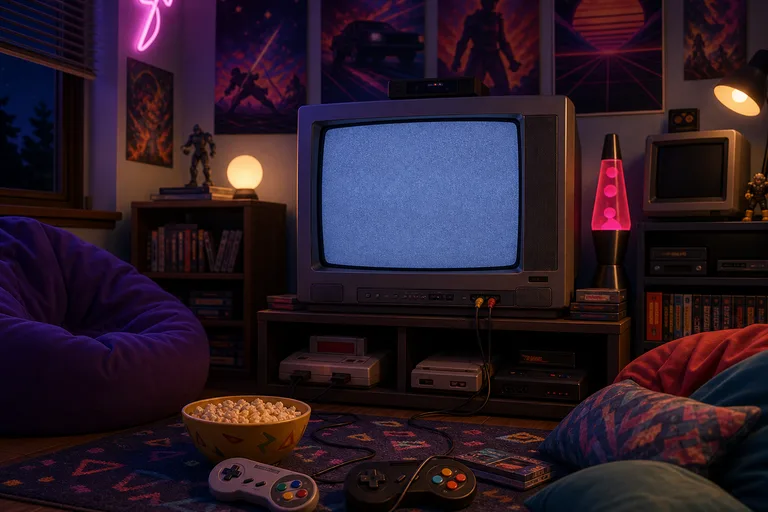
What stays recognizable

  • Preserves the main subject identity, pose or object layout, key colors, and action silhouette.
  • Keeps the uploaded subject recognizable inside the retro game world.
  • Maintains defining colors, pose, silhouette, and important subject details where the source is clear.
  • Retains the composition well enough to compare the new visual direction with the original.

How to create a 90s Gaming Scene

Create a retro console-era image by starting with a clear source, choosing the 90s Gaming Scene look, and reviewing the final details.

1

Upload a clear source

Choose a sharp image where the subject, pose, key colors, and object layout are easy to understand.

2

Apply the 90s Gaming Scene look

Use the AI 90s Gaming Scene Generator template to restyle the image with CRT scanlines, arcade color, chunky textures, and neon accents.

3

Review the result

Check the result against the source to confirm the subject remains recognizable and the retro treatment feels coherent.

4

Refine the direction

If needed, try a clearer source image or add more specific direction about the game-room atmosphere, CRT glow, or arcade framing.

90s Gaming Scene style variations

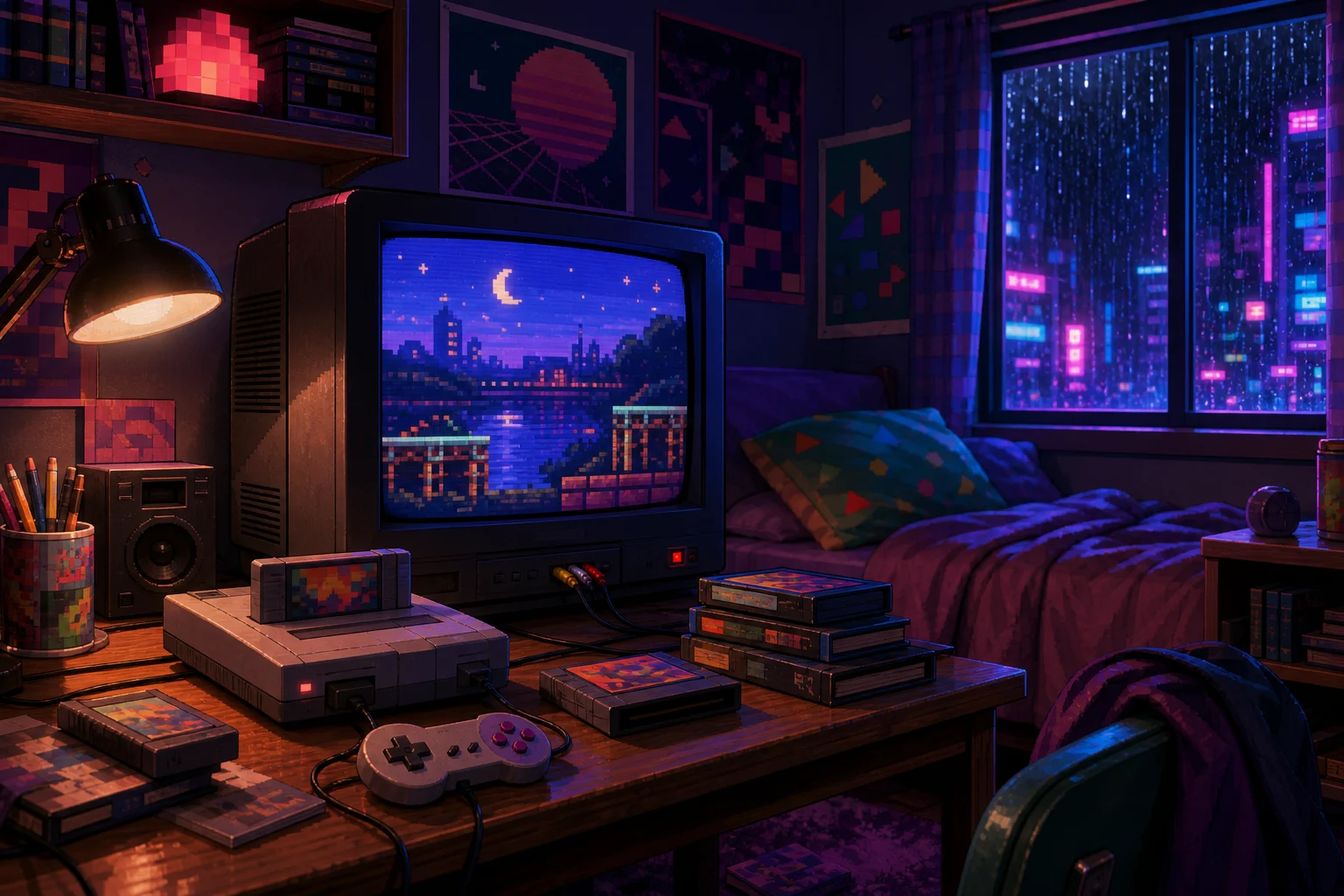
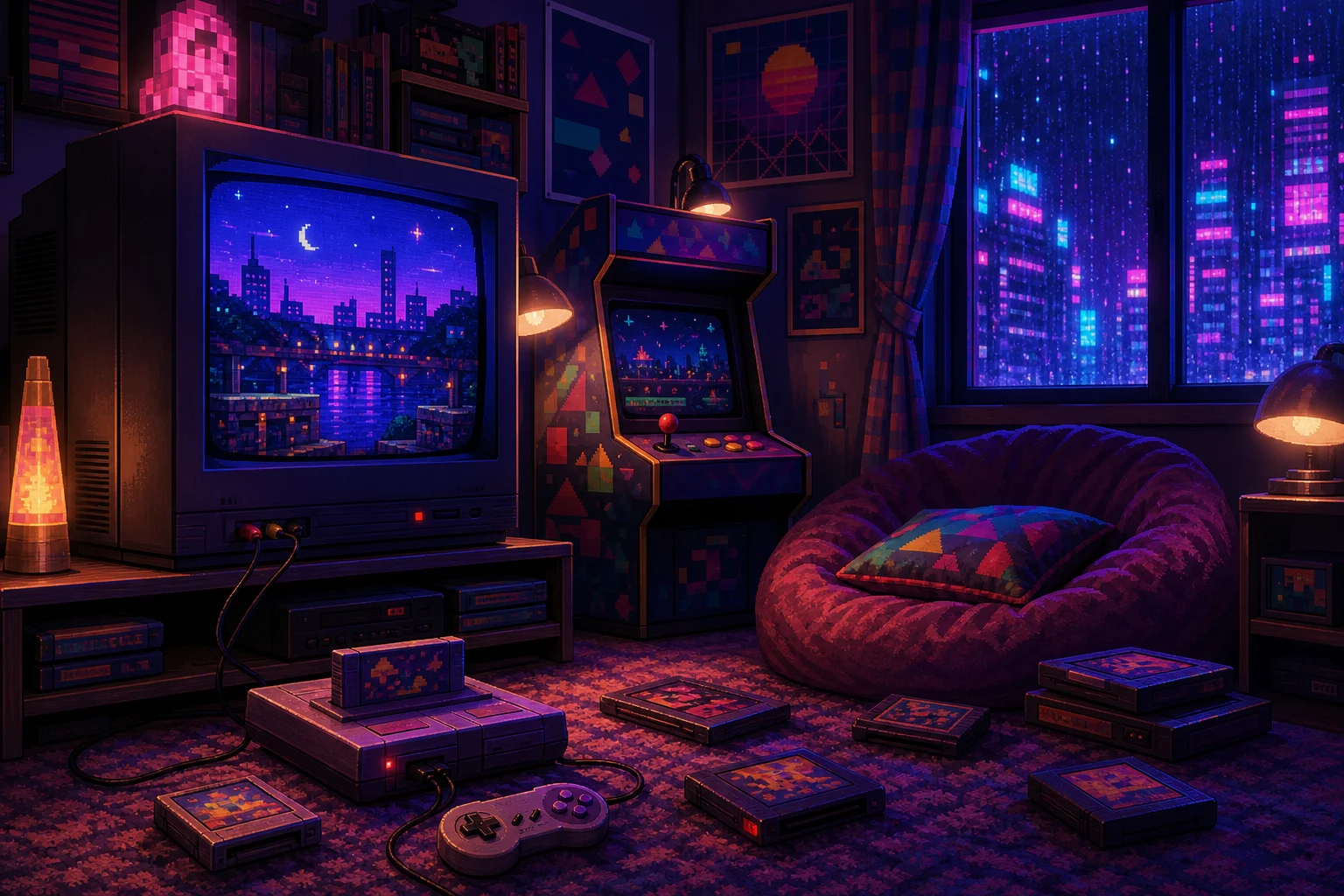
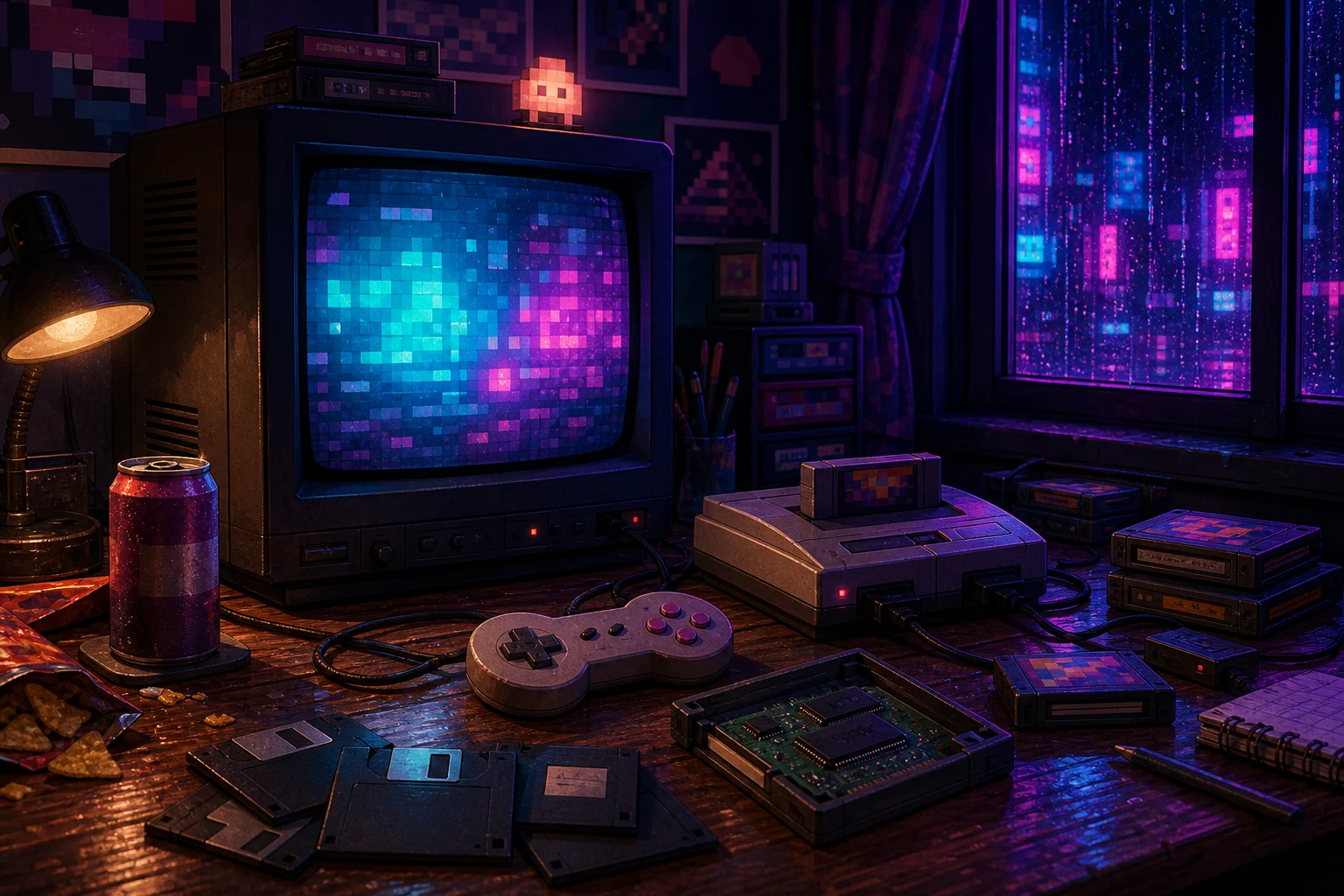
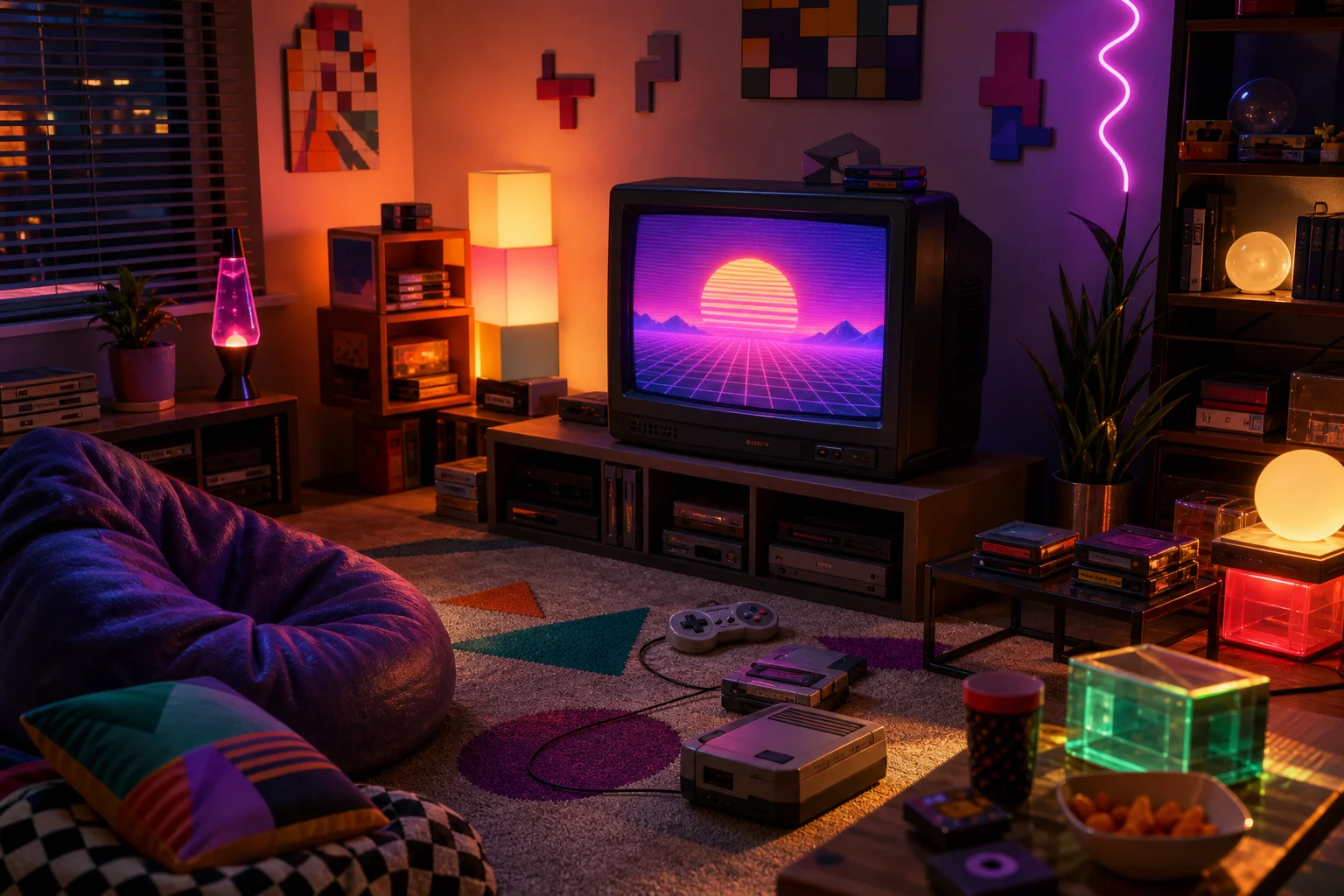
These examples show different ways the same retro console-era idea can appear, from CRT-heavy rooms to brighter arcade-inspired compositions.

AI 90s Gaming Scene Generator preview background

CRT game-room preview

A nostalgic room scene with CRT glow, scanlines, and a classic console-era mood.

AI 90s Gaming Scene Generator sample result with a nostalgic console-era gaming room scene 1

Neon arcade look

A sample with stronger neon color and arcade-inspired framing around the subject.

AI 90s Gaming Scene Generator sample result with a nostalgic console-era gaming room scene 2

Low-poly console style

A chunkier early-3D style with retro textures and a limited 90s palette.

AI 90s Gaming Scene Generator sample result with a nostalgic console-era gaming room scene 3

Nostalgic room atmosphere

A more atmospheric Gaming Scene with background details that suggest a classic 90s room setup.

Ways to use a 90s Gaming Scene

Use this template when you want a focused retro Gaming Scene direction before refining, sharing, or presenting the image.

Personal and creative projects

Turn a portrait, product, pet, prop, or character image into a 90s console-era scene for a personal edit or creative concept.

Visual direction previews

Explore a nostalgic arcade-room look before building a campaign visual, moodboard, thumbnail, or design reference.

Style comparison

Compare how the same subject reads with CRT scanlines, neon lighting, chunky textures, and low-poly or pixel-inspired details.

Presentation drafts

Create a retro game-room draft for feedback before deciding whether the source image or prompt needs refinement.

How to get a stronger 90s Gaming Scene result

A strong source image gives the template enough visual information to preserve identity, pose, and layout while applying the 90s Gaming Scene look.

Source image checklist

  • Use a sharp source image with the main subject clearly visible.
  • Avoid heavy blur, blocked details, extreme crops, or confusing overlaps.
  • Choose a source whose pose and framing support the intended AI 90s Gaming Scene Generator result.

Prompt guidance

Describe the retro direction you want: CRT monitor glow, arcade UI framing, neon accents, chunky low-poly or pixel texture, limited 90s color, and a console-era game-room atmosphere. Mention any subject details that must remain recognizable.

Review your finished image

Generated details can vary, so review the image before sharing, presenting, or using it as a creative reference.

Recognizable subject

Compare the subject identity, silhouette, pose, and defining details with the original image.

Coherent 90s Gaming style

Check that CRT scanlines, chunky textures, arcade color, neon accents, and game-room details feel consistent across the full image.

Detail review

Inspect faces, hands, text, object edges, small props, and background transitions for visual artifacts or unclear details.

AI 90s Gaming Scene Generator FAQ

Quick answers about creating a 90s Gaming Scene from a source image.

What is the AI 90s Gaming Scene Generator?
It is a template for transforming a source image into a nostalgic 1990s console-era Gaming Scene with CRT scanlines, chunky early-3D detail, neon accents, and arcade-inspired atmosphere while keeping the subject recognizable.
Is the AI 90s Gaming Scene Generator free?
You can open the template online and create a preview from your image. Availability and access details may vary, so check the current page options before starting.
What photos work best with the AI 90s Gaming Scene Generator?
Use a sharp image where the main subject, pose, silhouette, and defining colors are easy to see. Simple framing and visible object layout help the 90s Gaming Scene treatment stay coherent.
What image formats does it support?
Common image uploads such as JPG, PNG, and WebP are typically suitable. For best results, use a clear, high-quality image with minimal blur or obstruction.
Can I use 90s gaming scenes commercially?
Usage depends on the rights you hold for the source image and the intended project. Review your image rights and any applicable platform terms before using the result for commercial work.
What AI 90s Gaming Scene Generator changes can I expect?
It can add CRT glow, scanlines, pixelated textures, low-poly forms, arcade UI framing, neon lighting, a limited retro palette, and nostalgic gaming-room background details.
Which source image works best?
A source image with the subject fully visible, clear edges, and a pose that reads well will usually give the strongest result. Avoid heavy blur, extreme crops, confusing overlaps, or hidden details.
How do I keep the subject recognizable?
Start with a clear subject and keep the pose, key colors, silhouette, and important details visible. After creating the result, compare it with the source and refine if identity or layout has drifted.

Create your retro gaming-room image

Upload a clear image and restyle it as a nostalgic console-era Gaming Scene with CRT scanlines, arcade color, and a recognizable subject.