AI 3D Trompe L'Oeil Art Generator

AI 3D Trompe L'Oeil Art Generator

Transform a clear source image into a 3D Trompe L'Oeil wall artwork that appears to bend, tear, or emerge from the surface while keeping the subject recognizable.

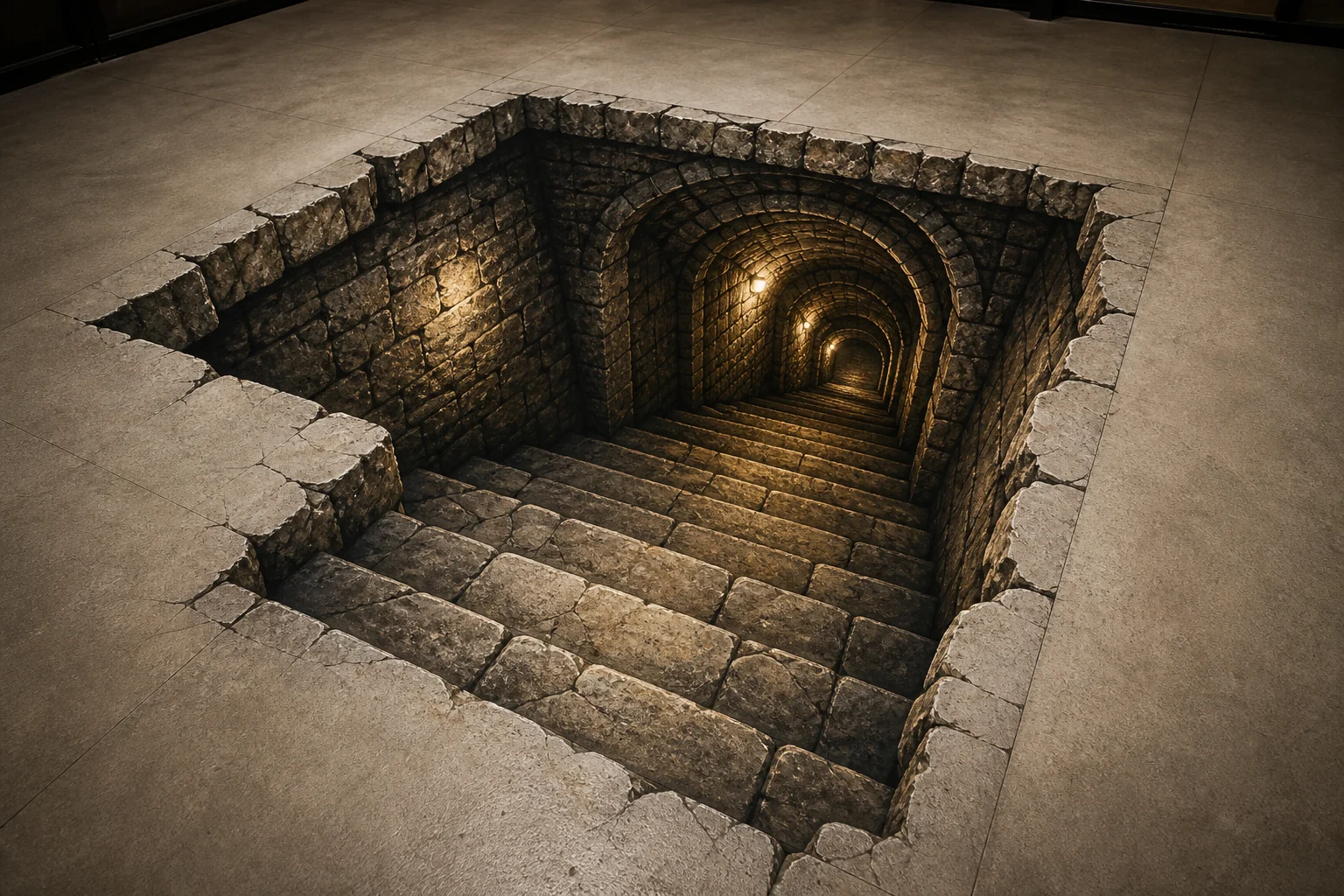
AI 3D Trompe L'Oeil Art Generator result showing a realistic wall-bending optical illusion artwork
0 / 2000
Template prompt

AI 3D Trompe L'Oeil Art Generator

Apply the AI 3D Trompe L'Oeil Art effect to the uploaded image. Preserve the main subject, pose or object silhouette, key colors, and recognizable details. Rebuild the scene as a realistic optical-illusion artwork that appears to bend, tear, or emerge from a flat wall or surface, with painted 3D depth, precise shadows, perspective trickery, gallery-wall context, and polished fine-art lighting. Do not replace the uploaded subject with unrelated illusion art.

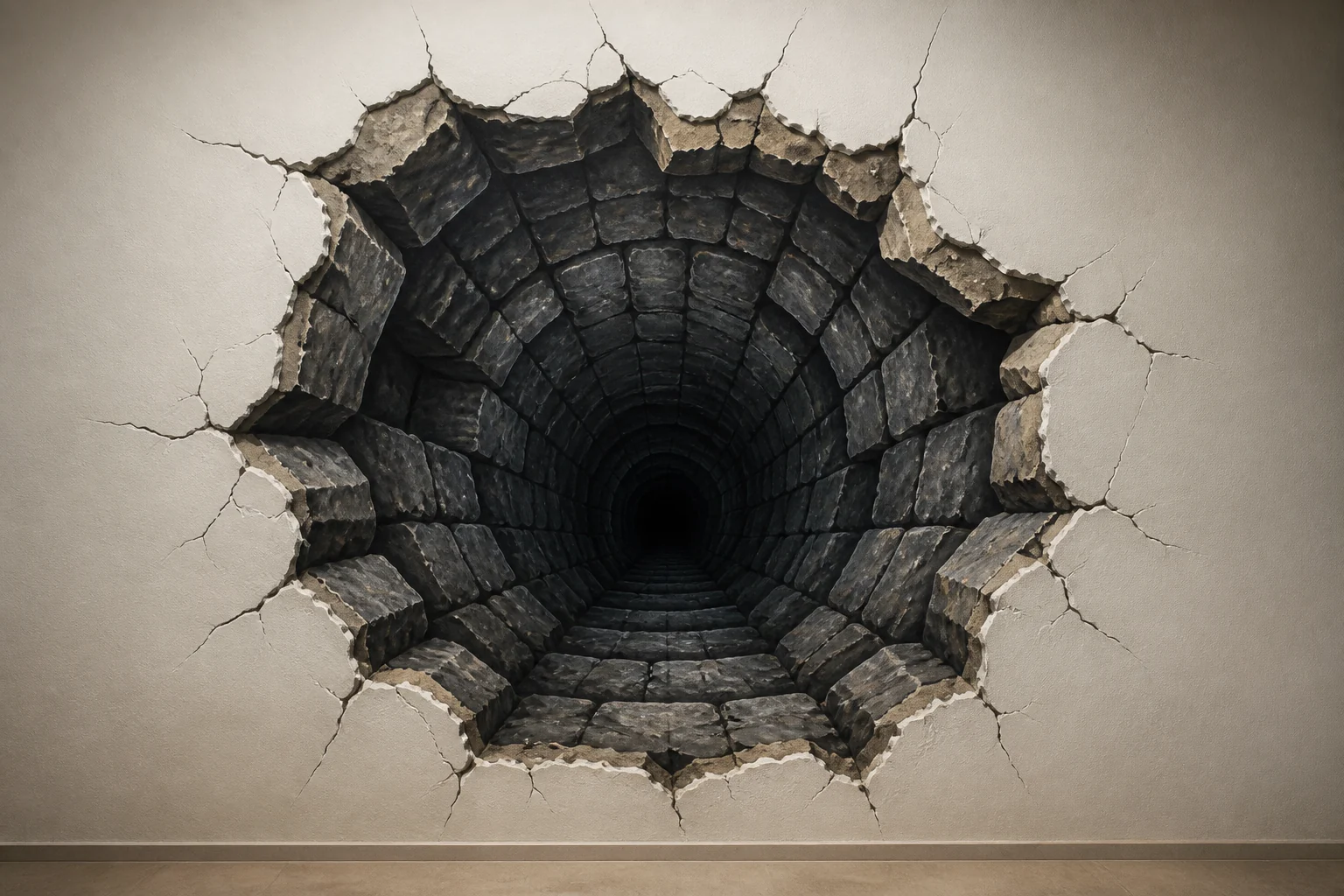
AI 3D Trompe L'Oeil Art Generator result showing a realistic wall-bending optical illusion artwork

Create optical-illusion wall art from your image

The AI 3D Trompe L'Oeil Art Generator turns a subject into an optical-illusion wall artwork. It keeps the main pose, silhouette, colors, and recognizable details while rebuilding the scene with painted depth, surface texture, perspective trickery, and realistic shadows.

From source image to 3D Trompe L'Oeil artwork

This template focuses on making the subject look like a convincing 3D Trompe L'Oeil artwork while keeping the original visual identity intact.

What changes

  • Rebuilds the image as a realistic optical-illusion artwork that appears to bend, tear, or emerge from a flat wall or surface.
  • Adds painted 3D depth, precise shadows, perspective trickery, surface texture, and polished fine-art lighting.
  • Creates a gallery-wall or mural-like context that supports the Trompe L'Oeil effect.
  • Turns a flat subject image into a dramatic visual draft for posts, mockups, references, or creative presentations.

What stays recognizable

  • Preserves the main subject, pose or object silhouette, key colors, and recognizable details.
  • Keeps the subject recognizable from the source image instead of replacing it with unrelated illusion art.
  • Maintains coherent defining colors, pose, silhouette, and important subject features.
  • Uses the original composition as the basis for the optical-illusion wall artwork.

How to make a 3D Trompe L'Oeil image

Follow a simple process to create a clearer, more believable optical-illusion artwork from your source image.

1

Upload a clear subject

Pick a sharp image where the main subject is visible, not heavily blurred, and not hidden by confusing overlaps or extreme cropping.

2

Apply the illusion style

Use the 3D Trompe L'Oeil direction to place the subject into a wall-based illusion with painted depth, surface texture, and realistic shadows.

3

Check the artwork

Review the result against the original for subject identity, silhouette, pose, colors, edges, and small detail accuracy.

4

Refine the direction

If the illusion is not clear enough, try a cleaner source image or add more specific direction about the wall, tear, bend, lighting, or shadow style.

3D Trompe L'Oeil style examples

Explore different ways the Trompe L'Oeil effect can make a subject interact with a painted wall or flat surface.

AI 3D Trompe L'Oeil Art Generator sample result with a realistic wall-bending optical illusion artwork 1

Wall-bending 3D illusion

A dramatic wall-bending illusion with realistic perspective, depth, and painted shadows around the main subject.

AI 3D Trompe L'Oeil Art Generator sample result with a realistic wall-bending optical illusion artwork 2

Gallery-wall Trompe L'Oeil

A fine-art surface treatment where the subject appears integrated into a gallery wall with polished lighting and texture.

AI 3D Trompe L'Oeil Art Generator sample result with a realistic wall-bending optical illusion artwork 3

Painted depth effect

An illusion-focused result that emphasizes painted depth, sharp edges, shadows, and the sense of a flat image becoming dimensional.

AI 3D Trompe L'Oeil Art Generator sample result with a realistic wall-bending optical illusion artwork 4

Emerging wall artwork

A surface-breaking look where the subject seems to emerge from or disrupt the wall while keeping its recognizable form.

Use cases for 3D Trompe L'Oeil images

Use this template when you need a fast visual direction for an optical-illusion artwork based on a real subject, product, character, or object.

Creative project previews

Create a focused AI 3D Trompe L'Oeil Art Generator preview for a personal artwork, design concept, social post, or creative experiment.

Visual direction comparison

Explore whether the subject works better as a bending wall mural, a torn-surface illusion, or an emerging 3D painted scene before refining the final direction.

Mockups and references

Build a striking reference image for mood boards, presentation slides, mural concepts, or client discussion drafts.

Social and portfolio concepts

Turn a recognizable subject into a surreal gallery-wall style image with depth, shadow, and perspective for eye-catching visual content.

How to prepare your image

The best results come from a source image that gives the effect enough visual information to preserve the subject while adding the optical-illusion treatment.

Choose the right source image

  • Use a sharp source image with the main subject clearly visible.
  • Avoid heavy blur, blocked details, extreme crops, or confusing overlaps.
  • Choose a source whose pose and framing support the intended AI 3D Trompe L'Oeil Art Generator result.

Prompt tips for stronger illusion depth

Describe how the subject should interact with the wall or surface: bending outward, tearing through, painted across a cracked surface, or emerging from a gallery wall. Mention the desired lighting, shadow strength, and surface texture if those details matter.

What to review before using the result

Before using the image in a post, mockup, presentation, or creative draft, compare it carefully with the source and review the illusion quality.

Check subject recognition

Compare the result with the original to make sure the subject identity, pose, object silhouette, key colors, and important details still match.

Review the 3D illusion

Look for convincing painted depth, wall-bending perspective, surface texture, and shadows that support the Trompe L'Oeil illusion across the image.

Inspect fine details

Inspect faces, hands, text, edges, small objects, and transitions between the subject and wall for distortion or artifacts.

Allow room for refinement

Generated details can vary between attempts, so treat the result as a visual draft and refine with a clearer source or more specific direction when needed.

AI 3D Trompe L'Oeil Art Generator FAQ

Common questions about using this template for 3D Trompe L'Oeil style images.

What is the AI 3D Trompe L'Oeil Art Generator?
It is a template for turning a clear subject image into a 3D Trompe L'Oeil artwork, where the subject appears painted into, bending out of, tearing through, or emerging from a flat wall or surface.
Is the AI 3D Trompe L'Oeil Art Generator free?
Check the current ClipCanva page for available access options. The template is designed to help you create a focused optical-illusion art draft from your image.
What photos work best with the AI 3D Trompe L'Oeil Art Generator?
Use a sharp image where the main subject, pose, silhouette, colors, and defining details are easy to see. Avoid heavy blur, blocked features, confusing overlaps, and extreme crops.
What image formats does it support?
Upload a standard image format supported by the editor, such as a common photo or design file. For best results, choose a clear image with enough resolution to show small details.
Can I use 3D Trompe L'Oeil artworks commercially?
Usage depends on the rights attached to your source image and the rules of the platform or project where you plan to use the result. Review those requirements before using the artwork in public or client-facing work.
What changes does the AI 3D Trompe L'Oeil Art Generator make?
It can add wall-bending perspective, painted shadows, realistic surface texture, gallery-wall context, and the illusion that the subject is emerging from or interacting with a flat surface.
Which source image works best?
A centered or clearly framed subject usually works best. The image should show the shape and important features clearly enough for the 3D Trompe L'Oeil treatment to keep them coherent.
How do I keep the subject recognizable?
Start with a clear source and check the result against the original. Review the silhouette, pose, colors, facial features, hands, edges, text, and other small details before sharing or refining.

Turn your subject into 3D Trompe L'Oeil wall art

Use a clear subject image to create a dramatic optical-illusion wall artwork with painted depth, shadow, texture, and perspective.