FreeTry the AI 3D Polly Pocket Generator free

AI 3D Polly Pocket Generator

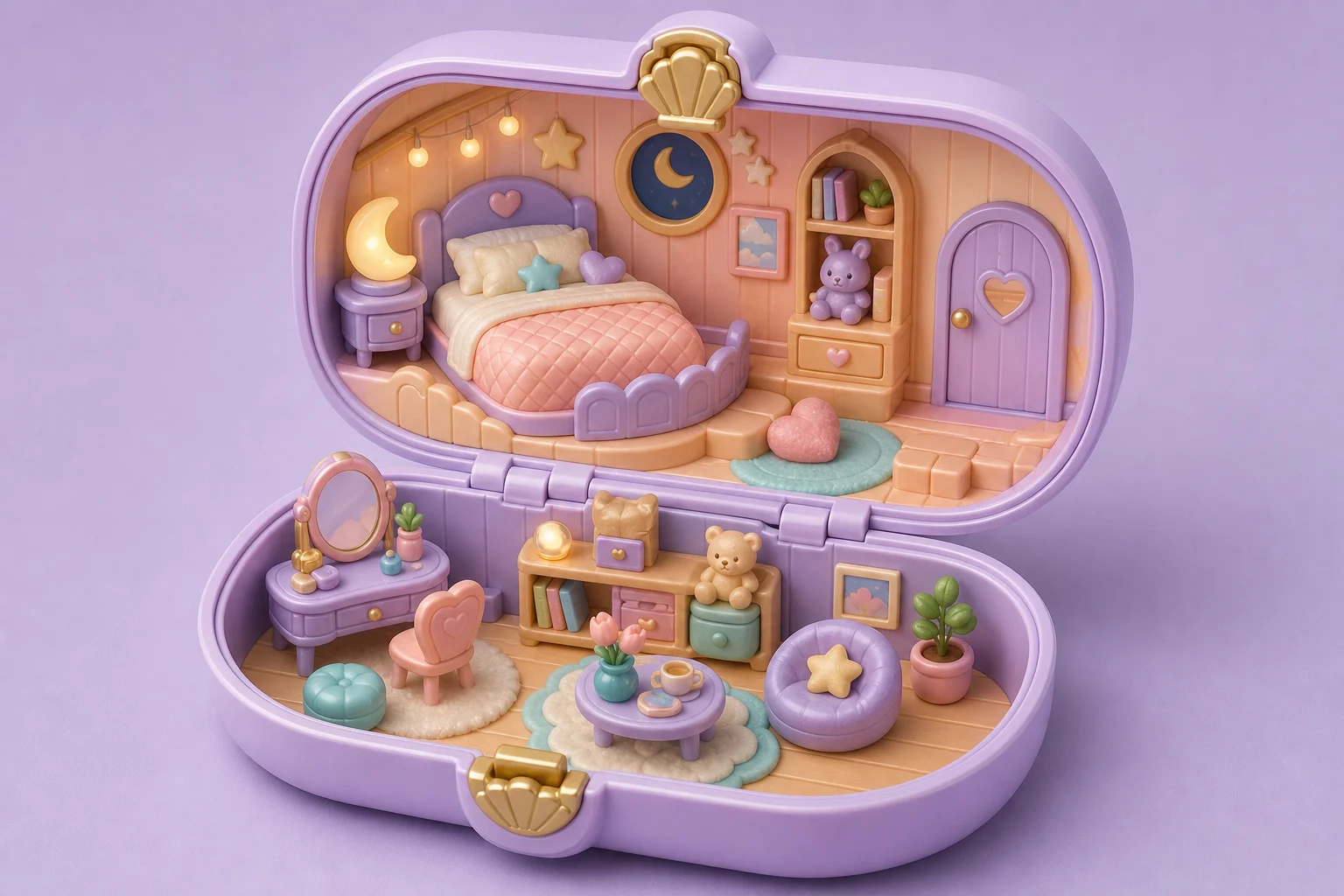
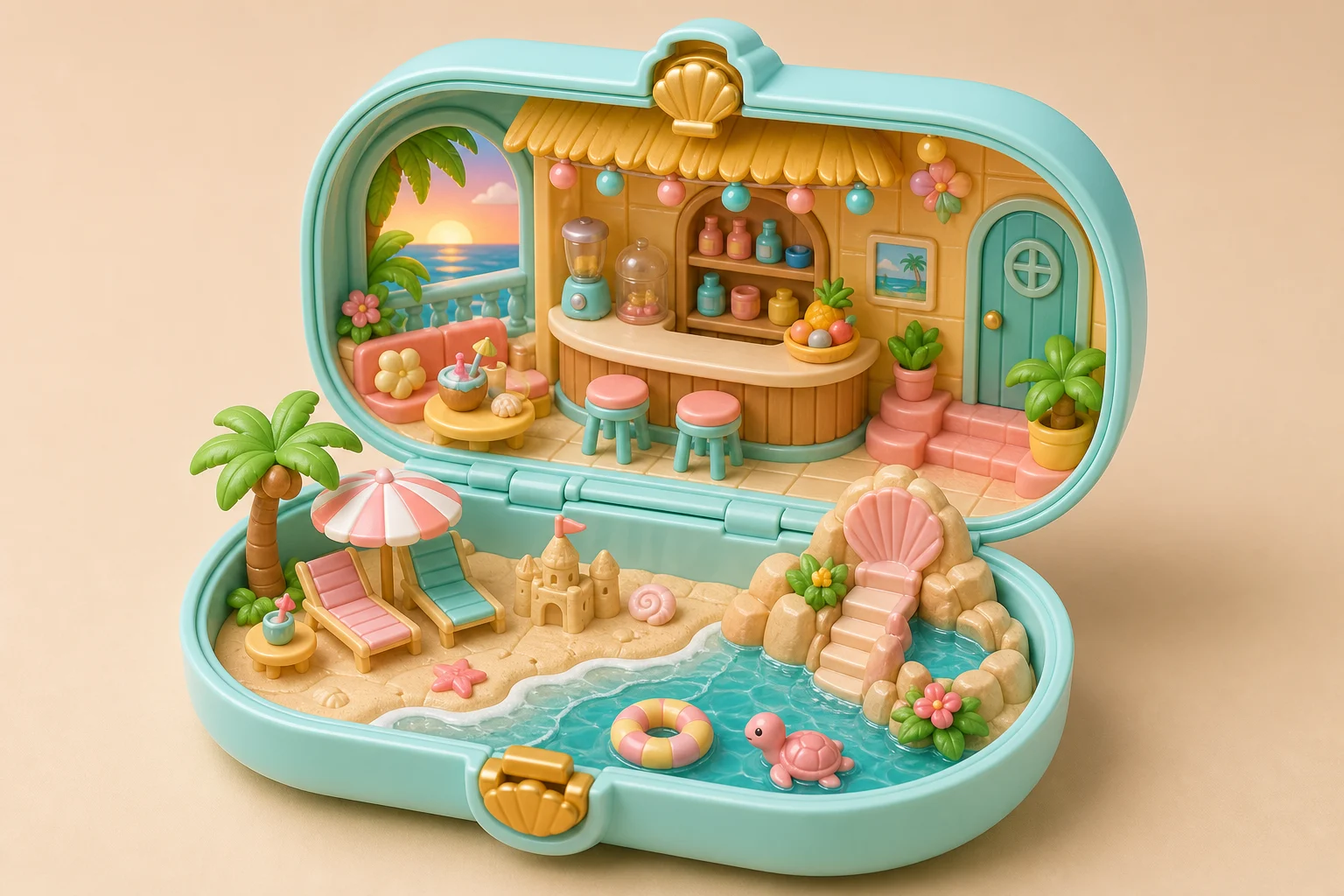
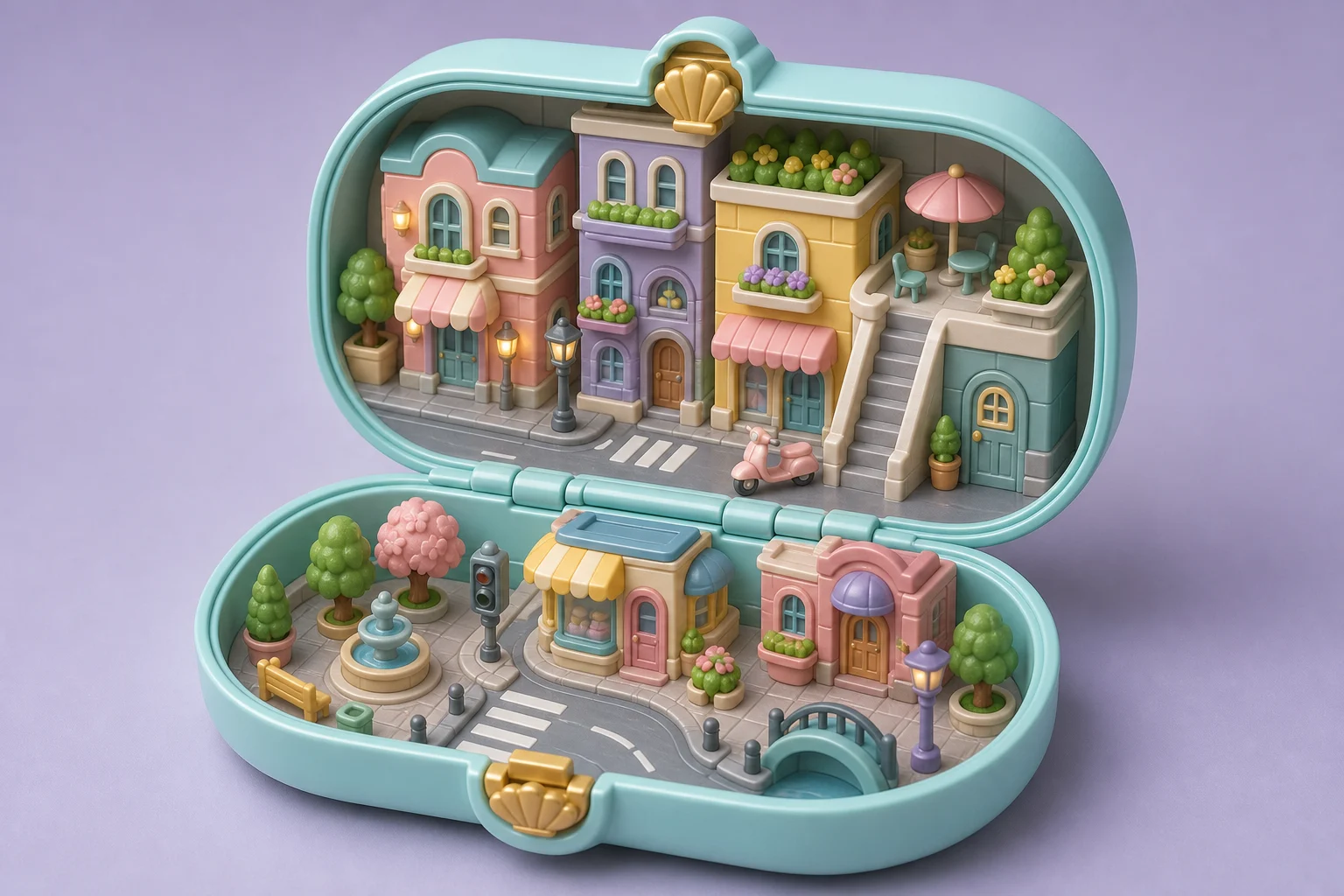
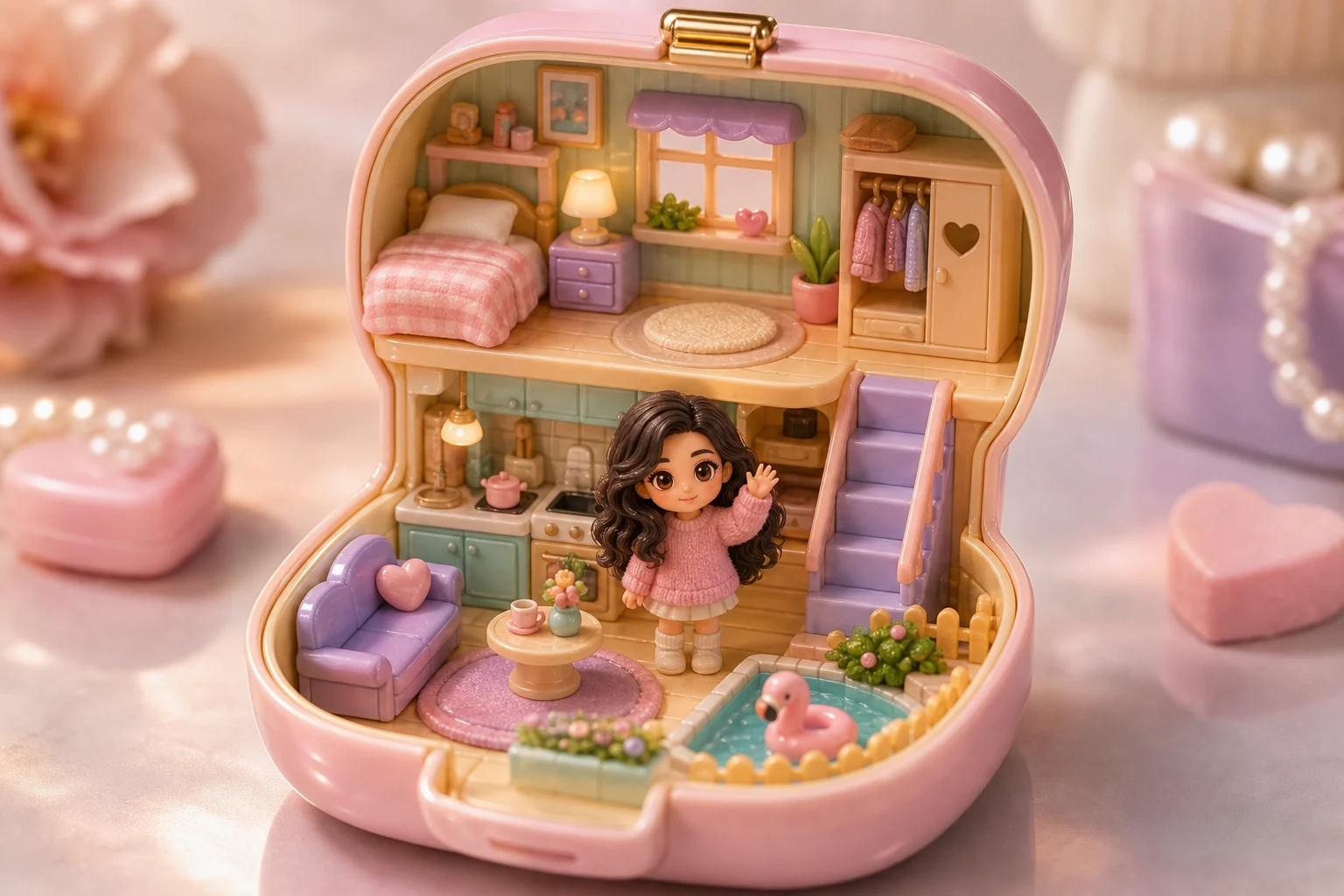
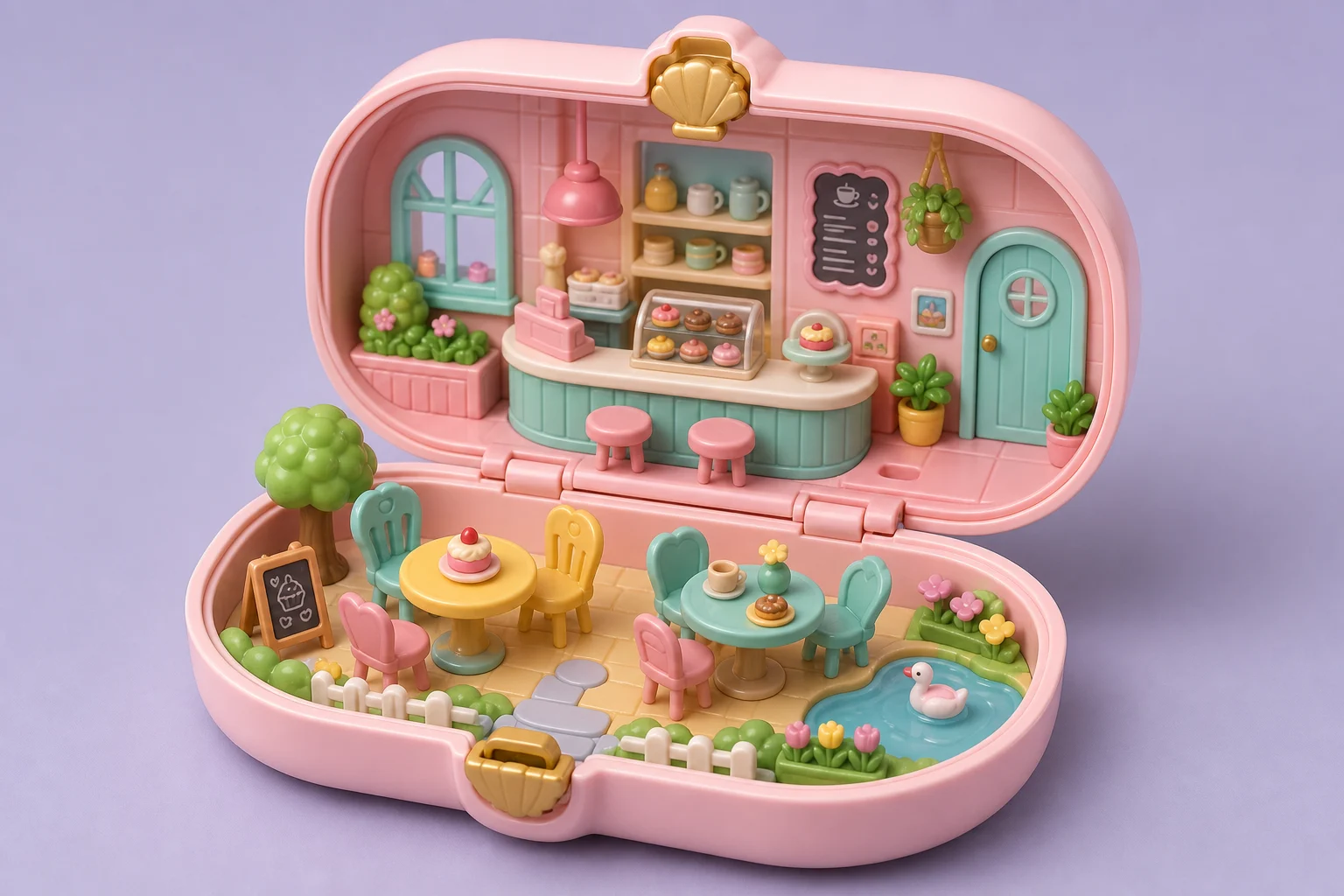
Create a pocket-size toy world from your image, keeping the main subject clear while adding hinged-playset structure, pastel plastic, and tiny scene details.

AI 3D Polly Pocket Generator example image
0 / 2000
Template prompt

AI 3D Polly Pocket Generator

Apply the AI 3D Polly Pocket effect to the uploaded image. Preserve the main subject identity, pose or layout, outfit or object details, colors, and key scene elements. Rebuild the image as a toy-like Polly Pocket miniature world with a compact hinged playset, tiny rooms or props, pastel plastic materials, rounded collectible forms, glossy 3D finish, and cheerful studio lighting. Keep the uploaded subject as the centerpiece of the toy world.

AI 3D Polly Pocket Generator example image

Gallery

AI 3D Polly Pocket Generator Examples

AI 3D Polly Pocket Generator result 1

Example 1

AI 3D Polly Pocket Generator result 2

Example 2

AI 3D Polly Pocket Generator result 3

Example 3

AI 3D Polly Pocket Generator result 4

Example 4

AI 3D Polly Pocket Generator result 5

Example 5

AI 3D Polly Pocket Generator result 6

Example 6

AI 3D Polly Pocket Generator Features

Tools for turning one photo into a toy-like Polly Pocket miniature world.

Free to Use

Create a toy-like Polly Pocket miniature world with free daily credits. No payment details are needed for AI 3D Polly Pocket Generator.

Detailed 3D Output

Preserve the subject while adding polished 3D form, texture, lighting, and miniature-scale detail for AI 3D Polly Pocket Generator.

Fast Generation

Generate toy-like Polly Pocket miniature world in seconds for posts, product mockups, avatars, or concept art.

Easy Photo Upload

Upload a JPG, PNG, or WebP photo and let the AI apply the AI 3D Polly Pocket Generator style automatically.
Watermark-free downloads

Download watermark-free AI 3D Polly Pocket Generator images for posts, mockups, references, or client drafts.

Privacy Protected

ClipCanva processes AI 3D Polly Pocket Generator uploads securely and removes files after generation.

How to Use AI 3D Polly Pocket Generator

Create a toy-like Polly Pocket miniature world from a photo in three quick steps.

1

Upload Your Photo

Upload a clear source image for AI 3D Polly Pocket Generator; AI 3D Polly Pocket Generator supports JPG, PNG, and WebP uploads.

2

Apply the 3D Style

The AI rebuilds the image as a toy-like Polly Pocket miniature world while keeping the main subject recognizable.

3

Download the Image

Save the finished high-resolution image and use it in social posts, thumbnails, mockups, or creative campaigns for AI 3D Polly Pocket Generator.

AI 3D Polly Pocket Generator FAQ

Common questions about creating images with the AI 3D Polly Pocket Generator.

What is the AI 3D Polly Pocket Generator?
AI 3D Polly Pocket Generator turns an uploaded image into the selected style while keeping the subject recognizable.
Is the AI 3D Polly Pocket Generator free?
Yes. You can try the AI 3D Polly Pocket Generator on ClipCanva with free daily credits, and you do not need a credit card to start.
What photos work best for AI 3D Polly Pocket Generator?
Clear images with a visible subject and good lighting work best. Portraits, products, interiors, buildings, pets, and scenes can all be converted depending on the style.
How long does AI 3D Polly Pocket Generator take?
Most images are generated in seconds. Upload a photo, choose or enter a prompt, generate, and download the result from the generator page.
Can I use AI 3D Polly Pocket Generator results commercially?
Generated images can be used for commercial projects subject to ClipCanva terms. Review the current terms of service for complete usage rights.

Create with AI 3D Polly Pocket Generator Free

Upload a photo and generate a toy-like Polly Pocket miniature world on ClipCanva. Start AI 3D Polly Pocket Generator free, with no payment details needed.