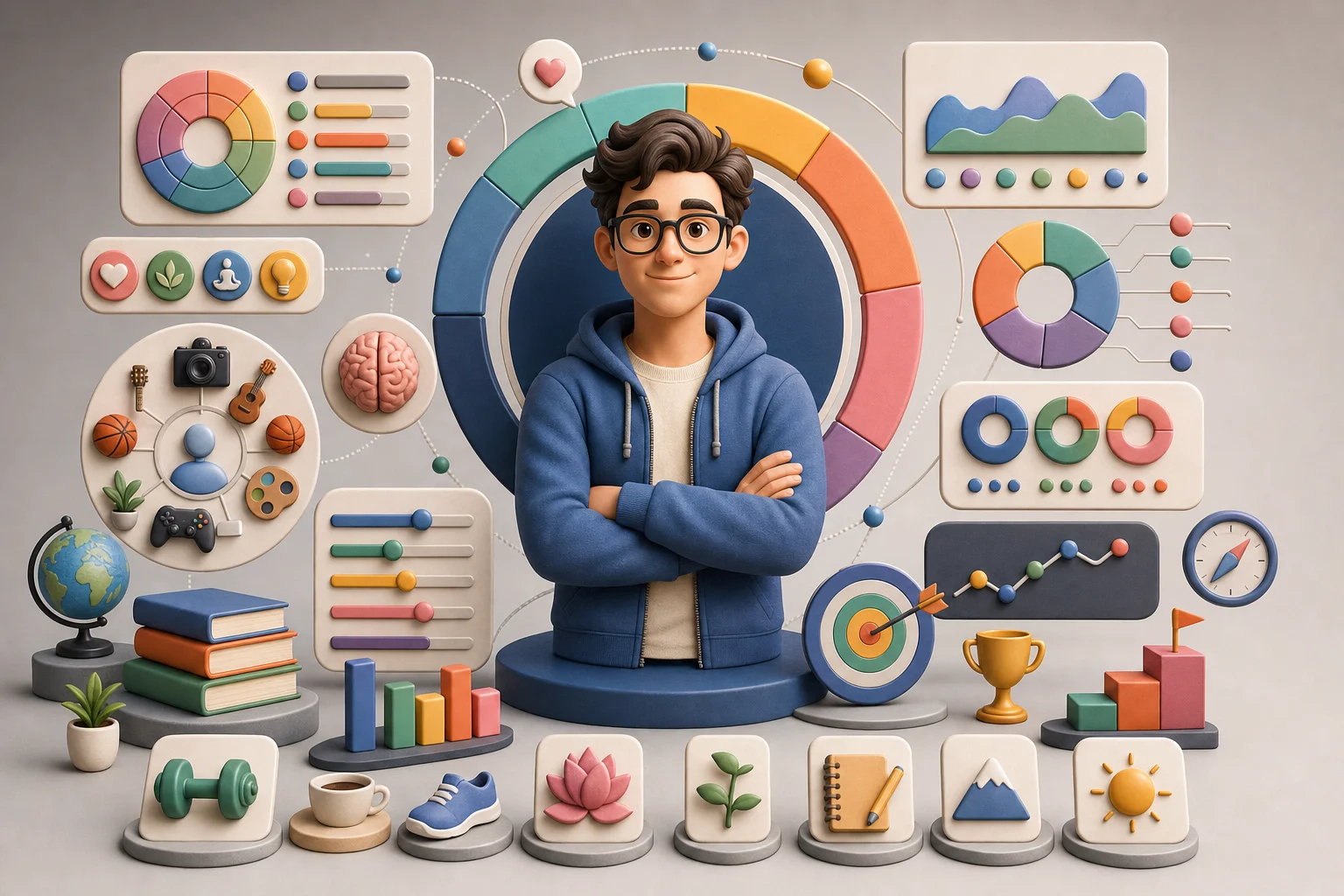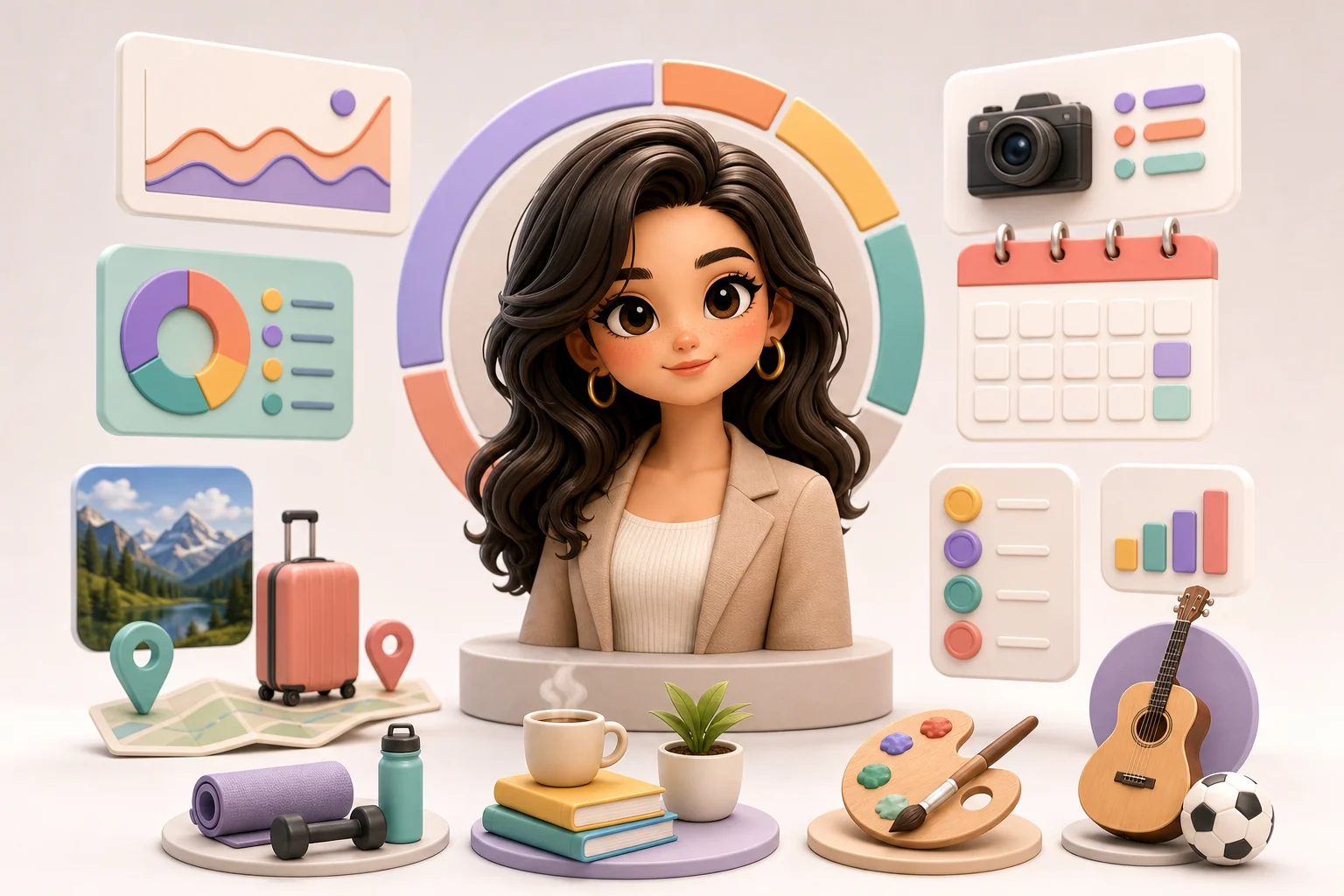
AI 3D Personal Infographic Generator

AI 3D Personal Infographic Generator

Turn a portrait, short bio, or profile notes into a polished 3D Personal Infographic with a friendly cartoon character, clean labels, icon badges, and a balanced social-poster layout.

AI 3D personal infographic example
0 / 2000
Template prompt

AI 3D Personal Infographic Generator

Apply the AI 3D Personal Infographic effect to the uploaded portrait or profile reference. Preserve the person's recognizable identity, hairstyle, expression, and core visual traits. Create a polished 3D cartoon personal infographic with a central character, clean profile-card layout, readable callout areas, icon badges, timeline or stat blocks, soft 3D lighting, modern editorial typography, and a balanced social-poster composition. Use any supplied bio or profile details as labels; do not invent sensitive personal facts.

AI 3D personal infographic example

What is a 3D personal infographic?

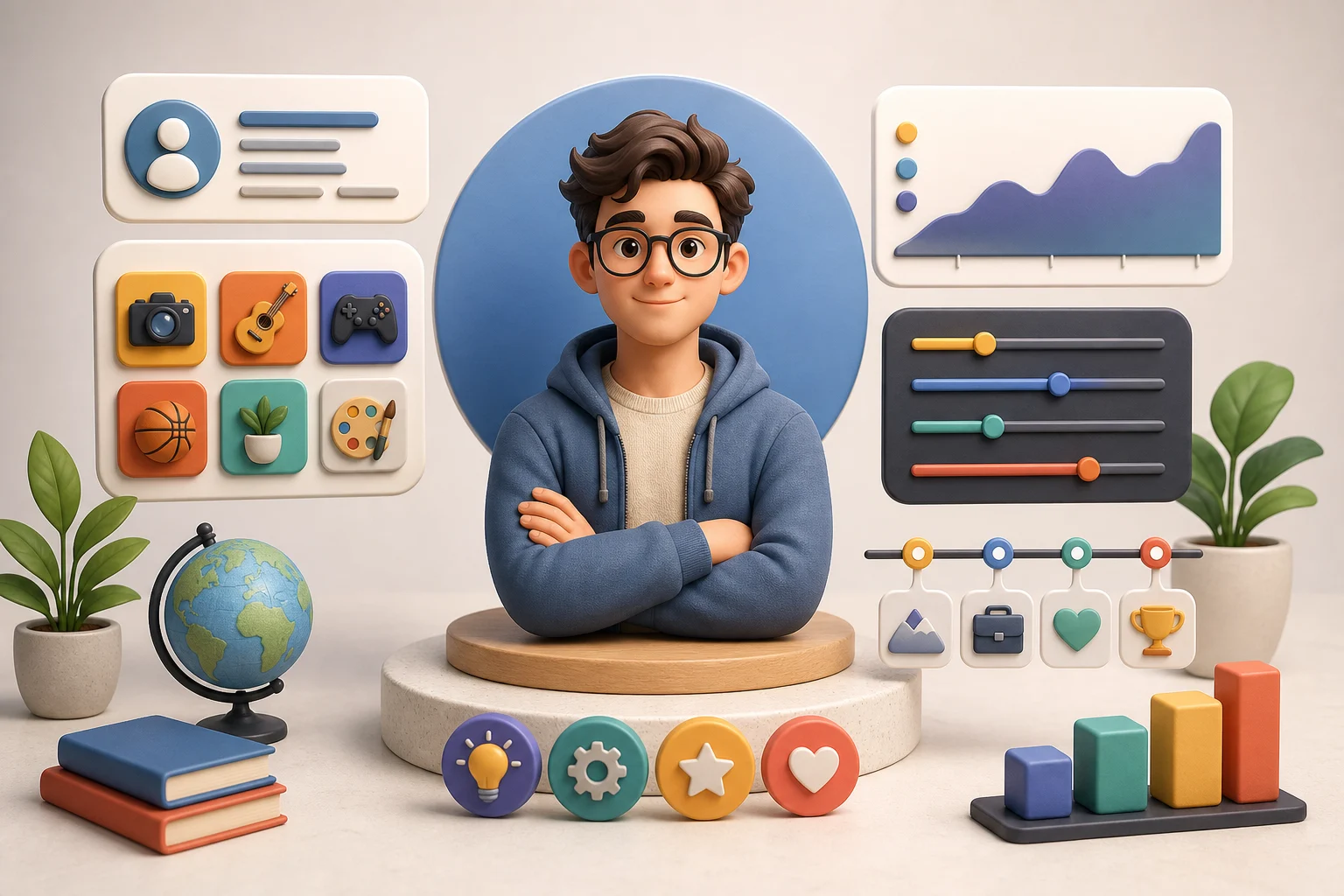
The AI 3D Personal Infographic Generator helps turn personal profile details into a visual introduction. It combines a recognizable 3D cartoon-style subject with callout cards, icons, short labels, timeline or stat blocks, and modern editorial composition for bios, creator profiles, portfolios, and social posts.

From profile details to 3D infographic

This template reframes a person or profile into a bright, approachable 3D Personal Infographic while keeping the subject's key visual identity coherent.

What changes

  • Turn profile details, creator bio notes, or a simple prompt into a polished 3D cartoon personal infographic.
  • Describe yourself, paste a short bio, or list personality details to create a visual profile.
  • Create friendly 3D characters, icons, labels, and information blocks in a cohesive infographic layout.
  • Make personal branding visuals for bios, introductions, creator profiles, portfolios, and social posts.

What stays recognizable

  • Preserve the person's recognizable identity, hairstyle, expression, and core visual traits.
  • The main subject remains recognizable from the source image.
  • Defining colors, pose, silhouette, and important subject details stay coherent.

How to create a 3D personal infographic

Start with a clear person, a focused bio, or a simple set of profile notes. Then shape the result around the story you want the Infographic to tell.

1

Add a portrait or profile notes

Choose a sharp portrait when likeness matters, or prepare a short written profile if you want a character based on descriptive details.

2

Describe the profile

List the role, interests, personality traits, color preferences, and short labels you want included in the layout.

3

Review the draft

Look over the 3D character, icons, labels, and information blocks to confirm the image feels accurate and readable.

4

Adjust and create another version

Refine the prompt or source if the identity, text, pose, or composition needs a clearer direction.

3D Personal Infographic ideas

Explore different ways to present the same Personal Infographic idea, from creator bios to career snapshots and about-me social posts.

3D cartoon creator bio infographic

Creator bio card

A clean creator profile layout with a 3D character, short bio labels, and icon badges for interests, skills, or content themes.

3D personality infographic example

Personality snapshot

A personality-focused 3D Infographic with playful labels, expressive pose, soft lighting, and compact information blocks.

AI about me personal infographic

About-me poster

An about-me poster style for introductions, social profiles, or portfolio sections with readable callouts and a central character.

3D personal career snapshot infographic

Career snapshot

A professional profile direction with career highlights, visual stats, badges, and a polished 3D Personal presentation.

Ways to use this template

Use this 3D Personal Infographic style when you need a quick visual introduction that feels polished, friendly, and easy to scan.

Create a first version fast

Create an initial visual direction from a portrait, bio, or short profile prompt before refining the labels and layout.

Adapt the style to your project

Adjust the mood, color palette, icons, and profile details so the image fits a portfolio, personal brand, or social format.

Create another version

Try another composition or set of labels when you want to compare different profile-card directions.

Preview a personal concept

Build a focused preview for a personal project, creator introduction, team profile, or career snapshot.

Compare before refining

Compare the visual direction before refining, sharing, or presenting the result to others.

How to get a better result

A strong source gives the visual profile enough structure to keep the subject recognizable while transforming the presentation into a polished 3D cartoon infographic.

Source image checklist

  • Use a sharp source image with the main subject clearly visible.
  • Avoid heavy blur, blocked details, extreme crops, or confusing overlaps.
  • Choose a source whose pose and framing support the intended AI 3D Personal Infographic Generator result.

Prompt tips

Describe the person, role, mood, colors, and key profile details you want included. Mention the intended use, such as creator bio, portfolio intro, about-me post, or career snapshot. Keep labels short and avoid asking for sensitive personal facts that are not supplied.

Review your 3D infographic

Before sharing or presenting the image, review both the subject and the infographic details. The result is a visual draft and may need a clearer source or a more specific prompt.

Check identity and likeness

Compare the face, hairstyle, expression, silhouette, pose, and defining details with the source image or profile description.

Review the visual style

Make sure the 3D cartoon character, icons, badges, labels, and information blocks feel like one cohesive Personal Infographic.

Look for artifacts

Inspect faces, hands, text, edges, small objects, and background transitions. Generated details can vary, so refine unclear areas before using the image.

AI 3D personal infographic FAQ

Common questions about preparing details, choosing a source image, and reviewing a 3D Personal Infographic result.

What is an AI 3D personal infographic generator?
It is a template for creating a polished Personal Infographic in a 3D cartoon style. The result can include a central character, profile labels, icon badges, short facts, and visual blocks arranged like a modern social poster.
Do I need to upload a photo?
A photo is helpful when you want the main character to resemble a real person. You can also start from a clear written description or short bio, but a sharp portrait gives stronger guidance for identity, hairstyle, expression, and visual traits.
What details should I include?
Include the person's name or display name, role, interests, personality keywords, brand colors, preferred mood, and any short labels you want shown. Keep facts concise so the Infographic stays readable.
Can I use it for a creator bio?
Yes. It works well for creator bios, about-me posts, portfolio introductions, profile banners, speaker cards, and visual identity previews where a friendly 3D Personal presentation is useful.
Is the AI 3D Personal Infographic Generator free?
Availability and access can vary by product settings. Check the current page controls and account options for the most accurate information before starting.
What should I review after creating the image?
Review the character likeness, icon choices, label readability, and overall layout. Check small text, hands, facial details, object edges, and background transitions before sharing or refining the result.

Create your 3D Personal Infographic

Use a clear portrait, a concise bio, or a focused prompt to create a friendly 3D Personal Infographic for your profile, portfolio, or social introduction.