AI 3D Cartoon Rug Generator

AI 3D Cartoon Rug Generator

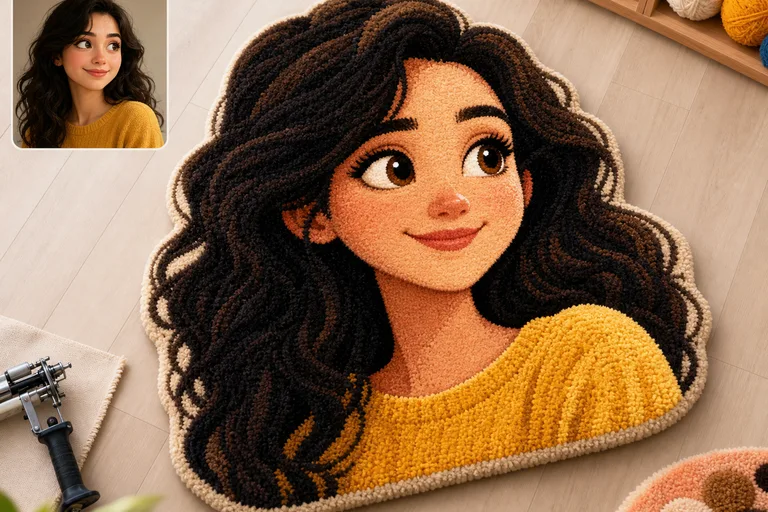
Turn a clear photo into a playful 3D Cartoon Rug concept with thick tufted fibers, rounded depth, saturated color, and the original subject still recognizable.

AI 3D Cartoon Rug Generator example result
0 / 2000
Template prompt

AI 3D Cartoon Rug Generator

Apply the AI 3D Cartoon Rug effect to the uploaded image. Use the upload as the exact subject reference. Preserve the main subject identity, pose silhouette, facial or object details, and recognizable colors. Rebuild the subject as a fluffy cartoon rug design with thick tufted yarn fibers, raised textile texture, rounded 3D depth, saturated playful colors, clean edges, soft studio lighting, and a finished product-mockup composition. Do not replace the subject with a different character or generic rug pattern.

AI 3D Cartoon Rug Generator example result

What is an AI 3D Cartoon Rug Generator?

The AI 3D Cartoon Rug Generator is a photo effect template for turning a subject into a fluffy, raised rug-style artwork. It focuses on a finished product-mockup look: thick yarn fibers, soft textile texture, rounded 3D depth, clean edges, and playful Cartoon color while keeping the source subject’s identity and pose readable.

How the photo is transformed

This template transforms the photo into a stylized Rug artwork without intending to swap the subject for an unrelated character or generic pattern.

What changes

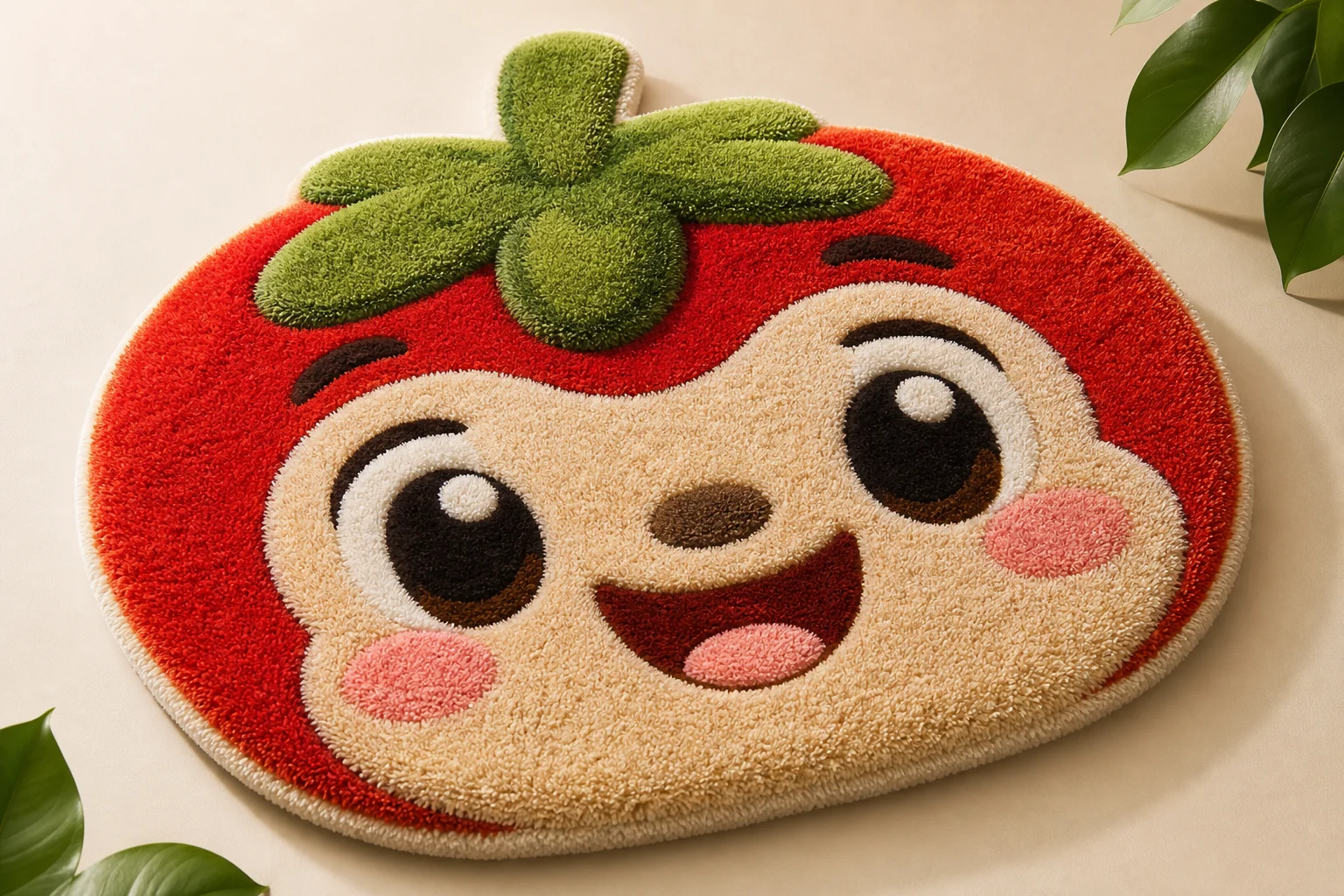
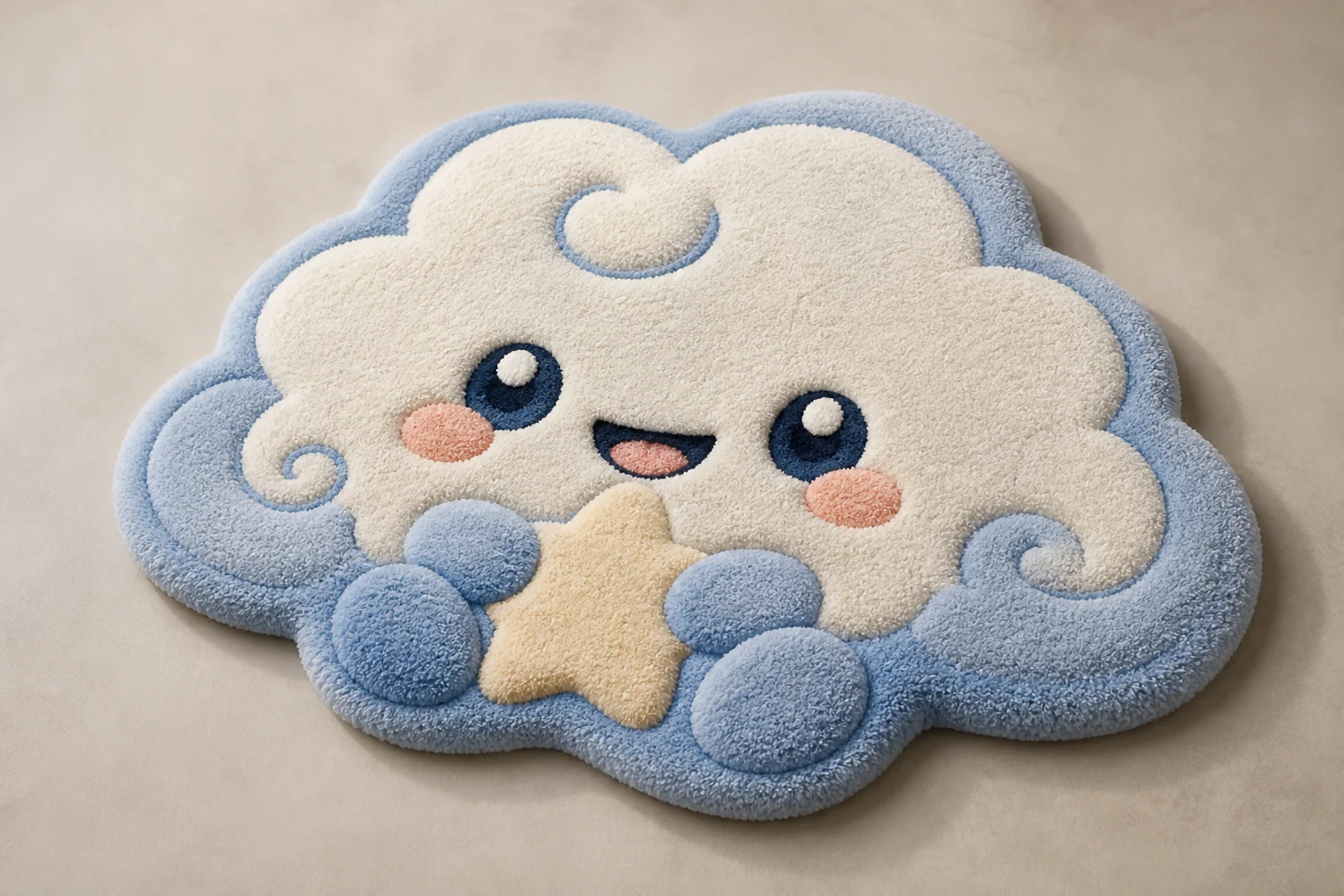
  • Turns a photo into a playful 3D Cartoon Rug concept with thick yarn fibers, soft raised texture, rounded depth, and the original subject still recognizable.
  • Builds raised yarn fibers, rounded textile depth, saturated color, and clean product-mockup edges around your original subject.
  • Rebuilds the subject as a fluffy cartoon rug design with thick tufted yarn fibers, soft studio lighting, and a finished mockup-style composition.
  • Applies the AI 3D Cartoon Rug effect to the uploaded image while focusing on a tactile, tufted textile look.
What stays recognizable

  • Preserves the main subject identity, pose silhouette, facial or object details, and recognizable colors.
  • Avoids replacing the subject with a different character or a generic rug pattern.
  • Keeps the main subject recognizable from the source image.
  • Maintains defining colors, pose, silhouette, and important subject details as coherently as possible.

How to create a 3D Cartoon Rug concept

Follow a simple workflow to prepare your photo, apply the Rug effect, and evaluate whether the subject remains recognizable.

1

Upload a clear source photo

Choose a sharp image with the main subject clearly visible, including its pose, silhouette, colors, and important details.

2

Apply the 3D Cartoon Rug effect

Use the AI 3D Cartoon Rug Generator template to restyle the subject as a fluffy Cartoon Rug with raised yarn fibers and rounded 3D depth.

3

Review and refine

Check the output for subject identity, coherent tufted texture, clean edges, and artifacts around faces, hands, text, or small objects.

3D Cartoon Rug style examples

Explore examples of the same playful 3D Cartoon Rug direction, from bold character-like shapes to soft tufted product-mockup compositions.

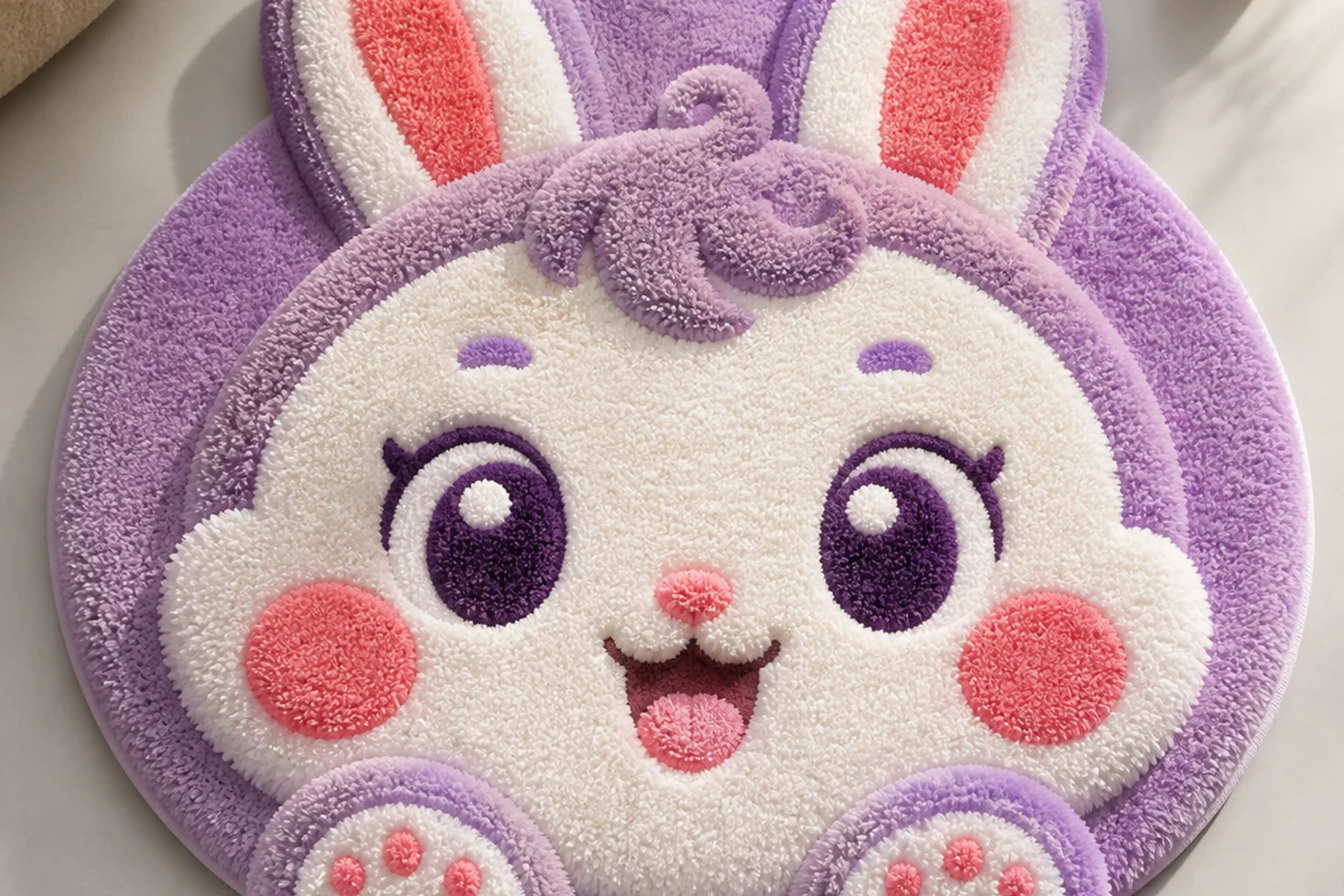
AI 3D Cartoon Rug Generator Example 1

Soft tufted Cartoon Rug look

A bright 3D Cartoon Rug variation with fluffy yarn texture, rounded depth, and a clean mockup-style finish.

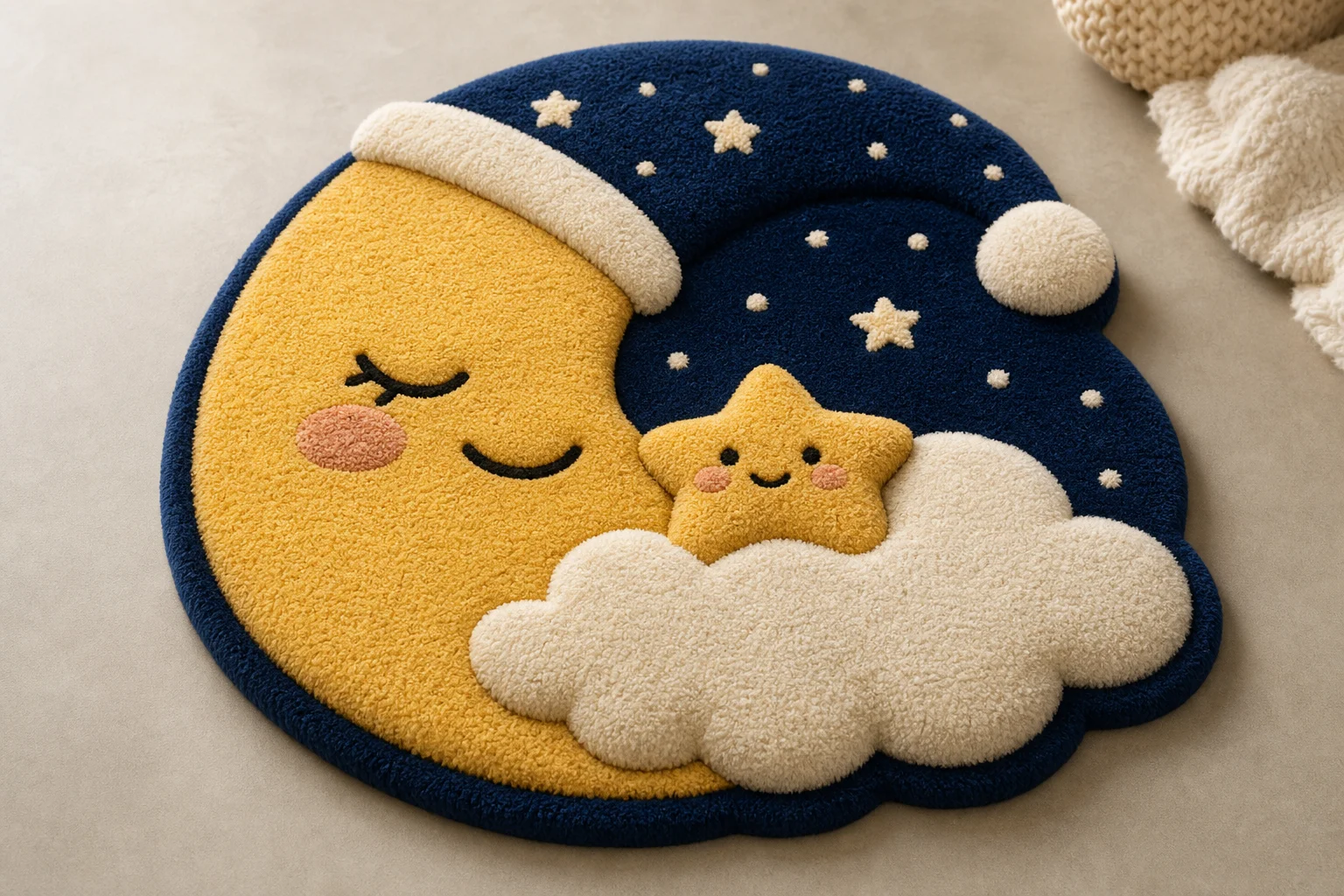
AI 3D Cartoon Rug Generator Example 2

Rounded 3D yarn design

A saturated Rug concept emphasizing raised fibers, smooth edges, and a playful sculpted subject shape.

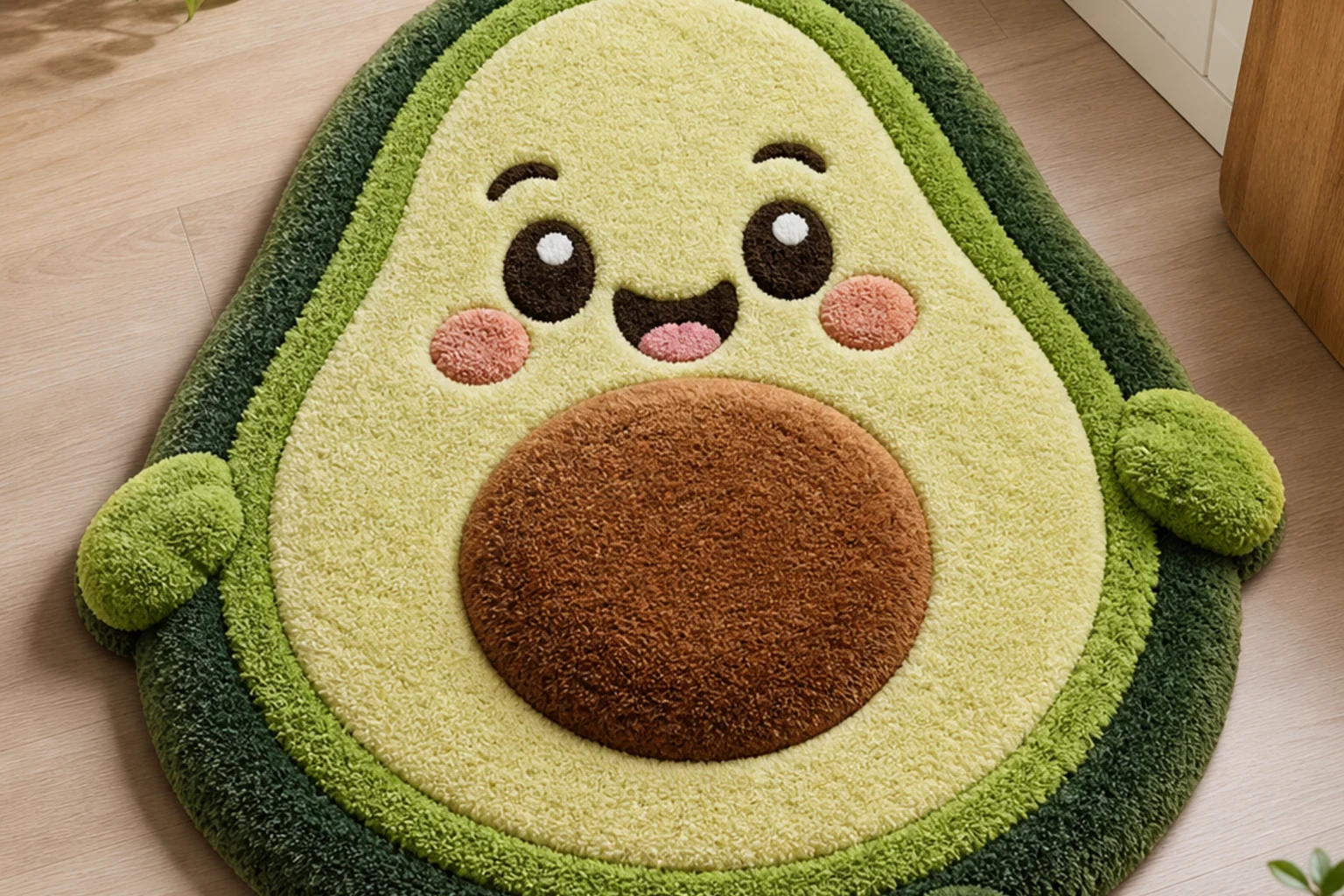
AI 3D Cartoon Rug Generator Example 3

Clean mockup Rug finish

A product-style Cartoon Rug result with thick textile detail and a clear subject silhouette.

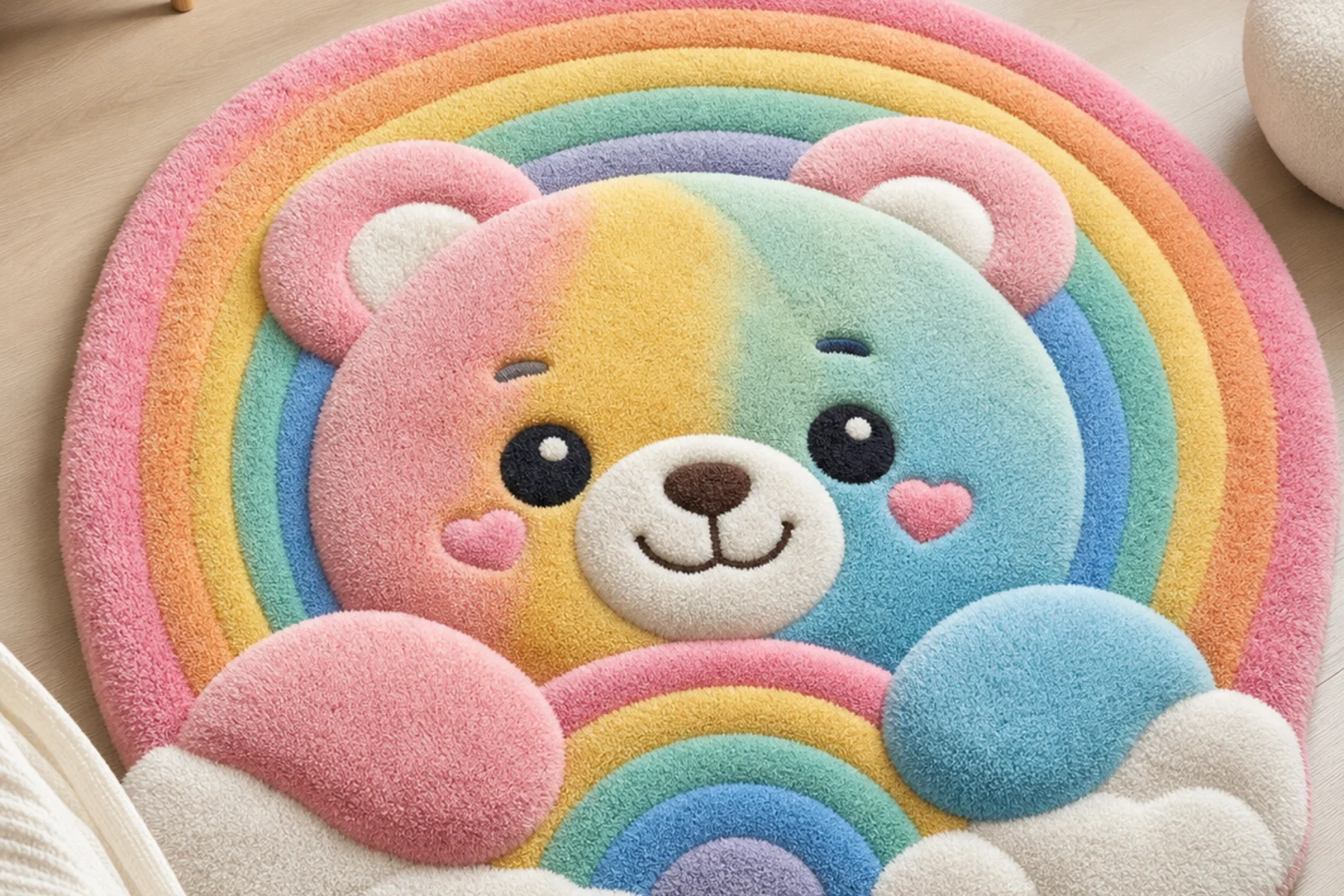
AI 3D Cartoon Rug Generator Example 4

Playful plush texture

A colorful 3D Rug interpretation that keeps the subject readable while adding plush tufted depth.

AI 3D Cartoon Rug Generator Example 5

Studio product-mockup style

A soft studio-style Cartoon Rug variation with raised yarn, defined edges, and a finished display feel.

AI 3D Cartoon Rug Generator Example 6

Bold tufted subject concept

A bold 3D Cartoon Rug example focused on recognizable form, saturated color, and tactile fiber detail.

Ways to use the 3D Cartoon Rug Generator

Use the template when you want a focused visual draft of a fluffy 3D Cartoon Rug idea based on a real photo.

Creative concept previews

Create a playful preview for a personal or creative project, such as a character-inspired rug concept, pet-themed mockup, or stylized object design.

Direction testing

Compare the visual direction before refining, sharing, or presenting the result to decide whether the texture, color, and subject readability fit your idea.

Subject restyling

Explore how a portrait, mascot, product, or object might look as a rounded tufted Rug illustration with clean studio-style presentation.

How to get a stronger 3D Cartoon Rug result

A strong source image and a specific prompt help the Rug effect keep the subject coherent while adding the thick, tactile Cartoon texture.

Source image checks

  • Use a sharp source image with the main subject clearly visible.
  • Avoid heavy blur, blocked details, extreme crops, or confusing overlaps.
  • Choose a source whose pose and framing support the intended AI 3D Cartoon Rug Generator result.

Prompt guidance

Use wording such as: “Preserve the subject identity, pose silhouette, important facial or object details, and recognizable colors. Rebuild the subject as a fluffy cartoon rug design with thick tufted yarn fibers, raised textile texture, rounded 3D depth, saturated playful colors, clean edges, soft studio lighting, and a finished product-mockup composition. Do not replace the subject with a different character or generic rug pattern.”

Review before you use the result

Generated details can vary, so review the result before using it in a project or presentation.

Subject recognition

Compare the result with the source to confirm the subject identity, silhouette, pose, and defining details are still readable.

Rug texture quality

Look for coherent thick yarn fibers, raised textile depth, rounded 3D form, saturated color, and clean product-mockup edges across the image.

Detail cleanup

Inspect faces, hands, text, small objects, edge transitions, and background areas for distortions or artifacts that may need another pass.

AI 3D Cartoon Rug Generator FAQ

Common questions about preparing a photo and reviewing a 3D Cartoon Rug result.

What is AI 3D Cartoon Rug Generator?
It is a visual template that restyles your uploaded photo as a playful 3D Cartoon Rug concept. The effect adds tufted yarn fibers, raised textile depth, saturated color, and clean mockup edges while keeping the main subject recognizable.
Is AI 3D Cartoon Rug Generator free?
Access options can vary by platform and account status. Check the current ClipCanva interface for the available creation options before starting.
How do I use AI 3D Cartoon Rug Generator?
Upload a clear image where the subject is visible, then use the template to apply the 3D Cartoon Rug look. Review the result for subject accuracy, texture quality, and edge cleanliness before refining or sharing it.
What image formats does AI 3D Cartoon Rug Generator support?
ClipCanva may support common image formats such as JPG, PNG, or WebP depending on the upload interface. For best results, use a sharp, high-quality image with enough detail in the subject.
Can I use AI 3D Cartoon Rug Generator results commercially?
Usage rights can depend on the source image, the platform terms, and the context where the result will be used. Review the relevant terms and make sure you have permission to use the original image.
What AI 3D Cartoon Rug Generator changes should I expect?
The effect rebuilds the subject as a fluffy cartoon rug design with thick tufted yarn, raised texture, rounded 3D depth, saturated colors, soft studio lighting, and a finished product-mockup composition.
Which source image works best?
A sharp photo with one clear main subject works best. Avoid heavy blur, blocked details, extreme crops, or busy overlaps that make the silhouette and defining features hard to read.
How do I keep the subject recognizable?
Use a source image with strong defining colors, a clear pose, and visible facial or object details. After generation, compare the result with the original and refine if the subject turns into a generic rug pattern.

Create your 3D Cartoon Rug image

Use a clear photo and create a playful 3D Rug-style visual with tufted fibers, rounded depth, and recognizable subject details.