
Describe the action
Write the action you want to see, including the movement, subject, setting, and any timing cues that matter.
Create with Stick Figure Animation Generator by describing an action or adding one reference image, then guide the scene, subject, setting, and destination format for a focused short clip.
The Stick Figure Animation Generator creates short video clips from an action prompt or one reference image, helping you explore clear character movement without building every frame manually.
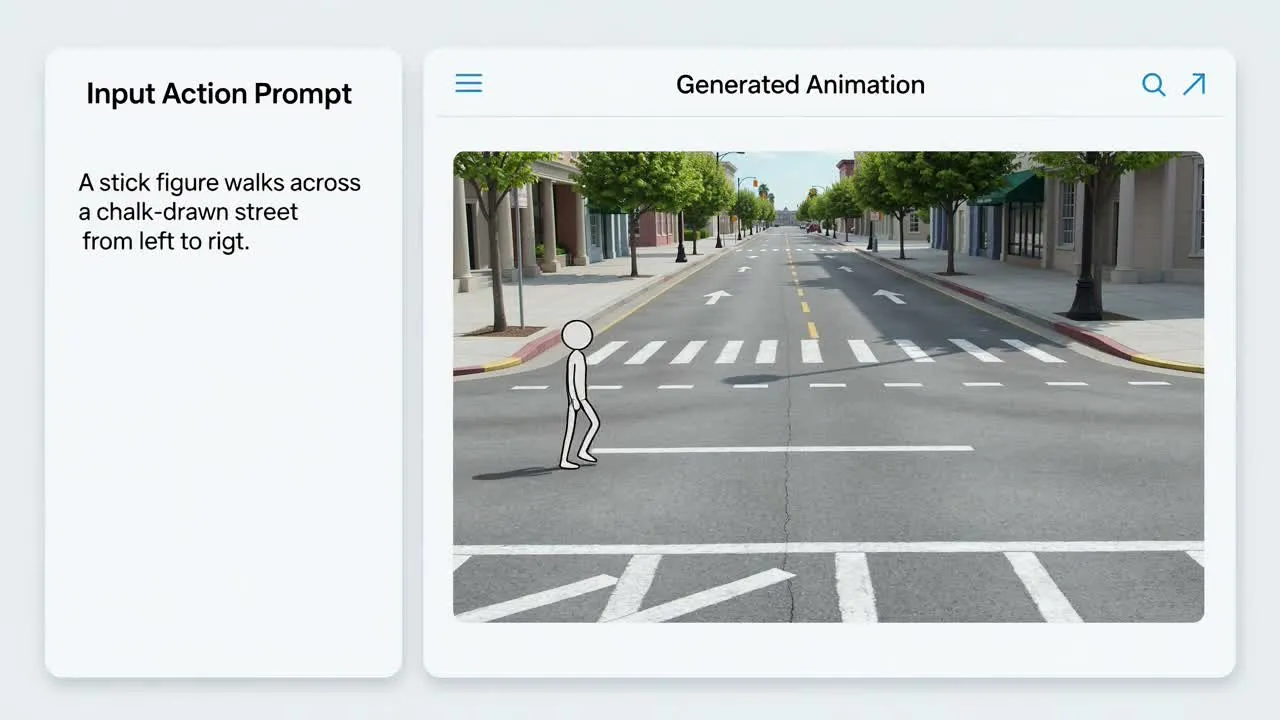
How to create a stick figure motion clip from a prompt or reference image.
Write the action you want to see, including the movement, subject, setting, and any timing cues that matter.
Optionally add one image to guide the look, pose, or scene direction for the generated motion.
Set the visual direction and destination format so the output is shaped for your intended use.
Control the essentials that affect the video outcome without overcomplicating the brief.
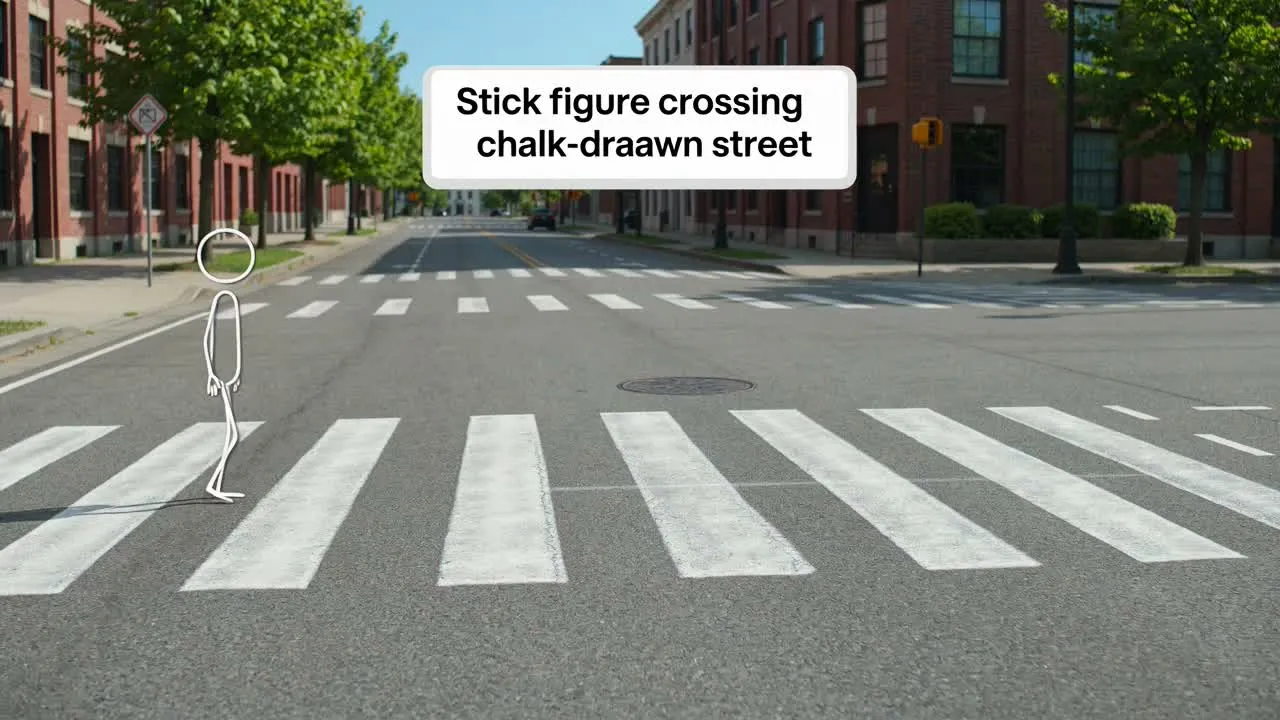
Describe the movement, pacing, pose changes, and story beat so the stick figure animation follows a clear action idea.
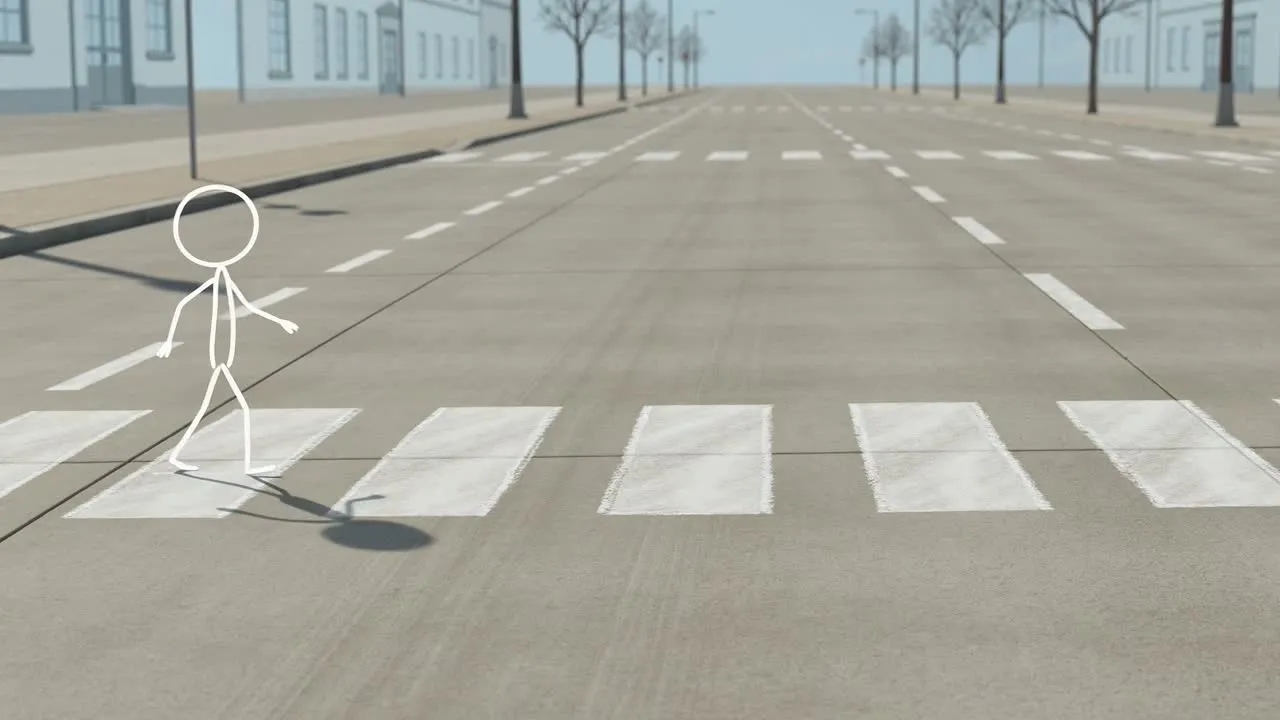
Add visual direction for subject style, scene context, and setting so the simple motion sequence has a defined look.
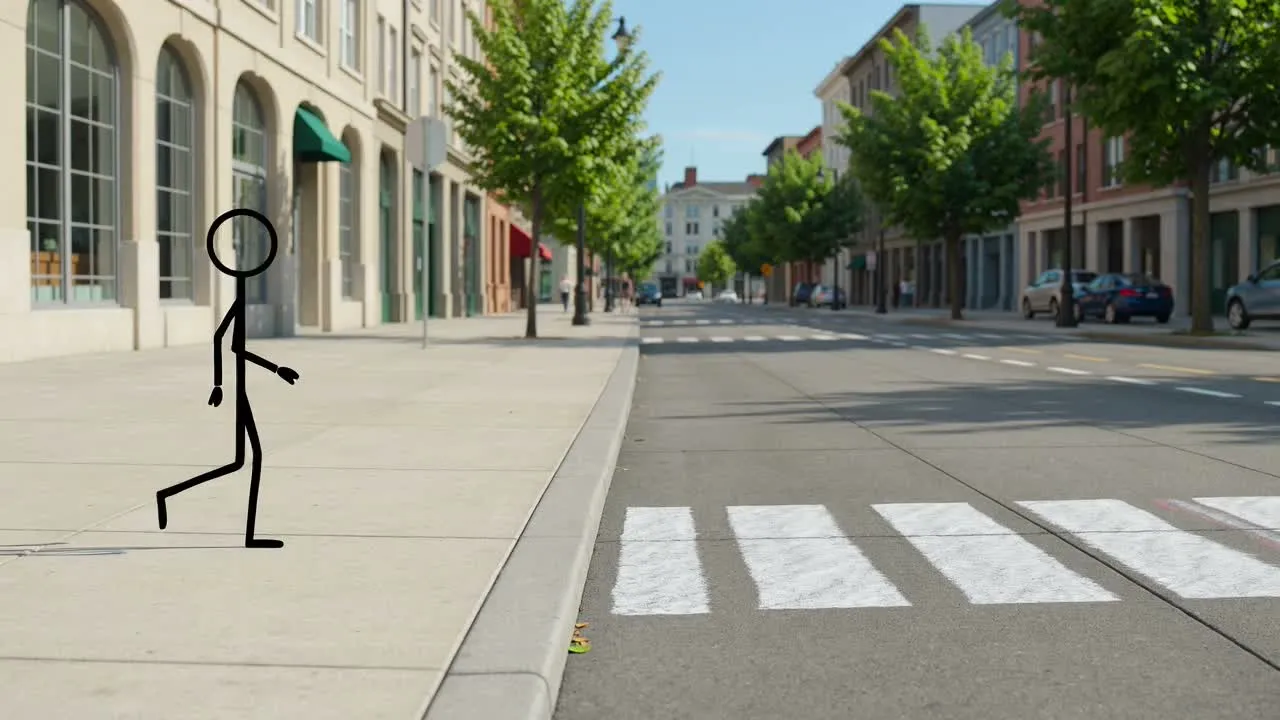
Choose the destination format so the generated video is prepared for the place you plan to use it.
Create a focused result for quick planning, communication, or visual storytelling.
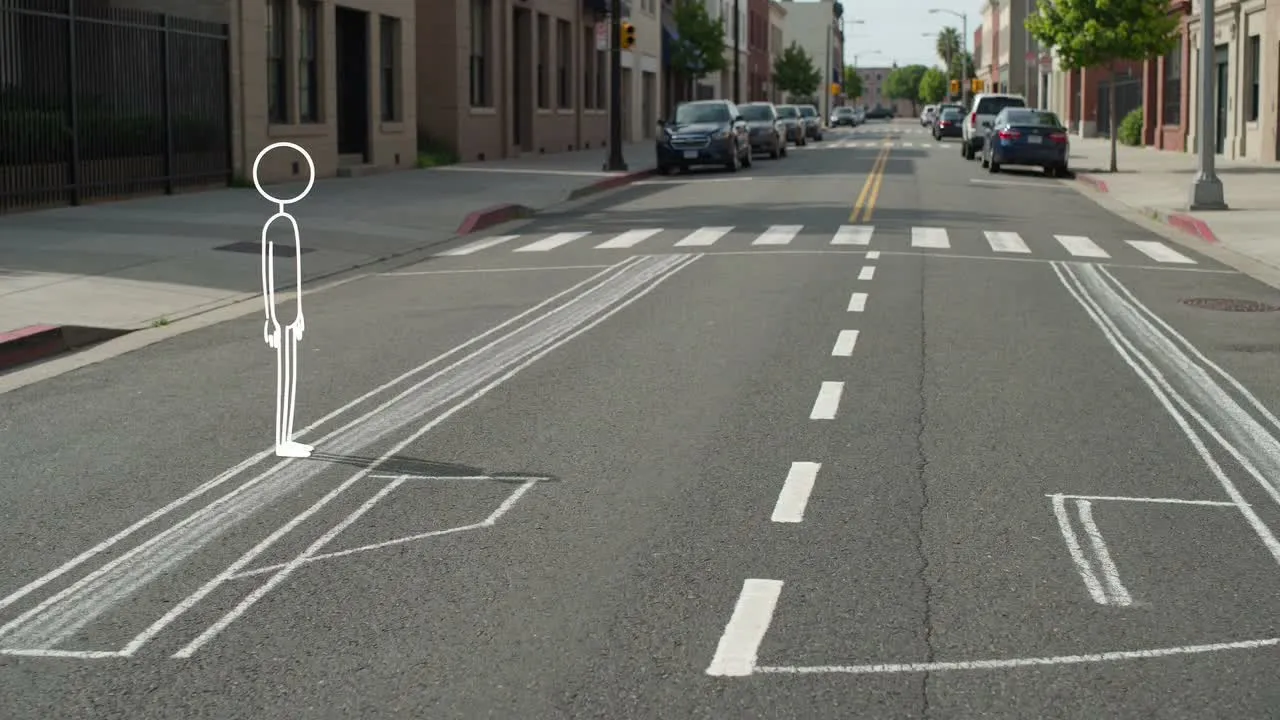
Turn a written action idea into a simple motion sequence that helps explain timing, direction, or character movement.
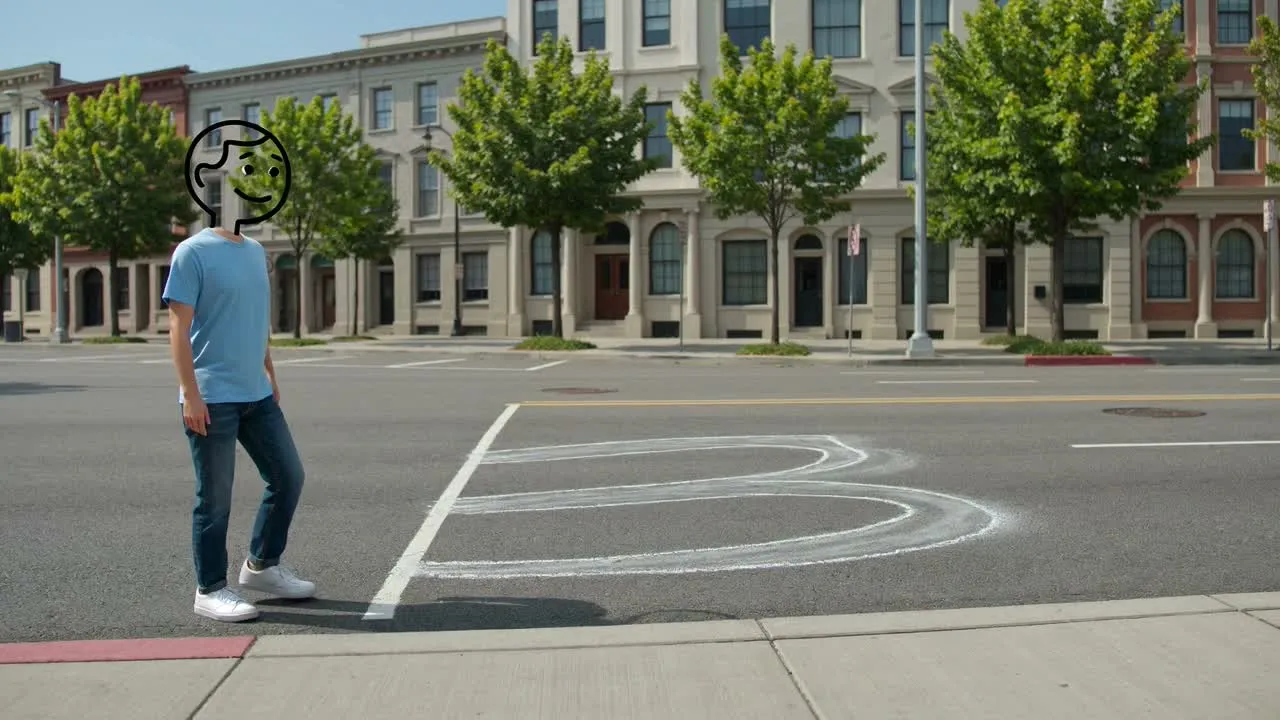
Use one image when you want the subject or scene direction to be easier to communicate than text alone.
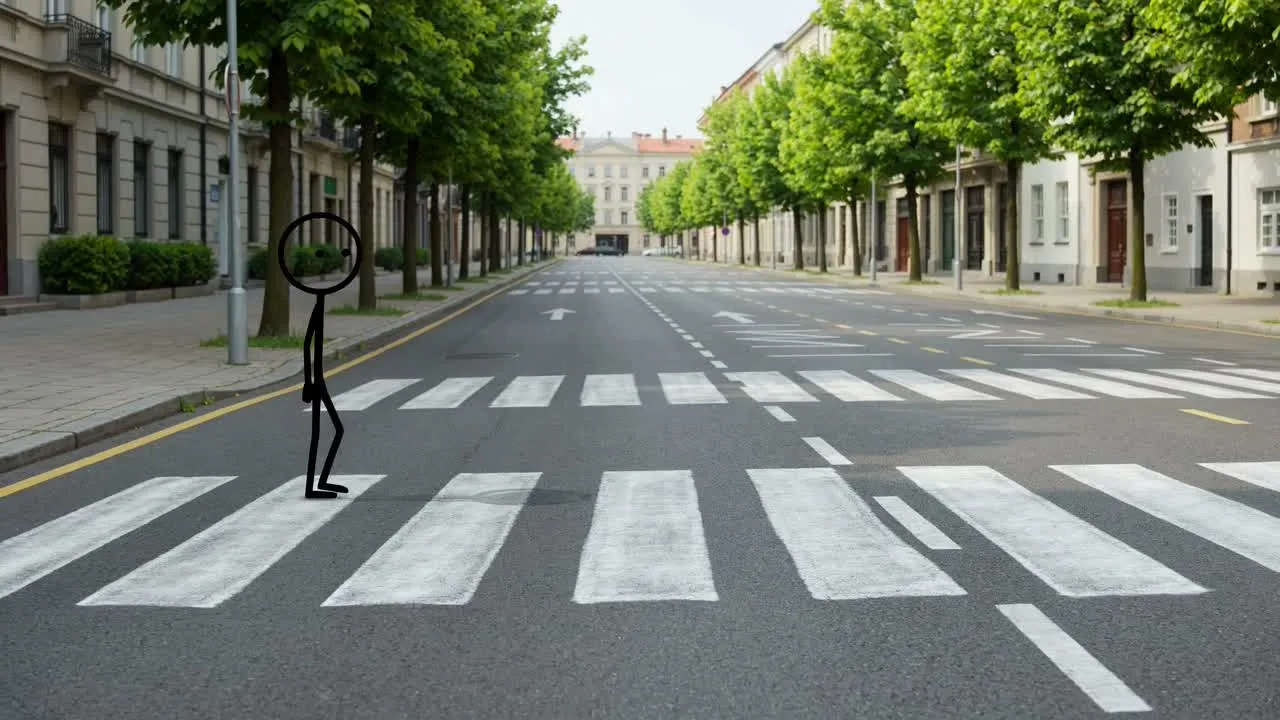
Explore stick figure animation for action beats, rough story flow, explainer moments, or social-ready motion concepts.
Review the generated clip before moving it into your project, especially when the motion needs to explain a specific action.
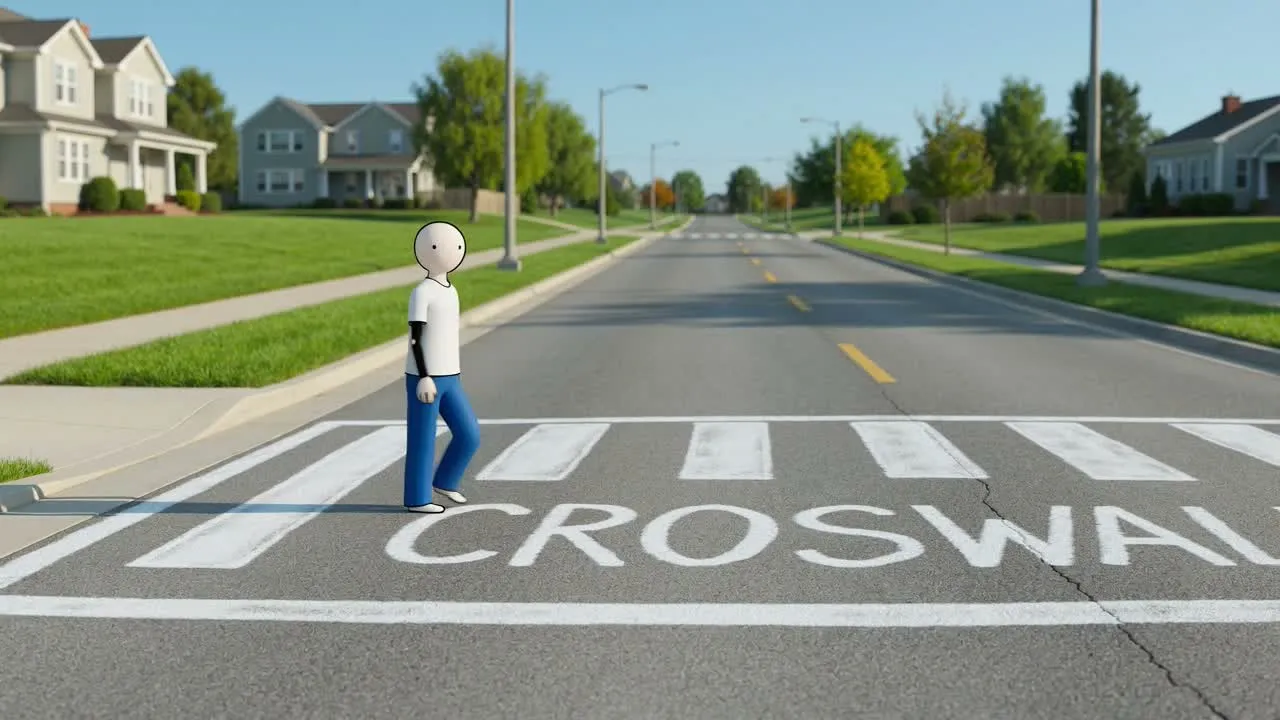
Compare the clip with the original brief to confirm the action, tone, and scene match the project need.
Inspect important details such as pose changes, subject clarity, and whether the motion reads correctly at a glance.
Check the destination crop and format so the short clip fits where you plan to place it.
These boundaries help set expectations before you review the generated results.
The same brief may produce different motion choices, timing, or framing, so review the output against your intended action.
Small cues, pose intent, and scene details may need a close look before the clip is ready for use.
Answers to common questions before you create with Stick Figure Animation Generator.
Use your action prompt or one reference image to create with Stick Figure Animation Generator and shape a short motion clip for your project.