
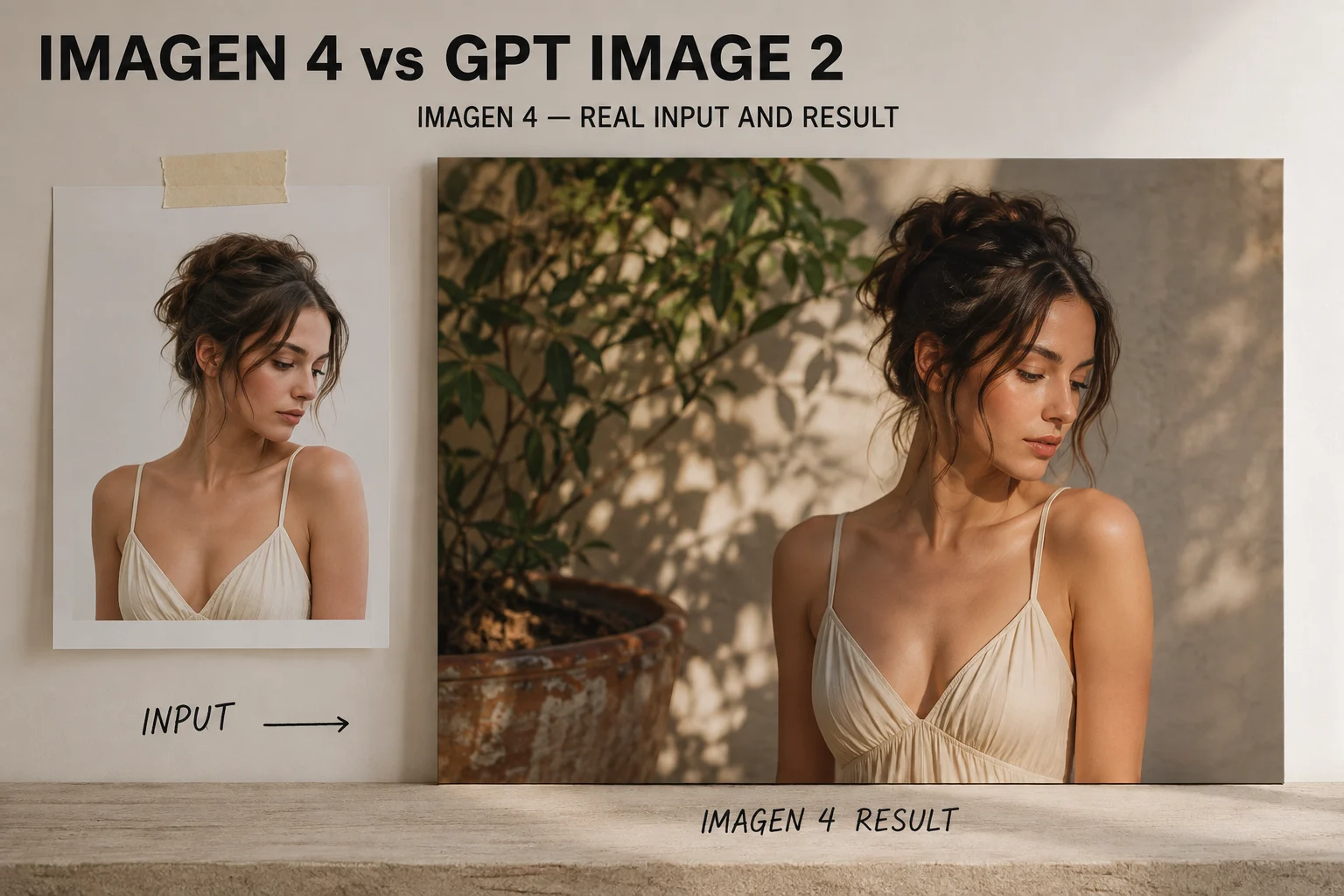
Imagen 4
En bildegenereringsmodell fra Google, kjent for naturlige fotografiske resultater og gjennomført lyssetting i livsstils- og produktlignende bilder.
Sammenligning av bildemodeller
Imagen 4 og GPT Image 2 gjør begge en prompt om til et stillbilde. Styrkene ligger ulike steder: gjennomført realisme på den ene siden, promptpresisjon og lesbar tekst på den andre.
Velg Imagen 4 når naturlig fotografisk kvalitet er viktigst. Velg GPT Image 2 når oppgaven krever nøyaktig følging av instruksjoner og lesbar tekst i bildet.
Forskjellene som avgjør hvilken du åpner.
| Dimensjon | Imagen 4 | GPT Image 2 |
|---|---|---|
| Hovedstyrke | Gjennomført, naturlig fotografisk realisme | Promptpresisjon og følging av instruksjoner |
| Tekst i bildet | Brukbar, men kontroller hver etikett | Oftere lesbar, men fortsatt verdt å kontrollere |
| Redigeringsflyt | Generer på nytt med en justert prompt | Iterer samtalebasert på det samme bildet |
| Best til | Hovedbilder og livsstilsbilder | Layouter, bilder med etiketter og kampanjemateriell |
| Tilgjengelighet i ClipCanva | Ikke for tiden koblet til som en ClipCanva-modell | Tilgjengelig med en modellside og vist kredittkostnad |
To bildemodeller med ulike designprioriteringer.
En bildegenereringsmodell fra Google, kjent for naturlige fotografiske resultater og gjennomført lyssetting i livsstils- og produktlignende bilder.
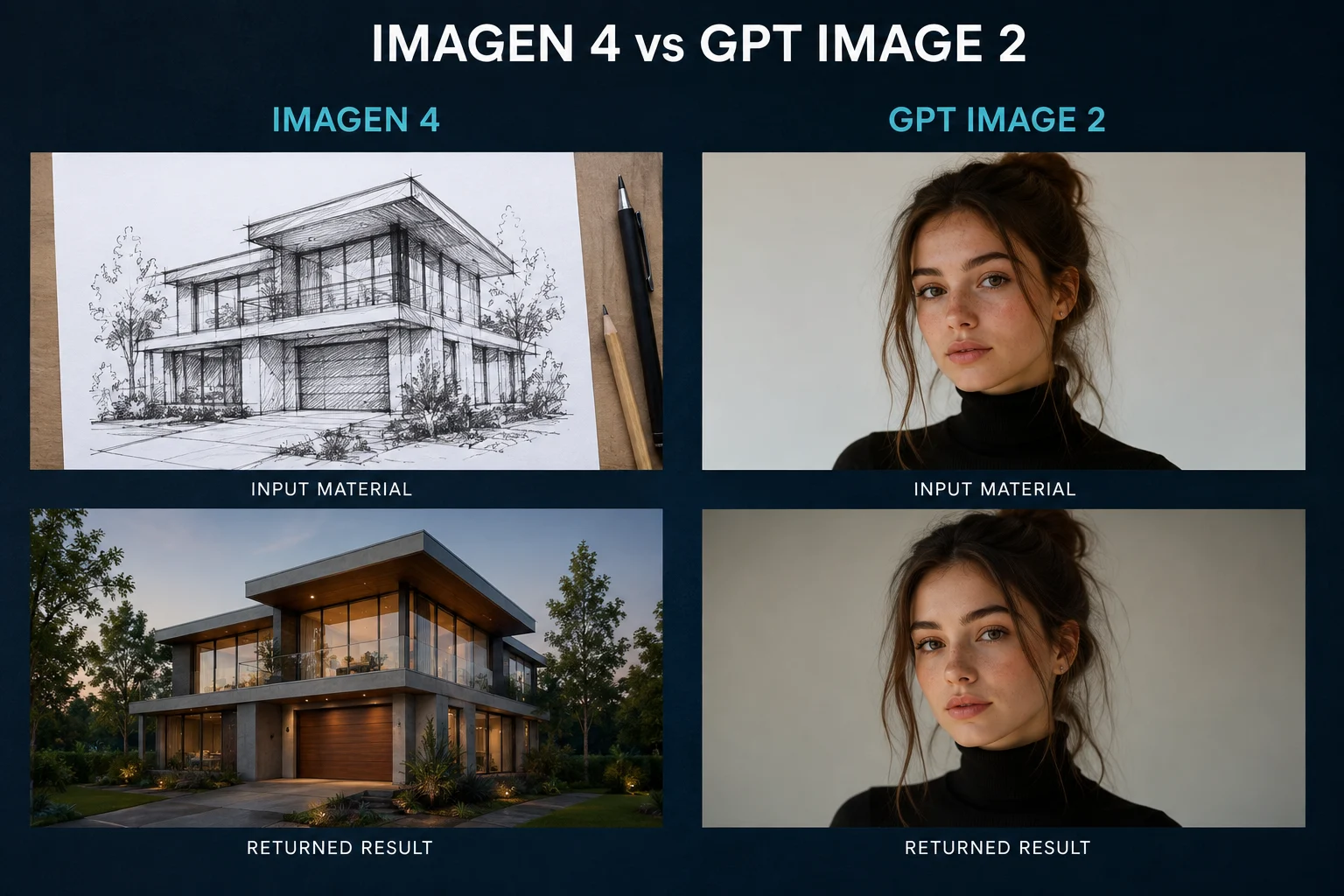
En bildegenereringsmodell fra OpenAI, utviklet for å følge detaljerte instruksjoner tett og håndtere tekst og layout mer forutsigbart.
Hva hver modell vanligvis gjør godt.
Hvor hver modell sparer eller koster deg tid.
Dette bør du sjekke før du bruker bildet.
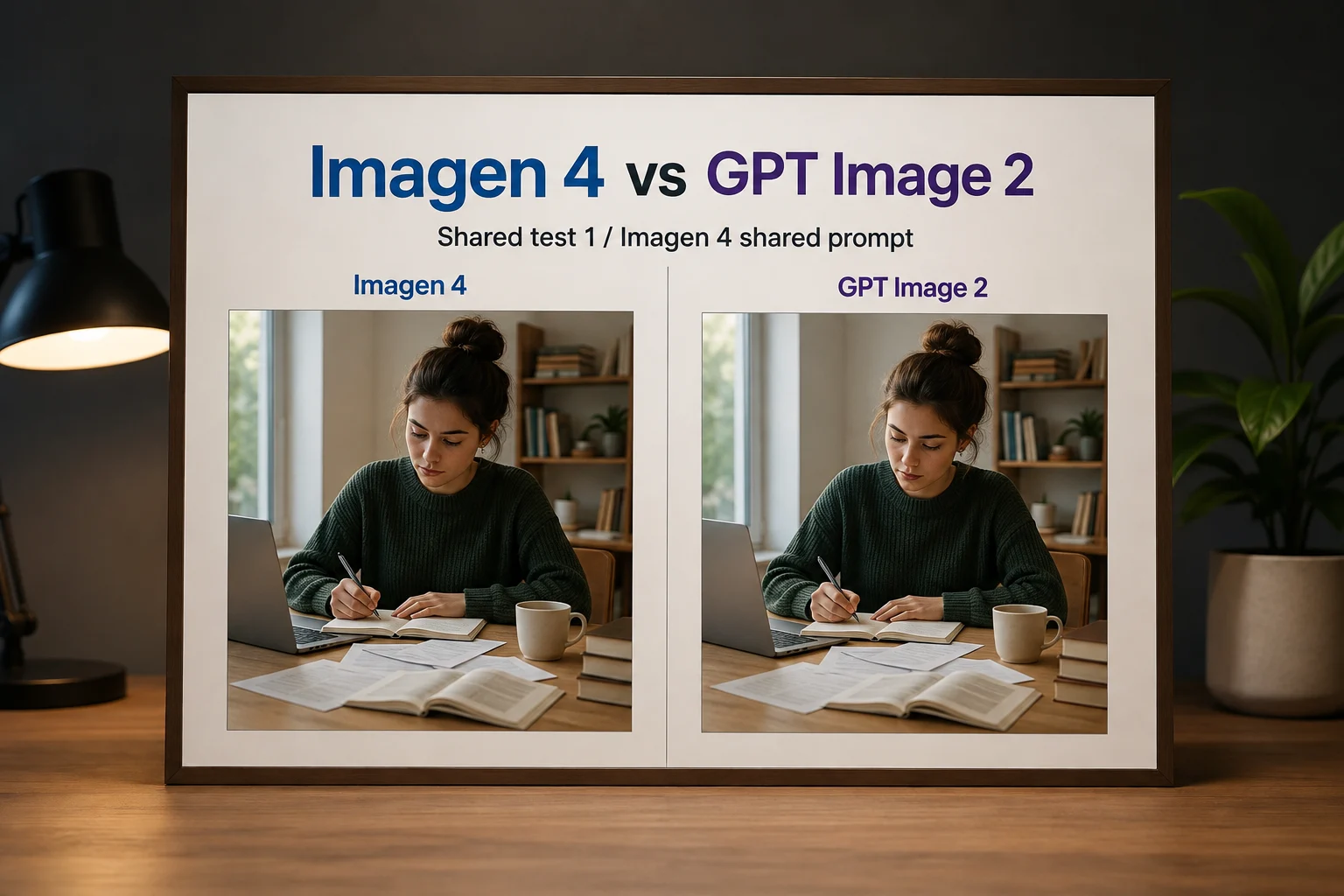
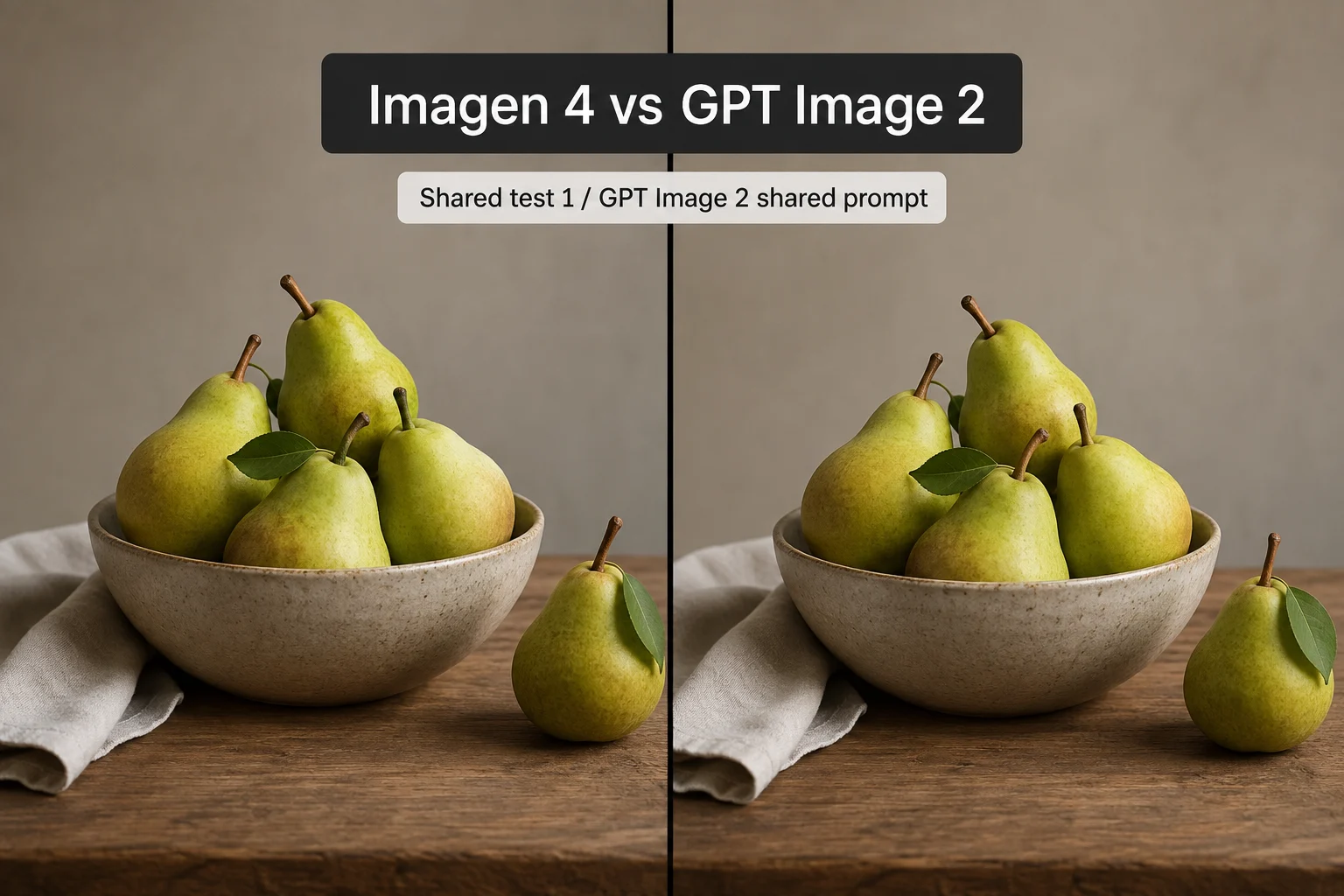
Tilpass modellen til leveransen.
Les dette før du behandler tabellen som fast fasit.
Den er tatt med fordi mange sammenligner de to. Du kan ikke kjøre den i ClipCanva, så tilgang og kostnad avhenger av Googles egne kanaler.
Begge modellene kan stave feil eller forvrenge tekst. For alt som skal møte kunder, legg til ekte typografi under layoutarbeidet i stedet for å stole på generert tekst.
Leverandørene oppdaterer disse modellene uten varsel. Vurder dagens oppførsel ut fra din egen test fremfor en publisert sammenligning.
Kontrollert den: 2026-08-18
Tre oppgaver og modellen som passer.
Bruk GPT Image 2, siden den følger eksplisitte komposisjonsinstruksjoner tettere og håndterer korte etiketter bedre.
Åpne GPT Image 2Styrken til Imagen 4 er naturlig realisme, men du trenger tilgang via Googles egne kanaler siden den ikke er koblet til her.
Prøv en realisme-prompt herBruk GPT Image 2 med én strukturert prompt som gjenbrukes på tvers av elementene, slik at uttrykket holder seg mellom bildene.
Lag en strukturert promptVanlige spørsmål om valget mellom disse bildemodellene.
Skriv én strukturert oppgave og kjør den i GPT Image 2 for å se hvor tett den følger kravene dine.