01
Legg til kildevideoen
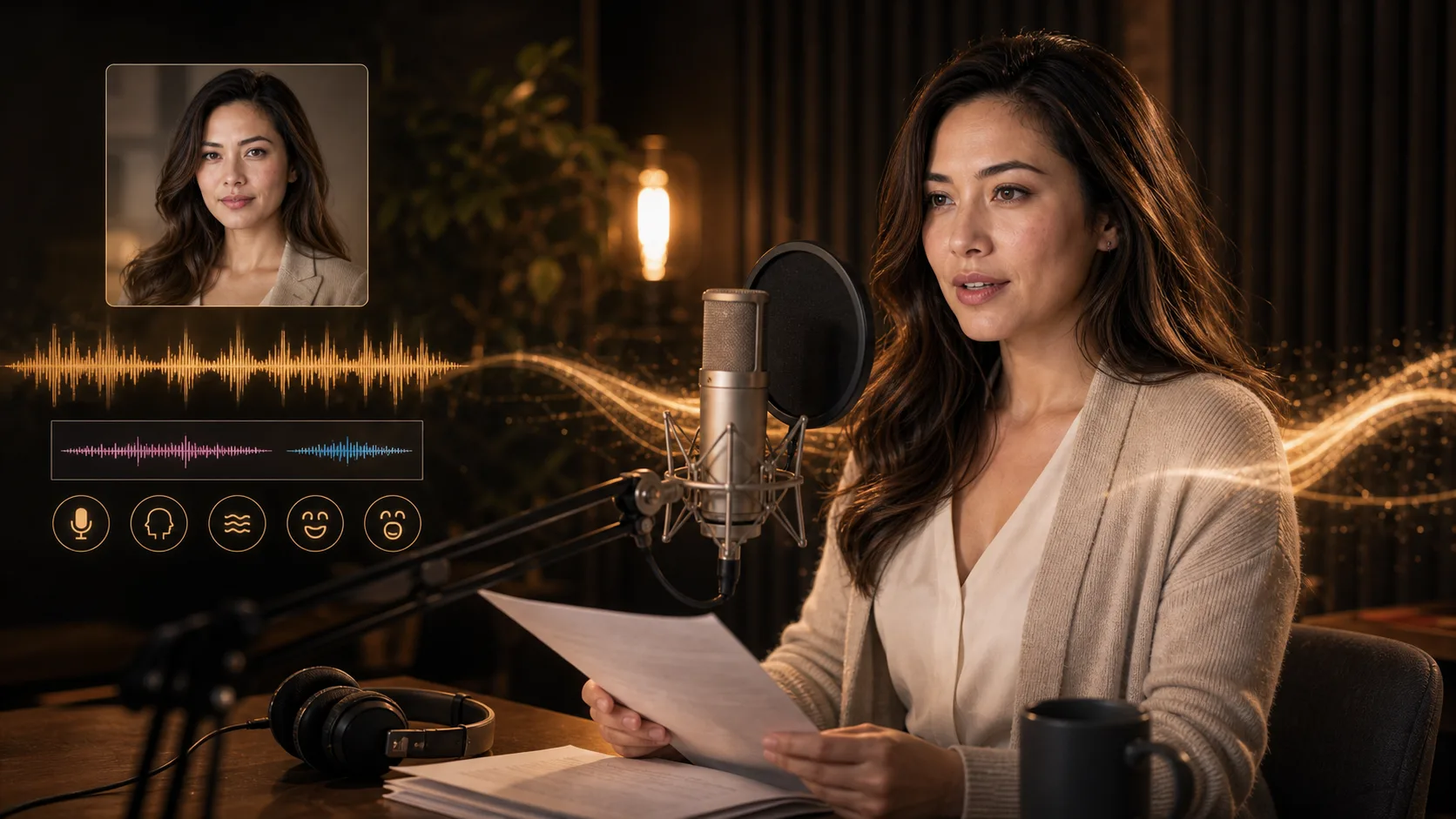
Last opp en video eller lim inn en tilgjengelig video-URL. Velg opptak der ansiktet som snakker, er godt synlig.
Legg til en eksisterende video av en taler og talelyden du vil tilpasse den til. Generer en video med justerte munnbevegelser, og kontroller resultatet.
Kildevideo og talelyd
Last opp filer eller lim inn URL-er til lagrede mediefiler.
Videoformat
MP4/WebM/MOV
Lydkilde
MP3/WAV/M4A
Synkroniseringsstatus
Venter på medier
Legg til begge mediekildene før generering
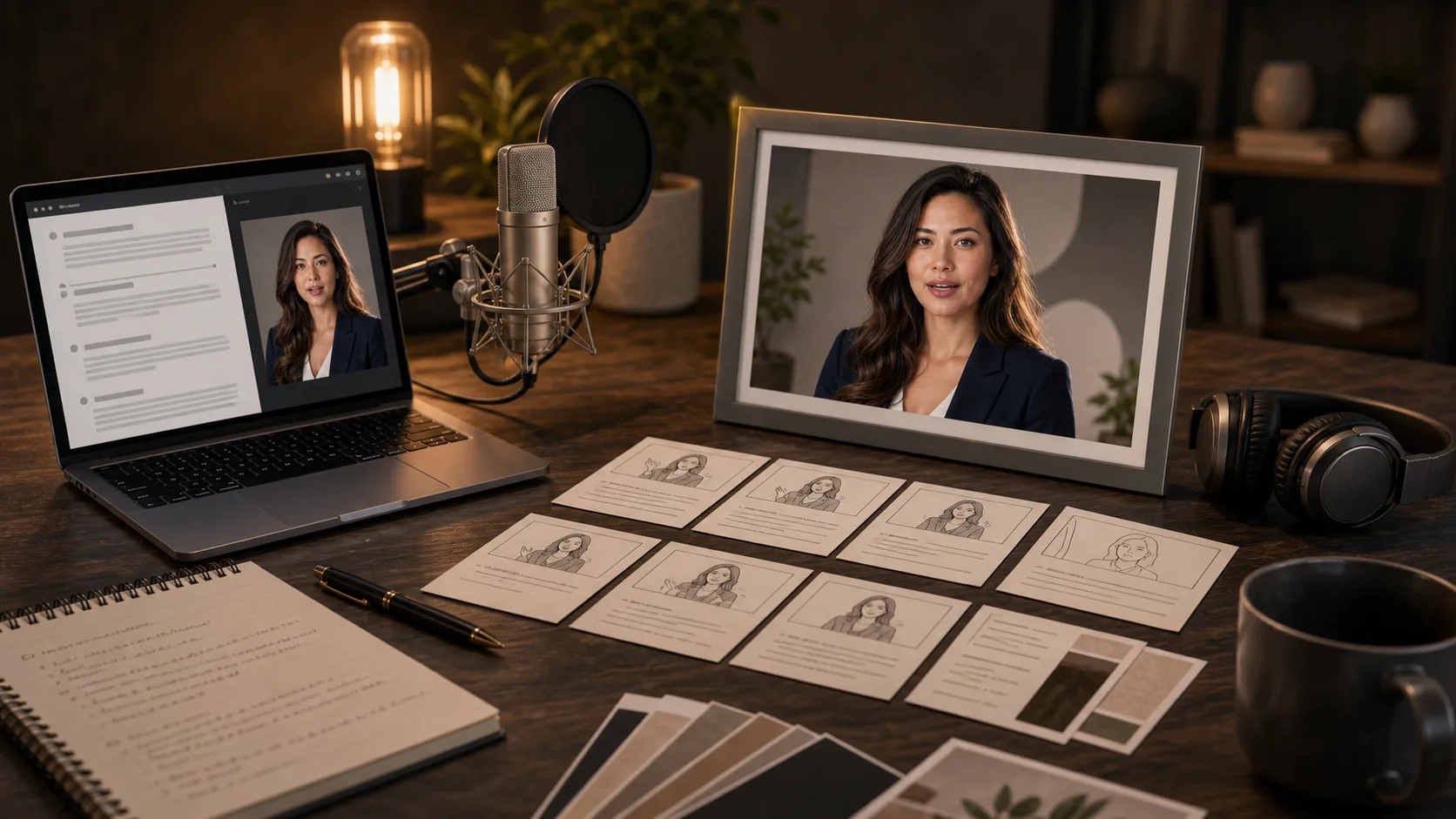
Forbered en talervideo og innspilt eller generert tale til et produktbudskap, en leksjon eller en karakterreplikk. Dette er planleggingsideer, ikke bevis på genererte resultater.
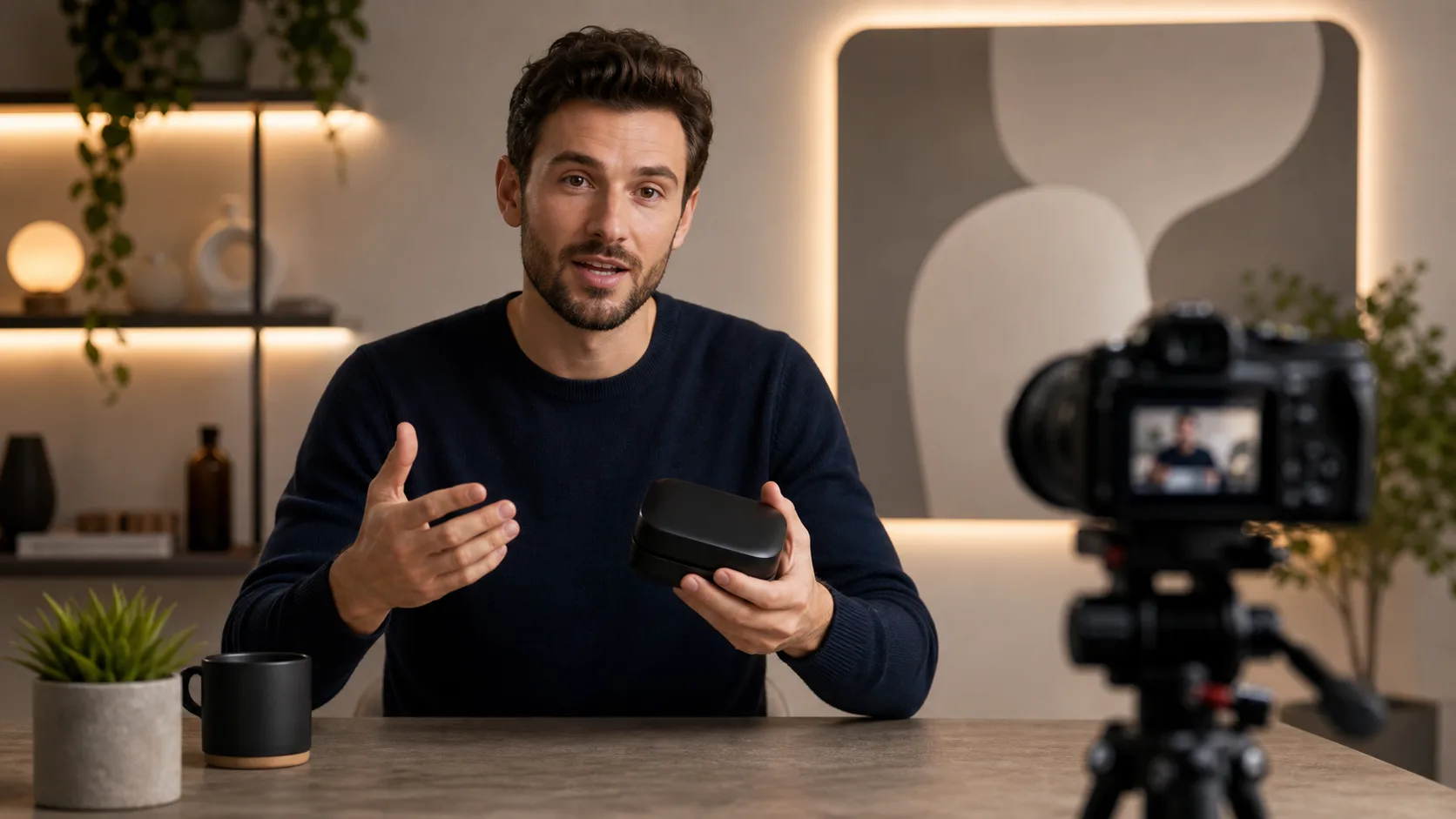

Både en eksisterende video og et lydspor er nødvendig; en tekstinstruksjon eller et portrett alene er ikke nok.
Last opp en video eller lim inn en tilgjengelig video-URL. Velg opptak der ansiktet som snakker, er godt synlig.
Last opp fortellerstemmen din eller lim inn en tilgjengelig lyd-URL. Lytt først, og sjekk at de ønskede ordene er tydelige.
Send inn begge kildene og vent på resultatet. Hold inndataene tilgjengelige mens oppgaven kjører.
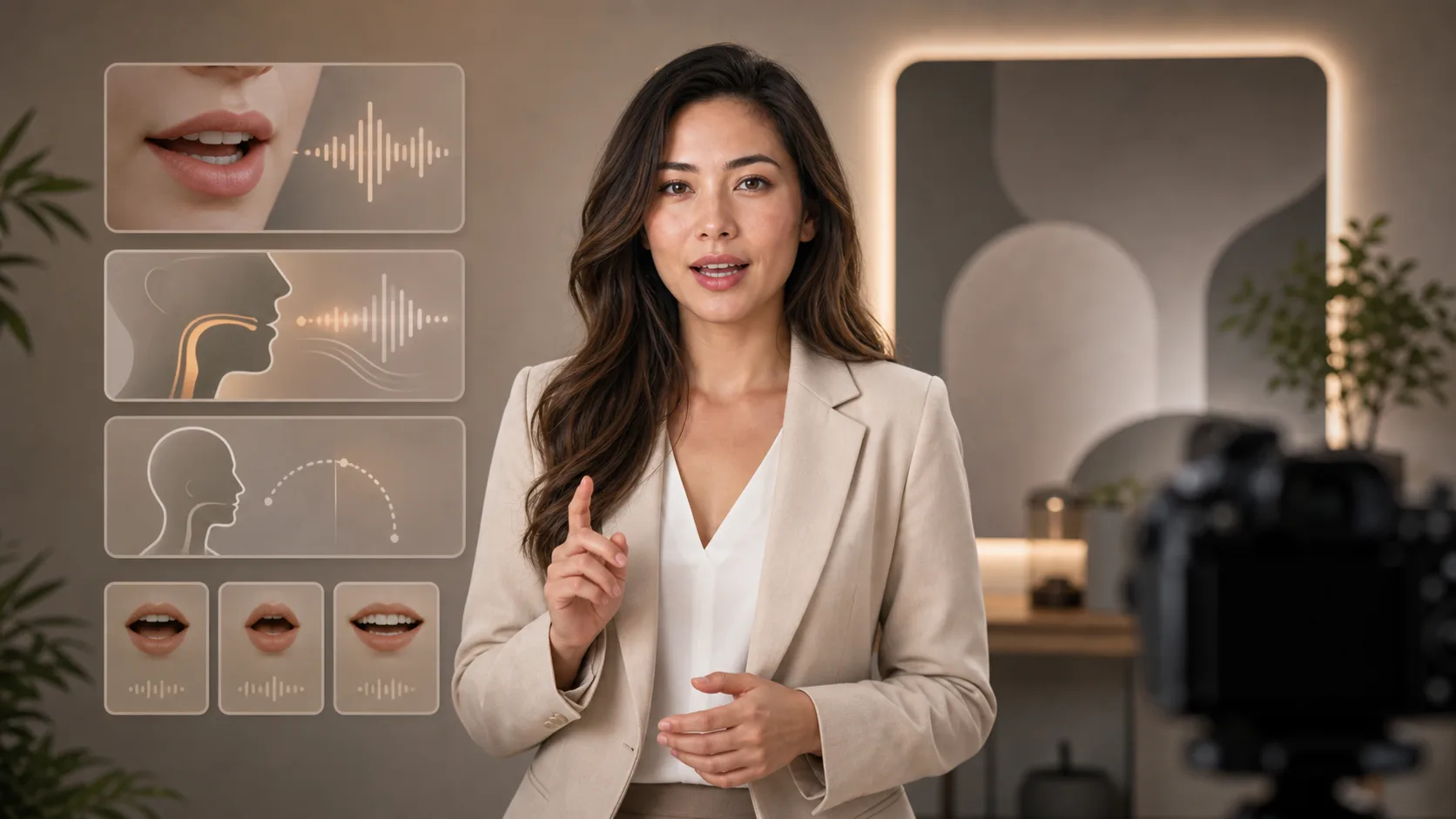
Se på munnens timing, ansiktet, pausene og avslutningen. Hvis resultatet ser feil ut, forkort eller forbedre kildematerialet før du prøver igjen.
Bruk et innspilt eller generert talespor; siden gjør ikke skrevet tekst direkte om til fortellerstemme.
Start med opptak i stedet for å be siden lage en person fra et bilde eller en instruksjon.
Legg til hver mediekilde via opplastingsfunksjonen, eller lim inn den tilgjengelige URL-en.
Spill av den returnerte videoen, og sjekk ansiktets konsistens og munnens timing. Automatisk teksting tilbys ikke her.
Gå fra manus og stemmevalg til generering av video med en snakkende person.
Gratis bilder har vannmerke. Oppgrader for rene resultater, raskere generering og kommersiell bruk.
Startpakke
En engangspakke med kreditter for å prøve bilde-, musikk- og kort videogenerering.
Skaper
Månedsplan · 1 500 kreditter fornyes hver måned
GPT Image 2 Unlimited
Skriv inn koden FOUNDING6 i Stripe Checkout: $19/måned de første 6 månedene, deretter $29/måned.
Pro
For clean, faster outputs
Studio
Månedsplan · 12 000 kreditter fornyes hver måned
Sikker betaling · Abonnementer fornyes automatisk · Se vilkår for refusjon
Team
For byråer, produksjonsteam og tilpassede volumbehov.
Forbered begge kilder og forstå begrensningene før behandling.
Legg til video og lyd, og kontroller deretter de genererte munnbevegelsene.