
01
Start med kilden
Last opp den tydeligste godkjente kilden før komprimering fjerner viktige detaljer.
Last opp ett bilde og beskriv endringen med vanlig språk. Lag en tekststyrt redigering av et produkt, portrett, rom eller gammelt bilde, og kontroller identitet, objekter, tekst og kontekst.
Last opp ett bilde og beskriv endringen med vanlig språk. Lag en tekststyrt redigering av et produkt, portrett, rom eller gammelt bilde, og kontroller identitet, objekter, tekst og kontekst.
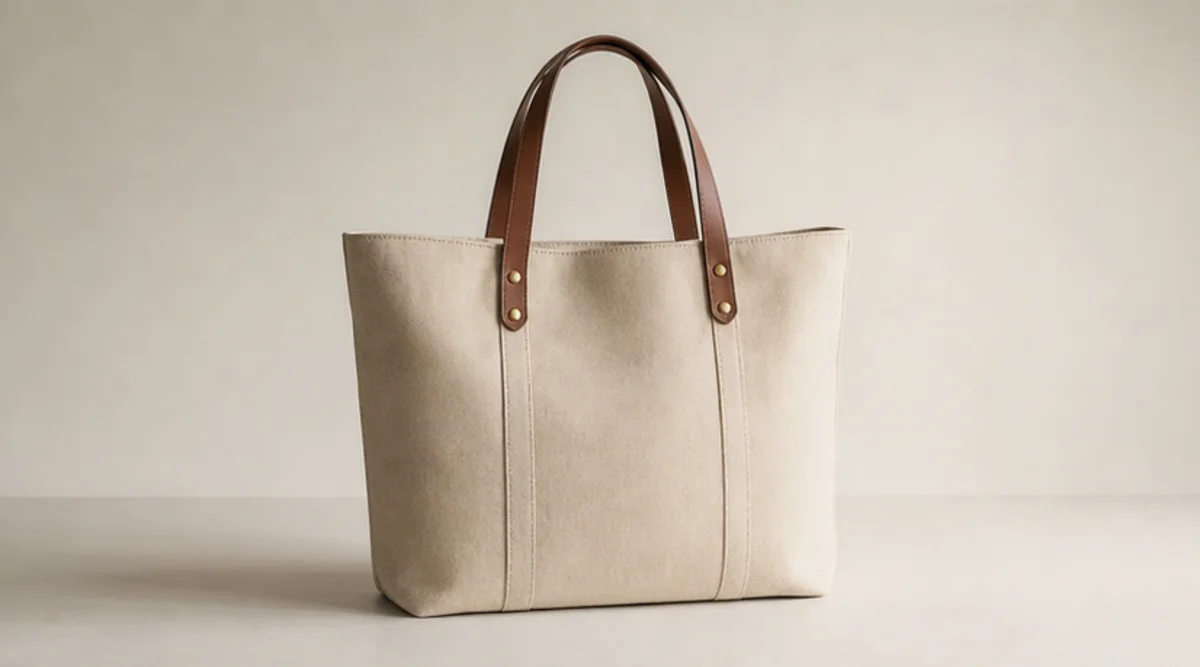
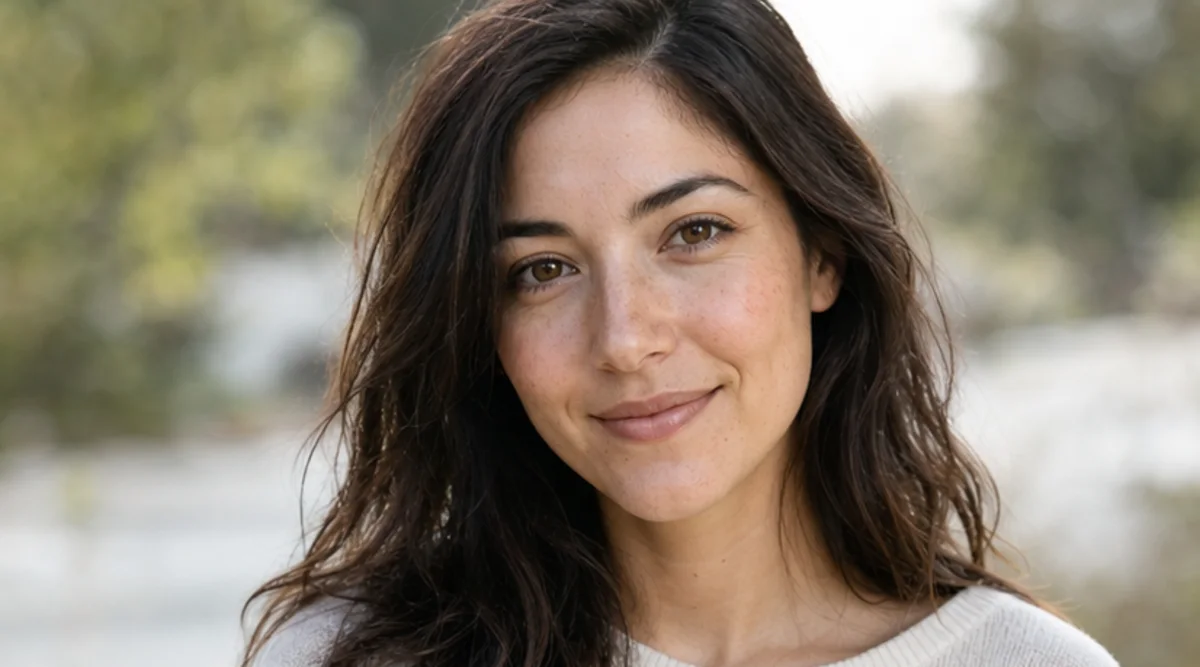
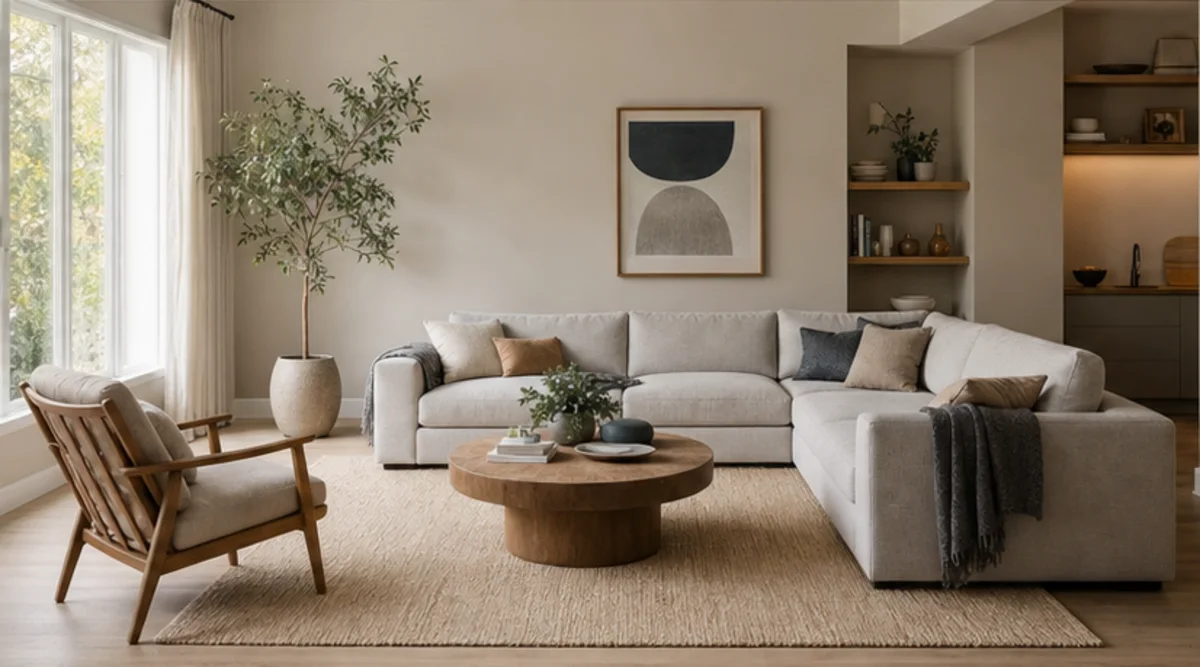
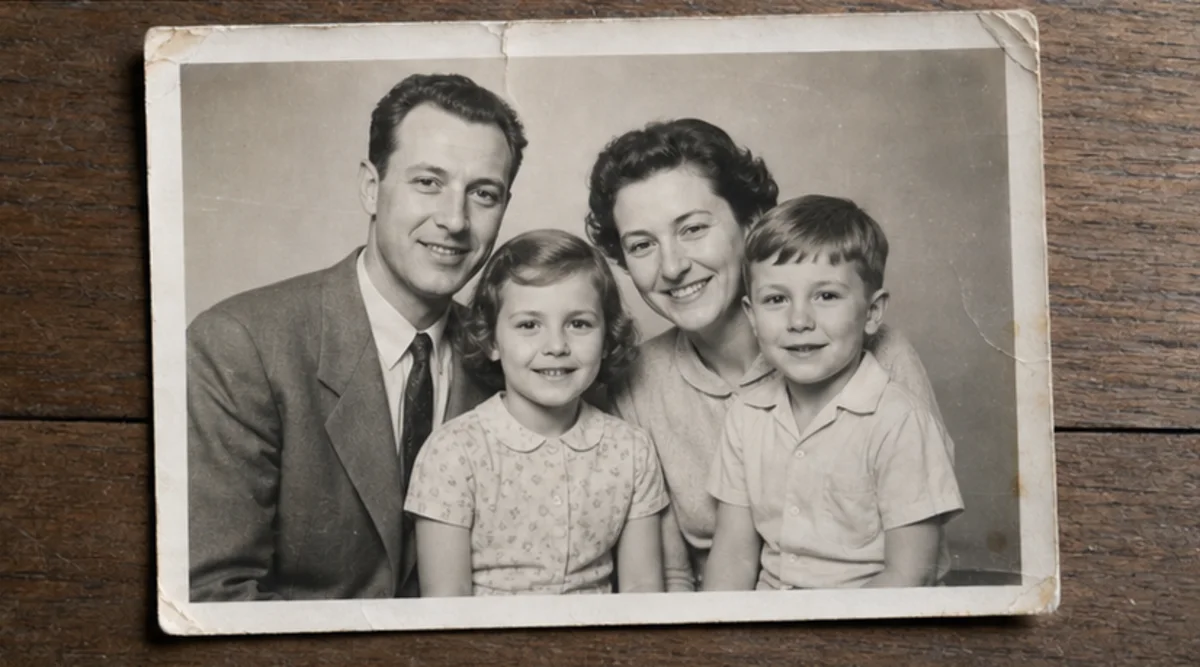
Last opp ett bilde og beskriv endringen med vanlig språk. Lag en tekststyrt redigering av et produkt, portrett, rom eller gammelt bilde, og kontroller identitet, objekter, tekst og kontekst.
Last opp den tydeligste godkjente kilden før komprimering fjerner viktige detaljer.
Beskriv endringen og identiteten, objektene, teksten, geometrien eller bakgrunnen som må forbli uendret.
Generer én målrettet redigering uten å blande flere endringer som ikke hører sammen.
Sammenlign resultat og original i full størrelse, og kontroller ansikter, produkter, små objekter, tekst, kanter og kontekst.
Verktøyet følger tekstinstruksjoner, men ansikter, produktgeometri, små objekter og tekst kan endres. Det er ikke et pikselnøyaktig retusjeringsverktøy.
Bruk en tydelig kilde og angi hva som ikke skal endres. Sammenlign resultatet med originalen i full størrelse.
Last bare opp bilder du eier eller har lov til å redigere. Kontroller resultatet før bruk for identitet, produkt, arkiv eller offentlighet.
Gratis bilder har vannmerke. Oppgrader for rene resultater, raskere generering og kommersiell bruk.
Startpakke
En engangspakke med kreditter for å prøve bilde-, musikk- og kort videogenerering.
Skaper
Månedsplan · 1 500 kreditter fornyes hver måned
GPT Image 2 Unlimited
Skriv inn koden FOUNDING6 i Stripe Checkout: $19/måned de første 6 månedene, deretter $29/måned.
Pro
For clean, faster outputs
Studio
Månedsplan · 12 000 kreditter fornyes hver måned
Sikker betaling · Abonnementer fornyes automatisk · Se vilkår for refusjon
Team
For byråer, produksjonsteam og tilpassede volumbehov.
Last opp ett bilde og beskriv endringen med vanlig språk. Lag en tekststyrt redigering av et produkt, portrett, rom eller gammelt bilde, og kontroller identitet, objekter, tekst og kontekst.
Last opp ett bilde og beskriv endringen med vanlig språk. Lag en tekststyrt redigering av et produkt, portrett, rom eller gammelt bilde, og kontroller identitet, objekter, tekst og kontekst.