
Skriv fotobeskrivelsen
Beskriv motivet, stedet, kameravinkelen, objektivfølelsen, lyset, stemningen, klærne, rekvisittene og tiltenkt plassering.
Lag realistiske portretter, produktbilder, livsstilsscener og bilder til sosiale medier fra en presis ledetekst eller tillatt referanse.
En AI-fotogenerator gjør en skriftlig fotobeskrivelse eller tillatt referanse om til et generert bilde med fotografiske valg. Du beskriver motivet, miljøet, kameravinkelen, objektivfølelsen, lyset, klærne, rekvisittene, stemningen og utdataformatet, og vurderer deretter resultatet for realisme og nøyaktighet.
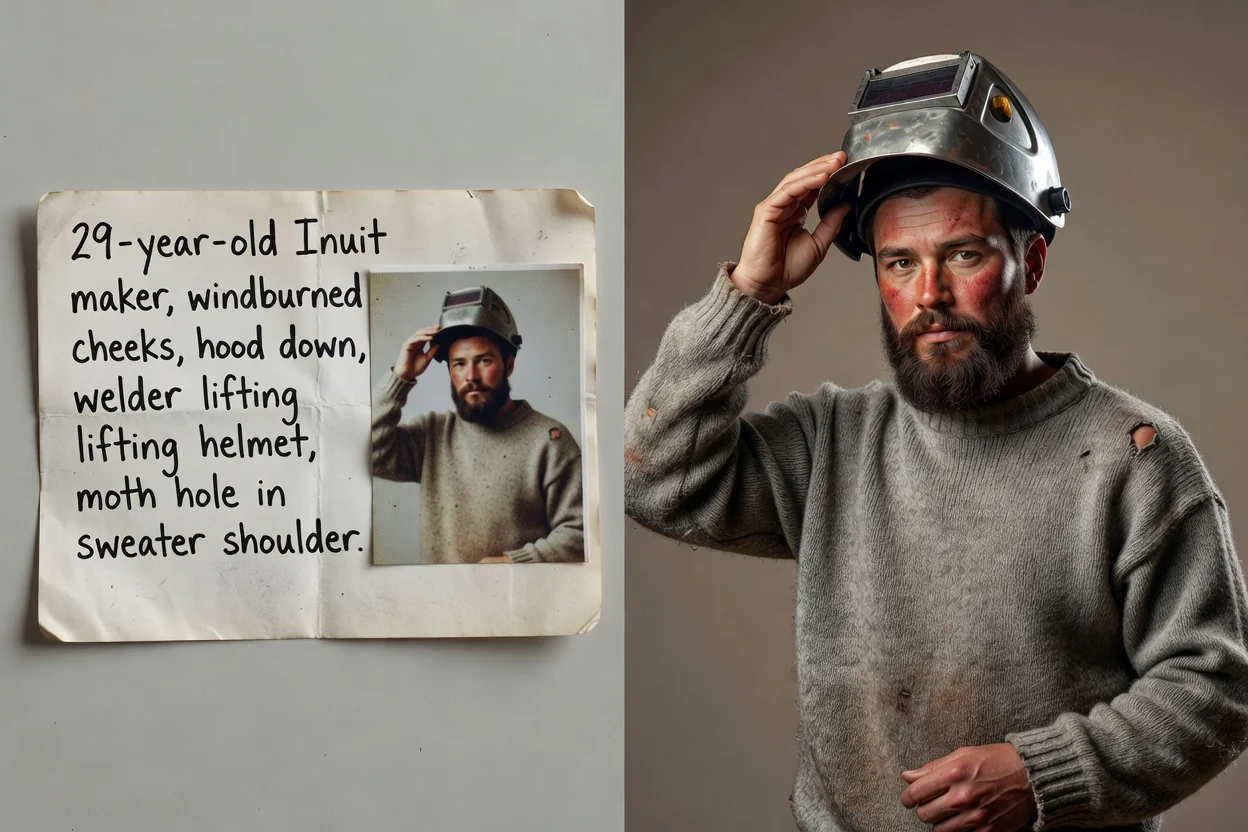
Skriv fotobeskrivelsen som en produksjonsbrief, og finjuster deretter den detaljen som påvirker realismen mest.
Beskriv motivet, stedet, kameravinkelen, objektivfølelsen, lyset, stemningen, klærne, rekvisittene og tiltenkt plassering.
Bruk en referanse når identiteten til motivet, produktformen, komposisjonen, posituren eller det visuelle uttrykket trenger tydeligere veiledning.
Sammenlign resultatene med tanke på realisme og samsvar med beskrivelsen, og juster én svak detalj før du genererer et nytt parti.
Kombiner motivdetaljer, fotografiske valg og innstillinger for resultatet i samme bildearbeidsområde.

Beskriv en komplett fotografisk scene, inkludert motivet, omgivelsene, kameraet, lyset, fargene og stemningen.
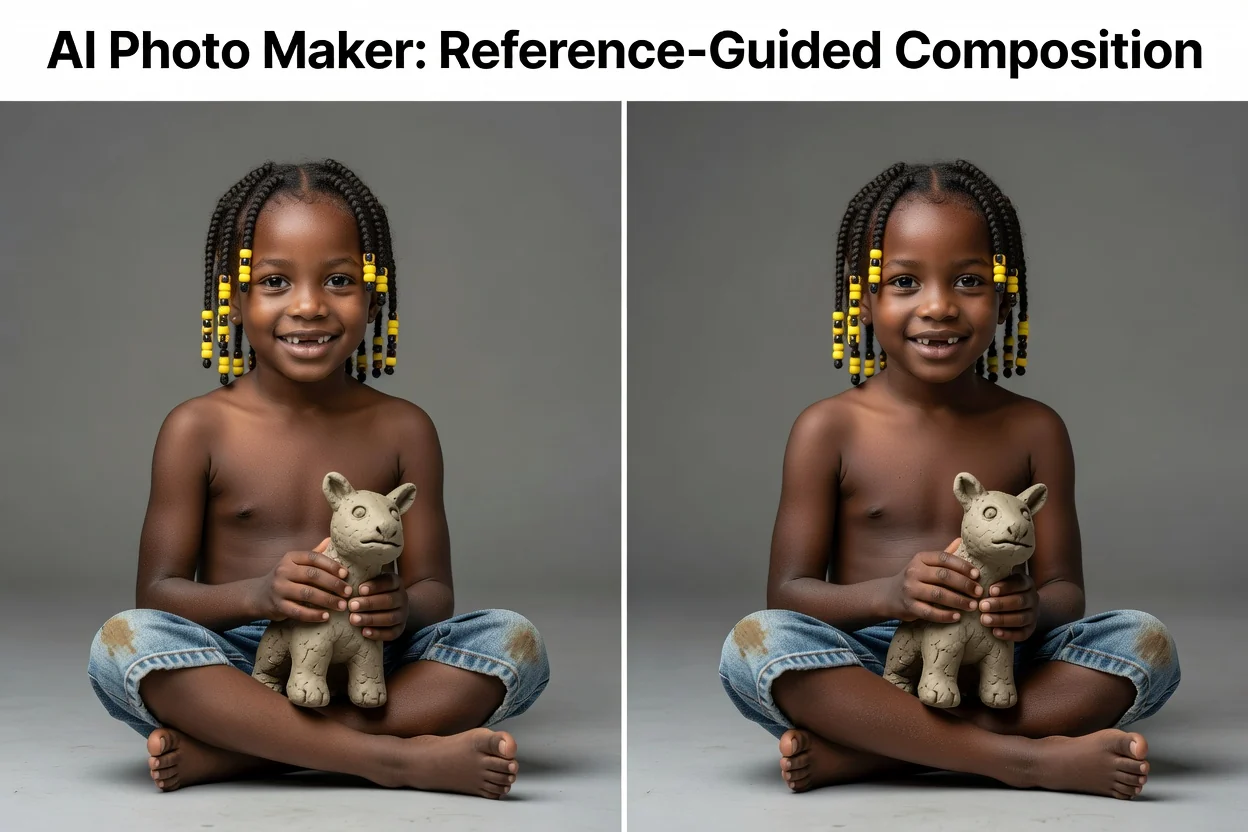
Bruk et tillatt kildebilde til å styre en person, et produkt, en positur, oppsett, fargepalett eller fotografisk stil.
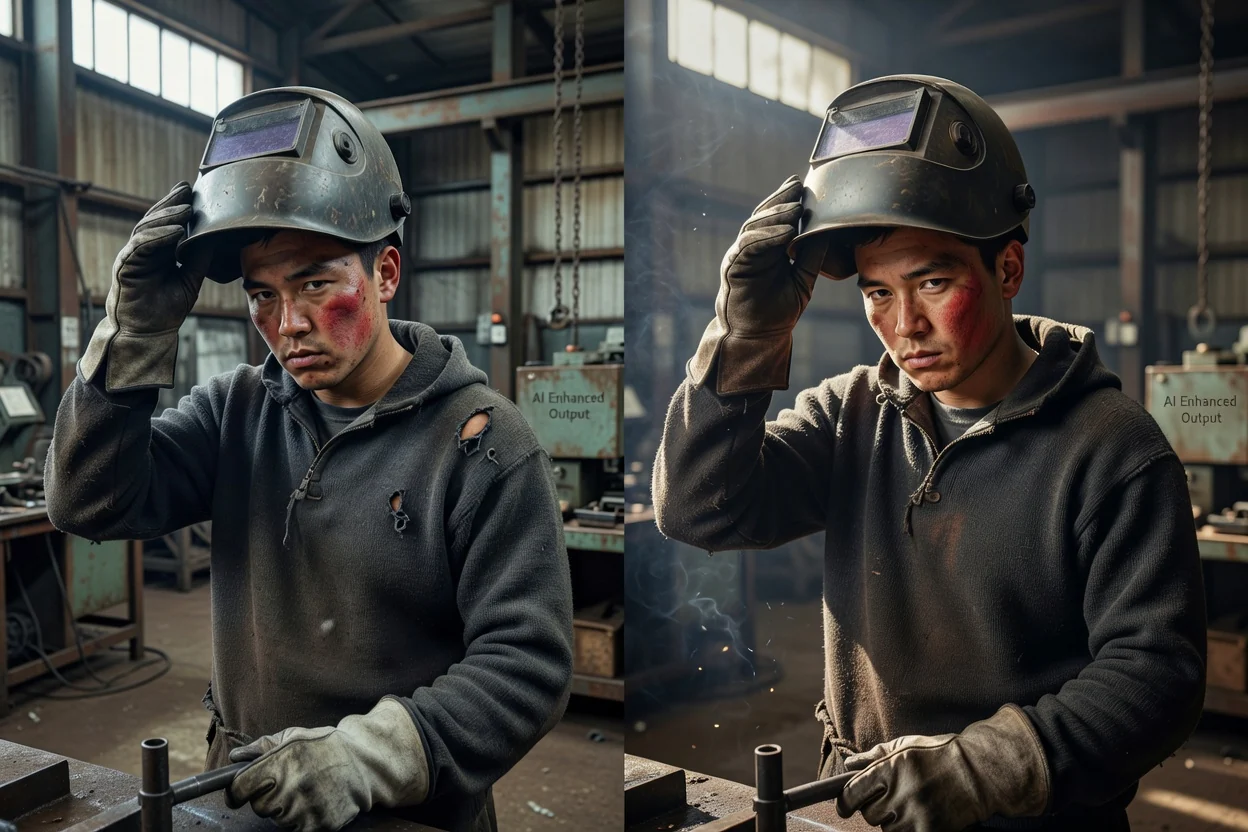
Angi kameravinkel, dybdeskarphet, lysretning, beskjæring, sideforhold og utdataoppløsning for bruksområdet.
Start med den faktiske innholdsoppgaven, slik at scenen, dimensjonene og vurderingskriteriene forblir tydelige.
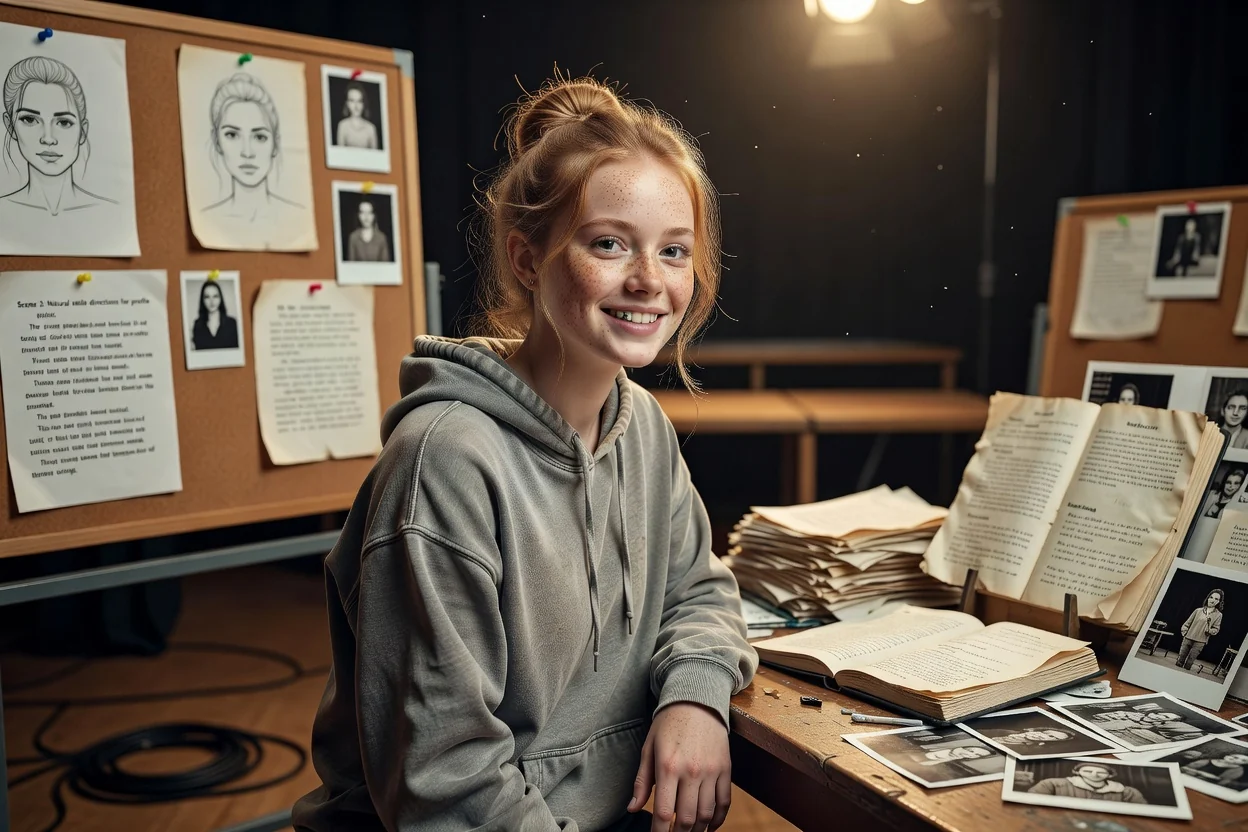
Lag naturlige portrettuttrykk for skaperprofiler, redaksjonelt innhold, oppdateringer i sosiale medier og visuelle stemningstavler.
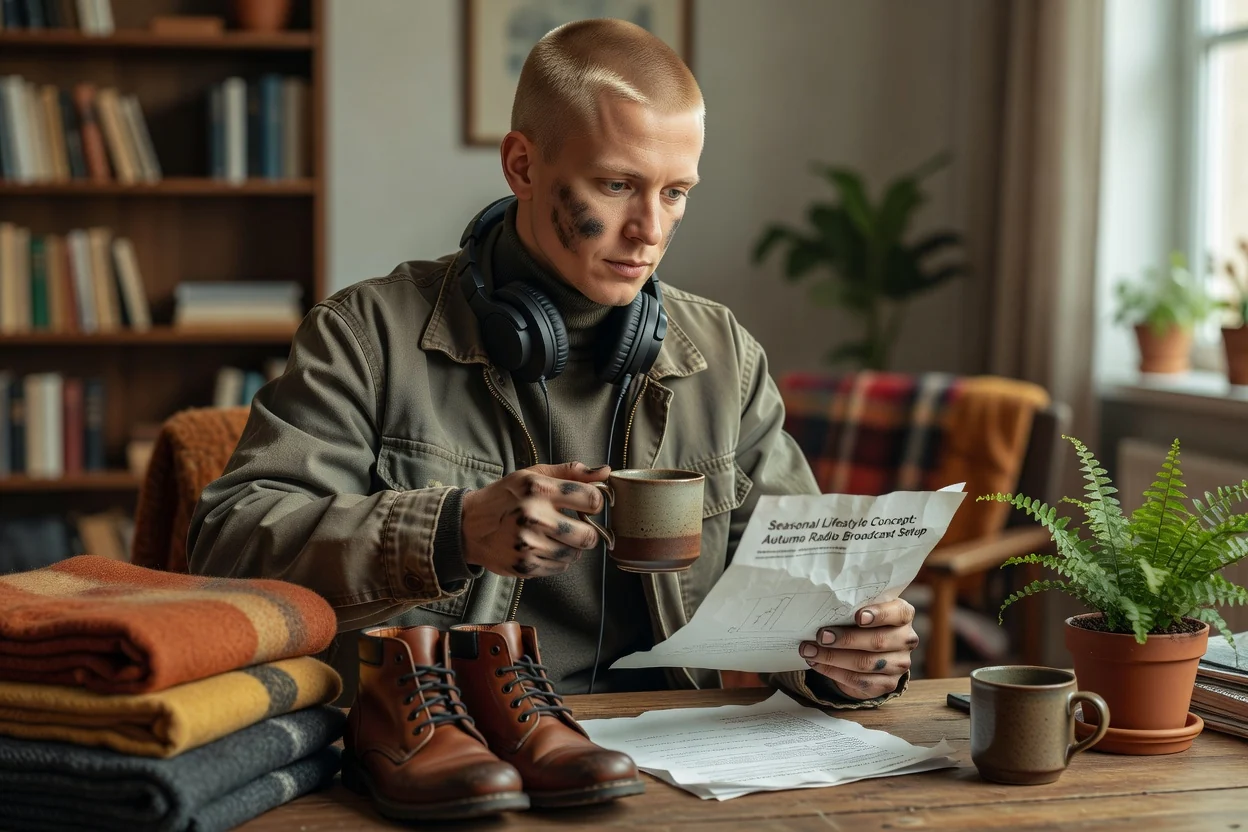
Plasser et produktkonsept i et rent studio, et livsstilsrom, en sesongbasert oppsetting eller en kampanjebakgrunn for konseptvurdering.
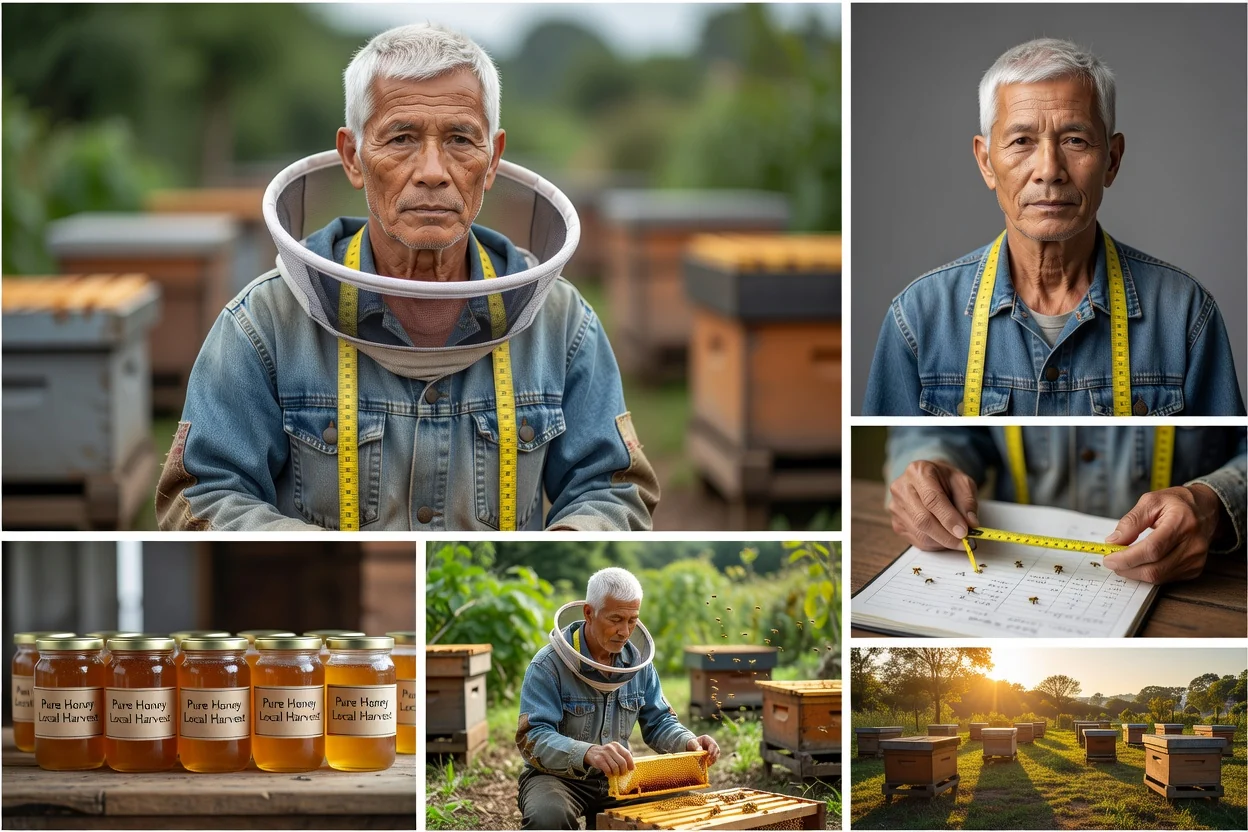
Generer kanalspesifikke fotoideer for strømmer, annonser, miniatyrbilder, bannere, bloggforsider og merkevareinnlegg.
Et gjennomarbeidet bilde kan fortsatt inneholde feil i anatomi, produktdetaljer, tekst, lys eller kontekst.
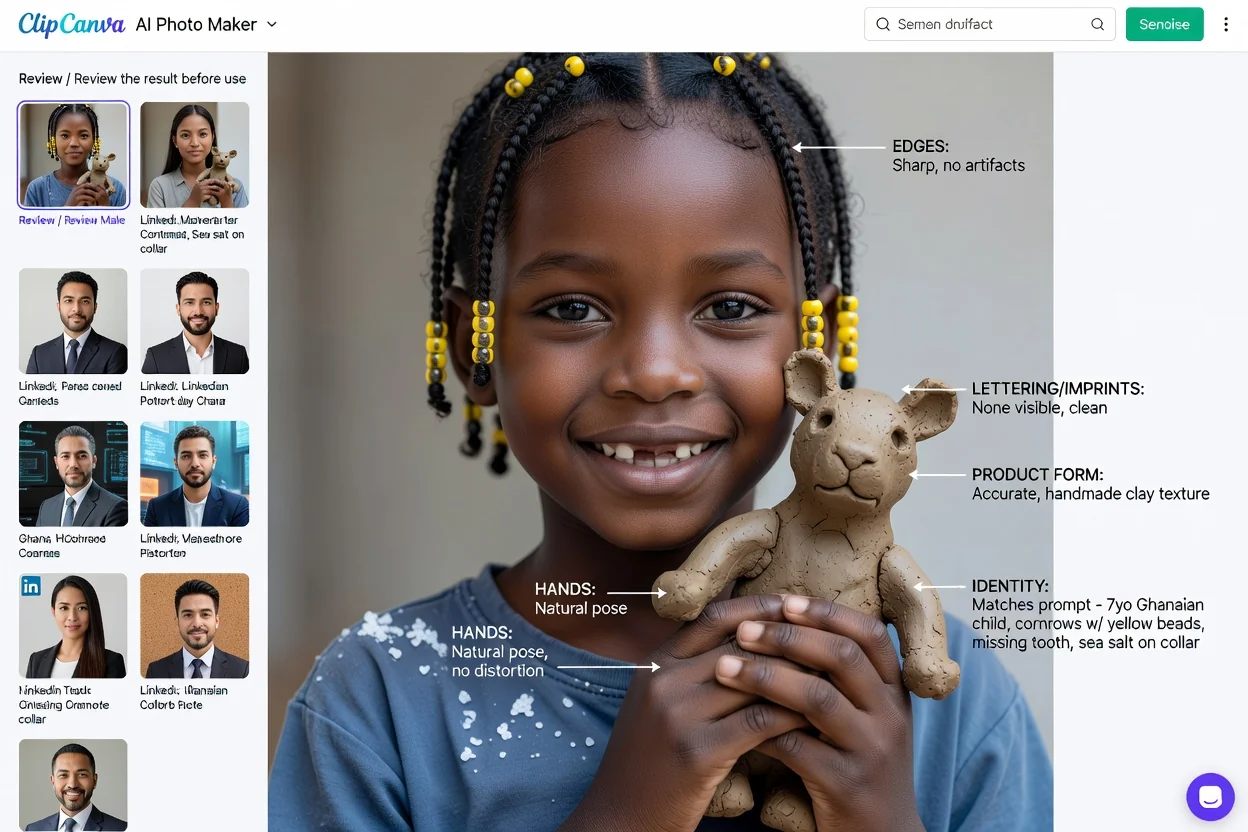
Bekreft at personen, produktet, posituren, klærne, rekvisittene og kjennetegnene samsvarer med beskrivelsen og tillatte referanser.
Undersøk perspektiv, dybdeskarphet, refleksjoner, skygger, lysretning, skala og integrering med bakgrunnen.
Zoom inn på øyne, hender, tenner, hår, etiketter, tekst, objektkanter og gjentatte mønstre.
Kontroller beskjæring, oppløsning, påstander, behov for opplysning og om bildet kan villede seere om en virkelig hendelse eller et produkt.
Fotografisk stil garanterer ikke faktisk nøyaktighet eller en tro gjengivelse av kilden.
Hender, ansikter, etiketter, refleksjoner, gjentatte objekter, produktgeometri og fysikken i scenen kan kreve korrigering.
Identitet, produktform, positur, fargepalett og komposisjon kan avvike selv når du legger ved et kildebilde.
Bruk referanser med samtykke, unngå villedende etterligning, og kontroller krav fra merkevare, plattform, modell og bruksområde.
Svar på spørsmål om ledetekster, referanser, realistiske scener, produktbilder, portretter og ansvarlig bruk.
Beskriv motivet og de fotografiske valgene, legg til en tillatt referanse når det er nyttig, og sammenlign og finjuster resultatene.