
Velg bildemålet
Avgjør om du trenger en anime-karakter, avatar, scene, banner, bakgrunnsbilde eller konseptreferanse før du skriver beskrivelsen.
Gjør en presis tekstbeskrivelse om til originale bilder i anime-stil, og juster de tilgjengelige bildeinnstillingene for å sammenligne retninger for karakteren eller scenen din.
En AI-animegenerator gjør en skriftlig beskrivelse av en karakter eller scene om til originale bildevarianter i anime-stil. Beskriv motivet, posituren, omgivelsene, fargeretningen og bildestilen, og sammenlign deretter bildene du får med bruken du ser for deg.
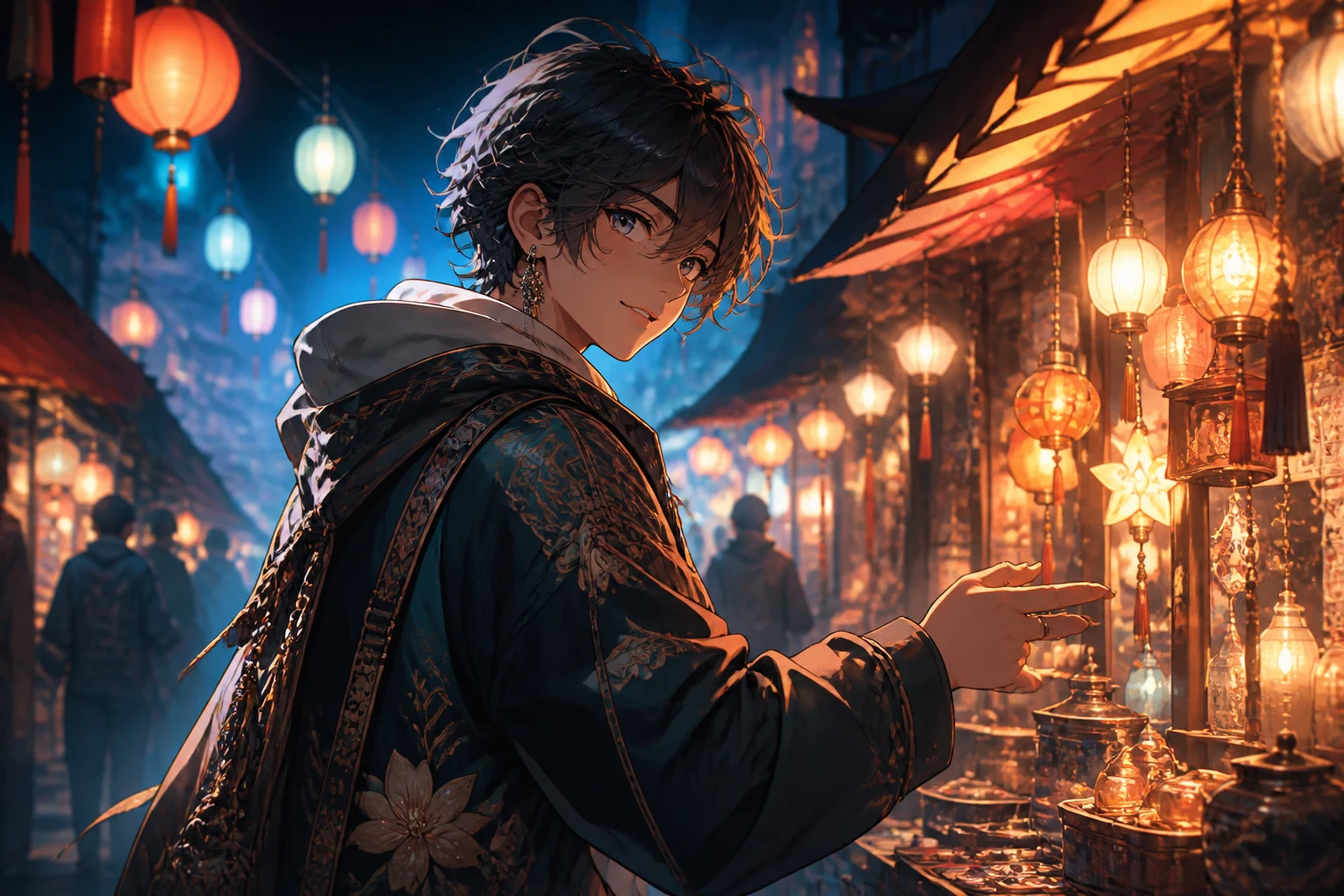
Begynn med én tydelig retning for karakteren eller scenen, slik at hver senere endring i beskrivelsen blir enkel å sammenligne.
Avgjør om du trenger en anime-karakter, avatar, scene, banner, bakgrunnsbilde eller konseptreferanse før du skriver beskrivelsen.
Ta med karakteren, posituren, klærne, omgivelsene, lyset, fargepaletten, strekbehandlingen og stemningen som er viktige for anime-bildet.
Velg en tilgjengelig bildemodell, sideforhold, antall bilder, oppløsning og stilretning for den planlagte plasseringen.
Sammenlign bildevariantene, og endre deretter én detalj om gangen når karakteren, komposisjonen eller stilen trenger en ny runde.
Hold karakterbeskrivelsen og utdatainnstillingene samlet, slik at du bevisst kan sammenligne ulike anime-retninger.
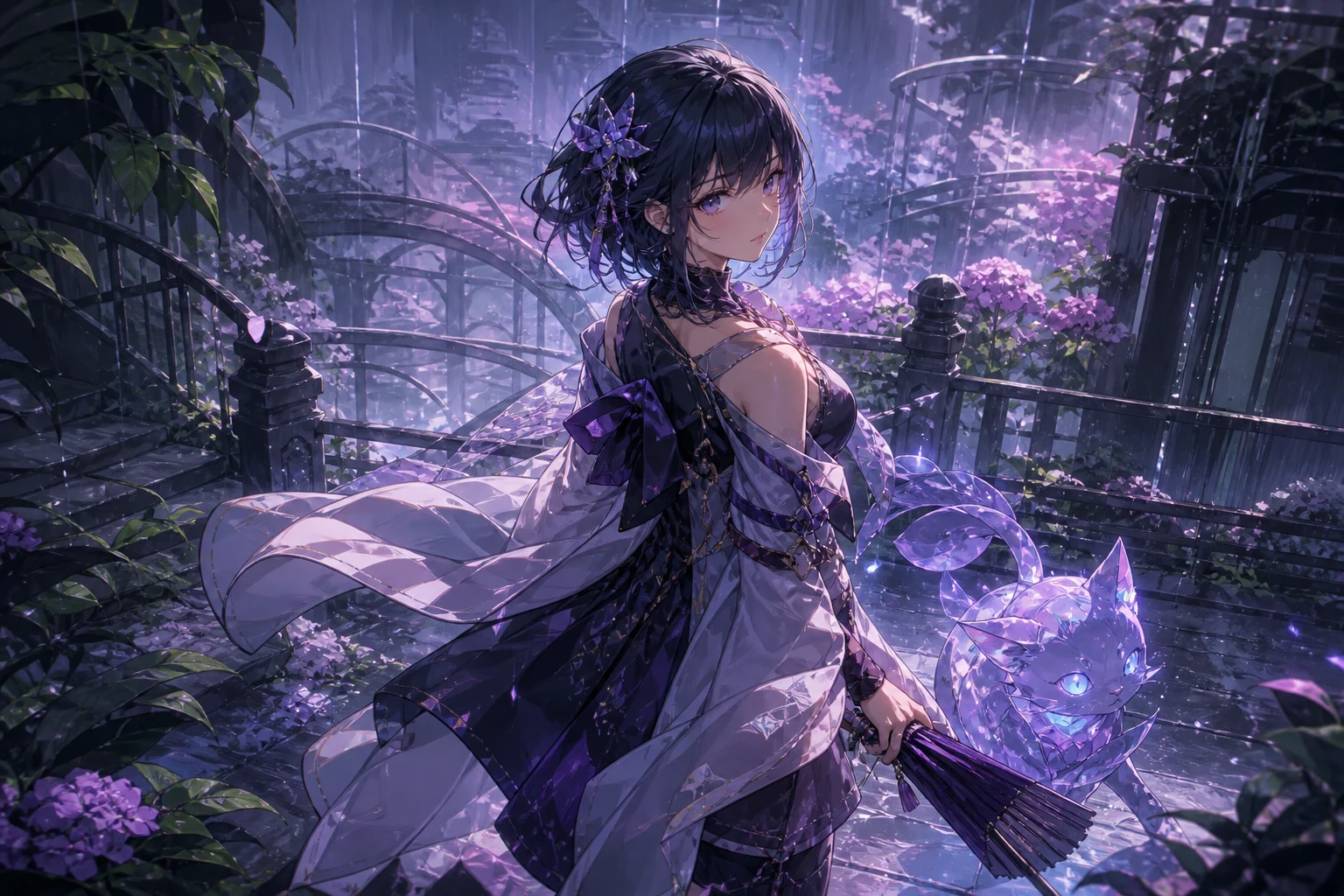
Styr ansiktsuttrykk, antrekk, rekvisitter, positur, miljø, kameravinkel, stemning og farger, slik at bildet får en tydelig visuell beskrivelse.
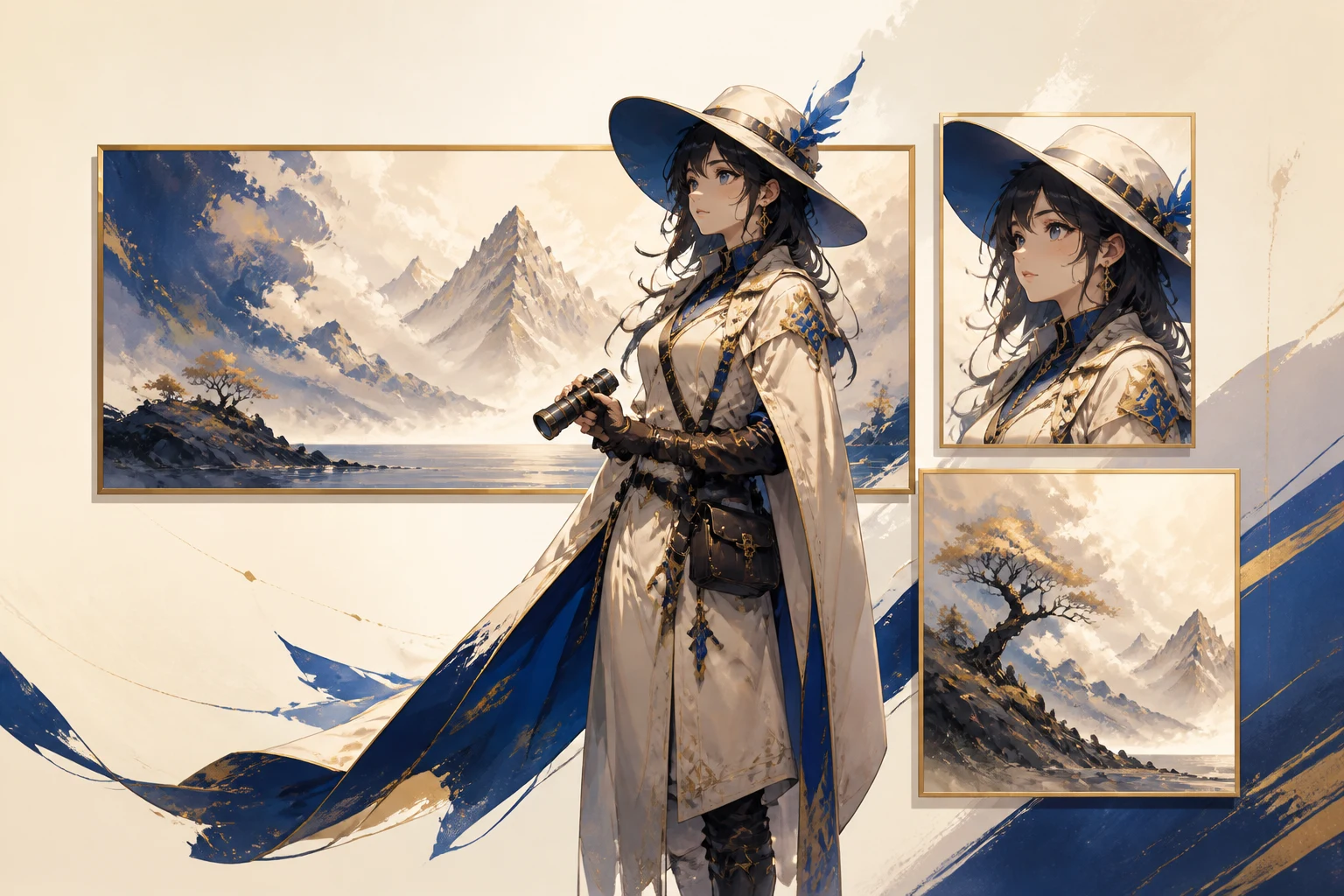
Angi sideforhold, oppløsning og antall bilder før du genererer bilder til en profil, et innlegg, et omslag, bakgrunnsbilde eller en bredere komposisjon.
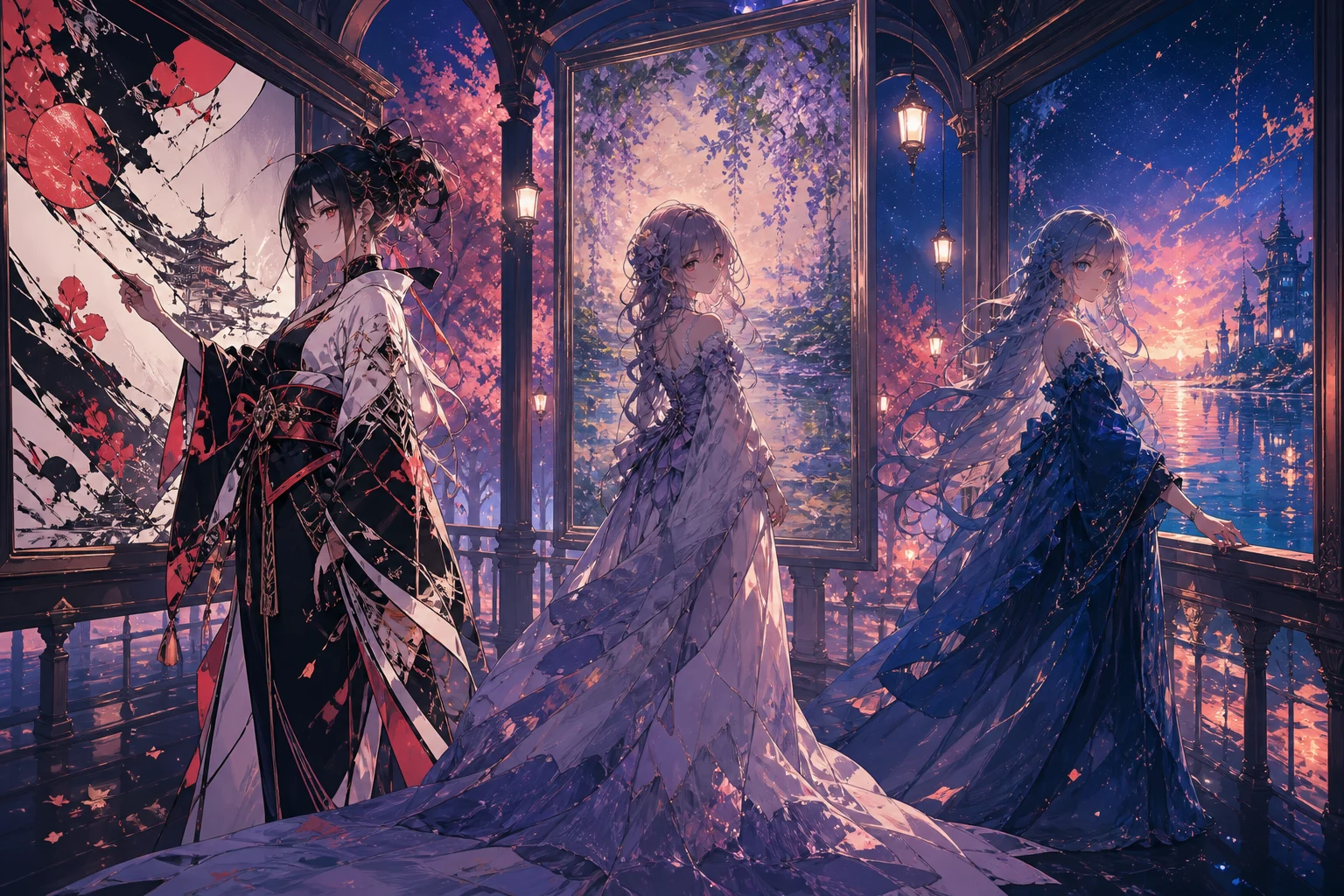
Bruk tilgjengelig bildemodell og stilkontroller til å sammenligne strekarbeid, skyggelegging, palett og atmosfære uten å endre hele ideen på én gang.
Tilpass karakteren, komposisjonen og dimensjonene til en reell oppgave for skapere, historiefortelling eller kampanjer.
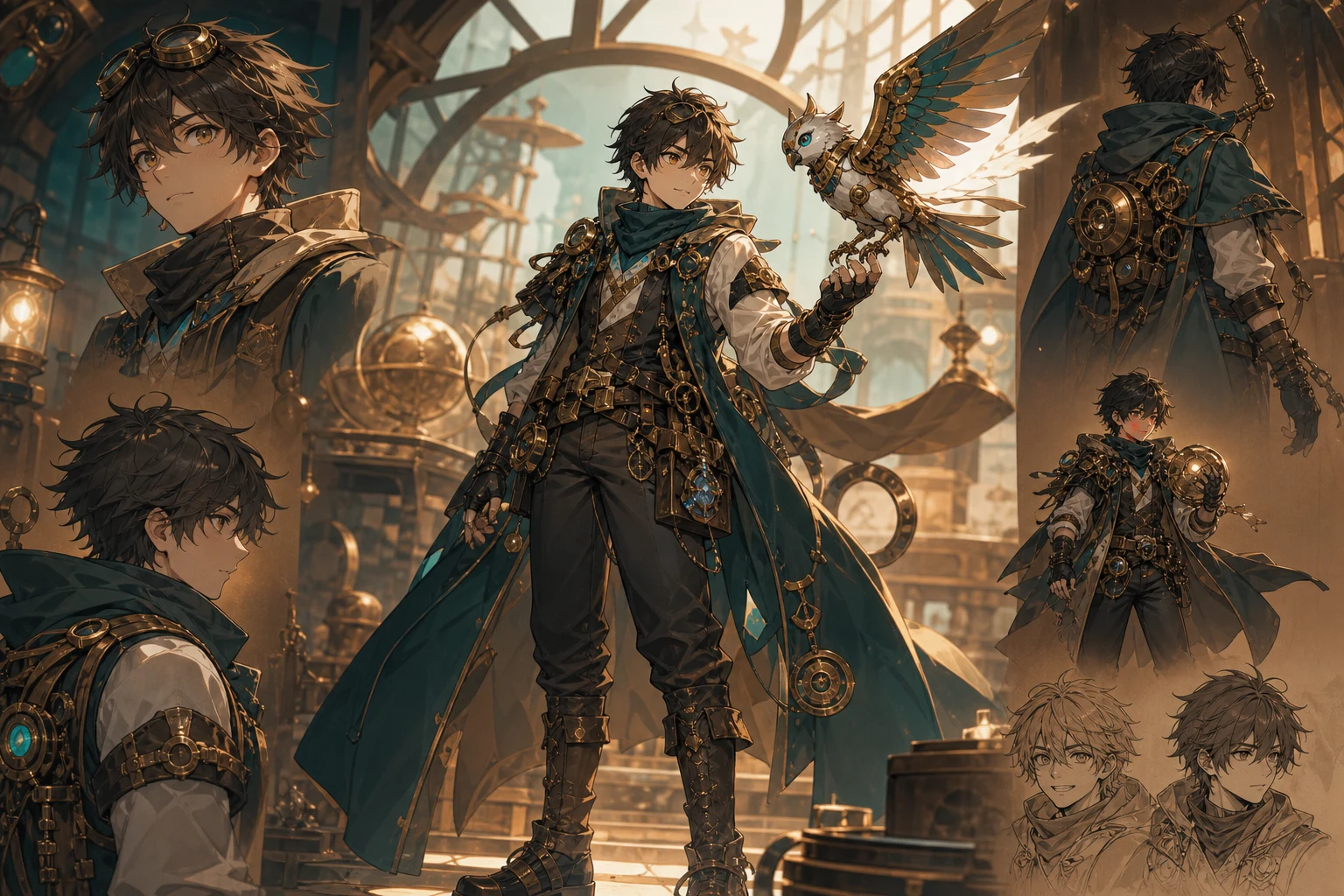
Utforsk karaktersilhuetter, kostymer, uttrykk, rekvisitter og fargeretninger før du utvikler en mer detaljert designreferanse.
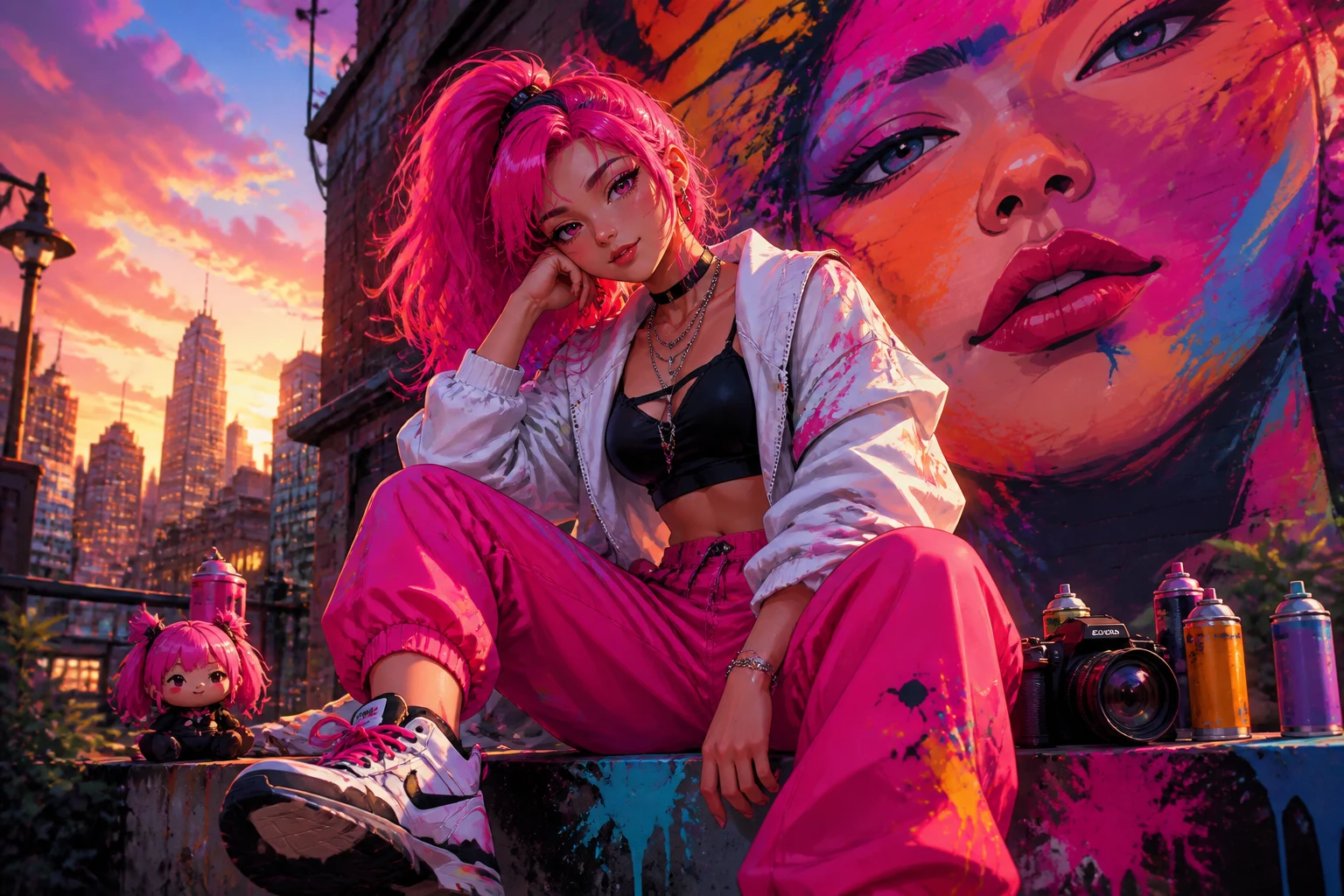
Lag profilkonsepter, kanalomslag, miniatyrbilder eller innleggsbilder i anime-stil med beskjæring og hierarki som passer bruksstedet.
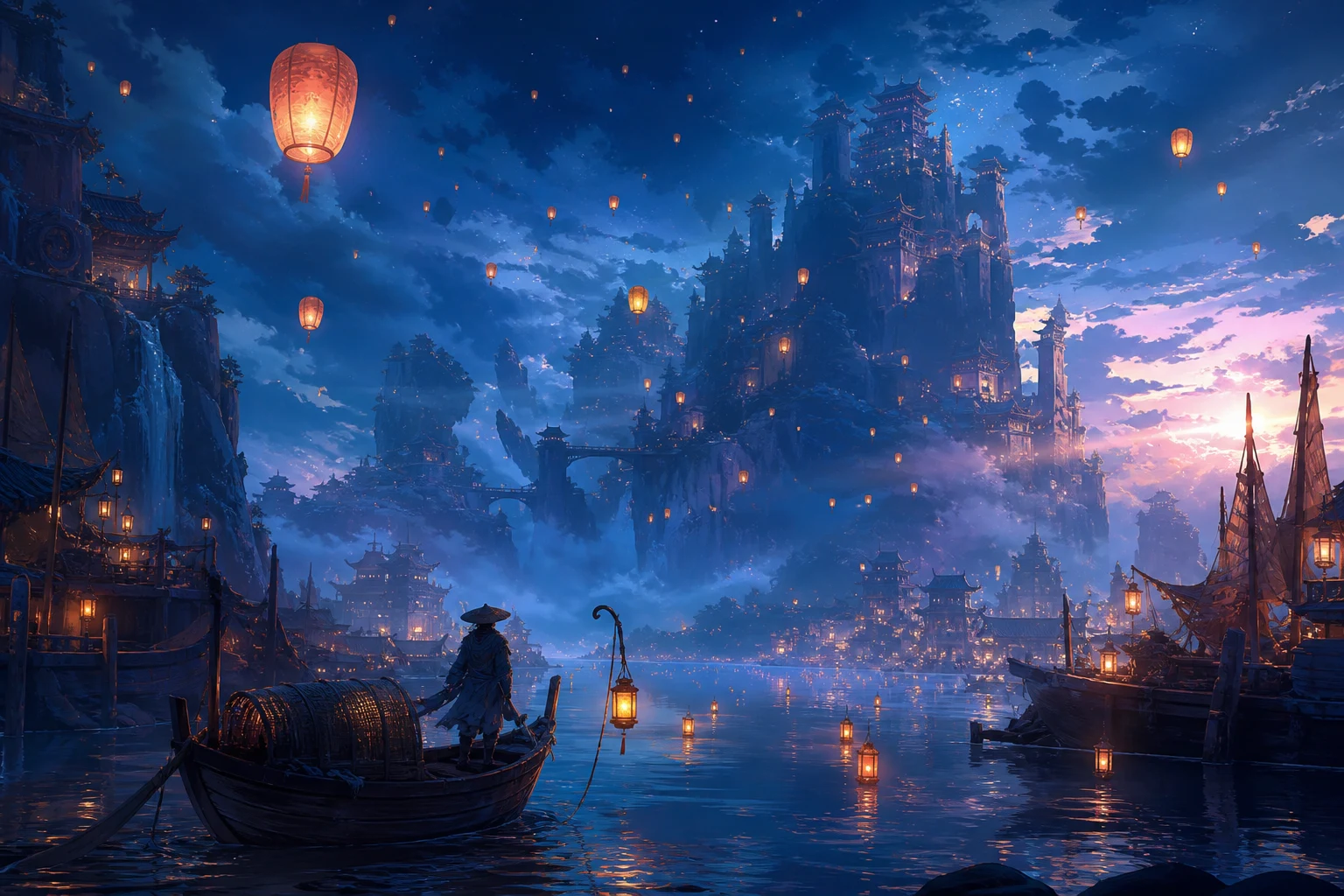
Utform steder, nøkkeløyeblikk, lysstudier og sceneatmosfære for en presentasjon, kreativ beskrivelse, et personlig prosjekt eller en kampanjereferanse.
Et sterkt anime-uttrykk kan fortsatt bomme på beskrivelsen når det gjelder karakterdetaljer, komposisjon, små objekter eller beskjæring for den endelige kanalen.
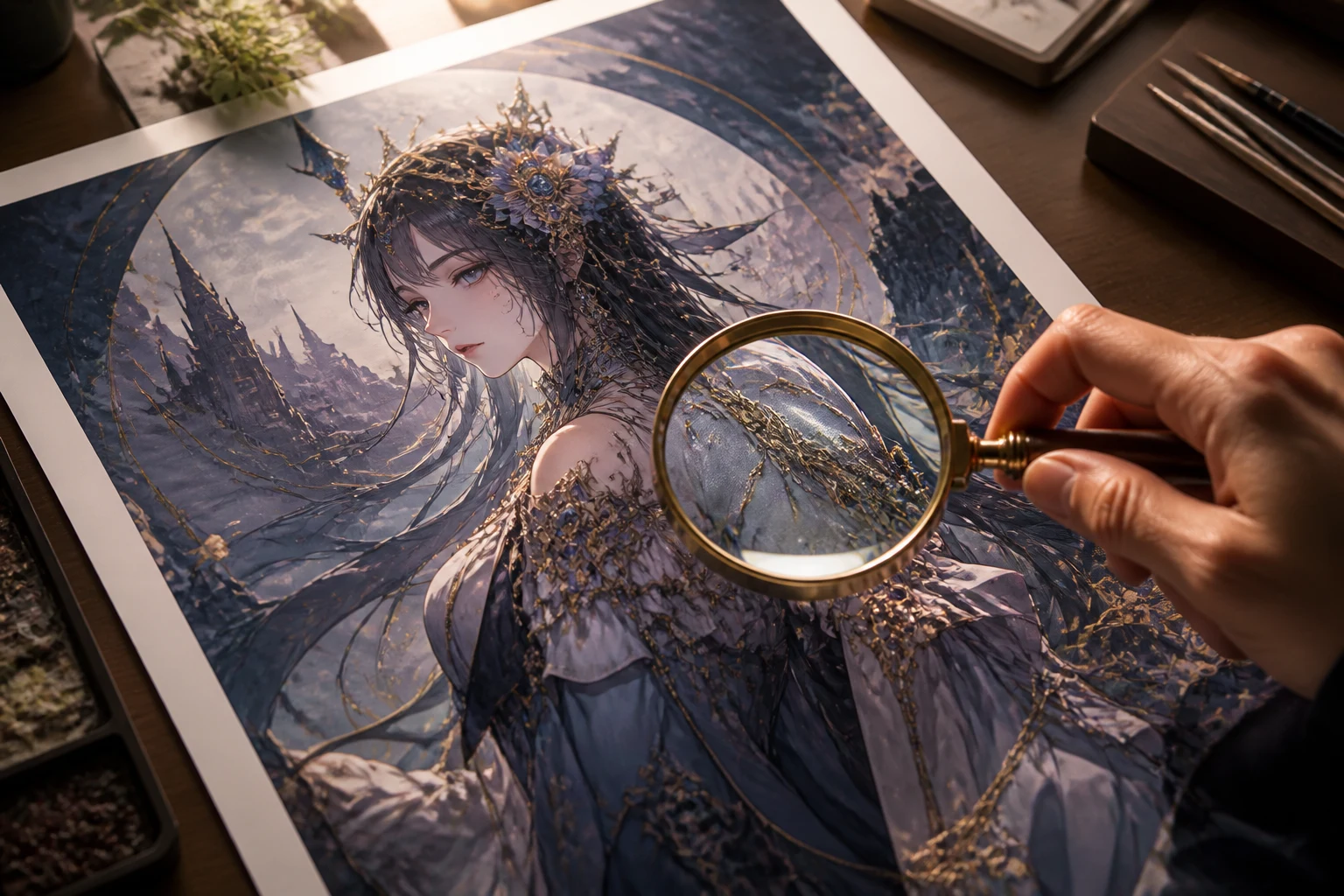
Kontroller ønsket uttrykk, positur, antrekk, frisyre, rekvisitter og visuell personlighet mot den opprinnelige beskrivelsen.
Bekreft at omgivelser, kameravinkel, fokuspunkt, lys og bakgrunnsdetaljer støtter bildemålet i stedet for å trekke oppmerksomheten bort fra det.
Undersøk hender, tilbehør, gjentakende mønstre, symboler, tekst og objektkanter før du beholder bildet.
Kontroller sideforhold, oppløsning, beskjæring og sikker sone for profilen, innlegget, omslaget, bakgrunnsbildet eller presentasjonen der det skal vises.
Genererte bilder varierer mellom kjøringer, særlig når en beskrivelse ber om nøyaktig kontinuitet eller mange små detaljer samtidig.
Ansikter, hender, kostymeelementer, rekvisitter og gjentakende designdetaljer kan variere mellom varianter og kreve en ny, presis generering.
Beskriv visuelle kjennetegn i stedet for å stole på navnet til en kunstner, et studio eller en beskyttet karakter, og vurder resultatet med tanke på originalitet.
Logoer, etiketter, snakkebobler og annen liten tekst kan bli forvrengt eller feilstavet og kan kreve eget designarbeid.
Svar om anime-beskrivelser, bildeinnstillinger, arbeid med originale karakterer og kontroll av resultater.
Beskriv karakteren eller scenen, angi bildeinnstillingene for bruksstedet ditt, og generer deretter et presist utvalg som du kan sammenligne og videreutvikle.