


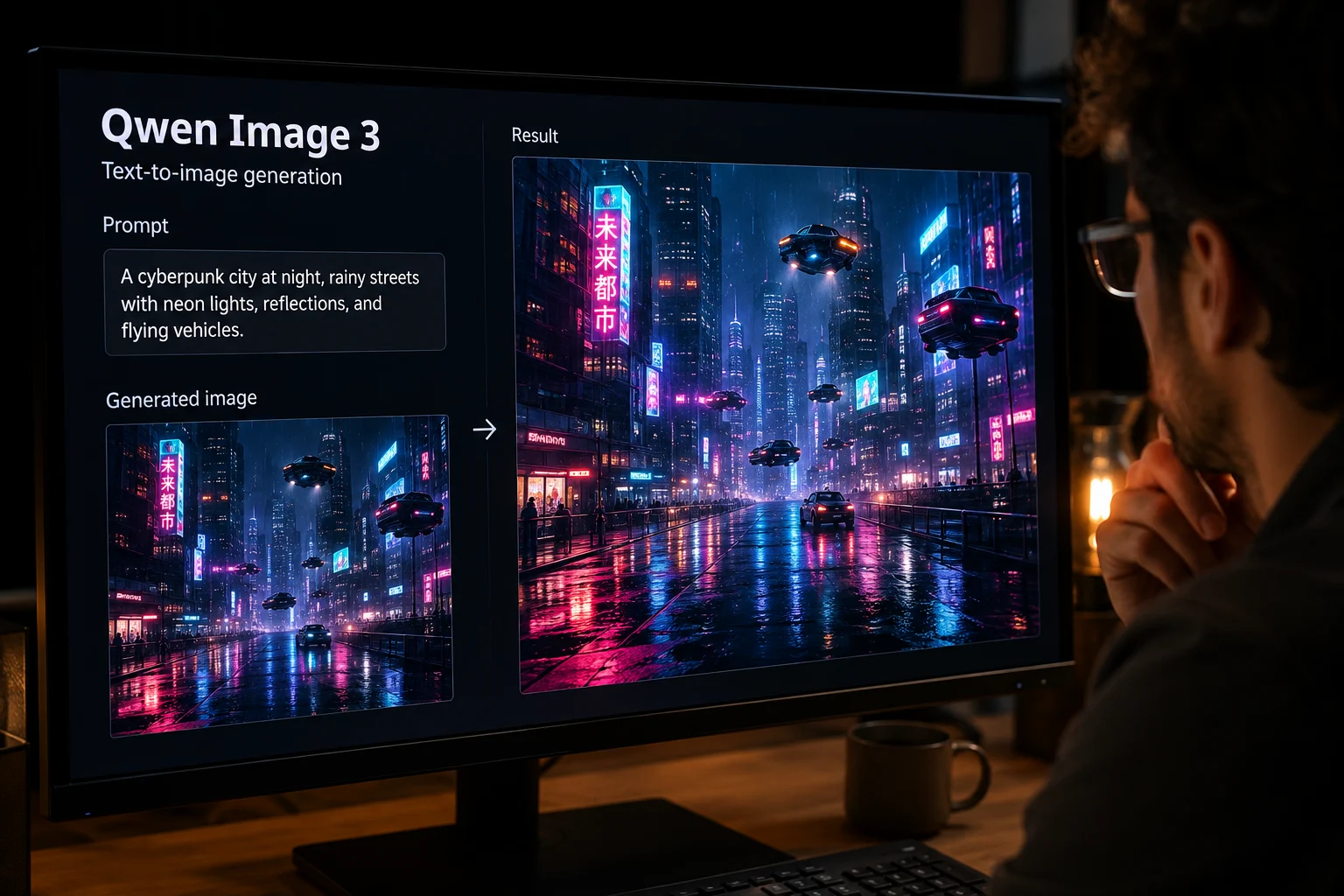
Generación de texto a imagen
Crea imágenes generadas a partir de una instrucción escrita y compara el sujeto, entorno, estilo y detalle con el encargo original.
Revisa las capacidades de Qwen Image 3, las entradas compatibles, los controles disponibles y su disponibilidad antes de planificar una tarea de producción de imágenes.
Qwen Image 3 es el modelo de Alibaba para generación y edición de imágenes basadas en instrucciones y ediciones guiadas por referencias.
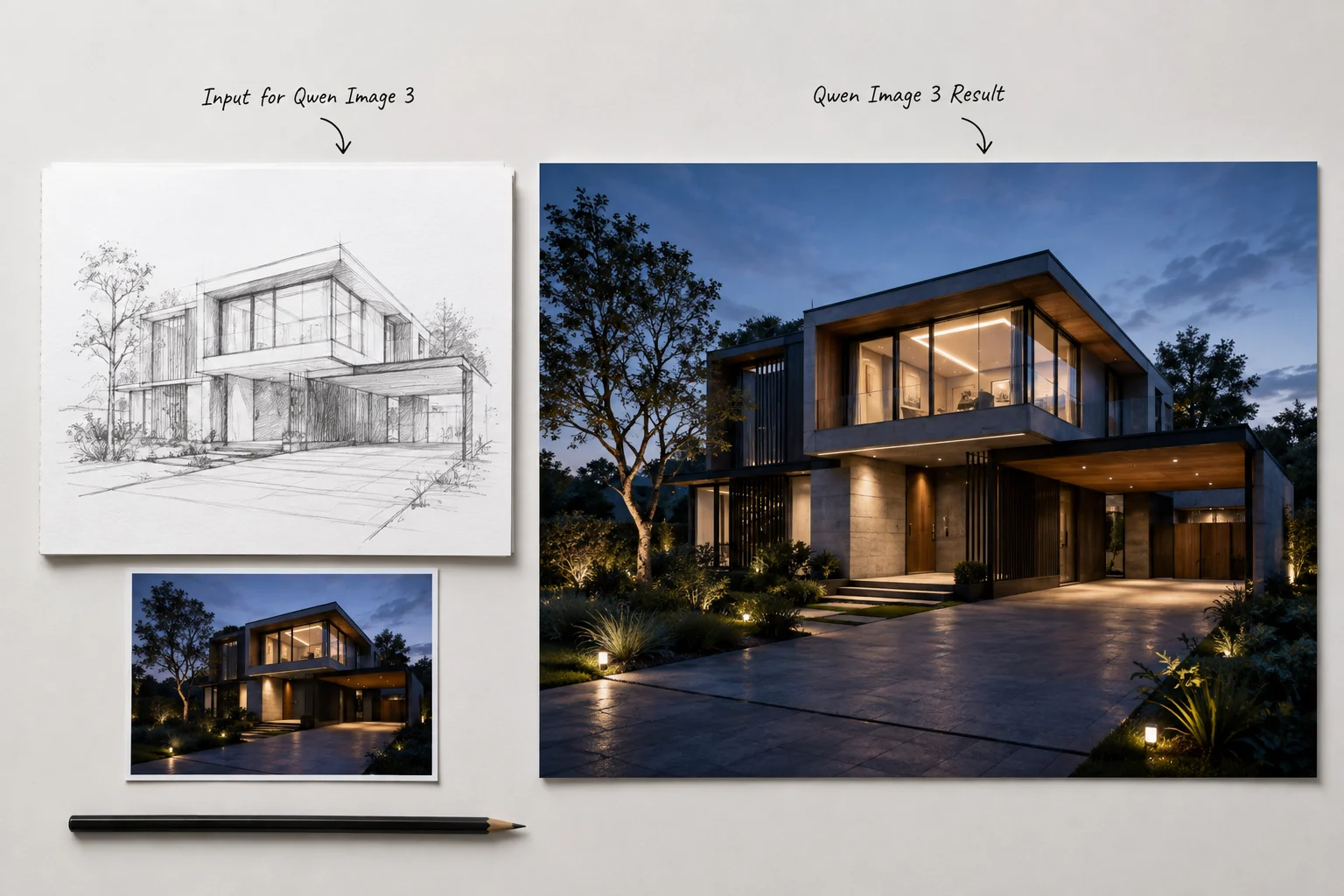
Revisa las capacidades del modelo para generación, edición, composiciones con mucho texto y diseños visuales estructurados antes de usarlo.
Crea imágenes generadas a partir de una instrucción escrita y compara el sujeto, entorno, estilo y detalle con el encargo original.
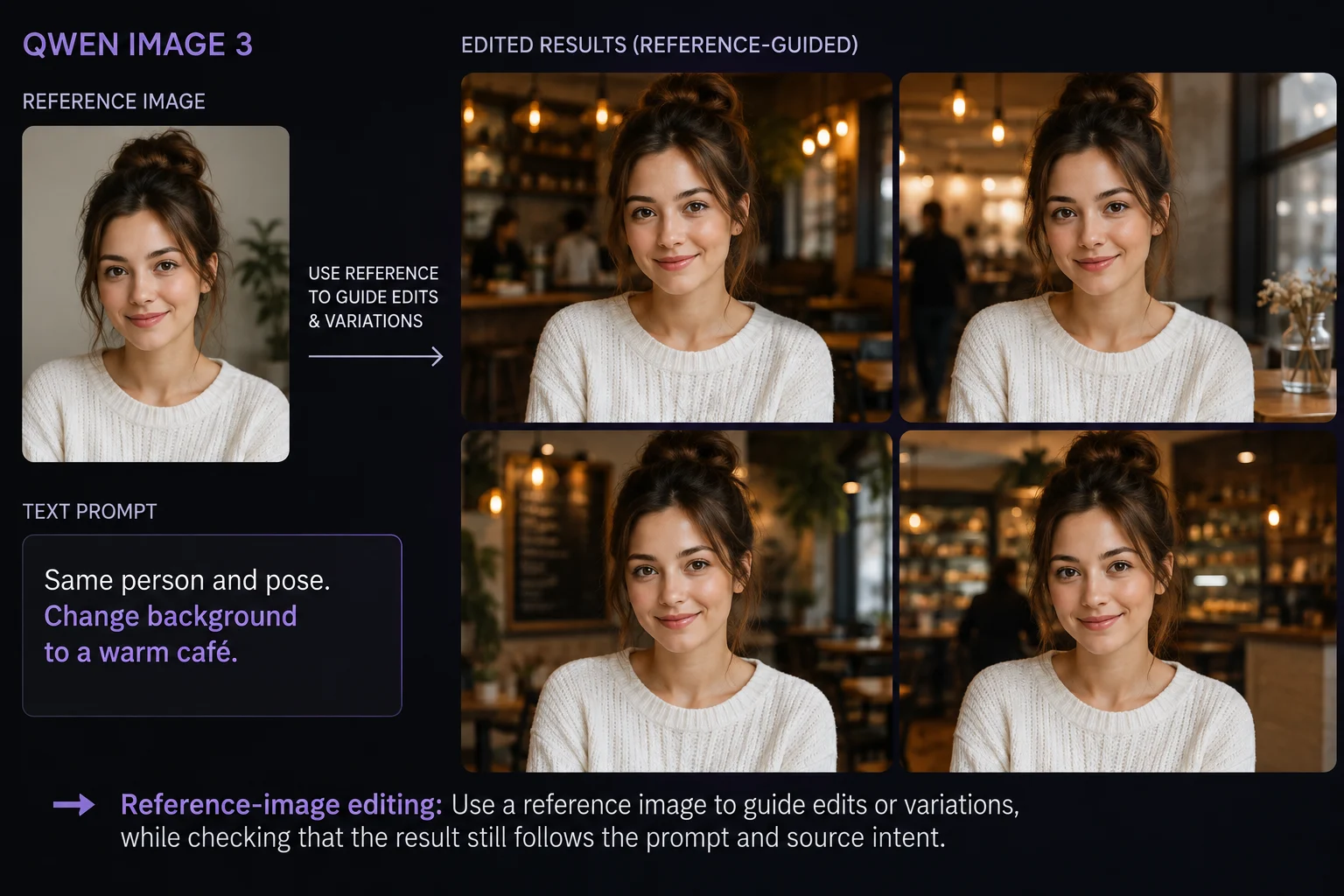
Usa una imagen de referencia para guiar ediciones o variaciones y comprueba que el resultado siga la instrucción y la intención de la fuente.
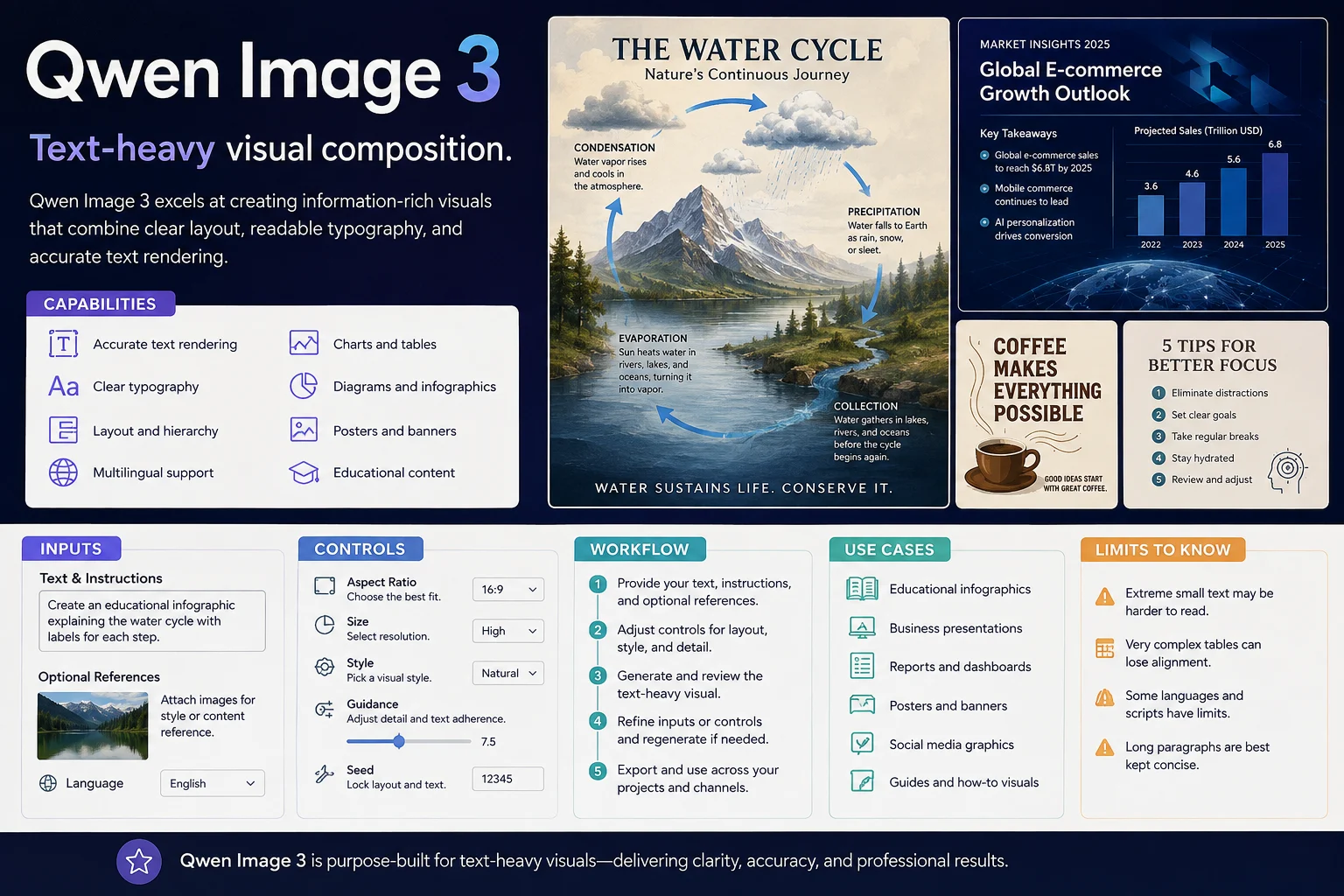
Crea imágenes con palabras o etiquetas destacadas y revisa el texto generado, ya que los detalles finos pueden necesitar corrección.
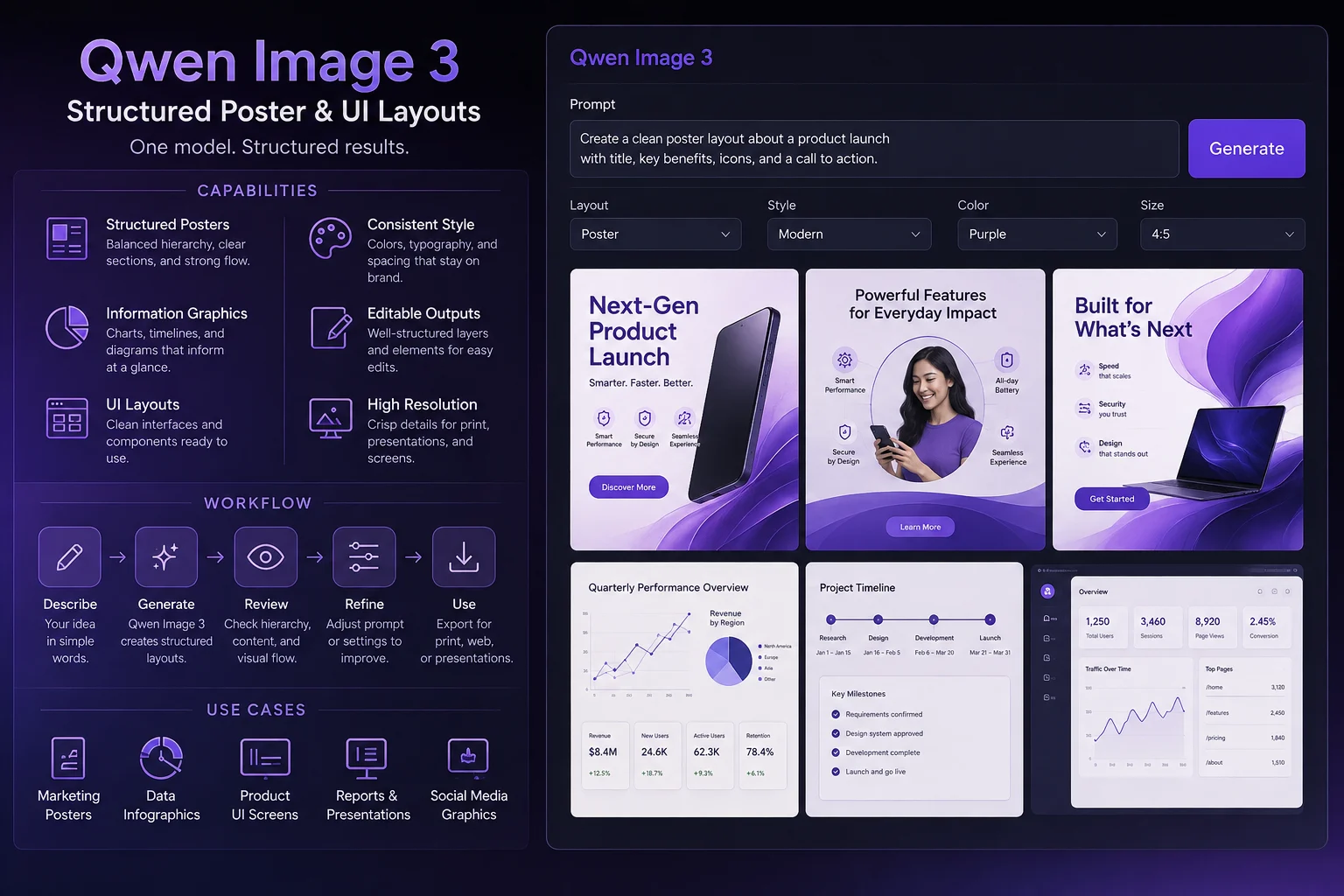
Explora diseños de carteles, gráficos informativos e interfaces, donde la estructura, jerarquía y el recorte importan para el recurso final.
Usa una instrucción de texto o una imagen de referencia como entrada y ajusta solo los controles que ClipCanva muestra actualmente.
La ruta de entrada de imágenes qwen 3 admite una instrucción escrita y puede incluir una imagen de referencia para generación o edición guiada.
Los controles disponibles incluyen selector de modelo, relación de aspecto, cantidad de resultados, resolución, estilo, mejora de instrucciones, velocidad de generación e imagen de referencia.
Los resultados incluyen imágenes generadas y ediciones guiadas por referencias que deben revisarse por ajuste al encargo, detalle y formato de destino.
Sigue un flujo de trabajo basado en instrucciones, añade referencias de entrada de imágenes qwen 3 cuando ayuden y revisa cada resultado antes del uso final.
Indica el propósito de la imagen, público, sujeto, entorno, necesidades de idioma y ubicación final antes de elegir controles.
Redacta una instrucción específica y prepara una imagen de referencia solo cuando respalde el objetivo de edición o diseño.
Selecciona las opciones mostradas de modelo, relación de aspecto, cantidad de resultados, resolución, estilo, mejora de instrucciones, velocidad de generación e imagen de referencia.
Genera imágenes, compara alternativas, revisa los detalles débiles y modifica una instrucción cada vez.
Vincula estos casos de uso con un público, formato, estándar de revisión y conjunto de entradas compatibles claros antes de generar.
Crea propuestas de carteles para varios idiomas y revisa cuidadosamente la redacción generada y la jerarquía visual.
Desarrolla explicaciones visuales, diagramas o gráficos de resumen que aún requieran revisión factual y de diseño.
Explora diseños de pantallas de aplicaciones o conceptos de interfaz de producto mientras compruebas alineación, legibilidad y contexto de interacción.
Usa una imagen de referencia para guiar ediciones, variaciones o refinamientos de diseño, conservando las señales previstas de la fuente.
Trata cada imagen generada como un borrador y completa una revisión antes de usarla en marketing, comercio electrónico o trabajo de diseño.
Confirma que la instrucción, imagen de referencia, sujeto, acción y composición coincidan con el resultado previsto.
Revisa el texto visible e inspecciona elementos pequeños, bordes, manos, formas de productos y otros detalles finos.
Comprueba la apariencia del producto, elementos de marca, afirmaciones, etiquetas y detalles factuales frente al material fuente aprobado.
Verifica la relación de aspecto, resolución elegida, encuadre, recorte y requisitos de destino antes de exportar o publicar.
La disponibilidad está verificada para esta página, pero la variabilidad de los resultados y la revisión humana siguen formando parte de un flujo de trabajo responsable.
Qwen Image 3 está conectado en esta página, y las opciones visibles antes del envío definen lo que puedes ejecutar hoy.
Los resultados varían entre ejecuciones; compara las salidas y revisa el ajuste a la instrucción, detalles, exactitud del producto, dimensiones y recorte antes de usarlas.
ClipCanva solo admite los controles de Kie expuestos en esta página, y el texto generado sigue requiriendo revisión antes de publicarse.
Datos verificados
Encuentra respuestas breves sobre la identidad, entradas, controles, disponibilidad y expectativas de revisión de Qwen Image 3.
Compara otros modelos de imágenes por sus entradas compatibles, controles visibles, resultados esperados y disponibilidad actual antes de elegir un flujo de trabajo.
Empieza con una instrucción clara, confirma los controles disponibles y reserva tiempo para revisar las imágenes generadas antes del uso final.