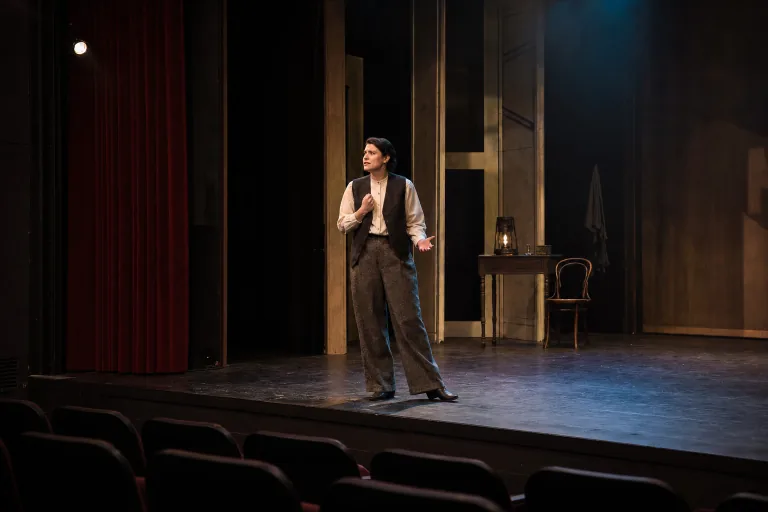
AI Theater Generator for Stage Visuals

AI Theater Generator for Stage Visuals

Create original Theater stage visuals, performance portraits, set concepts, and dramatic lighting from a reference image or prompt while keeping the subject recognizable.

AI Theater Generator
0 / 2000
Template prompt

AI Theater Generator for Stage Visuals

Create an original theater stage visual from the uploaded image or prompt. Preserve the subject identity and key visual details. Add a theatrical stage, layered set design, expressive costume styling, curtain depth, practical stage lights, haze, and cinematic composition. Keep the production generic and original. Avoid copying named productions, copyrighted characters, exact posters, logos, readable text, or trademarked stage designs.

AI Theater Generator

What is the AI Theater Generator?

The AI Theater Generator helps turn a clear subject photo, product image, mood reference, or written prompt into an original Theater-inspired scene. It is designed for stage-ready visual ideas with curtains, set depth, practical lights, haze, costume tone, and dramatic camera framing while avoiding named productions, exact posters, logos, and recognizable franchise elements.

How the Theater transformation works

The template adds a theatrical visual direction while keeping the main subject grounded in the source. It is useful for exploring a stage mood before refining, sharing, or presenting the concept.

What can change

  • Create original theater stage visuals, performance portraits, set concepts, and dramatic lighting from a reference photo or prompt.
  • Build theater-inspired scenes with curtains, practical lights, set depth, costume tone, and dramatic camera framing.
  • Use a performer photo, product image, mood reference, or text prompt to create a stage-ready visual concept.
  • Keep the result generic and original by avoiding named productions, exact posters, logos, and recognizable franchise elements.
What should stay consistent

  • Preserve the subject identity and key visual details.
  • Keep the production generic and original.
  • The main subject remains recognizable from the source image.
  • Defining colors, pose, silhouette, and important subject details stay coherent.

Simple AI Theater Generator workflow

Start with a clear source or prompt, define the Theater mood, then review the result for subject accuracy and clean visual details.

1

Add your source

Upload a sharp performer photo, product image, mood reference, or begin with a written prompt that clearly describes the subject.

2

Set the stage direction

Describe the Theater setting, lighting mood, curtain depth, costume tone, set elements, and camera framing you want to explore.

3

Review the match

Check the subject identity, silhouette, pose, and defining details against the source.

4

Adjust and create again

Refine the source or prompt if the image needs clearer staging, cleaner details, or a more focused dramatic mood.

AI Theater Generator examples

These examples show different ways the template can frame a subject as an original Theater visual, from atmospheric stage portraits to broader set concepts.

AI Theater Generator dramatic stage portrait

Dramatic performance portrait

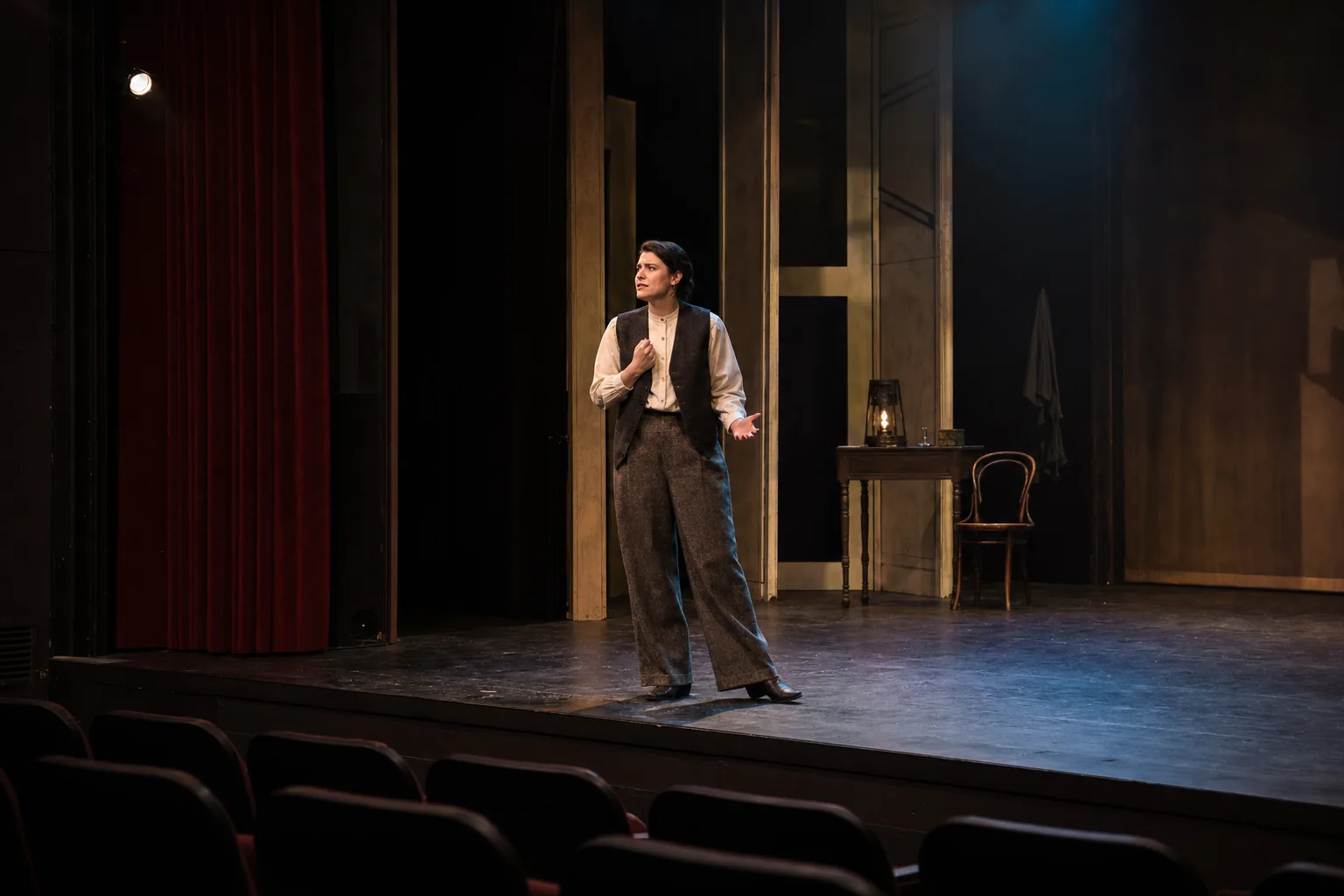
A cinematic Theater portrait with strong subject focus, curtain depth, practical lights, and a dramatic stage mood.

AI Theater Generator stage concept

Theater set concept

An original stage concept with layered scenery, theatrical lighting, haze, and camera framing suited for a visual pitch.

Ways to use this Theater Generator online

Use the AI Theater Generator when you need a dramatic visual draft with stage atmosphere, clear subject focus, and original production styling.

Performance portraits

Create a dramatic portrait of a performer with stage lighting, curtain depth, expressive styling, and cinematic framing.

Stage concepts

Explore set design ideas with layered scenery, practical lights, haze, and a clear stage composition.

Campaign visuals

Develop theatrical campaign visuals for announcements, creative pitches, social posts, or presentation boards.

Creative previews

Create a focused AI Theater Generator preview for a personal or creative project before committing to a more detailed direction.

Direction testing

Compare lighting, set depth, and costume mood before refining, sharing, or presenting the result.

How to get a stronger result

A stronger source and prompt help the Theater direction feel intentional. Keep the subject clear, describe the stage mood, and avoid references to protected productions or exact designs.

Source image checklist

  • Use a sharp source image with the main subject clearly visible.
  • Avoid heavy blur, blocked details, extreme crops, or confusing overlaps.
  • Choose a source whose pose and framing support the intended AI Theater Generator result.

Prompt tips for Theater visuals

Mention the subject, pose, costume or product details, stage environment, lighting mood, curtain or set elements, and camera framing. Ask for an original Theater-inspired scene rather than a copy of a known production.

What to review before using the image

Generated details can vary, so treat the image as a visual draft. Review it carefully and refine the source or prompt if the stage direction needs to be clearer.

Subject match

Compare the subject identity, silhouette, pose, and defining details with the source image.

Stage treatment

Check that the Theater lighting, curtains, set depth, costume tone, and camera framing feel coherent across the full image.

Detail review

Inspect faces, hands, text-like marks, edges, small objects, and background transitions for artifacts before using the result.

AI Theater Generator FAQs

Use these answers to prepare your source image, guide the visual direction, and review the result before sharing or refining it.

What is this generator?
It is a Theater Generator for creating original stage visuals, performance portraits, set concepts, campaign images, and dramatic lighting treatments from a reference photo or prompt.
What input works best?
A sharp image with the main subject clearly visible works best. The face, pose, silhouette, important colors, and defining details should be easy to read.
What should I avoid?
Avoid heavy blur, blocked details, extreme crops, confusing overlaps, readable text, logos, exact posters, named productions, and recognizable franchise elements.
What AI Theater Generator changes can I expect?
It can add a theatrical stage, layered set design, expressive costume styling, curtain depth, practical stage lights, haze, and cinematic composition while keeping the production generic and original.
Which source image works best?
Choose a source whose pose and framing already support the stage concept you want, such as a performer portrait, product image, full-body pose, or mood reference with clear visual direction.
How do I keep the subject recognizable?
Use a clear source and keep the prompt focused on the subject’s key traits, pose, colors, and costume or product details. After creation, compare the result with the original for identity and silhouette.
What should I review before using the result?
Review faces, hands, edges, small objects, background transitions, text-like marks, and whether the Theater treatment feels coherent across the full image.

Create your AI Theater Generator image

Upload a clear reference or write a focused prompt to create an original Theater visual with stage depth, dramatic lighting, and a recognizable subject.