
What the generator changes
- Background, surface, props, framing, and negative space
- Lighting direction, shadow softness, highlights, and reflections
- The visual mood and composition for the intended placement
Turn a product reference into a cleaner commercial visual with the AI Product Photo Generator while preserving the item’s shape, material, color, packaging, and brand details.
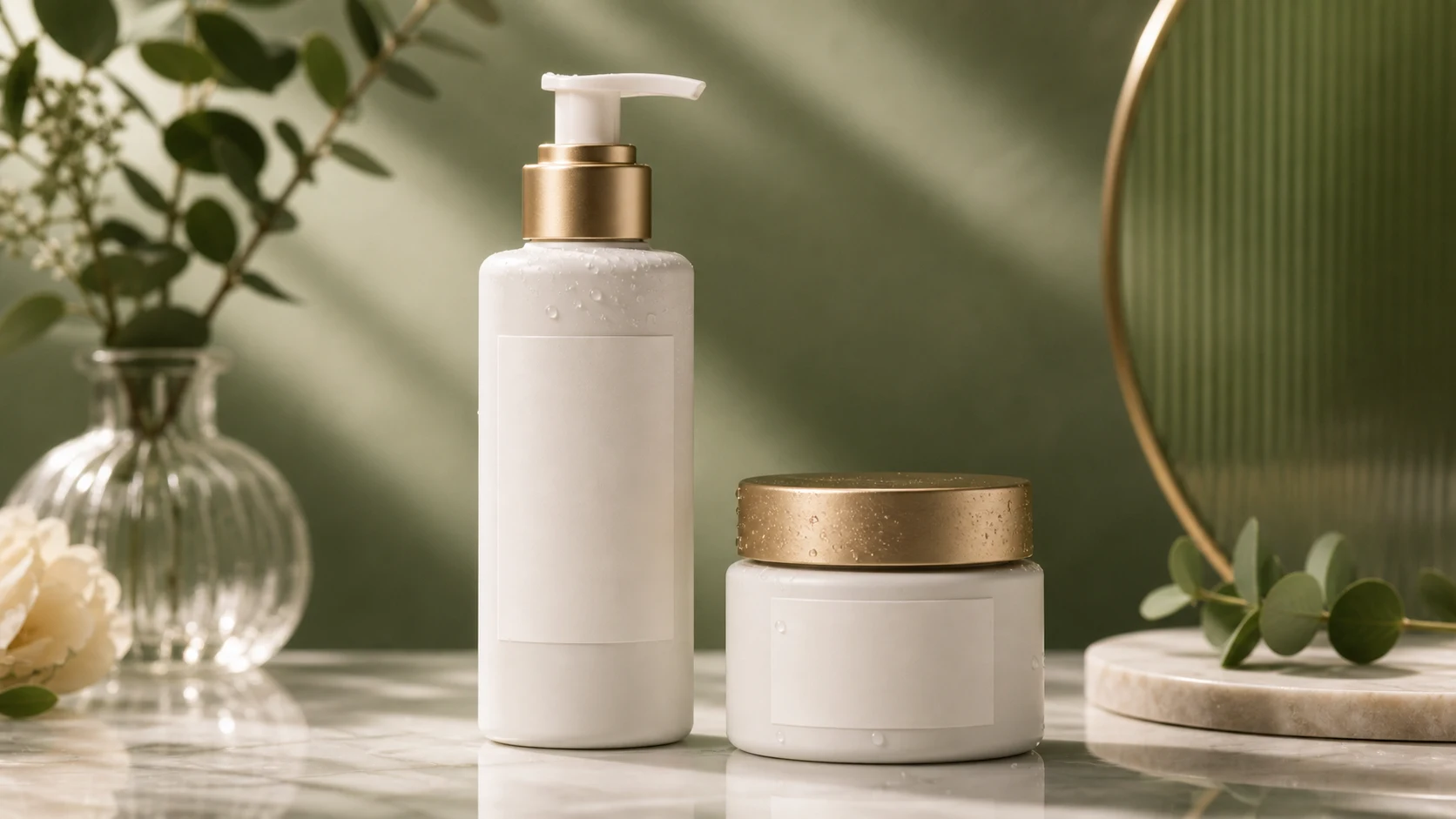
Create a polished commercial product photo from the uploaded reference. Preserve the product's geometry, proportions, packaging structure, material cues, color, logo placement, labels, and functional design. Improve the scene with a clean background, realistic contact shadow, controlled reflections, sharp material detail, balanced lighting, and ecommerce-focused composition. Do not invent, remove, or rewrite brand marks, product features, or printed information.
An AI Product Photo Generator uses a product image as the reference for a new visual setting. It can change the background, surface, lighting, shadows, reflections, and framing while aiming to keep the actual product recognizable and accurate.
The central rule for product imagery is simple: improve the presentation without changing what the customer is being shown.
Treat the source product as the fixed reference and describe the commercial scene around it.
Use a sharp image where the full product outline, materials, colors, labels, and important features are visible.
Specify the background, surface, lighting, camera angle, prop restraint, aspect ratio, and intended placement.
Apply the template prompt to rebuild the setting while keeping the product itself as consistent as possible.
Compare the output with the reference, then correct geometry, label, color, reflection, or crop issues before use.
Use the composition that matches the asset’s job, then keep the product consistency rules unchanged.
A simple background, controlled contact shadow, readable silhouette, and restrained lighting for a clear catalog-style image.

A more expressive surface, lighting setup, and supporting props while the product remains the primary visual focus.
The shot direction should follow the dimensions, information needs, and visual hierarchy of the final placement.
Explore clear, product-first compositions with readable edges, consistent scale, and room for marketplace cropping.
Test more expressive backgrounds, props, and lighting directions for posts, ads, or early creative review.
Create horizontal or vertical compositions with planned negative space for approved copy and interface elements.
Compare scene, surface, and lighting ideas before deciding whether a concept should move into final photography or retouching.
Product consistency depends on visible source details and explicit preserve instructions.
Name the intended placement, background, surface, camera angle, light direction, shadow softness, reflections, props, and aspect ratio. Explicitly preserve geometry, materials, colors, labels, logos, packaging, and functional details.
A polished scene is not enough when the generated item no longer matches the reference.
Compare the outline, dimensions, openings, controls, seams, and component placement with the source product.
Check surface finish, transparency, texture, metallic response, fabric weave, and variant color under the new lighting.
Inspect logos, spelling, printed text, icons, packaging panels, and regulatory marks against approved source files.
Confirm that the contact shadow, reflected environment, highlights, and surface interaction are physically coherent.
Preview the required aspect ratio and safe areas so the product and future approved copy are not cut off.
Answers about source images, product accuracy, backgrounds, and production review.
Upload a clear product image, define the commercial setting, and verify every important product detail before using the result.