AI LEGO Filter
Convert portraits, pets, and scenes into playful brick-style images with toy-block geometry, glossy plastic color, and collectible minifigure charm.

AI LEGO filter
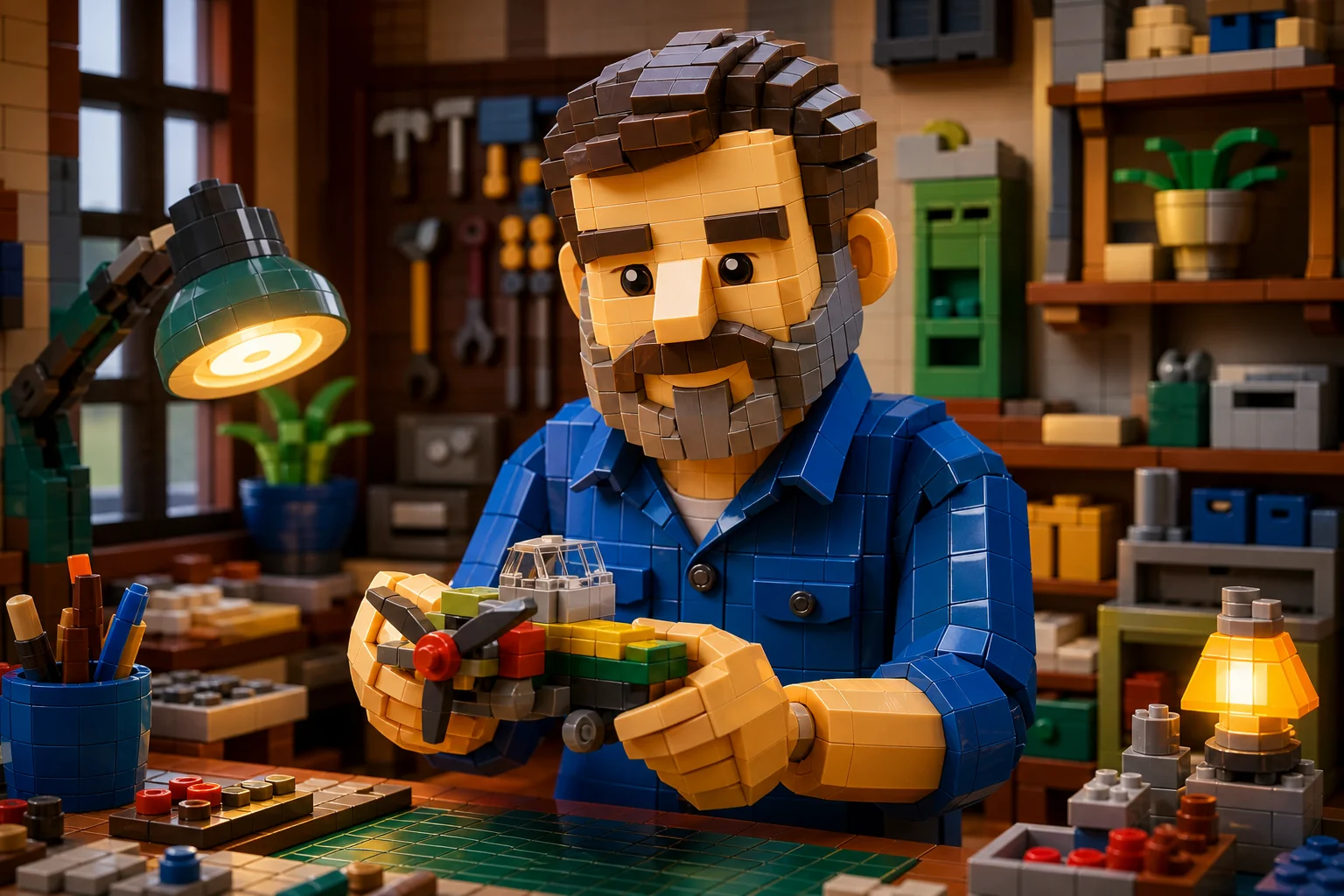
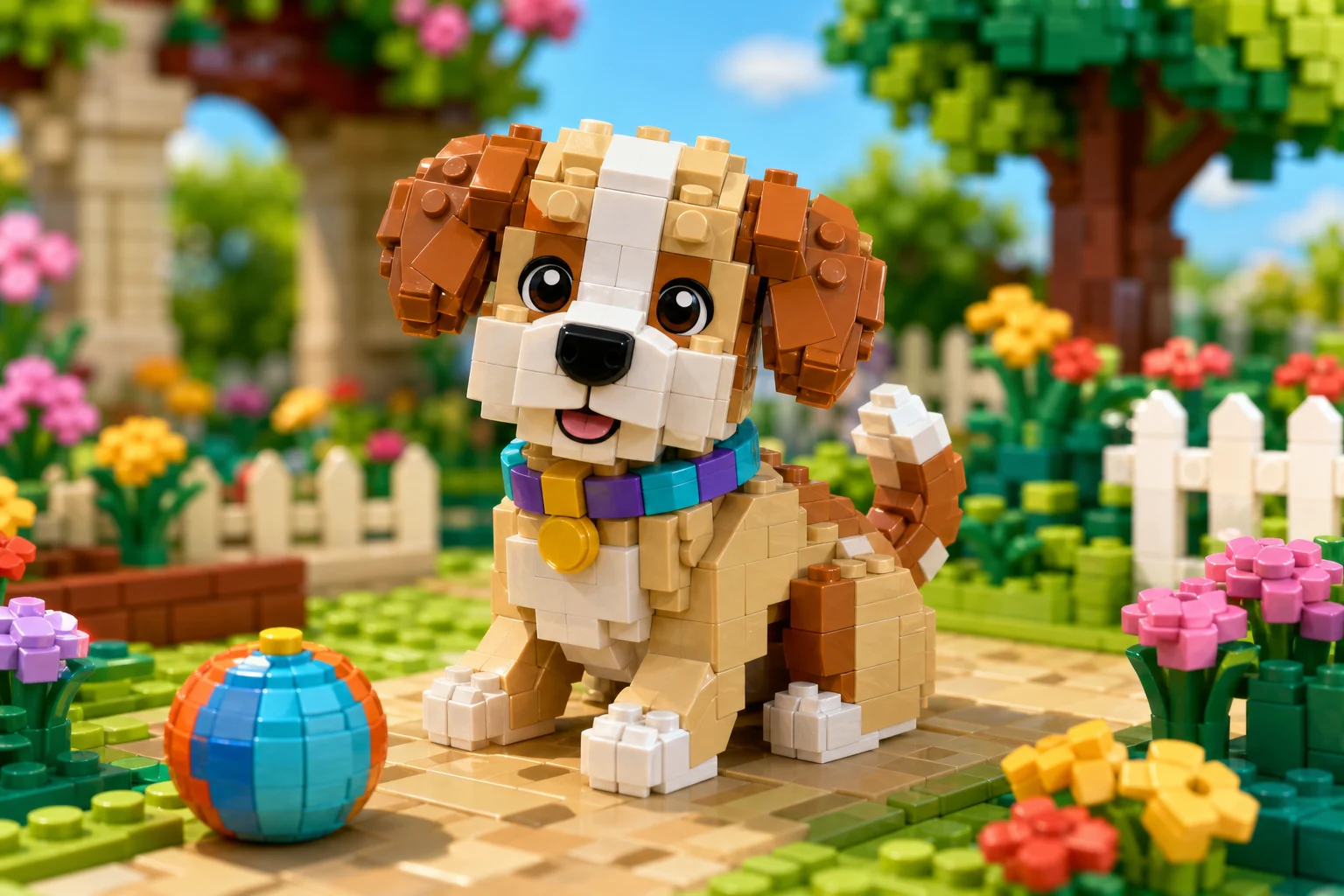
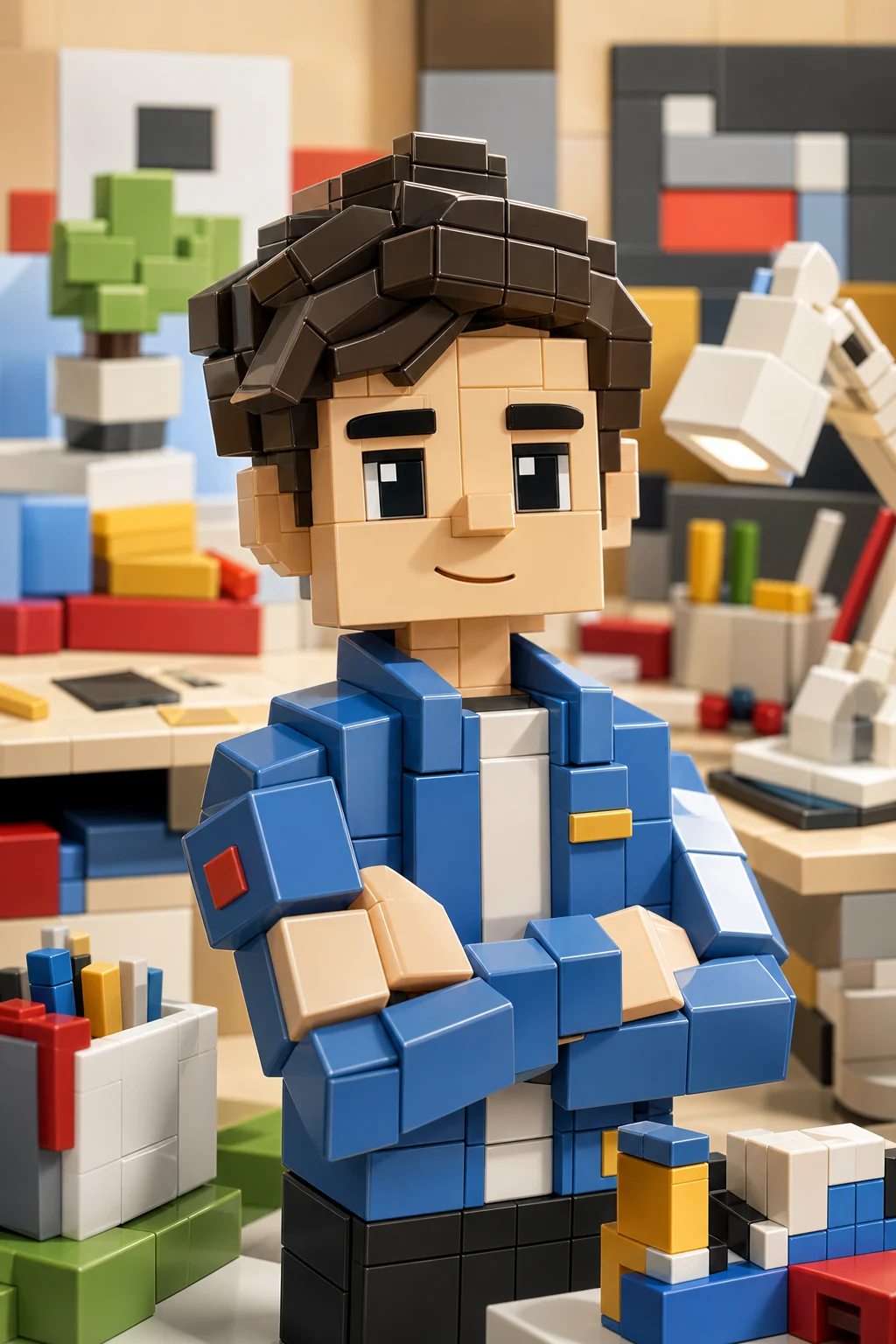
Apply the AI LEGO-style effect to the uploaded portrait, pet, object, or scene. Preserve the main subject identity or object shape, layout, key colors, and action silhouette. Rebuild the image with toy-brick geometry, glossy plastic materials, minifigure or brick-built proportions when appropriate, studded surfaces, playful block detail, and clean collectible toy photography. Keep the uploaded subject recognizable in brick form.

Gallery
AI LEGO Filter Examples


Example 2

Example 3

Example 4

Example 5

Example 6
AI LEGO Filter Features
Create playful toy-block images while keeping the subject recognizable.
Brick-Style Transformation
Turn faces, outfits, and scenes into recognizable toy-block forms.
Glossy Plastic Detail
Add molded plastic texture, bright colors, and collectible figure lighting.
Portrait and Scene Support
Works with selfies, pets, family photos, products, and simple backgrounds.
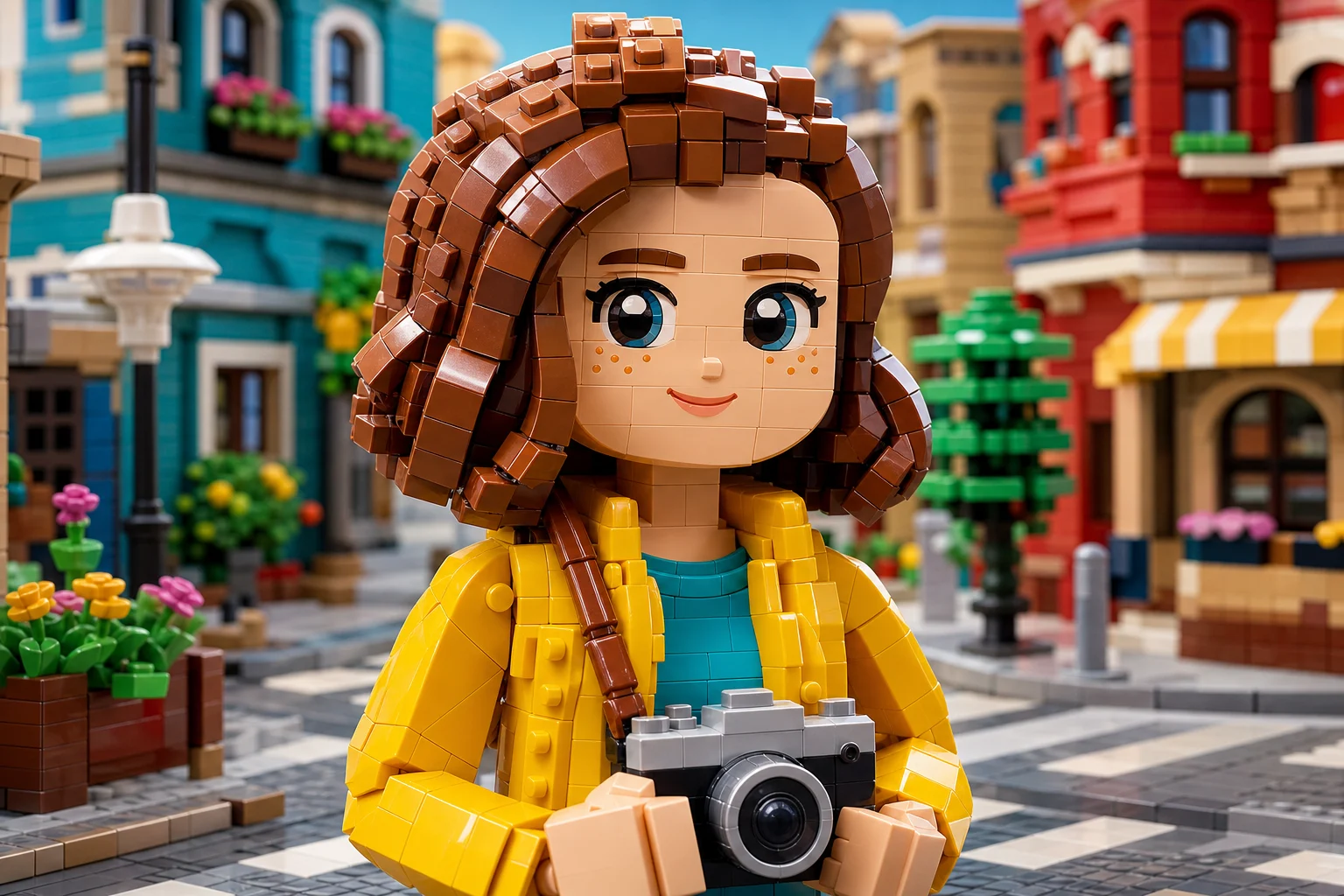
Prompt-Based Control
Guide the output toward minifigure portraits, brick worlds, or playful diorama scenes.
Clean Downloads
Download clean brick-style images without watermarks.
Privacy Protected
ClipCanva processes AI LEGO Filter uploads securely and removes files after generation.
How to Use AI LEGO Filter
Generate a LEGO-style photo in three steps.
Upload Your Photo
Upload a clear source image for AI LEGO Filter; AI LEGO Filter supports JPG, PNG, and WebP uploads.
Apply the Effect
The AI converts your subject into colorful brick shapes, plastic textures, and toy-scene lighting.
Download the Image
Review the AI LEGO Filter result, download it, or rerun with a stronger source image.
AI LEGO Filter FAQ
Answers about using the AI LEGO filter for brick-style photos.
What is the AI LEGO filter?
Is the AI LEGO filter free?
Can I use the filter on pet or family photos?
Does the AI preserve the original person?
Can I use AI LEGO filter results commercially?
Create an AI LEGO Filter Image
Upload a photo and generate a brick-style portrait, pet image, or toy scene for sharing and creative projects.