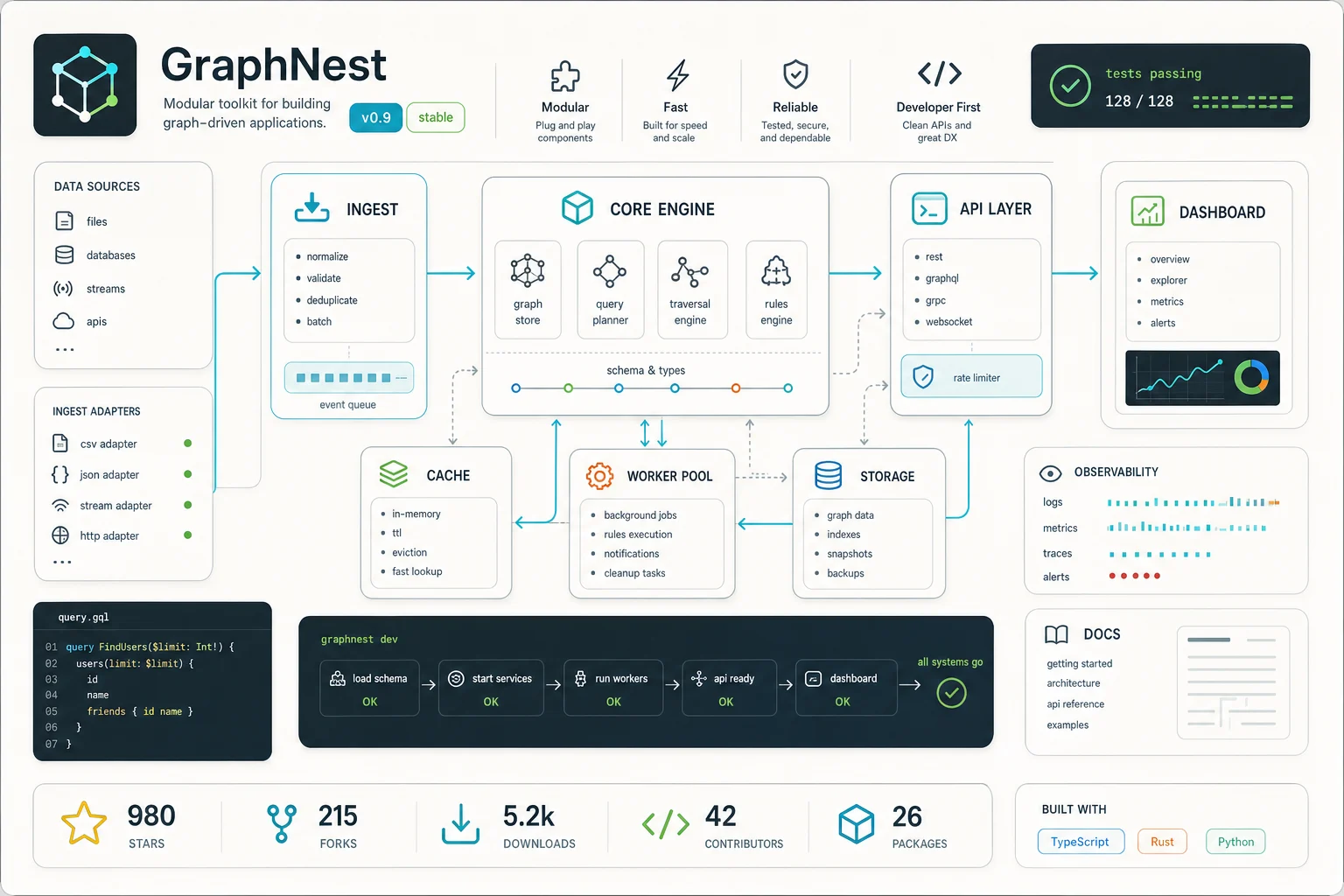
AI GitHub Project Poster Generator

AI GitHub Project Poster Generator

Turn a repository screenshot, logo, UI mockup, or project brief into a polished developer poster for README headers, launch posts, docs pages, and community sharing.

AI GitHub project poster background
0 / 2000
Template prompt

AI GitHub Project Poster Generator

Apply the AI GitHub Project Poster effect to the uploaded repo screenshot, logo, UI, or project reference. Preserve the project name if visible, logo shape, UI colors, repository theme, and key product cues. Create a polished developer-marketing poster for README headers or launch posts, with clean code or UI mockup panels, feature callout zones, dark or light tech layout, modern typography, subtle grid background, and professional launch-card composition. Avoid inventing fake metrics or unreadable random text.

AI GitHub project poster background

What is a GitHub project poster?

The AI GitHub Project Poster Generator helps turn project material into a clean promotional visual built around a repository, product, tool, library, or developer launch. It is designed for GitHub README banners, launch cards, social posts, documentation covers, Discord announcements, and other places where a technical project needs a clear first impression.

From repository details to launch-ready Poster

This template reshapes technical project material into a focused visual that can introduce a repository at a glance while still feeling like part of the project’s identity.

What the template changes

  • Turn a GitHub repo or project brief into a polished promotional poster for README headers, launch posts, and developer marketing.
  • Turn repo names, taglines, features, and architecture notes into launch-ready visuals.
  • Create posters for README headers, Twitter posts, Product Hunt, Discord, and docs pages.
  • Use code, terminal, graph, system, and interface motifs without making the poster cluttered.

What the template preserves

  • Preserve the project name if visible, logo shape, UI colors, repository theme, and key product cues.
  • The main subject remains recognizable from the source image.
  • Defining colors, pose, silhouette, and important subject details stay coherent.

How to create an AI GitHub project poster

Follow a simple process to move from repository material to a poster draft you can evaluate for a README, launch post, or documentation page.

1

Add your source material

Upload a sharp source image such as a repo screenshot, app UI, project logo, system diagram, or product reference. If you are starting from text, prepare a concise brief with the project name and purpose.

2

Write a focused prompt

Describe the desired AI GitHub Project Poster Generator result, including theme, colors, project tagline, feature callouts, and whether the visual should feel like a README header, launch card, or docs cover.

3

Check the first result

Review the generated Poster for project identity, readability, composition, artifacts, and whether technical motifs support the message without becoming cluttered.

4

Refine and compare

Refine the source or prompt if needed, then create another version to compare style, layout, hierarchy, and feature emphasis before sharing.

GitHub Project Poster styles

Explore different poster directions for README headers, launch cards, documentation covers, and developer community posts.

AI GitHub project poster example

README header poster

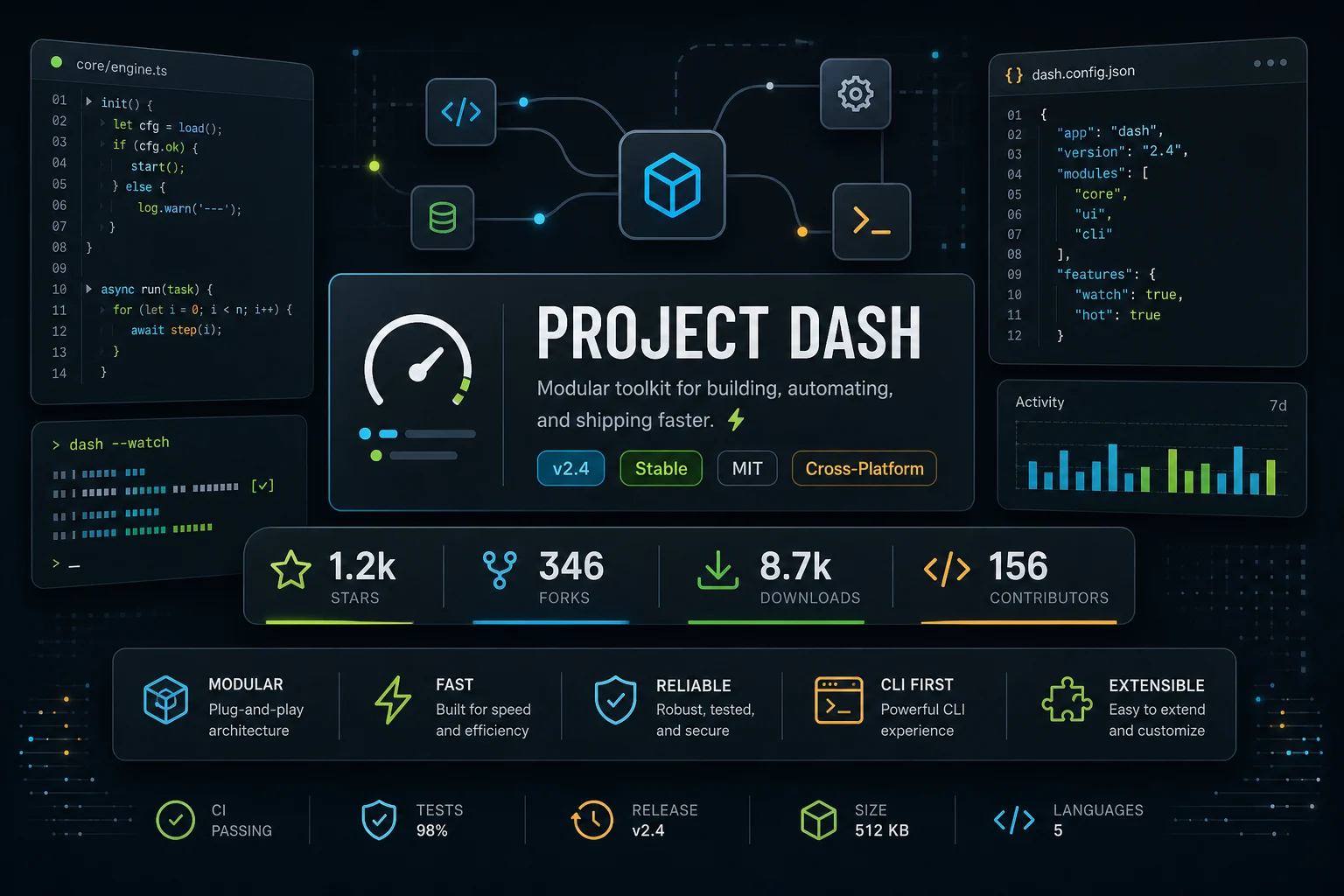
A clean developer-marketing layout with strong project title placement, UI-inspired panels, and a polished README header feel.

GitHub README project poster example

Launch card layout

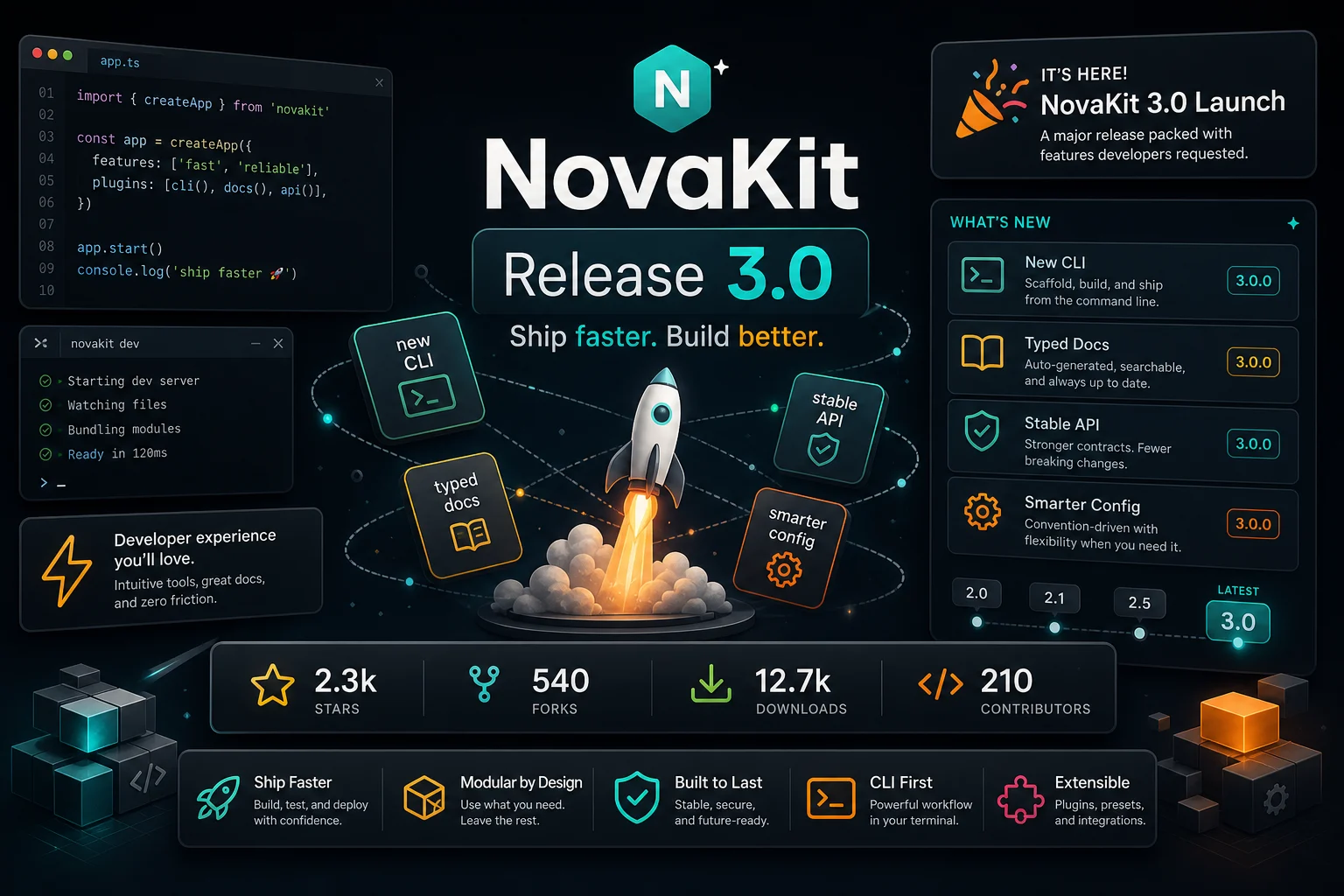
A launch-focused GitHub Project Poster with bold hierarchy, product cues, and space for a concise tagline or feature callout.

GitHub project launch poster example

Community announcement poster

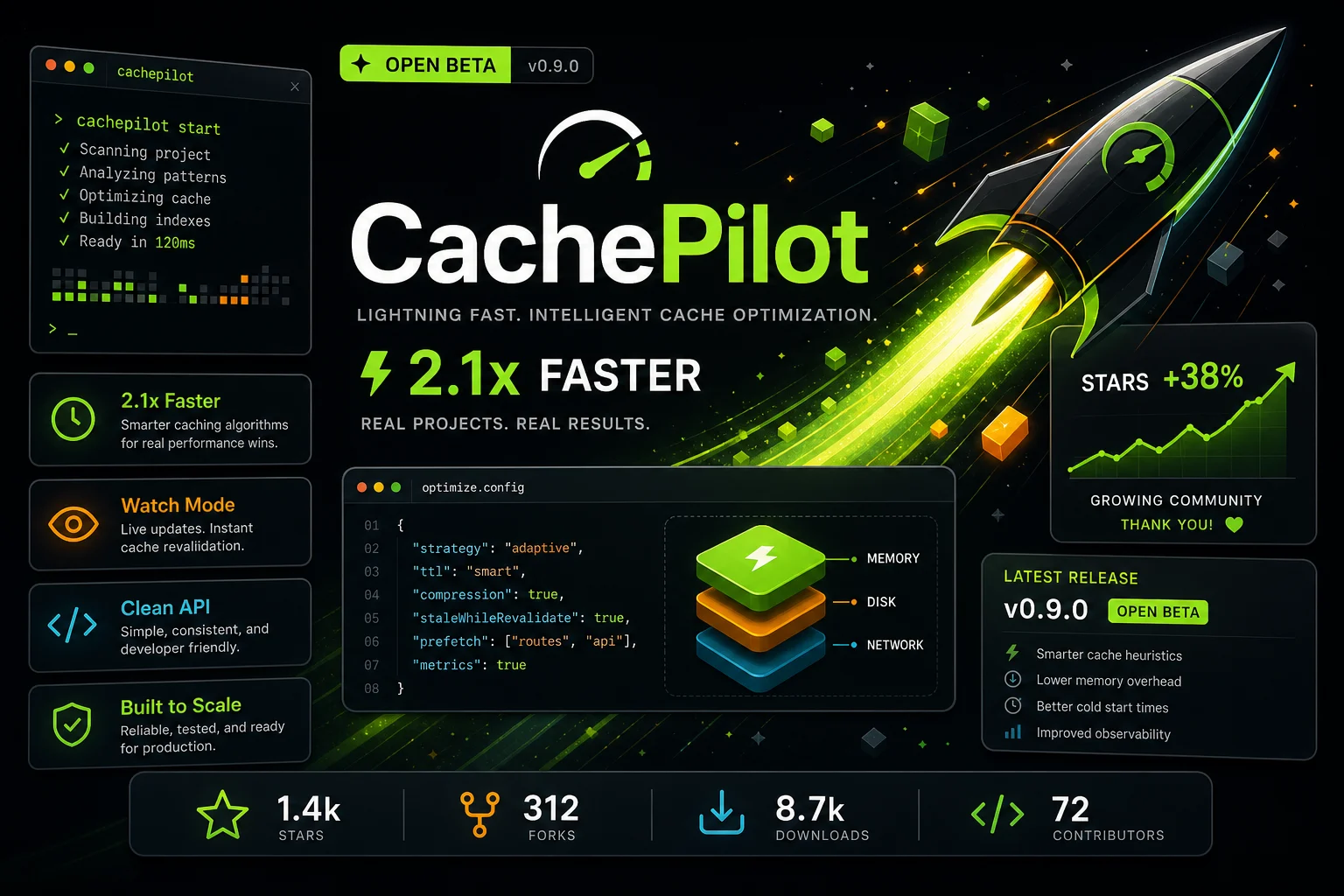
A social-ready poster direction for Twitter, Product Hunt, Discord, and community announcements with strong contrast and clear project framing.

open source GitHub project poster example

Open source project poster

An open source visual style that emphasizes repository identity, contributor-friendly clarity, and clean technical motifs.

developer launch poster example

Developer launch visual

A polished developer launch composition using interface panels, grid details, and modern typography for a professional Project reveal.

GitHub architecture poster example

Architecture concept poster

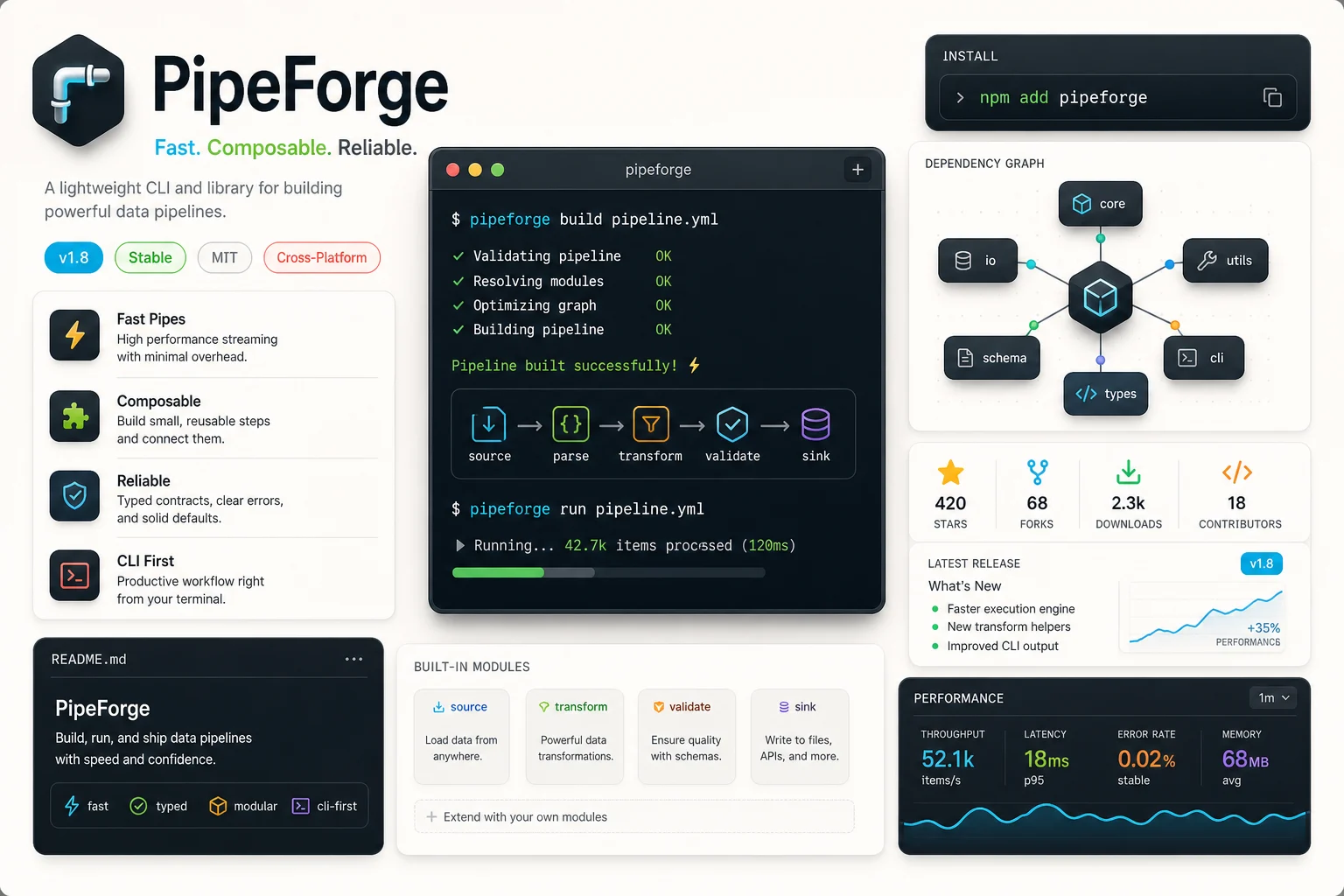
A more technical architecture-inspired Poster with system diagrams, graph elements, terminal cues, and structured feature zones.

Best uses for a GitHub Project Poster

Use this template when a GitHub Project needs a professional visual for presentation, discovery, or sharing across developer-focused channels.

Create a first version fast

Create a quick first visual direction from a repo screenshot, UI reference, logo, or concise project brief before spending time on manual design.

Adapt the style to your project

Guide the poster toward a cyber, minimalist, terminal-inspired, dashboard-style, or clean product-launch look while keeping the project cues intact.

Create another version

Generate another direction when you want to compare layout, color balance, feature emphasis, or launch-card composition.

Preview a personal or creative project

Build a focused AI GitHub Project Poster Generator preview for a personal tool, creative coding project, open source library, portfolio repo, or experimental product.

Compare before refining

Compare the visual direction before refining copy, sharing with collaborators, adding it to a README, or presenting the project in a launch thread.

How to prepare your GitHub Project input

A strong source gives the poster a clear project identity. Use a repo screenshot, product UI, logo, architecture sketch, or concise project brief with the main visual cues visible.

Source image checks

  • Use a sharp source image with the main subject clearly visible.
  • Avoid heavy blur, blocked details, extreme crops, or confusing overlaps.
  • Choose a source whose pose and framing support the intended AI GitHub Project Poster Generator result.

Prompt guidance

Mention the repository name, tagline, main feature set, target audience, preferred visual tone, and where the Poster will be used. Ask for clean code or UI panels, feature callout zones, a dark or light tech layout, modern typography, subtle grid background, and a professional launch-card composition. Avoid requesting fake metrics, unreadable random text, or too many competing elements.

Review before you publish

Generated details can vary between runs, so review the poster as a visual draft. A clearer source image or more specific prompt can help if the first version does not match the project direction.

Check project identity

Compare the generated poster with the source to confirm the project name, logo shape, main UI colors, repository theme, silhouette, and key product cues still feel connected.

Review the poster composition

Look for a balanced layout with readable hierarchy, clean developer motifs, and code, terminal, graph, system, or interface elements that support the message without clutter.

Inspect fine details

Inspect faces, hands, text, edges, small objects, icons, UI panels, and background transitions for artifacts or confusing details before sharing or publishing.

AI GitHub Project Poster Generator FAQ

Common questions about creating a GitHub Project Poster from a repo screenshot, project description, logo, or UI reference.

What is an AI GitHub project poster generator?
An AI GitHub project poster generator turns repository details, visual references, and project messaging into a polished poster-style graphic. It can highlight the Project name, feature areas, interface cues, code-inspired elements, and launch-ready composition.
What project details should I provide?
Include the project name, short tagline, key features, logo or icon if you have one, UI colors, screenshots, architecture notes, and the intended use case. Clear details help the poster feel connected to the actual GitHub Project instead of looking generic.
Can I use it for open source launches?
Yes. It works well for open source launch visuals, README headers, contributor announcements, docs covers, and social posts that introduce what the repository does.
Does it use GPT Image 2?
This template is made for creating the AI GitHub Project Poster visual described on this page. The copy here focuses on the poster outcome rather than naming or comparing underlying image models.
Is it free to try?
You can try the template from the create page and review whether the generated poster direction fits your GitHub Project before refining the wording, source image, or visual style.
What details should I include for AI GitHub Project Poster Generator?
For AI GitHub Project Poster Generator results, include the repository name, logo shape, product category, target users, main features, preferred dark or light theme, and any text that must stay readable.
What makes AI GitHub Project Poster Generator useful?
It is useful when a technical project needs a visual identity quickly: a README hero, Product Hunt image, Twitter launch card, Discord announcement, or documentation cover that still feels connected to the repository.
What AI GitHub Project Poster Generator changes can I expect?
It can transform repo names, taglines, feature notes, architecture cues, terminal motifs, code panels, graph elements, and interface references into a balanced Poster while preserving important project cues.

Create your GitHub Project Poster

Use your repo screenshot, UI, logo, or project brief to create a focused GitHub Project Poster for a README header, launch post, or developer marketing asset.