
What changes
- One source is expanded into multiple organized reference panels
- Views, expressions, poses, palette, materials, and detail callouts are arranged on a clean sheet
Turn a clear character image or detailed brief into a structured reference sheet with turnaround views, expression thumbnails, pose studies, color swatches, and detail callouts for easier visual development.
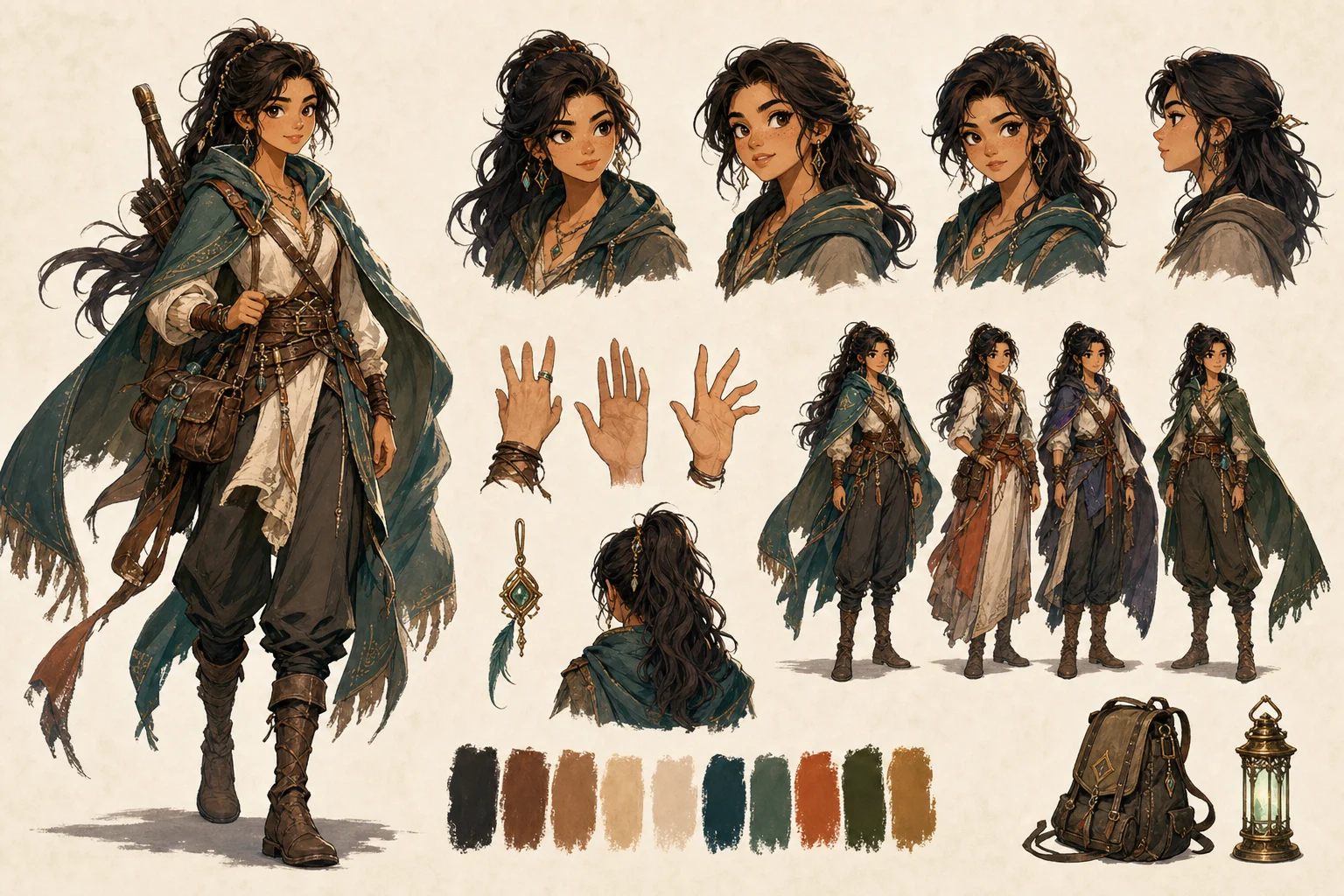
Apply the AI Character Design Sheet effect to the uploaded character, portrait, or reference image. Preserve the character identity, face or creature features, hairstyle, outfit colors, proportions, silhouette, and key accessories. Create a consistent design sheet with front, side, and three-quarter views, expression thumbnails, pose studies, color palette swatches, material notes, and clean production-art layout. Keep the same character across all panels and avoid inventing unrelated costume details.
An AI Character Design Sheet is a visual reference layout that organizes one character into multiple reusable panels. It can include a front view, side view, back or three-quarter view, expression variations, pose notes, palette swatches, material cues, accessories, markings, and costume callouts. The goal is to make the character easier to review, redraw, brief, and hand off across illustration, animation, comics, games, mascot design, or worldbuilding projects.
This template takes one character concept and organizes it into a practical AI model sheet format for visual development. It adds structure around the character while keeping the core identity as the focus.
Create a stronger reference by starting with a clear character source, defining the required panels, and reviewing the sheet as a draft before sharing it with collaborators.
Use a full-body image with a simple background, or write a detailed brief that defines silhouette, face, outfit, colors, props, materials, and style.
Specify whether you need front, side, back, three-quarter views, expressions, pose studies, palette swatches, material notes, or close-up detail callouts.
Compare the finished sheet panel by panel, checking for identity drift, costume contradictions, missing accessories, unclear labels, or inconsistent colors.
Explore different character reference directions while keeping the same goal: a clean, organized sheet that makes the character easier to understand and reuse.
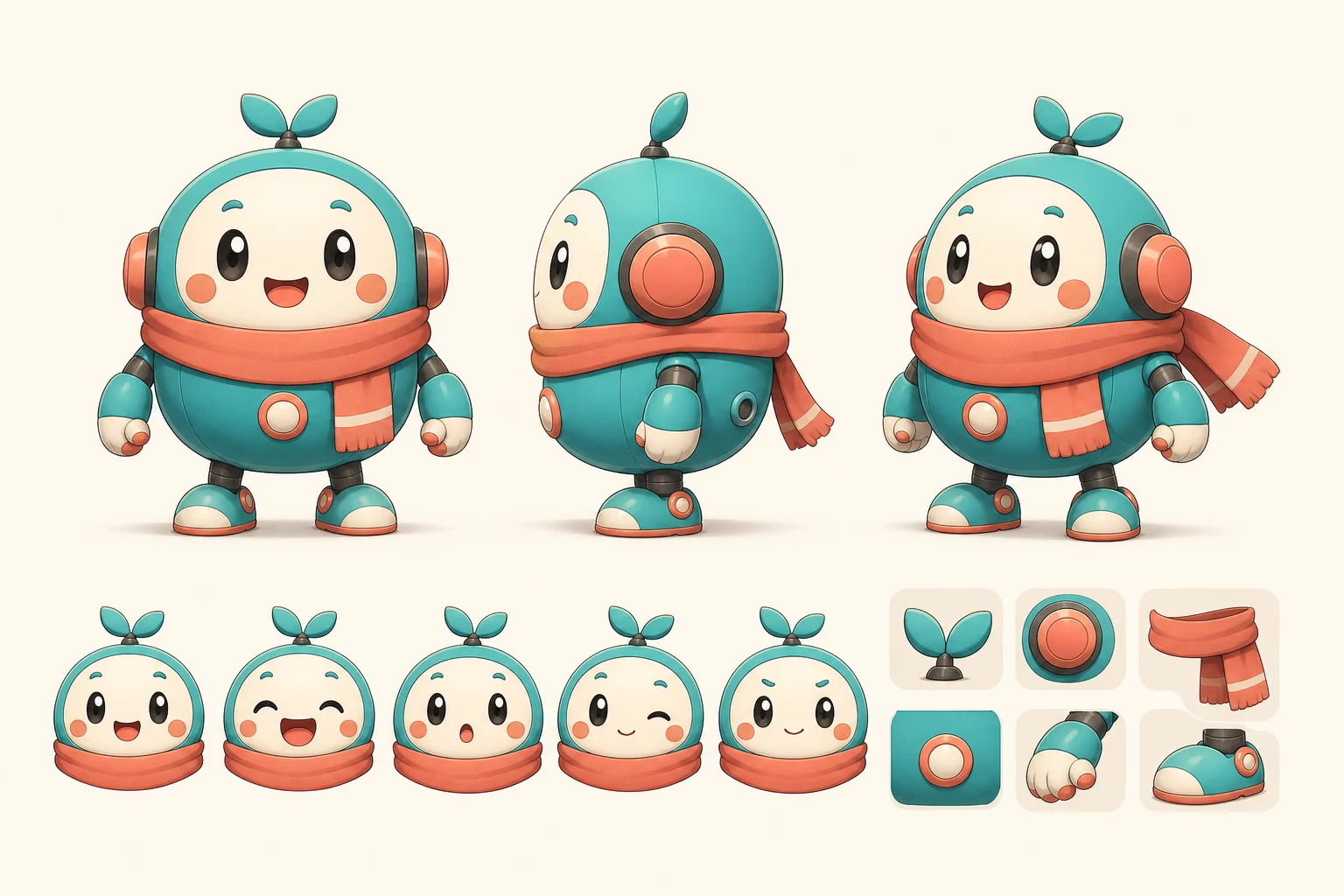
A bright mascot-focused layout with clear proportions, friendly expressions, and simple costume callouts for brand, game, or story characters.
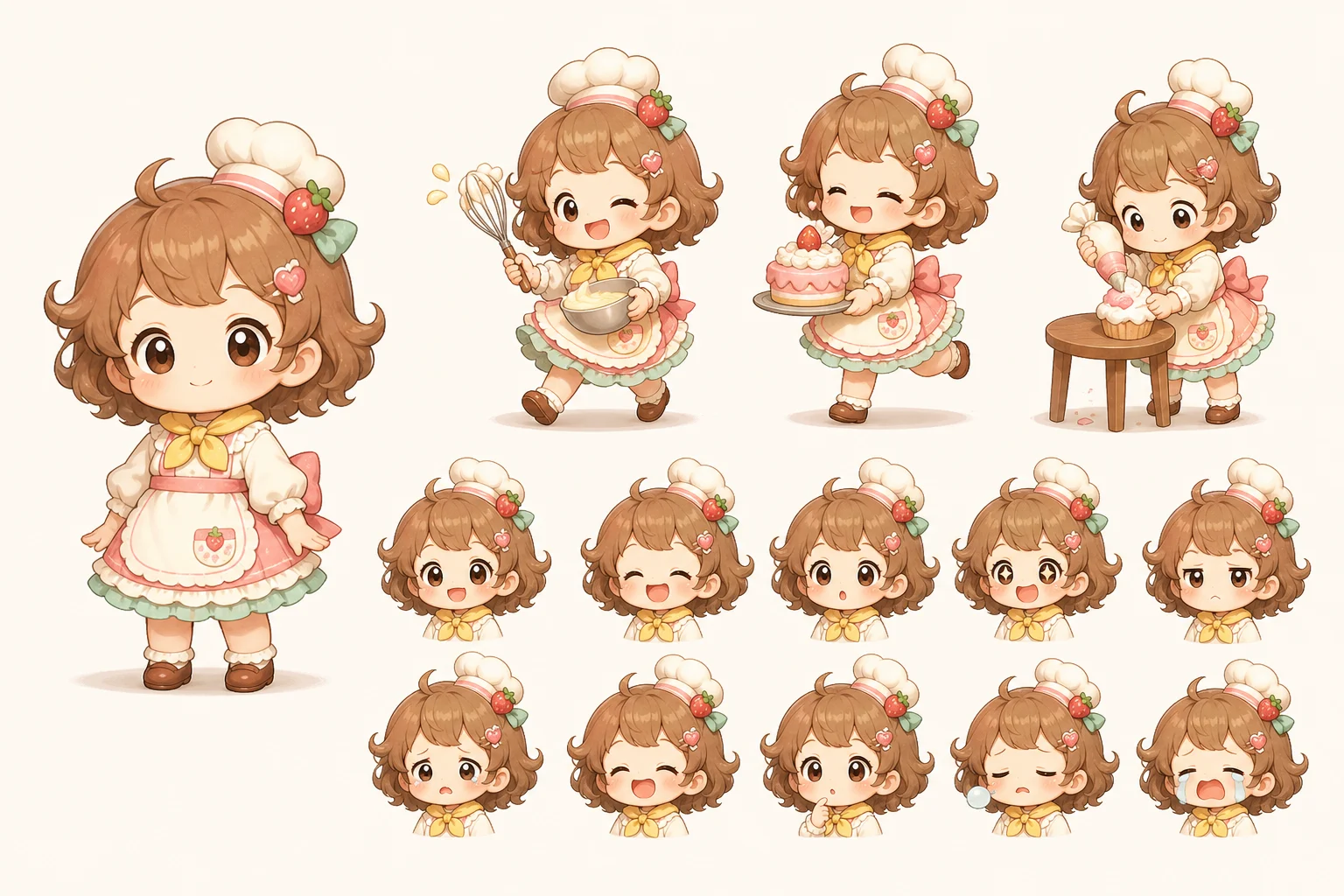
A cute stylized character reference with expressive thumbnails, soft palette choices, and simplified shapes for comics, stickers, or playful worlds.
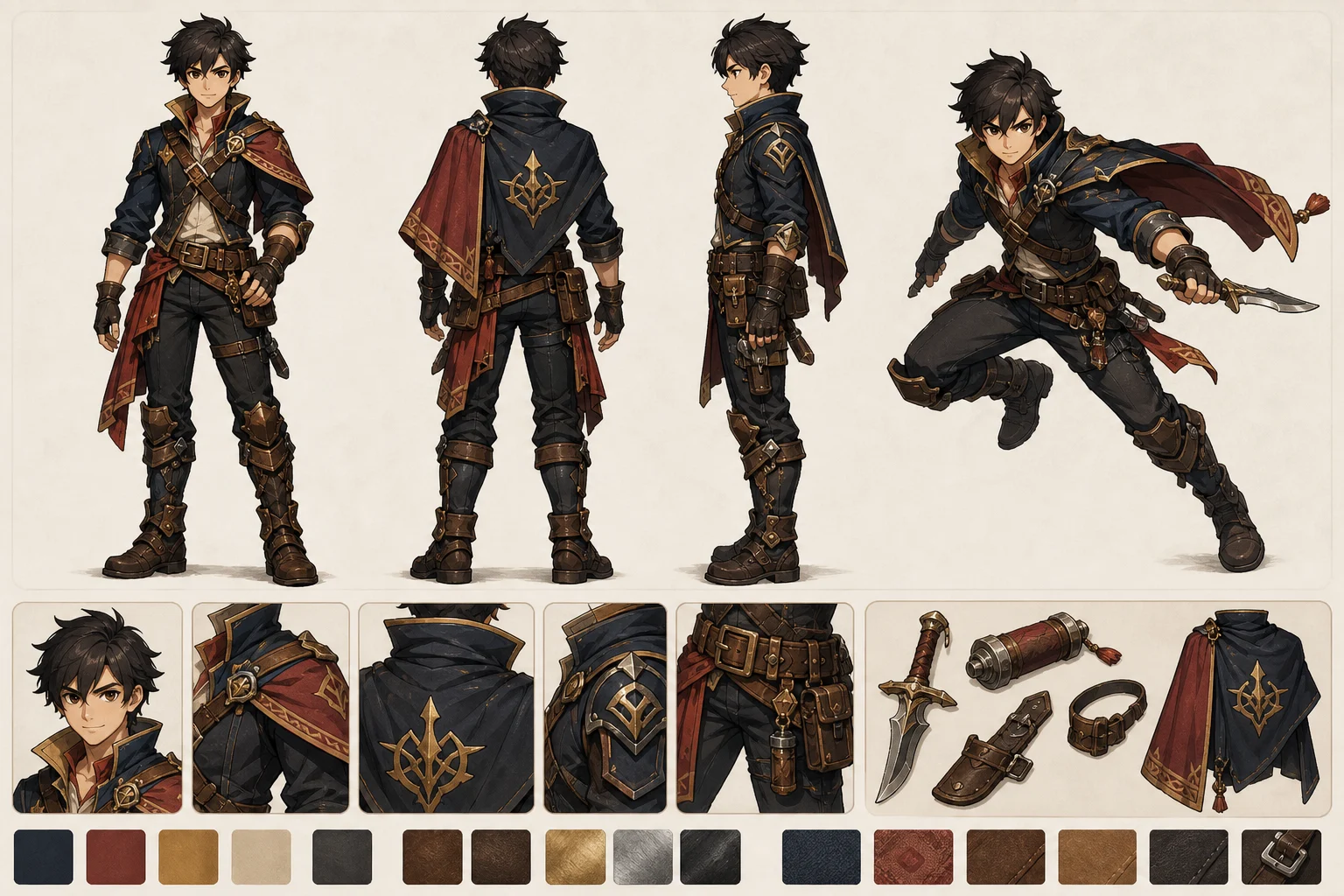
A game-oriented sheet that emphasizes outfit structure, readable silhouette, props, colors, and pose notes for character concept review.
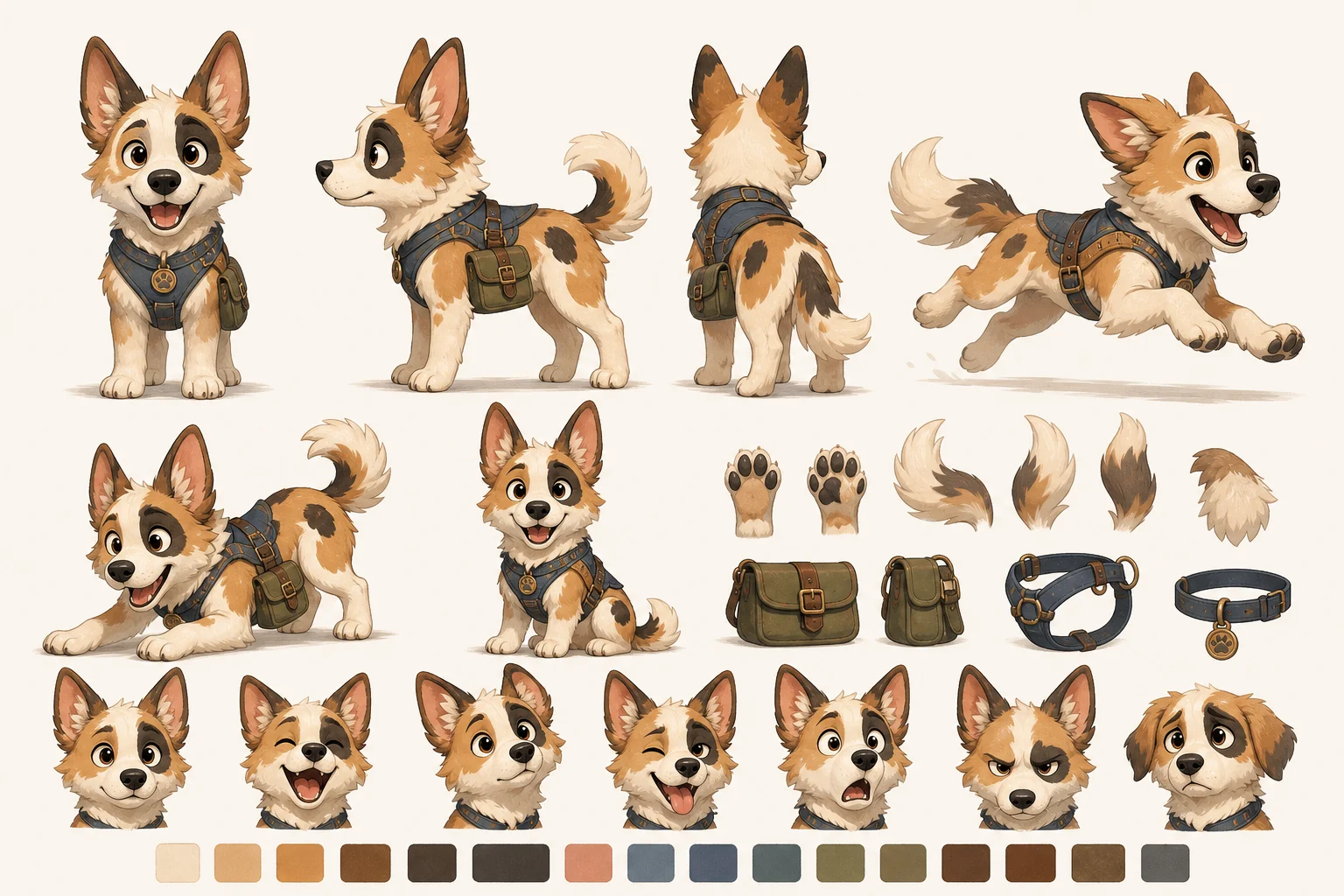
A creature or animal character layout that highlights body shape, markings, expressions, palette swatches, and defining features from multiple angles.
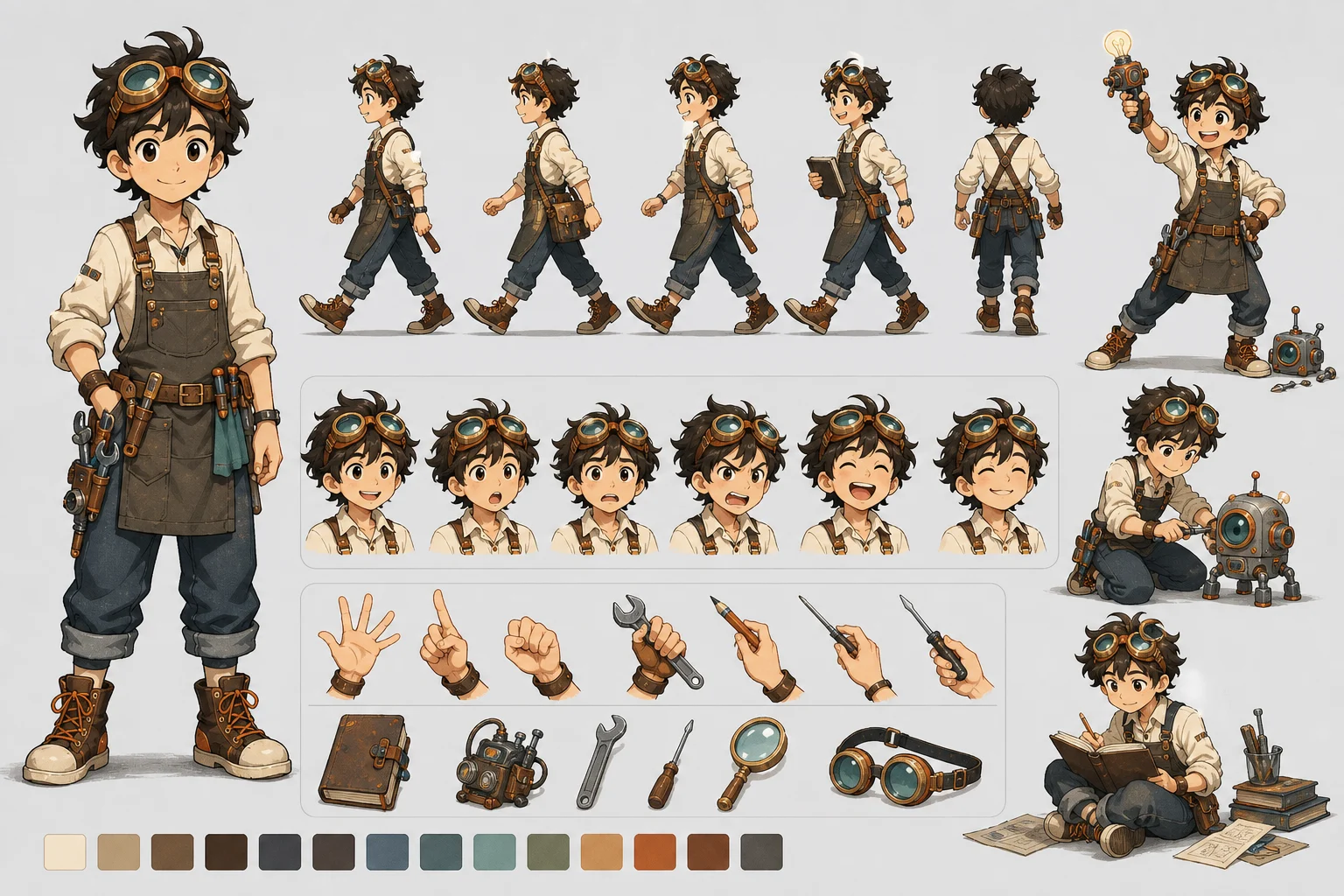
An animation-style reference with a clear turnaround, expression set, and pose studies to help teams discuss motion, acting, and consistency.
Use the sheet whenever one character needs a consistent visual reference for discussion, iteration, or handoff.
Collect turnaround views, expressions, palette notes, and costume anchors for animation, comic, game, VTuber, and mascot planning.
Use the sheet to keep prompt direction, artist feedback, and character-development notes aligned around the same visual anchors.
Give writers, illustrators, and teams a single reference for proportions, colors, props, materials, and identifying details during review.
A strong source helps the sheet keep the character recognizable across each panel. Use a complete character image when possible, or write a brief that defines visual anchors clearly.
Describe the character’s species or role, body type, silhouette, face, hairstyle, outfit, colors, materials, props, accessories, markings, and art style. Include any required turnaround views, expression set, pose ideas, and detail callouts. Call out anything that must not change.
A character design sheet is a visual reference draft. Generated multi-view consistency can drift, so every panel should be compared before it becomes the basis for illustration, modeling, animation planning, or team feedback.
Compare facial structure, body proportions, silhouette, hairstyle, costume shapes, and accessories across every panel so the same character remains recognizable.
Look at front, side, back, and three-quarter views for structural contradictions in clothing, anatomy, props, tails, wings, armor, or other defining forms.
Review swatches, material notes, labels, hands, props, expression thumbnails, and panel boundaries before using the sheet as a working reference.
Common questions about preparing a source image or brief and reviewing the finished character reference sheet.
Prepare a full-body reference or detailed character brief, then create a clean sheet that collects the character’s views, expressions, palette, and identifying details in one place.