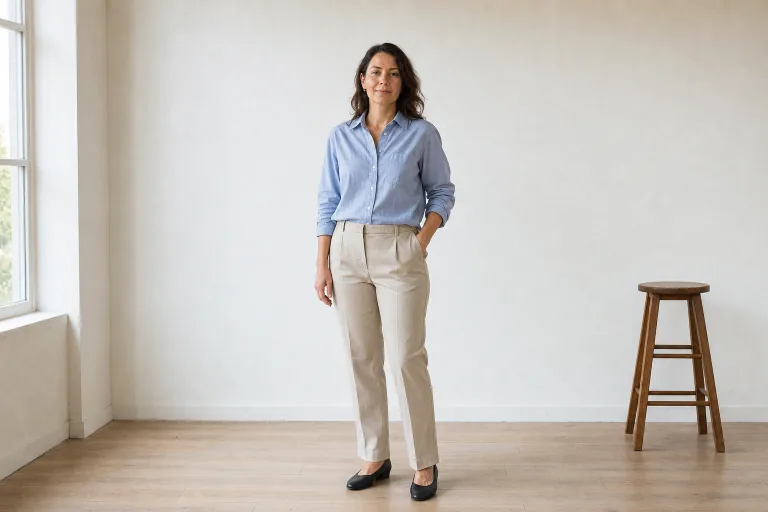
AI Body Generator for respectful full-body previews

AI Body Generator for respectful full-body previews

Create a respectful full-body visual preview from a clear source photo. Refine posture, outfit fit, lighting, crop, and composition while keeping the person natural and recognizable.

AI Body Generator full-body styling preview
0 / 2000
Template prompt

AI Body Generator for respectful full-body previews

Create a respectful full-body proportion preview from the uploaded photo. Preserve identity, age, skin texture, face, hair, and natural body details. Improve posture, outfit fit, lighting, background, and camera angle for a polished editorial result. This is not medical, health, fitness, or weight-loss advice. Avoid nudity, sexualized output, body shaming, unrealistic anatomy, before-and-after claims, weight-loss claims, and diagnostic language.

AI Body Generator full-body styling preview

What this AI Body Generator is for

This AI Body Generator template helps turn a source image into a polished full-body visual draft focused on styling, pose, outfit fit, lighting, and editorial composition. It is designed for natural, respectful previews that preserve identity, age, face, hair, skin texture, and important Body details from the original image.

How the image is transformed

The template is built for visual presentation, not for health, fitness, or body evaluation. It helps shape the image direction while preserving the person’s recognizable appearance.

What can change

  • Preview respectful full-body styling, posture, outfit fit, lighting, and composition while keeping the person natural and recognizable.
  • Keep the person recognizable while refining posture, outfit fit, lighting, crop, and editorial composition.
  • Guide standing poses, studio portraits, fashion references, ecommerce looks, and social profile images from one workflow.
  • Avoid medical, health, fitness, weight-loss, body-shaming, nudity, and sexualized claims.
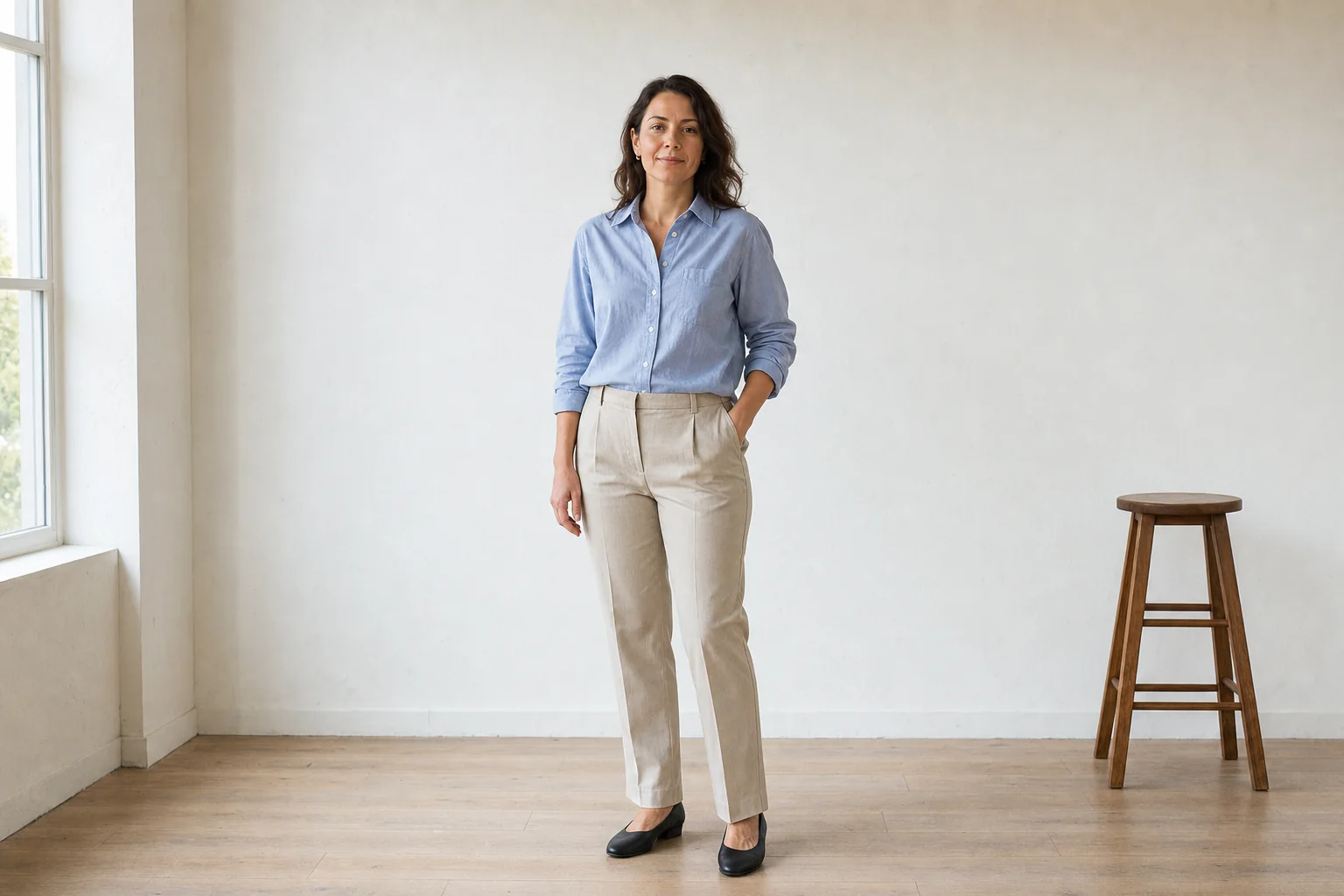
What should stay consistent

  • Preserve identity, age, skin texture, face, hair, and natural body details.
  • The main subject remains recognizable from the source image.
  • Defining colors, pose, silhouette, and important subject details stay coherent.

AI Body Generator workflow

Follow a simple workflow to create a respectful full-body draft that fits your intended styling, pose, and composition.

1

Start with a clear photo

Upload a sharp source image where the main subject, face, hair, outfit, and overall silhouette are clearly visible.

2

Guide the visual direction

Describe the desired full-body pose, styling, outfit presentation, lighting, background, and camera angle while asking to preserve identity and natural details.

3

Check and refine

Review the result for recognizability, coherent Body proportions, clothing edges, face, hands, and background transitions before using it.

AI Body Generator preview styles

Preview different full-body styling directions while keeping the same respectful focus on recognizability, natural detail, and coherent composition.

AI Body Generator editorial full-body portrait preview

Editorial full-body portrait

A polished full-body portrait direction with balanced lighting, a clean background, and a natural standing pose for editorial or profile use.

AI Body Generator outfit fit and posture preview

Outfit and posture preview

A clear styling preview for outfit fit, silhouette, posture, and camera angle while preserving the subject’s recognizable details.

Ways to use this template

Use this Body Generator online when you need a respectful full-body styling reference or presentation draft before refining, sharing, or presenting the result.

Editorial portraits

Create polished standing portraits with improved lighting, framing, and camera angle while keeping the subject natural.

Outfit fit previews

Preview how an outfit reads in a full-body composition, including fit, silhouette, color balance, and styling direction.

Profile refreshes

Refresh a profile image with a clearer full-body crop, cleaner background, and more intentional pose.

Personal and creative projects

Build a focused AI Body Generator preview for a personal moodboard, creative concept, or styling reference.

Direction comparison

Compare visual directions before choosing a pose, outfit presentation, or editorial treatment to refine further.

How to guide the result

A strong result starts with a source image that clearly shows the person and a prompt that describes styling and composition without changing who they are.

Source image checks

  • Use a sharp source image with the main subject clearly visible.
  • Avoid heavy blur, blocked details, extreme crops, or confusing overlaps.
  • Choose a source whose pose and framing support the intended AI Body Generator result.

Prompt guidance

Ask for a respectful full-body proportion preview. Mention the desired pose, outfit presentation, lighting, background, and camera angle. Include reminders to preserve identity, age, face, hair, skin texture, natural Body details, and the recognizable silhouette.

What to review before using the image

Treat the output as a visual draft. Generated details can vary between runs, and a clearer source image or more specific prompt may improve the direction.

Confirm the subject still matches

Compare the face, hair, skin texture, age cues, silhouette, pose, and defining details with the source image.

Check the visual direction

Look at posture, outfit fit, lighting, crop, background, and editorial composition to make sure the AI Body Generator treatment feels consistent.

Review fine details

Inspect faces, hands, clothing edges, small objects, text, and background transitions for artifacts or distracting distortions.

AI Body Generator FAQ

Answers to common questions about using this Body Generator online for respectful full-body visual previews.

What is this generator?
It is a template for creating a full-body styling and composition preview from a source photo. The result focuses on posture, outfit fit, lighting, framing, and an editorial look while keeping the subject recognizable.
What input works best?
Use a sharp image where the main subject is clearly visible and not heavily cropped. The face, hair, outfit, pose, and overall silhouette should be easy to understand.
What should I avoid?
Avoid blurry photos, blocked faces, extreme crops, confusing overlaps, or prompts that ask for nudity, sexualized output, body shaming, medical claims, health claims, fitness claims, or weight-loss comparisons.
What AI Body Generator changes can I preview?
The template can refine the visual presentation of posture, outfit fit, lighting, background, camera angle, crop, and overall editorial composition. It should not be used for diagnostic, medical, weight-loss, or before-and-after claims.
Which source image works best?
Choose a source image that already supports the intended pose and framing. A clear standing portrait, outfit photo, studio image, or social profile image usually gives the Body Generator more coherent visual information to work from.
How do I keep the subject recognizable?
Start with a clear photo and describe the desired styling without asking for identity changes. Review the face, hair, skin texture, silhouette, posture, and defining colors against the original source.
What should I review before using the result?
Check the face, hands, edges, clothing details, small objects, background transitions, pose, and silhouette. Generated details can vary, so review the image before sharing or presenting it.

Create a polished Body preview

Use a clear source photo and create a respectful full-body visual draft for styling, posture, outfit fit, lighting, and composition.