
What the filter changes
- Linework, facial rendering, eye treatment, and cel shading
- Hair highlights, color separation, texture, and background styling
- The overall illustration finish and degree of anime exaggeration
Turn a portrait into anime-style art with the AI Anime Filter while guiding the linework, cel shading, color treatment, and character expression around your source photo.
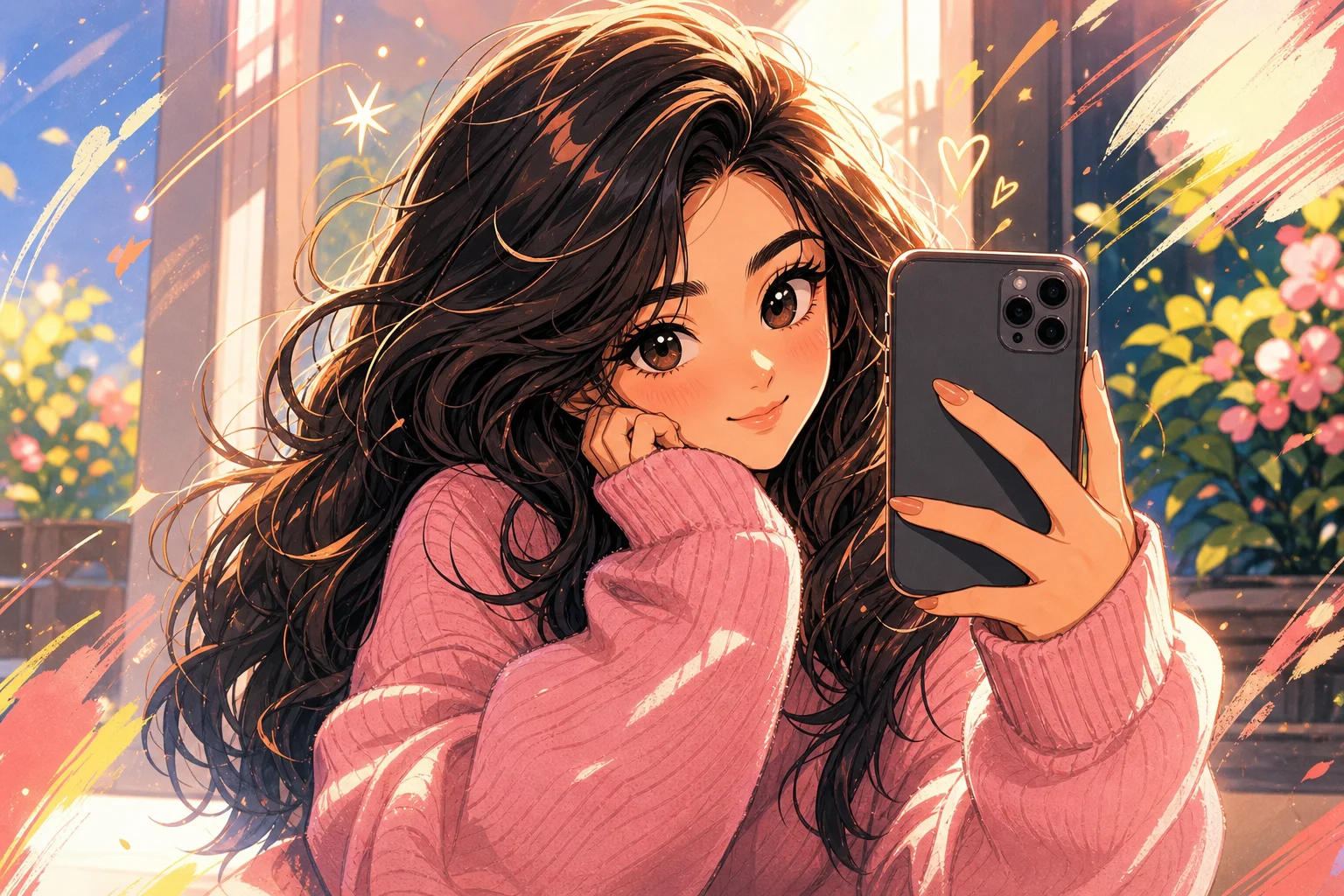
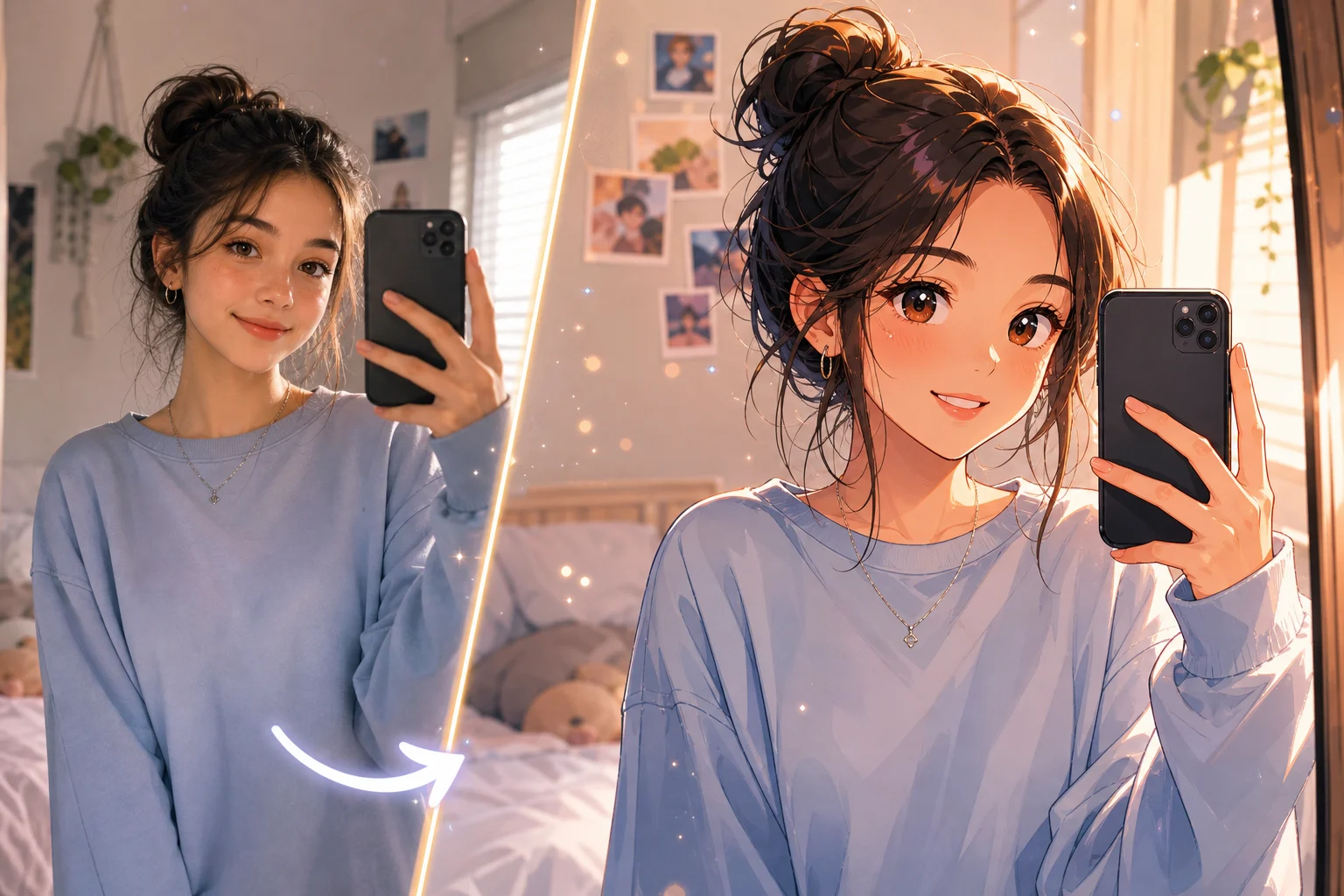
Transform the uploaded portrait into polished anime-style artwork. Preserve the person's recognizable identity, face shape, hairstyle silhouette, expression, pose, clothing color cues, camera angle, and overall composition. Rebuild the image with crisp linework, expressive but proportionate eyes, controlled cel shading, detailed hair highlights, clean color separation, and coherent background depth. Keep hands, accessories, and facial details consistent with the source image.
An AI Anime Filter interprets a photo as an illustrated anime character. It can simplify shapes, redraw facial features, add linework and cel shading, and restyle the background while using the original subject and composition as its reference.
A controlled anime conversion separates the visual treatment from the details that make the source photo recognizable.
Choose a readable portrait, define the illustration direction, and review the details that commonly drift during stylization.
Start with a well-lit portrait or character photo where the face, hair, pose, and important accessories are visible.
Describe the desired line weight, shading, color palette, eye treatment, mood, and background finish.
Apply the template prompt to translate the source photo into a consistent anime-style illustration.
Check identity, hands, accessories, edges, and background geometry before keeping or regenerating the result.
The same AI Anime Filter workflow can support different illustration moods when the style instructions remain specific.
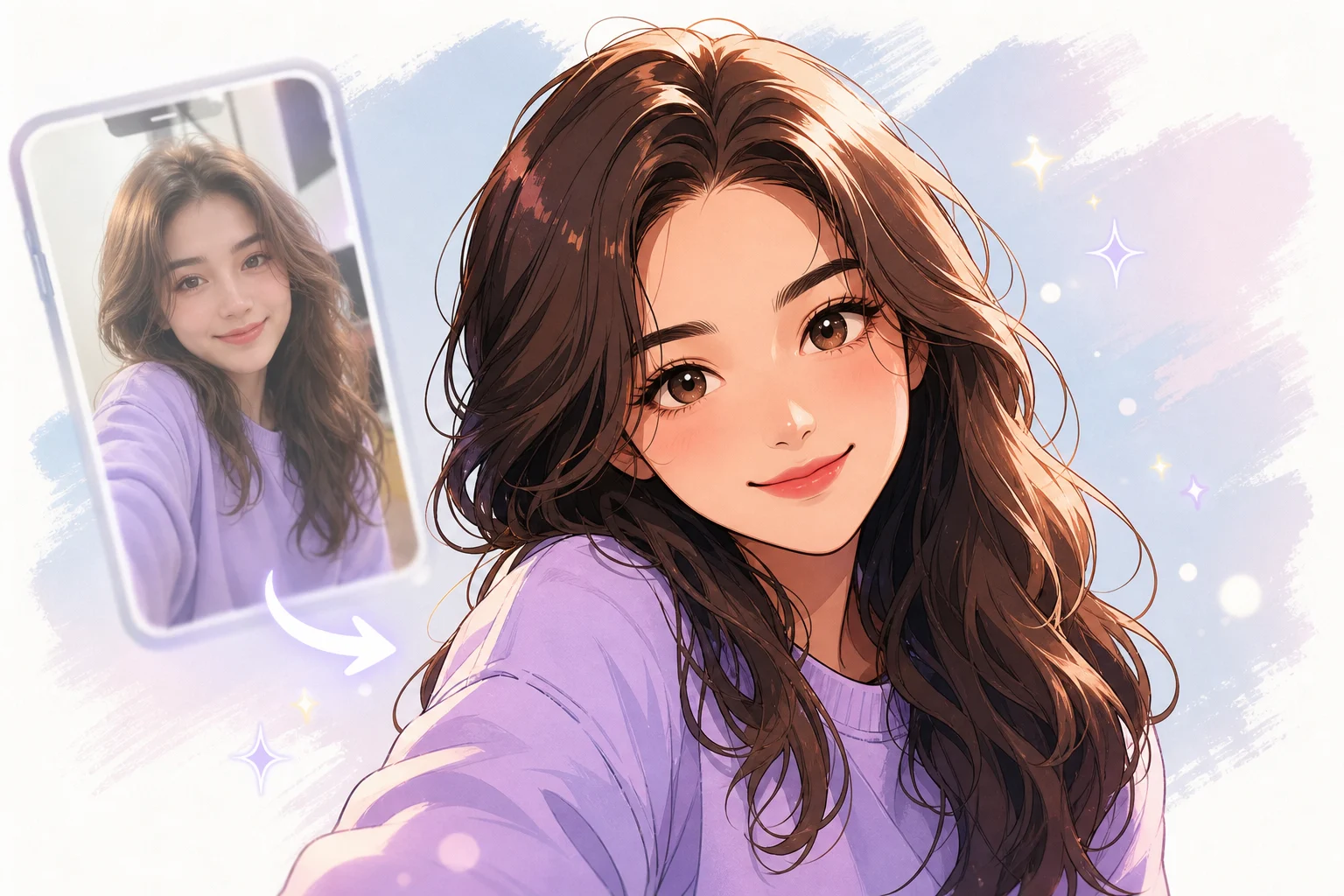
Crisp outlines, controlled shadow shapes, balanced facial proportions, and a polished animation-ready finish.
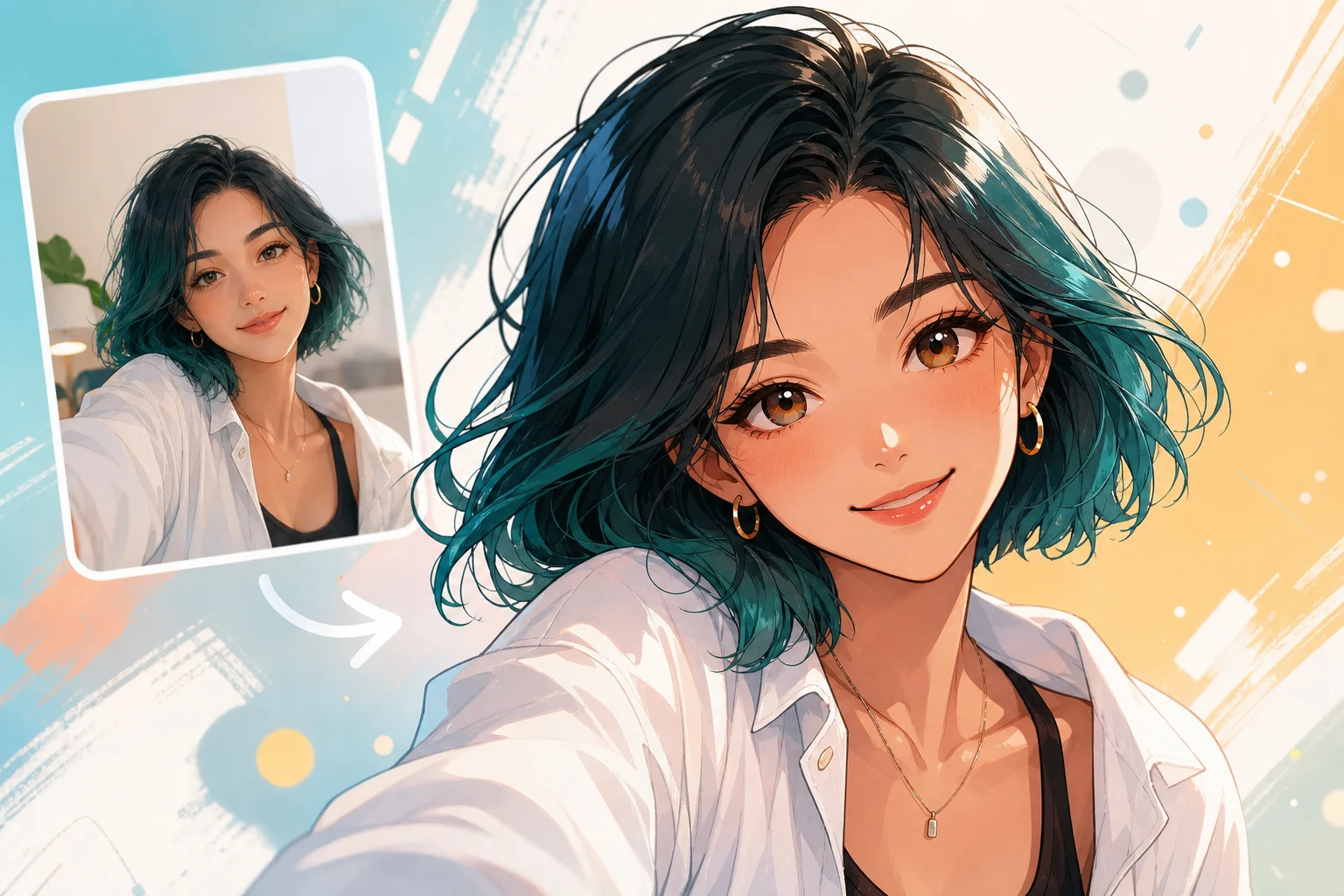
Gentler contrast, light color transitions, soft highlights, and a calm character-illustration mood.
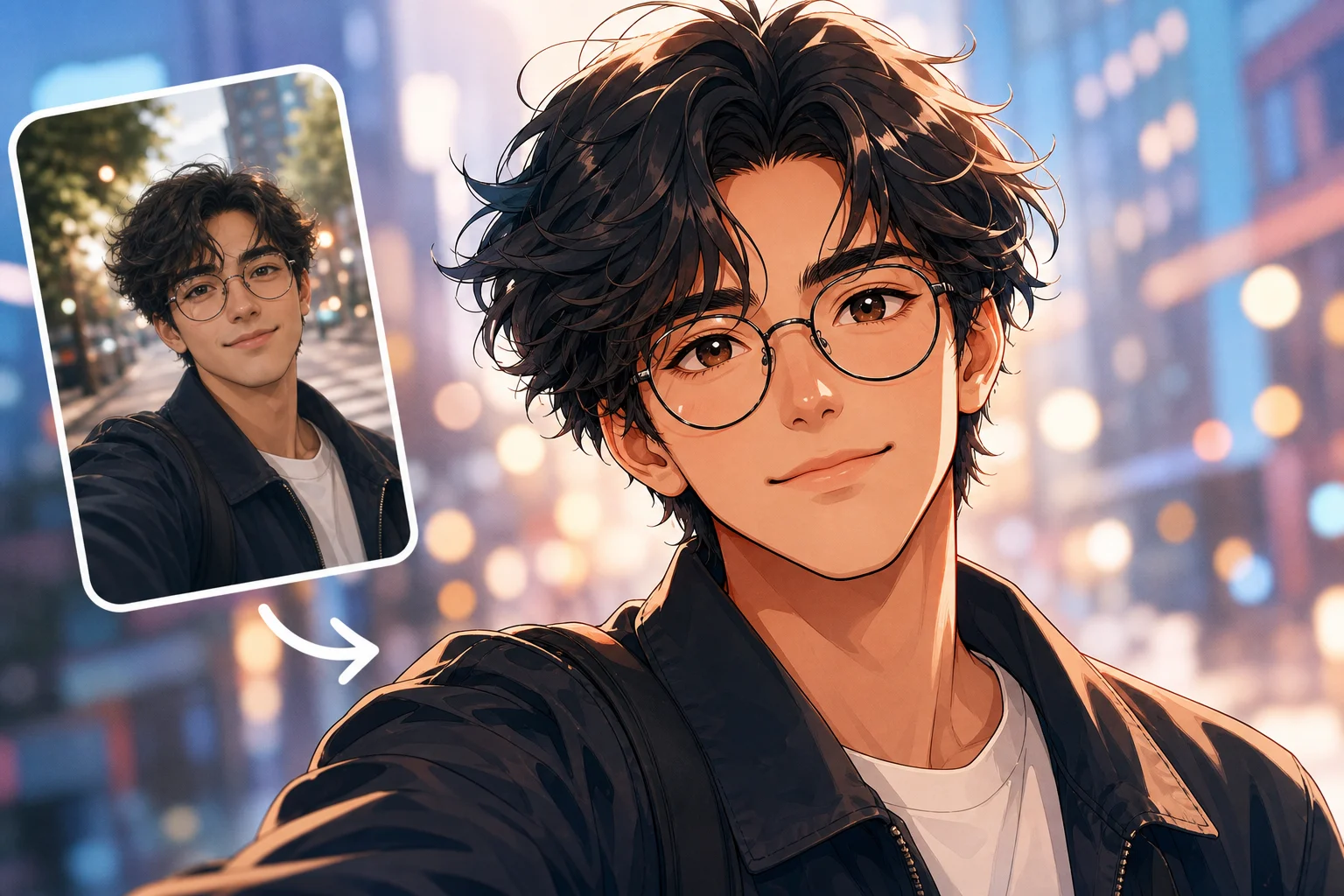
Stronger line weight, focused shadows, expressive framing, and a more graphic visual hierarchy.
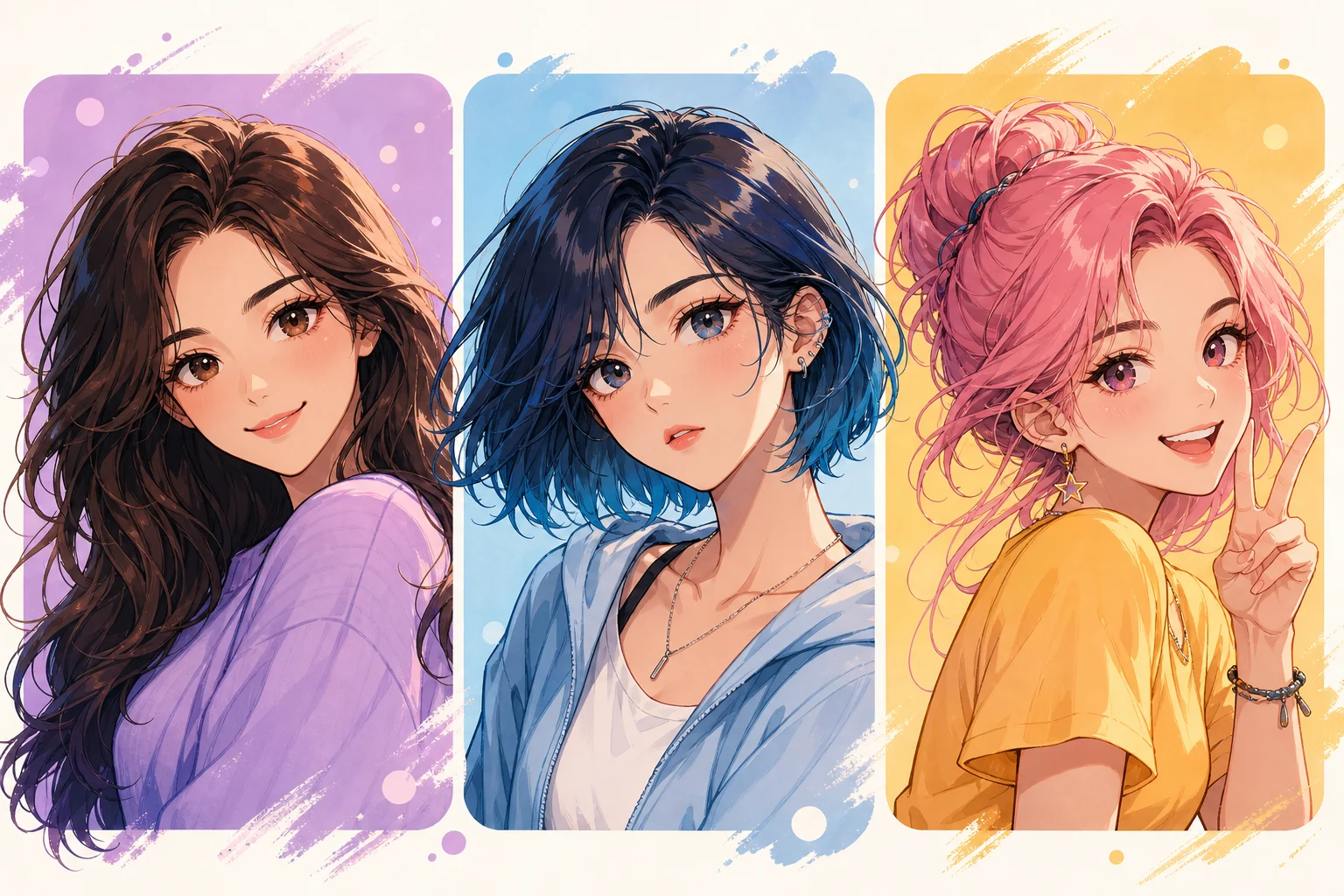
Saturated accent colors, luminous hair detail, energetic lighting, and a confident character pose.
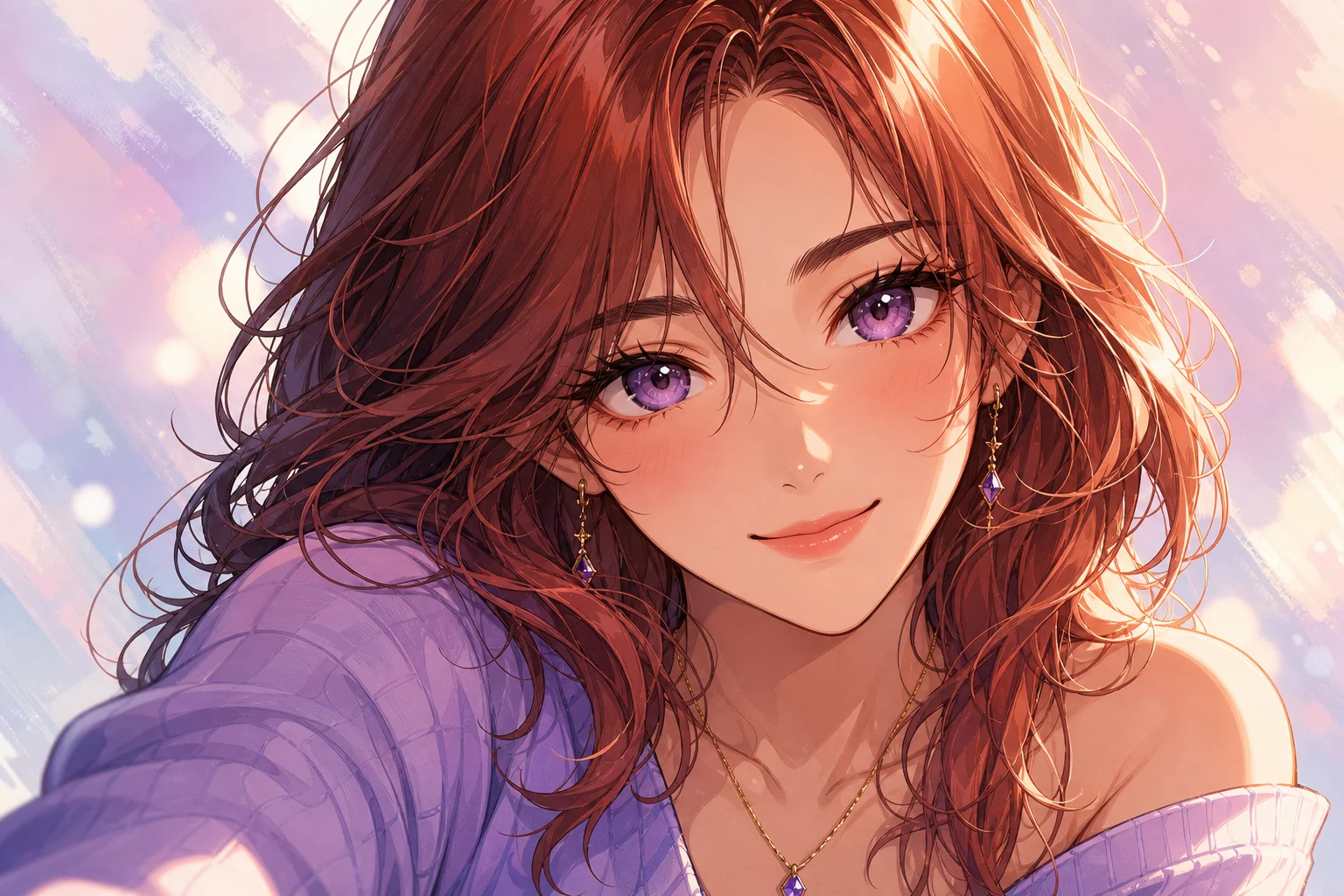
Atmospheric background depth, directional lighting, controlled color grading, and a story-focused composition.
Simplified shapes, limited colors, readable contours, and a clean graphic finish for compact formats.
Choose the output format and level of detail around the place where the illustration will be used.
Create a stylized avatar or portrait direction with a readable face and composition that still works at smaller sizes.
Translate a pose, outfit, or mood reference into an anime character direction for further creative exploration.
Test high-contrast anime visuals for covers, posts, moodboards, or early campaign drafts before final production.
Anime stylization can amplify ambiguity in the source. A clean image and a focused direction reduce unwanted changes.
Describe line weight, cel-shading strength, eye proportions, color palette, hair rendering, mood, and background detail. State which identity, pose, clothing, and composition cues must remain recognizable.
Review both the character and the scene before using the generated illustration in a finished asset.
Compare the face shape, expression, hairstyle silhouette, and distinctive features with the source photo.
Confirm that eye size, direction, highlights, and facial symmetry fit the intended anime treatment.
Inspect fingers, jewelry, glasses, clothing details, and small props for missing or merged elements.
Look for broken outlines, stray shapes, warped architecture, and inconsistent depth around the subject.
Answers about photo selection, style control, and output review.
Upload a clear image, define the linework and shading direction, and use the AI Anime Filter to create a recognizable illustrated version.