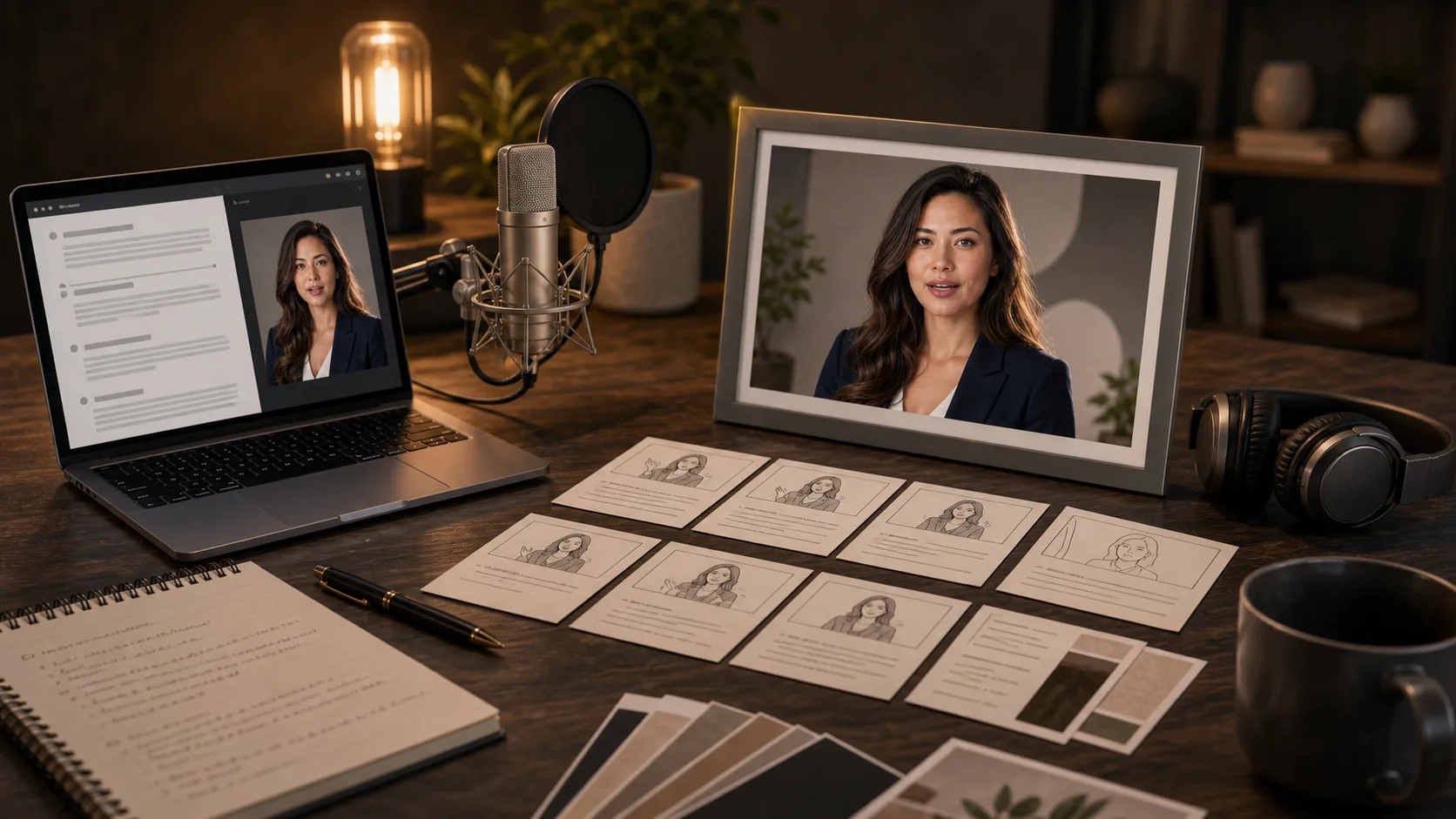
AI Lip Sync Video Generator

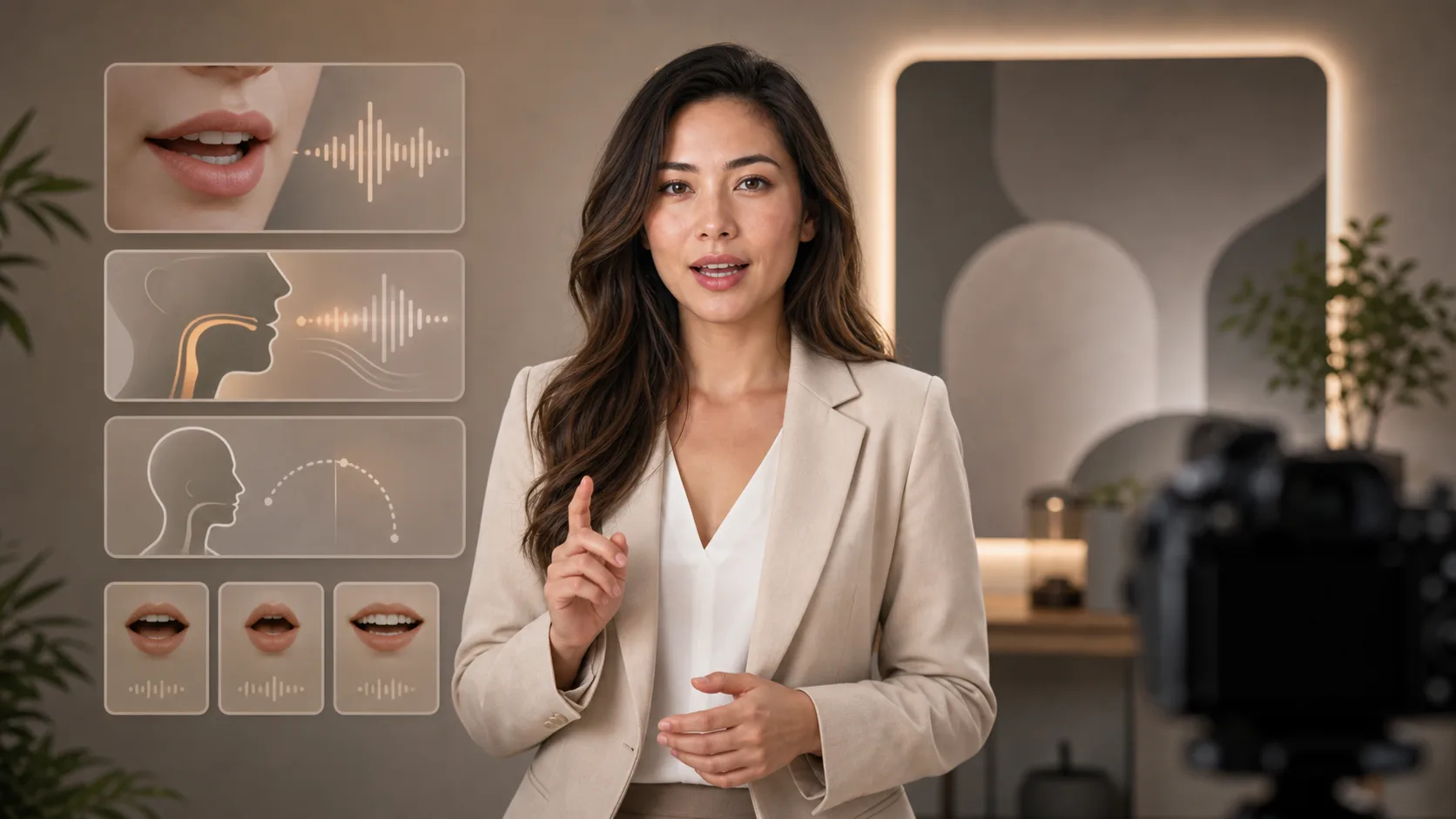
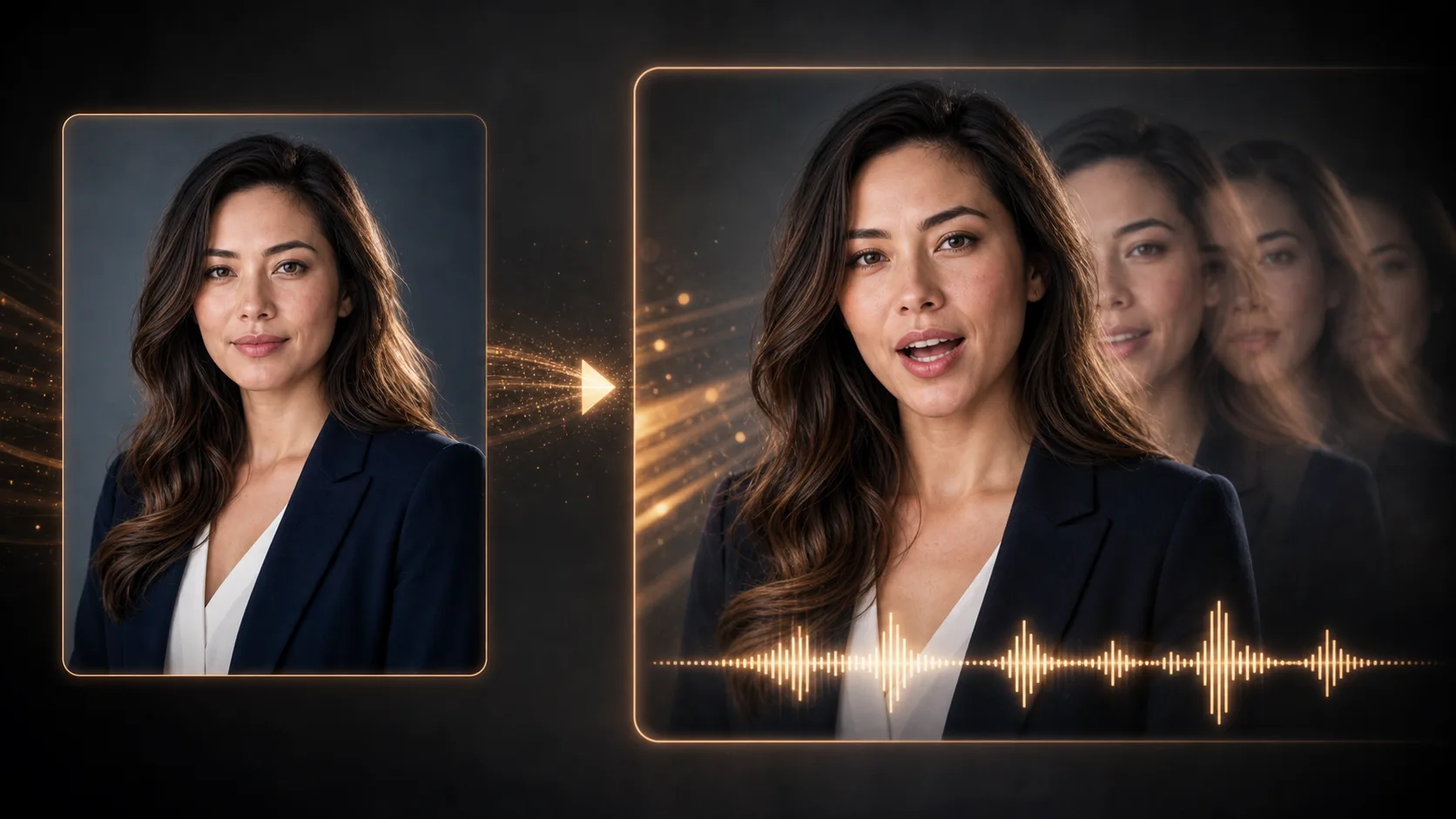
Add an existing video of a speaker and the speech audio you want to match. Generate a video with updated mouth movement, then inspect the result.

Source videoSpeech audioMouth timingResult check

Source video and speech audio

Upload files or paste hosted media URLs.

Lip sync40 cr

Video format

MP4/WebM/MOV

Audio source

MP3/WAV/M4A

Sync status

Waiting for media

Add both media sources before generating

Talking-video use cases

Prepare a speaker video and recorded or generated speech for a product message, lesson or character line. These are planning ideas, not proof of generated results.
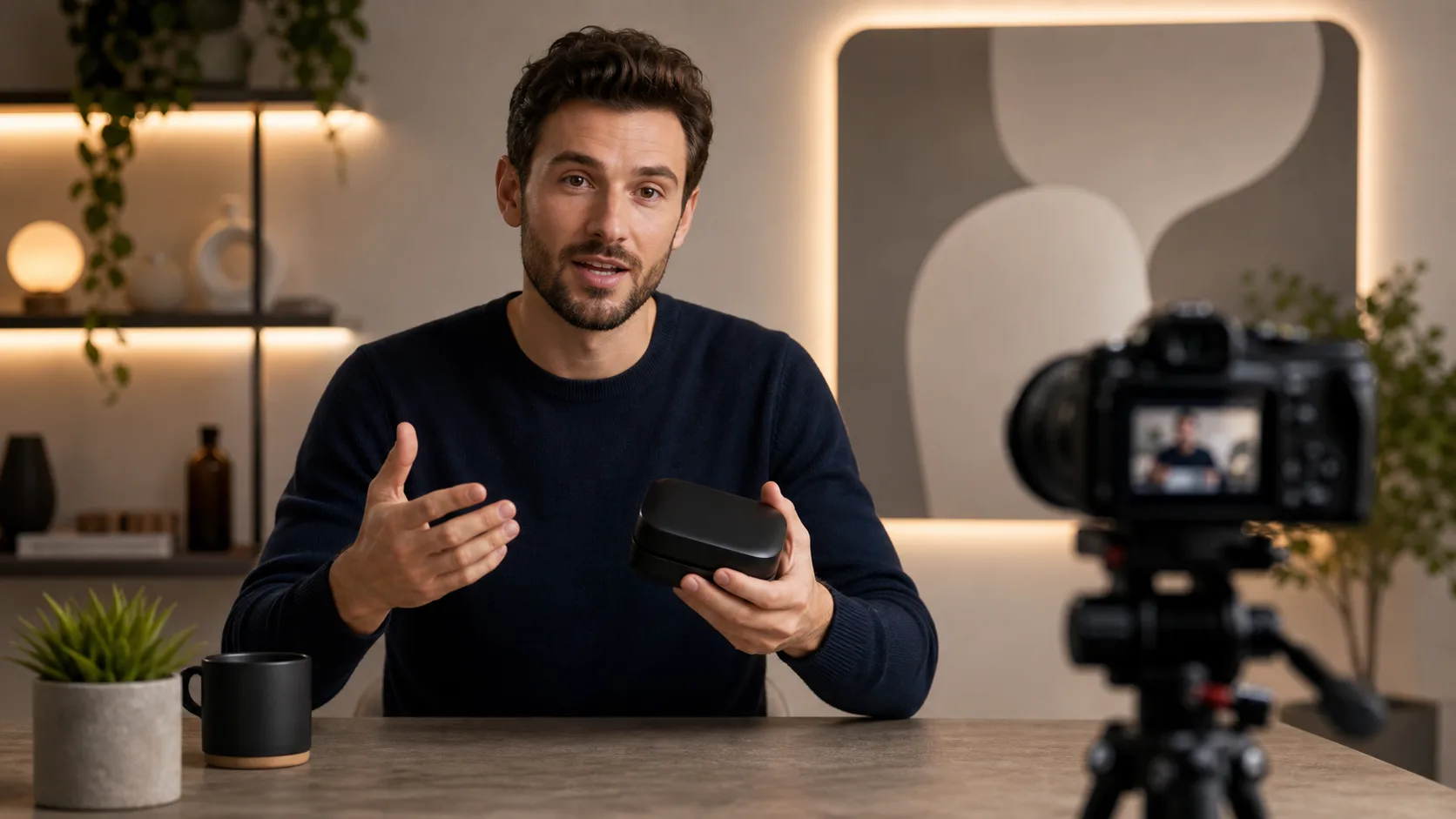
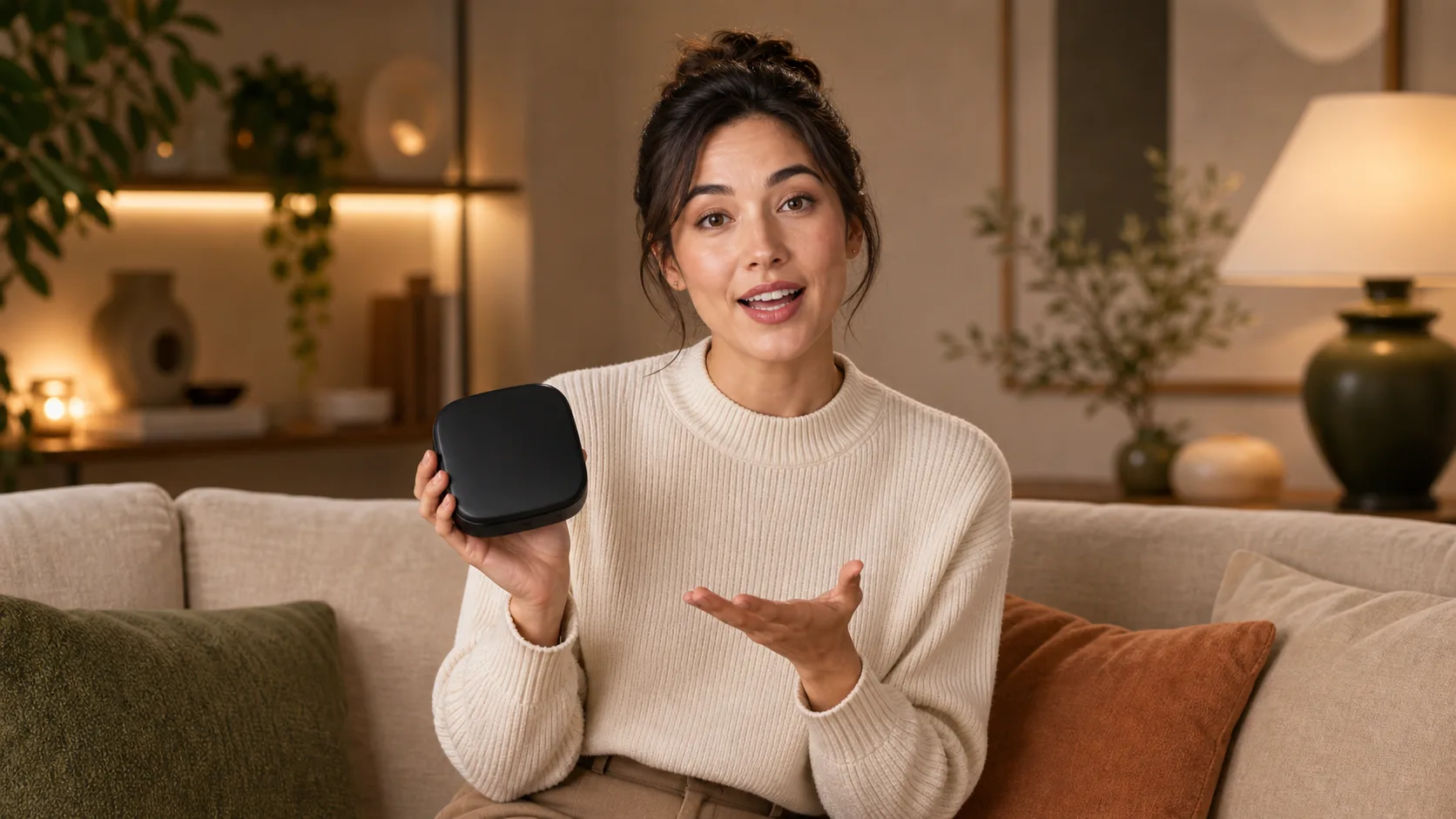
Founder demo

Founder demo

Character ad

Character ad

Training avatar

Training avatar

Music hook

Music hook

Match a video to speech audio

Both an existing video and an audio track are required; a text prompt or portrait alone is not enough.

01

Add the source video

Upload a video or paste an accessible video URL. Choose footage with a clear, visible speaking face.

02

Add the speech audio

Upload your narration or paste an accessible audio URL. Listen first and check that the intended words are clear.

03

Generate the lip-sync video

Submit both sources and wait for the processing result. Keep the inputs available while the task runs.

04

Inspect the result

Watch the mouth timing, face, pauses and ending. If the result looks wrong, shorten or improve the source material before trying again.

Inputs and result checks for lip sync

Speech audio source

Use a recorded or generated speech track; this page does not turn typed text directly into narration.

Existing speaker video

Start with footage rather than asking this page to create a person from an image or prompt.

Source upload or URL

Add each media source through its upload control or paste its accessible URL.

Video result playback

Play the returned video and inspect face consistency and mouth timing. Automatic subtitle creation is not offered here.

Related tools

Move from script and voice direction into talking-head video generation.

Choose Your Plan

Free images include a watermark. Upgrade for clean outputs, faster generation, and commercial use.

Starter Pack

$9

A one-time credit pack for trying image, music, and short video generation.

  • 600 credits
  • ≈ 100 GPT Image 2 images at 1K Low (6 credits each)
  • Up to 7 short videos
  • Credits valid for 30 days
  • No watermarks

Creator

$19/mo

Monthly plan · 1,500 credits renew each month

  • 1,500 credits per month
  • ≈ 250 GPT Image 2 images at 1K Low (6 credits each)
  • Up to 18 short videos/month
  • Works with ClipCanva Pro and other credit models
  • Priority queue
  • Community support
  • No ads
  • No watermarks
30 founding memberships

GPT Image 2 Unlimited

$29/mo

Use code FOUNDING6 at Stripe Checkout: $19/month for your first 6 months, then $29/month.

  • Unlimited GPT Image 2 generations
  • Text-to-image and image-to-image
  • No credits required for GPT Image 2
  • Other models use credits
  • No watermarks
Best value

Pro

$39/mo

Monthly plan · 4,000 credits renew each month

  • 4,000 credits per month
  • ≈ 666 GPT Image 2 images at 1K Low (6 credits each)
  • Up to 50 short videos/month
  • Works with ClipCanva Pro and other credit models
  • Highest priority queue
  • Unlock ClipCanva Pro
  • No ads
  • No watermarks
  • Advanced Refine

Studio

$109/mo

Monthly plan · 12,000 credits renew each month

  • 12,000 credits per month
  • ≈ 2000 GPT Image 2 images at 1K Low (6 credits each)
  • Up to 150 short videos/month
  • Works with ClipCanva Pro and other credit models
  • Highest priority queue
  • Early access to new features
  • Priority support

Secure checkout · Subscriptions renew automatically · See refund eligibility

Team

For agencies, production teams, and custom volume needs.

Contact us

AI Lip Sync Video questions

Prepare both sources and understand the limits before processing.

What do I need to start?
An existing video and a speech audio track are required. A portrait or text prompt alone cannot run this lip-sync workflow.
Does this page generate my voiceover?
No. Record your narration or prepare it with the voice generator, then add the audio here.
Does it add subtitles or create a music visualizer?
No subtitle or music-visualizer controls are provided on this page. It matches mouth movement in source footage to the supplied audio.
What should I check before sharing?
Inspect pronunciation timing, face consistency, pauses and the final frame. Results vary with the sources and the processing model.
Can I use someone else’s video or voice?
Use only sources you have permission to process and publish. Confirm the speaker’s permission where relevant.

Match your speaker video to speech

Add your video and audio, then inspect the generated mouth movement.