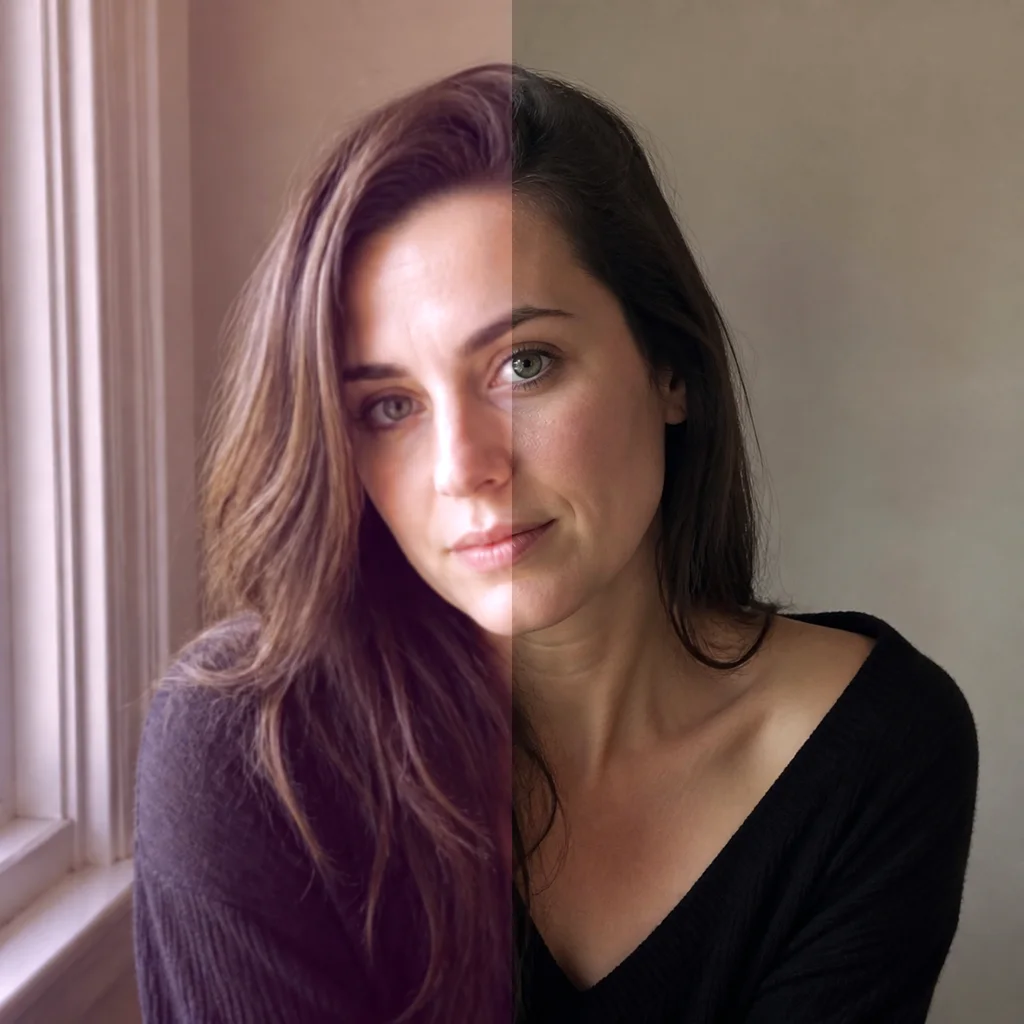
01
Upload the Source Portrait
Choose a photo you own or may edit, with a sharp face and enough visible detail around the glasses.
Create a glasses-free portrait while keeping the person, expression, pose, hairstyle, lighting, and background recognizable. Covered facial areas are plausibly reconstructed.
Choose a direction and tell the model which facial and photographic details must remain consistent.

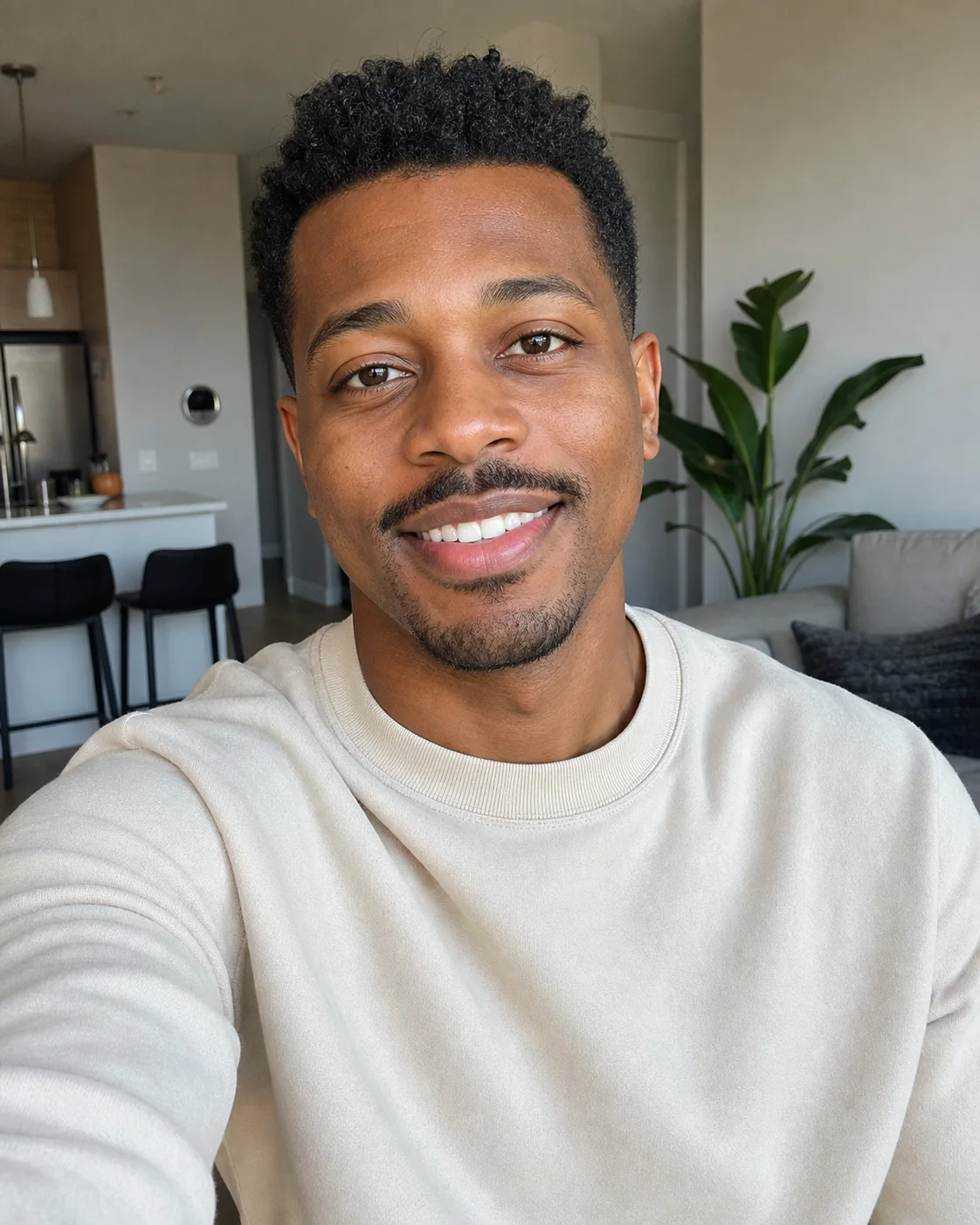
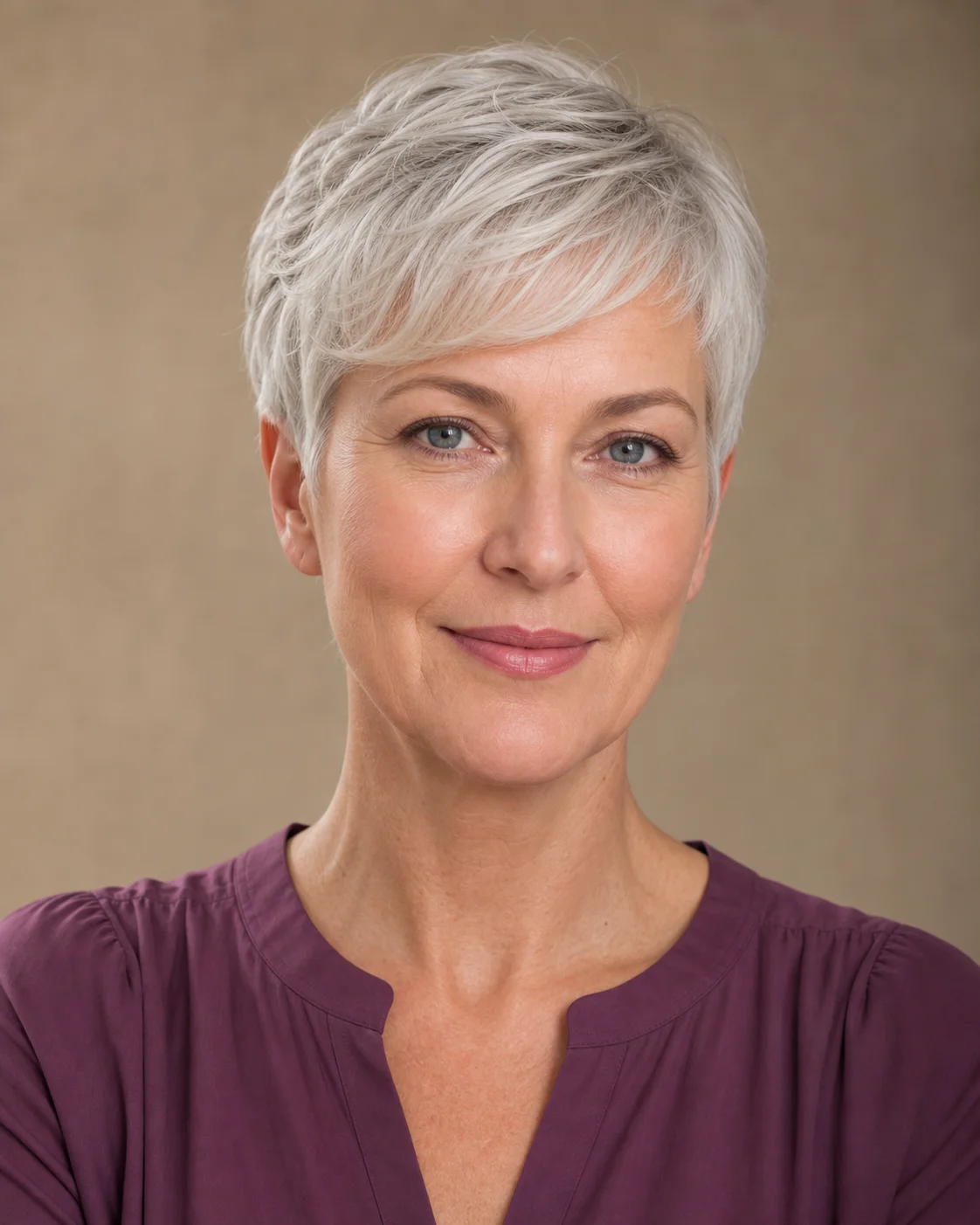
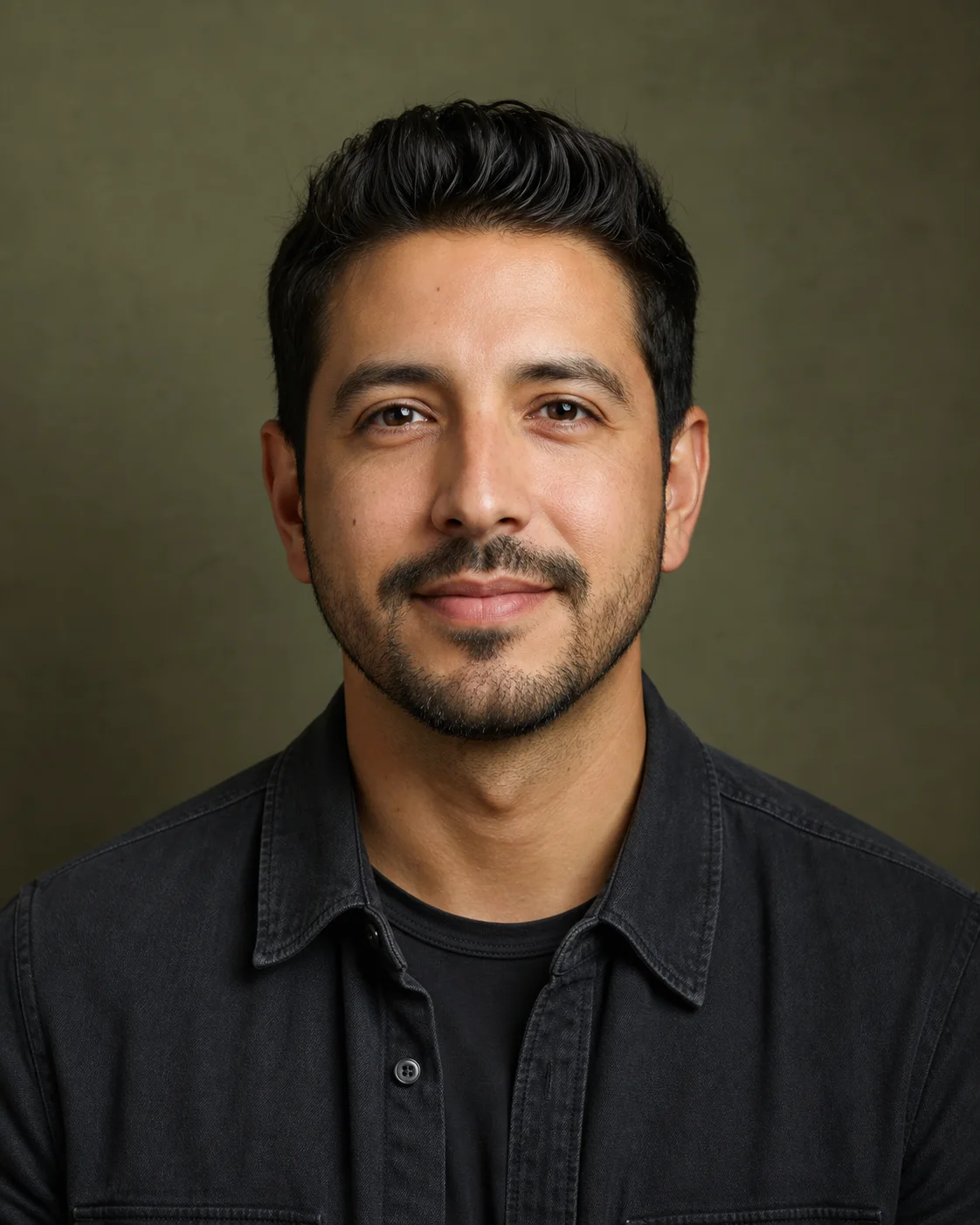
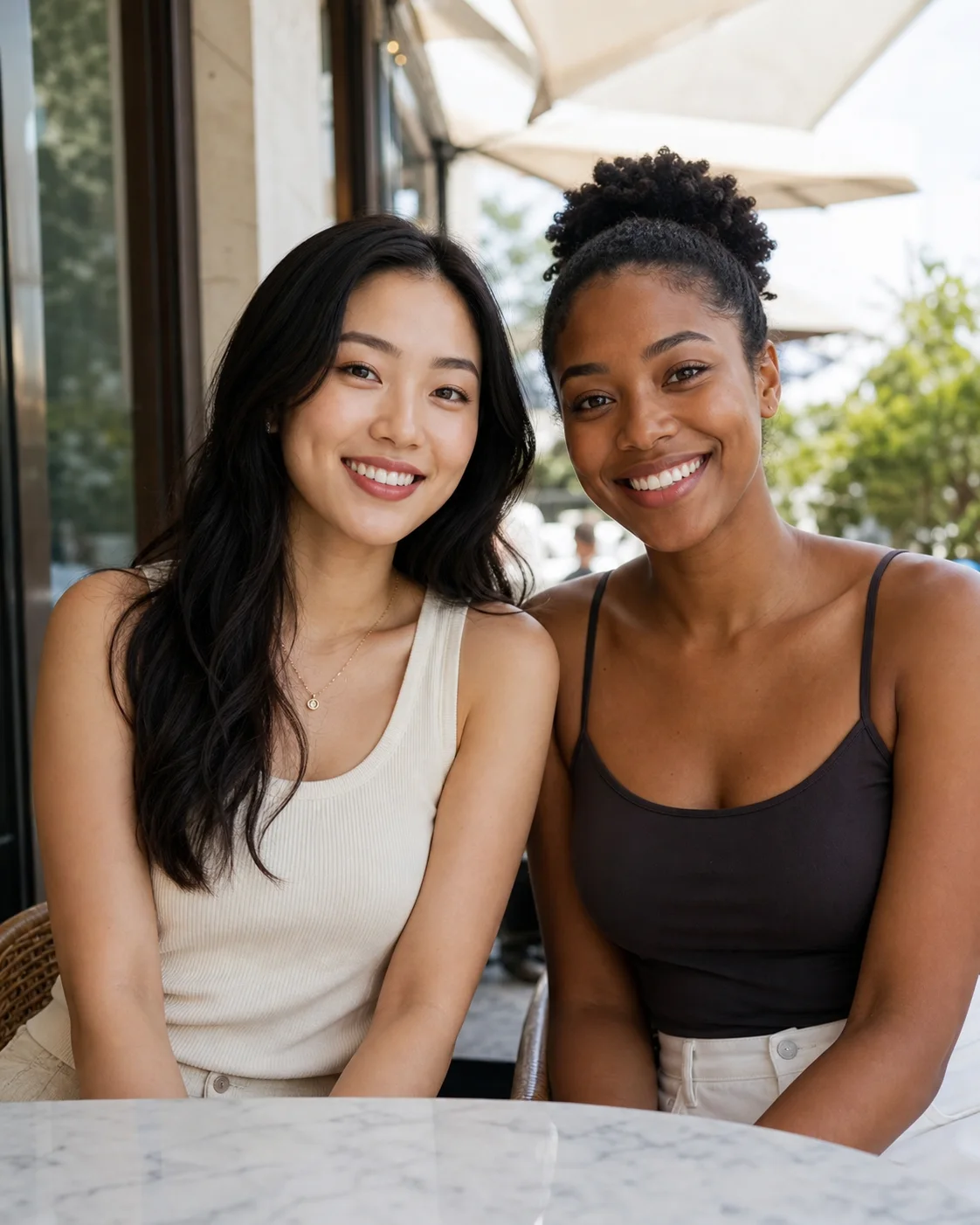
Upload a sharp portrait, define what must stay consistent, and inspect the reconstructed facial areas.
Choose a photo you own or may edit, with a sharp face and enough visible detail around the glasses.
Request full eyewear removal and list the identity, gaze, expression, hair, pose, lighting, and background details to preserve.
Check both eyes, eyebrows, temples, ears, nose bridge, facial symmetry, and any former frame shadows against the source.
Ask the model to remove lenses, frames, nose pads, hinges, arms, and any frame shadows visible on the face.
Keep face shape, expression, eye direction, hairstyle, pose, clothing, background, and lighting aligned with the source.
Eyes, eyebrows, temples, ears, and skin hidden by eyewear are generated as plausible details using surrounding context.
AI cannot reveal exact hidden details or original pixels, so compare facial identity and geometry before using the result.
Upload a photo and guide a focused eyewear removal with clear identity-preservation instructions.