ClipCanva
Packaging concept creation

Food Packaging Design Generator

Create packaging concept images from a product brief or optional reference image with the Food Packaging Design Generator. Set prompt detail, visual direction, subject and setting, and destination format before reviewing the visual result.

0 / 2000
  • Use a product brief or reference image to guide the concept
  • Shape the look with visual direction, subject, setting, and format controls
  • Produce focused packaging concept images for review and iteration
Definition

What Is a Food Packaging Design Generator?

The Food Packaging Design Generator helps turn a food product brief or optional reference into packaging concept images for early creative exploration.

Input
Brief or reference image
Output
Packaging concept images
Best for
Food brand concept visuals
Planned food packaging design generator definition example
Example output

How to Use Food Packaging Design Generator

Start with a clear product brief or optional reference image, then tune the controls before creating the concept.

1

Write the product brief

Describe the food product, audience, packaging type, flavor or variant, brand cues, and any must-show elements.

2

Add reference guidance

Add an optional reference image when you want to guide structure, style, colors, or layout direction.

3

Choose visual controls

Set prompt detail, visual direction, subject and setting, and destination format to shape the packaging concept.

Food Packaging Design Generator Controls

Use focused controls to turn a packaging idea into a clearer visual direction before sharing or refining it.

Planned food packaging design generator capability input example

Packaging format direction

Guide the image toward carton, pouch, jar, bottle, wrapper, label, or box-style ideas based on the product context you provide.

Planned food packaging design generator capability direction example

Reference-led mockup planning

Use a reference-guided food packaging mockup to explore how brand cues, materials, colors, and layout might translate into a concept.

Planned food packaging design generator capability result example

Shelf-aware concept visuals

Create package concept visualization outputs for shelf presence, campaign exploration, or early stakeholder discussion.

What You Can Create with Food Packaging Design Generator

Create packaging visuals for different food products, references, and shelf-focused creative directions.

Planned food packaging design generator use case one example

Multiple food packaging formats

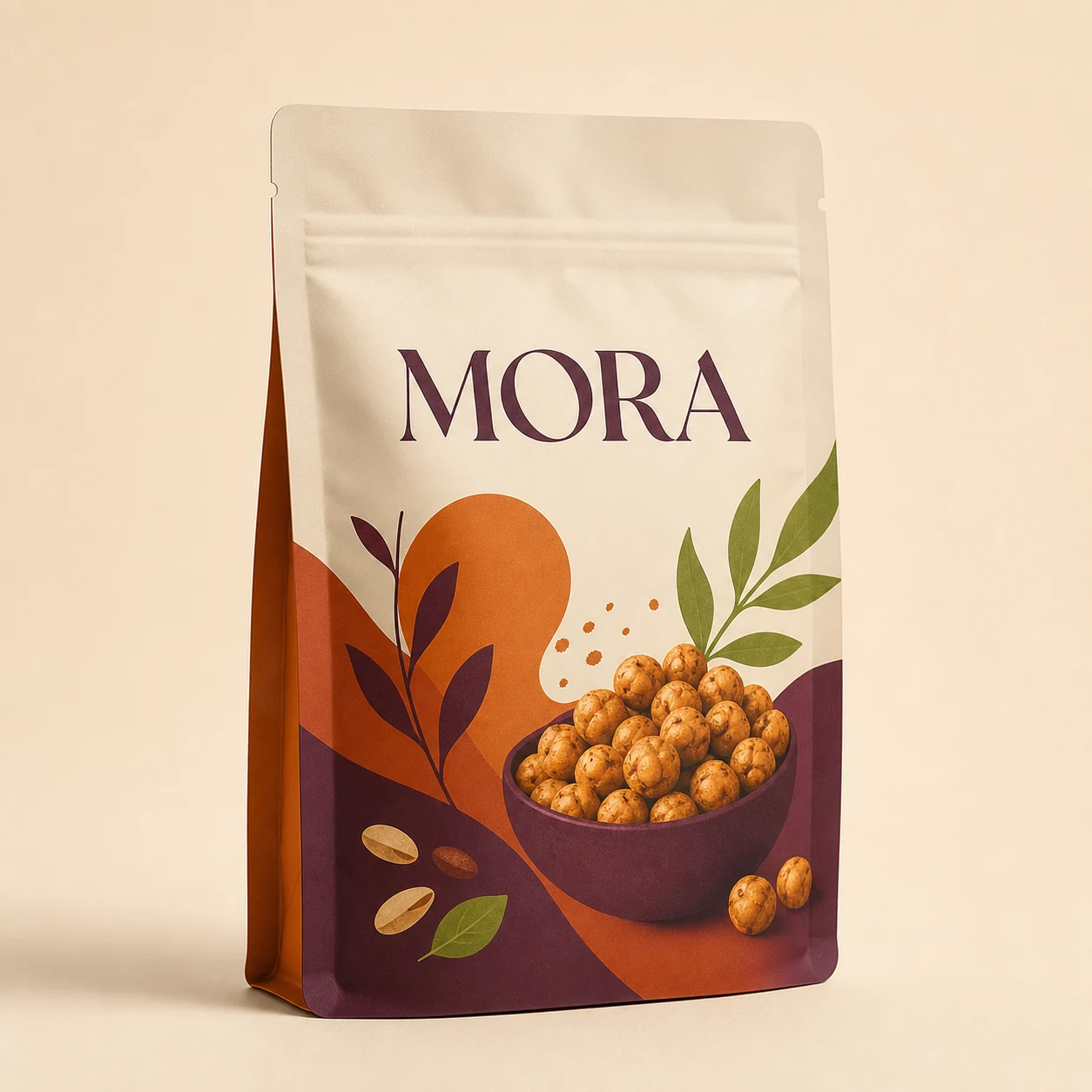
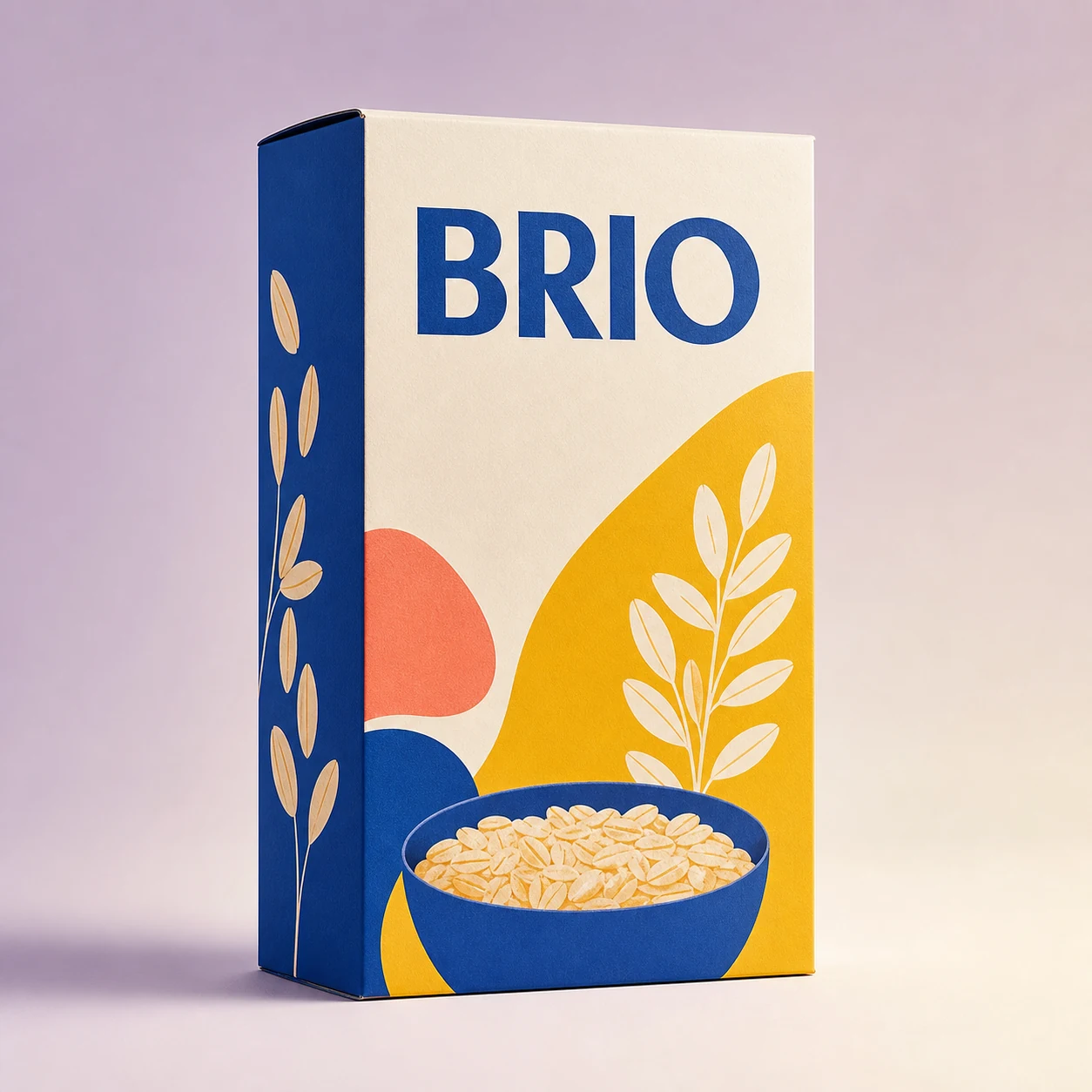
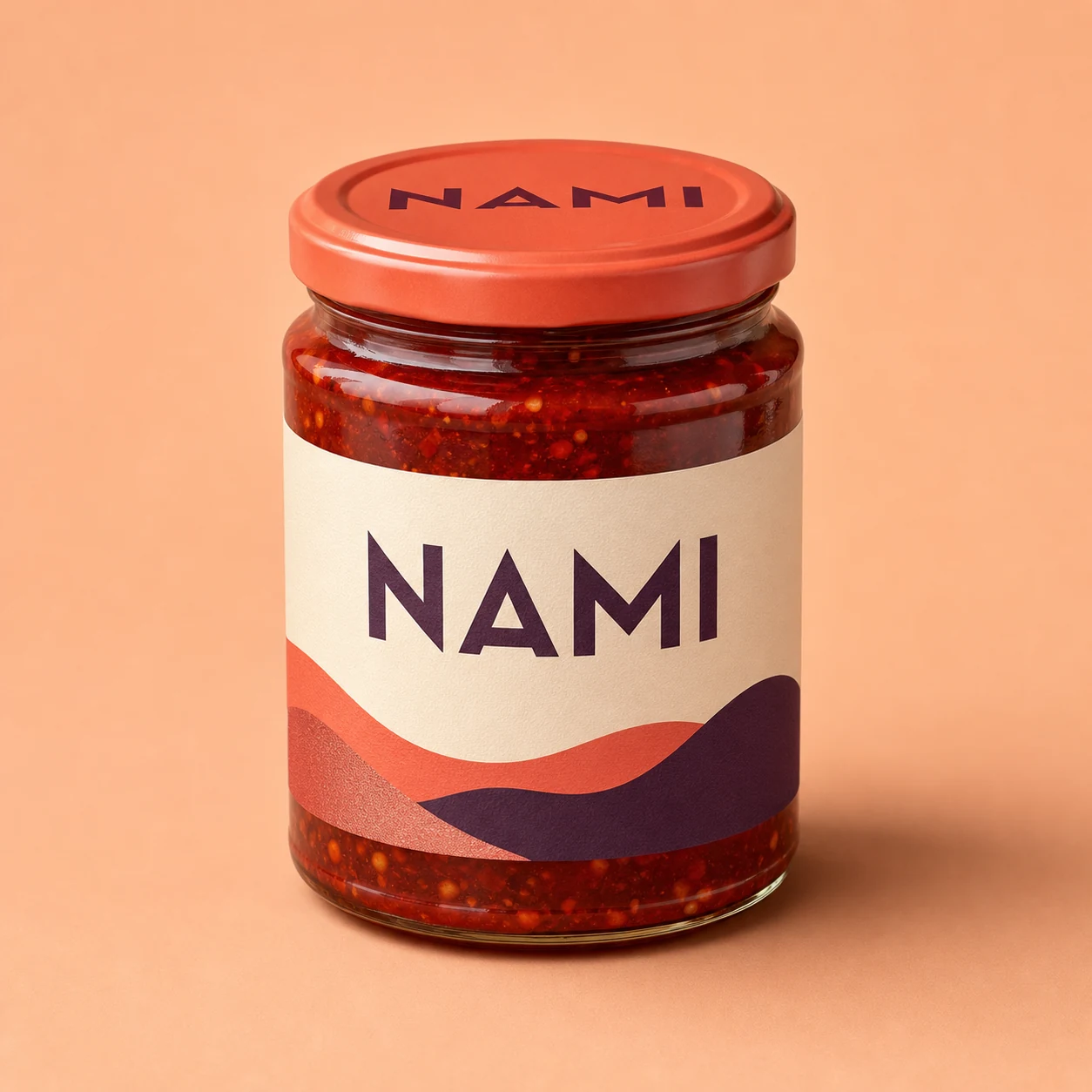
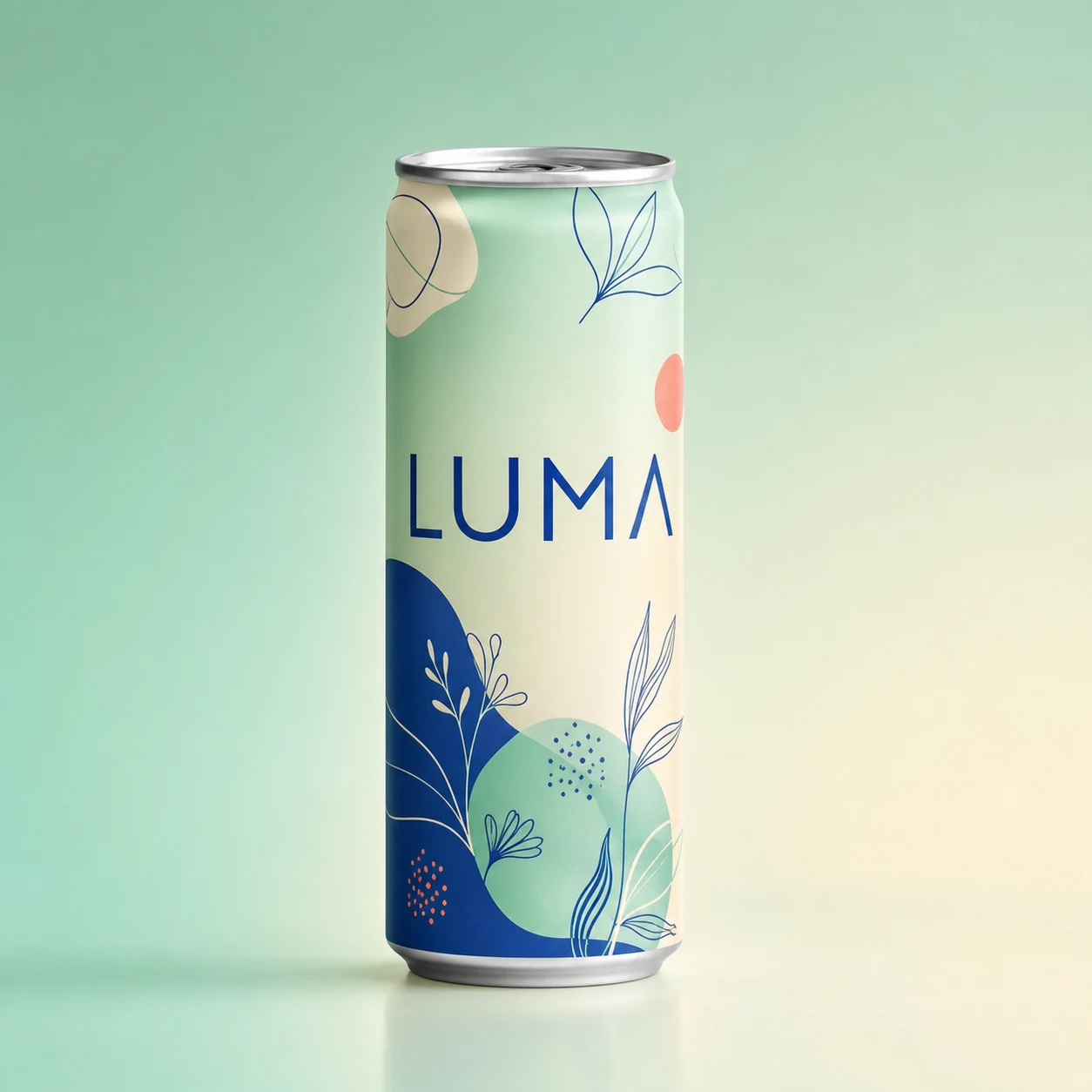
Build a result for snack bags, drink labels, bakery boxes, sauce jars, frozen food packs, and other food packaging formats.

Planned food packaging design generator use case two example

Reference-guided concepts

Use a reference image to steer color, structure, mood, or brand direction while still exploring new package ideas.

Planned food packaging design generator use case three example

Shelf-focused art direction

Explore package concept visualization for shelf impact, campaign alignment, and early retail-facing art direction.

Review Food Packaging Design Generator Results Before Use

Review each concept before moving it into feedback, presentation, or another creative pass.

Planned food packaging design generator review example

Brief fit

Compare the concept against the product brief, audience, flavor or variant, and intended packaging format.

Important details

Inspect details such as labels, food cues, brand elements, and visual hierarchy so issues are caught early.

Format readiness

Check whether the crop, orientation, and destination format match where the concept will be evaluated or presented.

Food Packaging Design Generator Limitations

Generated results can vary, so use them as concept images to inspect and refine rather than as finished print-ready artwork.

Result variation boundaries

Different runs may produce different results even when the brief is similar, especially when style, layout, or product context is open-ended.

Detail review limits

Small text, ingredient cues, brand marks, and packaging details need a close look before the concept is used for decisions.

Food Packaging Design Generator FAQ

Common questions about using the Food Packaging Design Generator for packaging concept work.

What does the Food Packaging Design Generator create?
Use the Food Packaging Design Generator when you need a visual starting point for a food product package. Provide a clear brief, add a reference image if helpful, and choose the visual direction and destination format.
Can I use a reference image?
Yes. A reference can help guide a food packaging mockup by suggesting shape, style, color mood, or layout cues, but the final concept may still vary from the reference.
What is the difference between a mockup and concept visualization?
A food packaging mockup is useful for seeing a concept in a more tangible package context, while package concept visualization is broader and can explore art direction, shelf presence, and early design ideas.
Is it free to use?
Current access and pricing are shown in the creation flow. The page does not promise free use for every situation.

Create with Food Packaging Design Generator

Create with Food Packaging Design Generator using your product brief, optional reference image, and the format direction needed for the next review.