01
Uw afbeelding uploaden
Upload elke foto of afbeelding die u wilt transformeren. Hogere resolutie inputs produceren betere transformatie resultaten.
Upload elke afbeelding en transformeer deze met AI. Wijzig stijlen, voeg elementen toe, wijzig achtergronden, of verbeeld uw visuals met eenvoudige tekstprompts.
Bestaande beelden omzetten in iets geheel nieuw. Van stijloverdracht tot objectmodificaties, ontgrendel onbeperkte creatieve mogelijkheden.


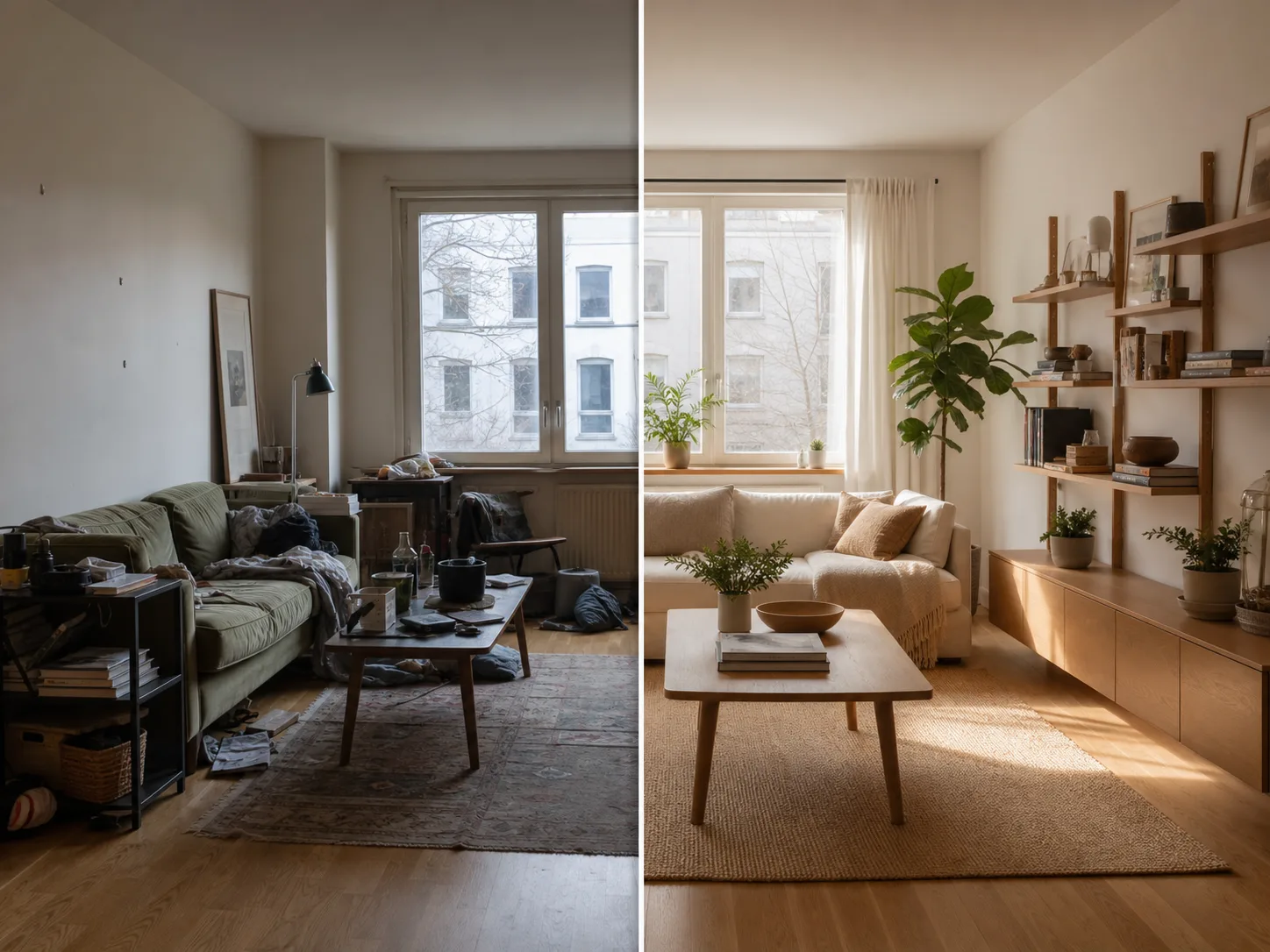
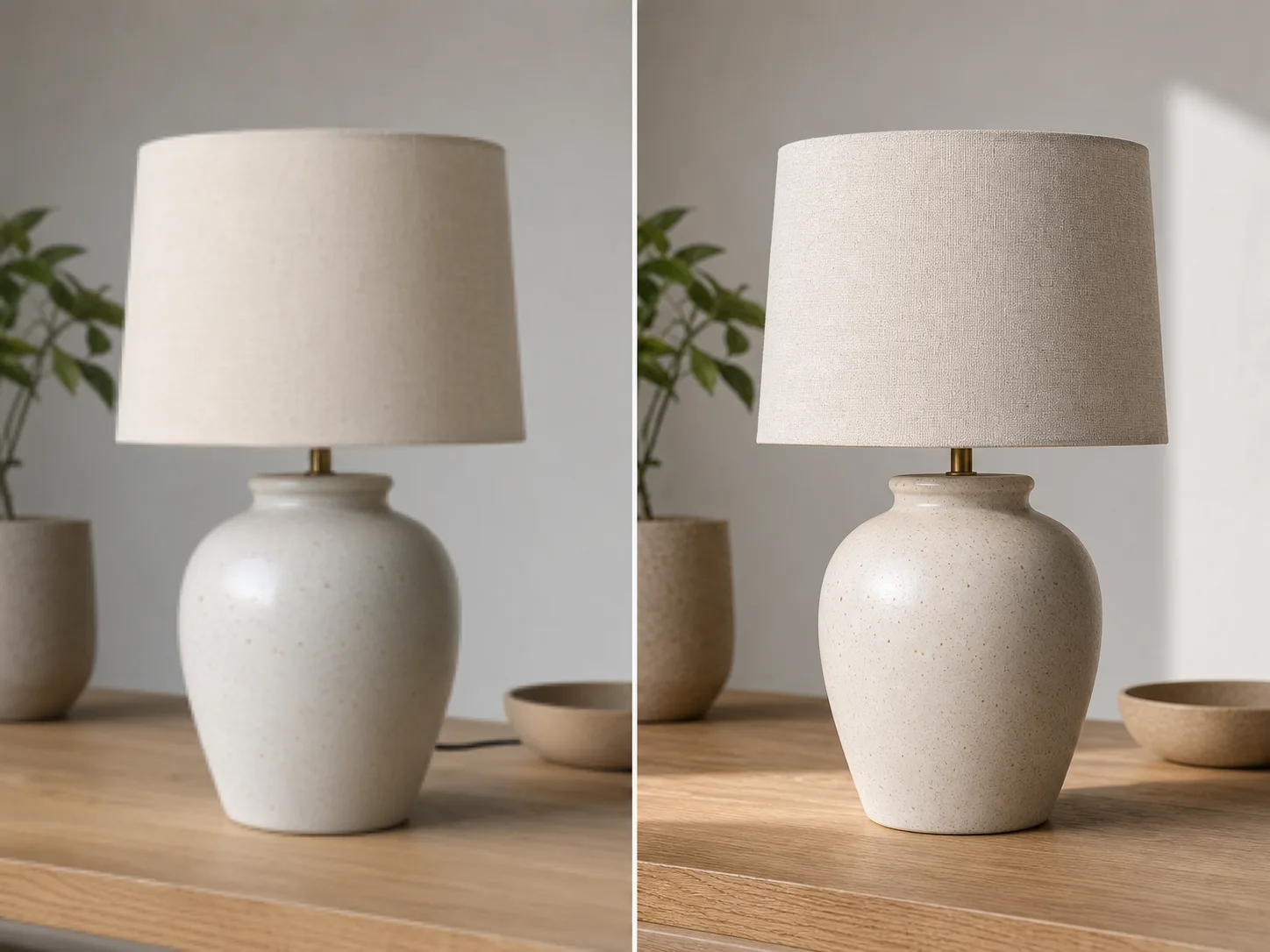
Van upload naar getransformeerd beeld in minuten:
Upload elke foto of afbeelding die u wilt transformeren. Hogere resolutie inputs produceren betere transformatie resultaten.
Schrijf een tekstprompt die de transformatie beschrijft die u wilt. Wijzig stijl, voeg elementen toe, vervang achtergronden of verbeeld de afbeelding.
Klik op genereren en ontvangen van uw getransformeerde afbeelding in seconden. Downloaden in hoge resolutie, klaar voor gebruik.
Transformeer je afbeelding in elke artistieke stijl. Breng de look van beroemde schilderijen, specifieke kunstenaars, of een visuele esthetiek.
Selecteer elk gebied van uw afbeelding te wijzigen. Verwijder ongewenste objecten, voeg nieuwe elementen toe, of wijzig specifieke details.
Achtergronden naadloos vervangen. Plaats onderwerpen in nieuwe omgevingen met behoud van de juiste verlichting.
Behoud de lay - out, onderwerpen en perspectief van uw originele afbeelding terwijl u stijlen en elementen verandert.
Verken meer AI-aangedreven toolpen
Gratis afbeeldingen bevatten een watermerk. Upgrade voor schone outputs, snellere generatie en commercieel gebruik.
Startpakket
Een eenmalige credit pack voor het proberen van beeld, muziek en korte video generatie.
Maker
Maandelijks plan · 1500 kredieten worden elke maand verlengd
GPT Image 2 Unlimited
Voer code FOUNDING6 in bij Stripe Checkout: $19/maand gedurende de eerste 6 maanden, daarna $29/maand.
Pro
Maandelijks plan · 4.000 kredieten te verlengen per maand
Studio
Maandelijks plan · 12.000 kredieten per maand te verlengen
Veilig afrekenen · Abonnementen worden automatisch verlengd · Bekijk de terugbetalingsvoorwaarden
Team
Voor agentschappen, productieteams, en aangepaste volume behoeften.
Alles wat u moet weten over Afbeelding naar Afbeelding AI
Upload elke afbeelding en zie de magie van AI-aangedreven transformatie.