
01
Begin met de bron
Upload indien mogelijk het beste bronbestand in plaats van een screenshot of herhaaldelijk gecomprimeerde kopie.
Upload één beeld om productfoto’s, portretten, scans, thumbnails en sociale assets te vergroten en zichtbare helderheid te verbeteren. Vergelijk het resultaat voor downloaden met de bron.
Standaardmodus
Klaar om te uploaden
Voorbeeld bekijken, vergelijken en downloaden
Upload één beeld om productfoto’s, portretten, scans, thumbnails en sociale assets te vergroten en zichtbare helderheid te verbeteren. Vergelijk het resultaat voor downloaden met de bron.
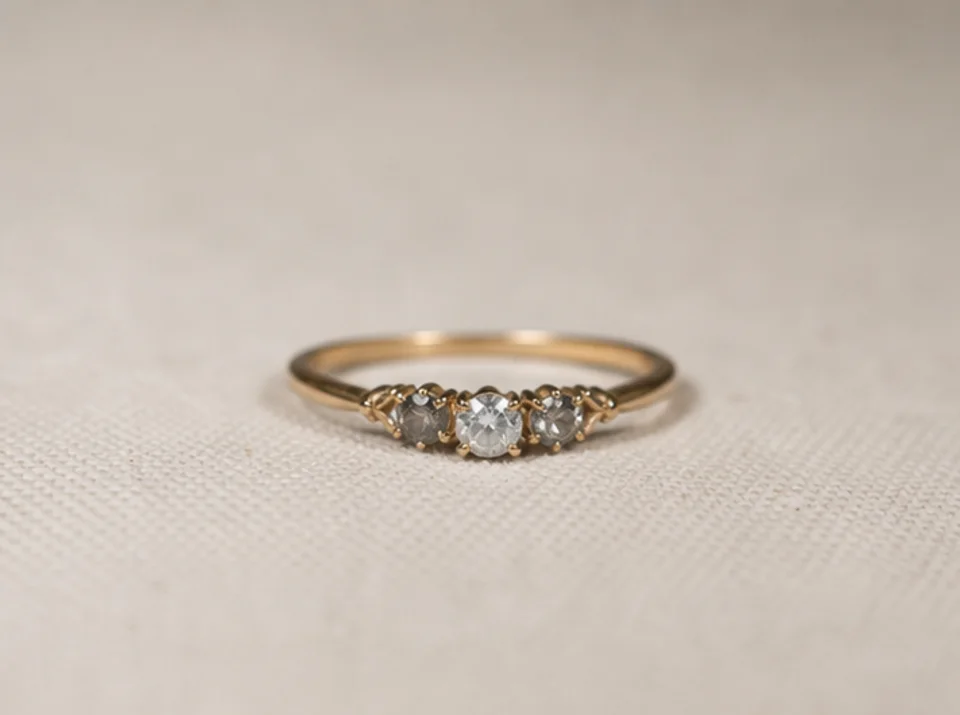

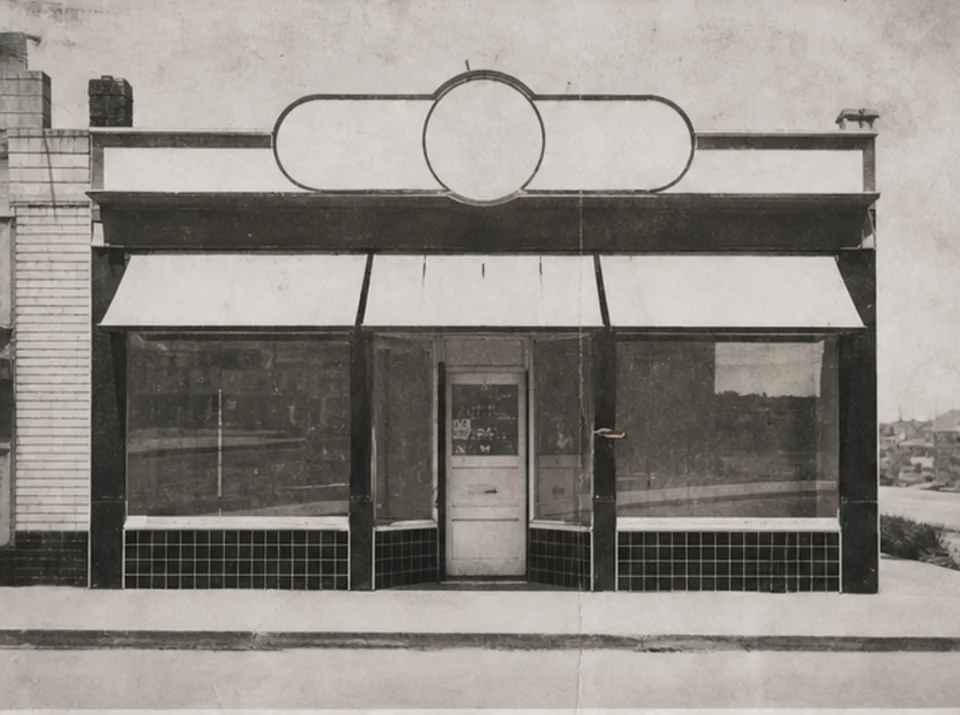

Upload één beeld om productfoto’s, portretten, scans, thumbnails en sociale assets te vergroten en zichtbare helderheid te verbeteren. Vergelijk het resultaat voor downloaden met de bron.
Upload indien mogelijk het beste bronbestand in plaats van een screenshot of herhaaldelijk gecomprimeerde kopie.
Kies een praktisch doel van 2× of 4× op basis van de eindgrootte en details die in de bron zichtbaar zijn.
Voer de verbetering één keer uit en bewaar het origineel voor een directe visuele vergelijking.
Vergelijk beide beelden op volledige grootte en controleer tekst, gezichten, productgeometrie, herhaalde texturen, halo’s en archiefdetails.
Opschalen kan randen en texturen helderder laten lijken, maar kan geen informatie terughalen die niet in het bronbeeld aanwezig is.
Tekst die al leesbaar is kan duidelijker worden. Ontbrekende of onleesbare tekens kunnen niet betrouwbaar worden gereconstrueerd en moeten met een gezaghebbende bron worden gecontroleerd.
Fijne texturen en kleine vormen kunnen tijdens verbetering worden geschat. Vergelijk producten, gezichten, documenten en archiefdetails met het origineel.
Gratis afbeeldingen bevatten een watermerk. Upgrade voor schone outputs, snellere generatie en commercieel gebruik.
Startpakket
Een eenmalige credit pack voor het proberen van beeld, muziek en korte video generatie.
Maker
Maandelijks plan · 1500 kredieten worden elke maand verlengd
GPT Image 2 Unlimited
Voer code FOUNDING6 in bij Stripe Checkout: $19/maand gedurende de eerste 6 maanden, daarna $29/maand.
Pro
Maandelijks plan · 4.000 kredieten te verlengen per maand
Studio
Maandelijks plan · 12.000 kredieten per maand te verlengen
Veilig afrekenen · Abonnementen worden automatisch verlengd · Bekijk de terugbetalingsvoorwaarden
Team
Voor agentschappen, productieteams, en aangepaste volume behoeften.
Upload één beeld om productfoto’s, portretten, scans, thumbnails en sociale assets te vergroten en zichtbare helderheid te verbeteren. Vergelijk het resultaat voor downloaden met de bron.
Upload één beeld om productfoto’s, portretten, scans, thumbnails en sociale assets te vergroten en zichtbare helderheid te verbeteren. Vergelijk het resultaat voor downloaden met de bron.