
Beschrijf de video
Schrijf in één of twee zinnen waar de video over gaat en voor wie die bedoeld is. Specifieke briefings leveren specifieke openingen op.
Scriptplanning
Schrijf één briefing, kies de indeling en lengte, en de AI-scriptgenerator levert een pakkende opening, een scèneplan, tekst in beeld, voice-over, visuele aanwijzingen en een afsluitende actie waarmee je kunt opnemen.
Dit is een planningsstap, geen videogenerator. Je beschrijft in gewone taal de video die je wilt, kiest de indeling voor het platform en de speelduur, en ontvangt een gestructureerd scriptconcept. Het concept is tekst die je kunt bewerken, aan een presentator kunt geven of later kunt omzetten in prompts voor beeld- en videogeneratie.
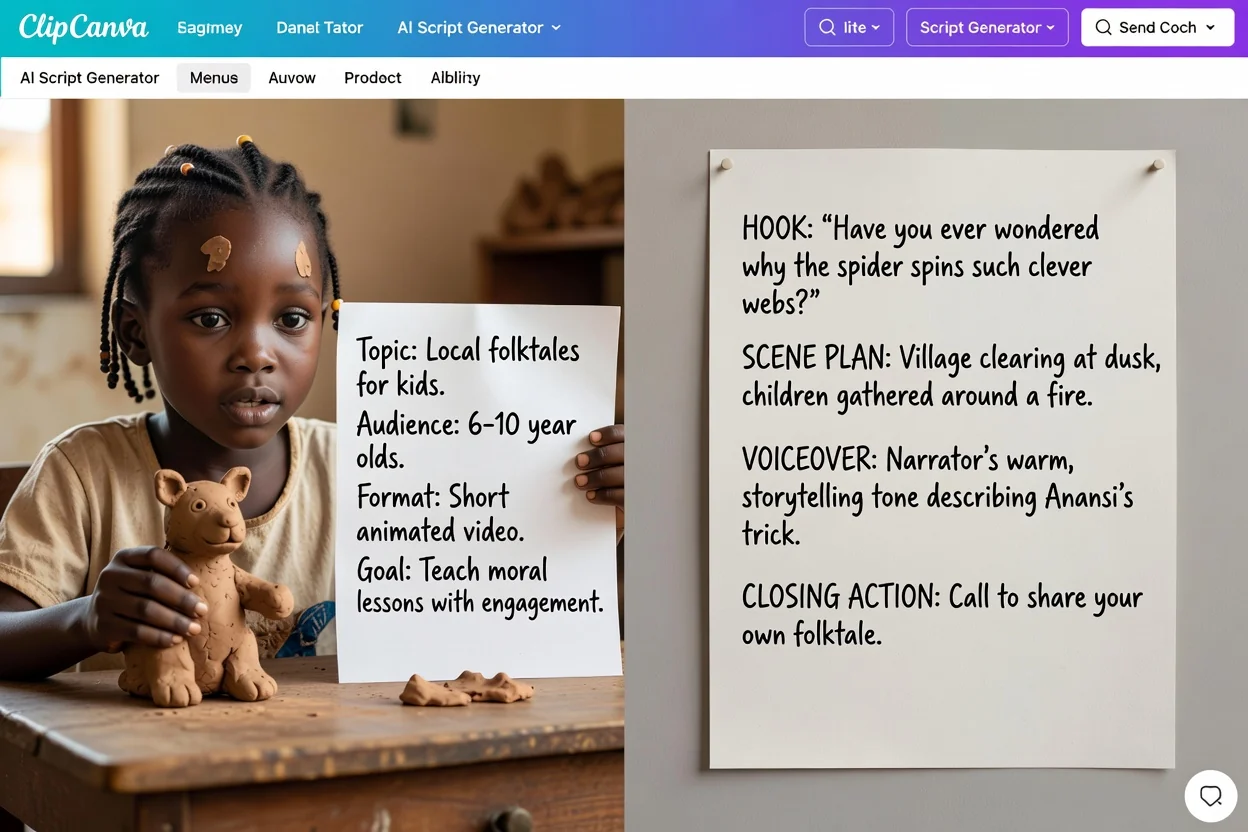
Vier stappen van een ruw idee naar een concept dat je kunt opnemen.
Schrijf in één of twee zinnen waar de video over gaat en voor wie die bedoeld is. Specifieke briefings leveren specifieke openingen op.
Kies de indeling voor het platform en de gewenste speelduur, zodat het scèneplan daarop is afgestemd in plaats van op een algemene lengte.
Kies de toon, geef de doelgroep aan, selecteer de uitvoertaal en bepaal welke afsluitende actie kijkers moeten uitvoeren.
Controleer het concept onderdeel voor onderdeel, herschrijf openingen of scènes die niet passen en genereer opnieuw met een scherpere briefing als dat nodig is.
Het concept houdt gesproken tekst, visuele aanwijzingen en de afsluitende actie apart. Controleer alle delen voordat je het gebruikt.
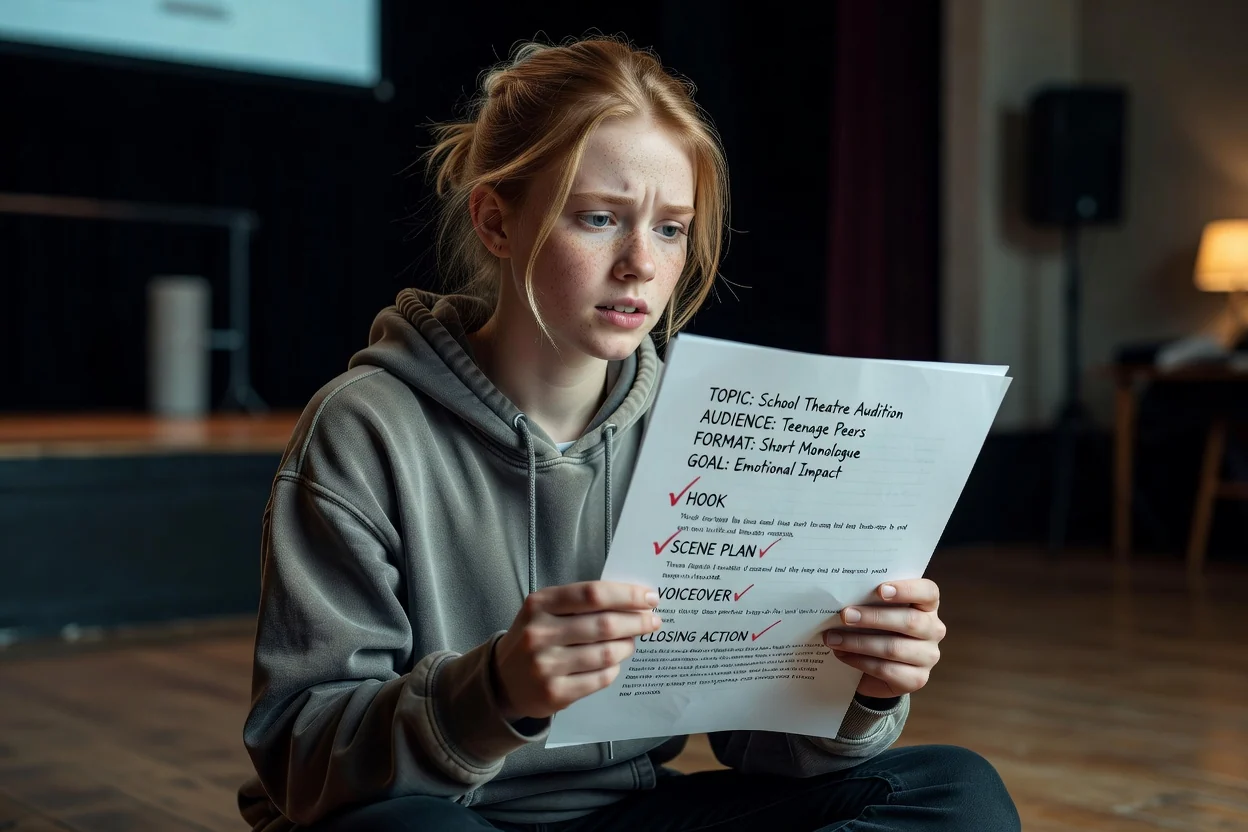
De openingszin of het openingsmoment, geschreven om in de eerste seconden aandacht te trekken.
Een geordende lijst met scènes en wat er in elke scène gebeurt, afgestemd op de speelduur die je koos.
Korte bijschriften en labels voor in beeld, los gehouden van de gesproken tekst.
De gesproken tekst die is geschreven om hardop voor te lezen, in de uitvoertaal die je hebt gekozen.
Aanwijzingen voor wat je moet tonen of genereren, plus de afsluitende zin die is gekoppeld aan de actie die je koos.
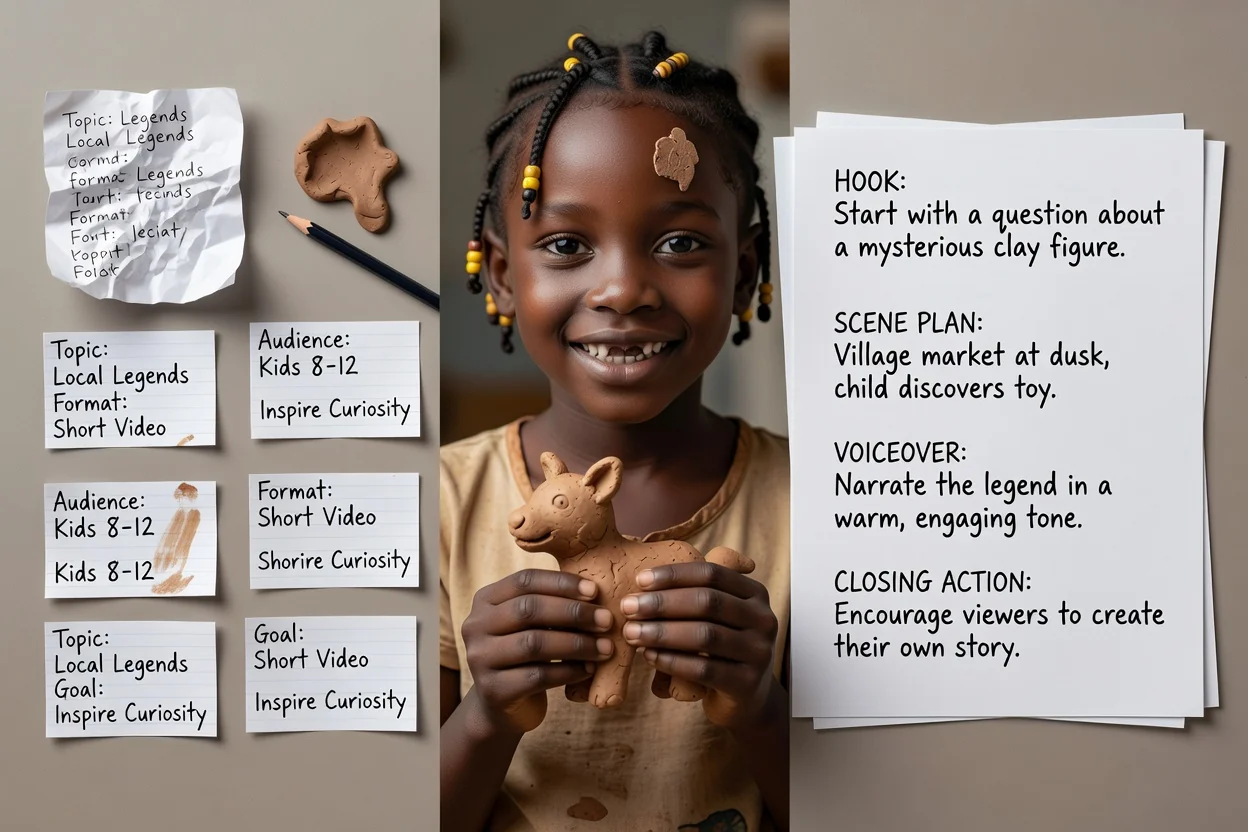
Gebruik deze opties om het concept te sturen en controleer daarna of het resultaat bij je briefing past.
YouTube-video, YouTube Shorts, TikTok, Instagram Reel, podcastaflevering, videoadvertentie, trainingsvideo of productdemo.
15 seconden, 30 seconden, 60 seconden, 3 minuten of 5 minuten. Dit bepaalt hoeveel scènes het plan bevat.
Professioneel, informeel, gedurfd of vriendelijk, geschreven in het Engels, Spaans, Frans, Duits of Portugees.
Geef aan wie kijkt en kies vervolgens abonneren, nu kopen, een demo boeken, meer informatie of een offerte aanvragen als afsluiting.
Voeg maximaal vijf afbeeldingen toe als basis voor de visuele aanwijzingen. Bijlagen vereisen een ingelogd account.
Veelvoorkomende briefings die goed bij deze planner passen.
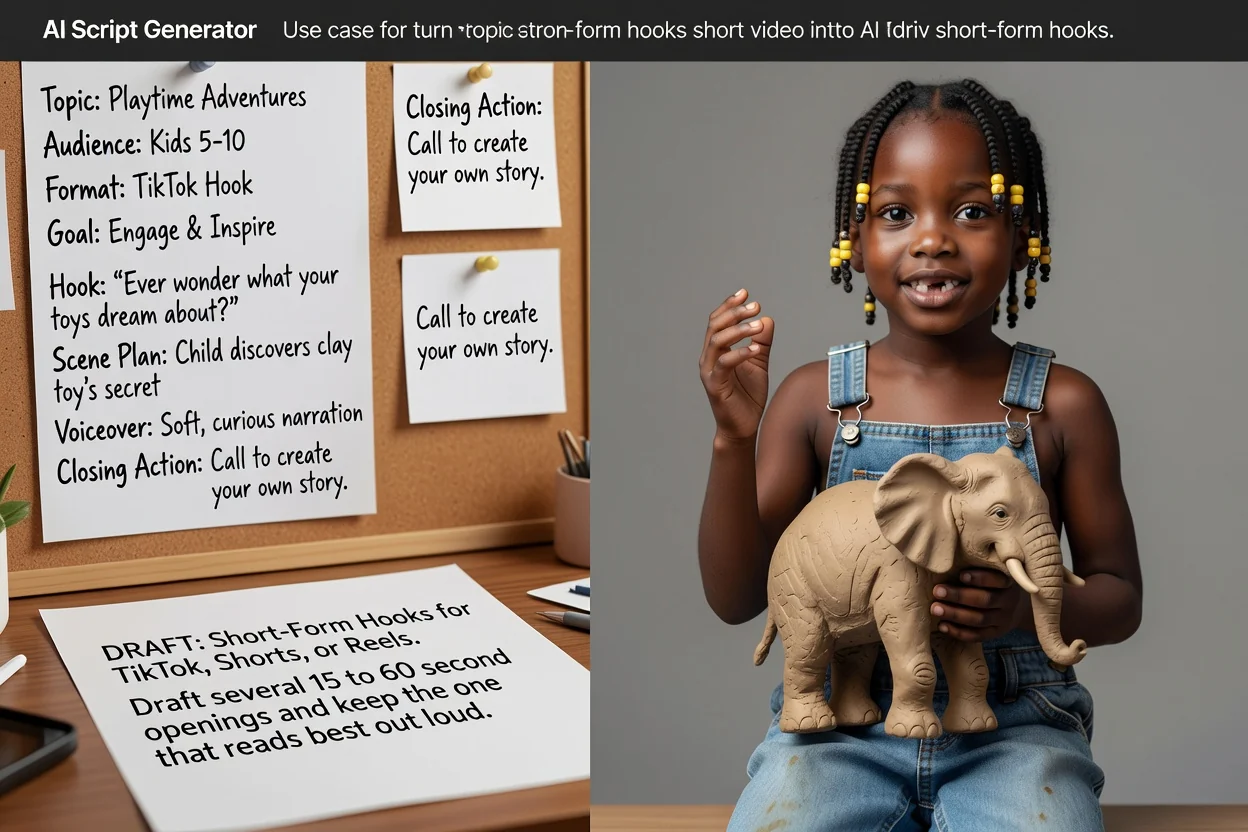
Maak meerdere openingen van 15 tot 60 seconden voor TikTok, Shorts of Reels en behoud de versie die hardop het beste klinkt.
Maak een script voor korte video's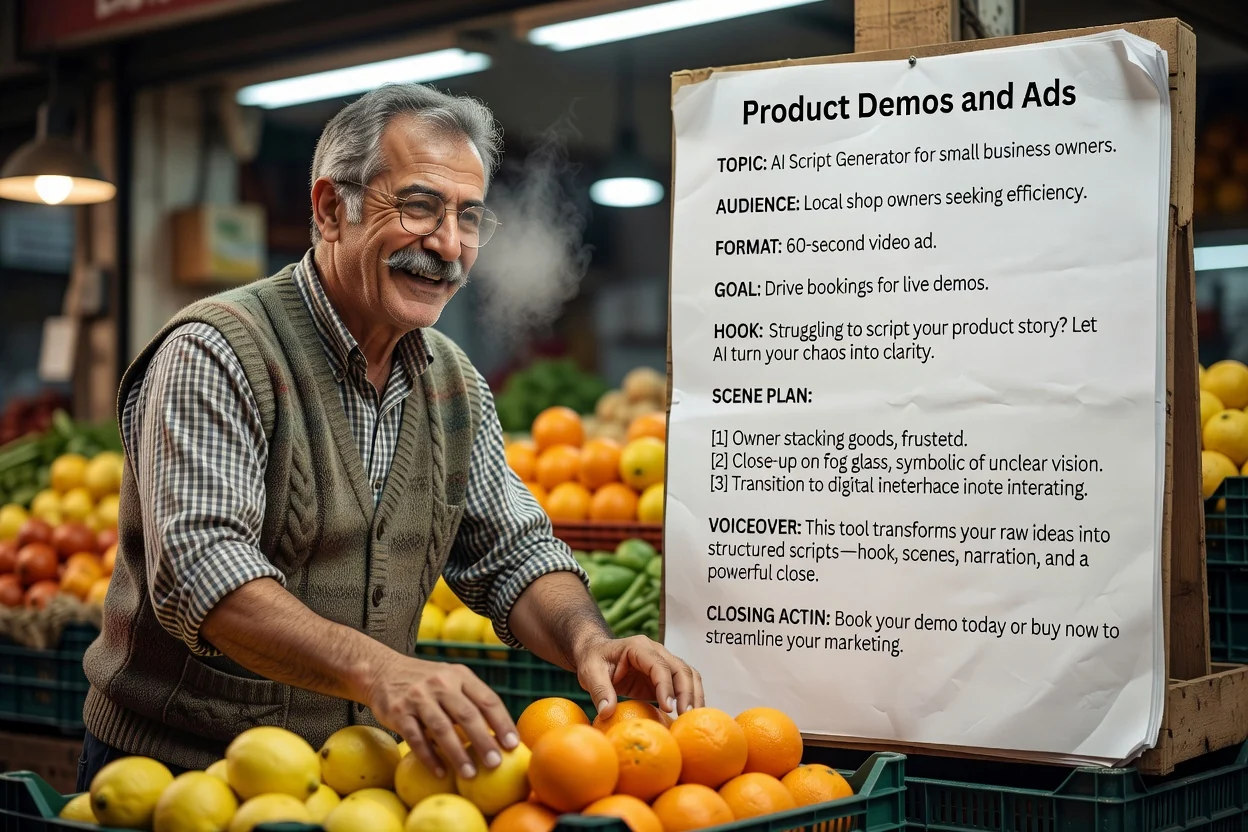
Voorbeeldbriefing: een demo van 30 seconden van een reisbeker voor forenzen. Laat het deksel en de grip zien, gebruik alleen gecontroleerde productfeiten en sluit af met een bezoek aan de productpagina.
Maak een demoscript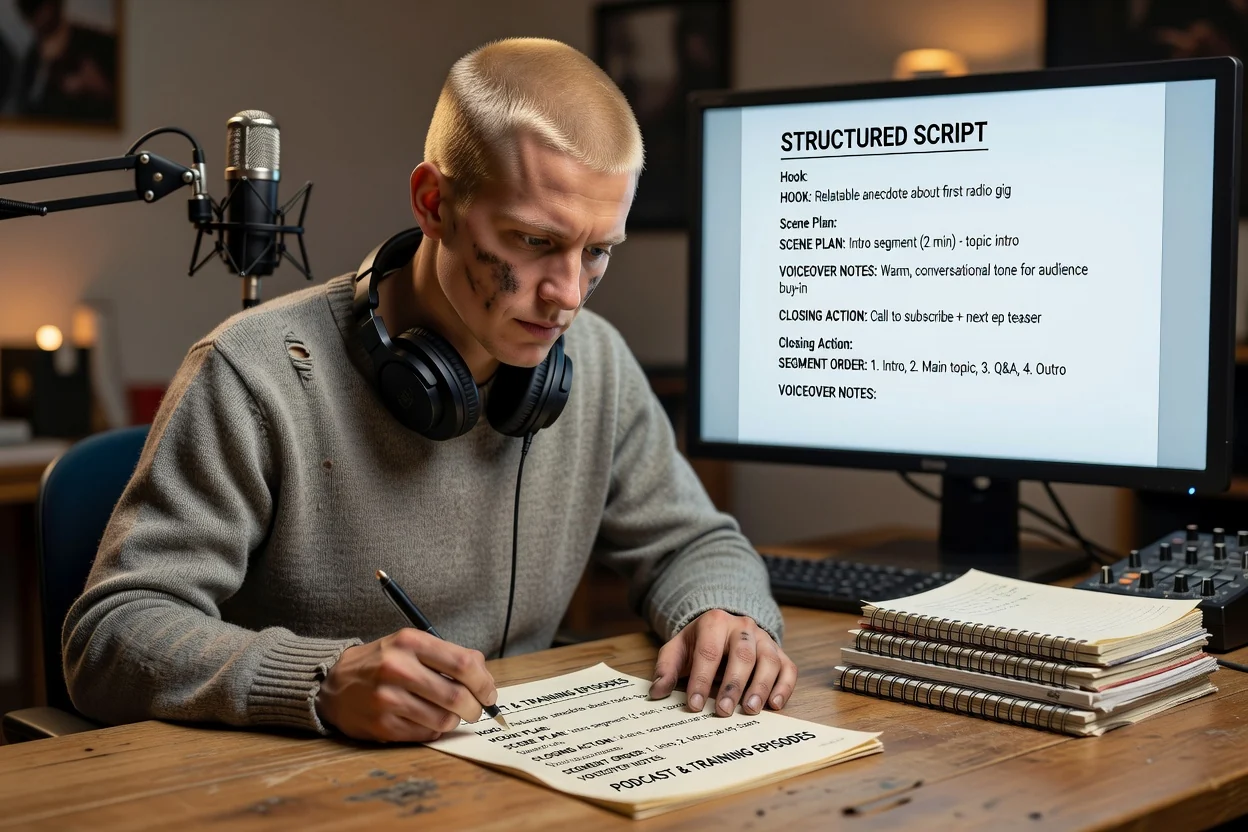
Bouw een opzet voor een langere aflevering met de volgorde van segmenten en voice-overnotities voordat je gaat opnemen.
Maak een afleveringsopzet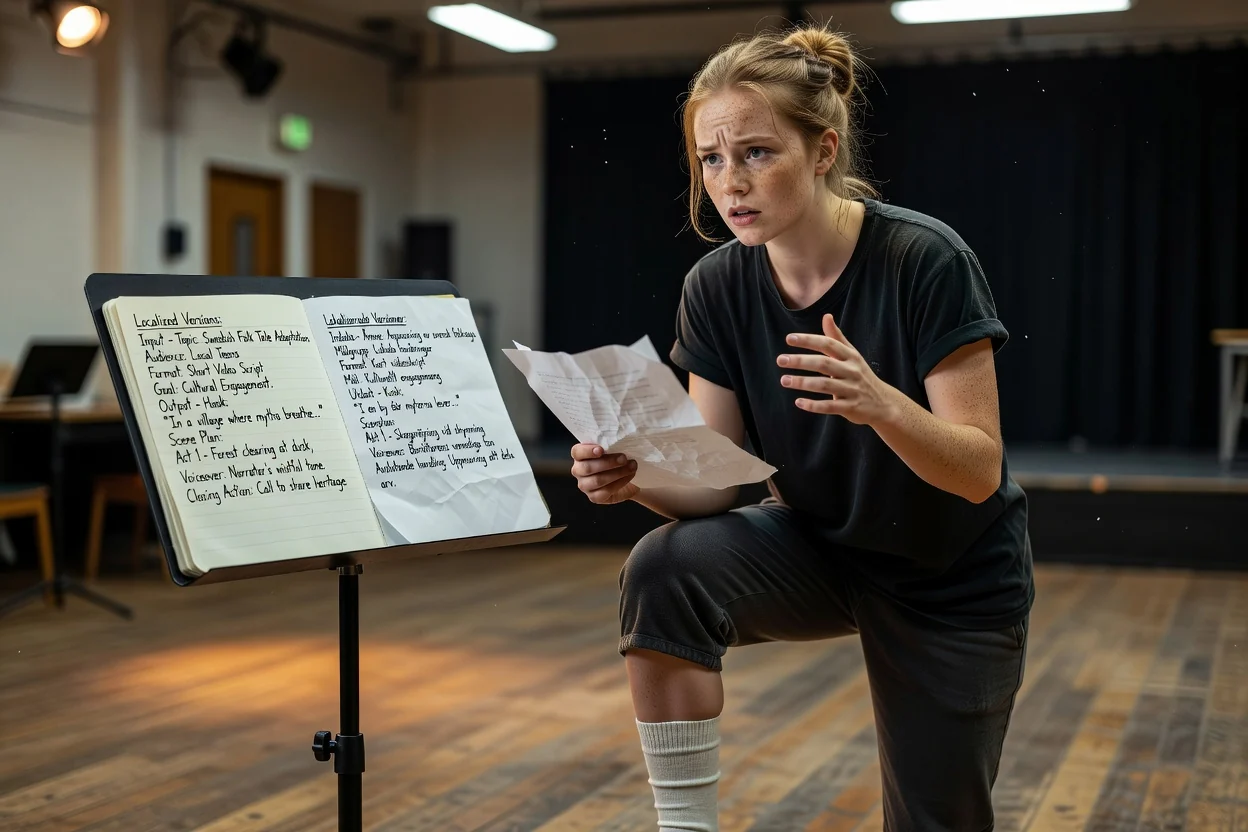
Genereer dezelfde briefing opnieuw in een andere uitvoertaal om een tweede versie voor een andere markt te schrijven.
Maak een gelokaliseerd scriptVier controles waarmee je de meeste problemen in één keer opspoort.
Als de openingszin moeilijk in één adem uit te spreken is, maak je die vóór alles anders korter.
Lees de voice-over met een timer. Duurt een concept voor 30 seconden te lang, schrap dan een scène of een herhaalde zin in plaats van sneller te spreken.
Zorg dat bijschriften informatie toevoegen in plaats van de voice-over woord voor woord te herhalen.
Controleer productclaims aan de hand van je bron en kijk of de afsluitende actie naar een beschikbare bestemming verwijst. Herschrijf onbewezen claims voordat je opneemt.
Duidelijke grenzen, zodat je er rekening mee kunt houden bij je planning.
Het concept is een script. Het genereren van beelden of stem is een afzonderlijke stap in een video- of stemworkflow.
Beweringen, cijfers en productdetails komen uit je briefing. Controleer alles wat specifiek is voordat je publiceert.
Het aantal scènes is afgestemd op de lengte die je kiest, maar de werkelijke spreeksnelheid verandert de uiteindelijke speelduur.
Veelgestelde vragen over het plannen van scripts voordat je opneemt.
Beschrijf de video, kies de indeling en lengte, en laat de AI-scriptgenerator een gestructureerd concept maken dat je kunt bewerken en opnemen.