
01
Begin met de bron
Upload de duidelijkste toegestane bron voordat compressie belangrijke details verwijdert.
Upload één foto en beschrijf de wijziging in gewone taal. Maak een tekstgestuurde bewerking voor een product, portret, kamer of oude foto en controleer identiteit, objecten, letters en context.
Upload één foto en beschrijf de wijziging in gewone taal. Maak een tekstgestuurde bewerking voor een product, portret, kamer of oude foto en controleer identiteit, objecten, letters en context.
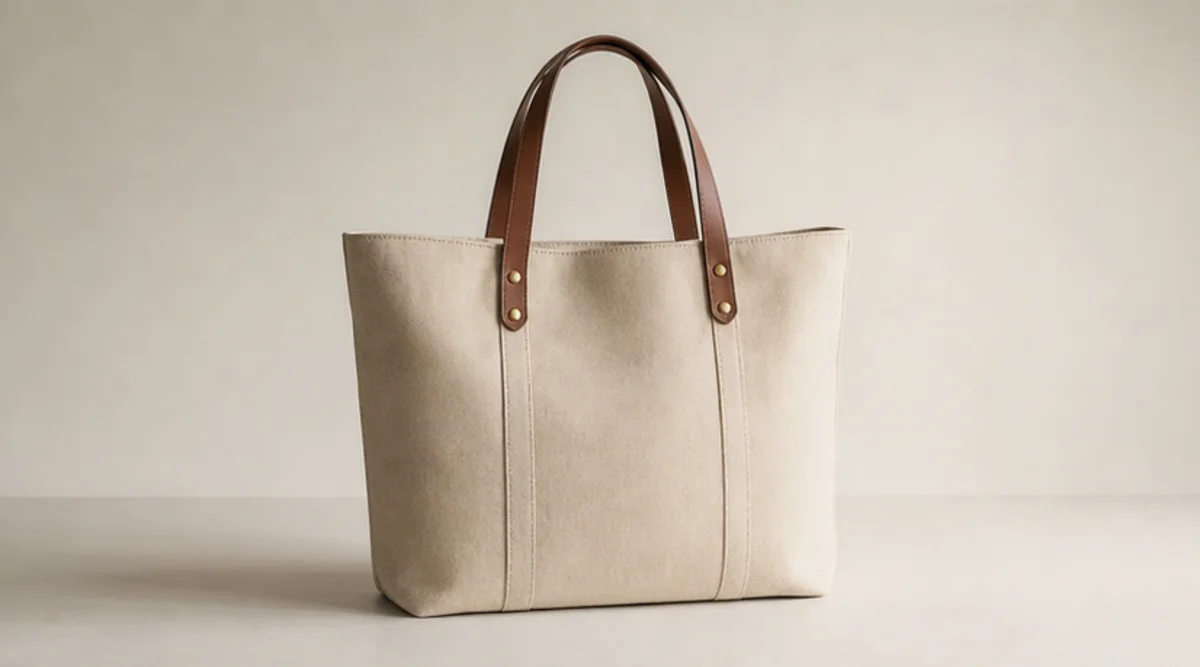
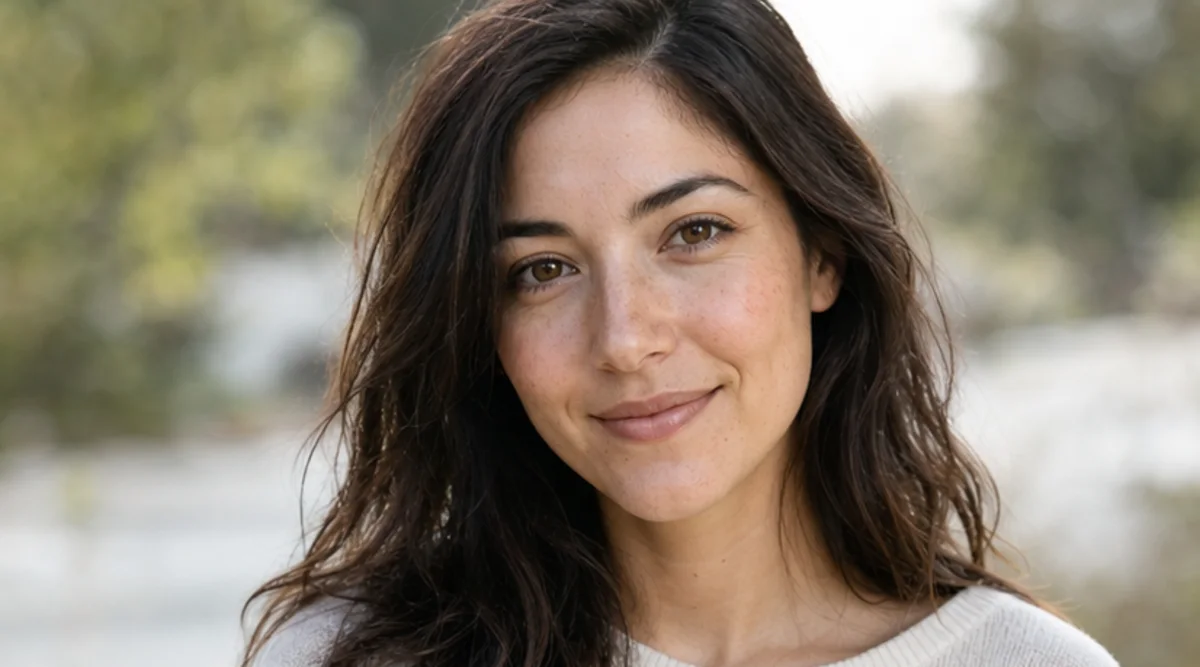
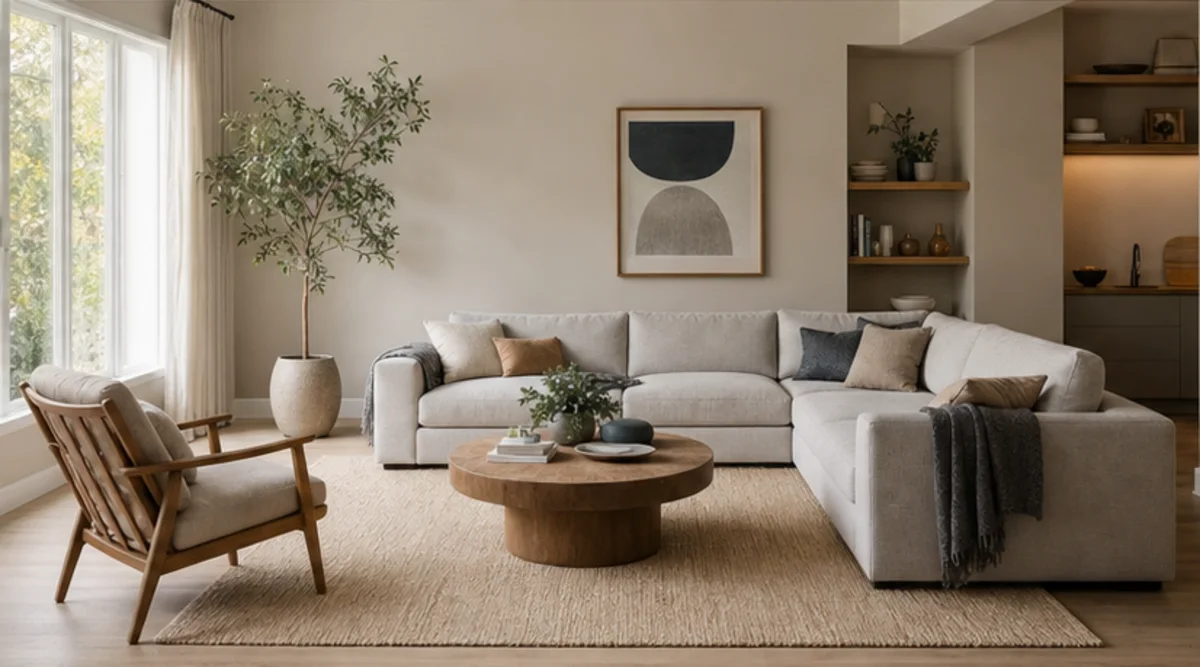
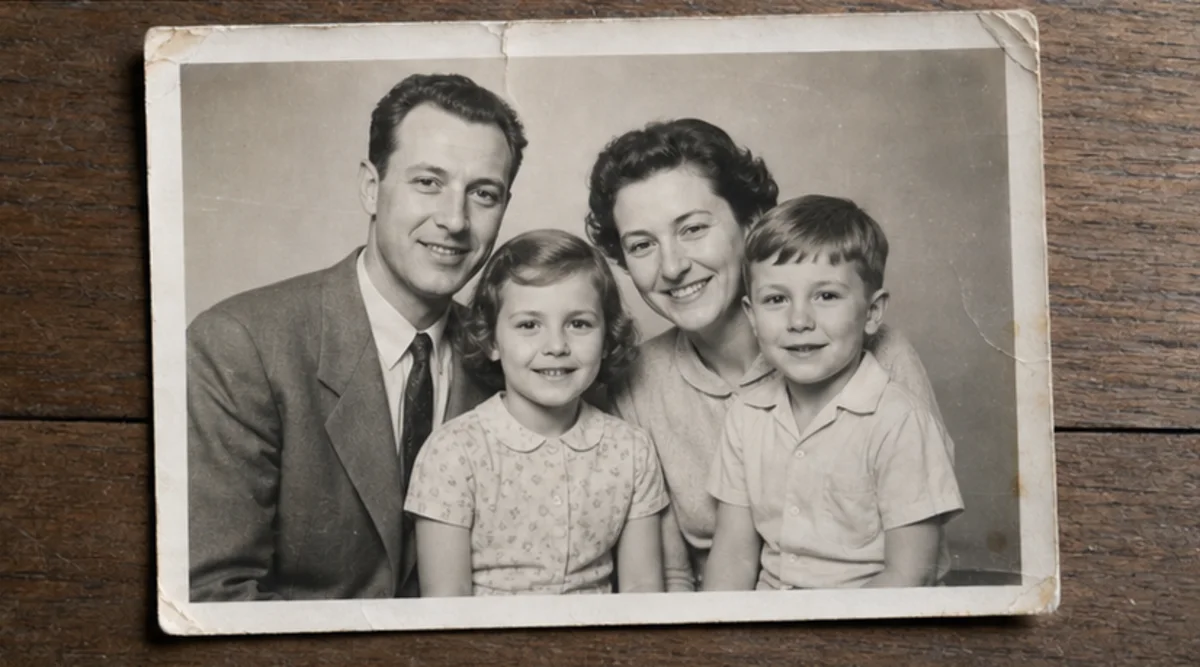
Upload één foto en beschrijf de wijziging in gewone taal. Maak een tekstgestuurde bewerking voor een product, portret, kamer of oude foto en controleer identiteit, objecten, letters en context.
Upload de duidelijkste toegestane bron voordat compressie belangrijke details verwijdert.
Beschrijf de wijziging en de identiteit, objecten, teksten, geometrie of achtergrond die niet mogen veranderen.
Genereer één gerichte bewerking zonder meerdere niet-gerelateerde veranderingen te combineren.
Vergelijk resultaat en origineel op volledige grootte en controleer gezichten, producten, kleine objecten, tekst, randen en context.
De editor volgt tekstinstructies, maar gezichten, productgeometrie, kleine objecten en letters kunnen veranderen. Het is geen pixelnauwkeurige retoucheertool.
Gebruik een duidelijke bron en noem wat niet mag veranderen. Vergelijk het resultaat op volledige grootte met het origineel.
Upload alleen foto’s die van jou zijn of die je mag bewerken. Controleer het resultaat voor gebruik rond identiteit, product, archief of publicatie.
Gratis afbeeldingen bevatten een watermerk. Upgrade voor schone outputs, snellere generatie en commercieel gebruik.
Startpakket
Een eenmalige credit pack voor het proberen van beeld, muziek en korte video generatie.
Maker
Maandelijks plan · 1500 kredieten worden elke maand verlengd
GPT Image 2 Unlimited
Voer code FOUNDING6 in bij Stripe Checkout: $19/maand gedurende de eerste 6 maanden, daarna $29/maand.
Pro
Maandelijks plan · 4.000 kredieten te verlengen per maand
Studio
Maandelijks plan · 12.000 kredieten per maand te verlengen
Veilig afrekenen · Abonnementen worden automatisch verlengd · Bekijk de terugbetalingsvoorwaarden
Team
Voor agentschappen, productieteams, en aangepaste volume behoeften.
Upload één foto en beschrijf de wijziging in gewone taal. Maak een tekstgestuurde bewerking voor een product, portret, kamer of oude foto en controleer identiteit, objecten, letters en context.
Upload één foto en beschrijf de wijziging in gewone taal. Maak een tekstgestuurde bewerking voor een product, portret, kamer of oude foto en controleer identiteit, objecten, letters en context.