
01
Sleep een JFIF-afbeelding hierheen
of kies vanaf je apparaat. Bestanden worden lokaal in de browser geconverteerd.
Converteren naar JPG of kies vanaf je apparaat. Bestanden worden lokaal in de browser geconverteerd.
Invoerformaat
JFIF
.jfif
Uitvoerformaat
JPG
.jpg
JPG-kwaliteit
Balans tussen scherpte en bestandsgrootte
Bron
JPG-resultaat
Kies direct het volgende invoer- en uitvoerformaat zonder terug te gaan naar de volledige lijst.
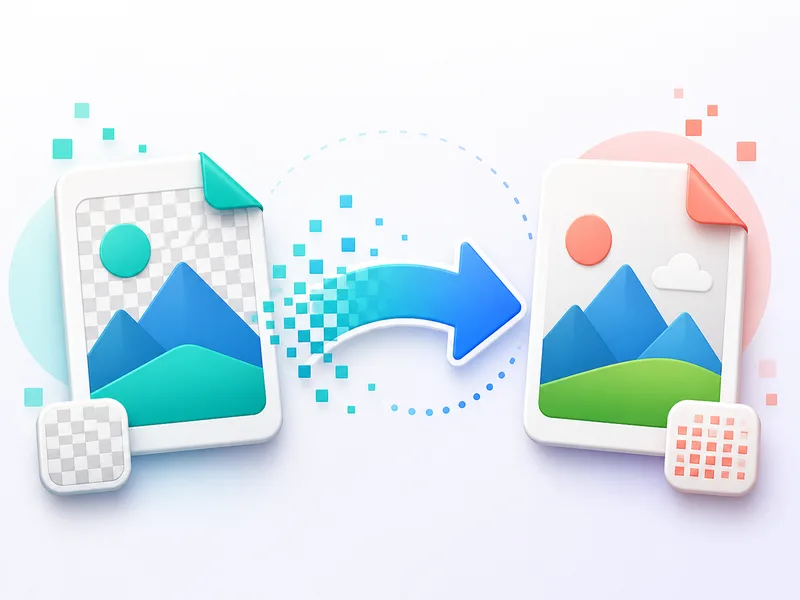
Converteren naar PNG of kies vanaf je apparaat. Bestanden worden lokaal in de browser geconverteerd.
Converteren naar PNGVul transparante delen rechtstreeks in je browser met wit. Selecteer een PNG- of WebP-afbeelding, bekijk het resultaat en download het als JPG.
Converteren naar JPGConverteren naar JPG of kies vanaf je apparaat. Bestanden worden lokaal in de browser geconverteerd.
Converteren naar JPGConverteren naar PNG of kies vanaf je apparaat. Bestanden worden lokaal in de browser geconverteerd.
Converteren naar PNGConverteren naar WebP of kies vanaf je apparaat. Bestanden worden lokaal in de browser geconverteerd.
Converteren naar WebPConverteren naar WebP of kies vanaf je apparaat. Bestanden worden lokaal in de browser geconverteerd.
Converteren naar WebPKies direct het volgende invoer- en uitvoerformaat zonder terug te gaan naar de volledige lijst.
of kies vanaf je apparaat. Bestanden worden lokaal in de browser geconverteerd.
Balans tussen scherpte en bestandsgrootte
Ga terug naar de tools van ClipCanva en kies je volgende WebP-, PNG-, JPG-, AVIF- of JFIF-conversie.
Het resultaat verschijnt na conversie
of kies vanaf je apparaat. Bestanden worden lokaal in de browser geconverteerd.
Balans tussen scherpte en bestandsgrootte
JPG downloaden
Kies direct het volgende invoer- en uitvoerformaat zonder terug te gaan naar de volledige lijst.
Ga terug naar de tools van ClipCanva en kies je volgende WebP-, PNG-, JPG-, AVIF- of JFIF-conversie.