
Describe the video
Write what the video is about and who it is for in one or two sentences. Specific briefs produce specific hooks.
Script planning
Write one brief, pick the format and length, and the AI script generator returns a hook, scene plan, on-screen text, voiceover, visual direction, and a closing action you can record from.
It is a planning step, not a video renderer. You describe the video you want in plain language, choose the platform format and runtime, and receive a structured script draft. The draft is text you can edit, hand to a presenter, or turn into prompts for image and video generation later.
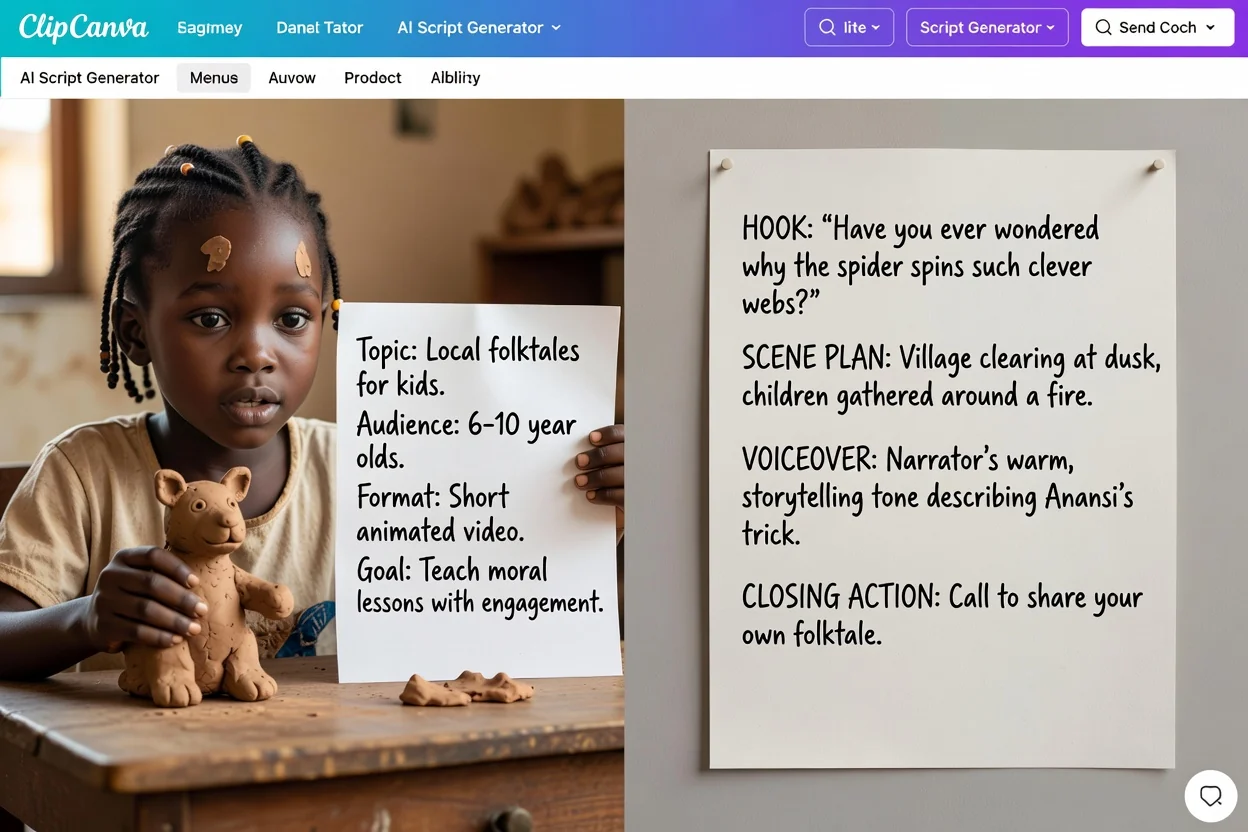
Four steps from a rough idea to a draft you can record.
Write what the video is about and who it is for in one or two sentences. Specific briefs produce specific hooks.
Choose the platform format and target runtime so the scene plan is paced for that slot instead of a generic length.
Pick the tone, the audience label, the output language, and the closing action you want viewers to take.
Review the draft section by section, rewrite the hook or scenes that do not fit, and regenerate with a tighter brief if needed.
The draft separates spoken lines, visual notes, and the closing action. Review all parts before using it.
The opening line or moment written to earn the first few seconds of attention.
An ordered list of scenes with what happens in each one, paced against the runtime you chose.
Short captions and labels to overlay, kept separate from spoken lines.
The spoken script written to be read aloud, in the output language you selected.
Notes on what to show or generate, plus the closing line tied to the action you picked.
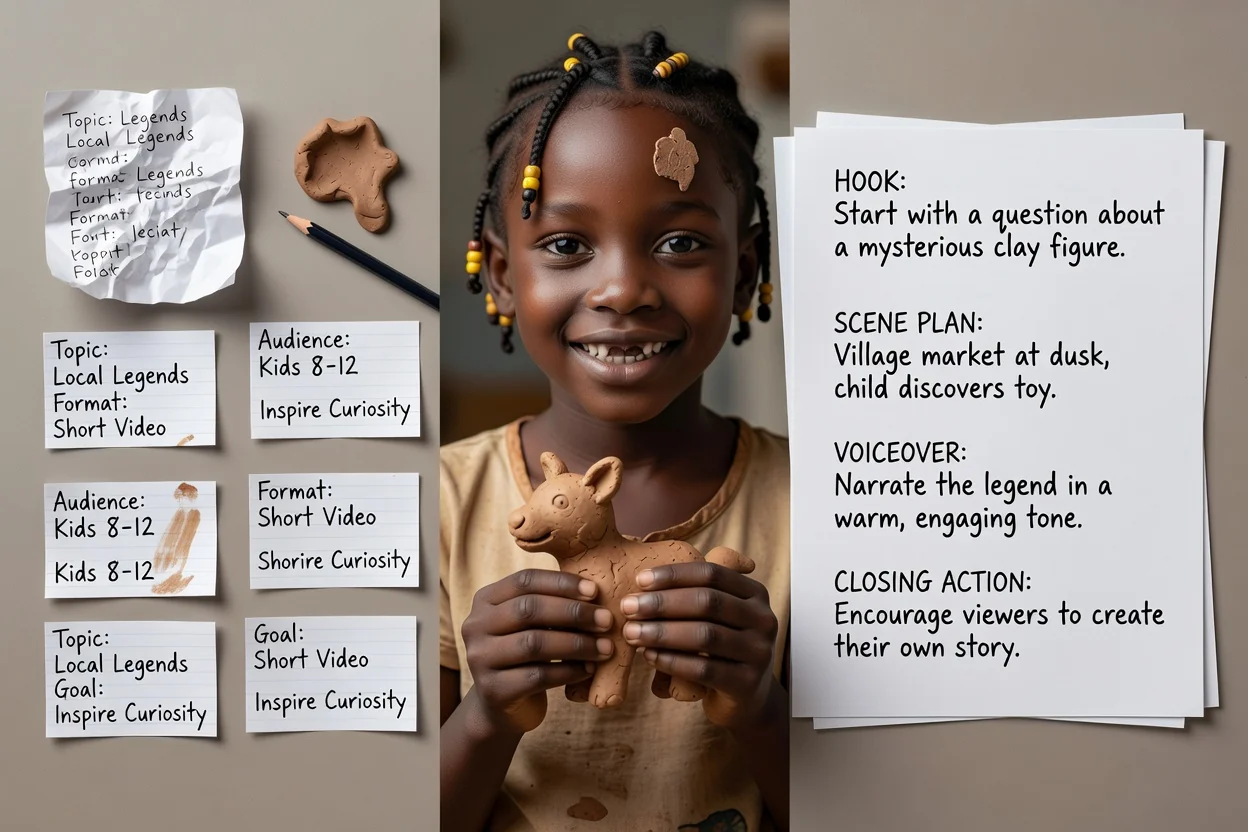
Use these options to guide the draft, then check whether the result fits your brief.
YouTube video, YouTube Shorts, TikTok, Instagram Reel, podcast episode, video ad, training video, or product demo.
15 seconds, 30 seconds, 60 seconds, 3 minutes, or 5 minutes. This sets how many scenes the plan carries.
Professional, casual, bold, or friendly, written in English, Spanish, French, German, or Portuguese.
Name who is watching, then pick subscribe, buy now, book a demo, learn more, or request a quote as the ending.
Attach up to five images to ground the visual direction. Attachments require a signed-in account.
Common briefs that fit this planner.
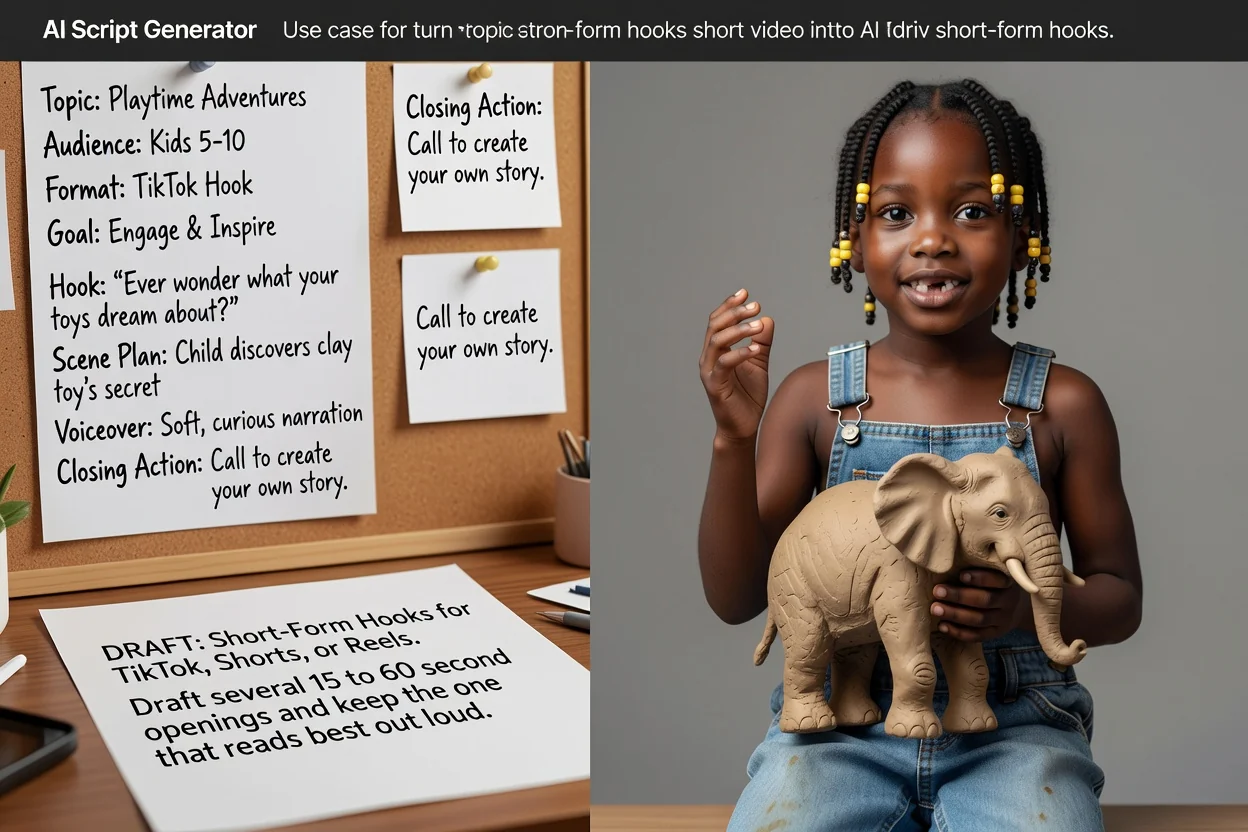
Draft several 15 to 60 second openings for TikTok, Shorts, or Reels and keep the one that reads best out loud.
Draft a short-form script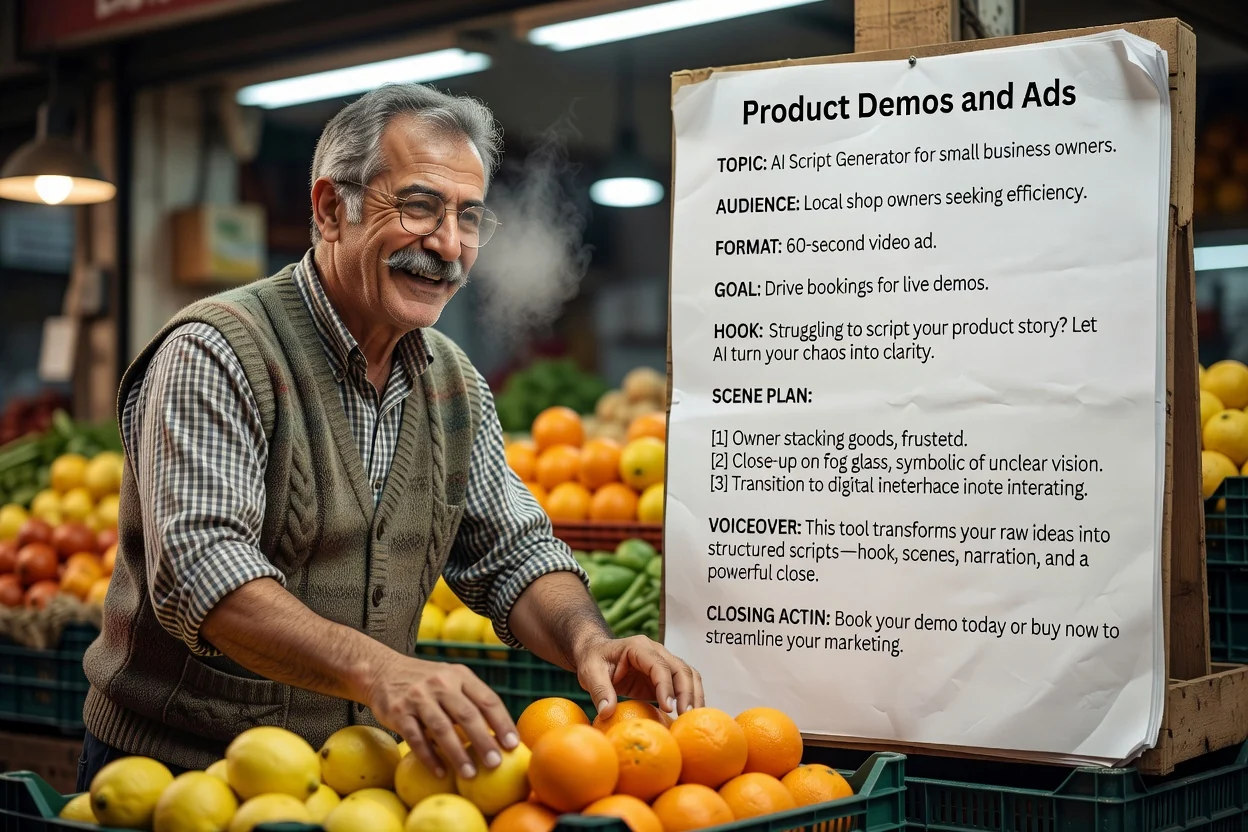
Brief example: a 30-second travel mug demo for commuters. Show the lid and grip, use only verified product facts, and end with a product-page visit.
Draft a demo script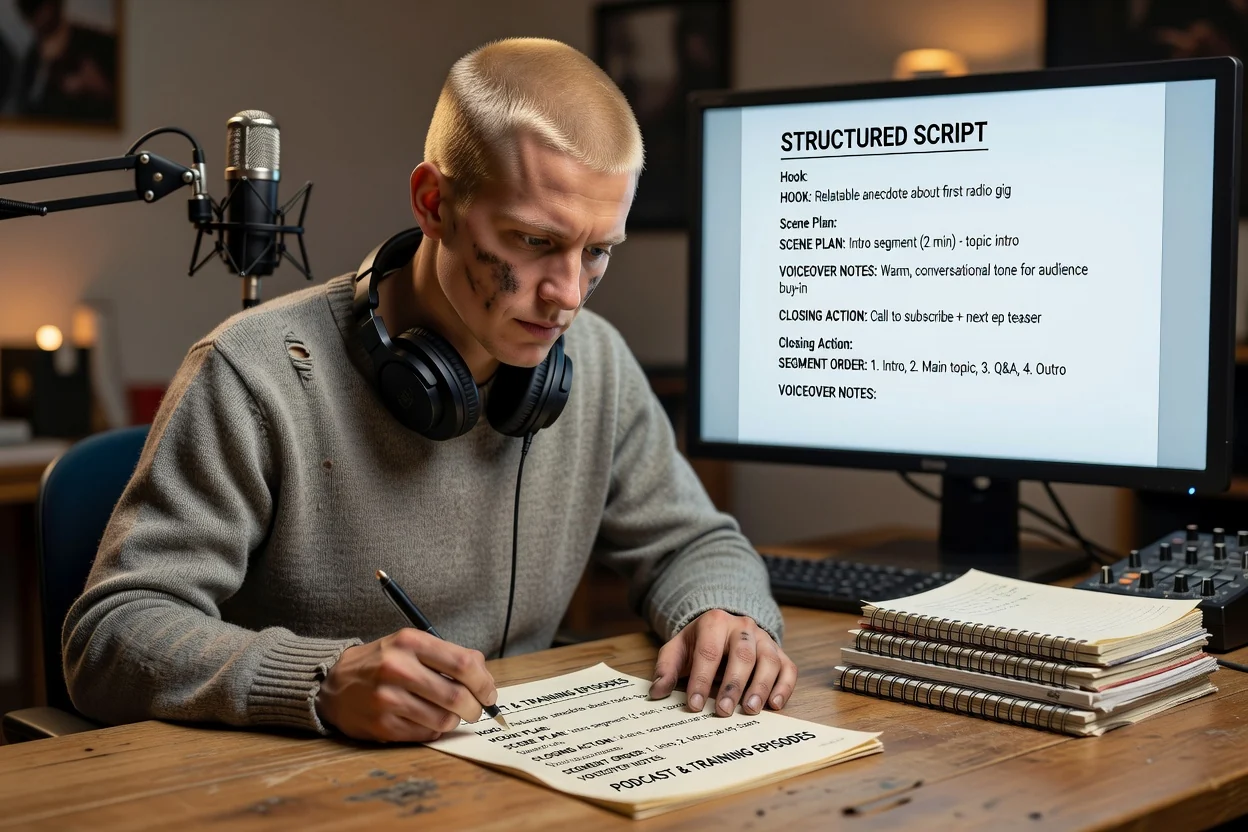
Build a longer episode outline with segment order and voiceover notes before you sit down to record.
Draft an episode outline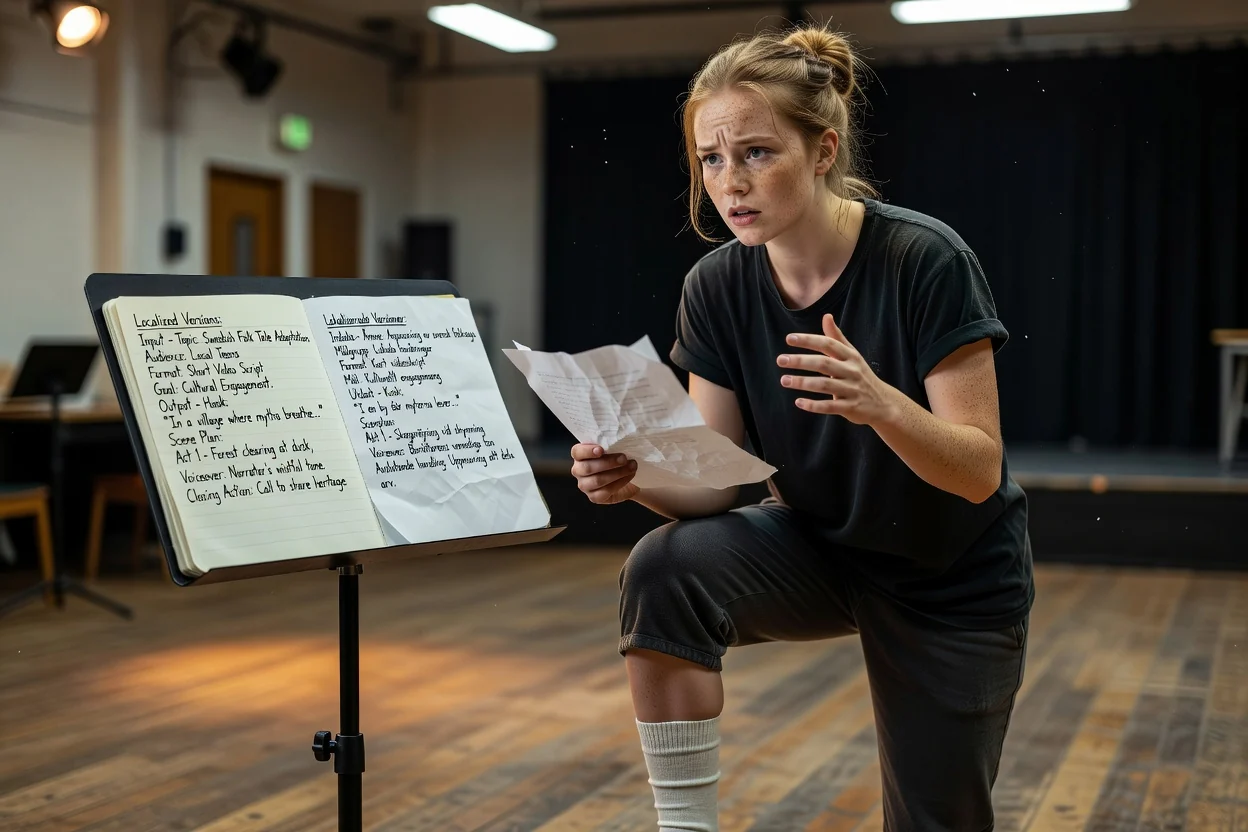
Regenerate the same brief in another output language to script a second version for a different market.
Draft a localized scriptFour checks that catch most problems in one pass.
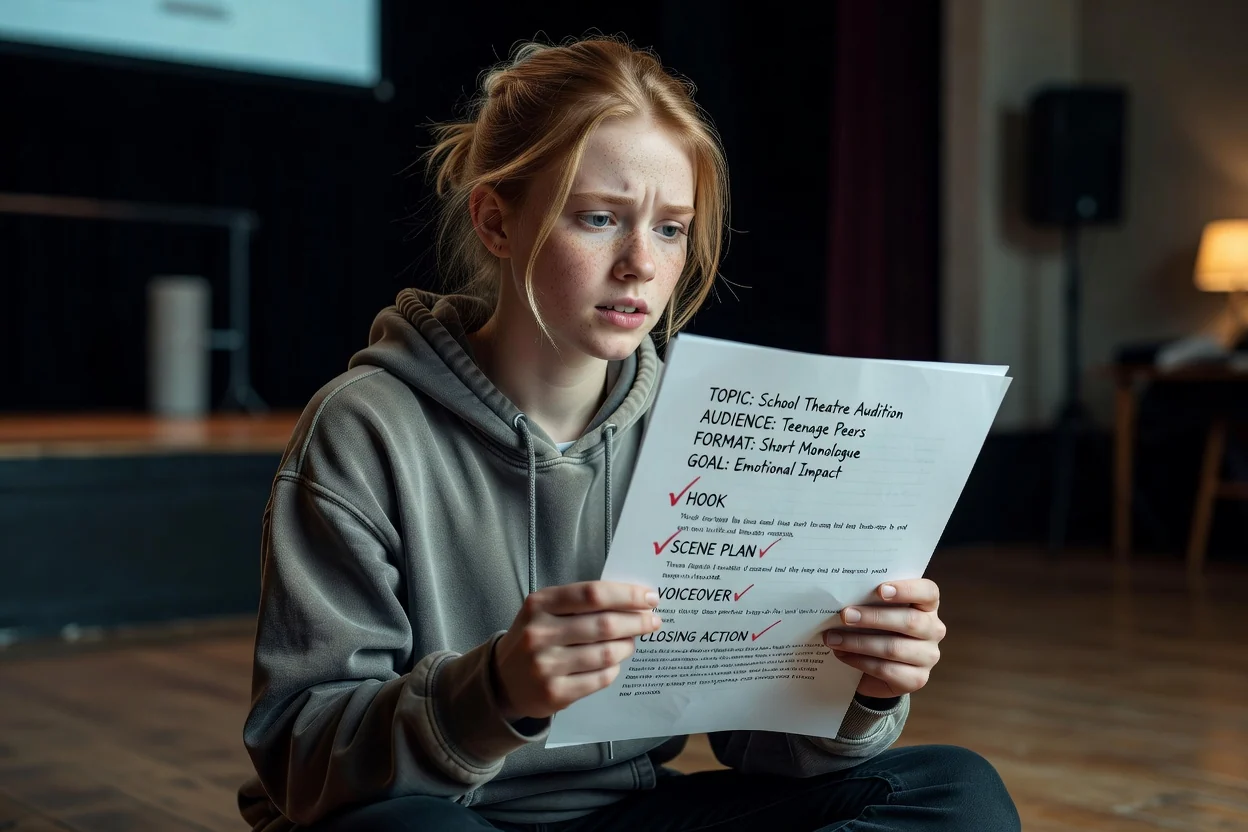
If the opening line is hard to say in one breath, shorten it before anything else.
Read the voiceover with a timer. If a 30-second draft runs long, cut a scene or repeated line rather than rushing delivery.
Make sure captions add information instead of repeating the voiceover word for word.
Check product claims against your source, then confirm the closing action matches an available destination. Rewrite unsupported claims before recording.
Honest boundaries so you can plan around them.
The draft is a script. Generating visuals or voice is a separate step in a video or voice workflow.
Claims, numbers, and product details come from your brief. Verify anything specific before publishing.
Scene counts are paced for the length you pick, but actual delivery speed changes the final runtime.
Common questions about planning scripts before you record.
Describe the video, pick the format and length, and let the AI script generator return a structured draft you can edit and record.