
כתבו תיאור סצנה אחד
תארו את הנושא, הפעולה, המיקום, תנועת המצלמה, התאורה, הקצב והמסגור הסופי בסדר ברור.
תארו סצנת וידאו אחת, בחרו מודל ופורמט, ואז צרו ובדקו את התנועה המלאה.
מחולל וידאו מבוסס AI מפרש תיאור כתוב של סצנה ויוצר קליפ קצר בתנועה. ההנחיה מתארת את הנושא, הפעולה, הסביבה, התנהגות המצלמה והכיוון החזותי, בעוד שהפקדים הזמינים מגדירים את המודל ואת פורמט הפלט.
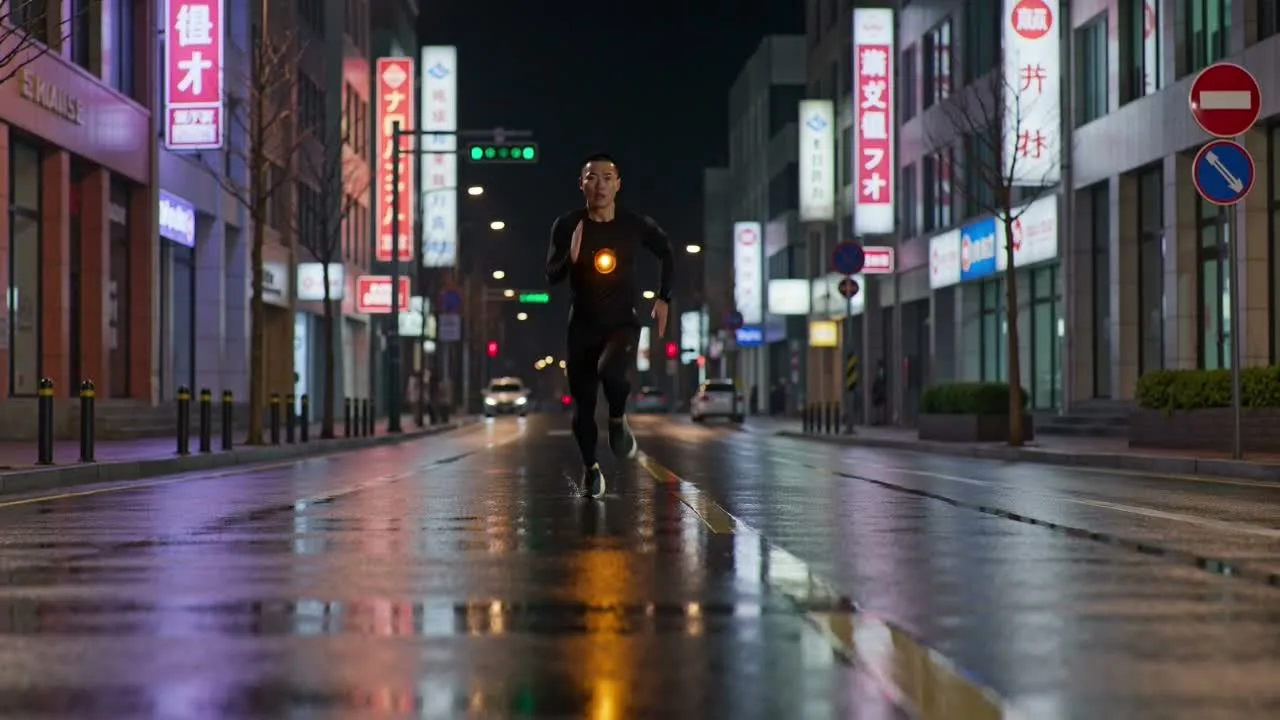
התחילו בשוט ברור אחד לפני שתנסו רצף ארוך יותר או שרשרת פעולות מורכבת.
תארו את הנושא, הפעולה, המיקום, תנועת המצלמה, התאורה, הקצב והמסגור הסופי בסדר ברור.
בחרו מודל זמין לפי הסצנה, הגדרות הפלט, עלות הקרדיטים וסוג התנועה שאתם צריכים לבדוק.
בחרו את יחס הממדים, משך הקליפ הזמין, הרזולוציה ומהירות היצירה עבור הערוץ המיועד.
נגנו את התוצאה המלאה, סמנו היכן התנועה או המסגור נפגמים, ושנו הוראה אחת לפני ההרצה הבאה.
כל פקד משנה את אופן פירוש הסצנה או את אופן מסירת הקליפ שנוצר.
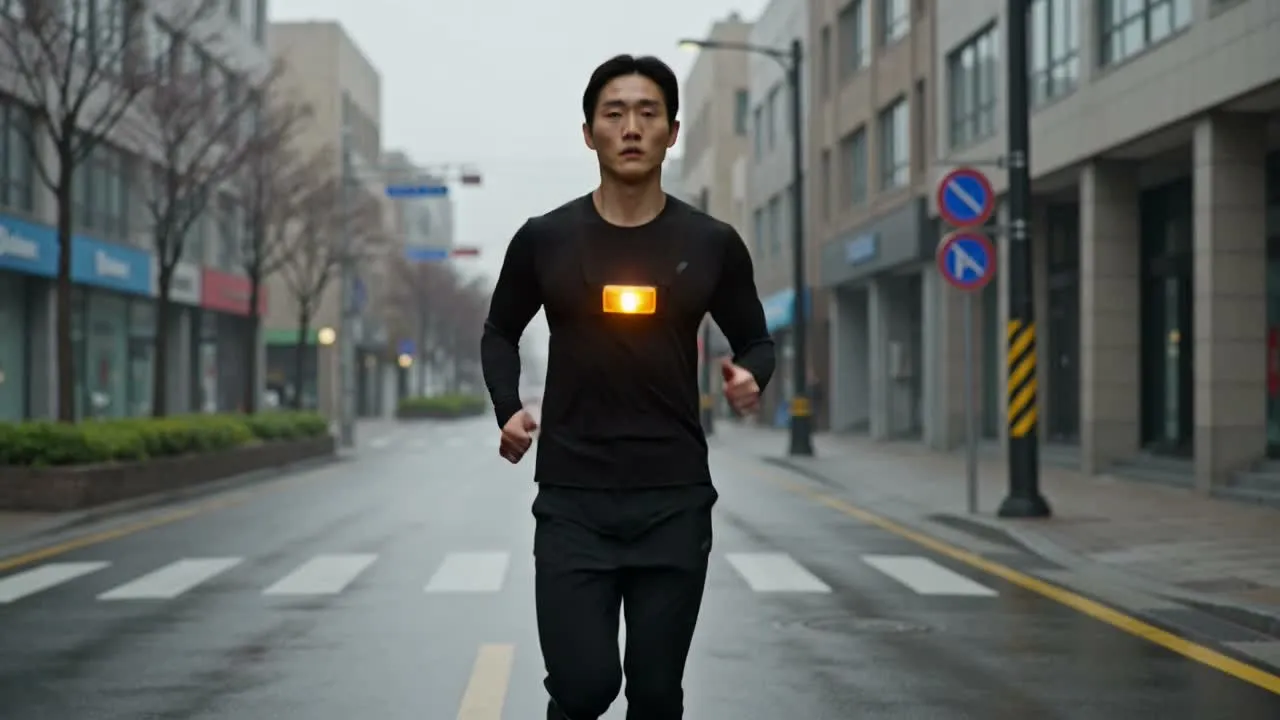
השוו בין מודלים זמינים בלי לכתוב מחדש את תהליך העבודה, תוך התחשבות בהגדרות ובעלויות קרדיטים ייחודיות לכל מודל.
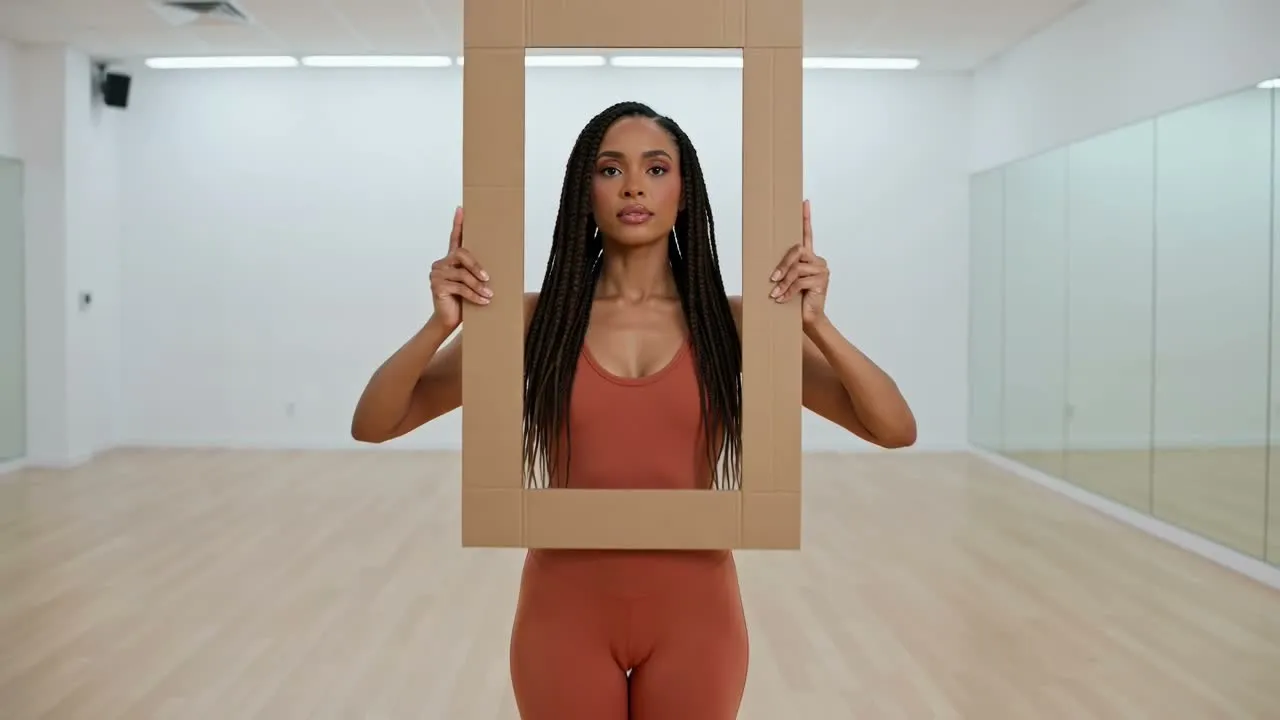
התאימו את יחס הממדים, המשך והרזולוציה לפיד, למיקום מודעה, לדף מוצר או למצגת המיועדים.
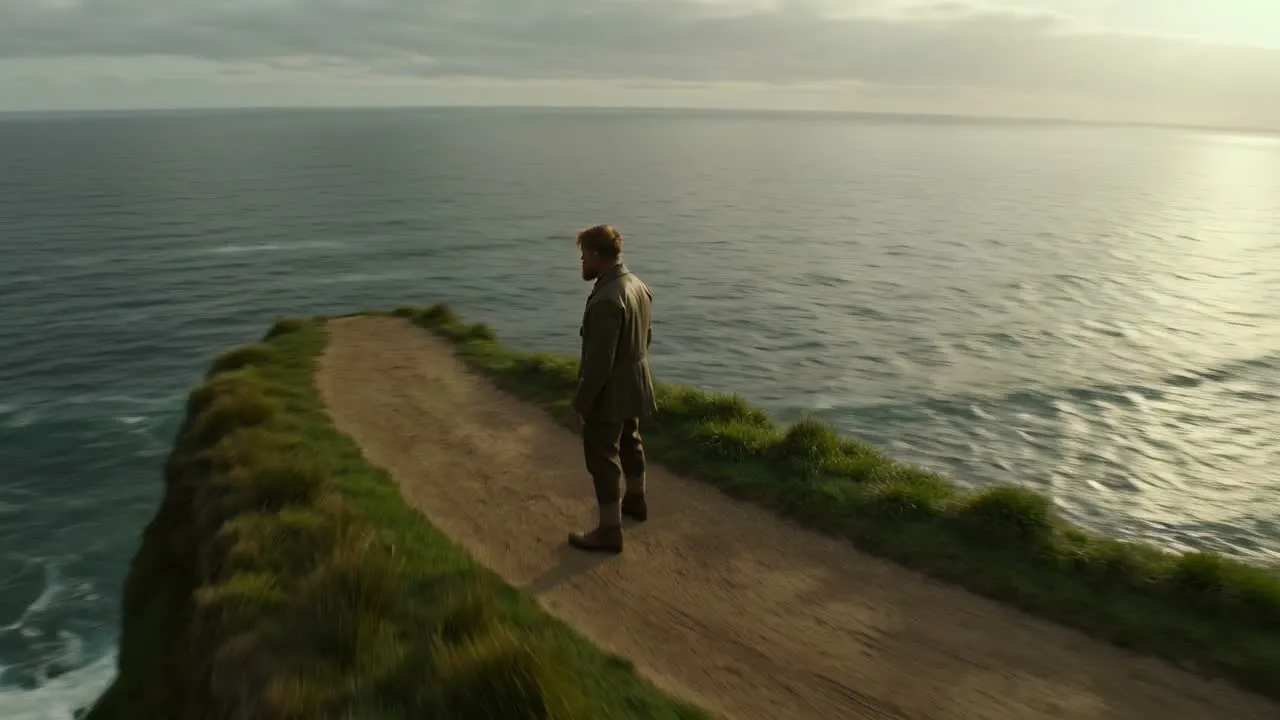
שפרו תיאור סצנה ראשוני ובחרו את מהירות היצירה הזמינה לאחר בדיקת עלות הקרדיטים העדכנית שלה.
השתמשו בסצנה קצרה אחת לכל יצירה כדי שההנחיה וקריטריוני ההצלחה יישארו ממוקדים.
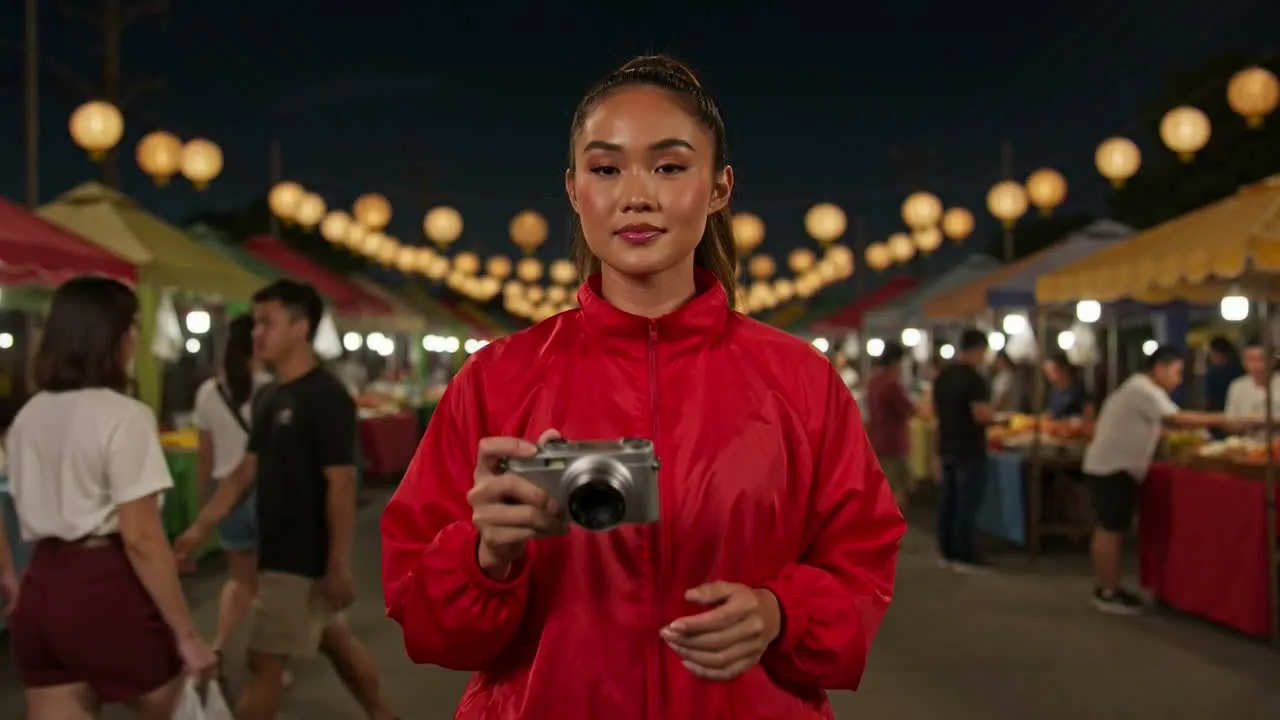
נסחו טיוטות לקליפים אנכיים או ריבועיים עבור TikTok, Reels, Shorts ופרסומי פיד לפני הרכבת עריכה מלאה.
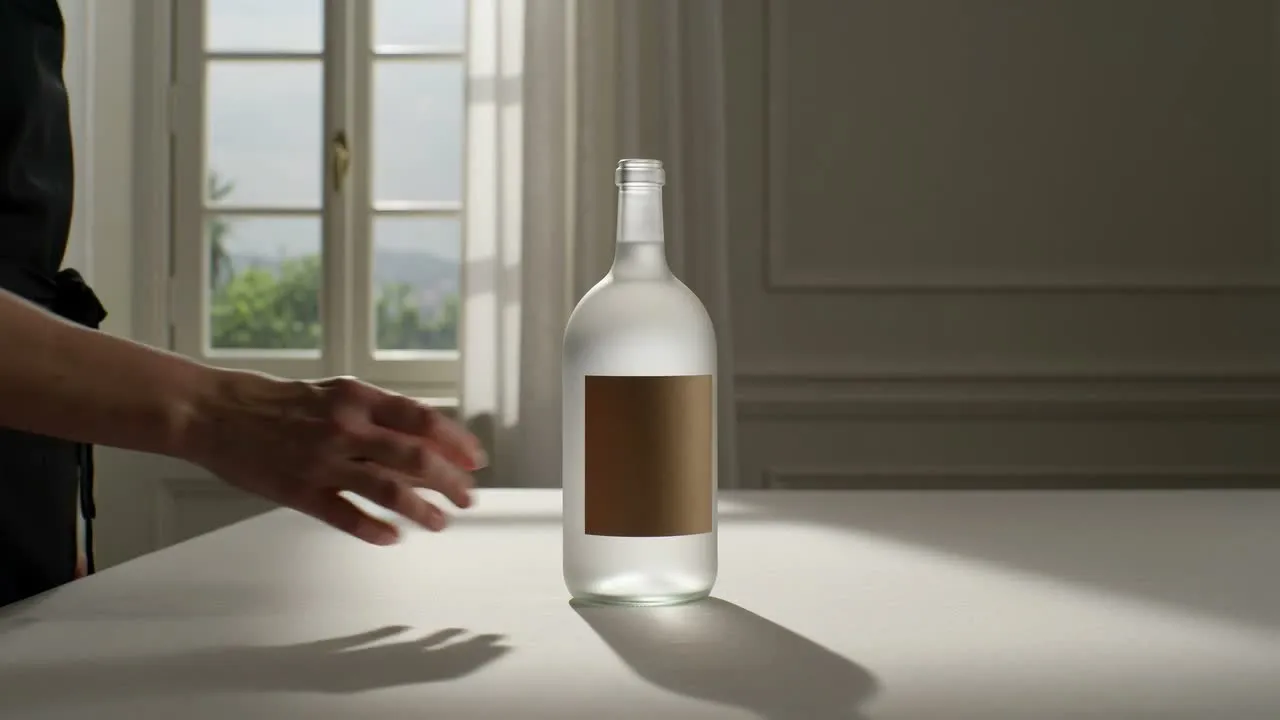
גלו תנועות מצלמה, העמדת מוצר, אווירה ותנועת רקע עבור רעיון למסחר אלקטרוני או לקמפיין.
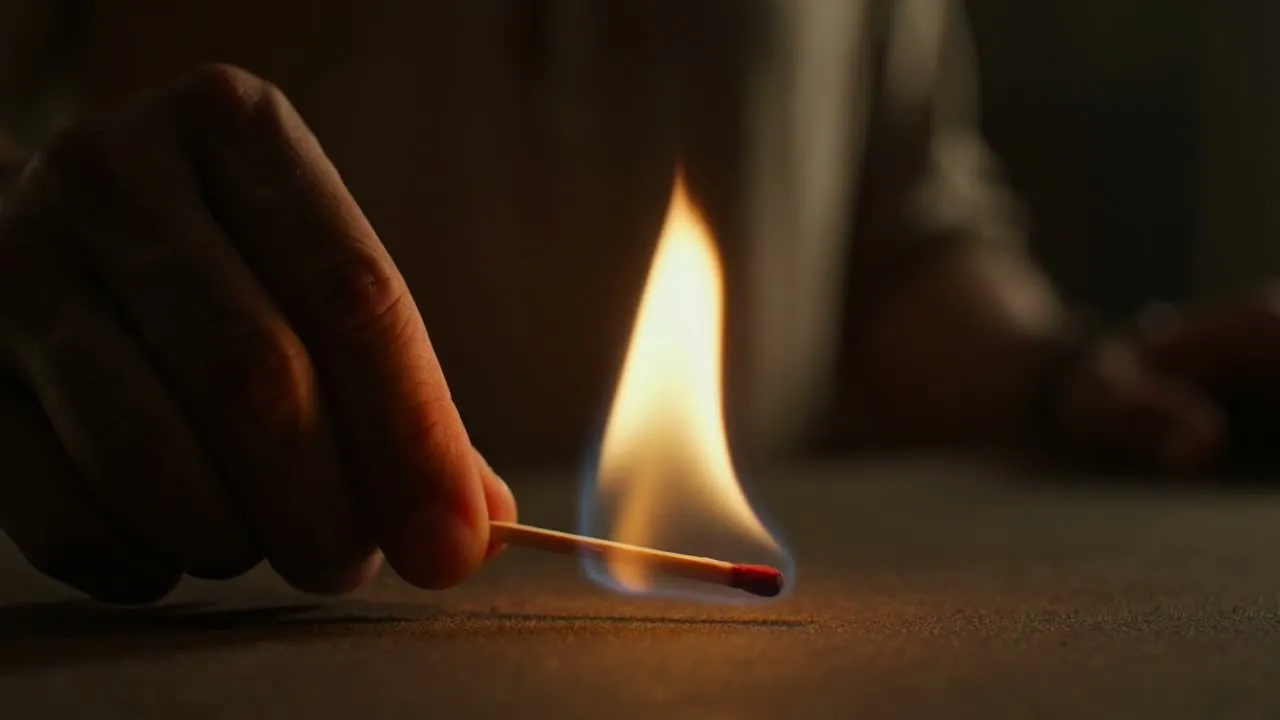
בדקו חלופות לווים חזותיים, סביבות, תאורה, קצב ומסגור לפני התחייבות לרצף הפקה ארוך יותר.
צפו בקליפ המלא במהירות רגילה ובדקו רגעים בודדים שבהם הנושא או המצלמה משתנים.
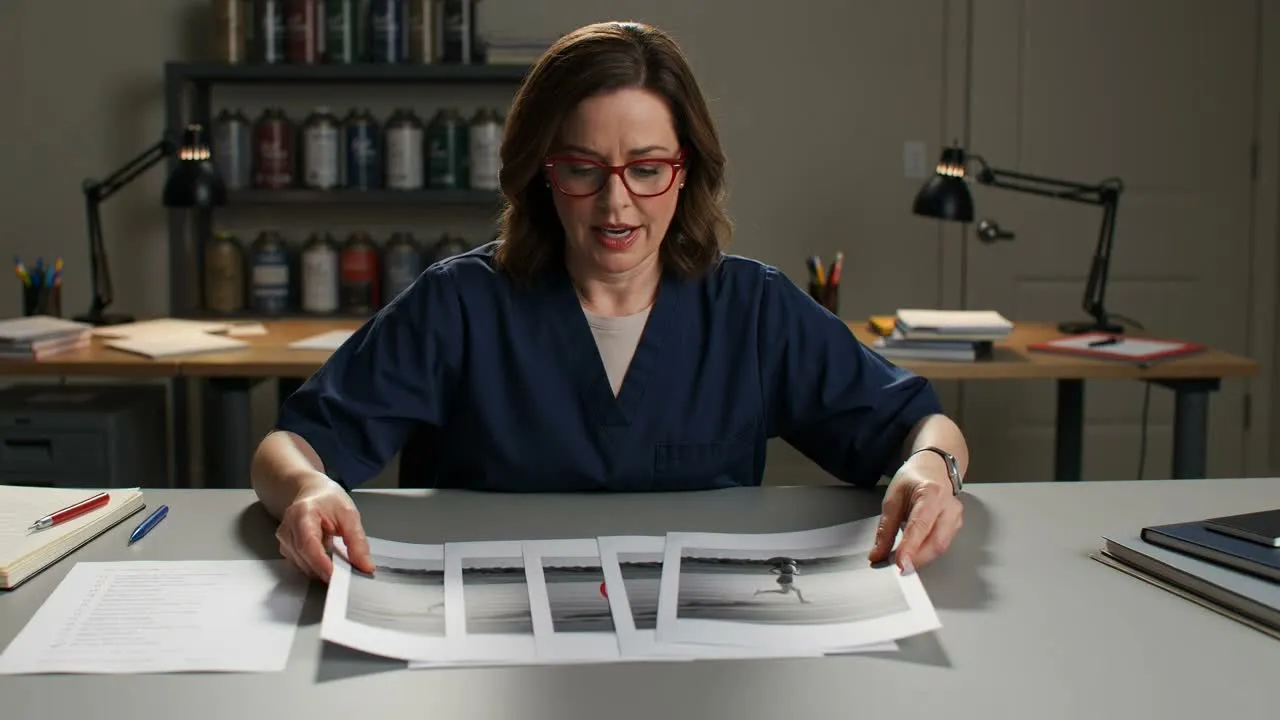
ודאו שהנושא מבצע את הפעולה המבוקשת ושהשוט מגיע למצב הסופי המיועד.
חפשו שינויים פתאומיים בצורה, אובייקטים שזזים ממקומם, כיוון לא עקבי ותנועת מצלמה שפוגעת בסצנה.
בדקו פנים, לבוש, מוצרים, לוגואים, ידיים ואביזרים חשובים לאורך הקליפ כולו.
ודאו את יחס הממדים, האזור הבטוח, משך הקליפ והוו החזותי מול יעד הפרסום הסופי.
קליפים קצרים שנוצרו עשויים עדיין להכיל שגיאות לאורך זמן שאינן נראות בפריים תצוגה מקדימה יחיד.
קשה יותר לשמור על עקביות כאשר יש נושאים מרובים, פעולות מהירות, שרשראות הוראות ארוכות ואינטראקציות מדויקות בין אובייקטים.
המשך, הרזולוציה, המהירות ועלות הקרדיטים הזמינים עשויים להשתנות בעת בחירת מודל וידאו אחר.
השתמשו בתהליך העבודה הנפרד של תמונה לווידאו כאשר תמונת מקור מסוימת חייבת להגדיר את פריים הפתיחה או את הזהות החזותית.
בדקו זהות, פרטי מוצר, טקסט, רכיבי מותג וזכויות על חומרי מקור לפני פרסום או מסירת התוצאה.
תשובות על הנחיות טקסט, מודלים, הגדרות קליפ ואיכות פלט.
כתבו תיאור שוט ברור, בחרו את המודל והפורמט, ואז בדקו את התנועה המלאה לפני שתבנו את הסצנה הבאה.