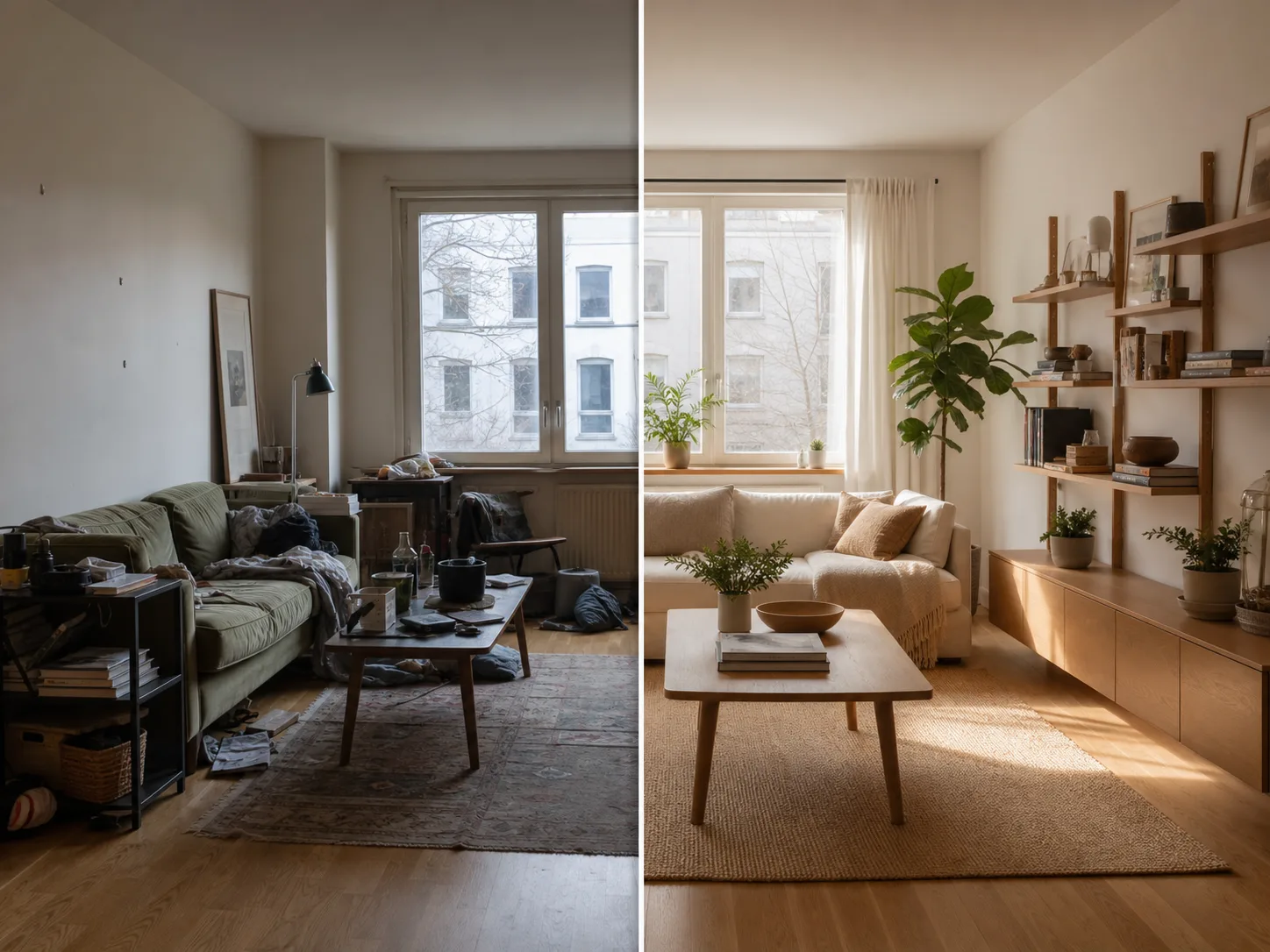
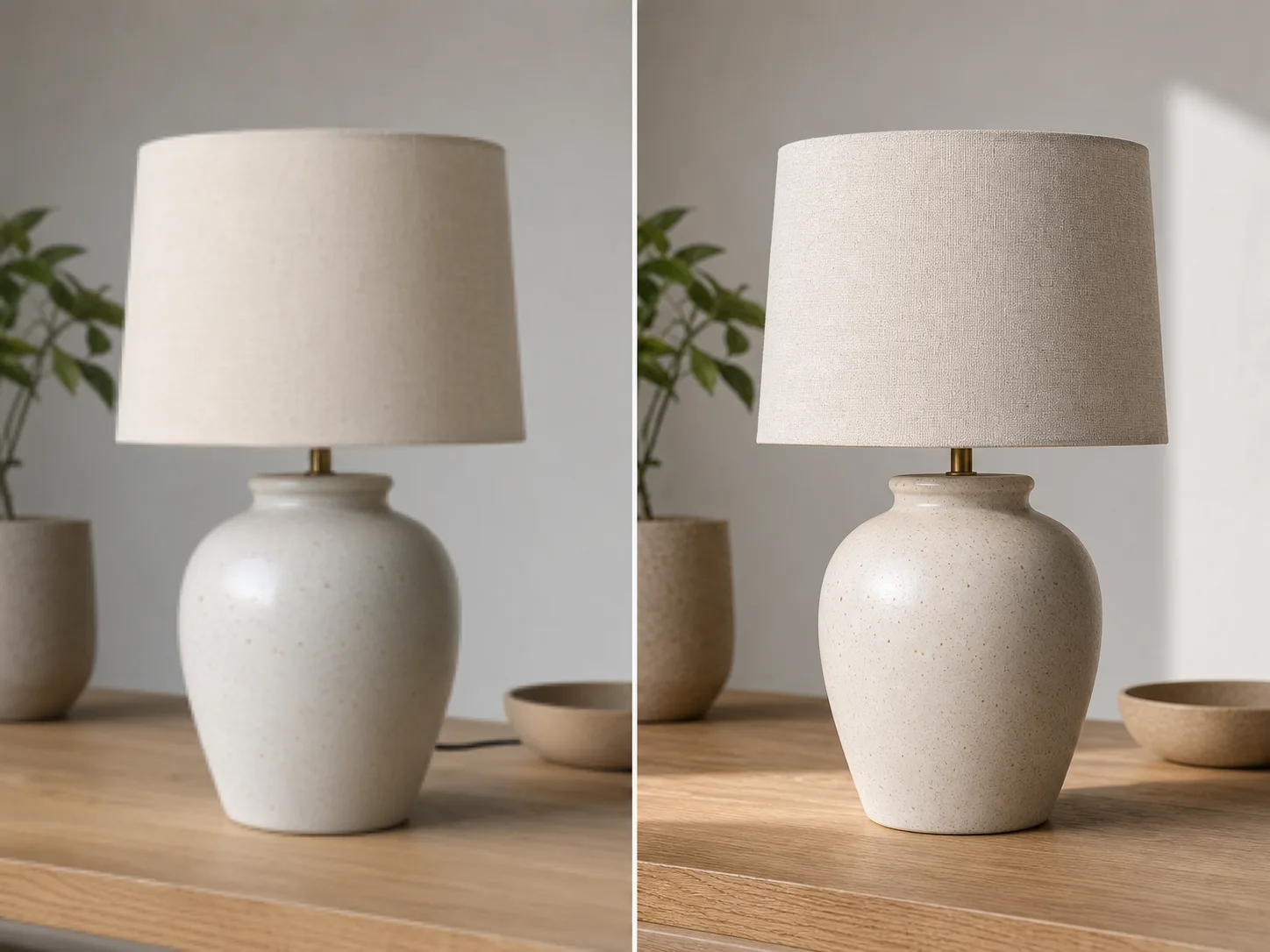
AI Image Extender

Upload an image, describe the direction or target ratio, and use AI to extend the borders with a natural-looking background.

AI UncropOutpaintingAspect RatiosProducts & Social
0 / 2000

AI Image Extension Ideas

Create room for new layouts without cropping out the subject or stretching the original image.

How to uncrop an image

Start with the target layout, then describe what must stay unchanged for a more reliable expansion.

01

Upload the image

Start with the photo you want to uncrop. Product shots, portraits, interiors, posters, and social images work well.

02

Pick the target layout

Choose a wider, taller, square, or story-friendly ratio depending on where the image will be used.

03

Describe what to preserve

Mention the subject, face, product shape, logo, lighting, and background details that should stay consistent.

04

Generate and refine

Create an expanded version, compare it with the original, then adjust the prompt when you need a cleaner extension.

Make one image fit more layouts

Expand the Canvas

Turn tight crops into wider banners, vertical stories, square posts, thumbnails, and product layouts.

Fill Missing Background

Use AI outpainting to add new visual area without stretching or distorting the original subject.

Fit Real Formats

Adapt one image for landing sections, ads, marketplaces, presentations, and social posts.

Prompt Control

Guide the extension with plain language when the new area needs a specific mood, setting, or clean copy space.

גלו כלים קשורים

Continue with editing, enhancement, or background removal after expanding the image.

בחרו תוכנית

תמונות חינמיות כוללות סימן מים. שדרגו לקבלת פלטים נקיים, יצירה מהירה יותר ושימוש מסחרי.

חבילת התחלה

$9

חבילת קרדיטים חד-פעמית להתנסות ביצירת תמונות, מוזיקה ווידאו קצר.

  • 600 קרדיטים
  • עד 100 תמונות
  • עד 7 סרטונים קצרים
  • הקרדיטים תקפים ל-30 יום
  • ללא סימני מים

יוצר

$19/mo

תוכנית חודשית · 1,500 קרדיטים מתחדשים בכל חודש

  • 1,500 קרדיטים בחודש
  • עד 250 תמונות בחודש
  • עד 18 סרטונים קצרים בחודש
  • עובד עם ClipCanva Pro ומודלים אחרים מבוססי קרדיטים
  • תור בעדיפות
  • תמיכת קהילה
  • ללא פרסומות
  • ללא סימני מים

פרו

$39/mo

מסלול חודשי · 4,000 קרדיטים מתחדשים בכל חודש

  • 4,000 קרדיטים בחודש
  • עד 660 תמונות בחודש
  • עד 50 סרטונים קצרים בחודש
  • עובד עם ClipCanva Pro ומודלים אחרים מבוססי קרדיטים
  • התור בעדיפות הגבוהה ביותר
  • פתח את הנעילה של ClipCanva Pro
  • ללא פרסומות
  • ללא סימני מים
  • שיפור מתקדם

סטודיו

$99/mo

מסלול חודשי · 12,000 קרדיטים מתחדשים בכל חודש

  • 12,000 קרדיטים בחודש
  • עד 2,000 תמונות בחודש
  • עד 150 סרטונים קצרים בחודש
  • עובד עם ClipCanva Pro ומודלים אחרים מבוססי קרדיטים
  • התור בעדיפות הגבוהה ביותר
  • פרטיות מלאה
  • גישה מוקדמת לפיצ׳רים חדשים
  • תמיכה בעדיפות

במסלולים חודשיים הקרדיטים מתחדשים בכל מחזור חיוב. במסלולים שנתיים מקבלים מראש קרדיטים ל-12 חודשים וחוסכים 17%. הערכות השימוש מבוססות על מודלי התמונה והווידאו הנתמכים בעלות הנמוכה ביותר; מודלים פרימיום, רזולוציות גבוהות יותר, סרטונים ארוכים יותר, יצירה מבוססת רפרנסים וכלים מתקדמים צורכים יותר קרדיטים.

צוות

לסוכנויות, צוותי הפקה וצרכים מותאמים בנפח גבוה.

צרו קשר

AI Image Extender FAQ

Common questions before extending your first image.

What does uncrop mean?
Uncrop means expanding an image beyond its current borders. AI fills the new empty areas so the image can fit a wider, taller, or different layout.
How is this different from image enhancement?
Image enhancement improves clarity or resolution of the existing image. Uncrop adds new background area around the original image so the composition fits a new format.
What images work best?
Use images with a clear subject and enough visible background for the AI to understand the scene, lighting, texture, and perspective.
Can I use this for product photos and social posts?
Yes. Common uses include product banners, marketplace images, Instagram posts, TikTok covers, YouTube thumbnails, ads, and website hero images.

Uncrop your first image

Upload one image and create a layout-ready version with ClipCanva.