
תארו את הסרטון
כתבו במשפט או שניים על מה הסרטון ולמי הוא מיועד. תקצירים מדויקים מפיקים פתיחים מדויקים.
תכנון תסריטים
כתבו תקציר אחד, בחרו את הפורמט והאורך, ומחולל התסריטים מבוסס הבינה המלאכותית יחזיר פתיח מושך, תוכנית סצנות, טקסט על המסך, קריינות, הכוונה חזותית ופעולת סיום שאפשר להקליט לפיה.
זהו שלב תכנון, ולא מנוע לרינדור וידאו. מתארים בשפה פשוטה את הסרטון הרצוי, בוחרים את פורמט הפלטפורמה ואת משך הזמן, ומקבלים טיוטת תסריט מובנית. הטיוטה היא טקסט שאפשר לערוך, למסור למגיש או להפוך בהמשך להנחיות ליצירת תמונות וסרטונים.
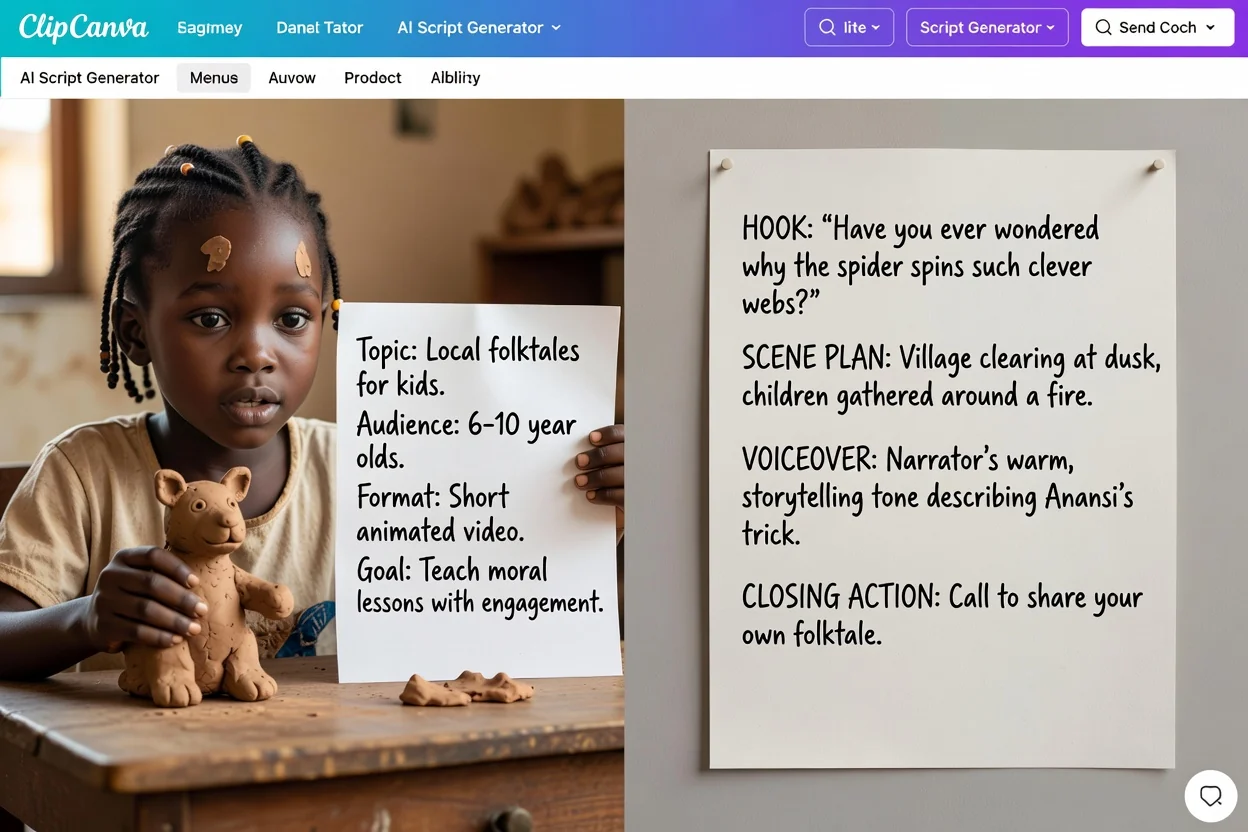
ארבעה שלבים מרעיון גולמי לטיוטה שאפשר להקליט.
כתבו במשפט או שניים על מה הסרטון ולמי הוא מיועד. תקצירים מדויקים מפיקים פתיחים מדויקים.
בחרו את פורמט הפלטפורמה ואת משך הזמן הרצוי, כדי שתוכנית הסצנות תהיה בקצב המתאים למקום הזה ולא לאורך כללי.
בחרו טון, תווית קהל, שפת פלט ופעולת סיום שאתם רוצים שהצופים יבצעו.
עברו על הטיוטה חלק אחר חלק, כתבו מחדש פתיח או סצנות שאינם מתאימים, וצרו שוב עם תקציר ממוקד יותר אם צריך.
הטיוטה מפרידה בין שורות דיבור, הערות חזותיות ופעולת הסיום. בדקו את כל החלקים לפני השימוש.
שורת הפתיחה או הרגע הראשון, שנכתבו כדי לזכות בתשומת לב בשניות הראשונות.
רשימה מסודרת של סצנות, עם המתרחש בכל אחת מהן, בקצב המותאם למשך הזמן שבחרתם.
כתוביות ותוויות קצרות להוספה כשכבה, המופרדות משורות הדיבור.
התסריט המדובר שנכתב להקראה בקול, בשפת הפלט שבחרתם.
הערות על מה להציג או ליצור, לצד שורת הסיום הקשורה לפעולה שבחרתם.
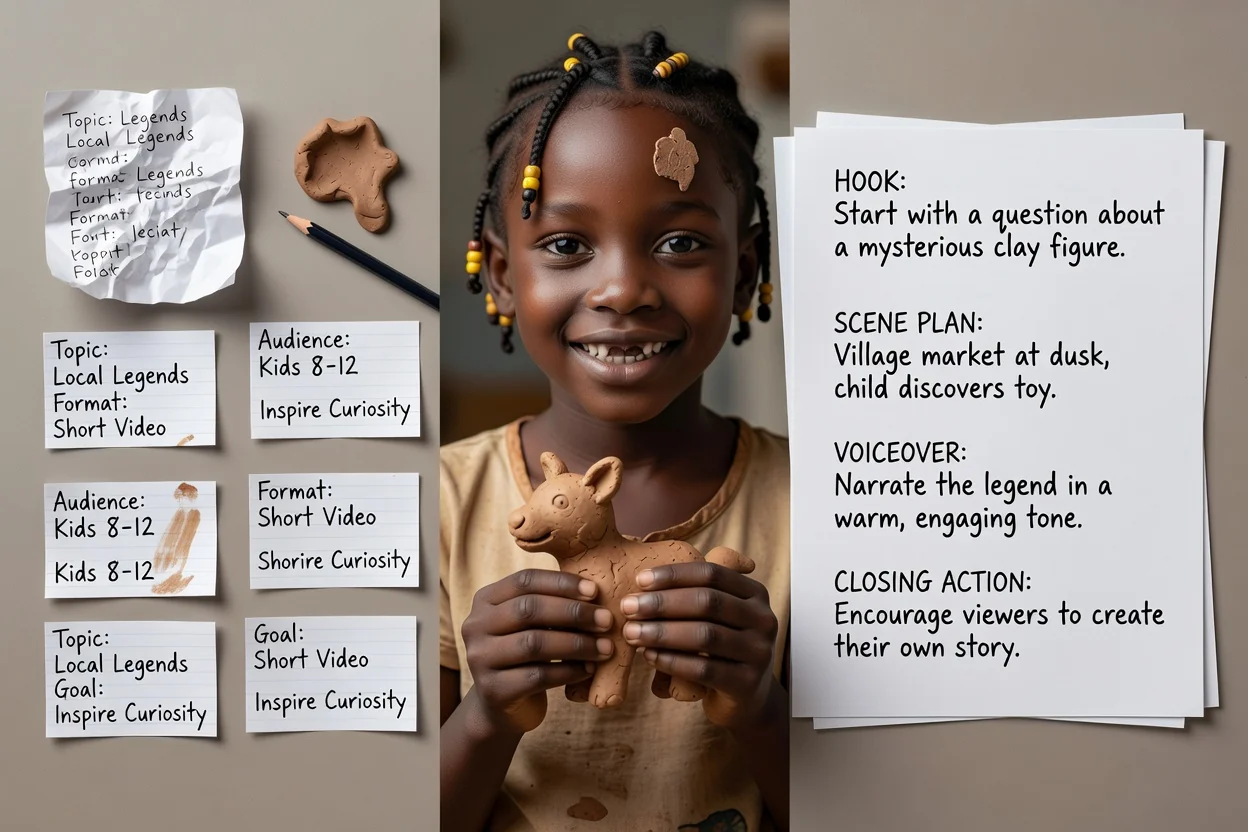
השתמשו באפשרויות אלה להכוונת הטיוטה ובדקו אם התוצאה מתאימה לתקציר.
סרטון יוטיוב, יוטיוב שורטס, טיקטוק, ריל באינסטגרם, פרק פודקאסט, מודעת וידאו, סרטון הדרכה או הדגמת מוצר.
15 שניות, 30 שניות, 60 שניות, 3 דקות או 5 דקות. הבחירה קובעת כמה סצנות יכלול התכנון.
מקצועי, קליל, נועז או ידידותי, בכתיבה באנגלית, ספרדית, צרפתית, גרמנית או פורטוגזית.
ציינו מי צופה, ואז בחרו בהרשמה כמנוי, קנייה עכשיו, קביעת הדגמה, למידע נוסף או בקשת הצעת מחיר כסיום.
אפשר לצרף עד חמש תמונות כדי לבסס את ההכוונה החזותית. צירופים דורשים חשבון מחובר.
תקצירים נפוצים שמתאימים למתכנן הזה.
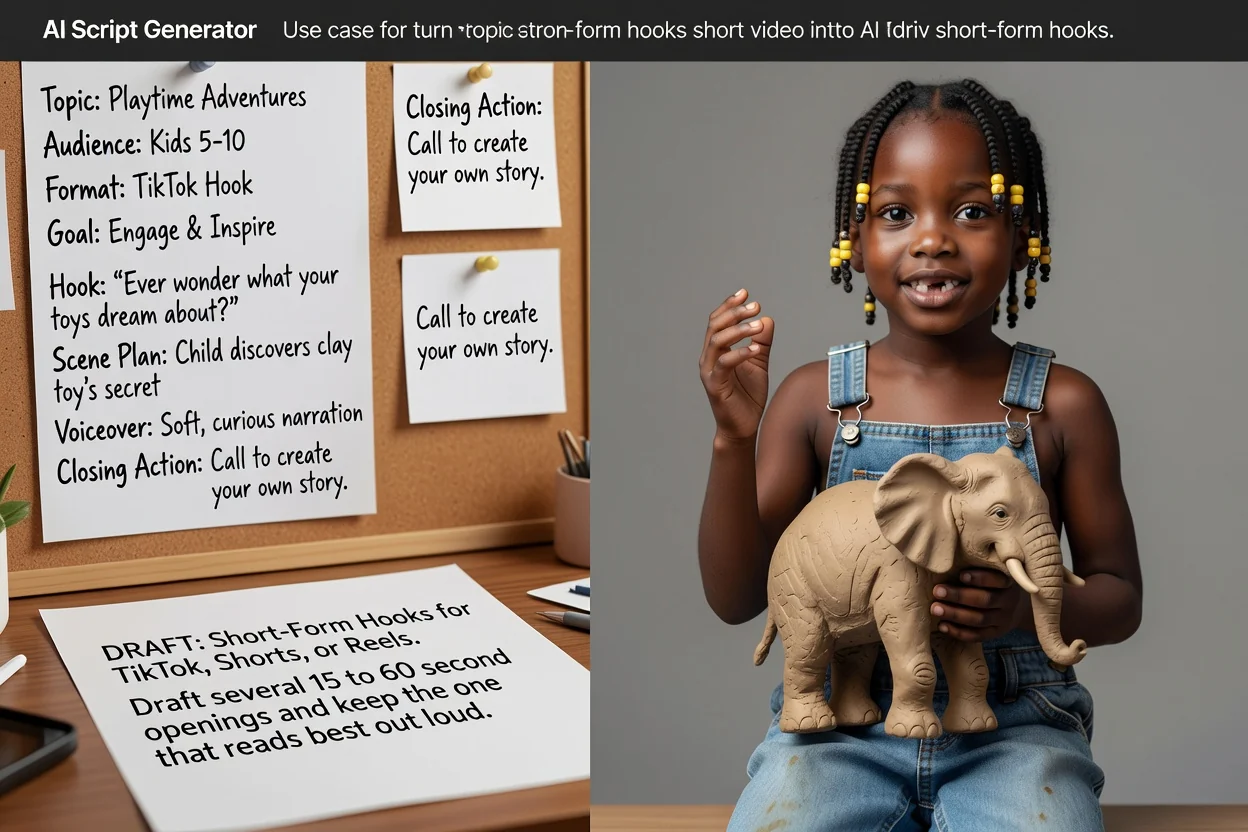
הכינו כמה פתיחות באורך 15 עד 60 שניות לטיקטוק, שורטס או רילס, ושמרו את זו שנשמעת הכי טוב בקול.
הכנת תסריט קצר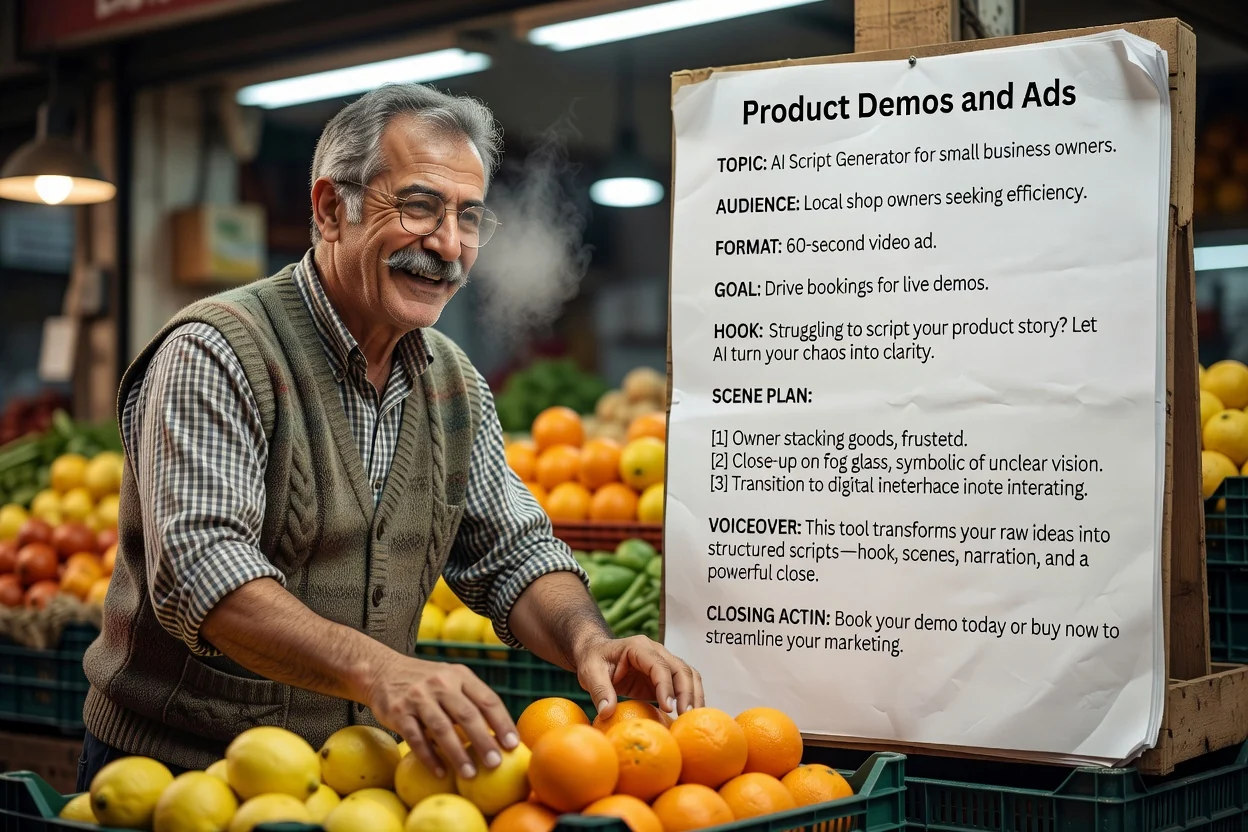
דוגמה: הדגמת ספל נסיעות של 30 שניות לנוסעים לעבודה. הציגו מכסה ואחיזה, השתמשו רק בעובדות מוצר מאומתות וסיימו בביקור בדף המוצר.
הכנת תסריט הדגמה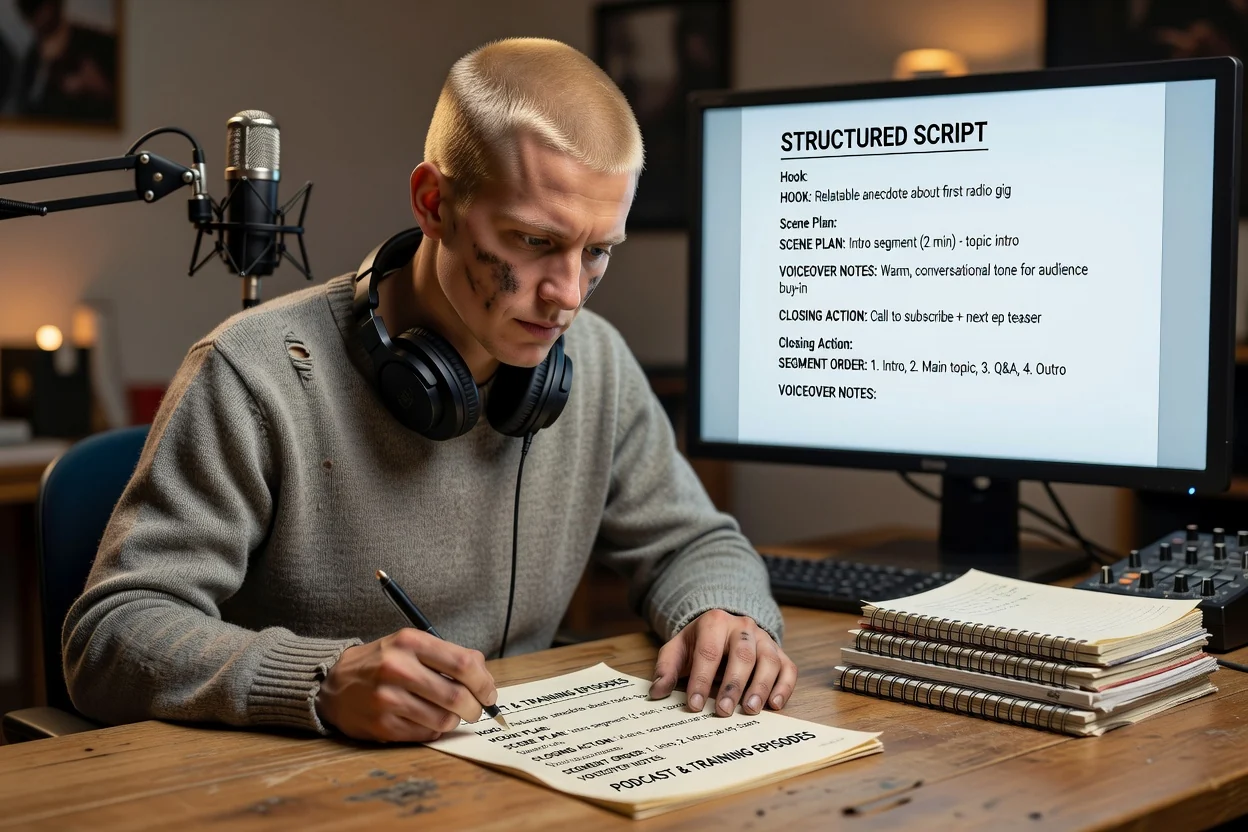
בנו מתווה ארוך יותר לפרק, עם סדר המקטעים והערות קריינות, לפני שמתיישבים להקליט.
הכנת מתווה לפרק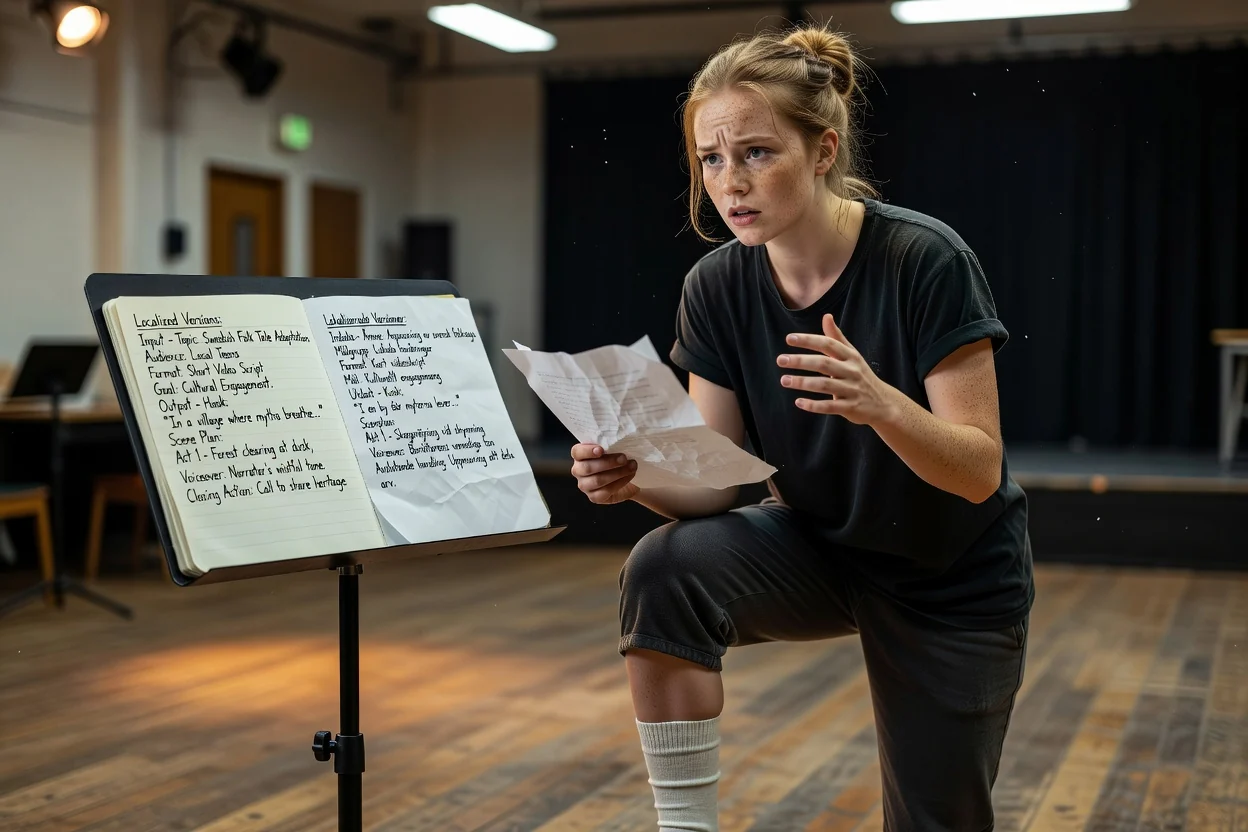
צרו מחדש את אותו תקציר בשפת פלט אחרת כדי לכתוב גרסה שנייה לשוק אחר.
הכנת תסריט מותאם לשוק מקומיארבע בדיקות שתופסות את רוב הבעיות במעבר אחד.
אם קשה לומר את שורת הפתיחה בנשימה אחת, קצרו אותה לפני כל דבר אחר.
קראו את הקריינות עם שעון עצר. אם טיוטה של 30 שניות ארוכה מדי, הסירו סצנה או שורה חוזרת במקום להאיץ את ההגשה.
ודאו שהכתוביות מוסיפות מידע במקום לחזור על הקריינות מילה במילה.
בדקו טענות מוצר מול המקור וודאו שפעולת הסיום מתאימה ליעד זמין. כתבו מחדש טענות ללא ביסוס לפני ההקלטה.
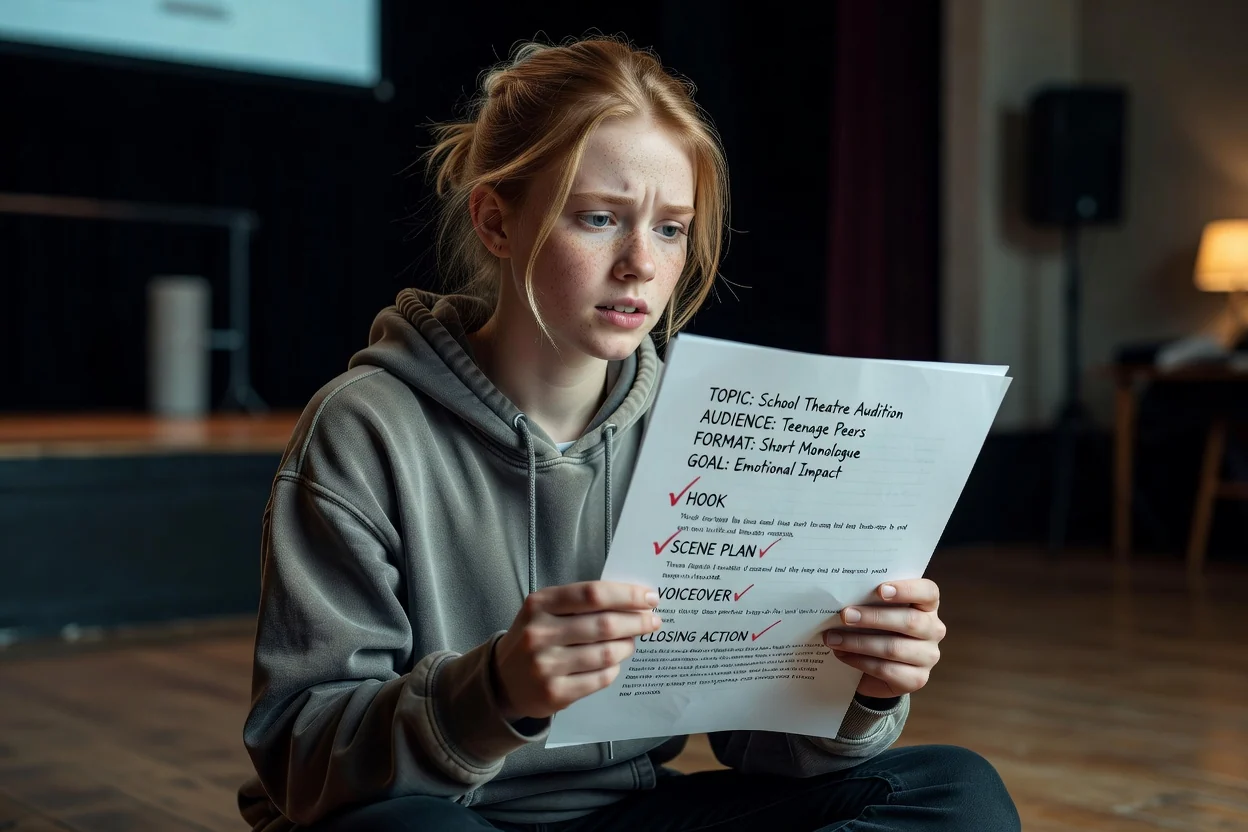
גבולות ברורים כדי שתוכלו לתכנן לפיהם.
הטיוטה היא תסריט. יצירת חזותיים או קול היא שלב נפרד בתהליך עבודה של וידאו או קול.
טענות, מספרים ופרטי מוצר מגיעים מהתקציר שלכם. אימתו כל פרט מסוים לפני הפרסום.
מספר הסצנות מותאם לאורך שנבחר, אך מהירות ההגשה בפועל משנה את משך הזמן הסופי.
שאלות נפוצות על תכנון תסריטים לפני ההקלטה.
תארו את הסרטון, בחרו את הפורמט והאורך, ותנו למחולל התסריטים מבוסס הבינה המלאכותית להחזיר טיוטה מובנית שאפשר לערוך ולהקליט.