
01
התחילו מחומר המקור
במידת האפשר העלו את קובץ המקור הטוב ביותר ולא צילום מסך או עותק שנדחס שוב ושוב.
העלו תמונה אחת כדי להגדיל ולשפר את הבהירות הנתפסת של תמונות מוצר, דיוקנאות, סריקות, תמונות ממוזערות ונכסים חברתיים. השוו למקור לפני הורדה או פרסום.
מצב ברירת מחדל
מוכן להעלאה
תצוגה מקדימה, השוואה והורדה
העלו תמונה אחת כדי להגדיל ולשפר את הבהירות הנתפסת של תמונות מוצר, דיוקנאות, סריקות, תמונות ממוזערות ונכסים חברתיים. השוו למקור לפני הורדה או פרסום.
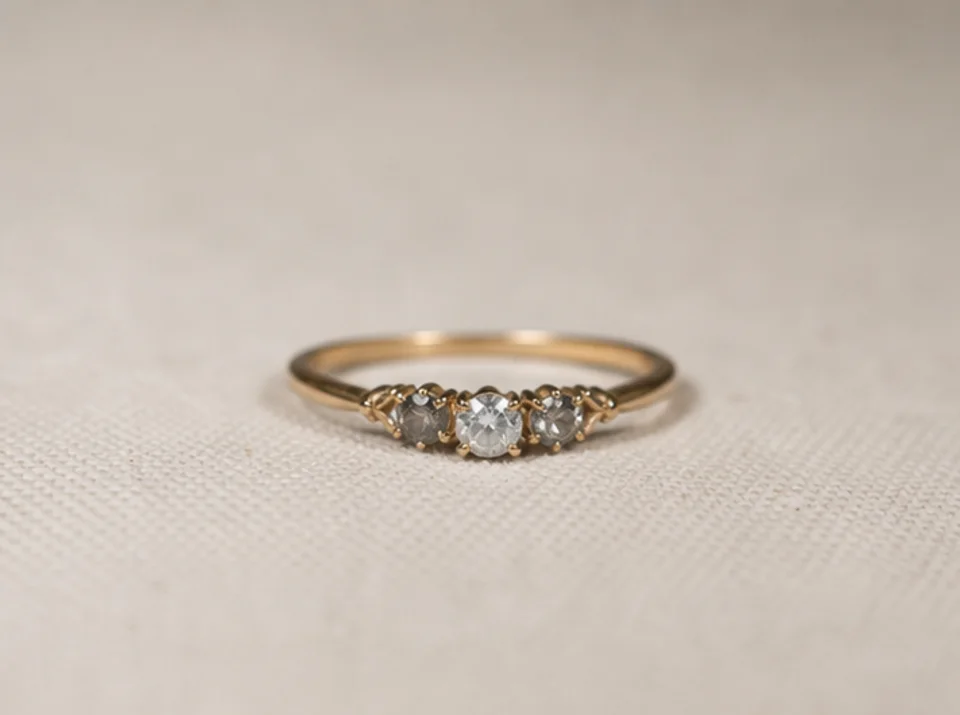

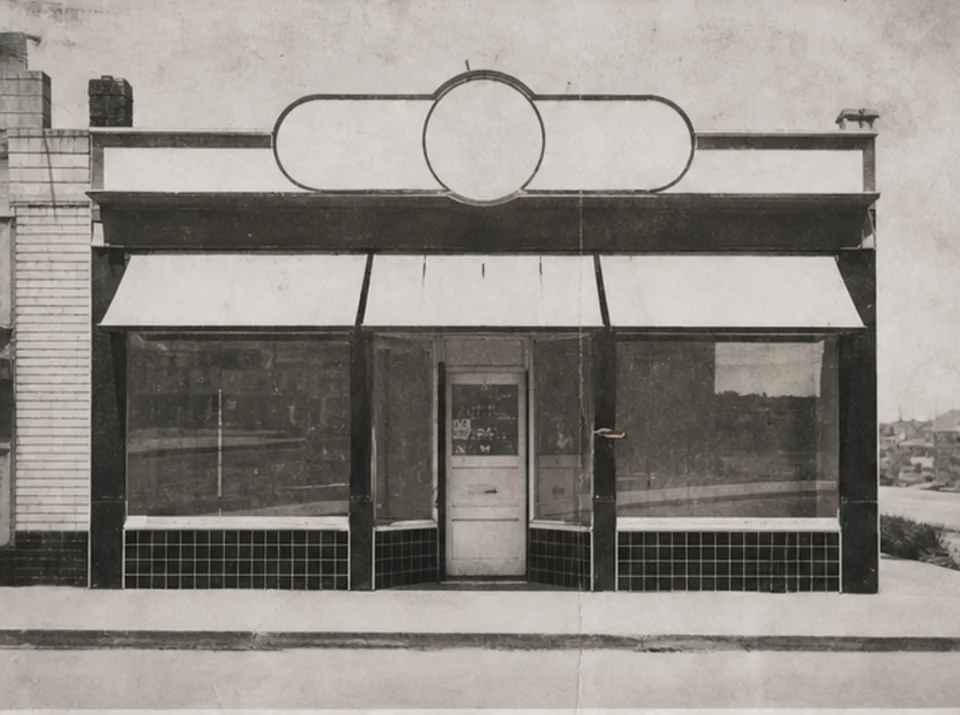
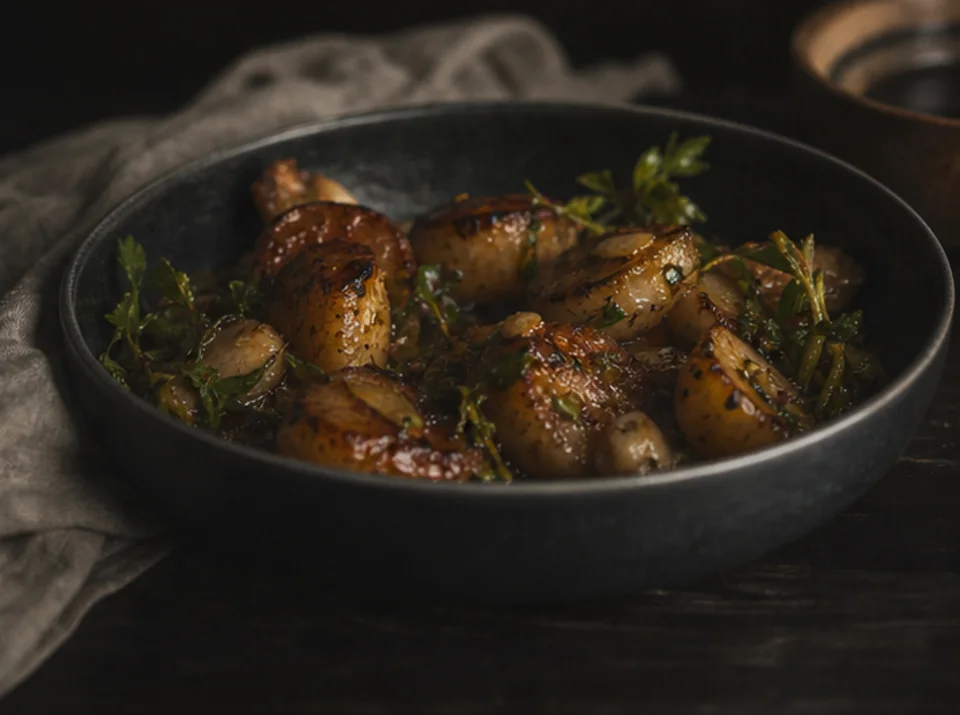
העלו תמונה אחת כדי להגדיל ולשפר את הבהירות הנתפסת של תמונות מוצר, דיוקנאות, סריקות, תמונות ממוזערות ונכסים חברתיים. השוו למקור לפני הורדה או פרסום.
במידת האפשר העלו את קובץ המקור הטוב ביותר ולא צילום מסך או עותק שנדחס שוב ושוב.
בחרו יעד מעשי של 2× או 4× לפי הגודל הסופי והפרטים הנראים במקור.
הריצו את השיפור פעם אחת ושמרו את המקור להשוואה חזותית ישירה.
השוו את שתי התמונות בגודל מלא ובדקו טקסט, פנים, גאומטריית מוצר, מרקמים חוזרים, הילות ופרטי ארכיון.
הגדלה יכולה לגרום לקצוות ולמרקמים להיראות ברורים יותר, אך אינה יכולה לשחזר מידע שאינו קיים בתמונת המקור.
טקסט שכבר קריא עשוי להתבהר. אי אפשר לבנות באופן אמין אותיות חסרות או לא קריאות ויש לבדוק אותן מול מקור מוסמך.
מרקמים עדינים וצורות קטנות עשויים להיות מוסקים במהלך השיפור. השוו מוצרים, פנים, מסמכים ופרטי ארכיון למקור.
תמונות חינמיות כוללות סימן מים. שדרגו לקבלת פלטים נקיים, יצירה מהירה יותר ושימוש מסחרי.
חבילת התחלה
חבילת קרדיטים חד-פעמית להתנסות ביצירת תמונות, מוזיקה ווידאו קצר.
יוצר
תוכנית חודשית · 1,500 קרדיטים מתחדשים בכל חודש
GPT Image 2 Unlimited
הזינו את הקוד FOUNDING6 ב-Stripe Checkout: $19 לחודש ב-6 החודשים הראשונים, ולאחר מכן $29 לחודש.
פרו
מסלול חודשי · 4,000 קרדיטים מתחדשים בכל חודש
סטודיו
מסלול חודשי · 12,000 קרדיטים מתחדשים בכל חודש
תשלום מאובטח · המנויים מתחדשים אוטומטית · הצגת תנאי החזר כספי
צוות
לסוכנויות, צוותי הפקה וצרכים מותאמים בנפח גבוה.
העלו תמונה אחת כדי להגדיל ולשפר את הבהירות הנתפסת של תמונות מוצר, דיוקנאות, סריקות, תמונות ממוזערות ונכסים חברתיים. השוו למקור לפני הורדה או פרסום.
העלו תמונה אחת כדי להגדיל ולשפר את הבהירות הנתפסת של תמונות מוצר, דיוקנאות, סריקות, תמונות ממוזערות ונכסים חברתיים. השוו למקור לפני הורדה או פרסום.